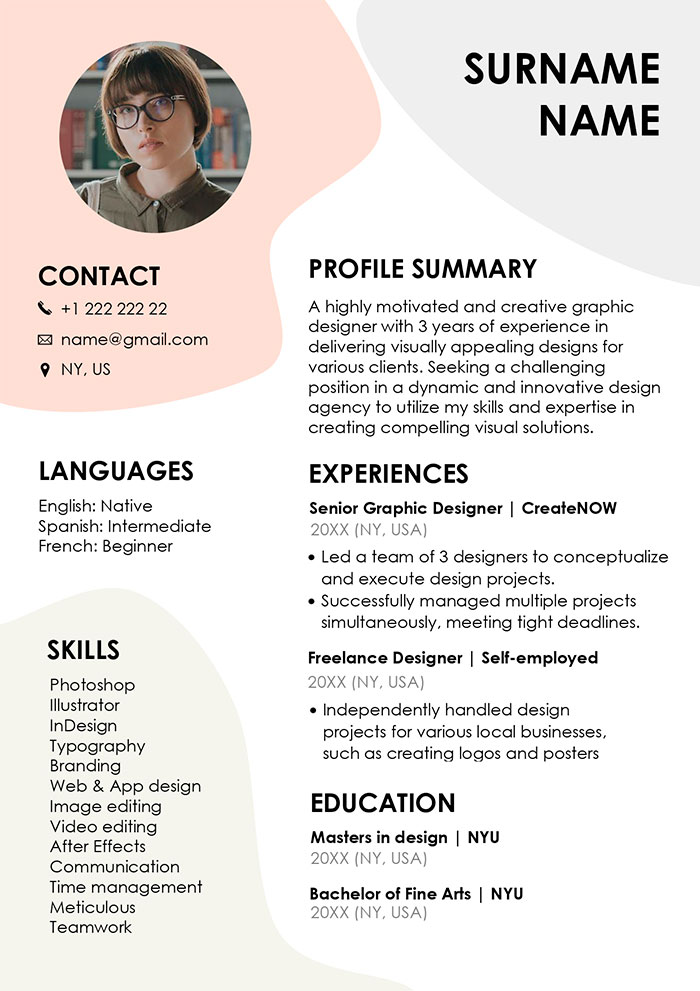
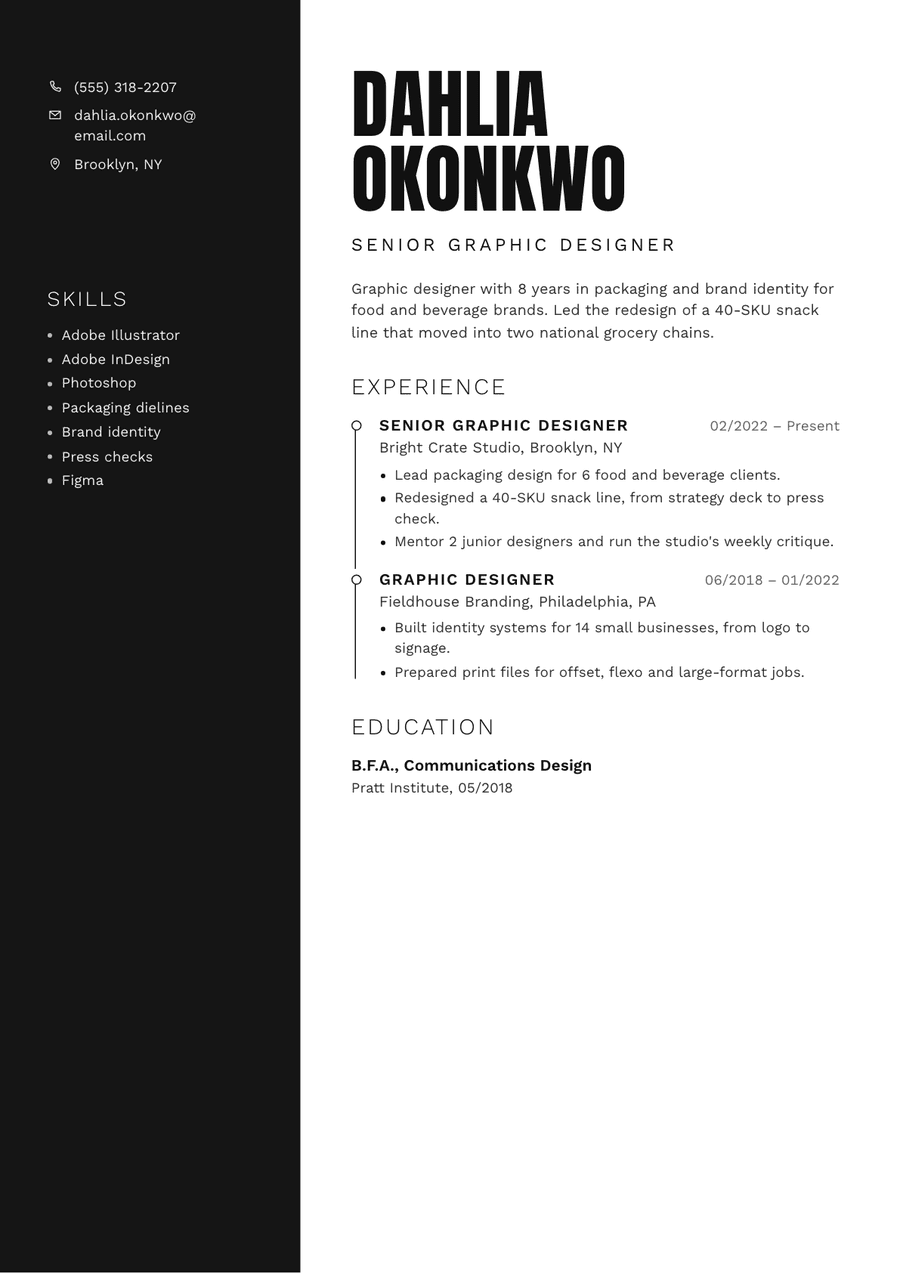
Creating a compelling Graphic Designer CV is essential for anyone looking to land a job in the competitive design field. It’s not just about listing your work experience; it’s about showcasing your creativity and unique style. A well-designed CV can help you stand out and make a lasting impression on potential employers. Here’s how you can create an effective CV that highlights your skills and experience.
Understanding the Basics of a Graphic Designer CV
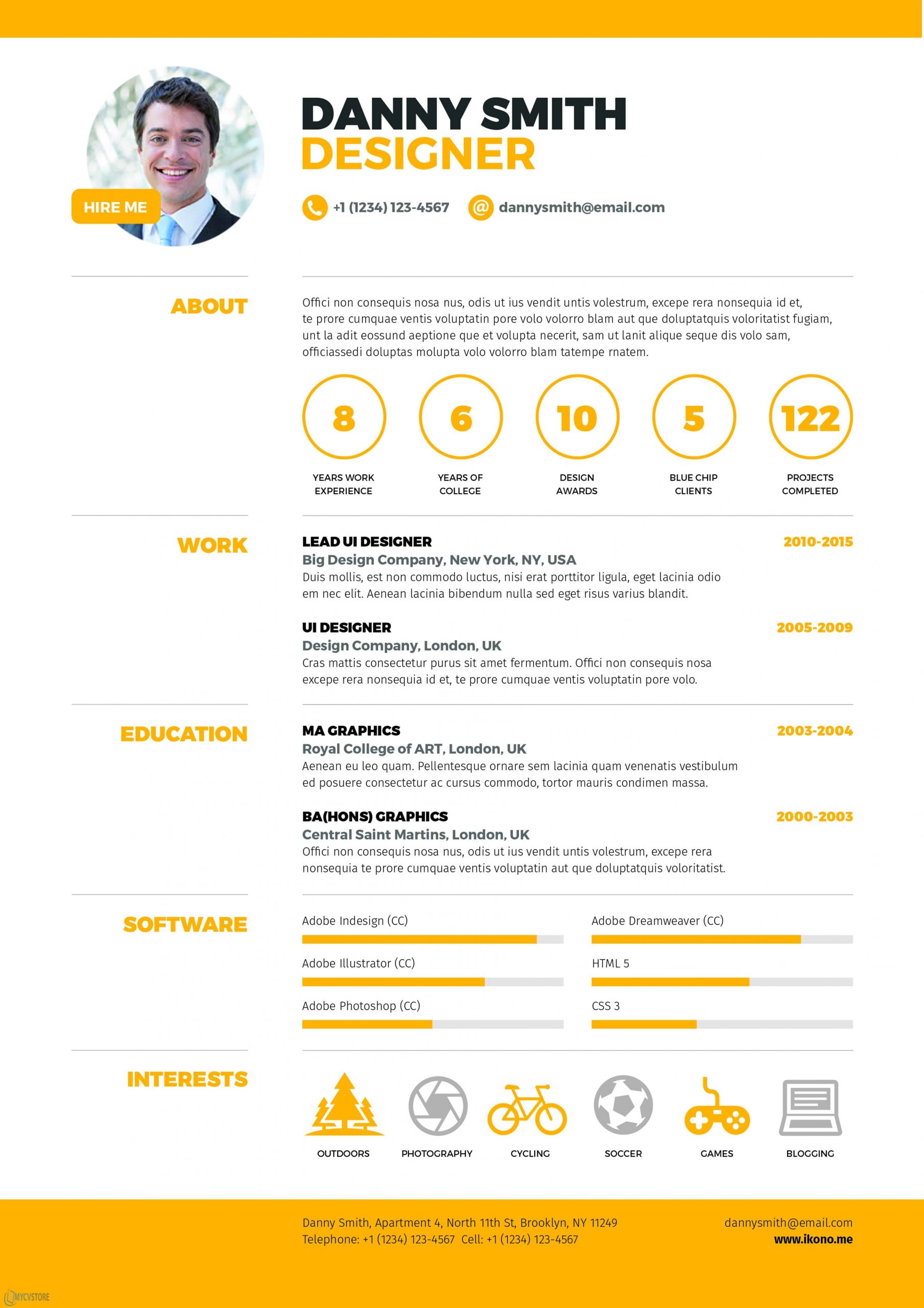
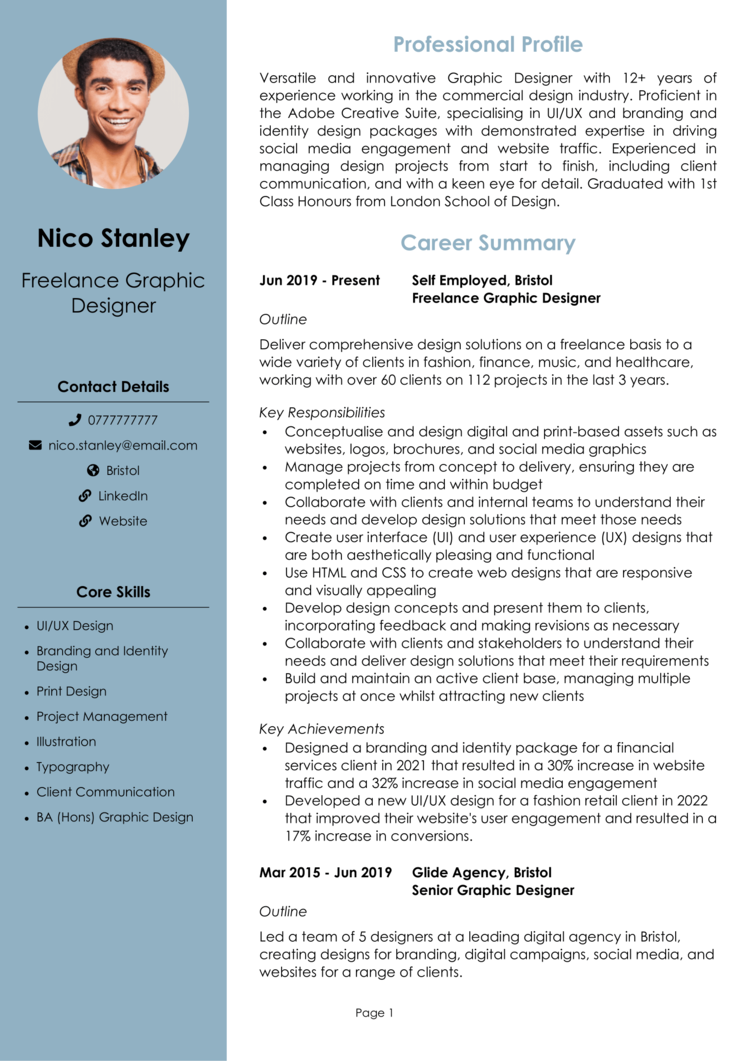
Before diving into the design elements, it’s crucial to understand what a Graphic Designer CV should include. Typically, your CV should contain the following sections:
- Contact Information: Your name, phone number, email address, and LinkedIn profile or personal website.
- Summary Statement: A brief overview of your experience and what you bring to the table.
- Skills: A list of relevant design tools and techniques, such as Adobe Creative Suite, typography, and layout design.
- Work Experience: Previous positions, projects, and freelance work, including descriptions of your responsibilities and achievements.
- Education: Your educational background, including degrees and certifications related to graphic design.
- Portfolio Link: A link to your online portfolio showcasing your best work.
When you have these sections laid out, you’re well on your way to crafting a professional Graphic Designer CV.
Design Elements to Consider
As a graphic designer, your CV should not only be informative but also visually appealing. Here are some design tips to keep in mind:
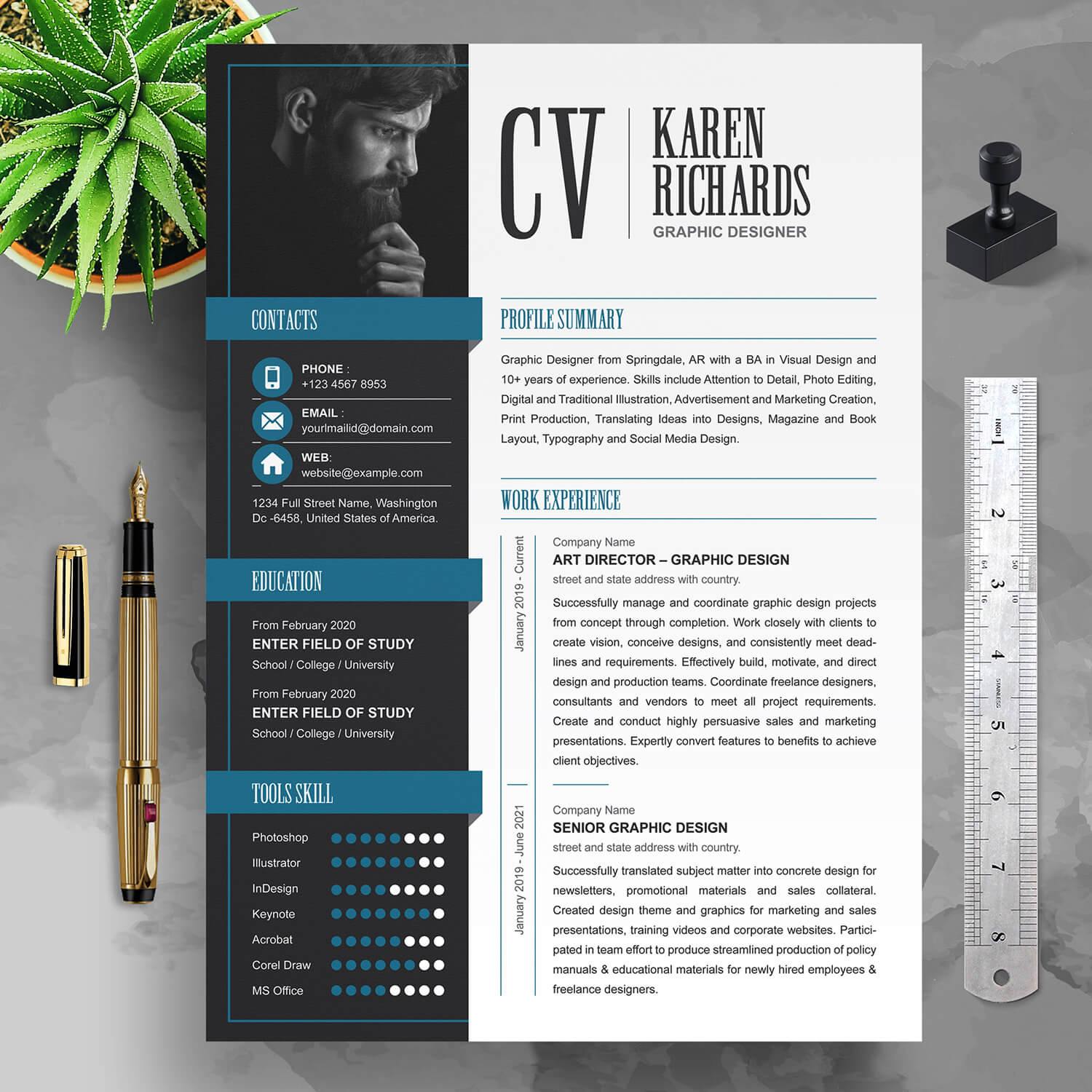
- Layout: Use a clean, organized layout that guides the reader’s eye. Consider using columns to separate different sections.
- Fonts: Choose professional fonts that are easy to read. Limit yourself to two or three fonts to maintain a cohesive look.
- Color Scheme: Use colors that reflect your personal brand but also ensure good contrast for readability.
- Graphics: Incorporate subtle graphics like icons for contact information or skills. Just remember to keep it professional and not overly cluttered.
Downloadable Templates for Your CV
To make the process easier, consider using downloadable templates designed specifically for graphic designers. These templates often include visually appealing layouts that you can customize to fit your style. Here are some features to look for in a good template:
- Editable Format: Look for templates in PDF or Word format that you can easily edit.
- Print-Friendly: Ensure your template is suitable for printing, as you may need to submit physical copies.
- Portfolio Section: Some templates even include sections for showcasing your work directly on the CV.
You can find several free and paid templates online that cater to different styles and preferences. By using a template, you can save time and ensure your CV looks polished.
Tailoring Your CV for Job Applications
Every job application is unique, and your CV should reflect that. Tailoring your CV involves adjusting the content to highlight the skills and experiences that are most relevant to the specific job you’re applying for. Here’s how to do it:
- Read the Job Description Carefully: Identify keywords and required skills that the employer is looking for.
- Customize Your Summary Statement: Your summary should align with the job you’re applying for, emphasizing how your experience meets their needs.
- Highlight Relevant Skills: If the job emphasizes a particular skill, make sure it’s prominently displayed in your skills section.
By customizing your CV for each application, you increase your chances of catching the hiring manager’s attention.
What to Do After Your CV is Ready
Once you’ve crafted your Graphic Designer CV, it’s time to take the next steps:
- Proofread: Make sure to check for any spelling or grammatical errors. A polished CV reflects professionalism.
- Get Feedback: Share your CV with trusted friends or mentors in the design field for constructive criticism.
- Prepare Your Portfolio: Ensure your online portfolio is up-to-date and showcases your best work, as it often accompanies your CV during applications.
- Start Applying: With your CV and portfolio ready, you can confidently start applying for jobs. Tailor your application for each position as mentioned above.
Having a well-prepared Graphic Designer CV can significantly impact your job search, helping you present your qualifications effectively. So, download a template, personalize it, and get ready to showcase your creative talents!
Graphic Designer CV Gallery