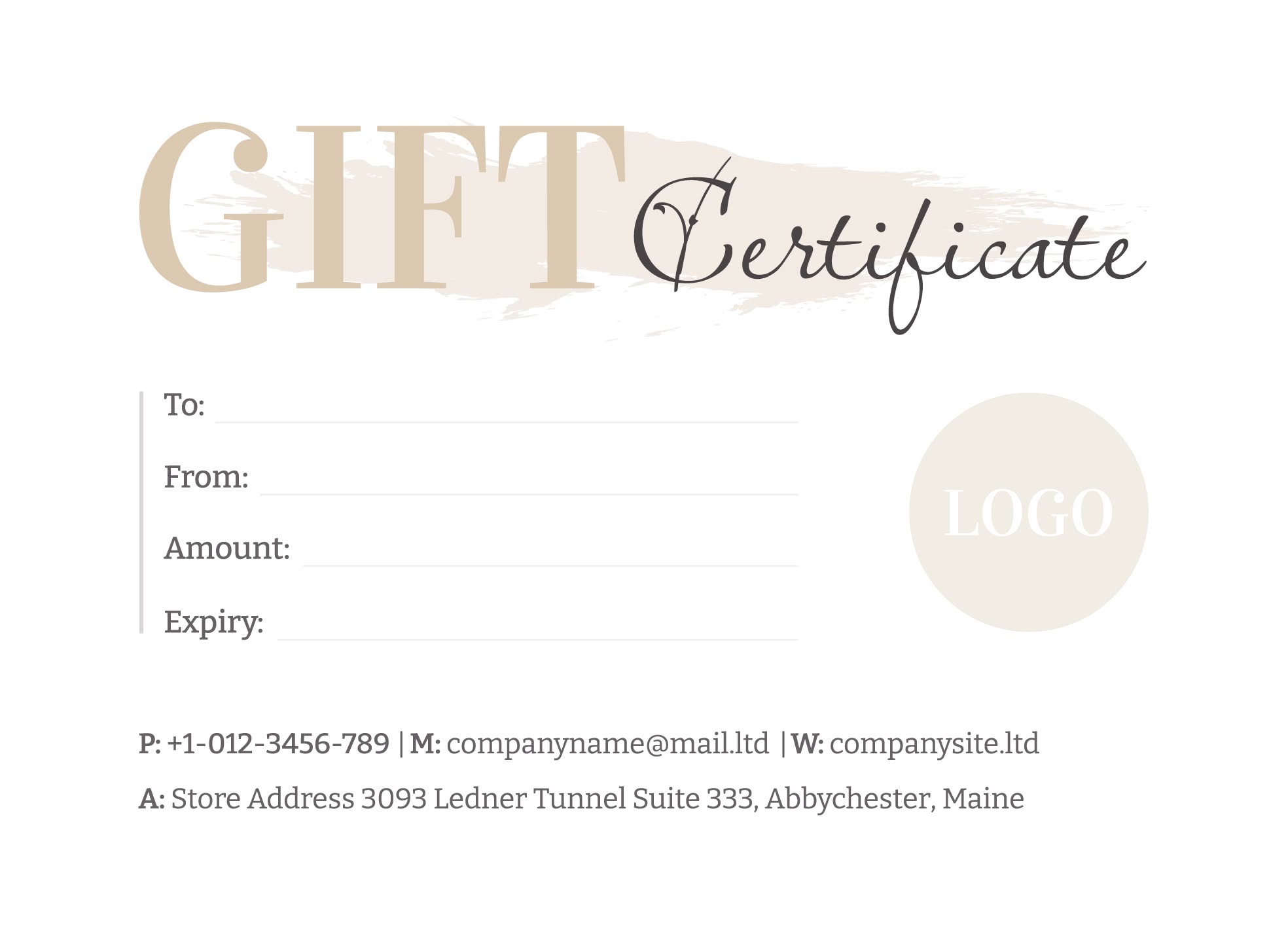
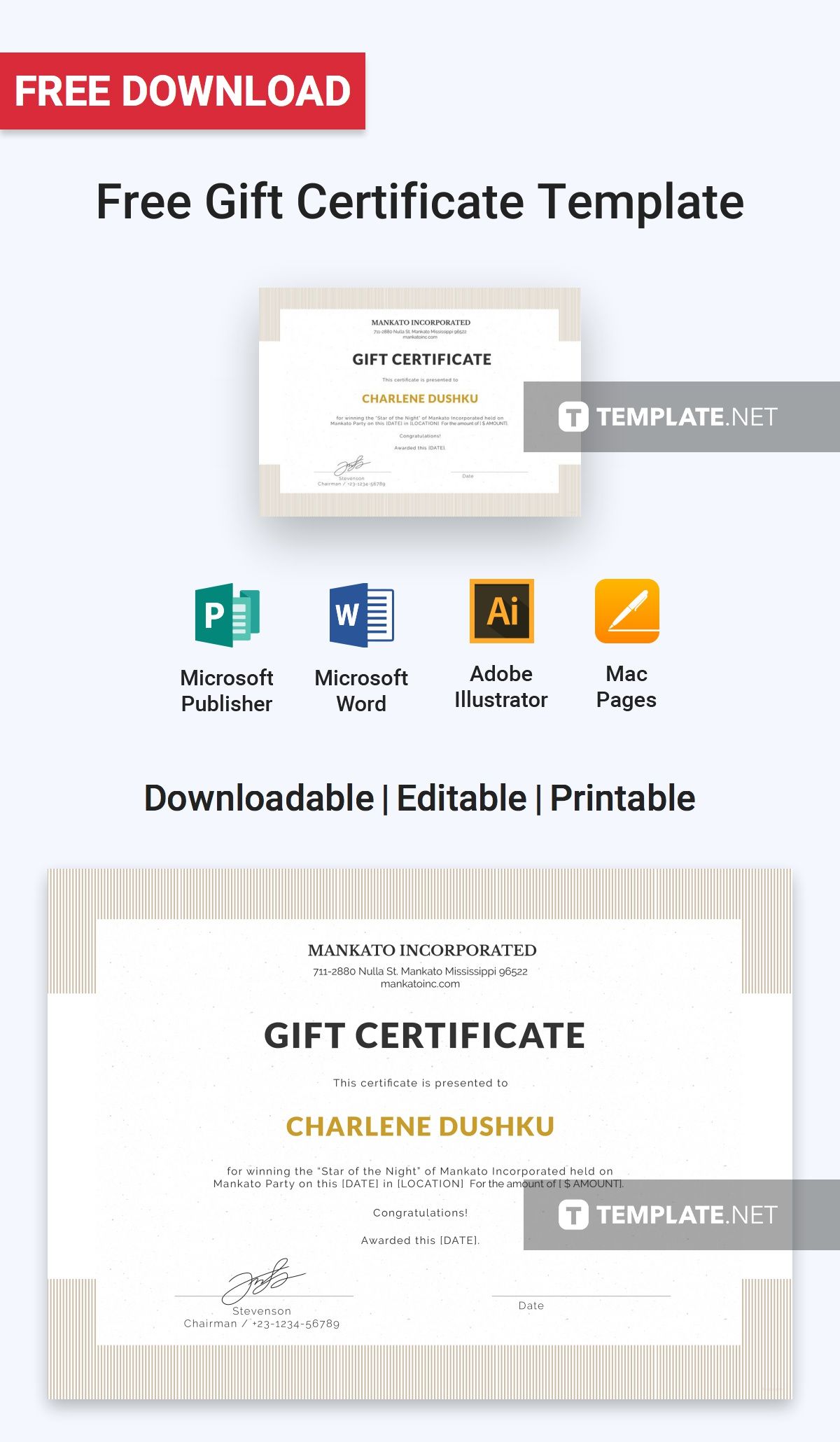
When you’re looking to give a thoughtful gift that feels personal, a customizable gift certificate can be the perfect solution. The Customizable Gift Certificate Free Google Docs Template makes it easy to create a unique gift that your loved ones will appreciate. Whether it’s for a birthday, a special occasion, or just to show someone you care, this template provides a straightforward way to express your sentiment.
Why Use a Gift Certificate?
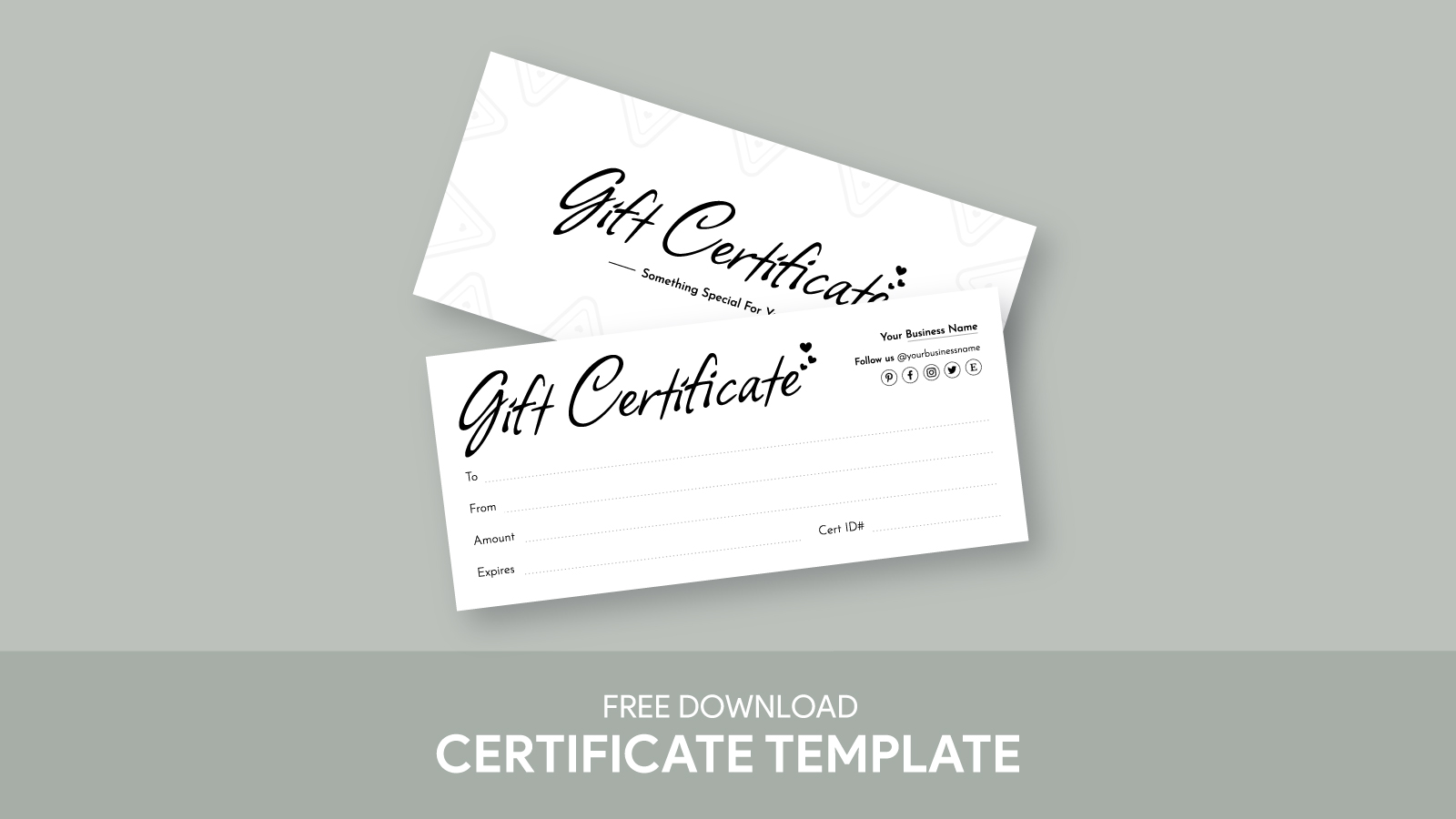
Gift certificates offer both flexibility and personalization. They allow the recipient to choose exactly what they want, whether that’s a service, a product, or an experience. This makes them particularly useful for occasions when you might not know the person’s preferences well. Plus, they add a personal touch when you customize them, making the gift feel special.
Features of the Customizable Gift Certificate Template
The Customizable Gift Certificate Free Google Docs Template is designed for easy use. Here are some standout features:
- User-Friendly Format: The template is accessible in Google Docs, which means you can edit it directly in your browser. No special software is needed.
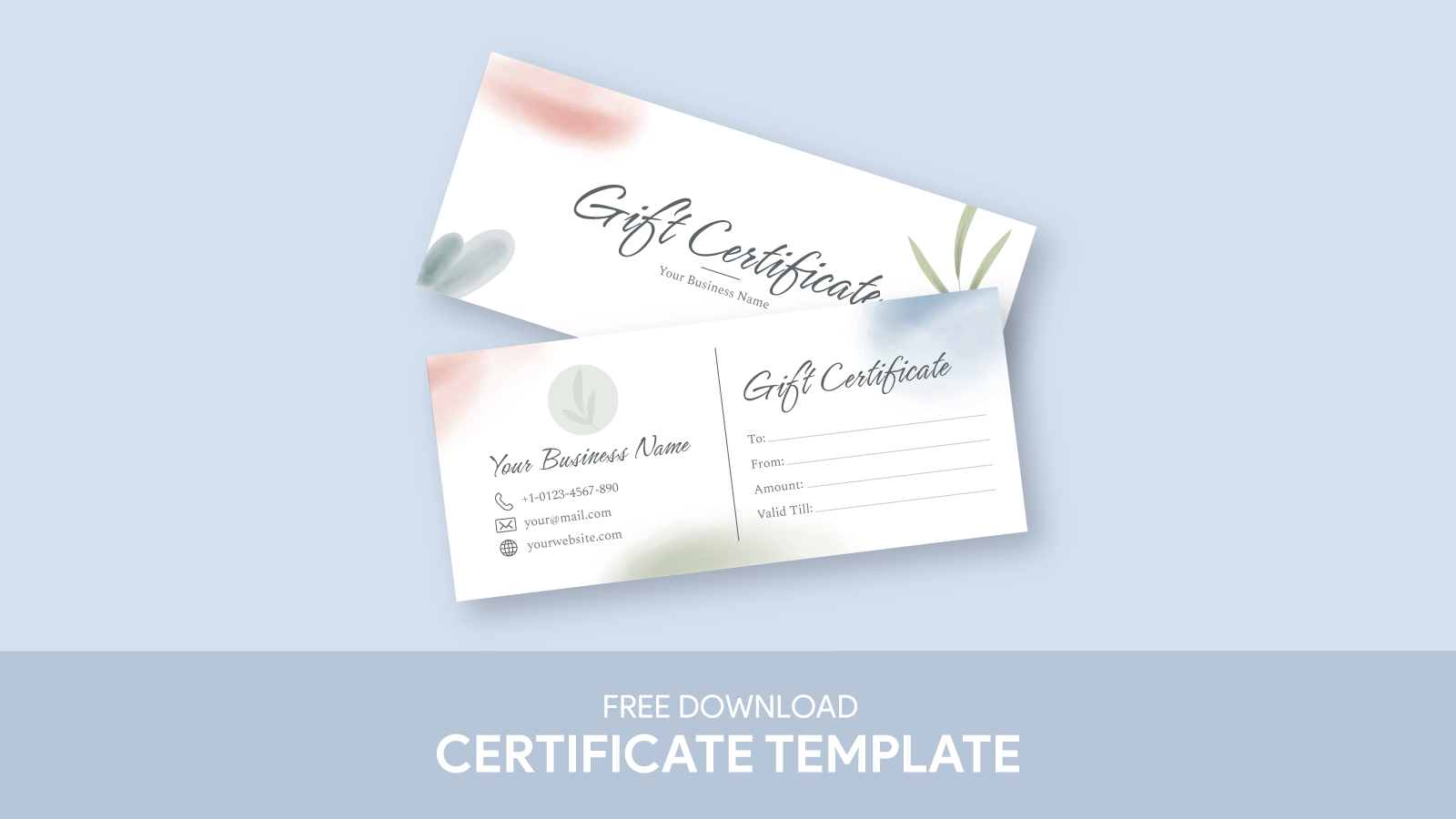
- Customizable Fields: You can easily input details such as the recipient’s name, the gift amount, and a personal message to make it feel more heartfelt.
- Print Ready: The template comes in standard sizes, making it easy to print at home or at a local print shop. Common sizes include 5×7 inches, which is perfect for gift-giving.
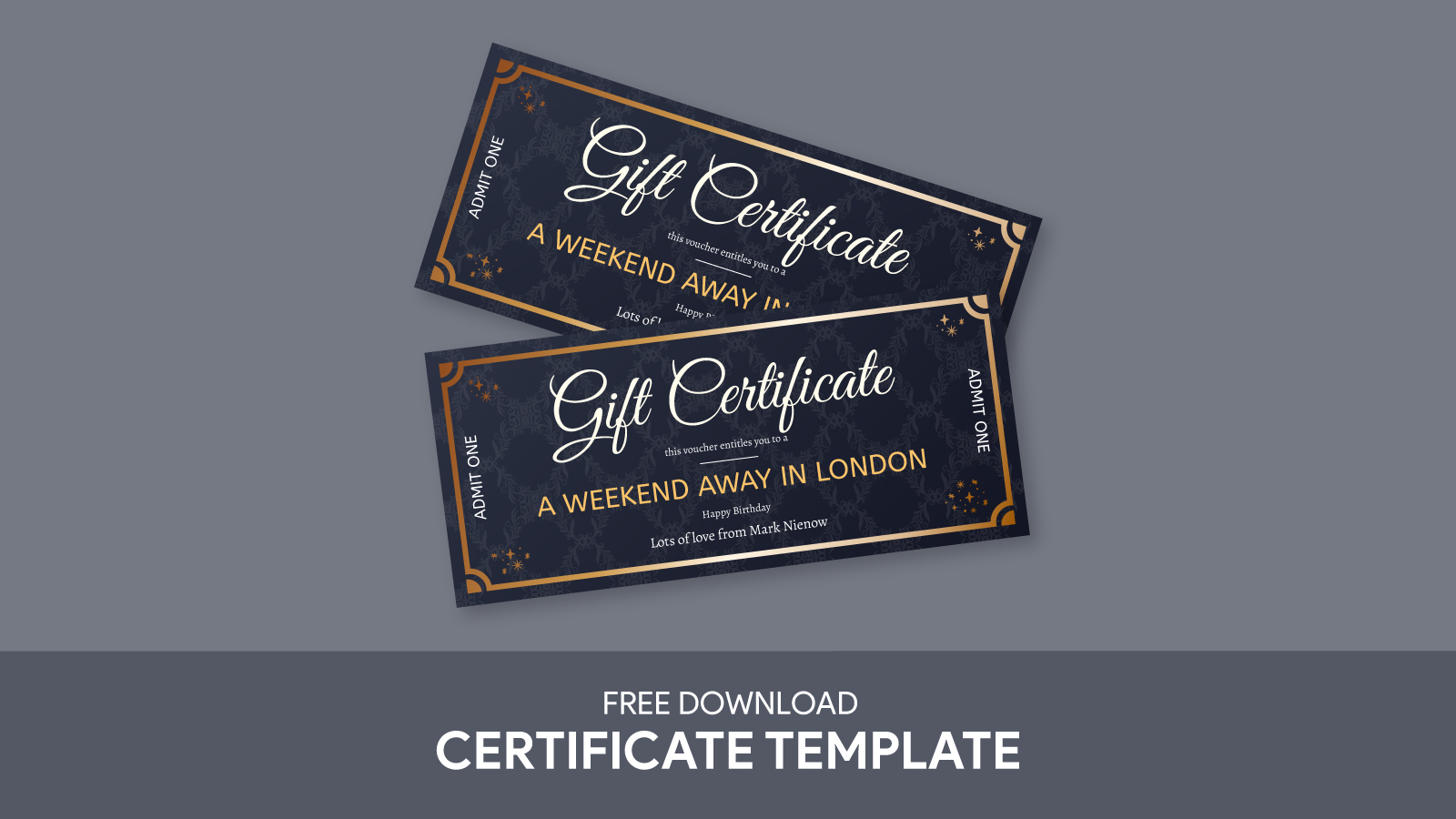
- Design Options: There are various design options available, allowing you to choose a look that suits the occasion—be it elegant, playful, or festive.
How to Personalize Your Gift Certificate
Personalization is what makes a gift certificate truly special. Here’s how to make the most of the template:
- Choose a Theme: Consider the occasion. For birthdays, you might want bright colors and fun fonts. For anniversaries, something more subdued and elegant might fit better.
- Add a Personal Touch: Include a heartfelt message or an inside joke that only the two of you share. This adds a layer of intimacy to your gift.
- Include Expiration Details: If applicable, clearly state any expiration dates for the gift certificate. This is particularly important if it’s for services that may have a limited time frame.
Presentation Ideas for Your Gift Certificate
Once you’ve customized your gift certificate, how you present it can enhance the experience. Here are some practical ideas:
- Laminating: If you want the certificate to last, consider laminating it. This adds a professional touch and protects it from wear and tear.
- Gift Wrapping: Place the gift certificate in a nice envelope or box. You could even create a small gift basket that includes the certificate along with a few related items.
- Digital Delivery: If you’re short on time or are sending it to someone far away, you can easily send the gift certificate via email. Just make sure it’s in a format that’s easy to view and print.
Printing Tips for the Best Results
To ensure your gift certificate looks polished, here are some printing tips:
- Use Quality Paper: Opt for cardstock instead of regular printer paper. Cardstock is sturdier and gives a more professional appearance.
- Check Printer Settings: Make sure your printer settings are adjusted for high-quality printing. This will ensure that colors are vibrant and text is clear.
- Test Print First: Before printing the final version, do a test print on plain paper. This allows you to check for any formatting issues and make adjustments if needed.
Common Occasions for Gift Certificates
Gift certificates can be used for a variety of occasions. Here are some common ones:
- Birthdays: Perfect for that friend who loves to shop or indulge in spa days.
- Holidays: Whether it’s Christmas, Hanukkah, or another holiday, a gift certificate can be a great last-minute gift.
- Graduations: Celebrate a graduate’s achievement with a gift certificate to help them start their next chapter.
- Weddings: Newlyweds often appreciate gift certificates for experiences or items they might not have received on their registry.
Using the Customizable Gift Certificate Free Google Docs Template allows you to create a meaningful gift that fits perfectly for any occasion. By personalizing the details, carefully presenting it, and ensuring it’s printed well, you can turn a simple gift certificate into a cherished memory.
So, what are you waiting for? Download the template today and start creating a gift that will surely bring a smile to someone’s face.
Customizable Gift Certificate Free Google Docs Template Gallery