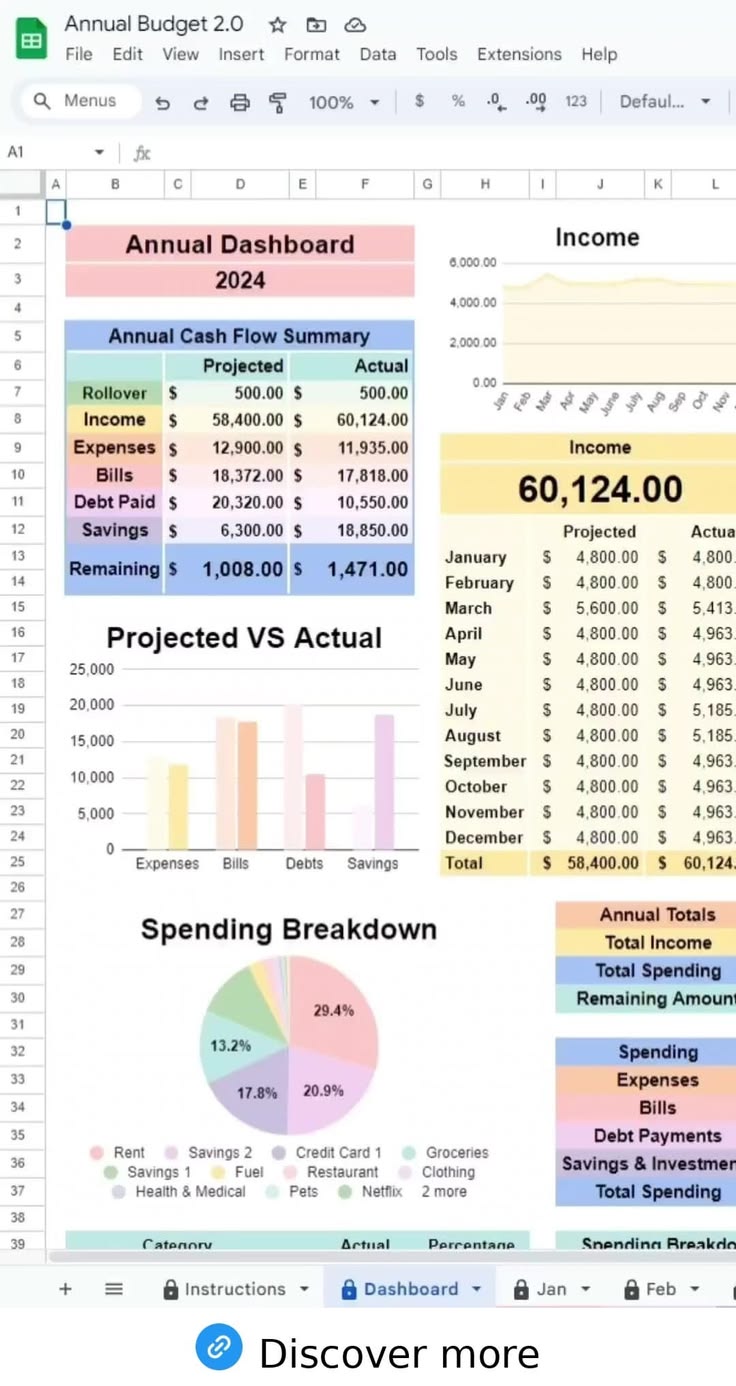
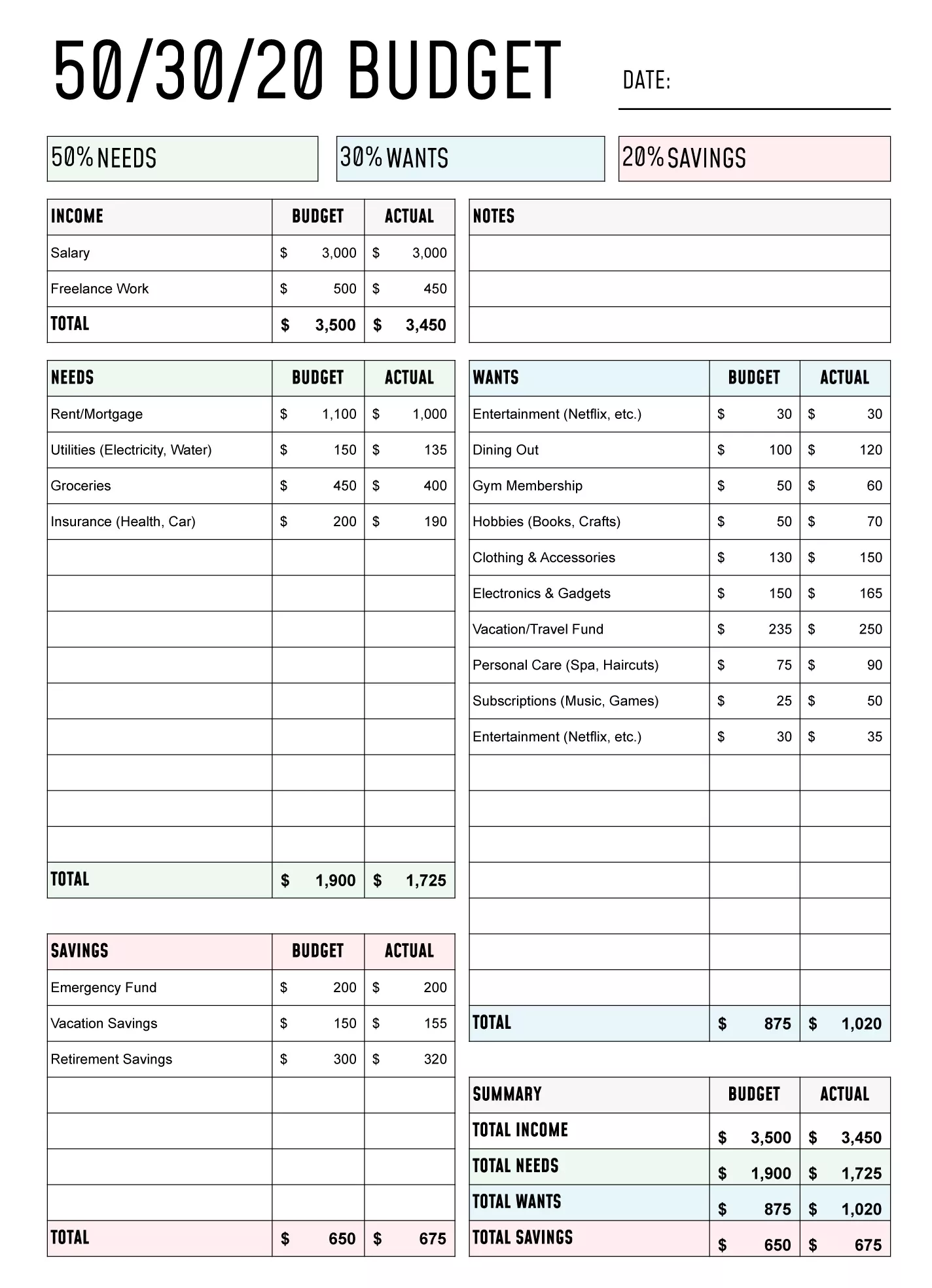
Managing a nonprofit’s budget can be a daunting task, especially if you’re relying on generic templates that don’t cater to your specific needs. That’s where the Nonprofit Budget Free Google Sheets Template shines. Unlike more conventional budget templates, this resource is tailored specifically for nonprofits, making it easier to track income and expenses while ensuring compliance with funding requirements. By using this template, you’ll find it much easier to oversee your finances effectively—giving you more time to focus on your mission.
Key Features of the Nonprofit Budget Template
When looking for a budget template, it’s essential to consider the features that will best serve your organization. The Nonprofit Budget Free Google Sheets Template offers several valuable elements:
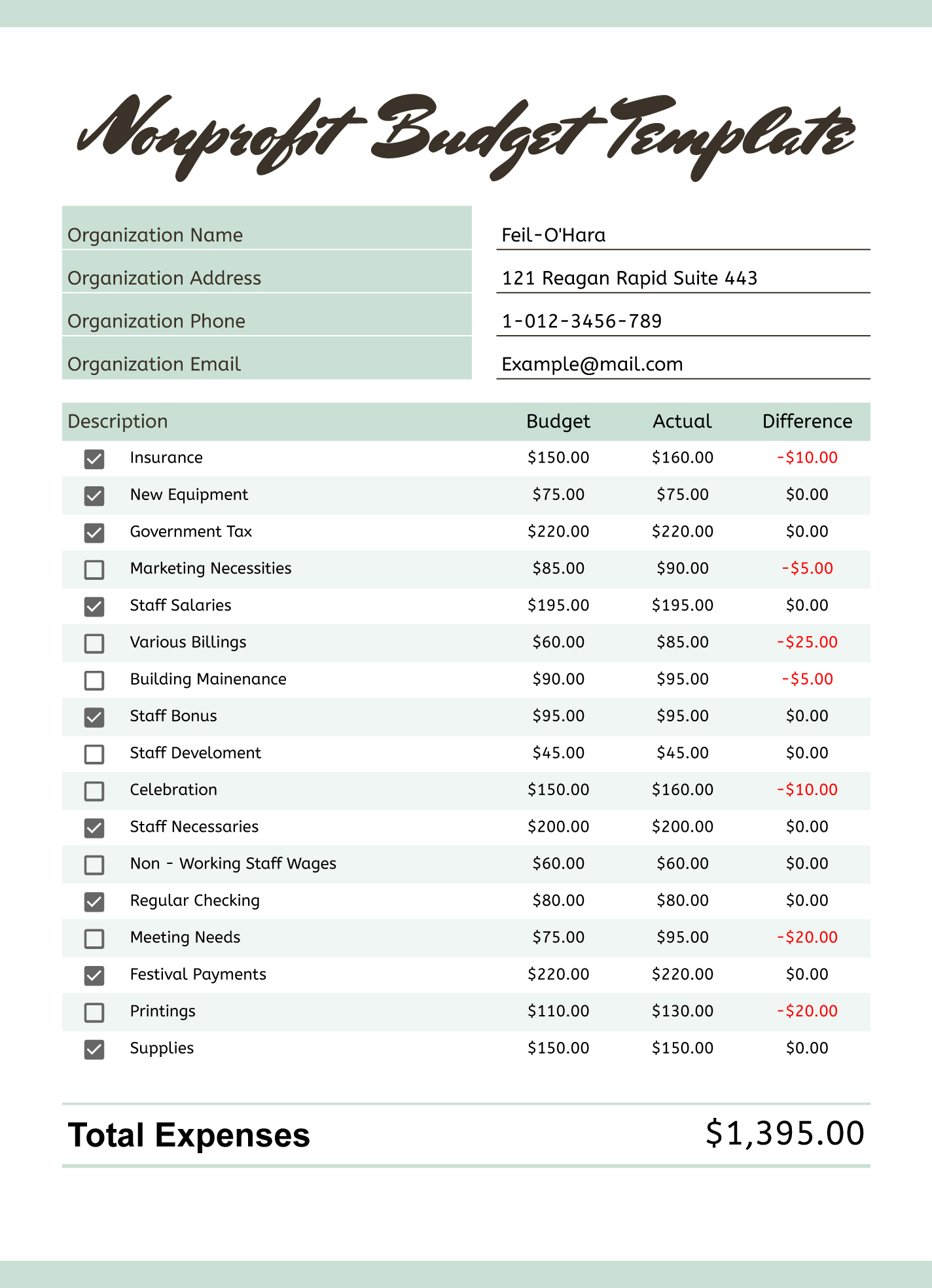
- Customizable Categories: You can adapt categories to fit your nonprofit’s specific needs, whether it’s for grant tracking, event planning, or general operational costs.
- Income and Expense Tracking: The template allows for detailed tracking of both income sources and expenditures, helping you maintain a clear picture of your financial health.
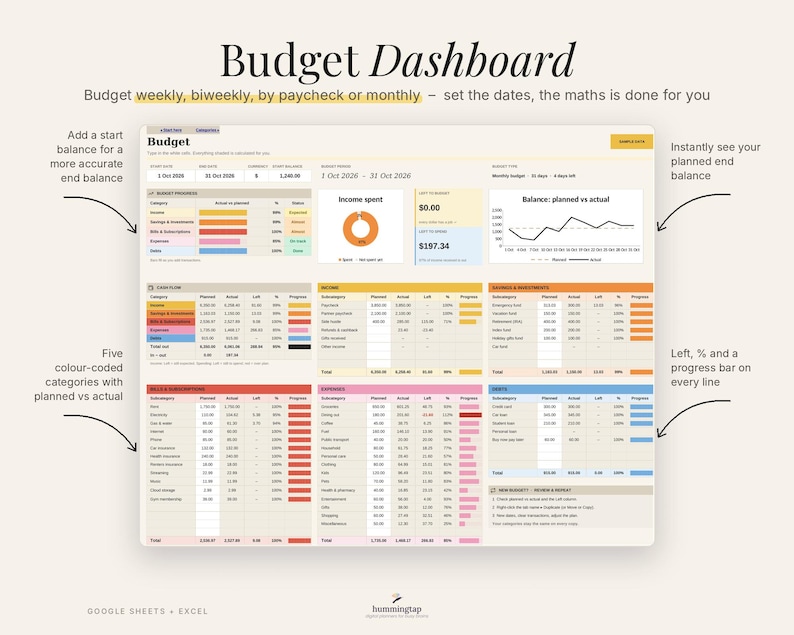
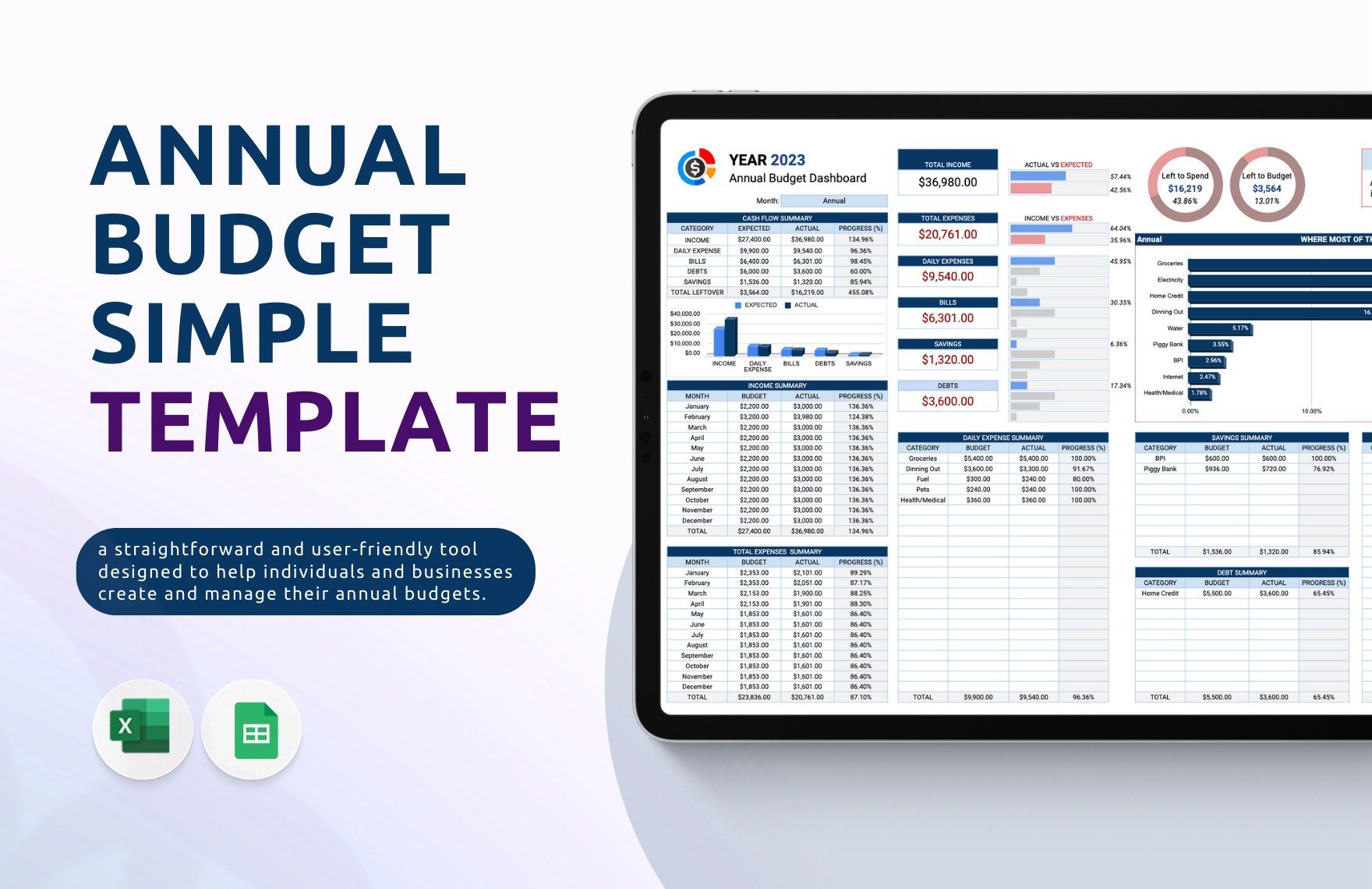
- Visual Reports: With built-in charts and graphs, you can easily visualize your budget data, making it simpler to present to stakeholders or during board meetings.
These features not only provide a solid foundation for your budgeting process but also enhance your ability to make informed financial decisions.
How to Use the Nonprofit Budget Free Google Sheets Template
Navigating the template is straightforward, but there are a few best practices that can help you maximize its effectiveness:
- Set Clear Goals: Before diving into the template, define what you want to achieve with your budget. Are you planning for an upcoming event or aiming to reduce costs? Clear goals will guide how you fill in the template.
- Regular Updates: Make it a habit to update the template regularly. This could be weekly or monthly, depending on your organization’s activity level. Regular updates ensure you stay on top of your financial situation.
- Engage Your Team: Involve your team members in the budgeting process. Assign categories or sections of the budget to different team members, making them responsible for tracking their areas.
By following these steps, you can create a dynamic budgeting environment that is responsive to your nonprofit’s needs.
Practical Organization Tips for Your Nonprofit Budget
Once you start using the Nonprofit Budget Free Google Sheets Template, organizing your financial information becomes crucial. Here are some practical tips for keeping everything in order:
- Use Color Coding: Assign colors to different categories of income and expenses. This visual distinction makes it easier to scan your budget at a glance.
- Add Comments: Utilize the comment feature in Google Sheets to leave notes on specific entries. This can be beneficial for clarifying unexpected expenses or changes in funding.
- Link to Supporting Documents: If you have related documents, such as invoices or receipts, link them directly in the sheet. This way, you can easily access supporting information when needed.
These organizational strategies will not only enhance clarity but can also promote accountability within your team.
Common Pitfalls to Avoid
While budgeting is an essential part of nonprofit management, there are common mistakes that can undermine your efforts. Here are a few pitfalls to watch out for when using the Nonprofit Budget Free Google Sheets Template:
- Neglecting to Track Small Expenses: Small expenses can add up over time. Make it a point to track every dollar spent, even minor amounts, to have a complete understanding of your budget.
- Failing to Adjust for Changes: Nonprofits often experience fluctuations in funding and expenses. If you notice changes, adjust your budget accordingly to reflect the new reality.
- Not Reviewing Regularly: It’s easy to set and forget your budget, but regular reviews are essential. Schedule monthly or quarterly reviews to assess your financial standing and make necessary adjustments.
Being aware of these pitfalls will help you maintain a more accurate and functional budget.
Nonprofit Budget Free Google Sheets Template Gallery