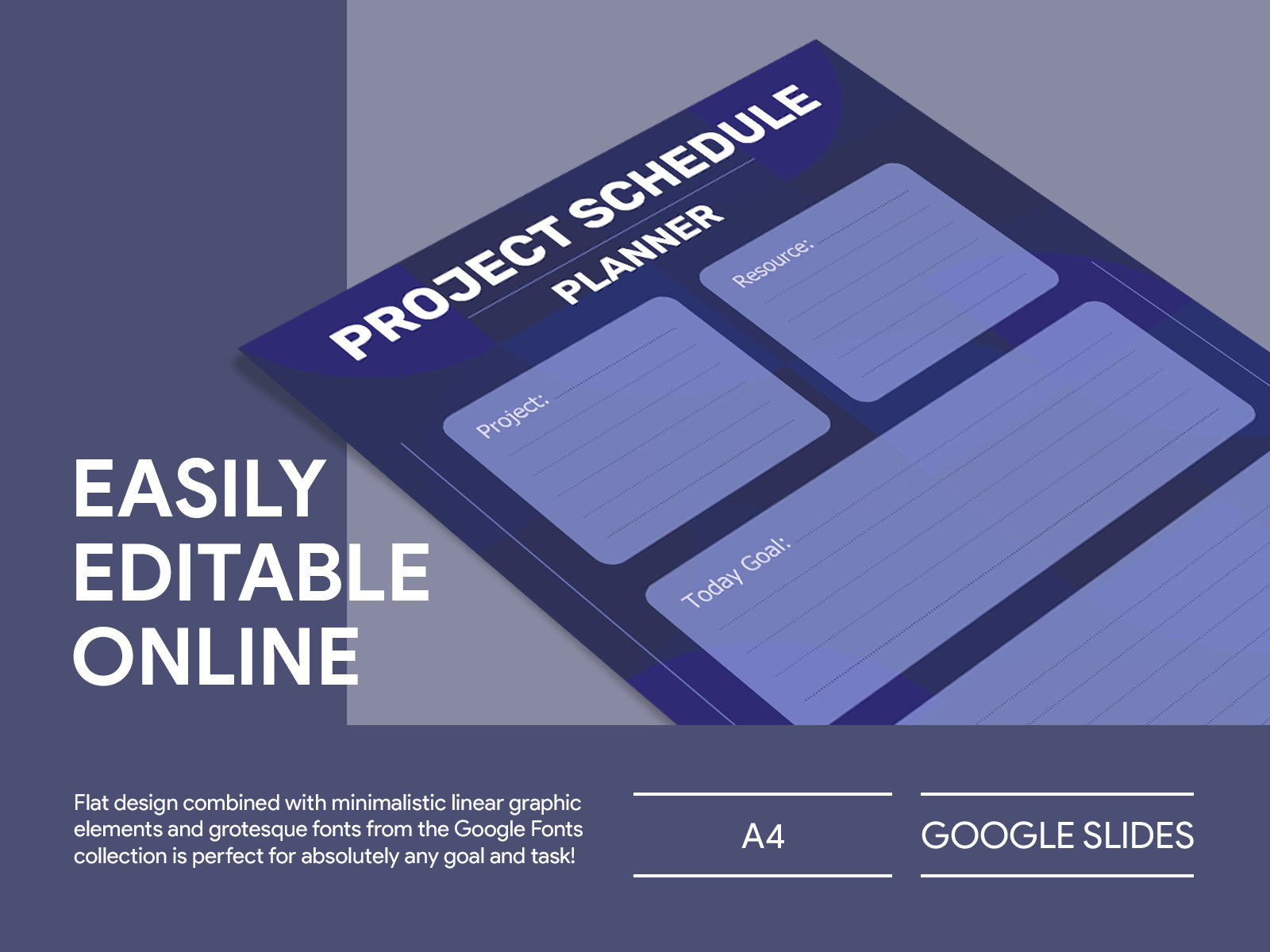
When you find yourself sitting at your desk on a Sunday night, sipping a warm cup of tea, it’s the perfect moment to plan out your week. You pull out a sheet of paper and think about your goals, deadlines, and tasks that need attention. This is where the Modern Project Management Planner Free Google Docs Template comes in. It’s designed to help you organize your projects efficiently while keeping distractions at bay. With the ability to print it out, you can have a tangible resource right in front of you, making it easier to track your progress.
What’s Included in the Planner?
The Modern Project Management Planner is packed with features that cater to your project management needs. Here’s what you can expect:
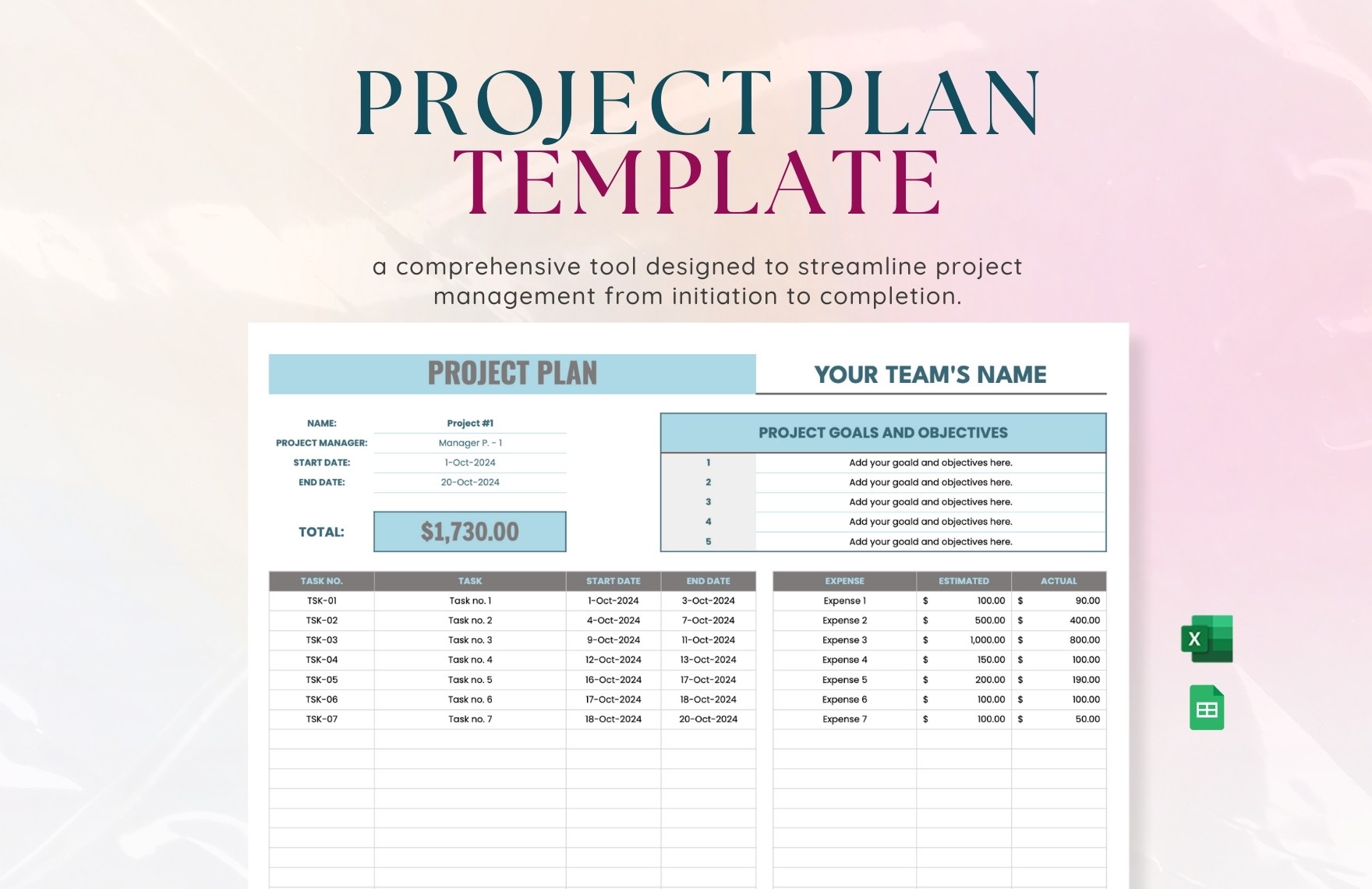
- Project Overview: A section to outline your project’s scope, objectives, and timelines.
- Task Breakdown: Space to divide projects into actionable tasks, making it easier to delegate or manage on your own.
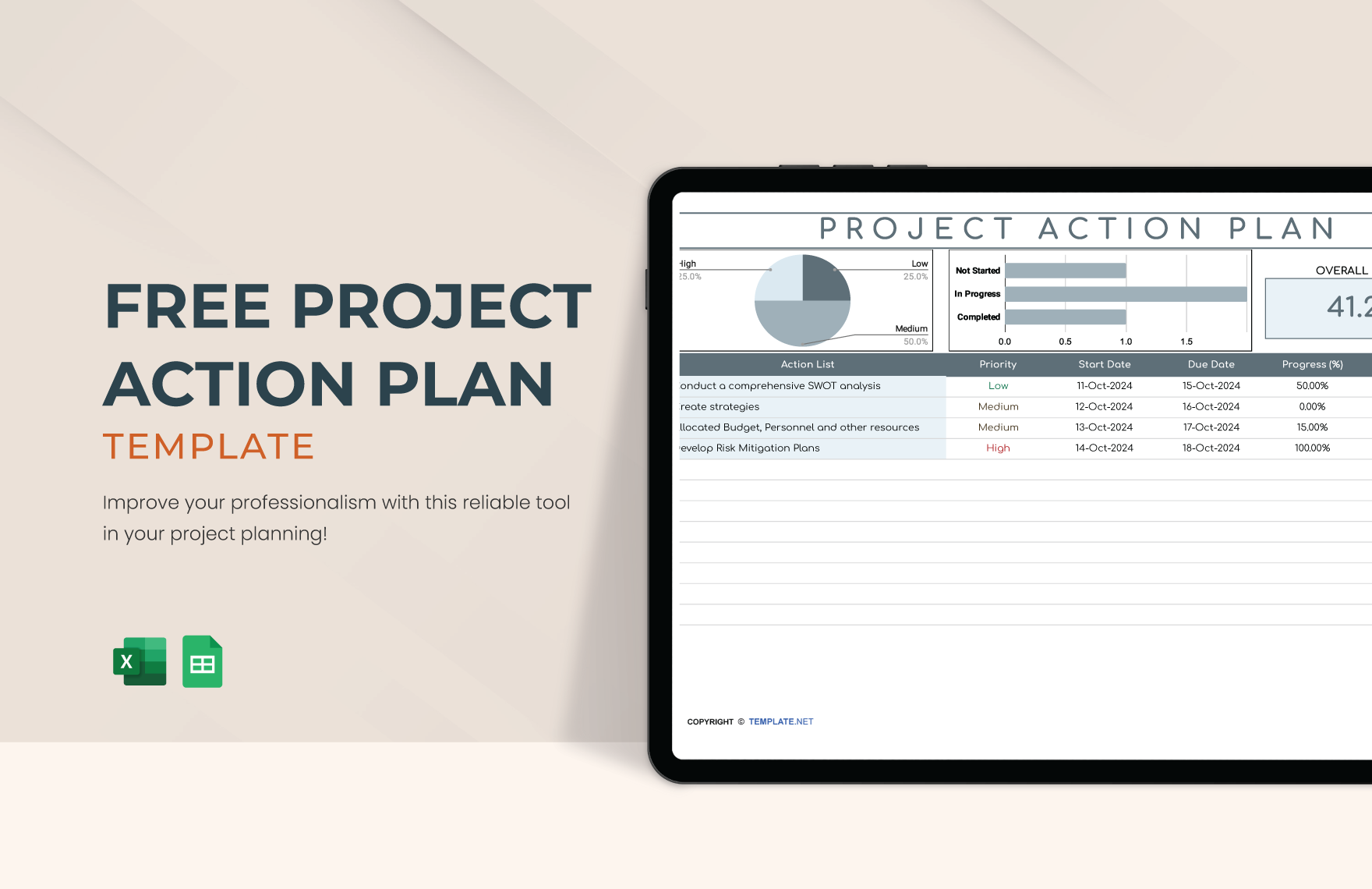
- Priority Levels: Identify which tasks are high, medium, or low priority to maximize your productivity.
- Deadline Tracking: Keep an eye on due dates, ensuring nothing slips through the cracks.
- Progress Tracking: Sections for daily or weekly check-ins to monitor how much progress you’ve made.
Each of these components is crucial for staying organized and ensuring that your projects move forward smoothly.
Setting Up Your Planner
Using the Modern Project Management Planner Free Google Docs Template is straightforward. Once you download it, here are some practical steps to set it up:
- Download and Print: First, download the template. You can print it on standard A4 or letter-sized paper, depending on what works best for your needs. If you prefer a more durable option, consider printing it on cardstock.
- Fill in Project Details: Start by entering the project name, description, and key stakeholders in the overview section. This helps everyone involved understand the project’s scope immediately.
- Break Down Tasks: Use the task breakdown section to list all tasks. Be specific; instead of just writing “research,” you might write “research competitors’ pricing models.” This clarity will guide your daily activities.
- Set Priorities: Assign priority levels to each task. This can be as simple as marking them with letters (A, B, C) or color-coding them.
- Establish Deadlines: For each task, set a realistic deadline. This not only helps you stay on track but also provides motivation to complete tasks on time.
- Regular Check-Ins: Make it a habit to review your planner at the beginning or end of each day. Adjust tasks as needed and celebrate small wins to keep your morale high.
The Benefits of Using a Paper Planner
You might wonder why you should opt for a paper planner instead of a digital app. Here are some compelling reasons:
- Fewer Distractions: Digital devices often come with notifications and other distractions. A paper planner keeps your focus solely on your tasks and goals.
- Visible Progress: Having a physical planner on your desk allows you to see your progress at a glance. You can easily flip through pages and visually track what has been accomplished.
- Tactile Experience: Writing things down can enhance memory retention. Physically crossing off completed tasks can be satisfying and motivating.
- Customization: You can personalize your planner in ways that digital formats might not allow. Add stickers, doodles, or even color-coding to make the planner uniquely yours.
Adapting the Template to Fit Your Needs
One of the strengths of the Modern Project Management Planner Free Google Docs Template is its adaptability. Here are ways to tailor it to better fit your personal workflow:
- Add Sections: If you find there are specific areas you need to track, like budget or resources, feel free to add new sections. You can easily create additional pages in Google Docs.
- Incorporate Visuals: Consider adding charts or graphs to visualize progress. This can be particularly helpful for team projects where visual representation aids understanding.
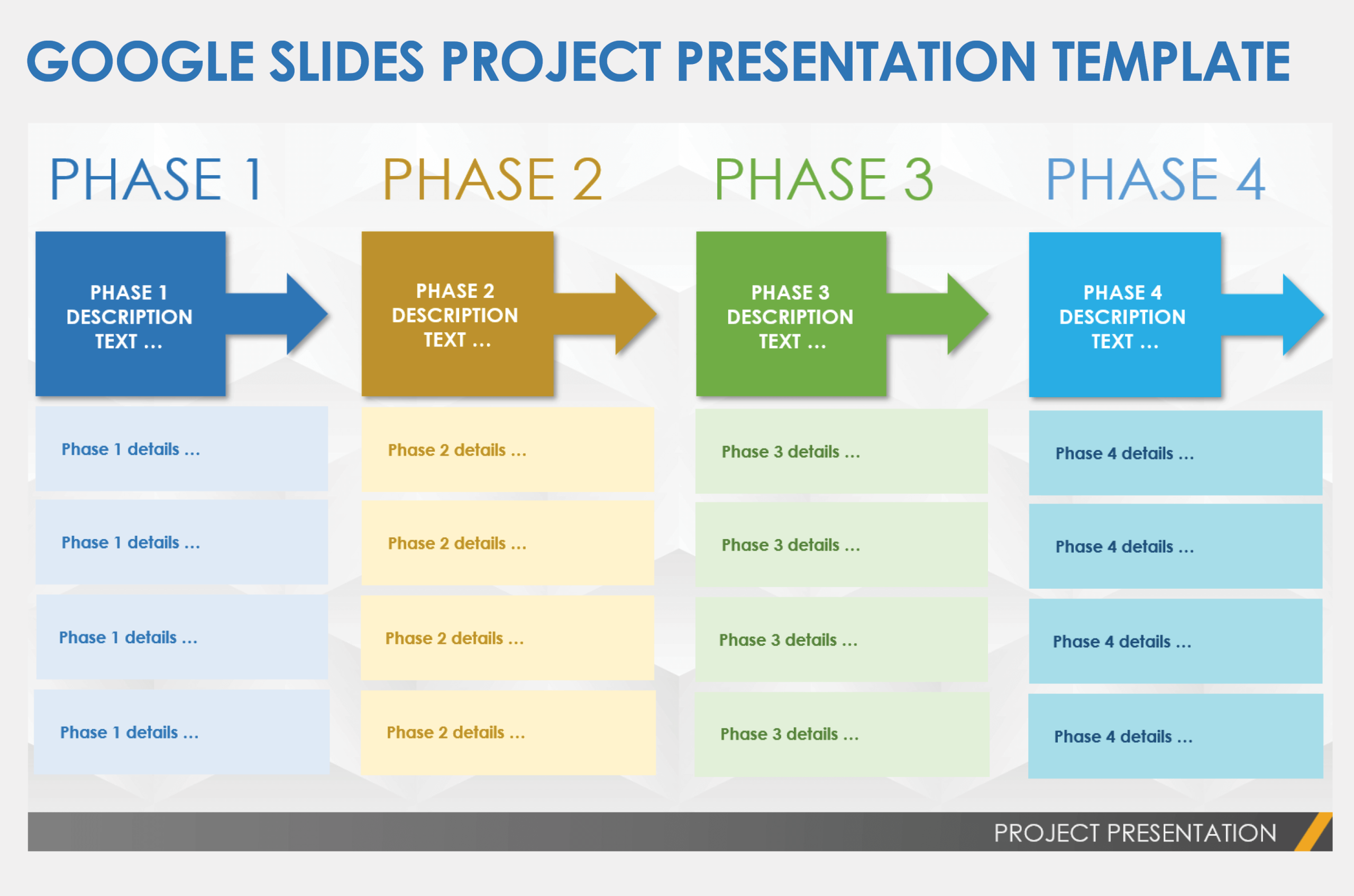
- Layered Planning: For larger projects, you might want to create separate planners for different phases or teams, linking them together for a cohesive overview.
- Weekly Reflections: At the end of each week, dedicate a section to reflect on what went well and what could be improved. This practice can enhance your project management skills over time.
By integrating these practices into your routine, you’ll enhance your ability to manage projects effectively and keep your goals in clear sight.
Using the Modern Project Management Planner Free Google Docs Template not only simplifies project management but also makes it more engaging. The next time you sit down to plan, just print out the template, fill it in, and watch as your tasks transform into accomplished goals. Take that first step today; download the template and start organizing!
Modern Project Management Planner Free Google Docs Template Gallery