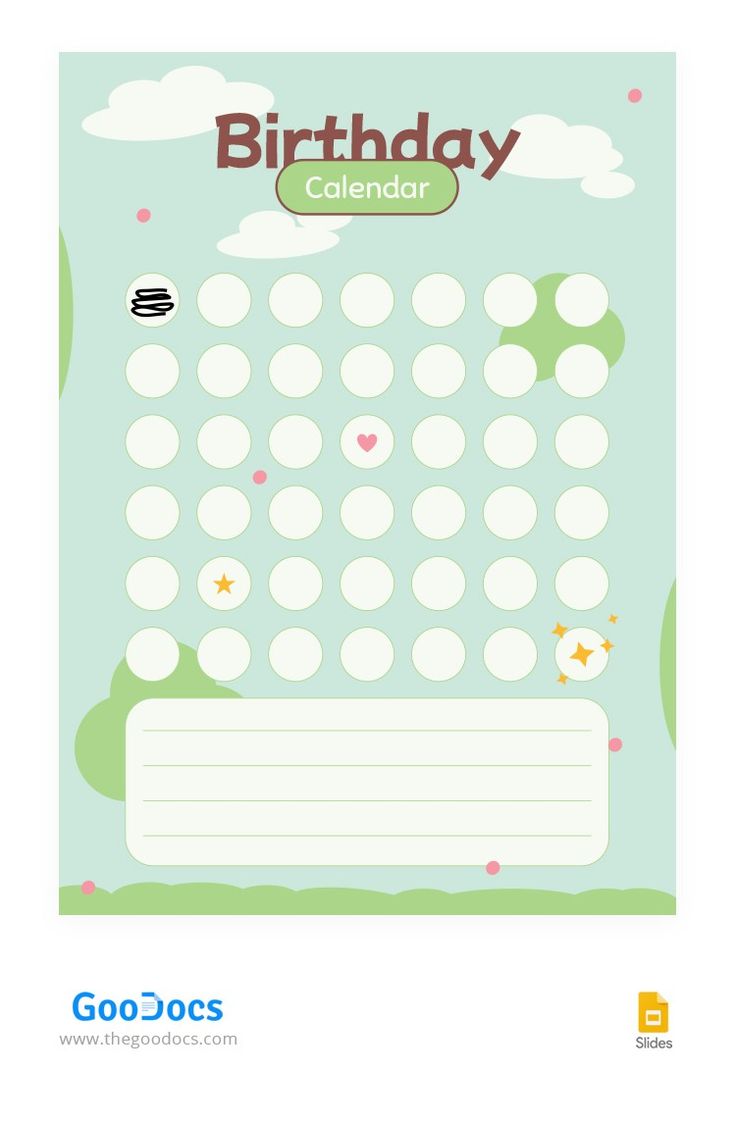
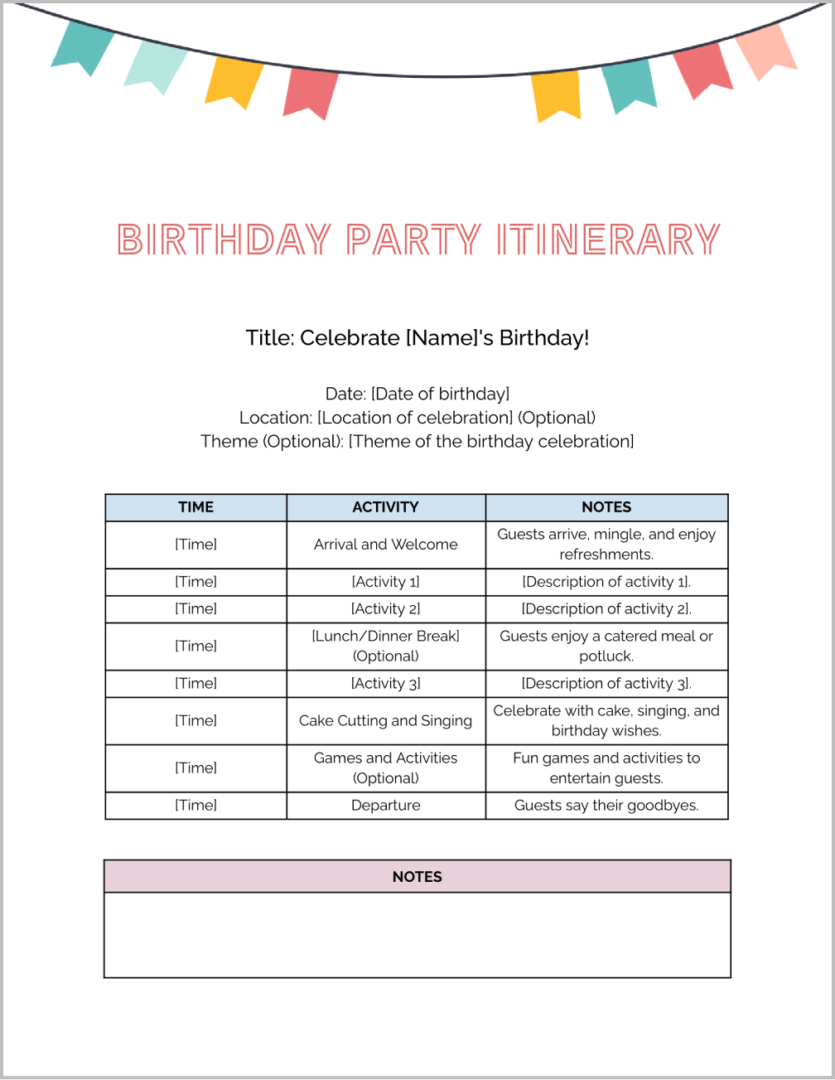
Planning a birthday celebration can be both exciting and overwhelming. You want everything to be perfect, from the guest list to the activities, and the Birthday Itinerary Free Google Docs Template is here to help streamline that process. This template is designed to make your planning as straightforward as possible, allowing you to focus on enjoying the celebration instead of stressing about the details.
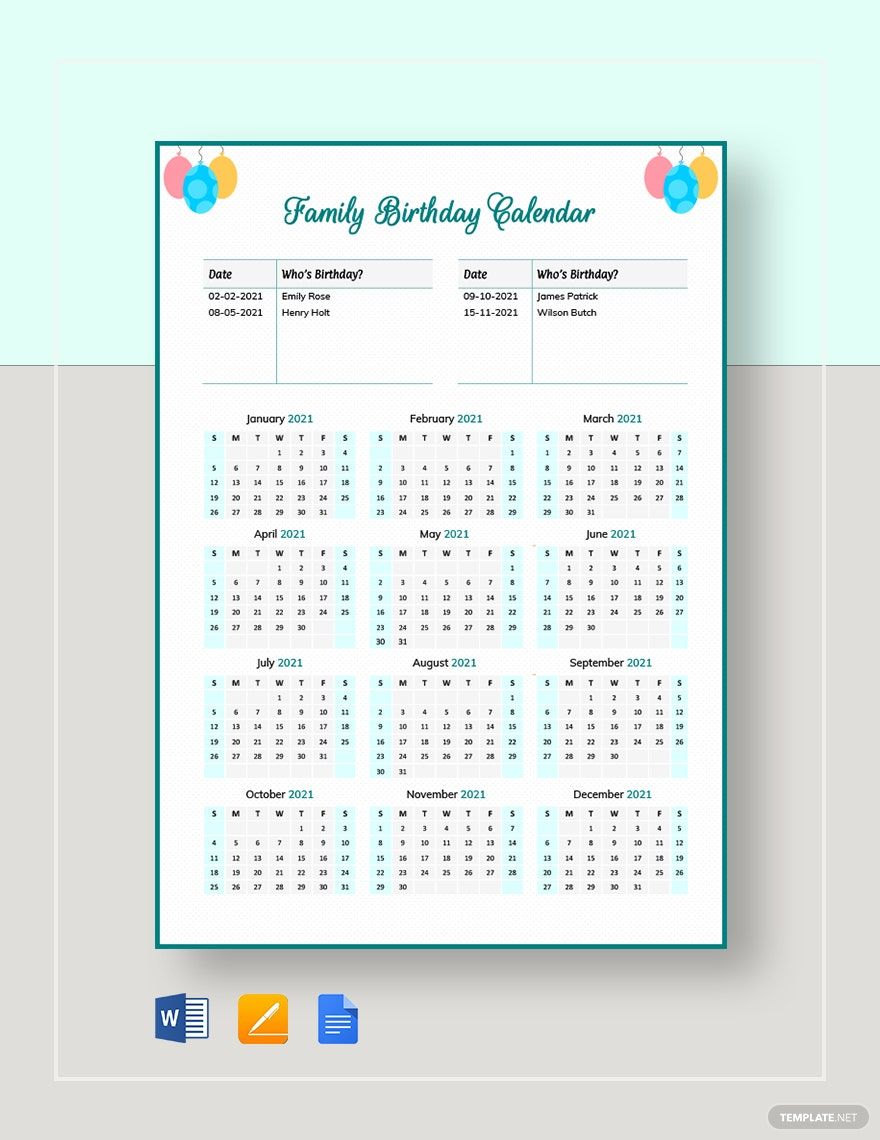
What is the Birthday Itinerary Free Google Docs Template?
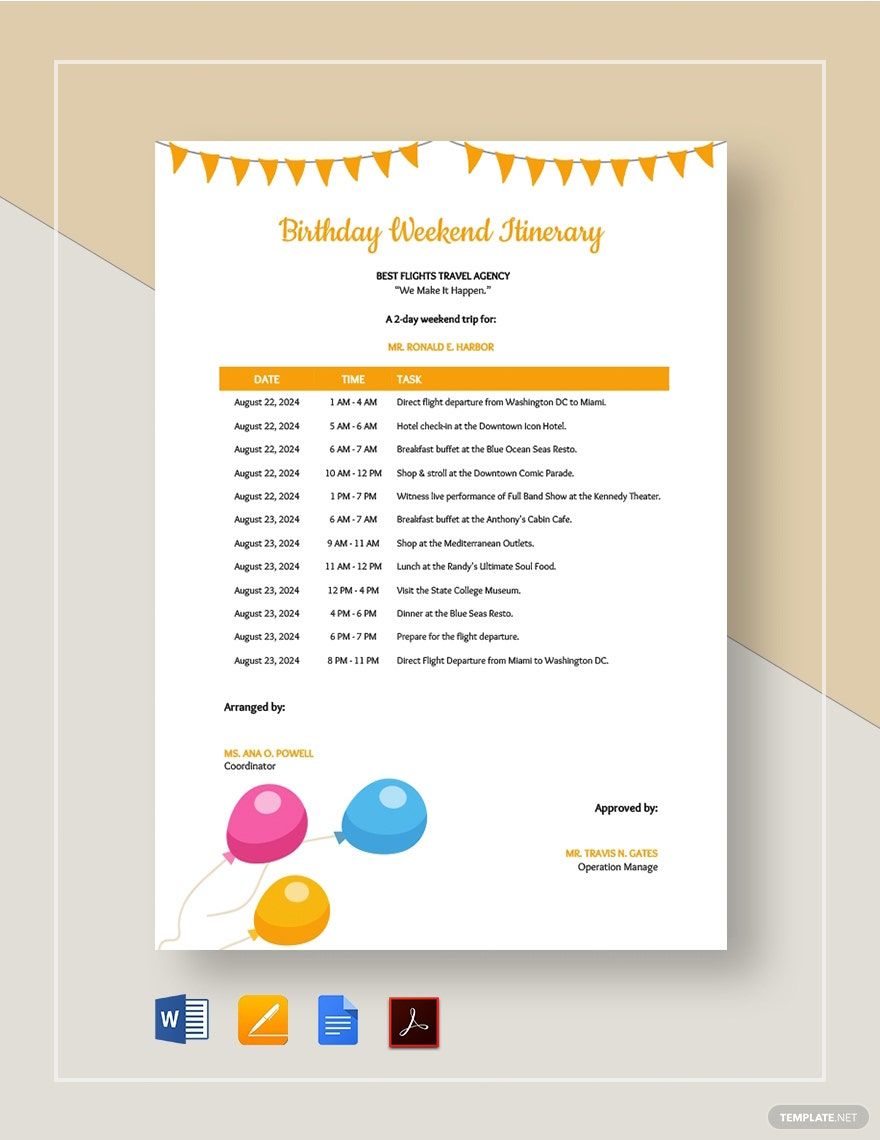
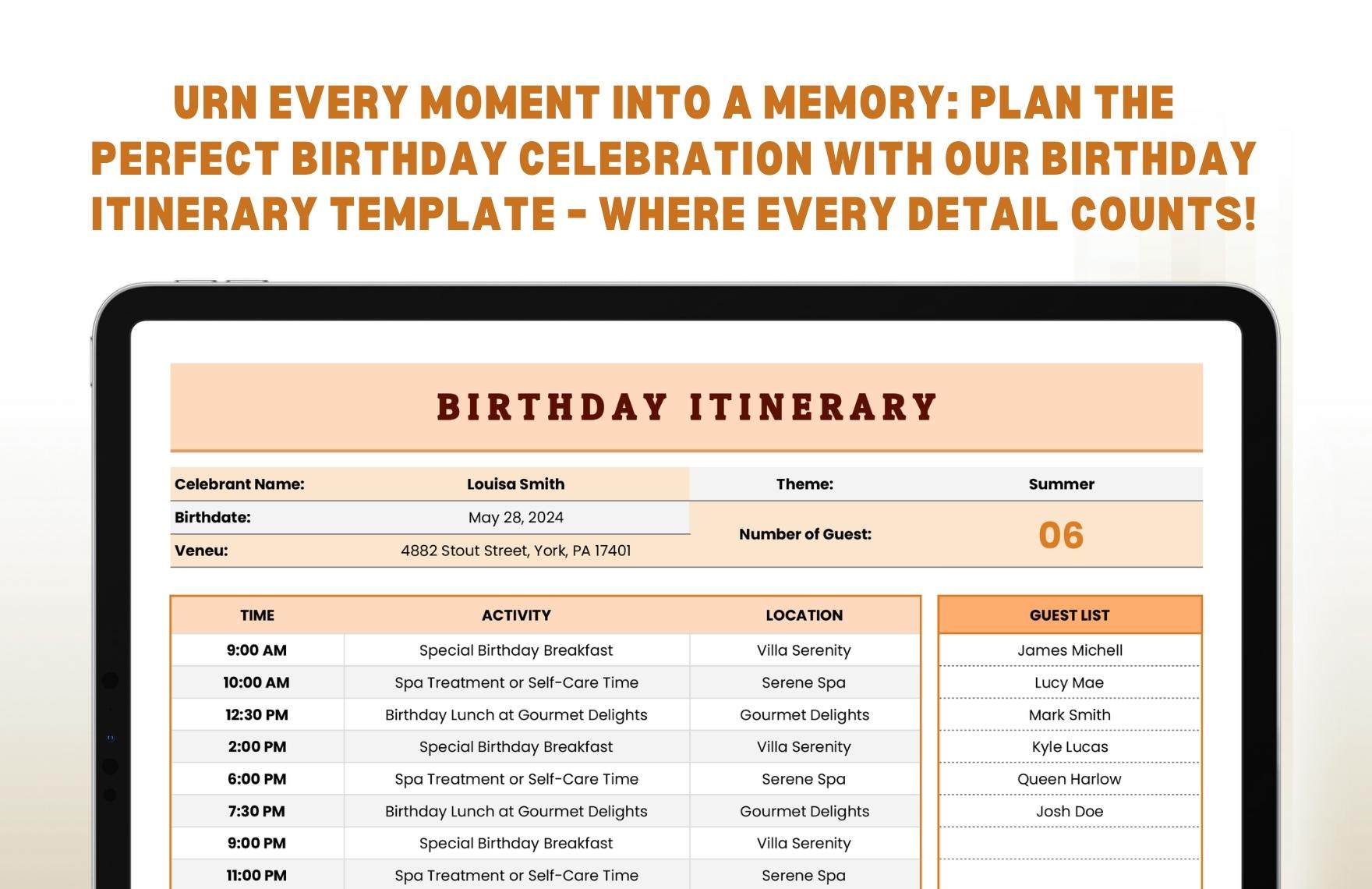
The Birthday Itinerary Free Google Docs Template is a user-friendly resource that helps you organize every aspect of a birthday party. It provides a structured layout where you can input essential details such as the event date, time, location, guest list, and planned activities. This template is particularly useful for busy parents or individuals who want to ensure nothing falls through the cracks during the planning phase.
You can easily access and customize the template through Google Docs. This means you can make changes directly in your browser without needing to download additional software. Once you’re happy with your itinerary, you can print it out or share it digitally with anyone involved in the planning process.
How to Customize Your Birthday Itinerary
Customizing the Birthday Itinerary Free Google Docs Template is simple and intuitive. Here’s how you can personalize it to fit your unique needs:
- Open the Template: Access the template via the provided link and open it in Google Docs. You might need to make a copy to edit it.
- Edit the Details: Start by filling in your birthday party’s specifics. Enter the date and time prominently at the top. You can also add the venue, whether it’s at home, a park, or a rented space.
- Guest List: There’s a section for the guest list, where you can jot down names and RSVP statuses. This helps you keep track of who’s coming and who might need a reminder.
- Activities and Schedule: Outline the planned activities, whether it’s games, a cake-cutting ceremony, or entertainment. Adding a timeline for these activities can help keep the event flowing smoothly.
- Meal and Snack Planning: If you’re providing food, make a note of what will be served. This can include snacks, drinks, cake, and any dietary considerations for guests.
- Decorations and Supplies: Use the template to jot down any decoration ideas or supplies you need to purchase. This ensures you don’t forget anything essential.
Once you’ve customized the template, you can format it to your liking. Feel free to change fonts, colors, or add images to make it more visually appealing.
Practical Considerations for Printing
After customizing your Birthday Itinerary Free Google Docs Template, you’ll likely want to print it out. Here are a few practical tips for getting the best results:
- Paper Size: Standard letter size (8.5 x 11 inches) works well for most home printers. If you prefer a smaller format, consider using A4 paper (8.27 x 11.69 inches).
- Printer Settings: Ensure your printer is set to the correct paper size and quality settings. For best results, select a high-quality print option, especially if you’ve added colors or images.
- Use Cardstock for Durability: If you’re planning to keep the itinerary handy throughout the party, printing on cardstock can provide more durability than regular printer paper.
- Double-Sided Printing: If you have a lot of information, consider using double-sided printing to save paper. Just make sure to format your document accordingly.
Sharing the Itinerary
One of the advantages of using Google Docs is the ability to share your itinerary easily. You can invite others to view or edit the document, which is particularly useful if you’re collaborating with friends or family.
- Sharing Options: Click on the “Share” button in the top right corner of Google Docs. You can send an invitation via email or create a shareable link that anyone can access.
- Keep Everyone Updated: If any changes occur, you can update the document in real time, ensuring that everyone involved has the latest information.
Next Steps After Downloading
Once you’ve downloaded and customized your Birthday Itinerary Free Google Docs Template, the next step is to put your plan into action. Here are a few suggestions on how to use it effectively:
- Print Your Itinerary: After finalizing the details, print your itinerary to keep it handy during the party. You can even laminate it for durability.
- Use It as a Checklist: As the party day approaches, use the itinerary as a checklist to ensure everything is in place. Mark off tasks as you complete them to stay organized.
- Engage with Guests: Share the itinerary with family members or close friends who are helping with the planning. This way, everyone stays on the same page, and you can divide tasks efficiently.
- Enjoy the Celebration: Finally, remember to relax and enjoy the day. With a well-organized itinerary in hand, you can focus on making memories rather than worrying about logistics.
Using the Birthday Itinerary Free Google Docs Template can truly transform your party planning experience, making it easier and more enjoyable. So go ahead, download it, customize it, and get ready for a fantastic celebration!
Birthday Itinerary Free Google Docs Template Gallery