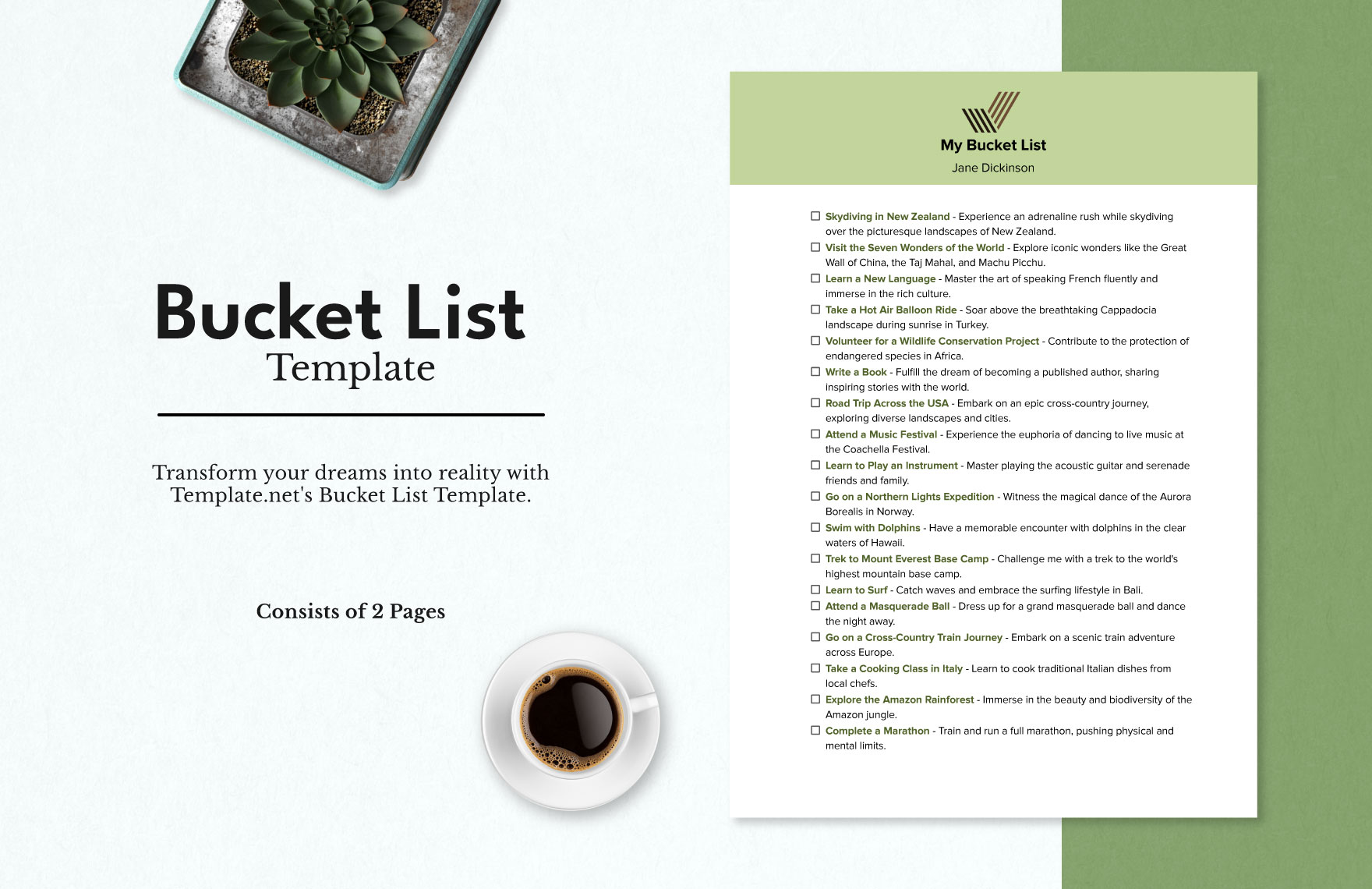
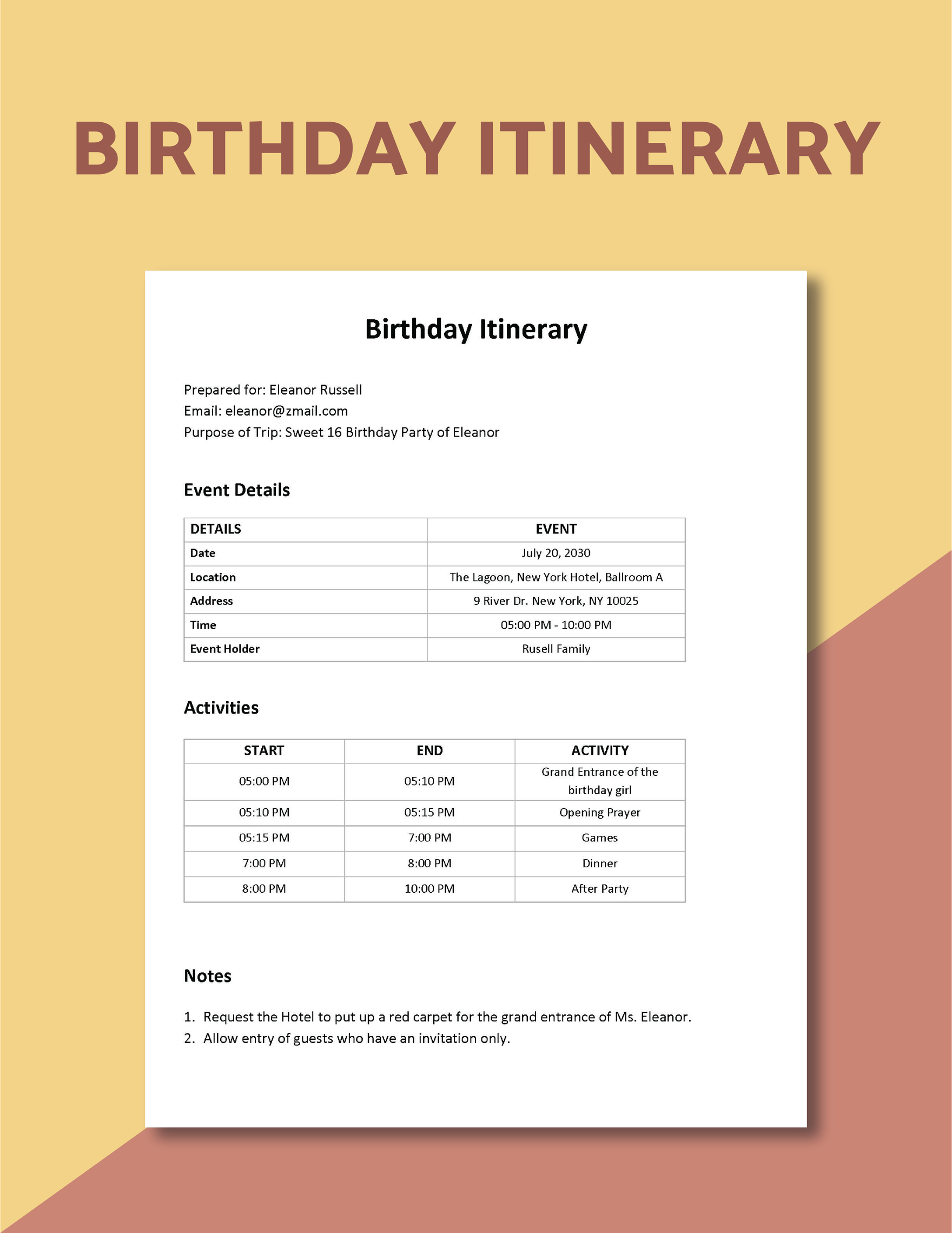
Creating memorable experiences around birthdays can be a fulfilling way to celebrate life. With the Birthday Bucket List Free Google Docs Template, you can easily organize your birthday aspirations and special activities. This template stands out due to its user-friendly layout and customization options, making it perfect for anyone ready to make the most of their special day.
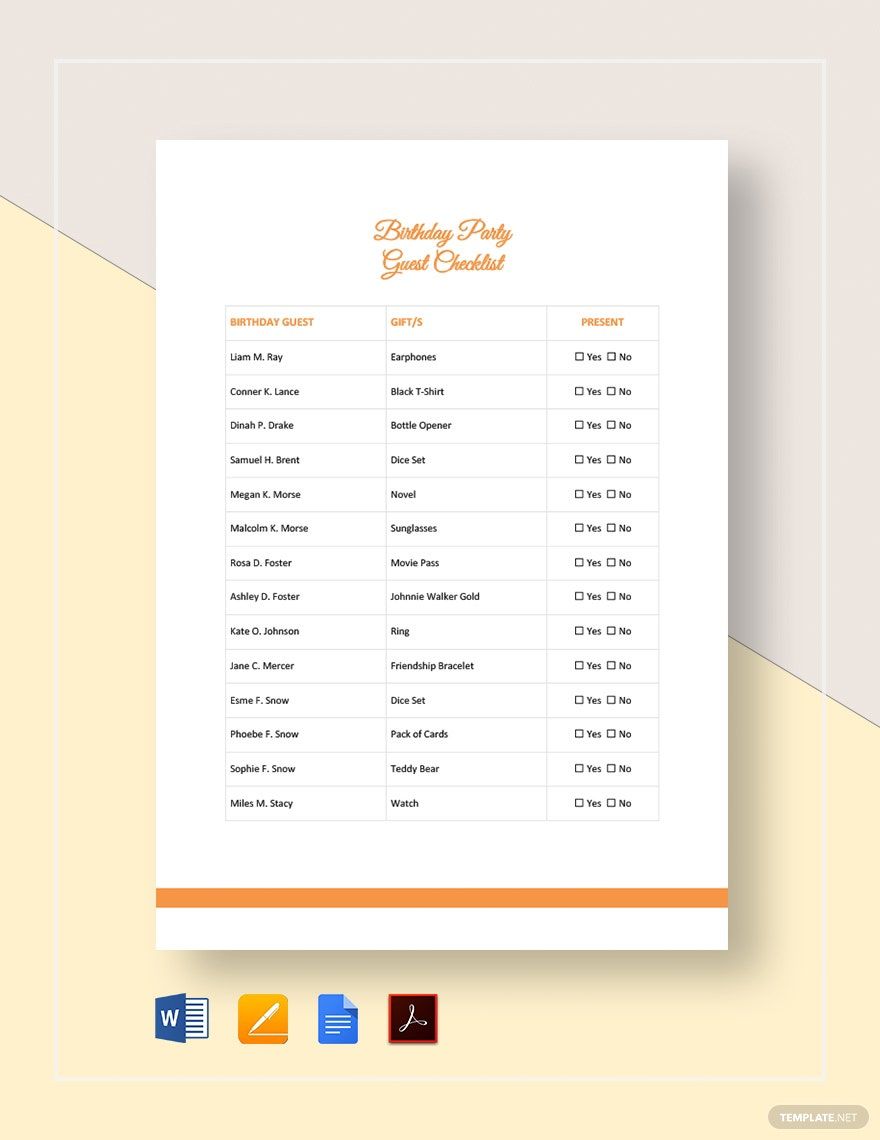
What’s Inside the Template?
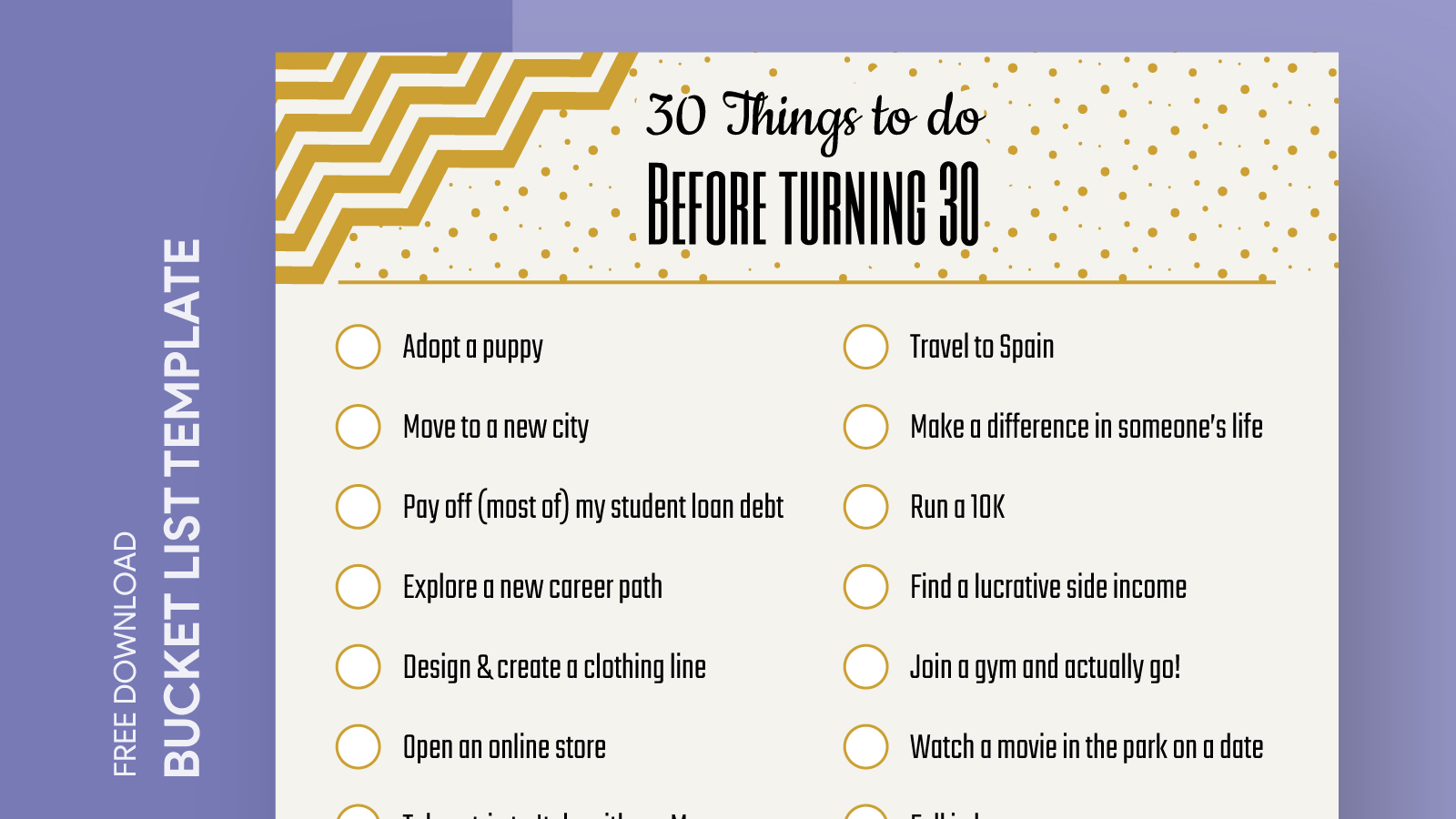
The Birthday Bucket List Free Google Docs Template is designed to help you jot down all the things you want to experience or achieve on your birthday. The template includes several sections, each tailored for specific areas of interest. Here’s what you can expect:
- Goal Setting Section: This part allows you to write down your birthday goals, whether they are small, like trying a new dessert, or bigger, like traveling to a new city.
- Activity Ideas: Here, you can brainstorm experiences you want to try. From hosting a themed party to going skydiving, this section encourages you to think outside the box.
- Friends and Family Involvement: A dedicated area for listing the people you want to celebrate with or inviting them to join you in your activities, ensuring no one gets left out.
- Reflection Space: After your birthday, this section helps you reflect on what you did, what you loved, and what you might want to add for next year.
The layout is straightforward and visually appealing, making it easy to fill in your thoughts and plans.
Customizing Your Template
One of the best features of the Birthday Bucket List Free Google Docs Template is its customization possibilities. You can easily modify the document to fit your style and preferences. Here are some practical tips for personalizing your template:
- Change Colors: Highlight sections or change font colors to reflect your birthday theme or favorite colors. This makes the document feel more personal and engaging.
- Add Images: You can insert photos or graphics relevant to your birthday plans. Whether it’s a picture of a dream destination or a favorite cake design, visuals can enhance your experience.
- Adjust Sections: Feel free to add or remove sections based on your interests. If you have a specific activity in mind, create a dedicated spot for it.
Using Google Docs makes it easy to collaborate with friends or family. You can share the document and get input from others, turning your birthday planning into a fun group activity.
How to Use the Template Effectively
To get the most out of the Birthday Bucket List Free Google Docs Template, consider these practical steps:
- Start Early: Give yourself plenty of time to brainstorm ideas. Start filling out the template weeks or even months before your birthday to ensure you have adequate time to plan.
- Set Reminders: Use digital reminders to check back on your list. This will keep your goals fresh in your mind and help you stay on track.
- Prioritize Activities: Not every idea will fit into your schedule. Rank your activities from must-do to nice-to-have, so you can focus on what matters most.
By following these steps, you can maximize your birthday experience and make it truly special.
Printing and Using Your Template
Once you’re happy with your Birthday Bucket List Free Google Docs Template, you may want to print it out. Here are a few tips for getting the best results:
- Paper Choice: For durability, consider printing on cardstock. This will hold up better if you plan to display it or keep it as a keepsake.
- Size Settings: The standard print size is usually 8.5 x 11 inches, which works well for most home printers. However, if you want something smaller to fit in a planner, adjust the settings accordingly.
- Landscape vs. Portrait: Depending on your design preference, you may find that a landscape layout gives you more space for writing. Most home printers can handle landscape printing without issue.
Printing your template allows for a tactile experience, which can make planning feel more substantial and engaging. You can hang it on your wall, keep it in your planner, or even laminate it for reuse in future years.
Making It a Tradition
Using the Birthday Bucket List Free Google Docs Template can become a cherished tradition. Each year, revisit your previous lists to see what you’ve accomplished and what new experiences you want to add. This practice not only helps you celebrate your growth but can also spark conversations with friends and family about their own birthday goals.
As you fill out your template, consider what activities resonate with you the most. Do you prefer quiet celebrations with close friends or grand adventures? Tailoring your list to your personality will enhance your birthday enjoyment.
The choice of how to use your Birthday Bucket List Free Google Docs Template is ultimately yours. You can stick to a few core ideas or go all out with a long list of adventures. Whether you print it, share it digitally, or keep it for personal reflection, this template is a versatile tool to help you celebrate your special day in style.
Birthday Bucket List Free Google Docs Template Gallery