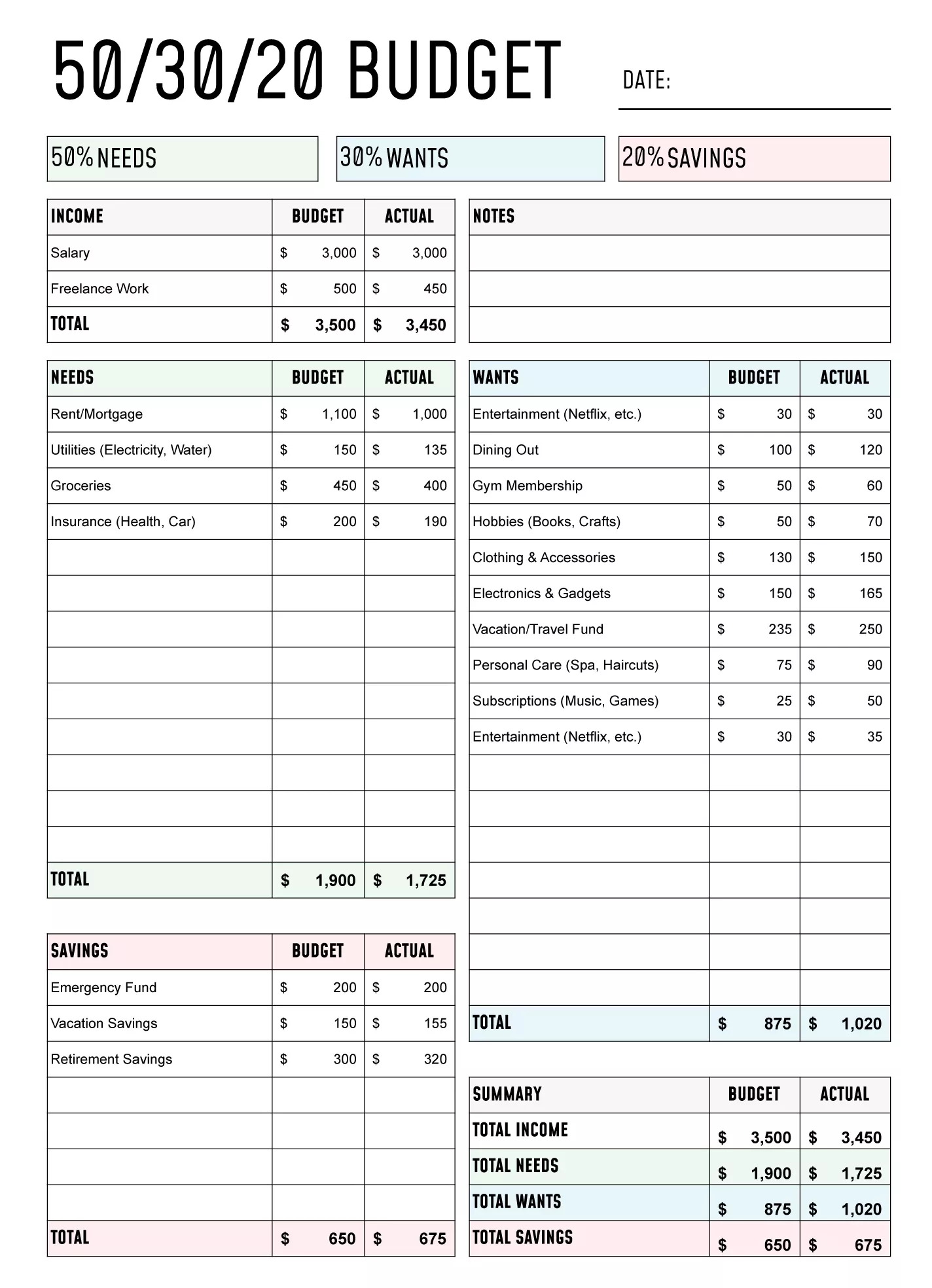
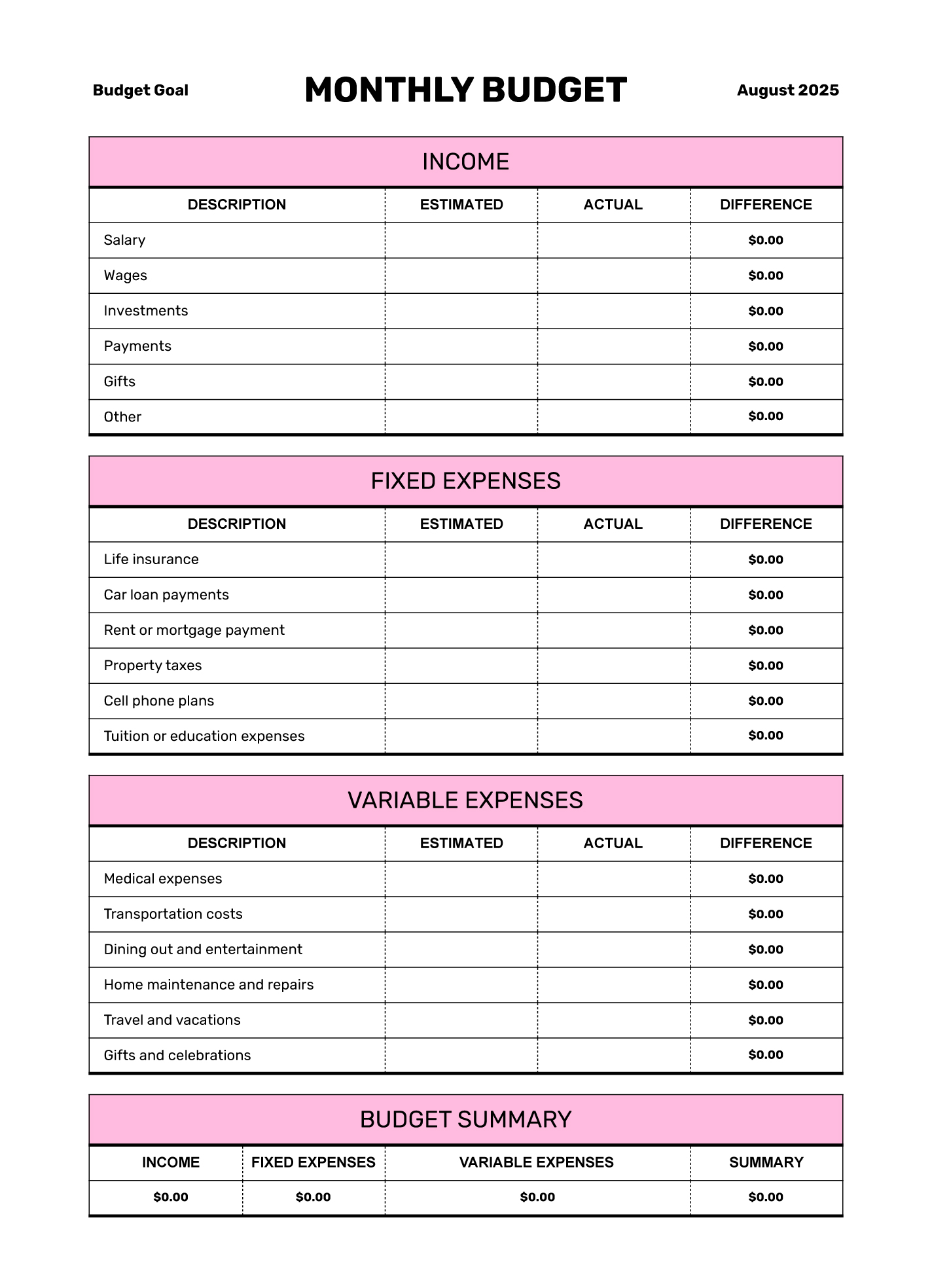
Managing a budget can often feel overwhelming, especially if you’re juggling multiple expenses and trying to save for future goals. The Basic Monthly Budget Free Google Docs Template is designed to simplify this process, offering a straightforward way to track your income and expenses without the hassle of complex software. Whether you’re a budgeting novice or looking to refine your current system, this template can serve as a practical tool to help you stay on top of your finances.
Understanding the Basics of Budgeting
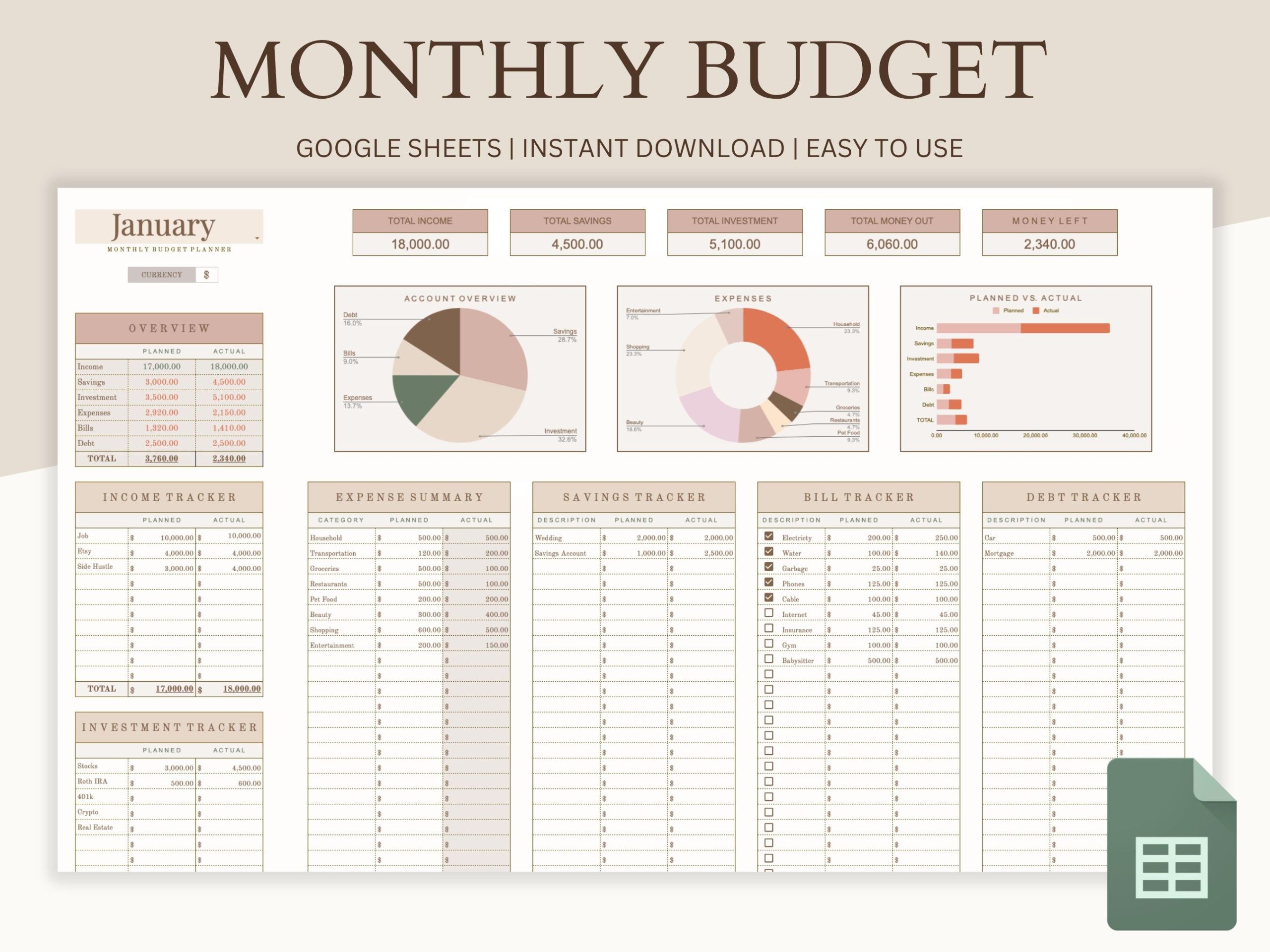
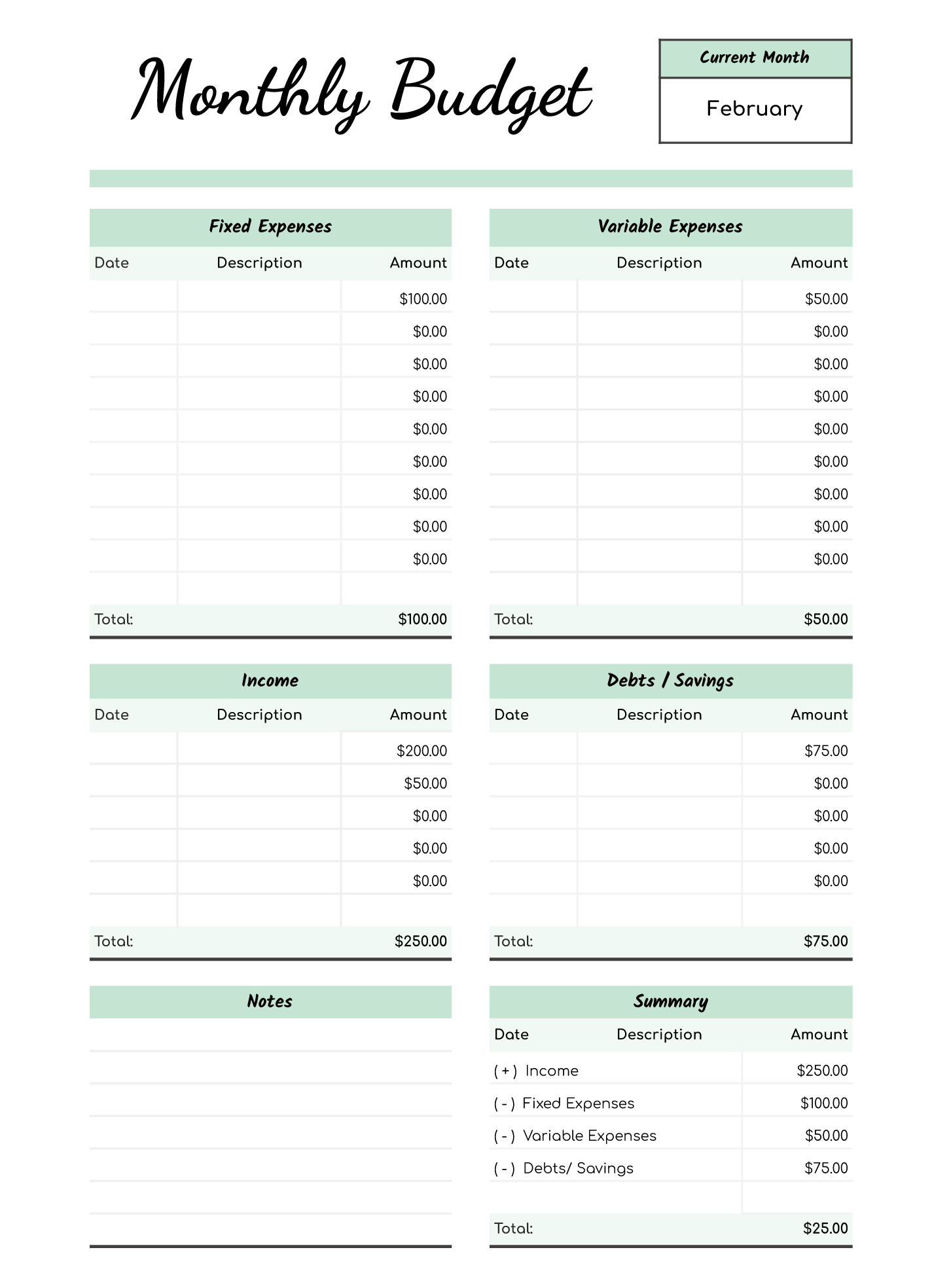
Before diving into the specifics of using the Basic Monthly Budget Free Google Docs Template, it’s helpful to understand the key components of budgeting. At its core, budgeting involves tracking your income and expenses to ensure that you’re living within your means. A typical budget includes categories like:
- Income: All sources of revenue, including salary, freelance work, and any side gigs.
- Fixed Expenses: Regular monthly costs that don’t change, such as rent or mortgage payments, insurance, and loan payments.
- Variable Expenses: Costs that fluctuate, like groceries, dining out, and entertainment.
- Savings and Investments: Money set aside for future goals, such as retirement or a vacation.
By clearly defining these categories, the template allows you to visualize your financial situation and make informed decisions.
How to Set Up Your Basic Monthly Budget Template
Once you’ve downloaded the Basic Monthly Budget Free Google Docs Template, it’s time to set it up. Here’s a step-by-step guide to help you get started:
- Open the Template: Start by accessing the template in Google Docs. If you’re not familiar with Google Docs, it’s a user-friendly platform that allows you to edit and save documents online.
- Input Your Income: In the designated section, list all sources of income. Be sure to include your net income (after taxes) to get an accurate picture.
- List Your Expenses: Fill in the fixed and variable expenses. Consider tracking your spending for a month beforehand to get a better idea of how much you typically spend in each category.
- Calculate Totals: Use the template’s built-in formulas (if applicable) to automatically calculate total income, total expenses, and the difference between the two. This will give you a clear view of your financial health.
- Adjust as Needed: Your budget isn’t set in stone. As you track your spending, you may find certain categories need adjusting. The template allows for flexibility, helping you stay on track with your financial goals.
Tips for Tracking Your Budget Effectively
Using the Basic Monthly Budget Free Google Docs Template is just one part of managing your finances. Here are some practical tips to enhance your budgeting routine:
- Review Regularly: Set aside time at the end of each week or month to review your budget. This helps you stay accountable and make necessary adjustments.
- Use Color Coding: Consider color-coding different categories to quickly identify where your money is going. For example, use green for income, red for expenses, and yellow for savings.
- Set Realistic Goals: If you notice you’re consistently overspending in a particular category, it may be time to reassess your goals. Set achievable targets that reflect your lifestyle and priorities.
Additional Features of the Google Docs Template
What makes the Basic Monthly Budget Free Google Docs Template especially useful is its accessibility and ease of use. Here are a few features that enhance its practicality:
- Cloud Storage: Since it’s hosted on Google Docs, you can access your budget from any device with internet access. This is great for on-the-go updates.
- Collaboration Options: If you share finances with a partner or family member, the template allows for easy collaboration. You can both view and edit the document in real time.
- Customization: Feel free to modify the template to suit your unique financial situation. Add additional categories or adjust the layout to fit your needs.
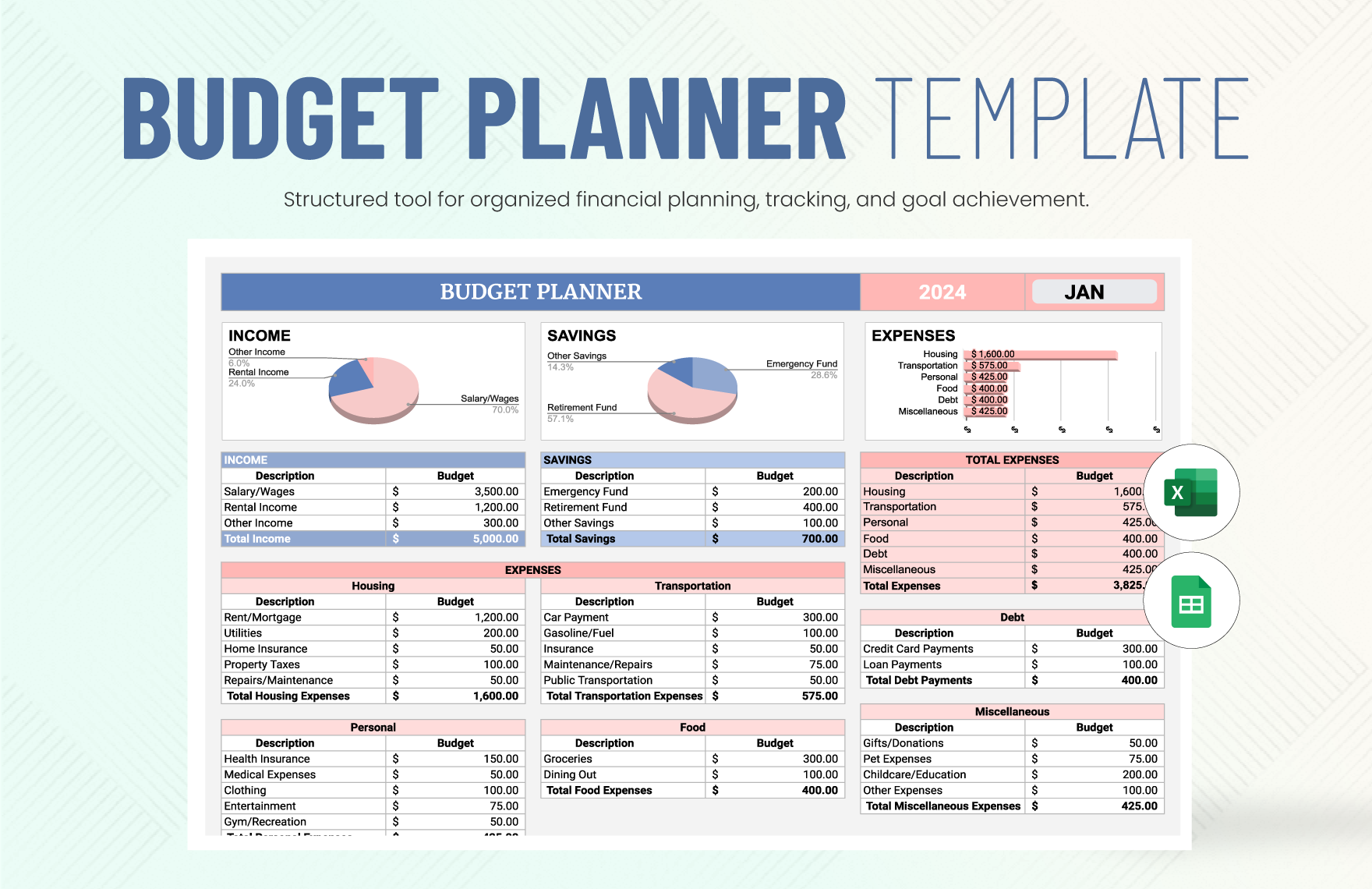
Choosing the Right Format for Your Needs
You might wonder whether to use a Google Docs template or another format like Excel or a PDF. Here’s a quick comparison:
- Google Docs: Great for collaborative budgeting and easy access from multiple devices. However, it may lack some advanced features found in Excel.
- Excel: Offers advanced formulas and functions, ideal for those who are comfortable with spreadsheets. But it requires software installation and might not be as accessible on various devices.
- PDF: A good option for printing and sharing, but it’s not editable. It’s best for those who want a physical copy of their budget.
Ultimately, the choice between formats depends on your personal preferences and how you plan to use the template.
With the Basic Monthly Budget Free Google Docs Template, you’ve got a solid foundation to start managing your finances more effectively. Whether you’re aiming to save for a big purchase or simply want to keep better track of your spending, this template can help you achieve your financial goals. Now, it’s time to take control of your budgeting journey!
Basic Monthly Budget Free Google Docs Template Gallery