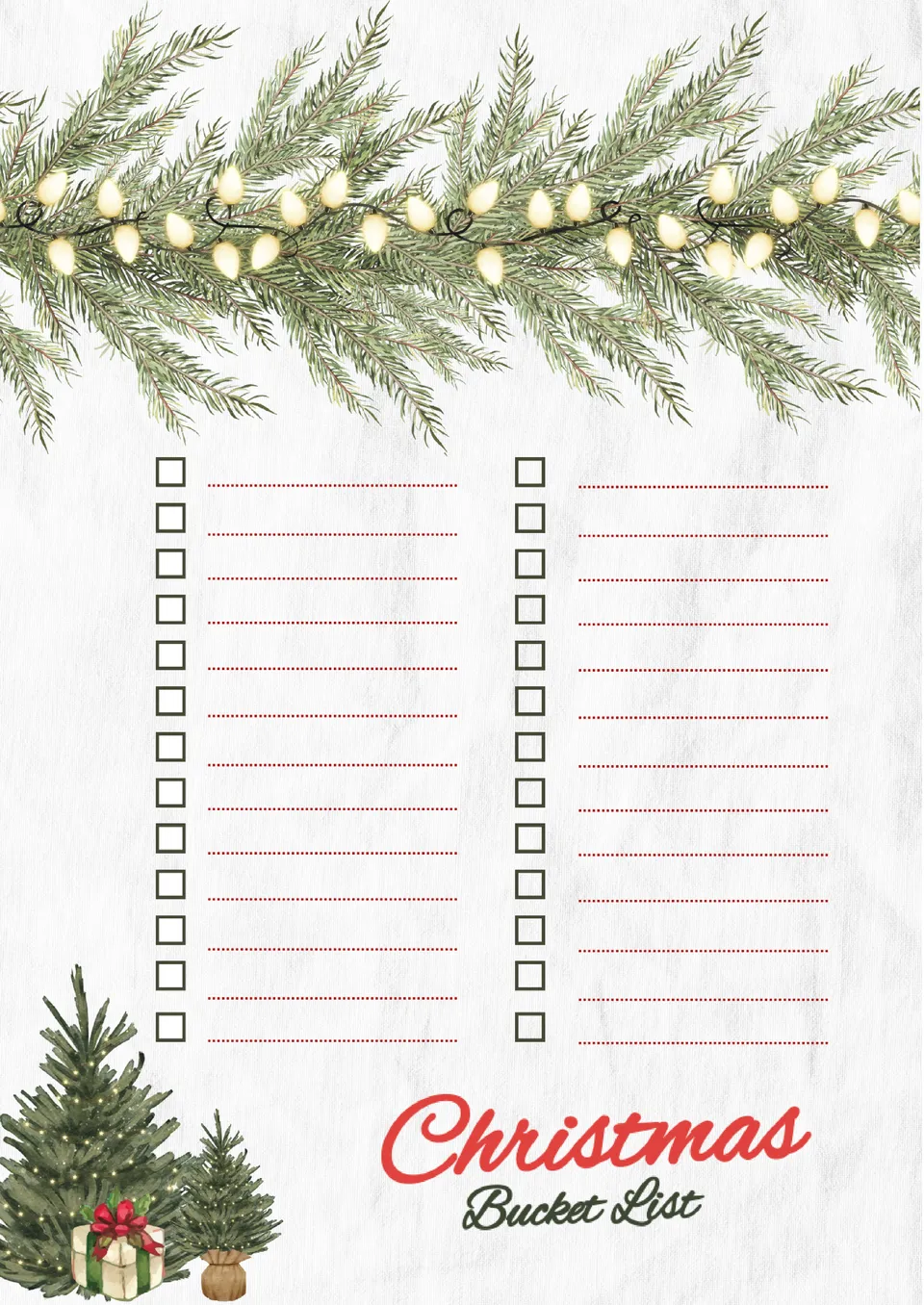
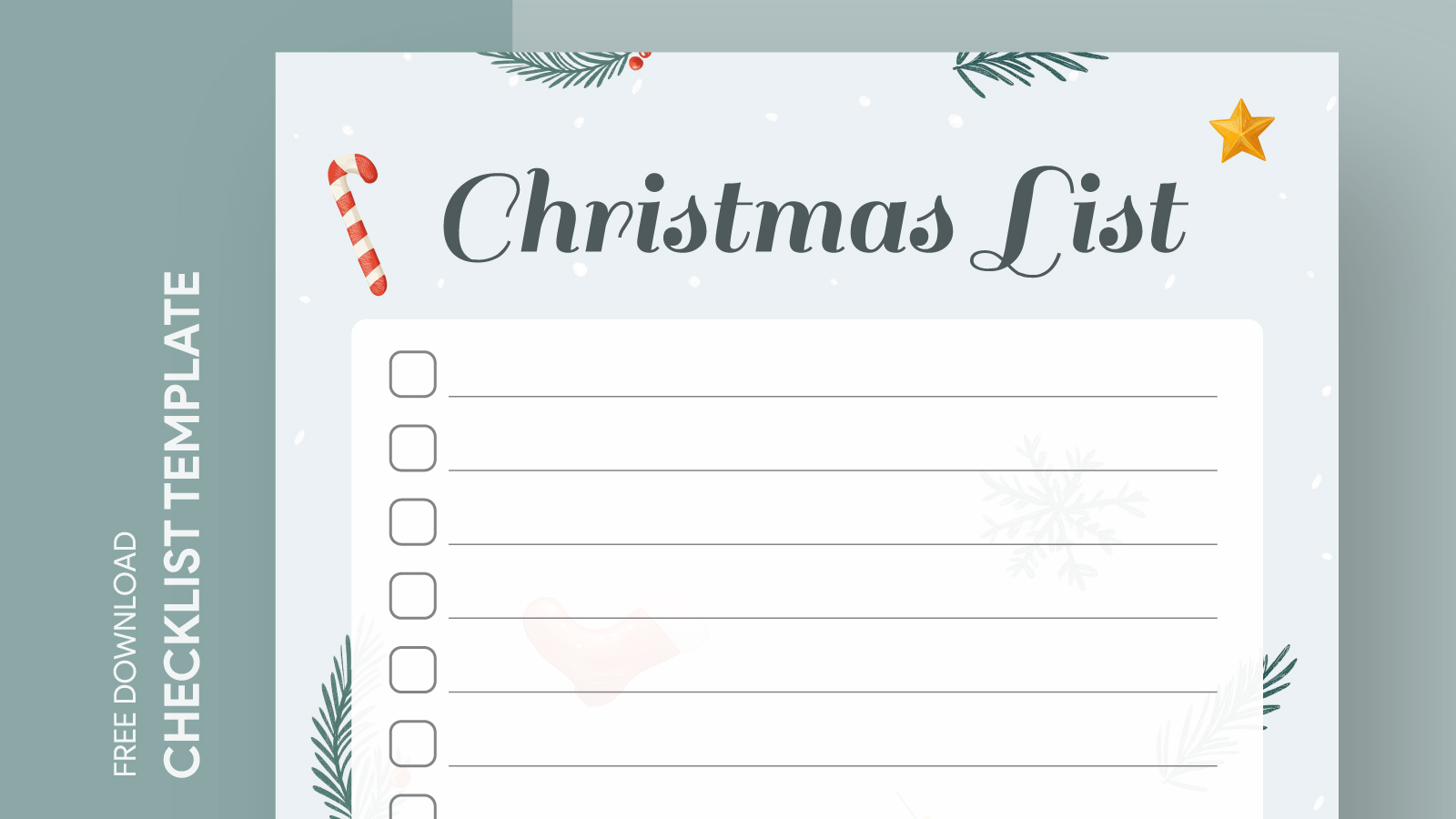
Creating a memorable Christmas season can be much easier and more fun with the right planning tools. The Xmas Bucket List Free Google Docs Template stands out because it allows you to customize your holiday activities, making it a practical resource for anyone looking to enjoy the festive season to its fullest. This template offers a structured way to document all the fun and meaningful activities you want to experience, ensuring that you don’t miss out on any special moments.
What’s Included in the Template?
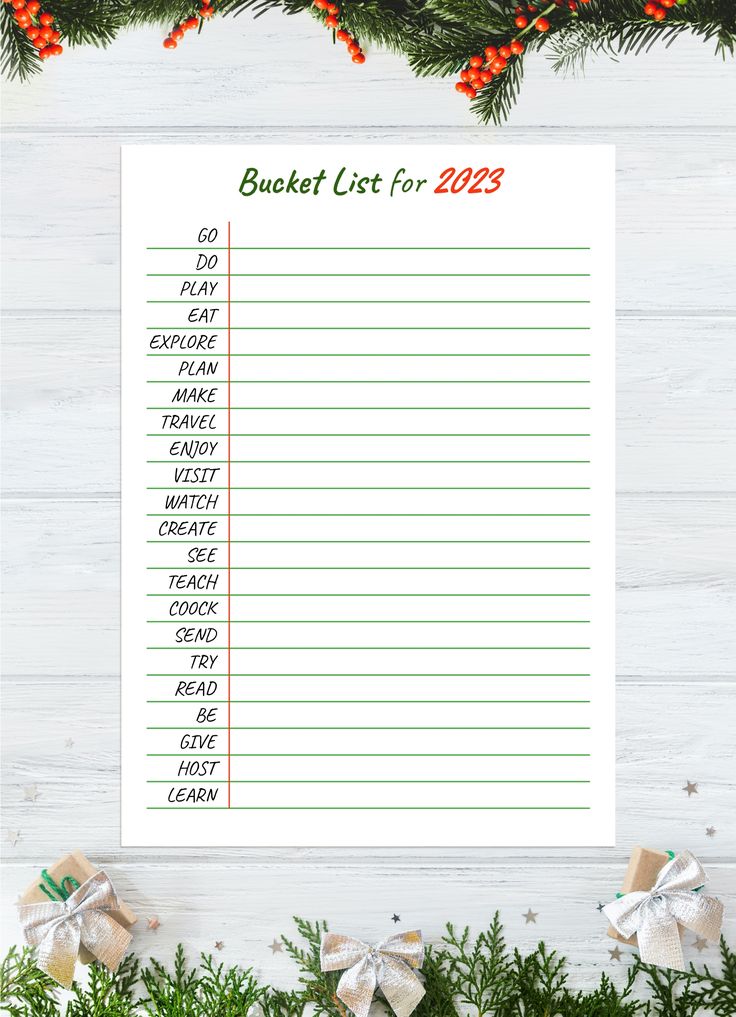
The Xmas Bucket List Free Google Docs Template includes several sections designed to help you organize your activities effectively. You’ll find:
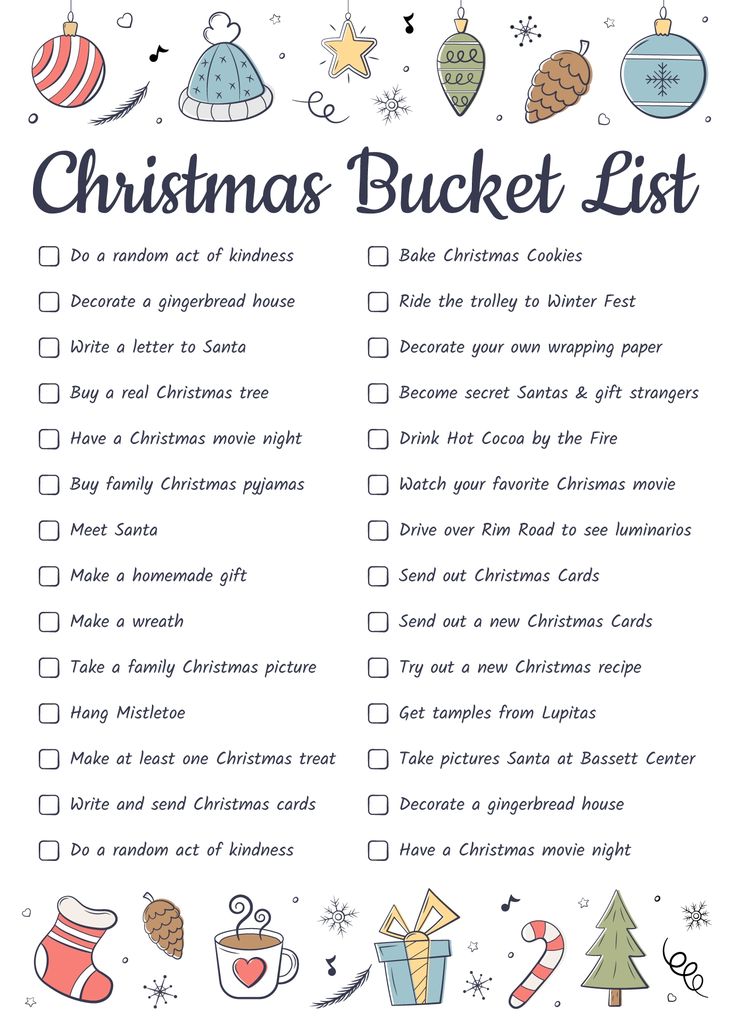
- Activity List: A space to jot down all the Christmas activities you want to try, from baking cookies to watching holiday movies.
- Status Tracker: Columns to mark off completed activities, which helps you visualize your progress and stay motivated throughout the season.
- Notes Section: An area for additional thoughts or reminders, like who to invite to certain activities or what supplies you might need.
This layout is user-friendly, making it simple to fill out and reference throughout the holiday season.
Customizing Your Bucket List
One of the best features of this template is its flexibility. You can easily customize it to suit your family’s unique traditions and preferences. For instance, if you have certain activities that are a must-do every year, you can highlight them for easy access.
To customize the template, simply open it in Google Docs, and you can edit text, change colors, or add images that inspire you. You might even want to insert links to recipes or holiday events around your area. This level of customization turns a simple list into a personalized holiday planner that reflects your family’s interests and traditions.
How to Use the Template Effectively
Using the Xmas Bucket List Free Google Docs Template can fit seamlessly into your holiday planning routine. Here’s how you can make the most of it:
- Set a Date to Plan: Gather your family and set aside time to brainstorm activities. This makes the process more engaging and encourages everyone to contribute their ideas.
- Prioritize Your Activities: Once you have a list, decide which activities are most important to you. Highlight these so you can focus on them first.
- Schedule Your Activities: Use a calendar to map out when you’ll do each activity. This can help ensure that you don’t cram everything into the last few days before Christmas.
- Review and Adjust: As the holiday season progresses, take time to review your bucket list. If you find that certain activities aren’t working out, feel free to swap them for something else.
This approach not only keeps the holiday spirit alive but also ensures that everyone in your household is involved in the planning process.
Printing and Downloading the Template
Downloading and printing the Xmas Bucket List Free Google Docs Template is straightforward. Here’s a quick guide:
- Download: Once you open the template in Google Docs, go to the “File” menu, select “Download,” and choose your preferred format (PDF or Word).
- Print Settings: If you plan to print it, consider using an 8.5×11-inch paper size, which is standard for most home printers. If you want a more festive feel, using colored paper or even cardstock can add a nice touch.
- Portrait vs. Landscape: The template is formatted for portrait orientation, which is typically easier to read and fits standard binders well. If you prefer a landscape layout, you can adjust the settings in Google Docs before printing.
By following these steps, you’ll have a physical copy of your bucket list to hang on the fridge or keep in a planner, making it easy to reference throughout the holiday season.
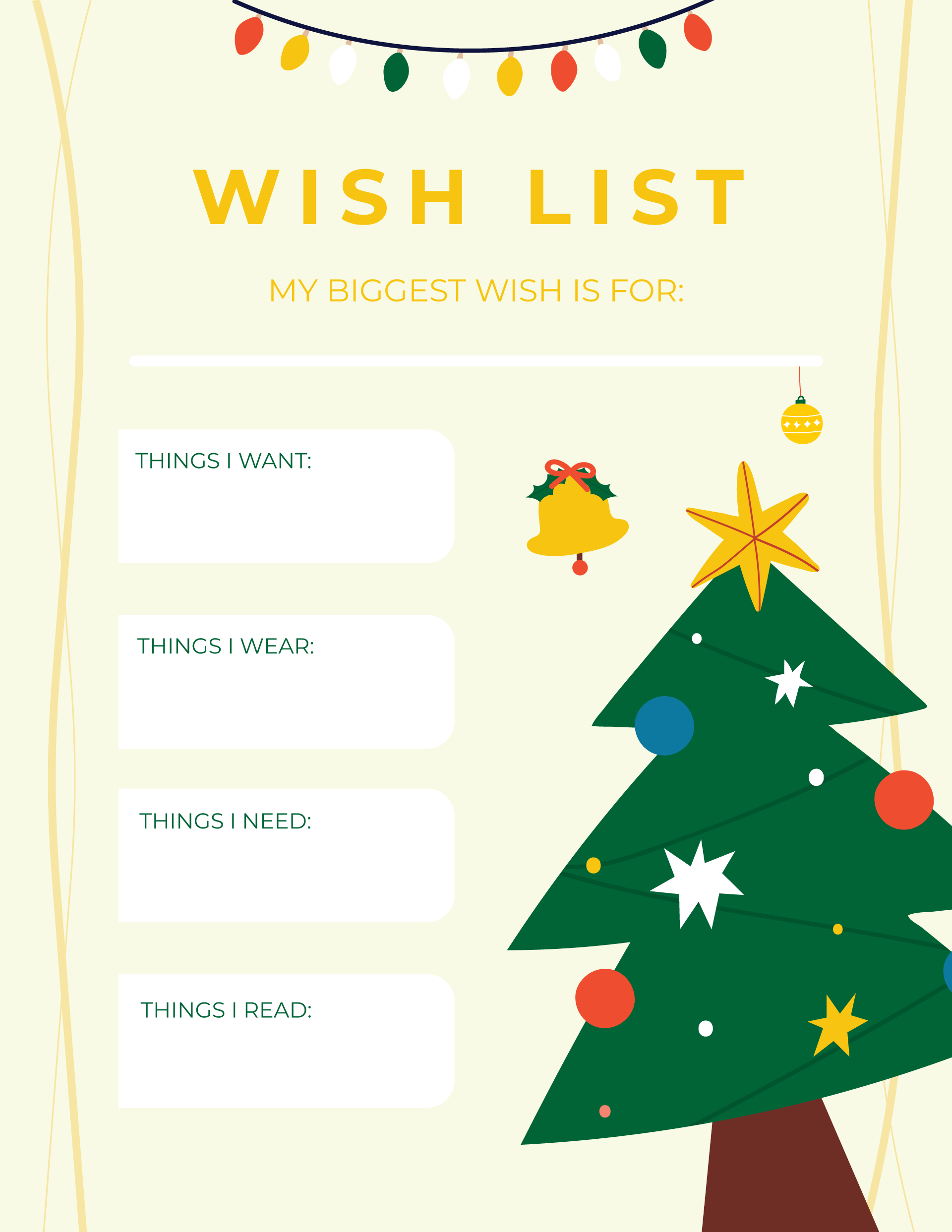
Integrating the Template Into Your Holiday Routine
The Xmas Bucket List Free Google Docs Template isn’t just a standalone tool; it can integrate into a broader holiday planning system. Here are a couple of ideas on how to do this:
- Combine with a Calendar: Pair your bucket list with a holiday calendar that includes important dates like family gatherings, parties, and shopping days. This way, you can better manage your time and ensure that your bucket list activities fit into your schedule.
- Incorporate a Budget Sheet: If you’re planning activities that involve spending, consider linking your bucket list with a budgeting template. This will help you keep track of holiday expenses while still enjoying the season’s festivities.
By integrating these tools, you create a comprehensive holiday planning system that can help you feel more organized and less stressed.
With the Xmas Bucket List Free Google Docs Template, you’re equipped to make this holiday season one to remember. By customizing it, using it effectively, and integrating it into your existing routines, you can ensure that your festive activities are organized and enjoyable. Whether you use it to plan a cozy family movie night or an adventurous trip to see the holiday lights, this template can help you capture the magic of the season. So gather your ideas, download the template, and start planning your perfect Christmas bucket list!
Xmas Bucket List Free Google Docs Template Gallery