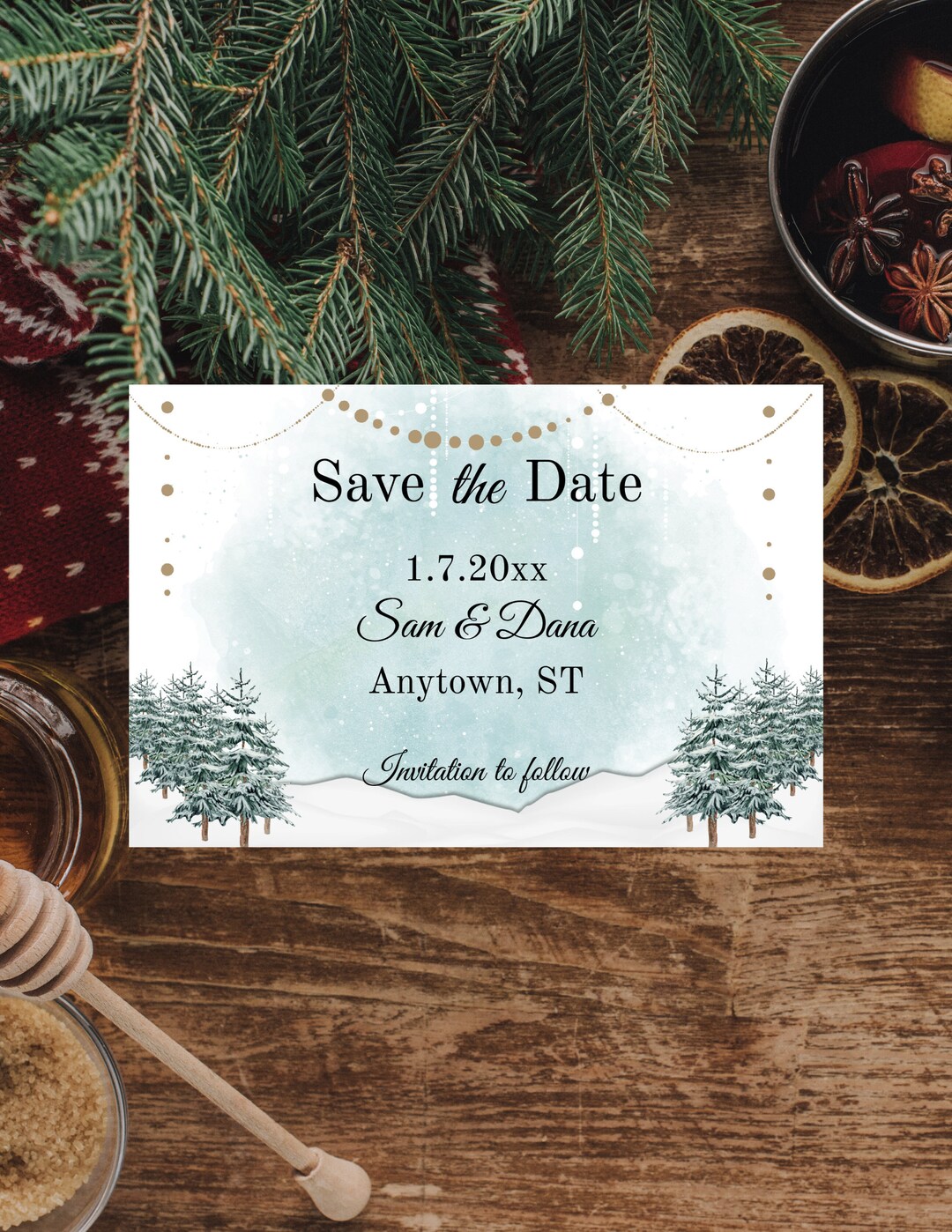
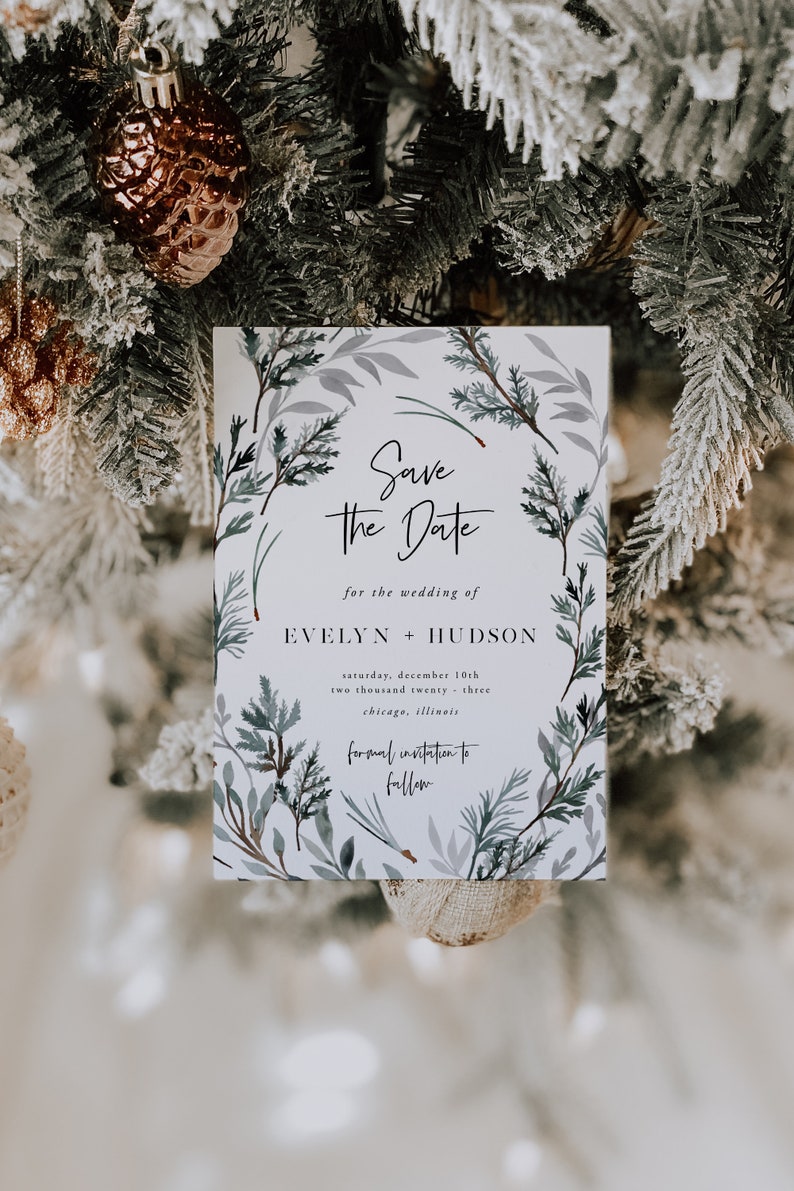
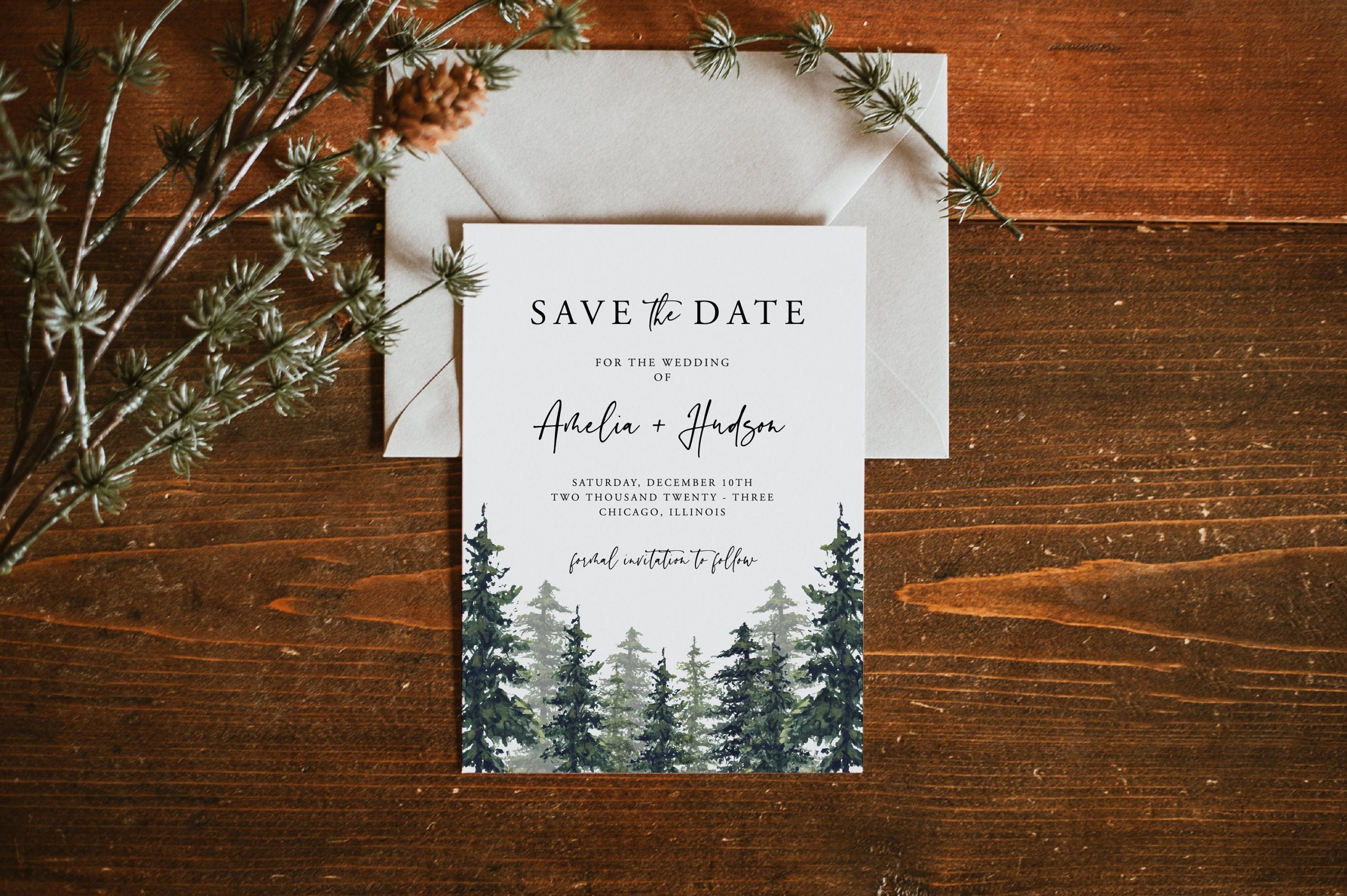
Planning a winter wedding can be an enchanting experience, especially when it comes to sending out those all-important save-the-date cards. With our Winter Wedding Save the Date Free Google Docs Template, you’ll have a beautifully designed card ready to go in just minutes. This template is not only easy to customize but also compatible with Google Docs, making it accessible for anyone with a Google account.
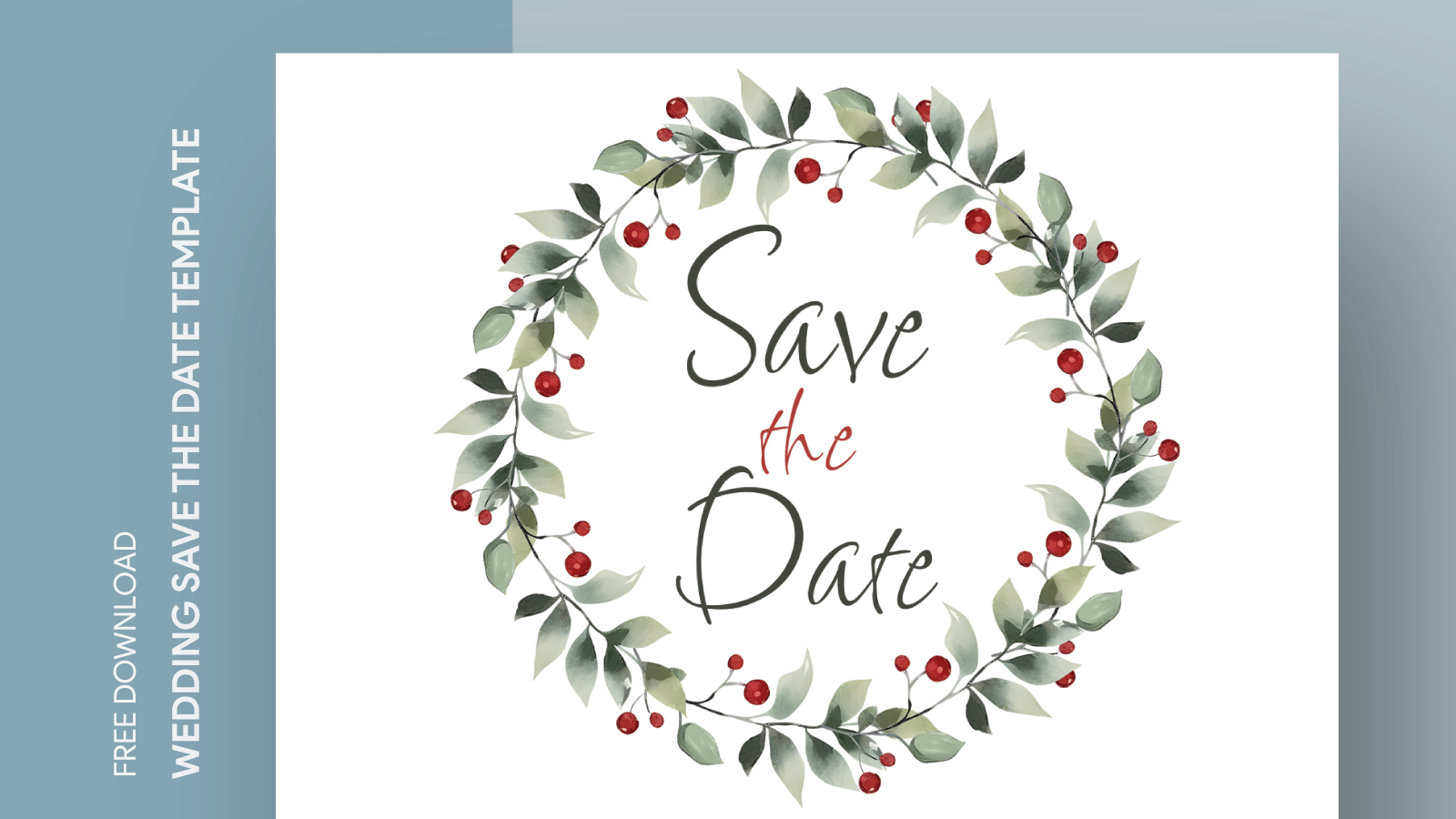
Customizing Your Save the Date Template
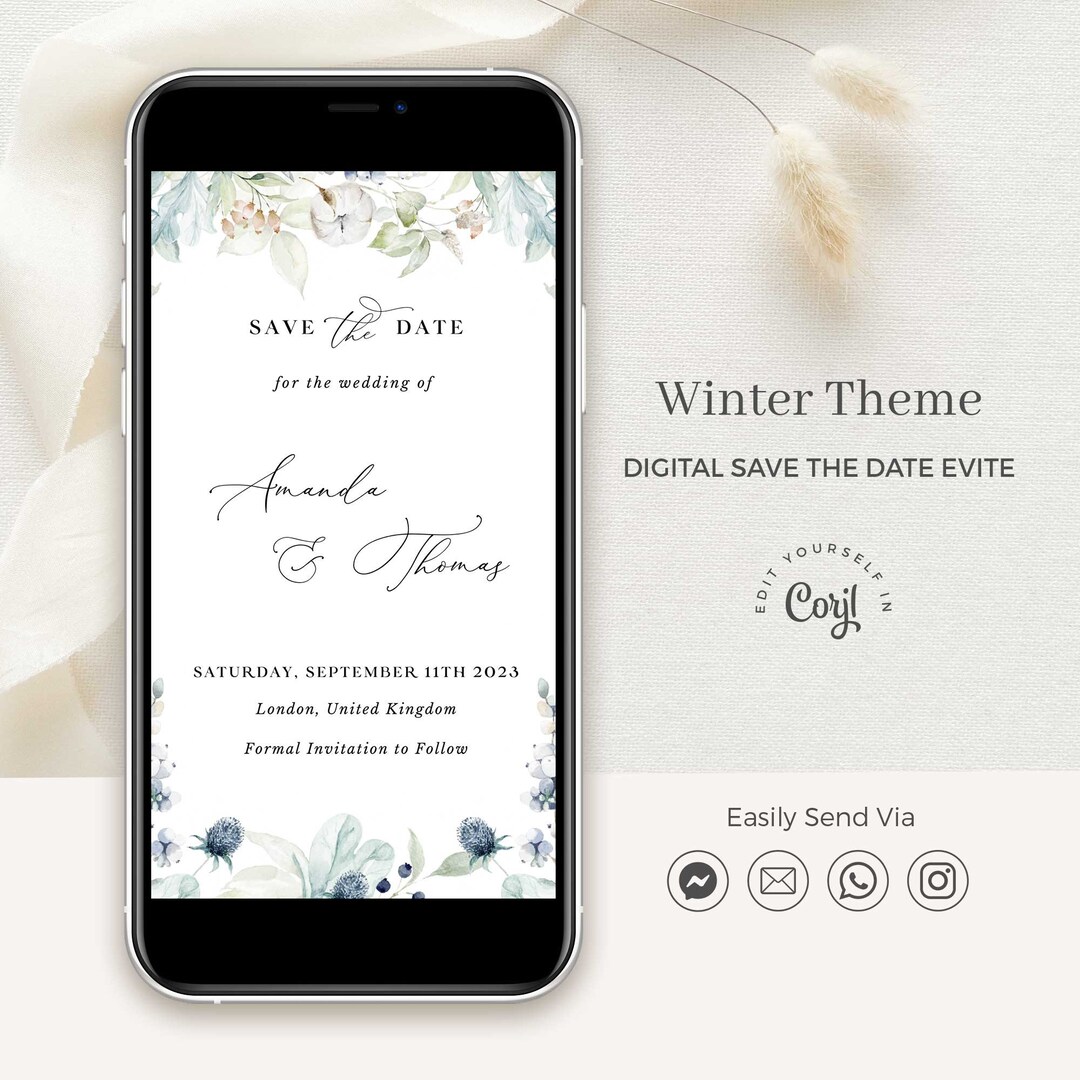
One of the biggest advantages of using a Google Docs template is the ease of customization. After downloading the Winter Wedding Save the Date Free Google Docs Template, you can alter the text, colors, and images as you see fit. Here are some tips to help you personalize it:
- Dates and Details: Start by entering your wedding date and location. Make sure these details are clear and prominent, as they are the most critical pieces of information.
- Fonts and Colors: Choose fonts that match the theme of your wedding. For a winter wedding, elegant scripts or classic serif fonts in cool tones can set the right mood.
- Images: Incorporate seasonal imagery, like snowflakes or pine trees, to enhance the winter theme. You can insert your own photos or select from Google’s image library.
Printing Options for Your Save the Date Cards
Once you’ve customized the template to your liking, it’s time to think about printing. Here are some practical considerations to ensure your save-the-date cards look professional:
- Paper Size: The template is designed for standard 5×7 inches cards, which are a popular choice for invitations. This size is easy to handle, fits well in envelopes, and is great for mailing.
- Paper Type: For a more luxurious feel, consider using cardstock. It’s sturdier than regular printer paper and gives your cards a more polished look. For a festive touch, you might choose a metallic or textured finish.
- Printer Settings: If you’re printing at home, set your printer to the highest quality settings to ensure clear text and vivid colors. Portrait layout typically works best for standard cards.
Delivery Methods for Your Save the Date Cards
After printing, how you deliver your save-the-date cards can add a special touch. Here are two popular methods:
- Mailing: If you choose to mail your cards, ensure you have the right-sized envelopes (5×7) to match your printed cards. Make sure to add stamps that reflect the weight of your cards, especially if you’re using thicker cardstock.
- Digital Delivery: For a quick and eco-friendly option, consider sending your save-the-dates via email. You can convert your card into a PDF format and attach it to your email. This method is also great for last-minute announcements.
Things to Watch Out For
While using our Winter Wedding Save the Date Free Google Docs Template is straightforward, there are a few things to keep in mind:
- Proofread: Before printing or sending, double-check all the details. Typos or incorrect dates can lead to confusion for your guests.
- Print a Test Copy: If you’re unsure about colors or layouts, print a single test copy first. This way, you can see how it looks in real life and make adjustments if necessary.
- Timing: Send out your save-the-date cards at least six months before your wedding. This gives your guests ample time to plan, especially if they’re traveling from afar.
With the Winter Wedding Save the Date Free Google Docs Template, you have everything you need to kick off your wedding planning in style. By customizing your cards, choosing the right printing methods, and delivering them thoughtfully, you’ll ensure your special day is on everyone’s calendar.
Winter Wedding Save the Date Free Google Docs Template Gallery