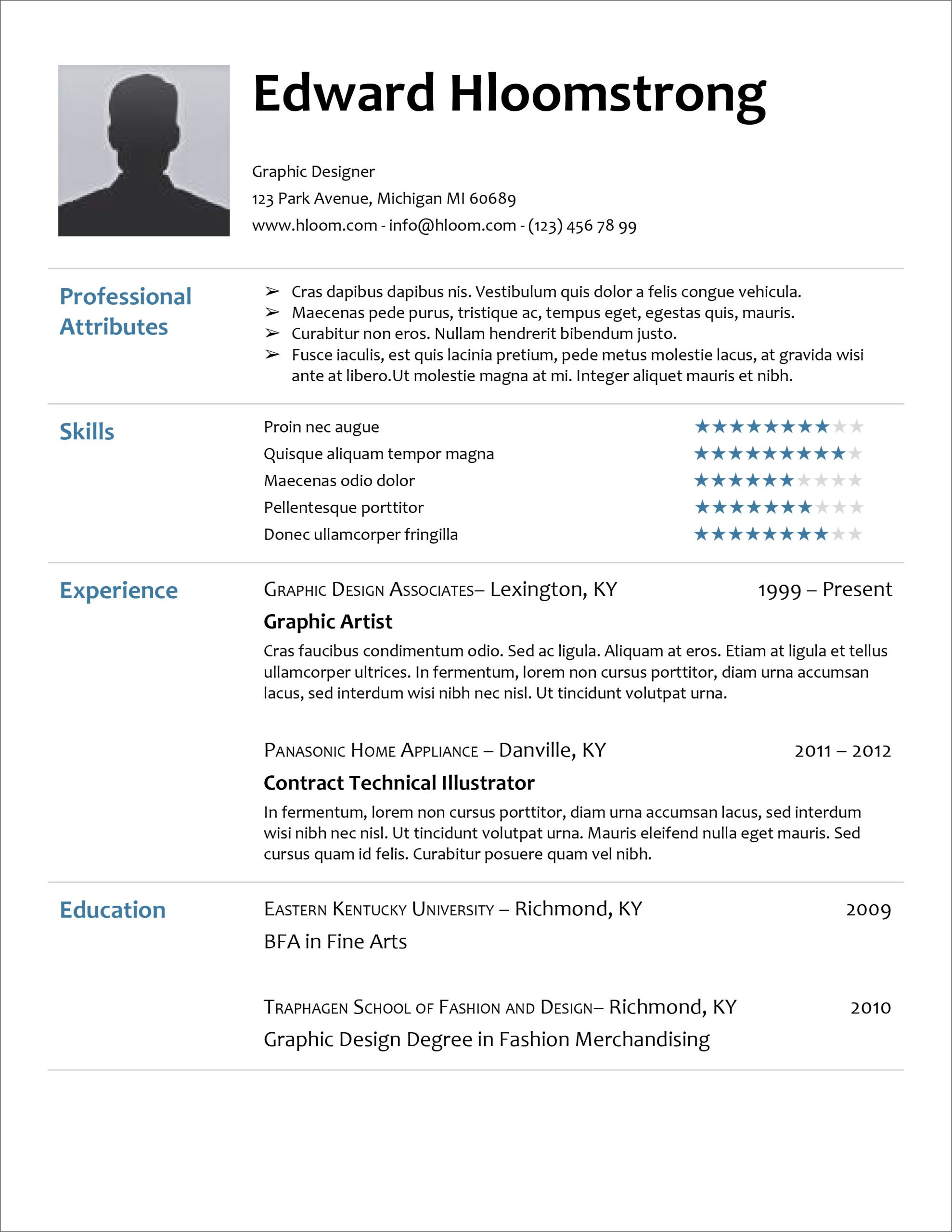
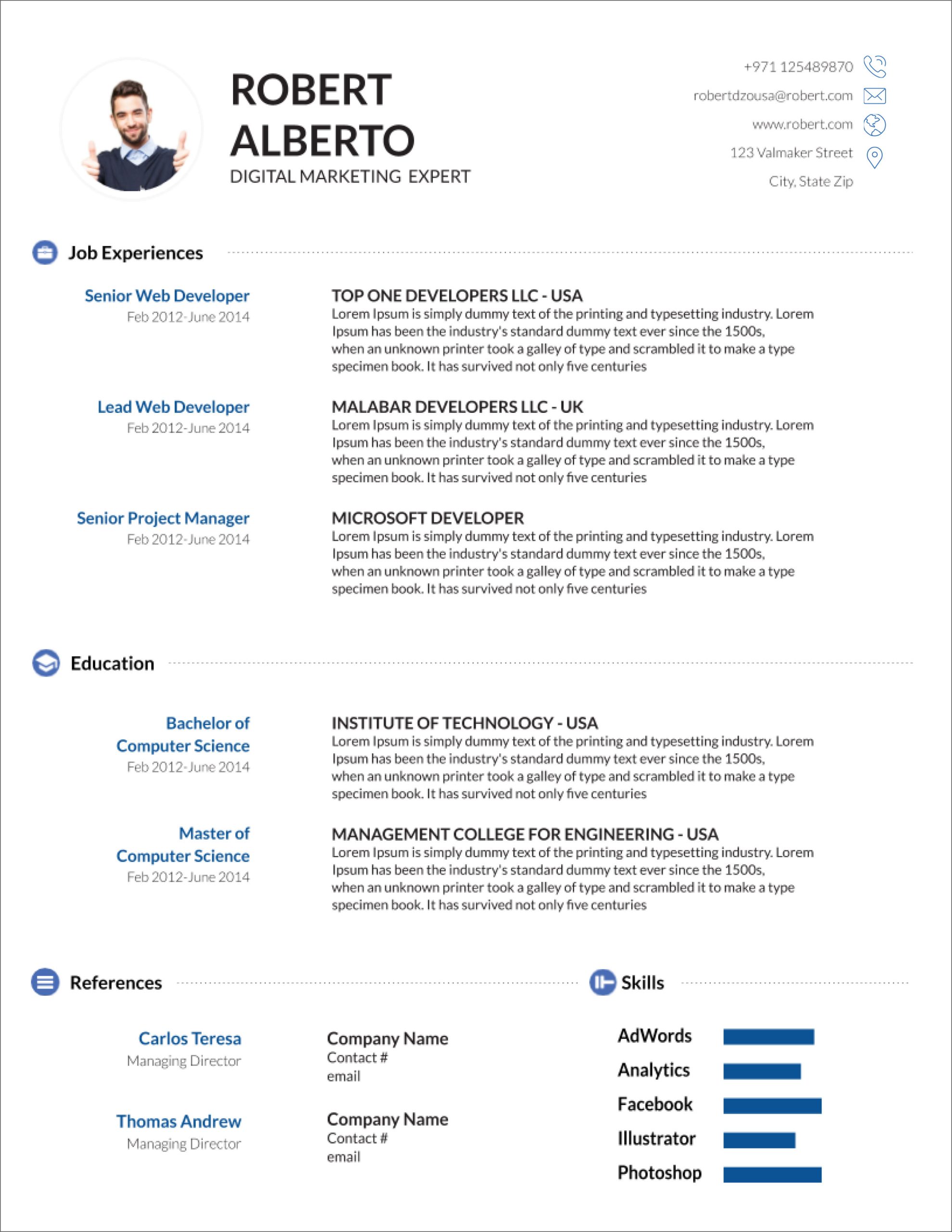
Creating a professional CV can feel daunting, especially when you’re trying to balance family responsibilities and work. The White Simple Professional CV Free Google Docs Template offers a straightforward solution. Measuring a standard 8.5 x 11 inches, this template is ready to fill in with your personal information and work history. It’s designed to help you craft a resume that stands out without overwhelming you with complicated formatting.
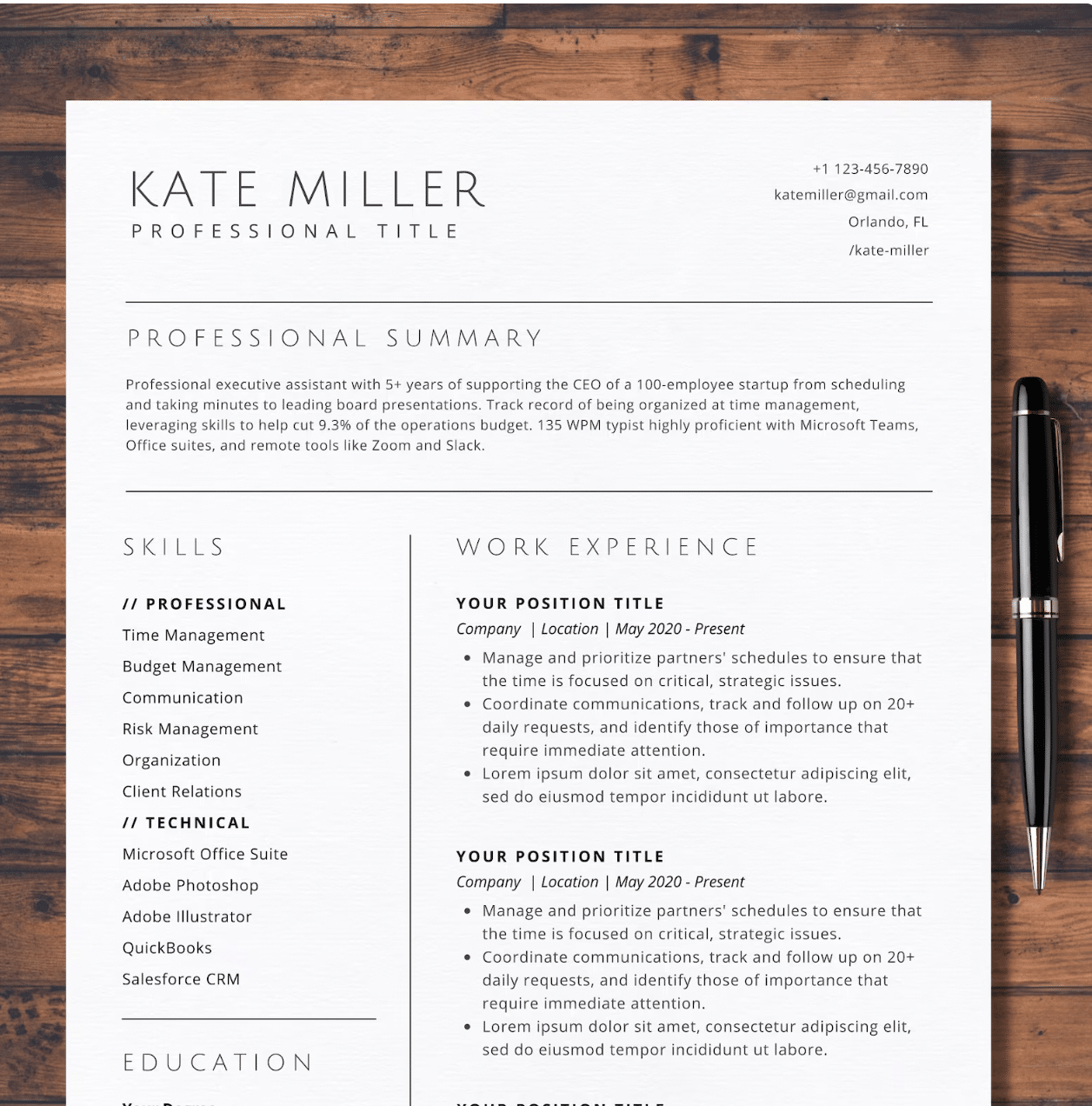
Features of the White Simple Professional CV Template
This template is not just visually appealing; it’s also incredibly functional. The white background ensures that your details are easy to read, while the simple layout allows for clear organization of your skills and experiences. You can customize sections for personal information, education, work experience, and skills, tailoring it to your specific career aspirations.
Customizing Your CV
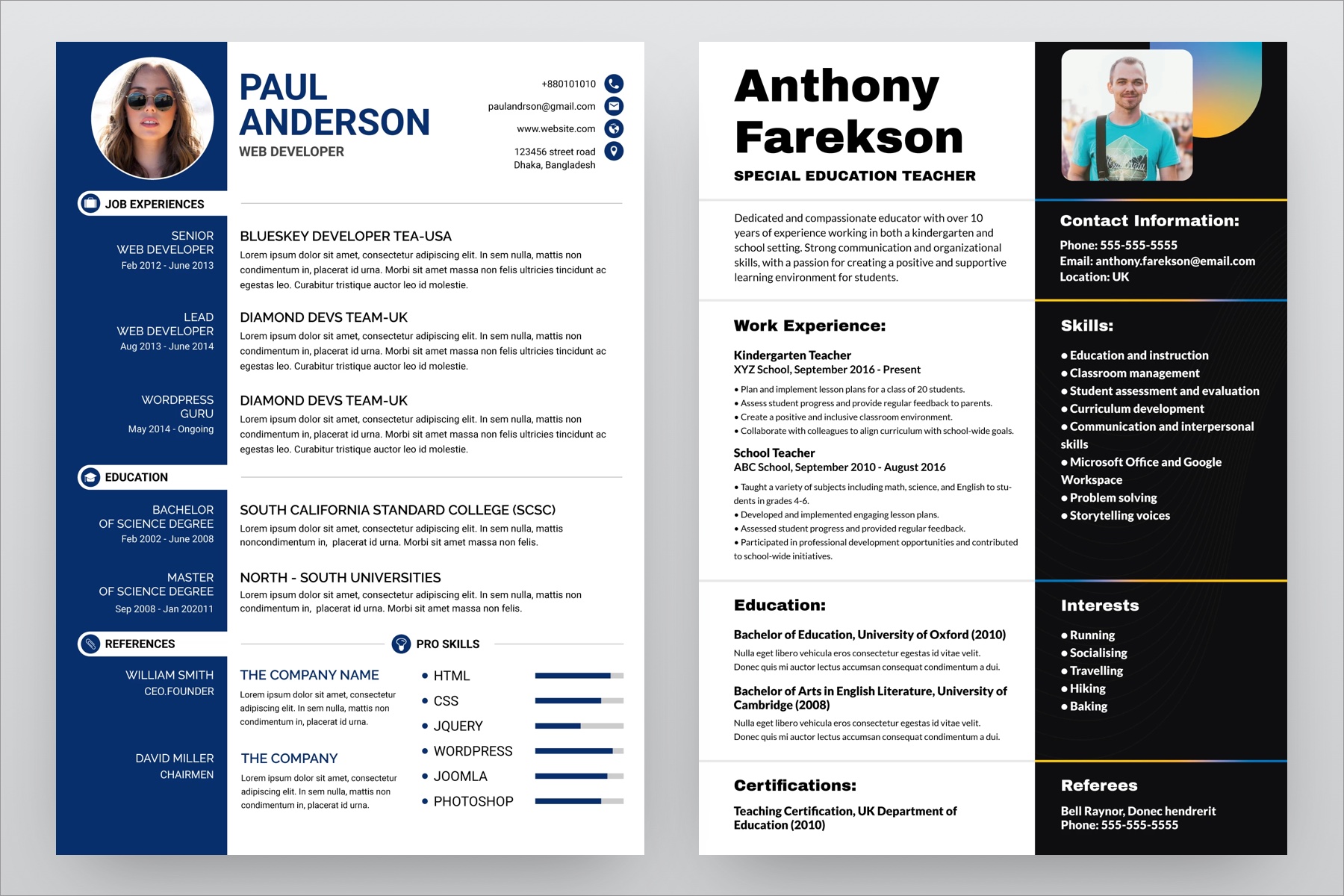
You can easily personalize the White Simple Professional CV Free Google Docs Template to reflect your unique career journey. Consider adjusting the font size or style to match your personality or the industry you’re applying to. For instance, a more creative field may allow for a modern font, while a corporate job might call for something more traditional.
To get started, simply click on the template link, and it will open in Google Docs. From there, you can replace the placeholder text with your information. Remember to save a copy to your Google Drive to avoid any accidental edits to the original.
Downloading and Printing Considerations
Once you’ve customized your CV, you’ll want to print it out. Portrait layout tends to work better for most home printers, which is perfect since this template is already formatted that way. When printing, consider using high-quality paper; a heavier weight cardstock can give your CV a professional feel.
If you’re looking to improve the durability of your resume, printing on cardstock or considering lamination could be great options. A heavier paper not only looks more polished but also feels more substantial, which can make a positive impression on potential employers.
Recommended Printer Settings
For the best results, make sure your printer settings are adjusted correctly. Here’s a quick checklist of what to look for:
- Paper Size: Set to Letter (8.5 x 11 inches).
- Quality: Select “Best” or “High Quality” for a sharper finish.
- Type: Choose “Plain Paper” or “Heavyweight” depending on your paper choice.
By following these guidelines, you ensure that your final product looks as polished as possible.
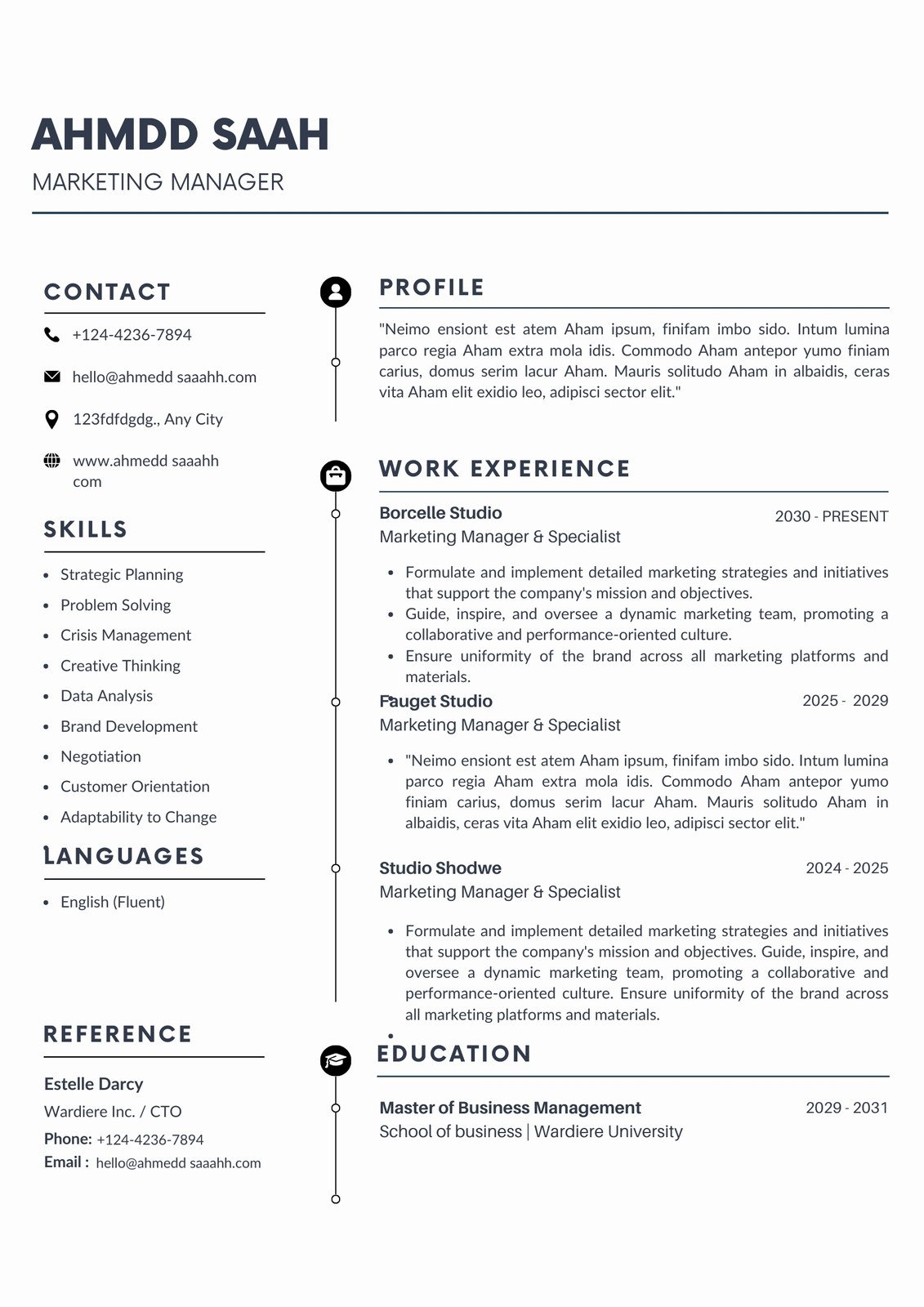
Additional Tips for a Standout CV
When filling out your CV, focus on clarity and conciseness. Use bullet points to highlight your achievements and responsibilities in previous roles. This makes it easier for hiring managers to quickly scan through your qualifications.
Also, consider including a brief personal statement at the top of your CV. This can be a few sentences summarizing your professional background and what you aim to achieve in your next role. Tailoring this statement for each application can help you connect with potential employers.
Adapting the Template for Different Uses
While the primary use for the White Simple Professional CV Free Google Docs Template is to create a resume, you can also adapt it for other purposes. For instance, it can serve as a cover letter template if you modify it slightly. Just ensure to adjust the layout accordingly and keep the font and design consistent for a cohesive application package.
If you are applying for a new job or just refreshing your professional presence, this template can be a versatile tool in your job-seeking arsenal.
As you prepare to send out your CV, remember to save it in PDF format for a more polished presentation. This format preserves your formatting and ensures that your CV appears exactly as you intended on any device.
The White Simple Professional CV Free Google Docs Template is not only an excellent starting point for your job application but also a reminder that creating a professional resume doesn’t have to be overwhelming. With just a few clicks, you’re on your way to presenting yourself in the best light possible. So go ahead, download the template, customize it to fit your needs, and get ready to impress potential employers with your newly crafted resume!
White Simple Professional CV Free Google Docs Template Gallery