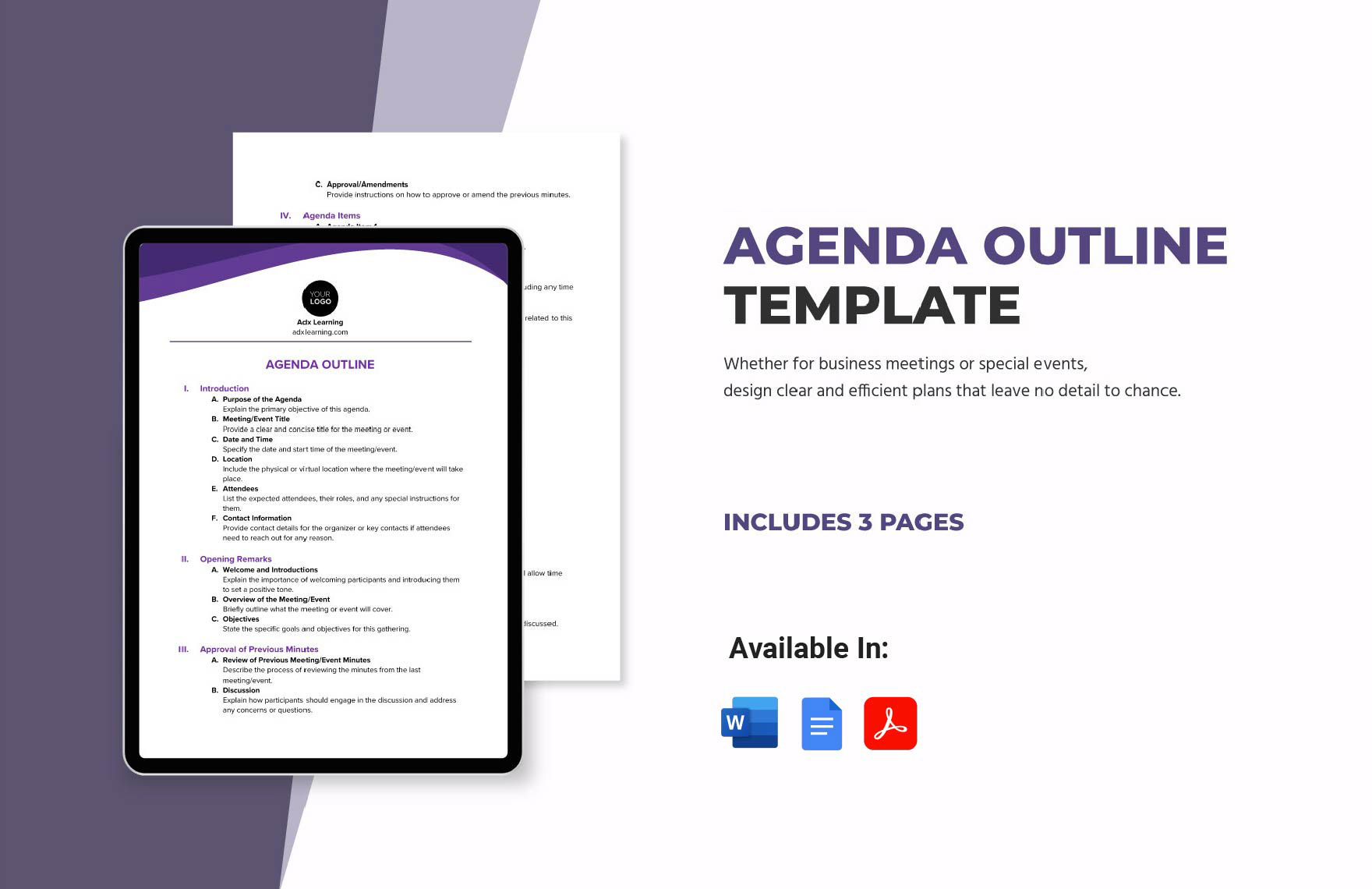
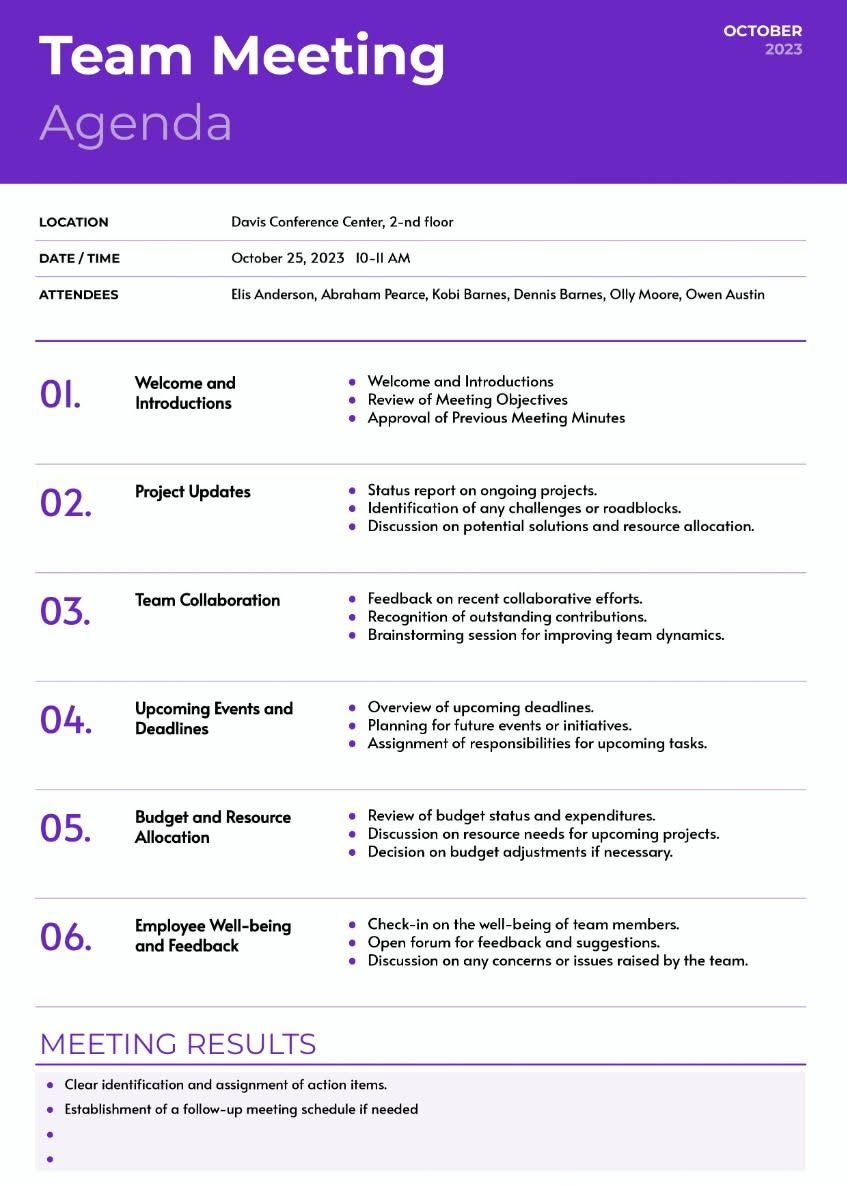
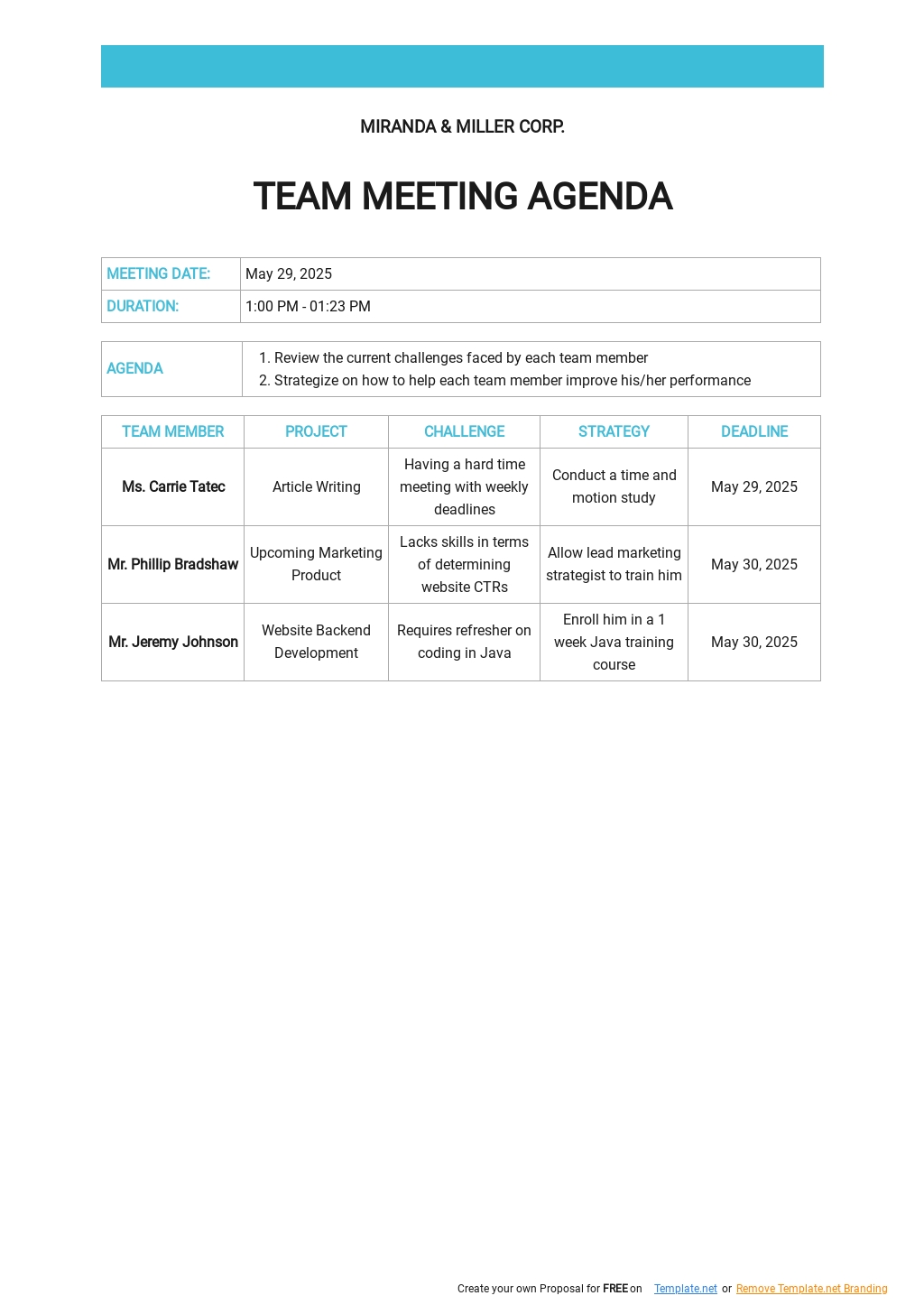
Creating a structured agenda for your weekly team meetings can significantly enhance productivity and ensure everyone is on the same page. Our Weekly Team Meeting Agenda Free Google Docs Template is designed to help you organize discussions effectively, making it easier for your team to collaborate and achieve goals.
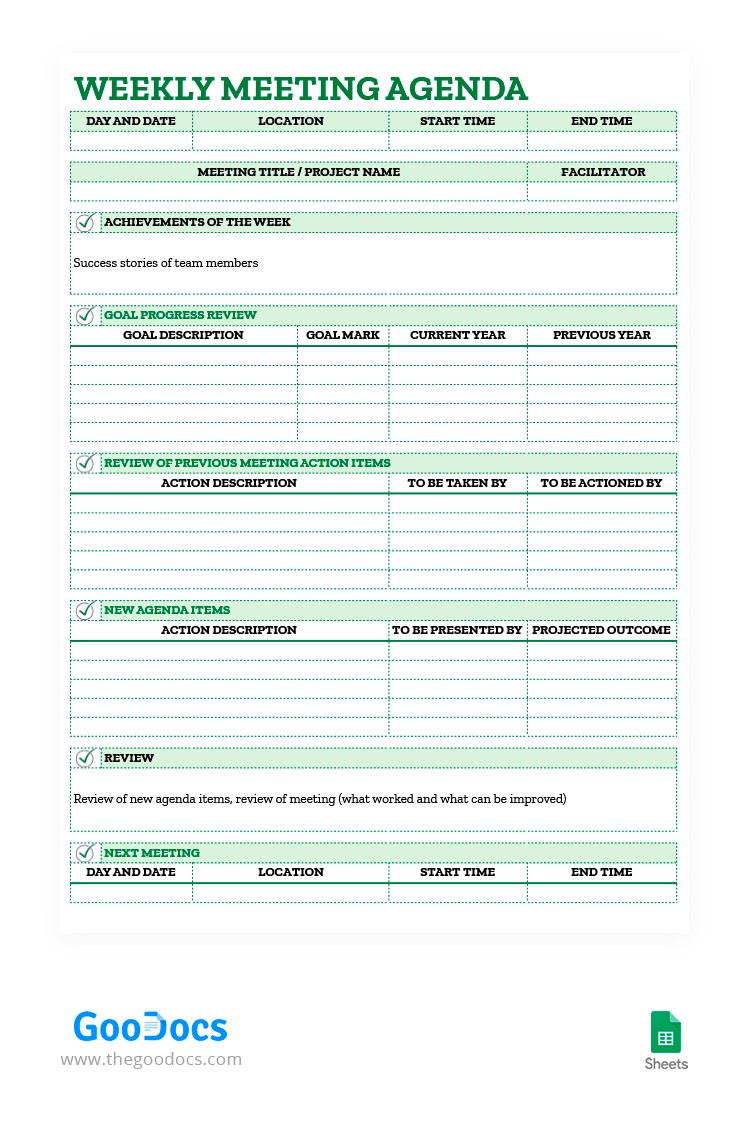
Features of the Weekly Team Meeting Agenda Template
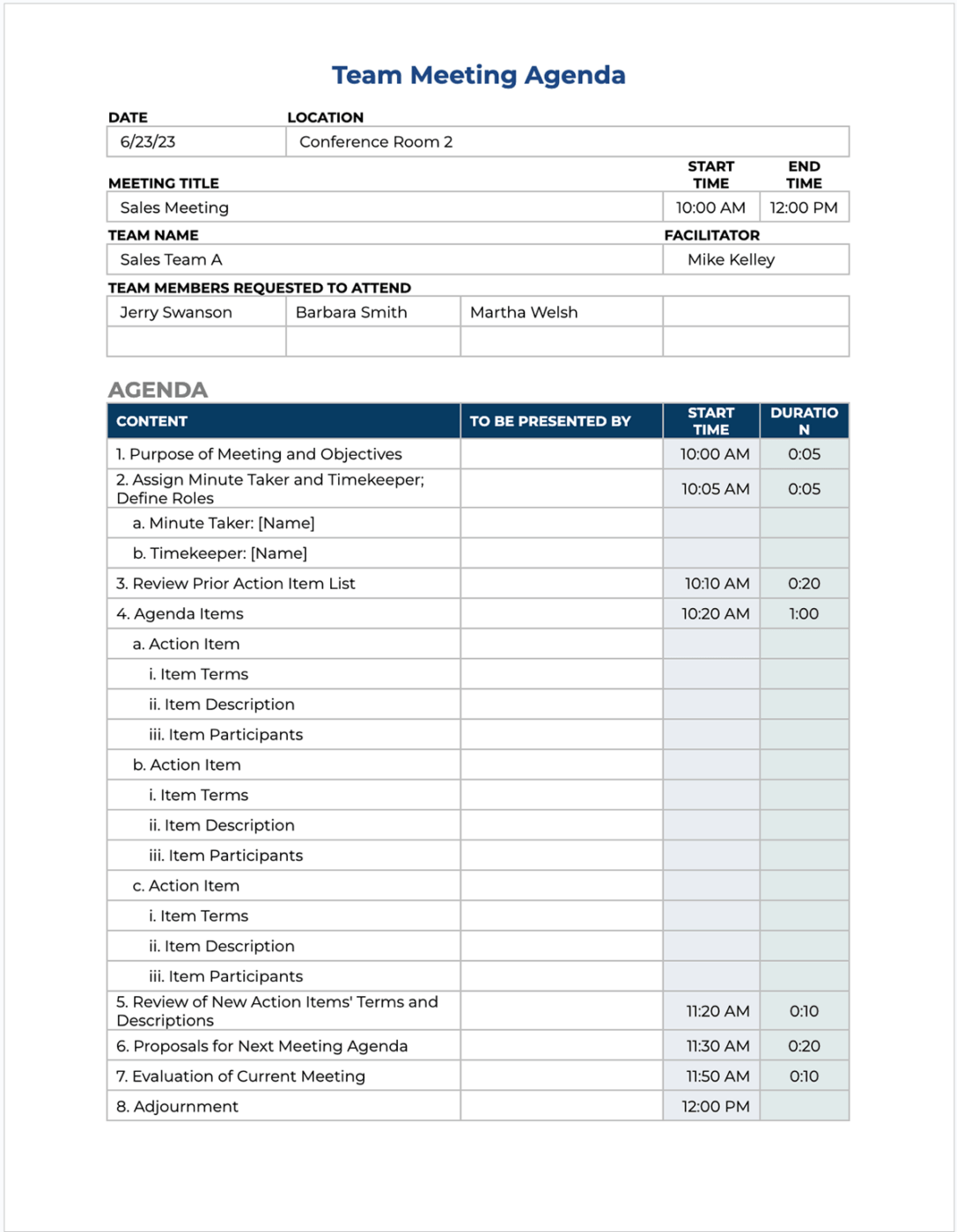
This template is straightforward and user-friendly. It’s formatted for Google Docs, allowing easy access and editing from any device with an internet connection. Here are some key features:
- Customizable Sections: You can easily modify the template to fit your meeting needs. Sections include objectives, discussion points, action items, and any other relevant notes.
- Collaborative Editing: Since it’s on Google Docs, your team can collaborate in real-time. You can see changes as they happen, which is great for remote teams.
- Printable Format: Once you’ve filled out your agenda, you can print it for physical distribution. This can be especially helpful during in-person meetings.
How to Download and Use the Template
Downloading the Weekly Team Meeting Agenda Free Google Docs Template is simple. Here’s how to do it:
- Access the Template: Click on the provided link to the Google Docs template.
- Make a Copy: Go to the “File” menu and select “Make a copy.” This will save a version to your Google Drive that you can edit.
- Customize: Fill in the details specific to your team meeting. Adjust the date, add agenda items, and note any relevant details.
- Print or Share: You can choose to print the agenda for physical copies or share it digitally with your team.
For printing, make sure to select the correct settings in Google Docs. Use standard letter-size paper (8.5 x 11 inches) for the best results.
Practical Tips for Effective Meeting Agendas
Using a team meeting agenda template is only part of the process. To maximize its effectiveness, consider these practical tips:
- Set Clear Objectives: Before your meeting, determine what you want to achieve. Outline these objectives in the agenda to keep the team focused.
- Limit Discussion Points: Try to keep the number of discussion points manageable. This will help ensure that each item receives adequate attention.
- Assign Responsibilities: Designate who will lead each discussion point. This promotes accountability and helps keep the meeting organized.
- Use Time Blocks: Allocate specific time slots for each agenda item. This will help prevent the meeting from running over time and keep discussions concise.
Choosing the Right Paper and Printer Settings
If you decide to print your Weekly Team Meeting Agenda, here are some tips on paper and printer settings:
- Paper Type: Regular printer paper (20 lb) is sufficient for most meetings. If you want a more professional look, consider using heavier cardstock.
- Printer Setup: Ensure your printer is set to print in portrait orientation, as this format typically works best for agendas. Adjust the print quality settings to “high” for clearer text.
- Test Print: If you’re printing multiple copies, do a test print first. This allows you to check the layout and make any necessary adjustments.
Adapting the Template for Different Needs
While this template is designed for weekly team meetings, it can be adapted for various uses:
- Project Kick-offs: Modify the agenda to include milestones and responsibilities for new projects.
- One-on-One Meetings: Use a simplified version for individual check-ins, focusing on personal goals and feedback.
- Monthly Reviews: Adjust the agenda to reflect a broader scope, including past performance and future objectives.
Be mindful of the specific needs of your meeting. Tailoring the template will ensure it remains relevant and useful.
When using the Weekly Team Meeting Agenda Free Google Docs Template, remember to keep the agenda clear and concise. Avoid overcrowding it with too many details. This way, your team can focus on the most important topics and make the best use of your meeting time.
Having a well-prepared agenda is essential, but it’s equally important to remain flexible during discussions. Sometimes the most valuable insights arise from spontaneous conversations. Just ensure you capture any important notes or action items that come up, so nothing is overlooked.
Weekly Team Meeting Agenda Free Google Docs Template Gallery