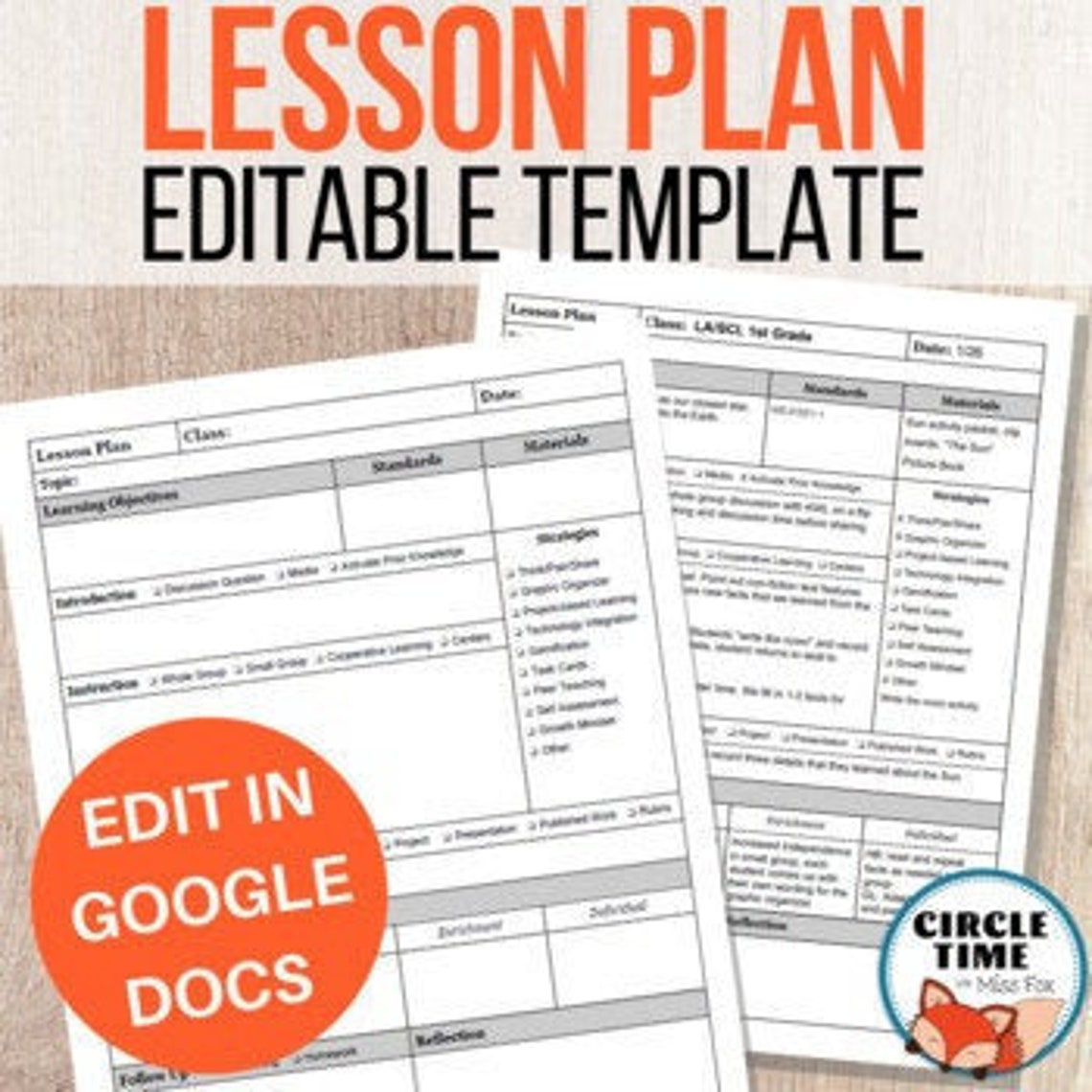
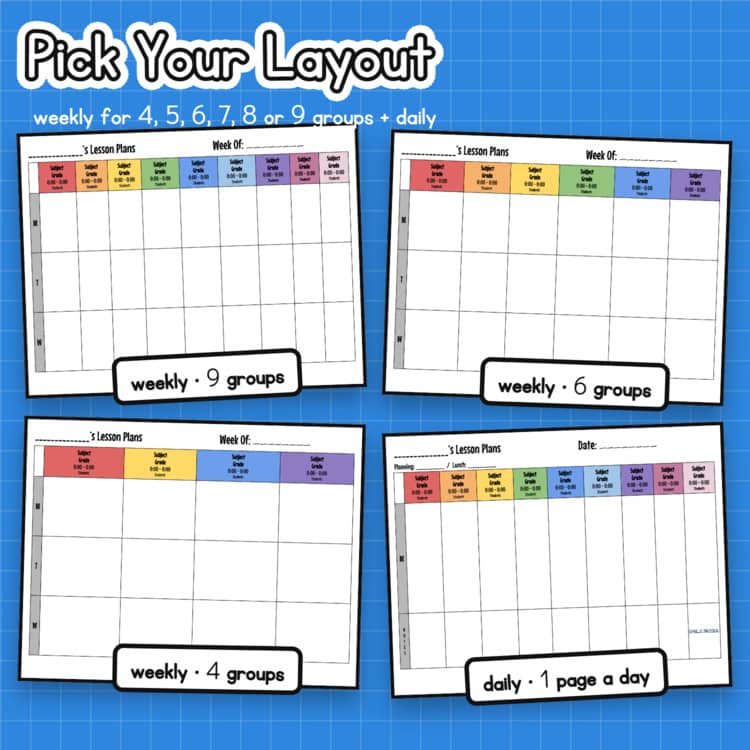
When it comes to organizing your child’s education, a clear and simple lesson plan can make all the difference. The Weekly Simple Lesson Plan Free Google Docs Template stands out because it’s tailored for easy customization, allowing you to adapt it to fit your child’s unique learning needs. This template is perfect for busy parents who want to ensure their kids stay on track with their studies while also making the planning process straightforward and efficient.
What’s Included in the Template?
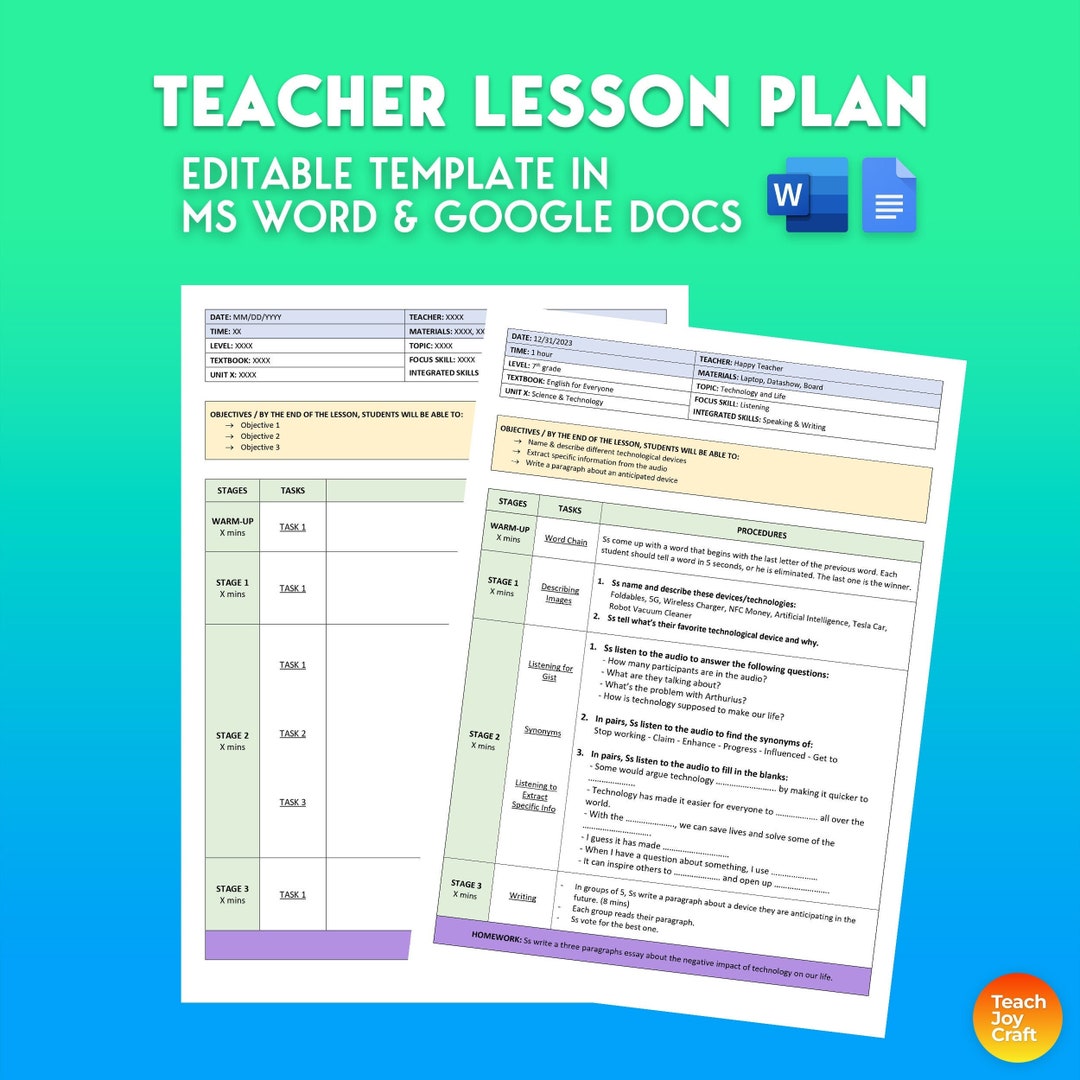
This Google Docs template provides a structured layout that helps you outline weekly lessons effectively. Here’s what you can expect:
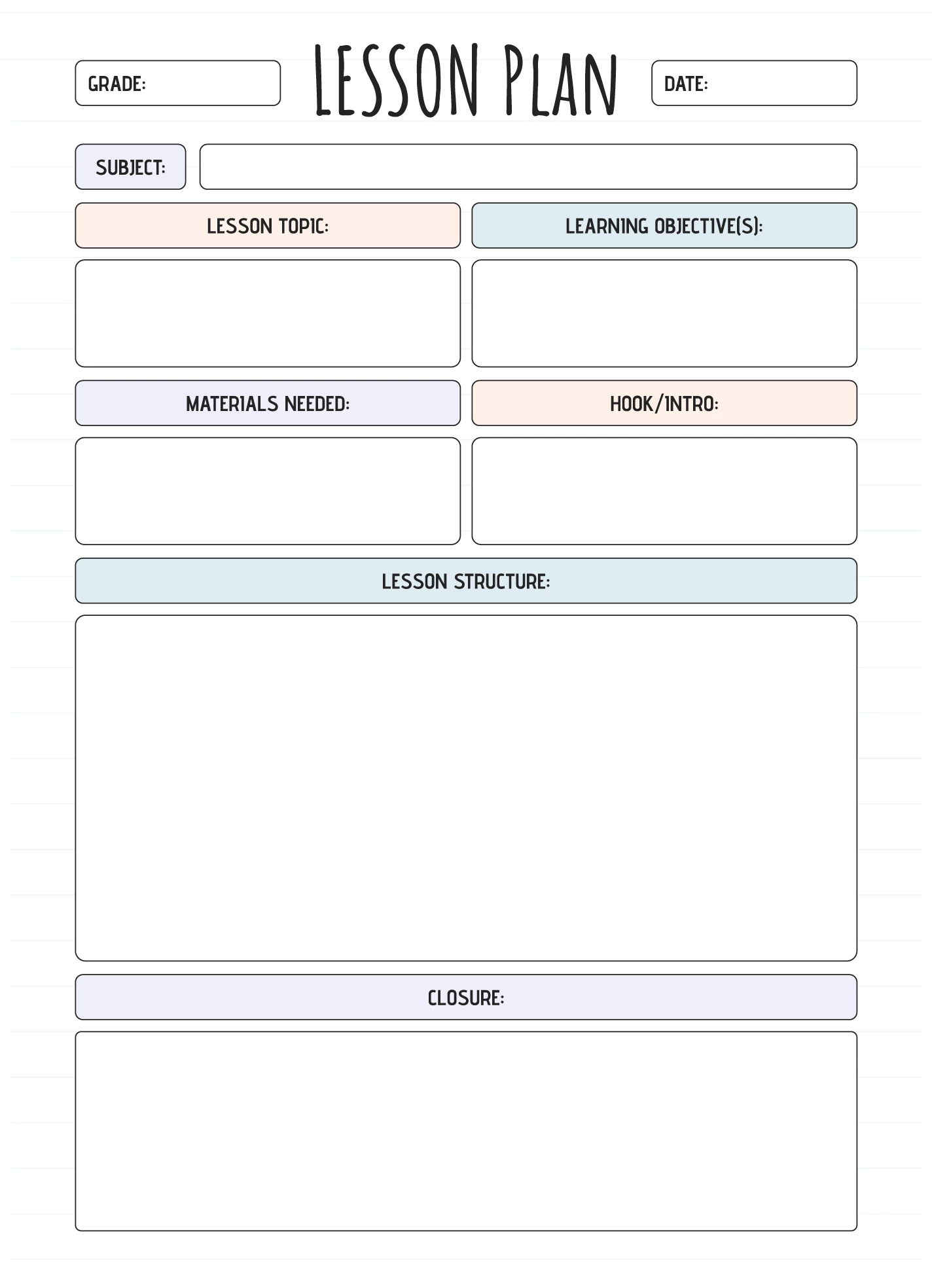
- Weekly Overview: A section to jot down the main objectives for the week.
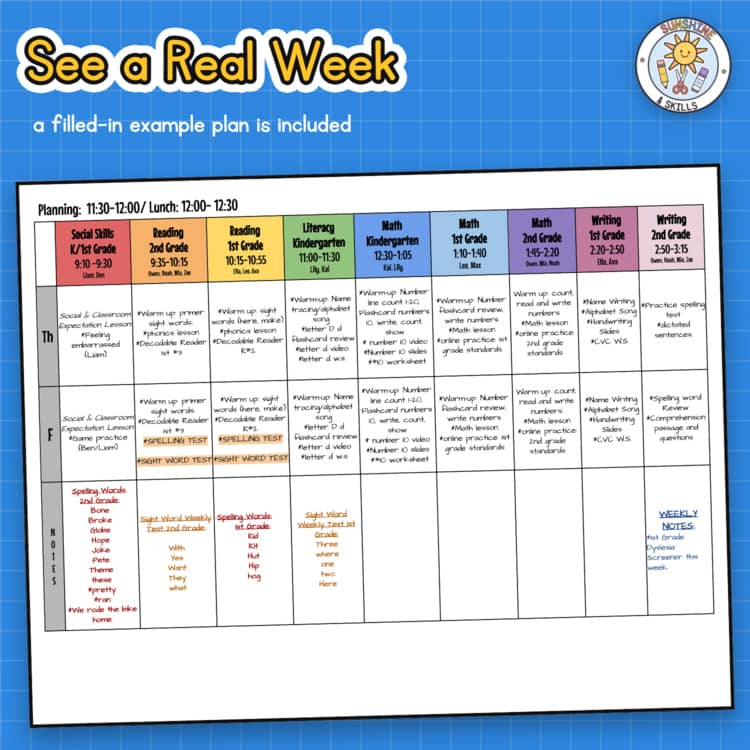
- Daily Breakdown: Spaces for each day of the week, allowing you to plan lessons by subject.
- Materials Needed: A checklist to keep track of what resources you’ll need for each lesson.
- Reflection Section: A space to note what worked well and what could be improved for future lessons.
This combination of features ensures you have a comprehensive tool for planning and reflection. The template’s clean design keeps it user-friendly, which is especially beneficial if you’re managing multiple subjects or children.
Customizing Your Lesson Plan Template
One of the best aspects of the Weekly Simple Lesson Plan Free Google Docs Template is its flexibility. You can easily modify it to suit your specific needs. Here are some options to consider:
- Subject Focus: Whether your child is learning math, science, or language arts, you can adjust the subject headings to reflect your curriculum.
- Time Blocks: If you prefer shorter or longer lessons, you can adapt the daily sections to fit your scheduling style.
- Additional Sections: Feel free to add more rows or columns for activities, homework assignments, or notes.
When customizing, keep in mind that simplicity often leads to better organization. It’s tempting to fill every space, but leaving some areas open for notes or spontaneous activities can create a more dynamic learning environment.
How to Download and Print Your Template
Getting started with your Weekly Simple Lesson Plan Free Google Docs Template is straightforward. Here’s how you can download and print it:
- Access Google Docs: If you don’t have a Google account, you’ll need to create one. This will give you access to Google Docs and allow you to save your template.
- Download the Template: Once you have the template open, you can make a copy to your Google Drive. This allows you to edit it freely.
- Print Options: For printing, consider the following:
- Paper Size: Standard letter size (8.5 x 11 inches) works best for most home printers.
- Color vs. Black and White: Depending on your printer, you might opt for a black and white print to save ink. However, color can be more engaging for kids.
- Double-Sided Printing: If you prefer to save paper, your printer settings may allow you to print double-sided.
After printing, you can laminate the pages for durability, especially if you want to reuse the template week after week.
Real Use Cases for Your Lesson Plan
The Weekly Simple Lesson Plan Free Google Docs Template is versatile enough to cater to various educational settings. Here are a couple of ways it can be utilized:
- Homeschooling: If you’re homeschooling your children, this template provides a structured yet flexible framework for planning lessons. You can incorporate field trips, hands-on projects, and other learning experiences seamlessly into your plan.
- Supplemental Learning: For parents supplementing their child’s education, this lesson plan can help you align home learning with what’s being taught in school. Use it to track your child’s progress in specific subjects or skills.
The template’s adaptability means that whether you’re managing a full curriculum or just focusing on specific subjects, it can fit your needs.
Weekly Simple Lesson Plan Free Google Docs Template Gallery