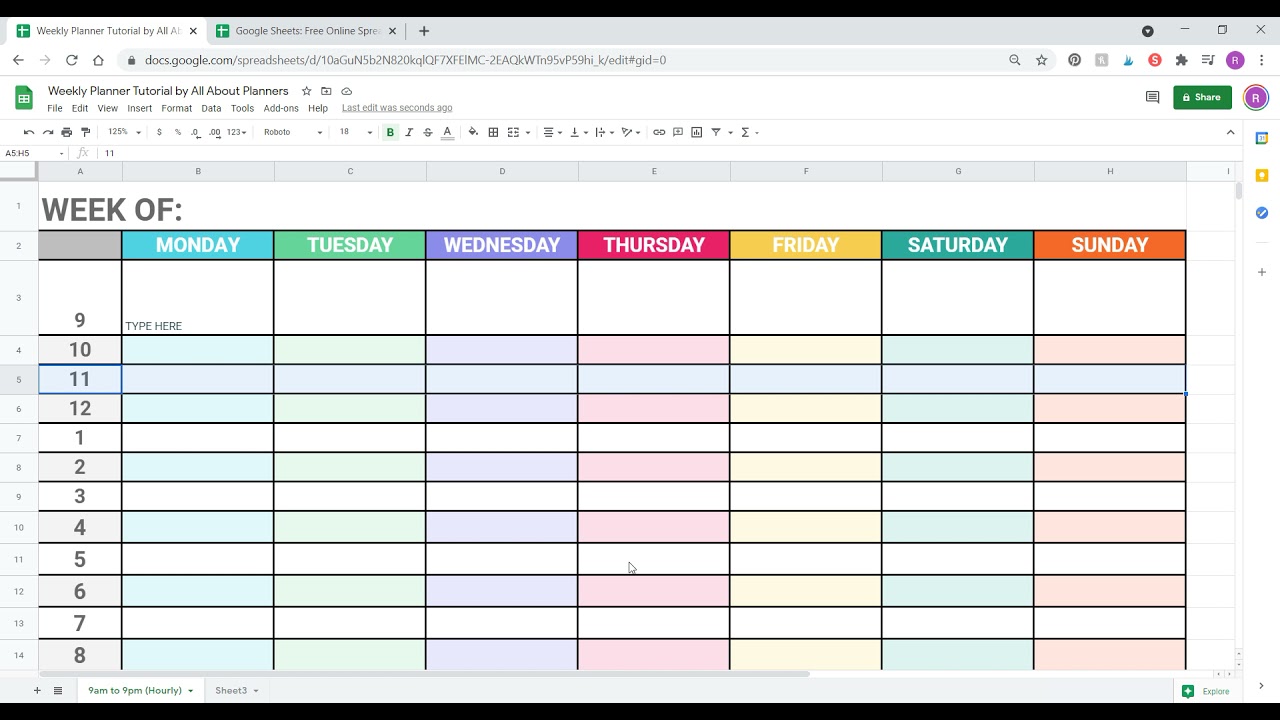
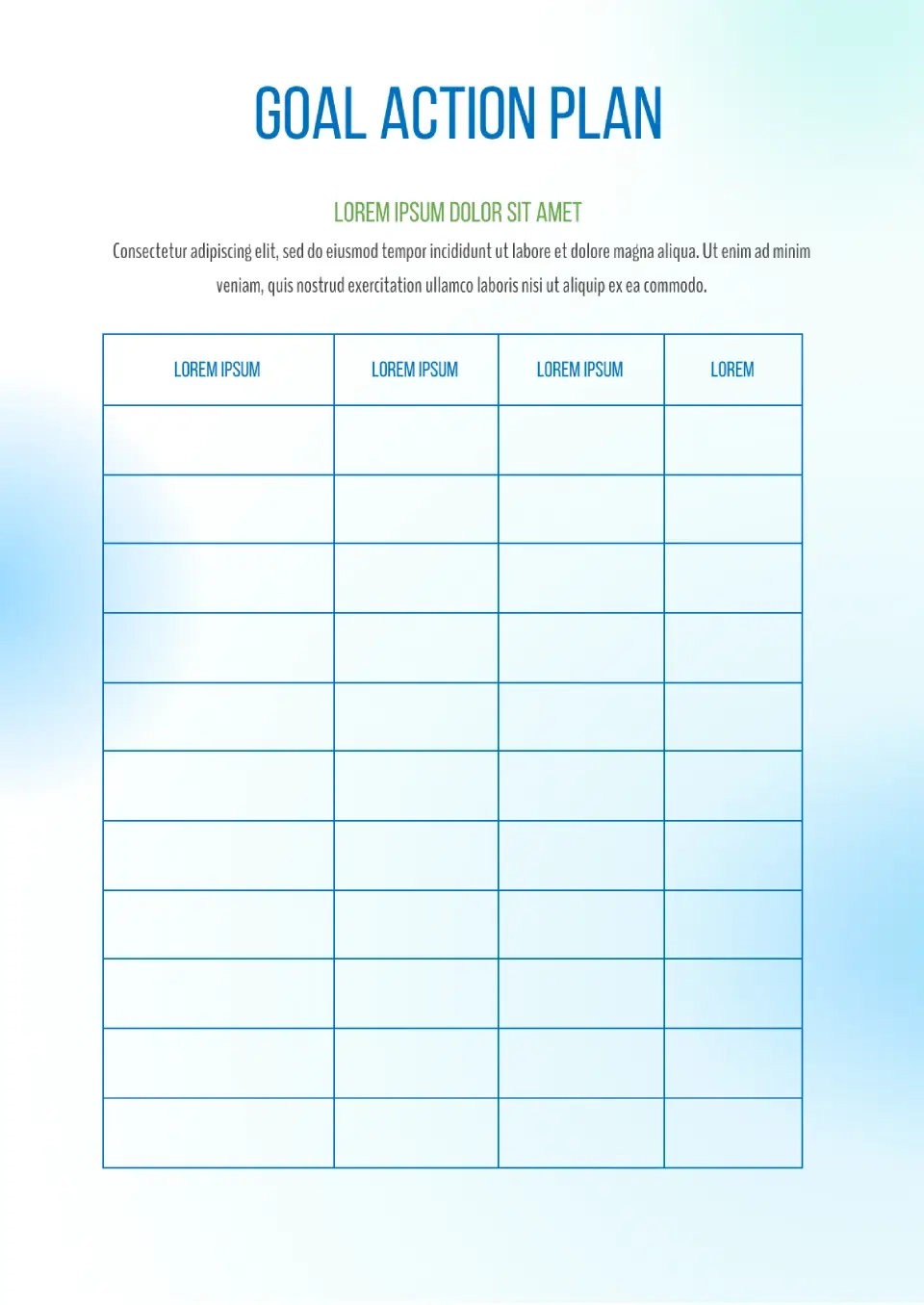
Having a structured way to manage your goals can make a world of difference in your productivity. The Weekly Goal Planner Free Google Docs Template stands out because it combines easy access with a customizable layout, allowing you to track your objectives and stay focused week after week. Unlike many digital apps that can distract you with notifications and endless features, this template gives you a straightforward, paper-friendly option that promotes clarity and focus.
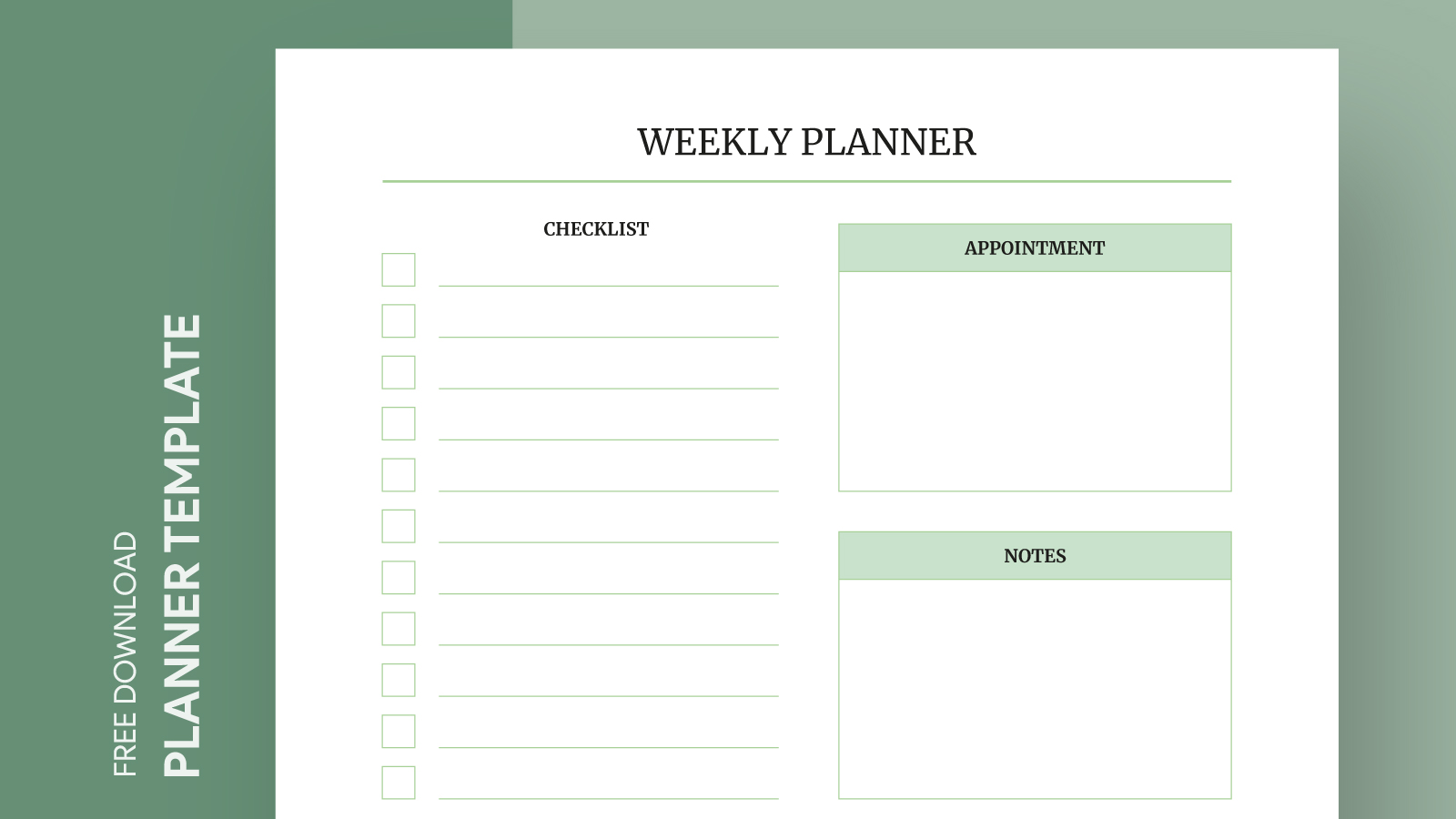
Why Choose a Printable Weekly Goal Planner?
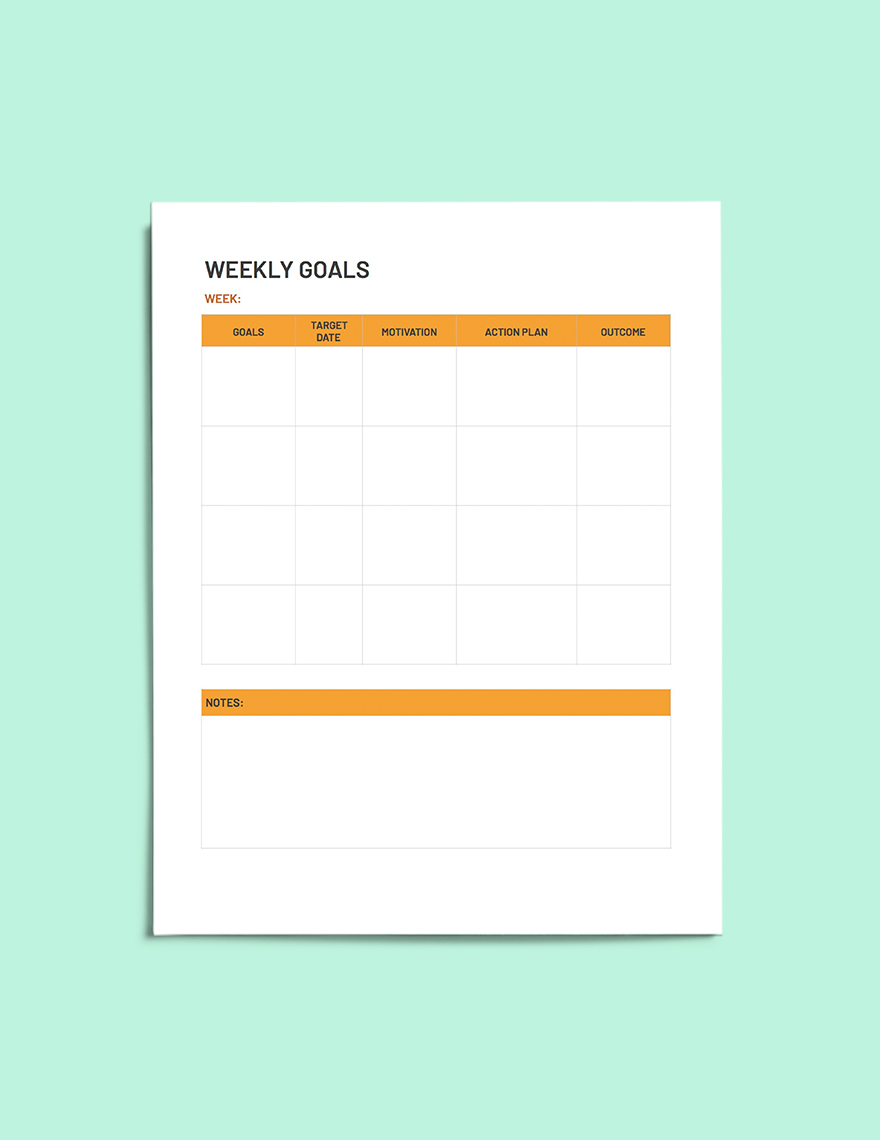
When it comes to planning, many people debate between digital tools and traditional paper planners. A printable template like the Weekly Goal Planner Free Google Docs Template offers unique advantages.
For one, using paper can reduce distractions. You won’t be tempted to scroll through social media or check emails while you’re jotting down your goals. Plus, having a physical planner on your desk serves as a constant reminder of what you want to achieve.
Another key benefit is the tactile experience of writing things down. Studies suggest that writing by hand can help with memory retention and commitment. You can easily customize this template to suit your specific needs, whether you’re focusing on work projects, personal goals, or family activities.
Key Features of the Weekly Goal Planner Template
The Weekly Goal Planner Free Google Docs Template has several features that cater to different planning styles. Here are some of the standout elements:
- Customizable Layout: This template allows you to modify sections according to your goals. You can choose to include daily tasks, long-term objectives, or even motivational quotes that inspire you.
- Weekly Overview: Each week has a dedicated space where you can outline your goals, tasks, and priorities. This helps you visualize your week at a glance, making it easier to stay on track.
- Progress Tracking: There’s space for tracking your progress throughout the week. This feature is crucial for maintaining accountability and adjusting your plans as needed.
- Print-Friendly Design: The template is designed to be easily printable, which means you can create as many copies as you need without worrying about formatting issues.
How to Set Up Your Weekly Goal Planner
Getting started with the Weekly Goal Planner Free Google Docs Template is simple. Here’s a step-by-step guide to help you set it up effectively:
- Download the Template: Access the template through the provided link and download it in Google Docs format.
- Personalize the Header: Add your name or a title that resonates with your planning style. This makes it feel more personal and engaging.
- Outline Your Goals: In the designated sections, write down your primary goals for the week. Make them specific, measurable, and realistic.
- Break Down Tasks: Under each goal, list out the tasks that will help you achieve them. Breaking them down into smaller steps makes them less overwhelming.
- Set Deadlines: Assign deadlines for each task to keep yourself accountable. This will help you gauge your progress throughout the week.
- Review and Adjust: At the end of the week, take some time to review what you accomplished. Adjust your goals and tasks for the following week based on your insights.
Choosing the Right Paper and Printing Options
When printing your Weekly Goal Planner Free Google Docs Template, selecting the right paper can make a difference in usability. Here are some considerations:
- Paper Size: Standard letter size (8.5 x 11 inches) is commonly used for planners. This size is easy to print and fits well into most binders.
- Paper Type: For a more durable planner, consider using cardstock. It holds up better over time, especially if you plan to keep your planner for reference.
- Color vs. Black and White: If your template includes color elements, printing in color can enhance the visual appeal. However, black and white can save on ink costs if you’re printing multiple copies.
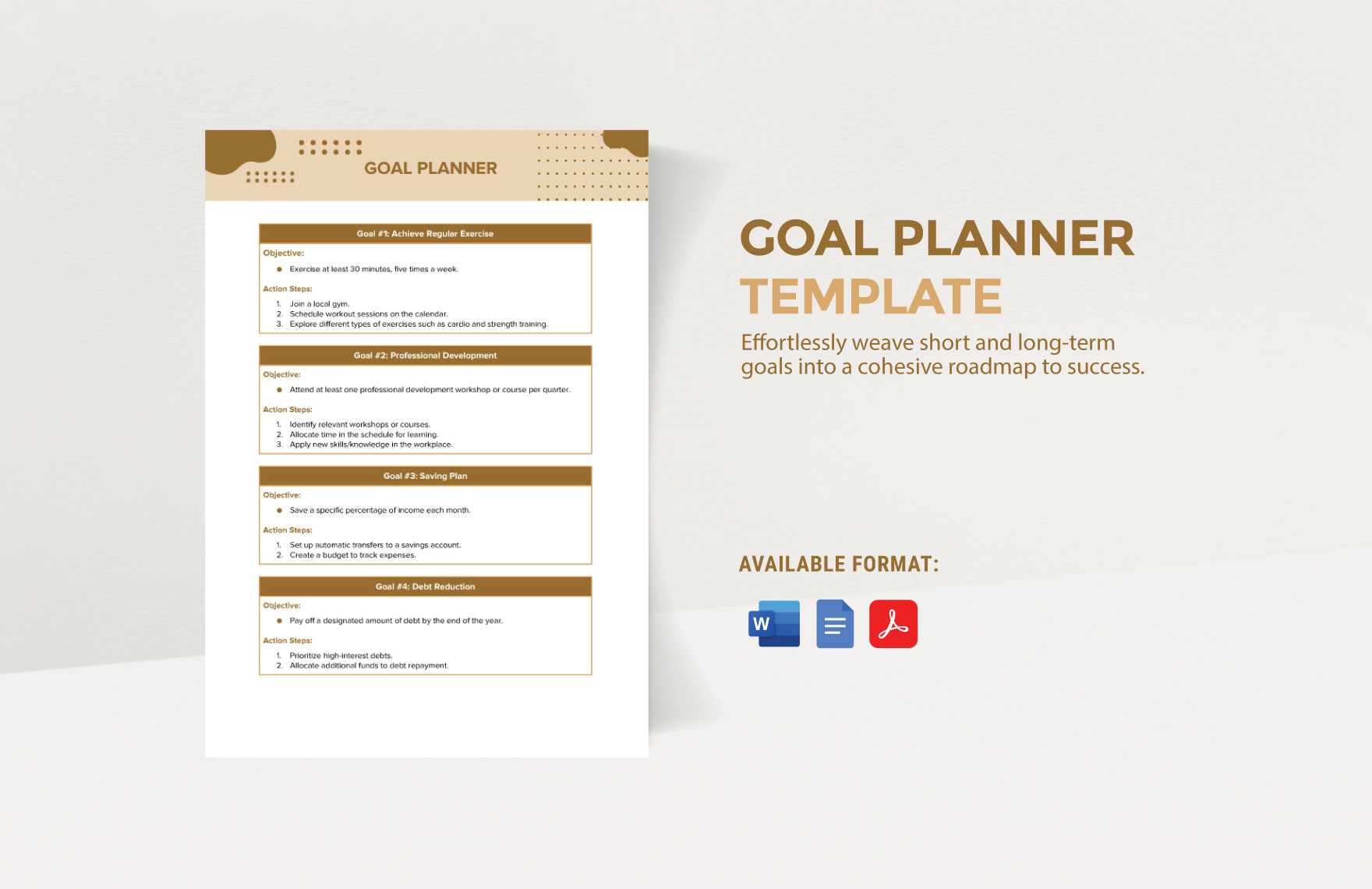
Maintaining Your Weekly Goals
Creating your goals is just the first step. Sticking to them requires ongoing effort and reflection. Here are some tips to help you maintain focus:
- Weekly Reviews: Set aside time each week to review your planner. Reflect on what worked, what didn’t, and make adjustments for the upcoming week.
- Incorporate Rewards: Give yourself small rewards for achieving your goals. This can motivate you to keep moving forward.
- Share with Others: If you’re comfortable, share your goals with friends or family. This adds an element of accountability that can help keep you on track.
With the Weekly Goal Planner Free Google Docs Template, you have a practical resource at your fingertips. You can easily adapt it to fit your unique style and needs. Whether you’re managing personal projects, work tasks, or family responsibilities, this template serves as an effective tool to help you stay organized and motivated.
Weekly Goal Planner Free Google Docs Template Gallery