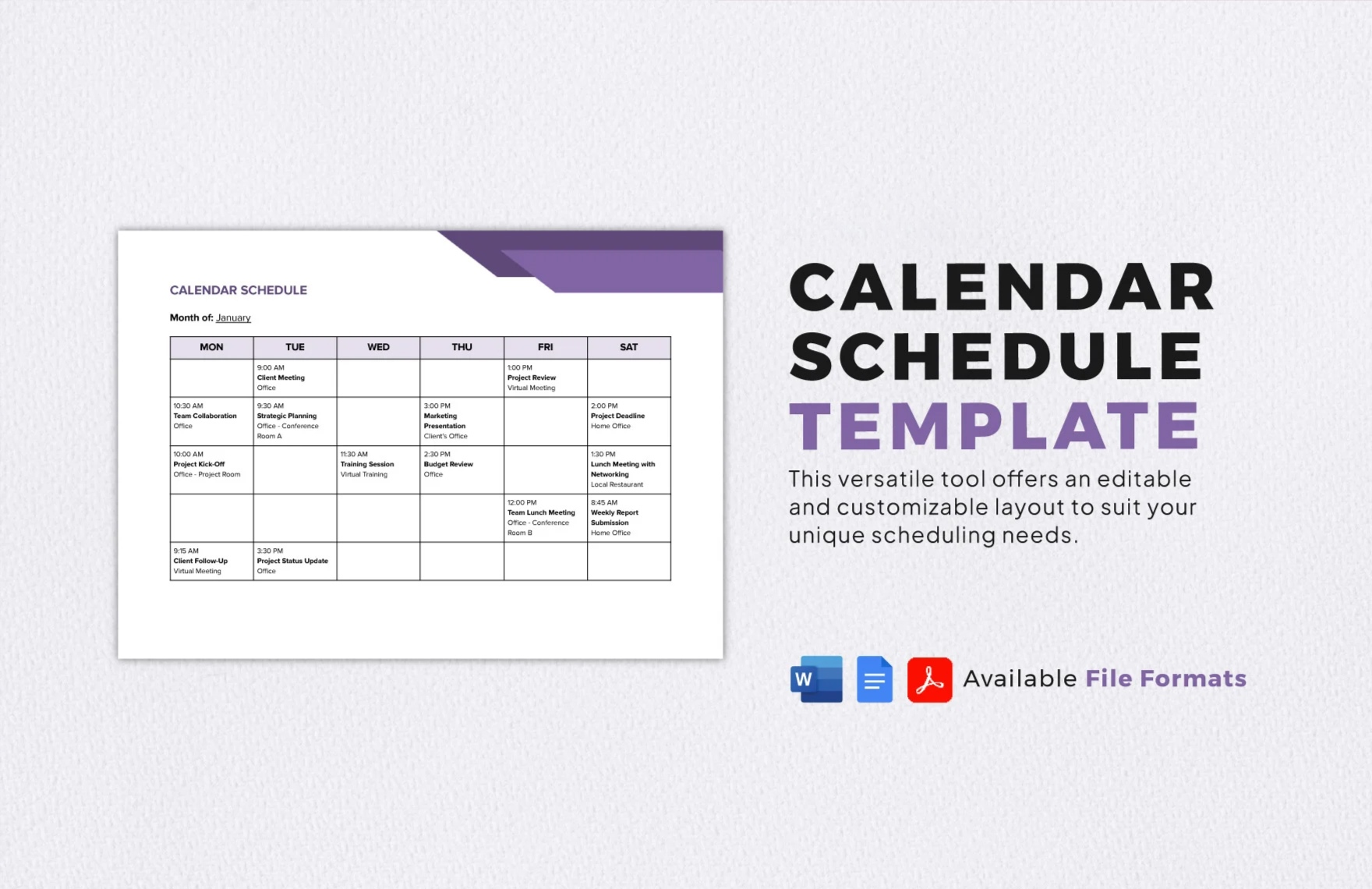
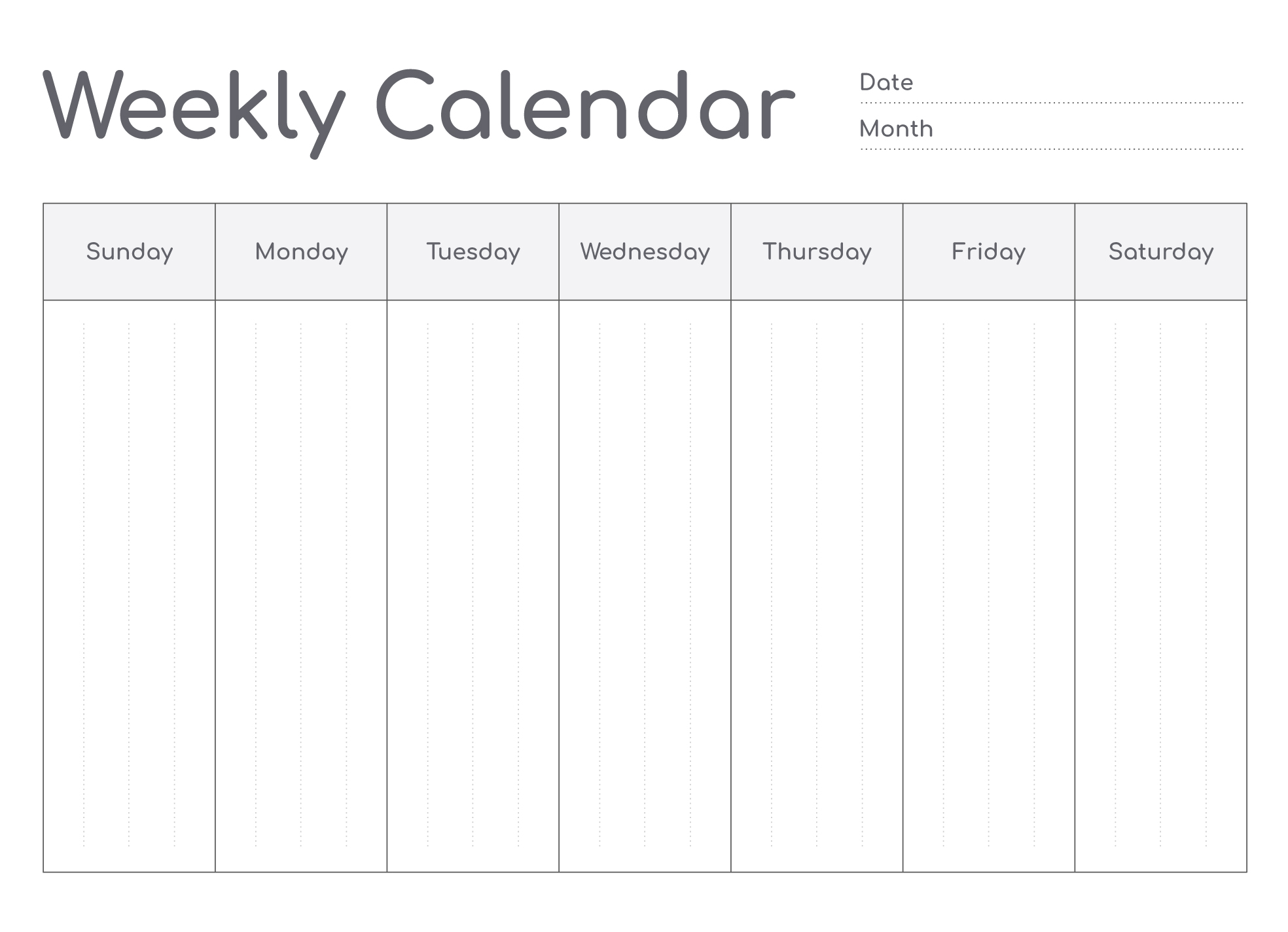
When it comes to keeping our busy lives organized, a well-structured weekly calendar can be a useful option. The Weekly Calendar Free Google Docs Template stands out from other resources I’ve encountered because it offers a clean, user-friendly layout that’s easy to customize and print. This template is perfect for parents looking to manage their time efficiently, helping you keep track of activities, appointments, and family commitments all in one spot.
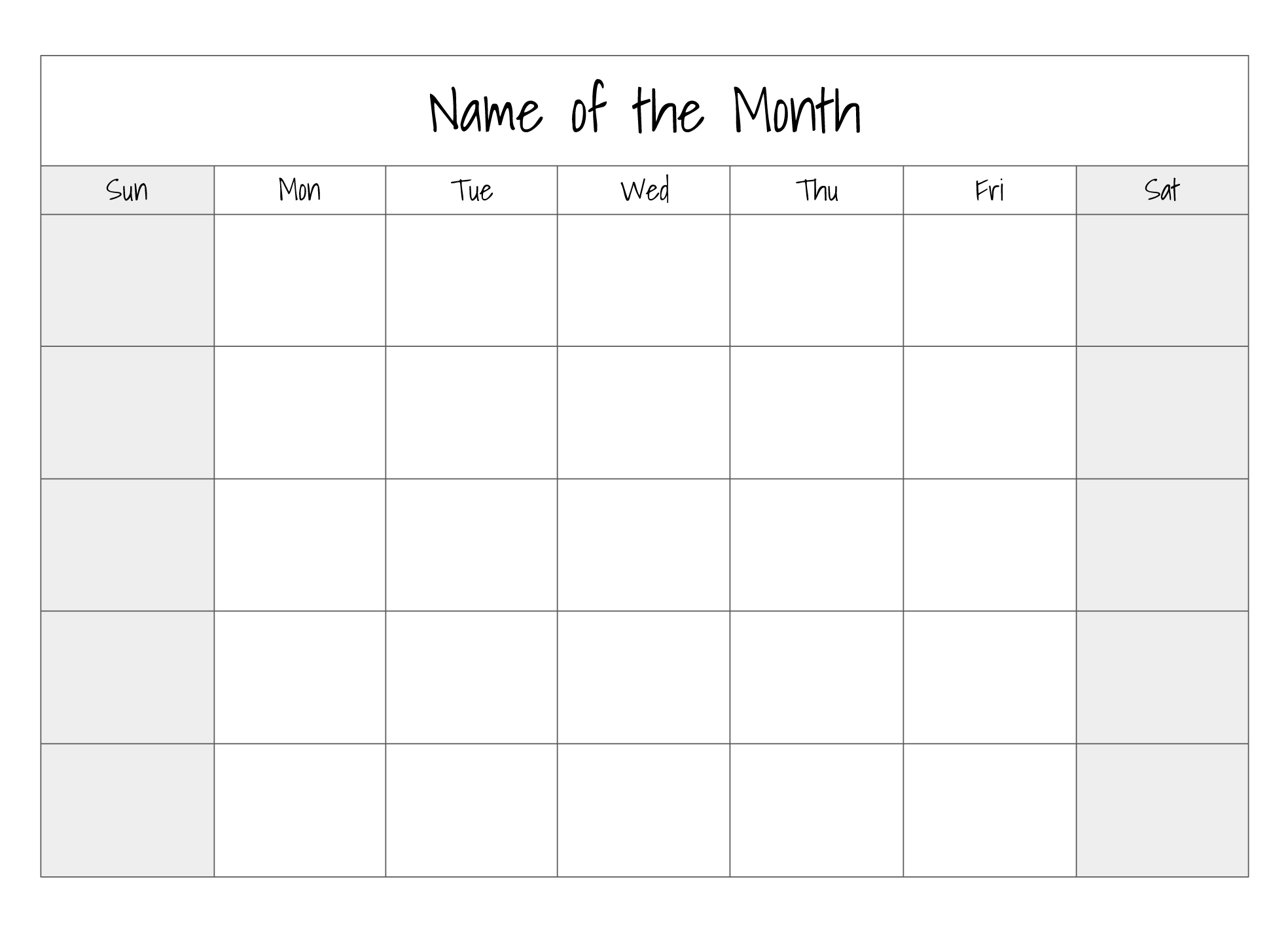
Understanding the Layout of the Weekly Calendar
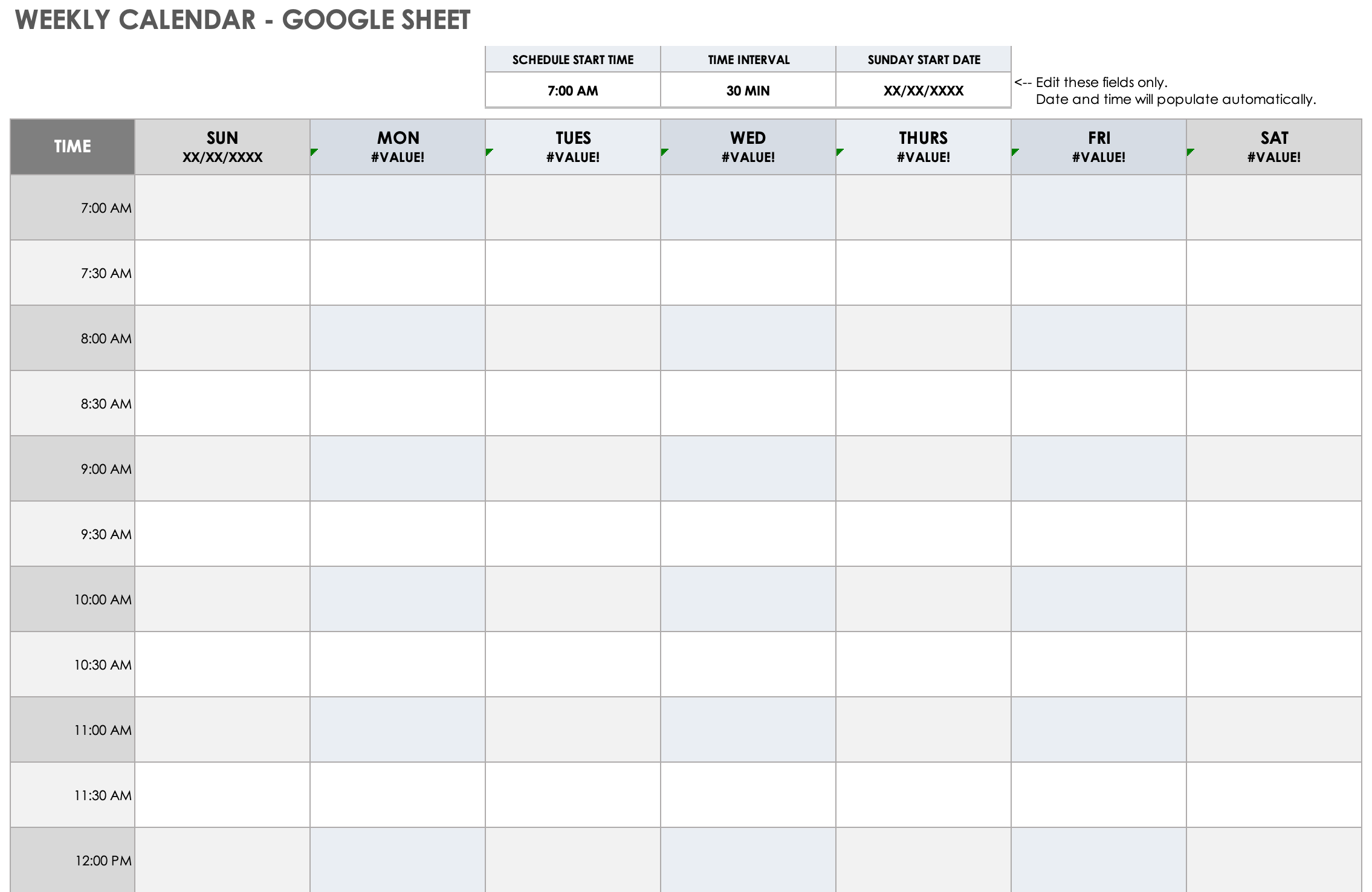
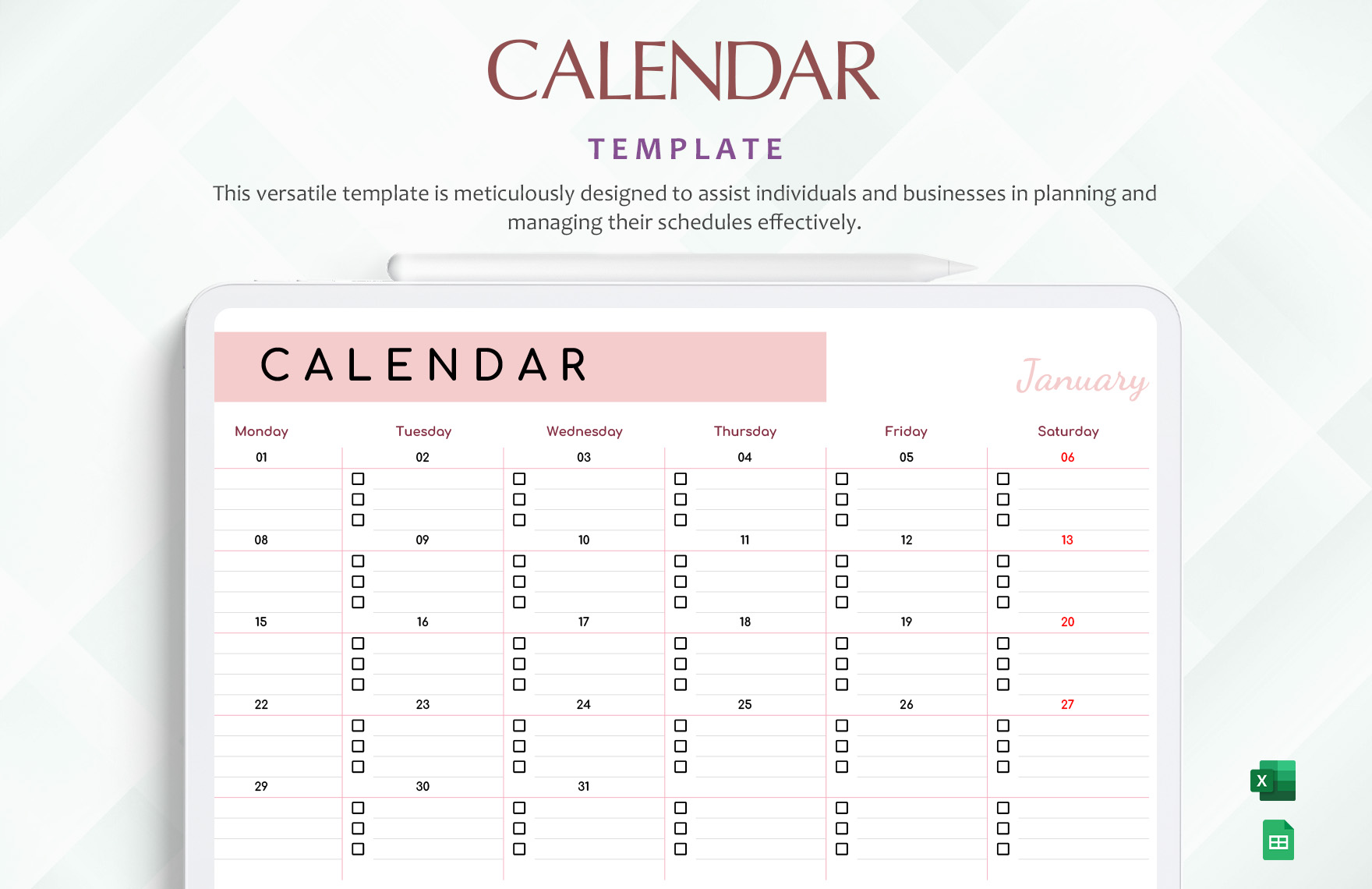
The layout of this weekly calendar template is designed with simplicity and functionality in mind. You’ll notice that it typically consists of a grid format, displaying each day of the week clearly across the top. Below each day, there are ample boxes for you to jot down your plans.
The sections are often divided into hourly slots, which is particularly useful for parents managing school schedules, extracurricular activities, and personal appointments. Each box is large enough to accommodate handwriting, ensuring that you won’t have to squint to read your notes later.
One of the best features of this template is its portrait orientation, which fits nicely on standard letter-sized paper (8.5 x 11 inches). This makes it easy to print at home without worrying about scaling or formatting issues. If you prefer a more compact view, you can also adjust it to landscape orientation, which can be helpful if you want to display it on a wall or bulletin board.
Customizing Your Template in Google Docs
Using the Weekly Calendar Free Google Docs Template is straightforward. Once you download it, simply open it in Google Docs. The text is fully editable, allowing you to change font styles, sizes, and colors to match your personal preference.
For instance, you might want to color-code different activities—like blue for school events, green for sports, and pink for family outings. This visual distinction can save you time when you glance at your calendar.
And if you have specific dates in mind—say a family birthday or an important school event—you can easily highlight those in bold or underline them for extra visibility. Google Docs also allows you to share the calendar with family members, so everyone can stay updated on the week’s happenings.
Practical Printing Tips
When it comes to printing your weekly calendar, you’ll want to consider a few practical tips to ensure the best results. First, using a good quality paper will enhance durability, especially if you plan to hang it on a wall or place it in a binder. Cardstock, for example, is an excellent choice, as it holds up well over time and resists tearing.
Make sure your printer settings are adjusted correctly. Opt for a portrait layout if you’re using standard letter-sized paper. If you choose to print in color, consider the ink levels in your printer beforehand, especially if you’ve opted for a vibrant color scheme.
After printing, I recommend laminating the calendar if you plan to reuse it weekly. This way, you can use dry-erase markers to jot down your plans and easily wipe them clean for the next week. Plus, it adds a polished look!
Using the Calendar Effectively
Now that you have your weekly calendar set up, how can you make the most of it? Here are a couple of practical strategies:
- Weekly Review: Take a few minutes each Sunday to fill in the upcoming week. This gives you a clear roadmap for what to expect and helps prevent last-minute surprises.
- Family Meetings: Involve the whole family in planning. Gather everyone around, and ask them what events or commitments they want to include. This not only promotes teamwork but also ensures that everyone is aware of the week’s agenda.
- Flexibility: Life gets busy, and plans often change. Don’t hesitate to adjust your calendar as needed. The beauty of a Google Docs template is that it’s easy to modify at any time.
- Incorporate Goals: Use your calendar not just for appointments but also for setting weekly goals. Write down personal or family goals at the top of the calendar, reminding everyone of what to strive for during the week.
Weekly Calendar Free Google Docs Template Gallery