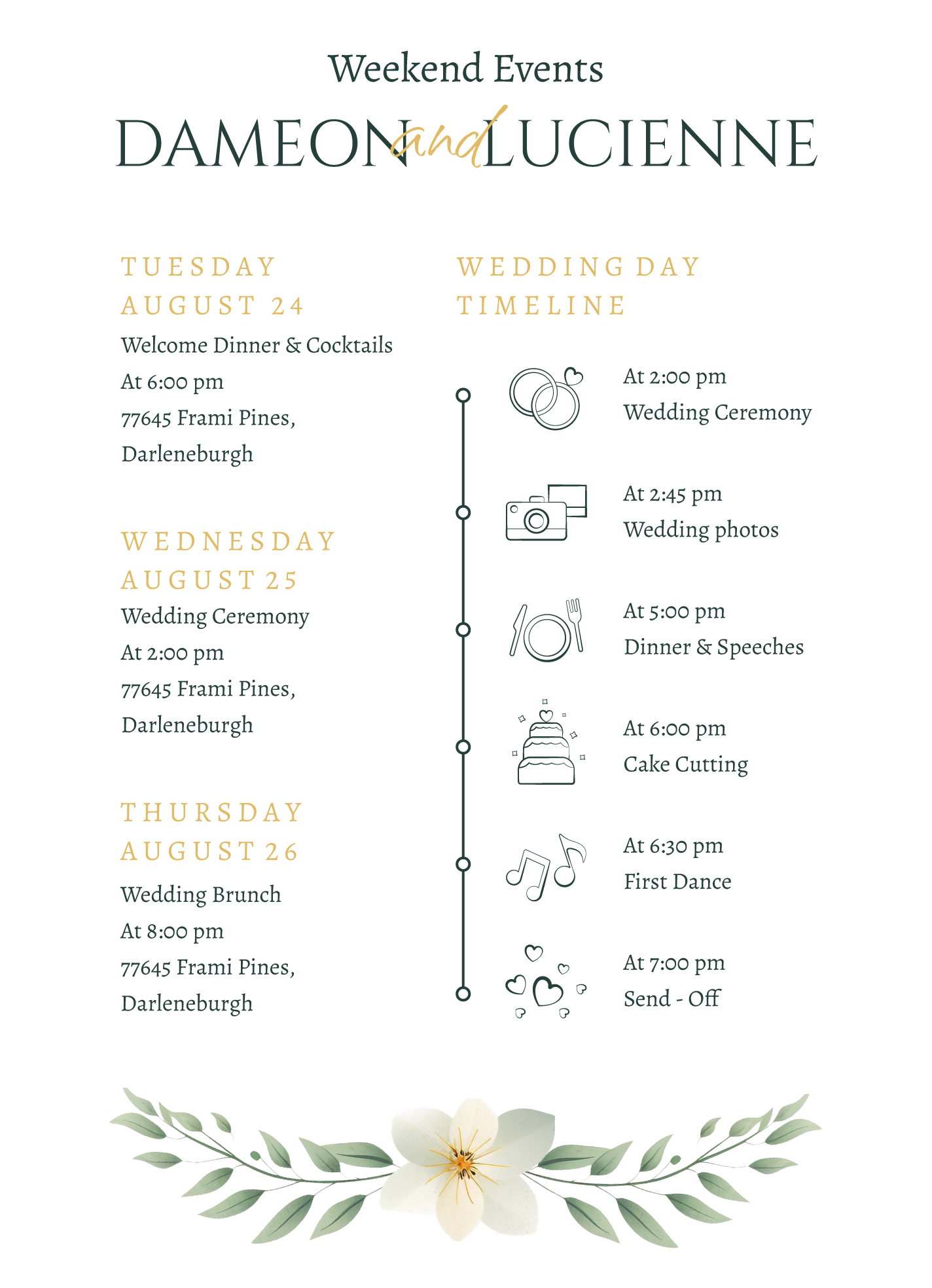
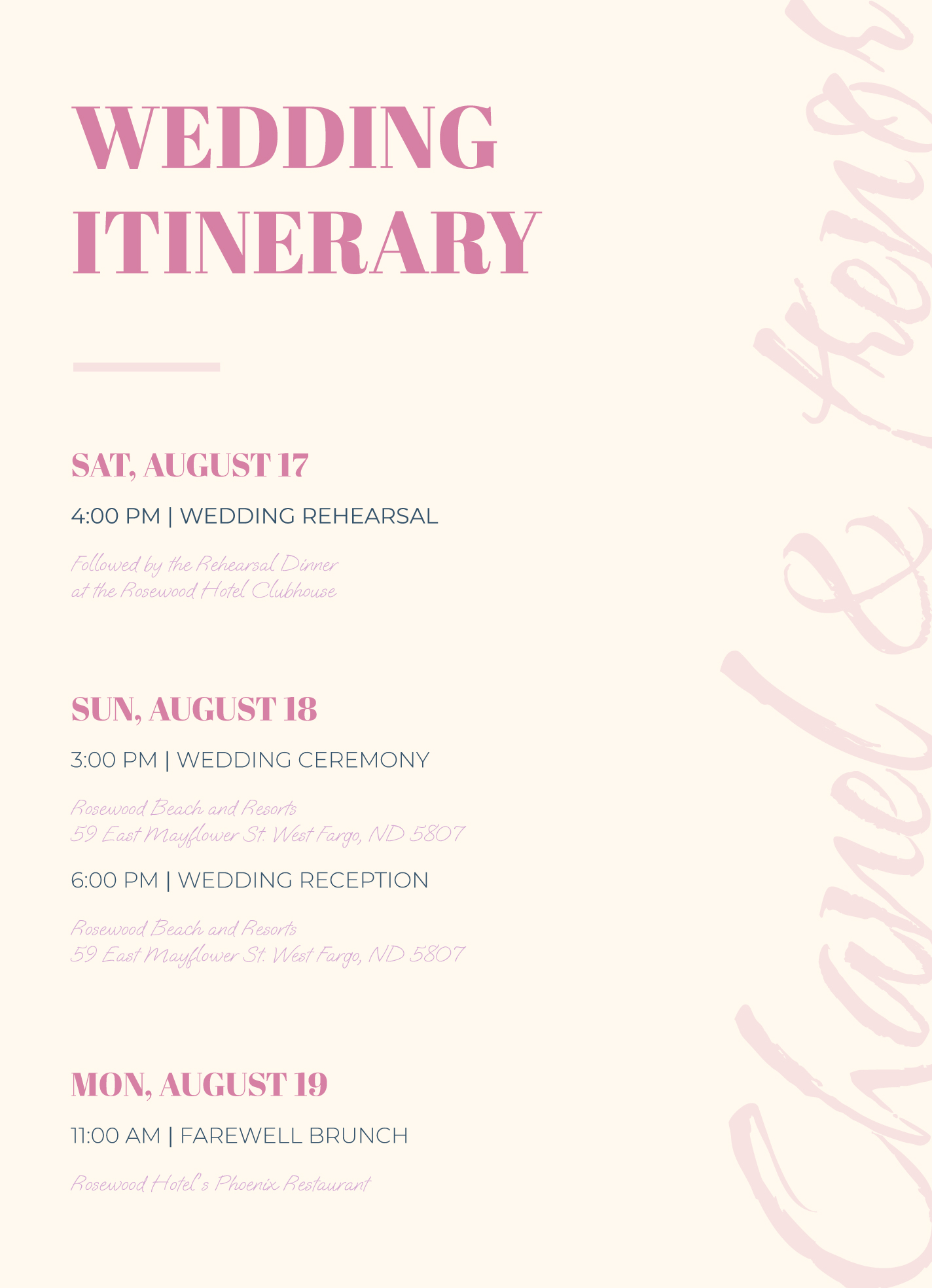
One of the best ways to ensure a smooth wedding weekend is by having a well-structured itinerary. The Wedding Weekend Itinerary Free Google Docs Template is designed specifically for this purpose, allowing you to customize and adapt it to fit your unique needs. Unlike generic templates, this one is tailored for the special events surrounding a wedding, including the rehearsal dinner, wedding day, and any post-wedding brunches. You can easily keep track of schedules, guest lists, and important contacts, making it a vital tool for both couples and wedding planners.
Customizing Your Itinerary Template
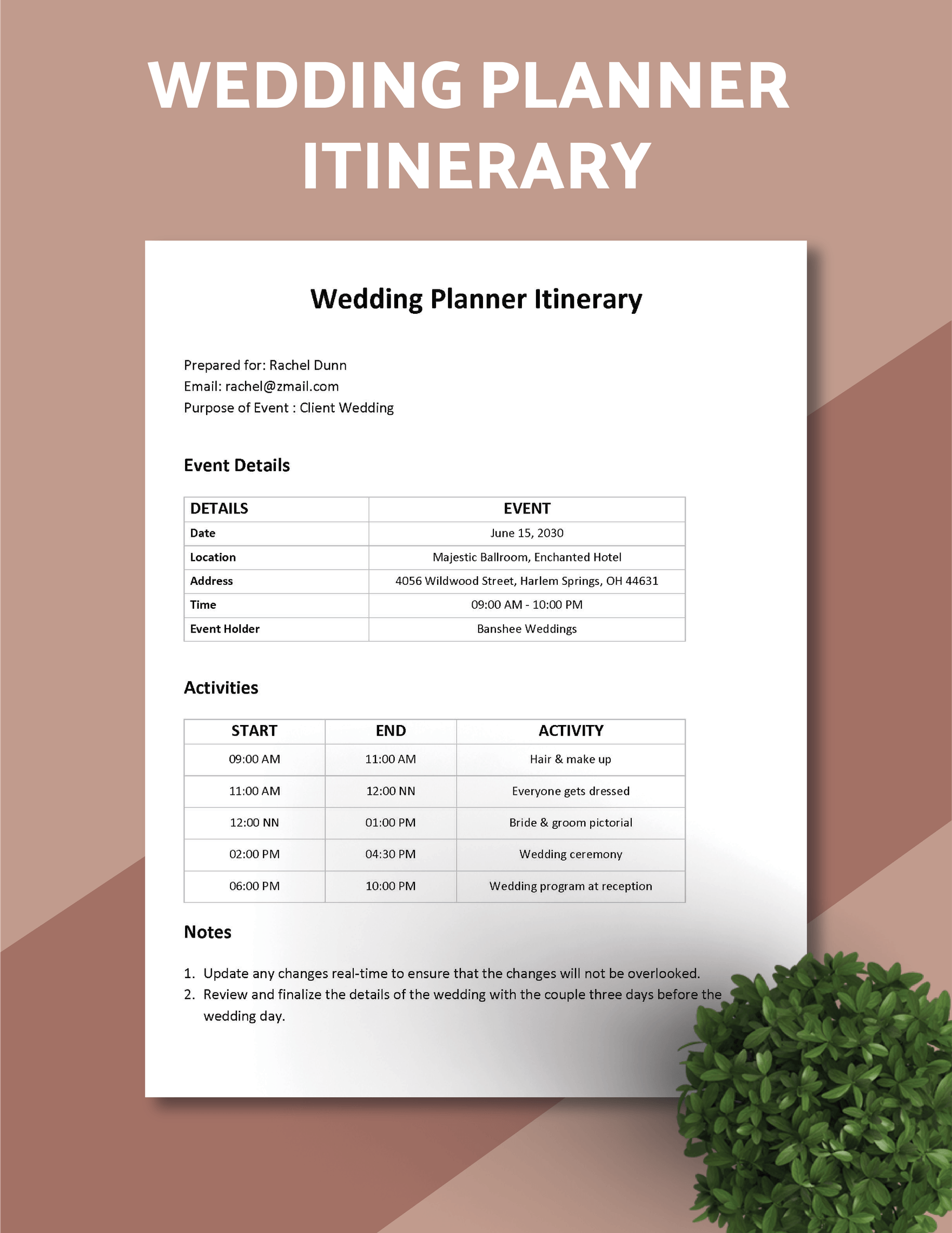
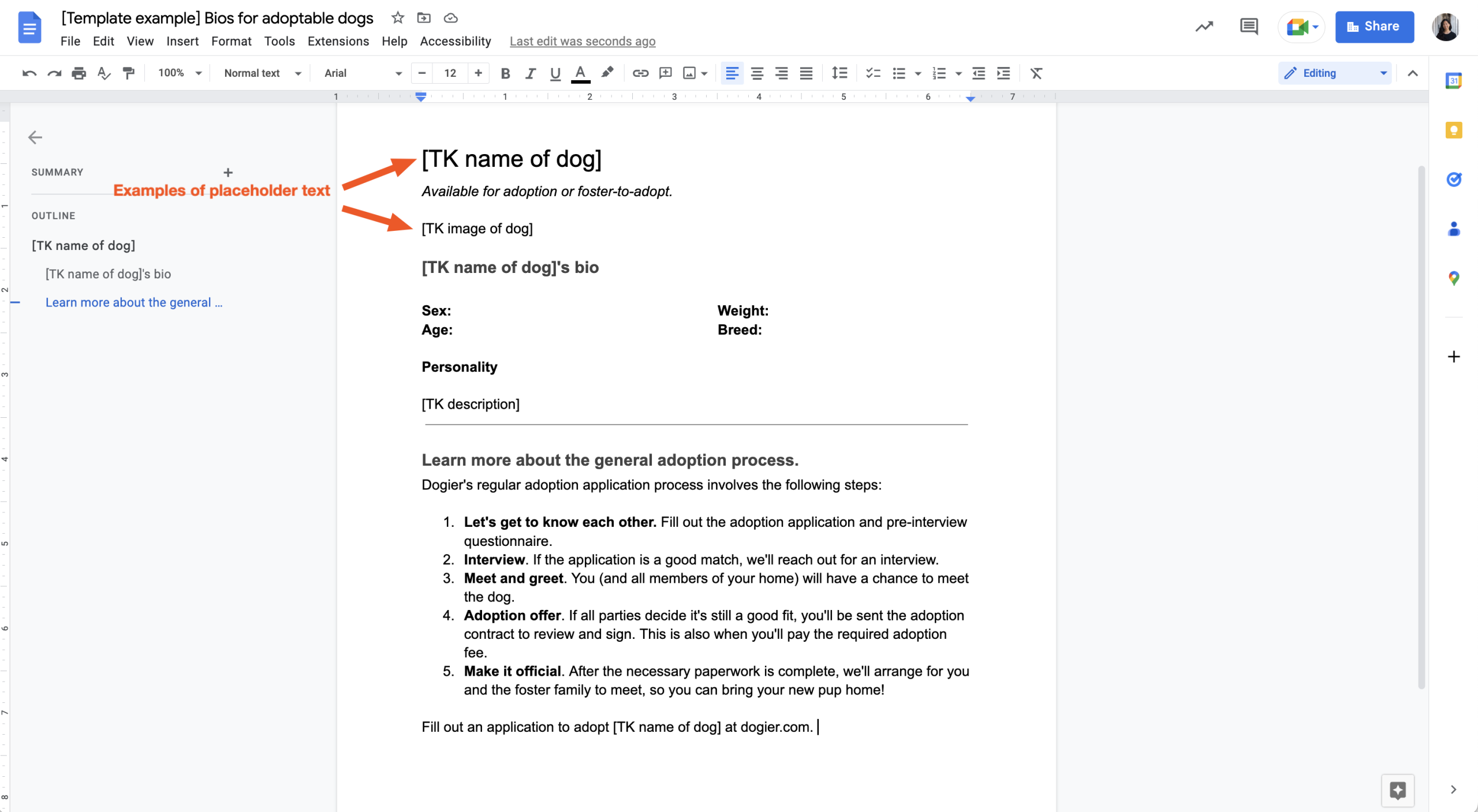
When you download the Wedding Weekend Itinerary Free Google Docs Template, you’ll find a user-friendly layout that you can customize. The template typically includes sections for the date, time, location, and a brief description of each event. You can easily modify these fields to reflect your specific schedule.
Consider what elements are most important for your weekend. For instance, if you have multiple events, make sure to allocate space for each one. You might want to include:
- Rehearsal dinner details
- Wedding ceremony specifics
- Reception timeline
- Post-wedding brunch information
Each section can be adjusted according to your preferences, so you can add or remove details as needed. This flexibility makes it a practical choice for any couple looking to streamline their wedding planning.
Benefits of Using Google Docs
One of the standout features of the Wedding Weekend Itinerary Free Google Docs Template is its compatibility with Google Docs. This ensures easy sharing and collaboration. You can invite family members, wedding planners, or even your bridal party to view or edit the document. This way, everyone stays on the same page and can contribute any additional information or changes as needed.
Moreover, Google Docs automatically saves your work, reducing the risk of losing important details. You can access it from anywhere, be it your phone, tablet, or computer, which is especially handy when you’re on the go or at wedding-related appointments.
Printing Options for Your Itinerary
After customizing your itinerary, consider how you want to use it. If you plan to print it out, think about the paper size and quality. Most home printers can handle standard letter size (8.5″ x 11″), but you could also opt for A4 size if that’s what you have available.
Using higher quality paper can add a touch of elegance, especially if you’re planning to distribute copies to guests. Cardstock is often a good choice because it holds up well and looks more professional. If you want to ensure durability, consider laminating your printed copies. Just remember to adjust your printer settings accordingly to avoid any misprints.
Practical Decisions for Downloading and Using the Template
When it comes to downloading the Wedding Weekend Itinerary Free Google Docs Template, you have a couple of options. You can either keep it in its original Google Docs format or download it as a PDF. The PDF format is ideal if you want to ensure that the layout remains unchanged when printing or sharing.
If you choose to keep it in Google Docs, you can continuously update it leading up to your wedding day. This is particularly useful for making last-minute changes or adding notes about specific attendees.
Also, think about how you want to distribute the itinerary. Will you be sending it out via email, or do you prefer handing out printed copies? For email distribution, keeping it in Google Docs is convenient, while printed copies can be given to key people involved in the wedding.
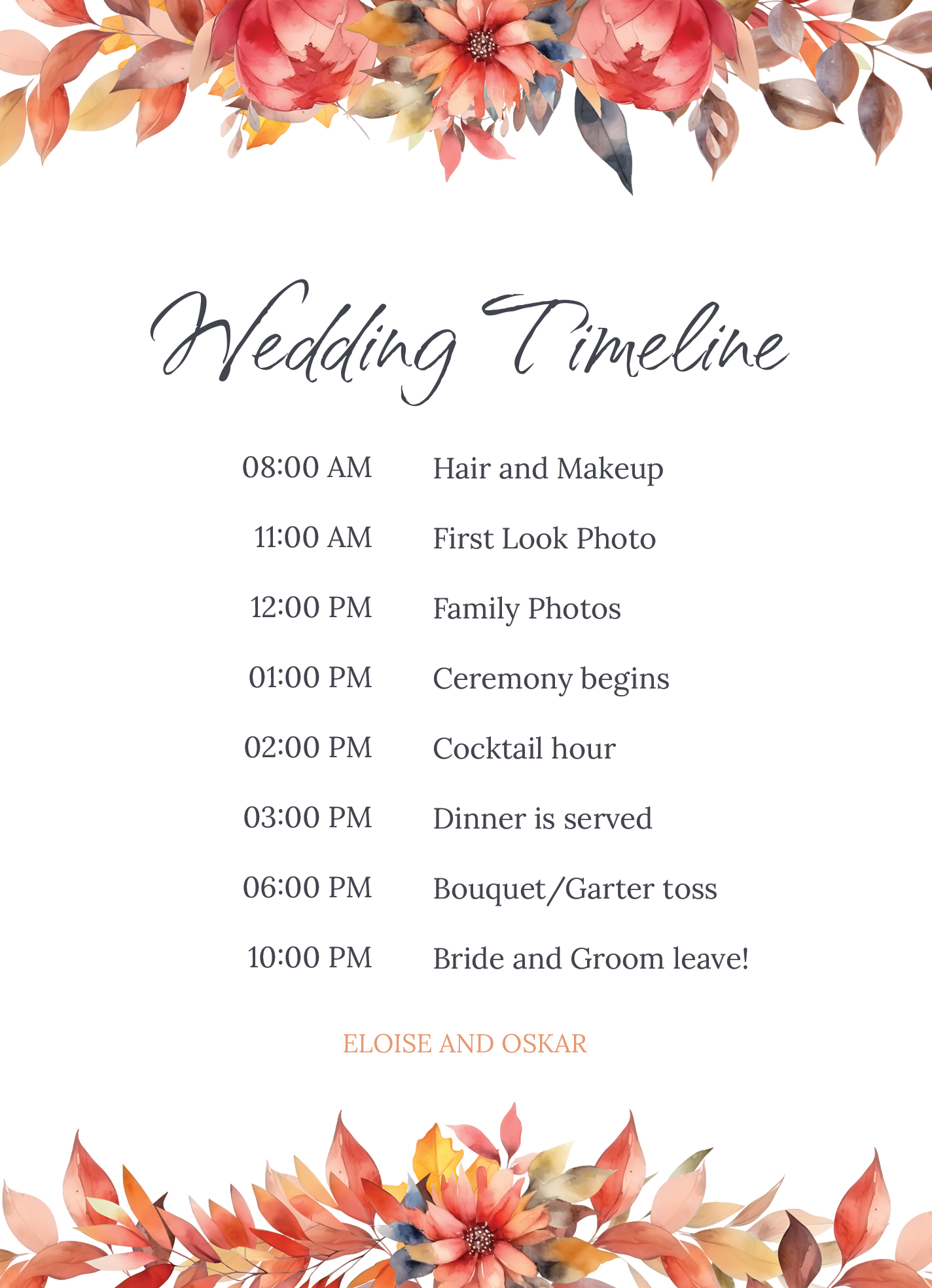
Using the Itinerary for Different Wedding Styles
The beauty of the Wedding Weekend Itinerary Free Google Docs Template is that it can be adapted to suit various wedding styles. Whether you’re planning a traditional ceremony, a beach wedding, or an intimate gathering, you can customize the template to reflect your vision.
For instance, if you have a more casual wedding, you might want to keep the tone light and include fun activities or games during the reception. If you’re having a formal event, ensure that the schedule reflects the sophistication of your occasion. Tailor your itinerary to match the overall theme and style of your wedding, making it a fitting representation of your special weekend.
As you can see, the Wedding Weekend Itinerary Free Google Docs Template is more than just a planning tool; it’s a customizable resource that helps you stay organized and focused as you approach your big day. By considering your needs, preferences, and the specifics of your wedding events, you can create a seamless experience for you and your guests.
So, whether you decide to print it on high-quality cardstock or share it digitally via Google Docs, this template is designed to help you track your progress and ensure that all details are covered. Choose the approach that best fits your wedding planning style and enjoy the journey toward your special day.
Wedding Weekend Itinerary Free Google Docs Template Gallery