Planning a wedding is a thrilling journey, but it can also be overwhelming, especially when it comes to organizing all the details. A well-designed wedding menu can elevate your event, helping guests navigate the culinary offerings while adding a touch of elegance to your tablescape. The Wedding Menu Free Google Docs Template is a fantastic resource for anyone looking to create a memorable dining experience without the hassle of complicated design software.
Features of the Wedding Menu Free Google Docs Template
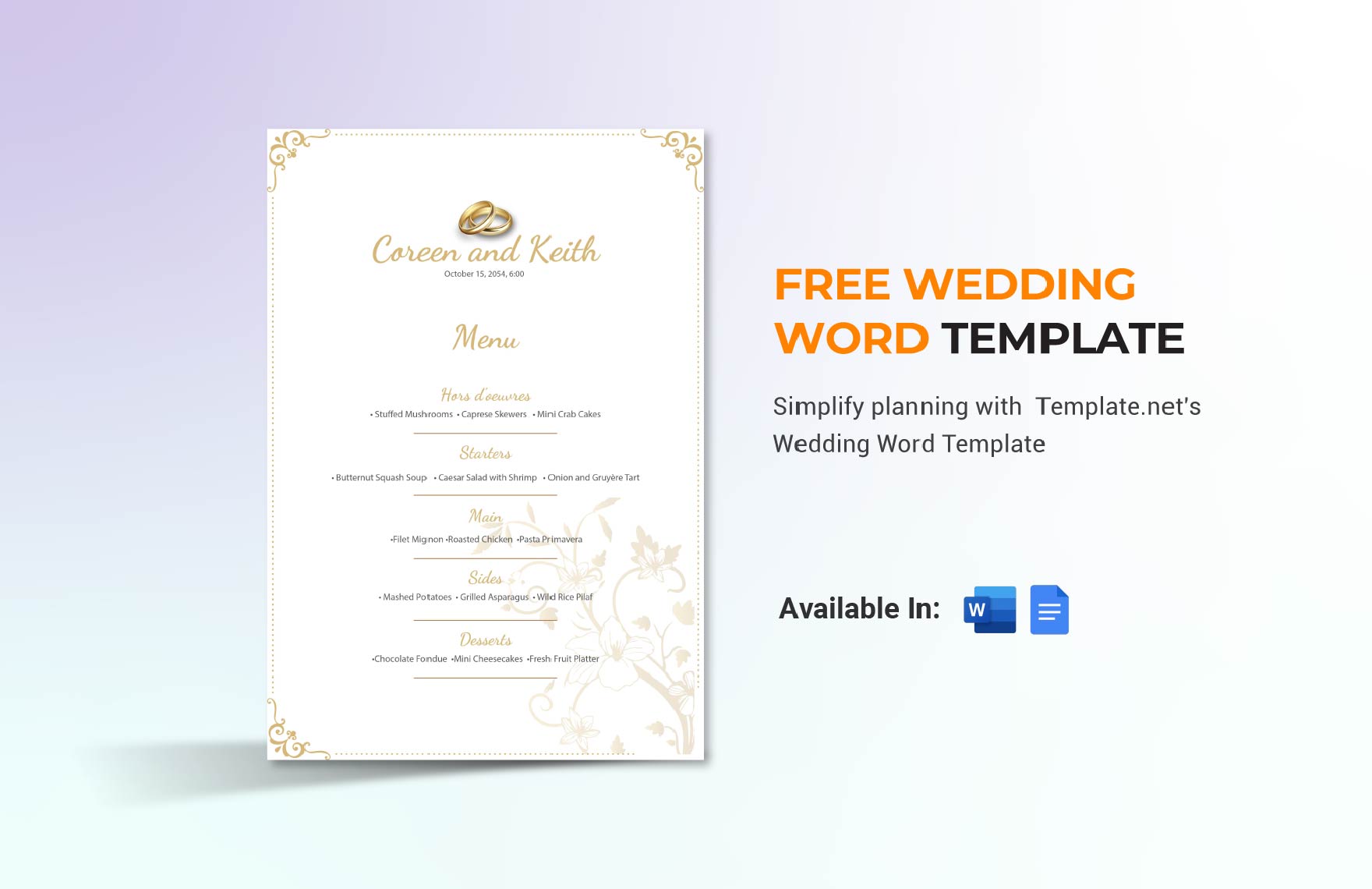
This template is specifically crafted for Google Docs, making it accessible and easy to customize. You won’t need a graphic design background to make it shine. The layout typically includes sections for each course—appetizers, main courses, desserts, and beverages—while maintaining a clean and appealing aesthetic. You can easily modify the text, colors, and fonts to fit your wedding theme.
The document is set up in a standard letter size (8.5 x 11 inches), which is perfect for printing on common paper. If you want something a bit more special, consider using cardstock to give your menu a sturdier feel. Cardstock can be printed in most home printers, and it holds up nicely if you decide to laminate the menus for a polished look.
Customizing Your Wedding Menu Template
Customization is where your personality can shine through. You can start by filling in the names of the dishes and descriptions that reflect your culinary choices. Think about your wedding theme—are you going for rustic charm, modern elegance, or something entirely different?
Don’t forget to include any dietary options, like vegetarian or gluten-free dishes, in your menu. This small detail shows consideration for your guests and enhances their dining experience.
When it comes to colors and fonts, Google Docs offers a variety of options. Stick to two or three colors that match your wedding palette to keep it cohesive. For fonts, a combination of a decorative font for headings and a simple one for descriptions usually works best. This contrast not only makes the menu easy to read but also visually appealing.
Organizing Sections for Clarity
A well-organized menu helps guests make choices with ease. Start with an enticing header that features your names or the event’s title, like “The Wedding Feast of [Your Names].” Then, follow with the sections:
- Appetizers – List the starters here.
- Main Courses – This is where the heart of the meal lies.
- Desserts – Sweeten the deal with a selection of treats.
- Beverages – Include both alcoholic and non-alcoholic options.
Each section should be clearly labeled. Consider using borders or shaded backgrounds to differentiate between them visually. This approach not only enhances readability but also adds a touch of artistry to your menu.
Practical Printing and Display Tips
After customizing your Wedding Menu Free Google Docs Template, it’s time to think about printing and displaying it. Here are a few practical tips:
- Paper Choice: If you’re going for a more formal look, opt for a heavier weight paper or cardstock. Standard printer paper is fine for a casual affair.
- Print Settings: For the best results, use the “Best” quality setting on your printer. If you’re uncertain about your home printer’s capabilities, consider using a local print shop for a professional finish.
- Display Options: How you present the menus can enhance the overall decor. Think about placing them in elegant holders at each table setting or using a larger sign at the entrance to the dining area.
You might also consider creating a small menu card for each guest or a larger printed menu for the table. The choice is yours, and it depends on the style you want to achieve.
Final Touches to Personalize Your Menu
Adding a personal touch can make your wedding menu truly special. Consider including a small note expressing gratitude to your guests for sharing the day with you. A simple “Thank you for celebrating with us!” can go a long way.
You could also incorporate a theme-related graphic or illustration—perhaps a floral design that matches your centerpieces or a monogram of your initials. Just be careful not to overcrowd the layout; simplicity often speaks volumes.
This Wedding Menu Free Google Docs Template is a valuable tool that allows you to craft a personalized dining experience without the stress. By customizing the template to reflect your unique style, organizing the sections for clarity, and paying attention to printing details, you can create a memorable menu that complements your special day beautifully.
So, whether you decide to print it as is or take a few creative liberties, make sure it reflects the joy and excitement of your wedding. You have options—choose the layout that best suits your vision and make your wedding menu a delightful aspect of your celebration.
Wedding Menu Free Google Docs Template Gallery