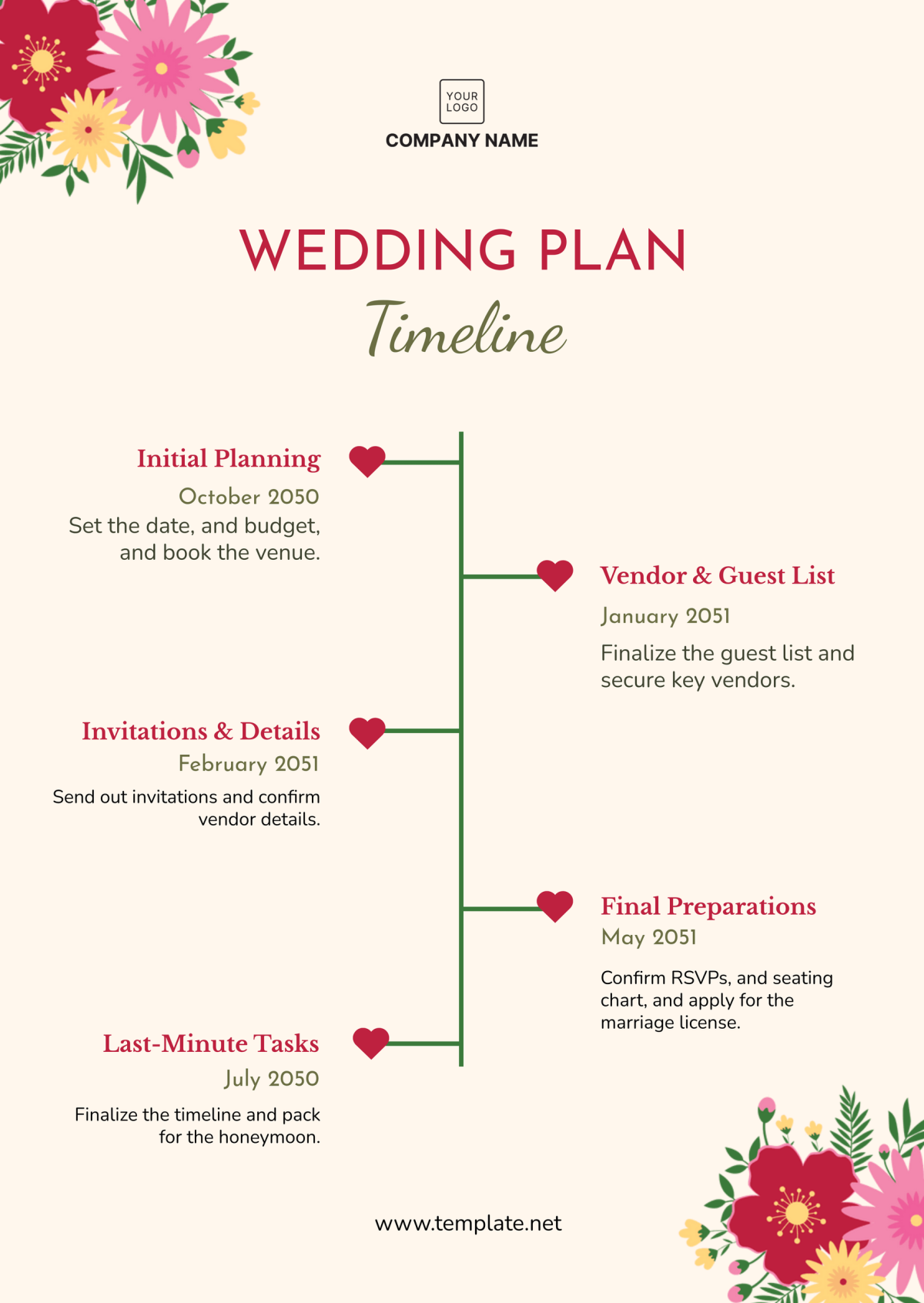
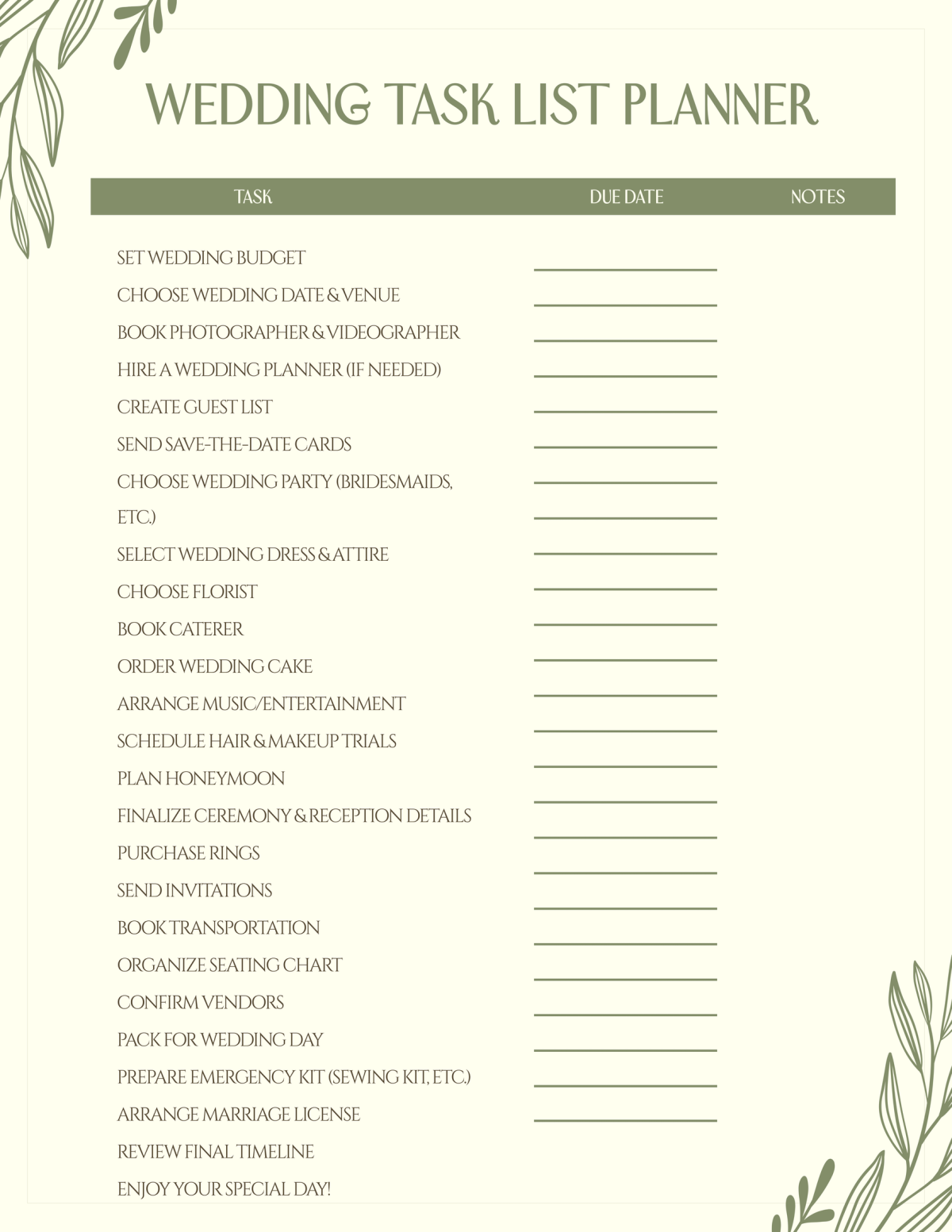
Planning a wedding is an exciting yet daunting task. With so many details to consider, it’s essential to have a clear roadmap for your big day. That’s where the Wedding Day Itinerary Free Google Docs Template comes in. This handy resource can streamline your wedding planning process, ensuring no detail is overlooked.
What Makes This Template Unique?
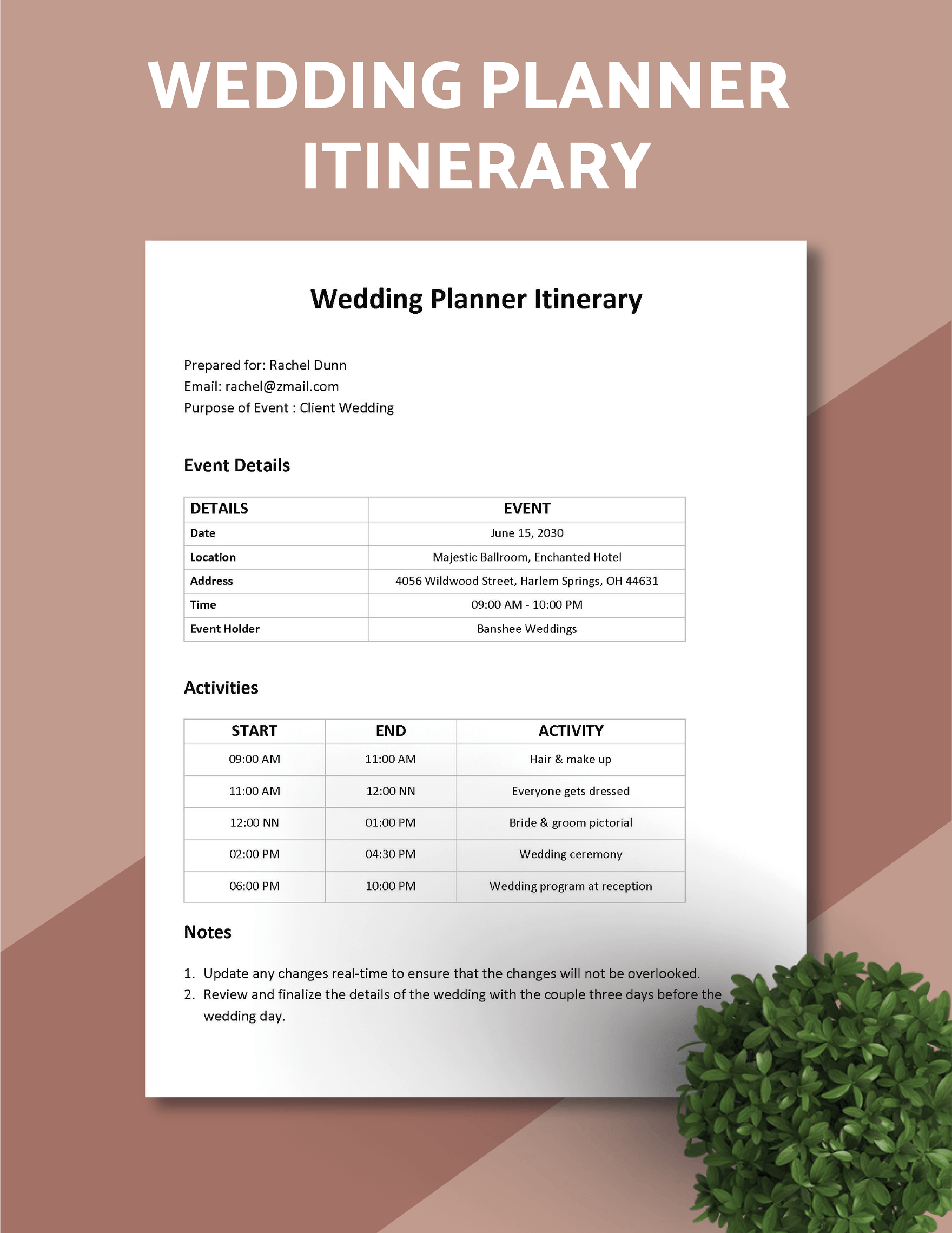
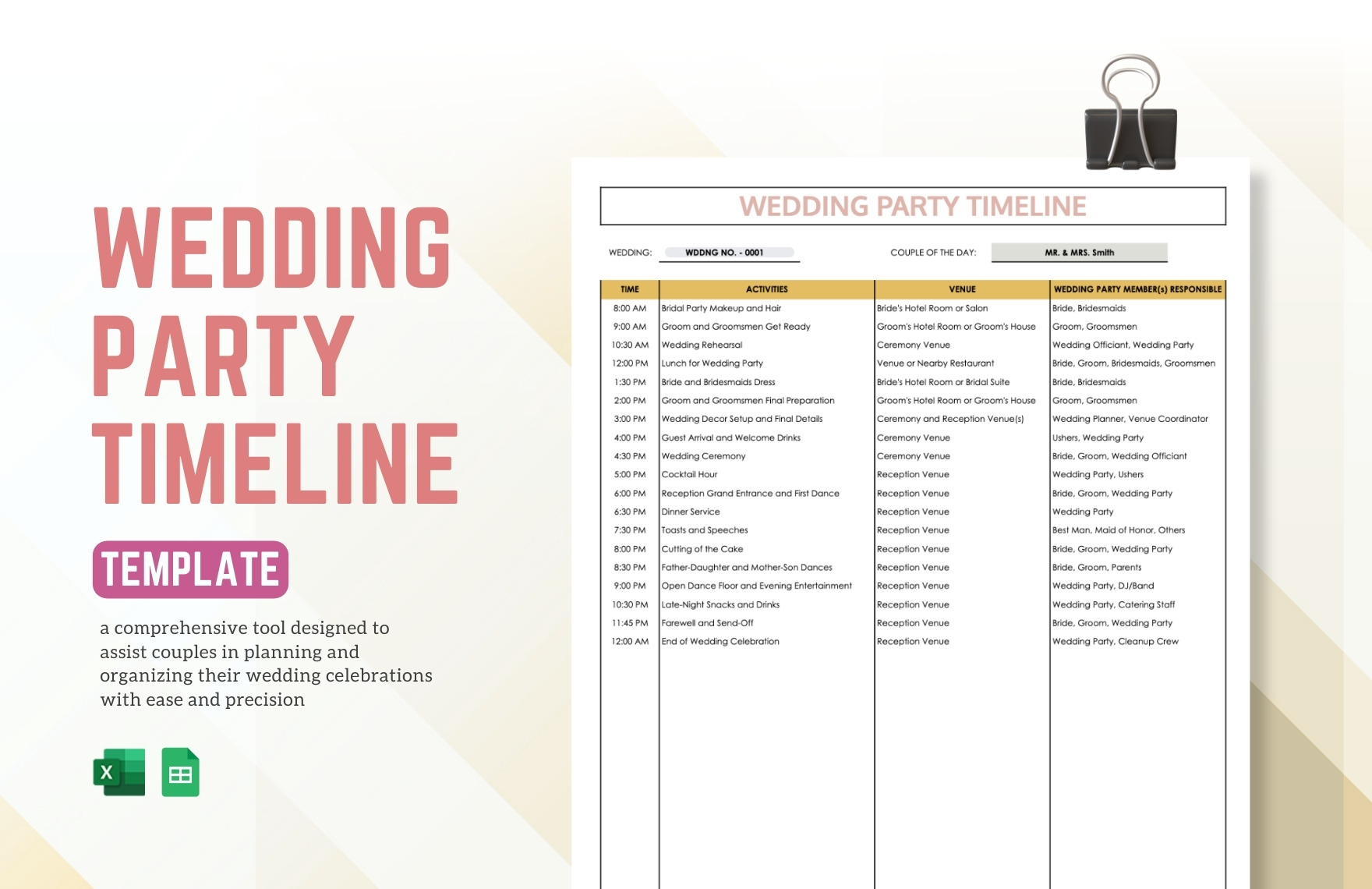
Unlike other wedding itineraries, this template is specifically designed for ease of use in Google Docs. You can customize it directly in your browser, making it accessible anywhere you go. The layout is clean, organized, and easy to navigate, providing a clear framework for detailing everything from the ceremony time to the reception schedule.
The template includes sections for key participants, such as the wedding party, vendors, and important family members, making communication straightforward. You’ll find spaces for timelines, locations, and contact information, ensuring everyone knows where to be and when.
How to Customize Your Wedding Day Itinerary
The beauty of the Wedding Day Itinerary Free Google Docs Template lies in its flexibility. Here’s how you can make it your own:
- Edit the Timeline: Each wedding is unique. You’ll want to adjust the start times, durations, and any special events you have planned. The template allows you to drag and drop sections or simply click and edit text to fit your schedule.
- Add Personal Touches: Consider adding personal notes or quotes that resonate with you as a couple. This can be a lovely way to infuse your personalities into the itinerary.
- Include Vendor Details: Make sure to list all your vendors, including contact numbers and services provided. This will help you and your wedding planner stay organized on the day itself.
- Distribute Easily: Once you’ve customized the itinerary, you can easily share it with your wedding party and vendors via Google Docs. This ensures everyone has immediate access to the most current version.
The Importance of a Detailed Itinerary
A well-structured itinerary is crucial for a smooth wedding day. It serves as a guide for you, your wedding party, and your vendors. Here’s why it matters:
- Keeps Everyone On Schedule: Weddings are fast-paced, and having a timeline helps keep everything running smoothly. Guests and vendors will know exactly what to expect and when.
- Reduces Stress: Knowing that you have a plan in place allows you to focus on enjoying your day rather than worrying about what comes next.
- Facilitates Communication: By providing your wedding party and vendors with a detailed itinerary, you minimize the chances of miscommunication. Everyone will be on the same page and able to coordinate effectively.
Sections to Include in Your Itinerary
When using the Wedding Day Itinerary Free Google Docs Template, here are some essential sections to include:
- Preparation: Start with the bride and groom’s preparation times and locations. This is where hair, makeup, and getting dressed will occur.
- Ceremony Details: Specify the ceremony start time, location, and any special instructions for guests.
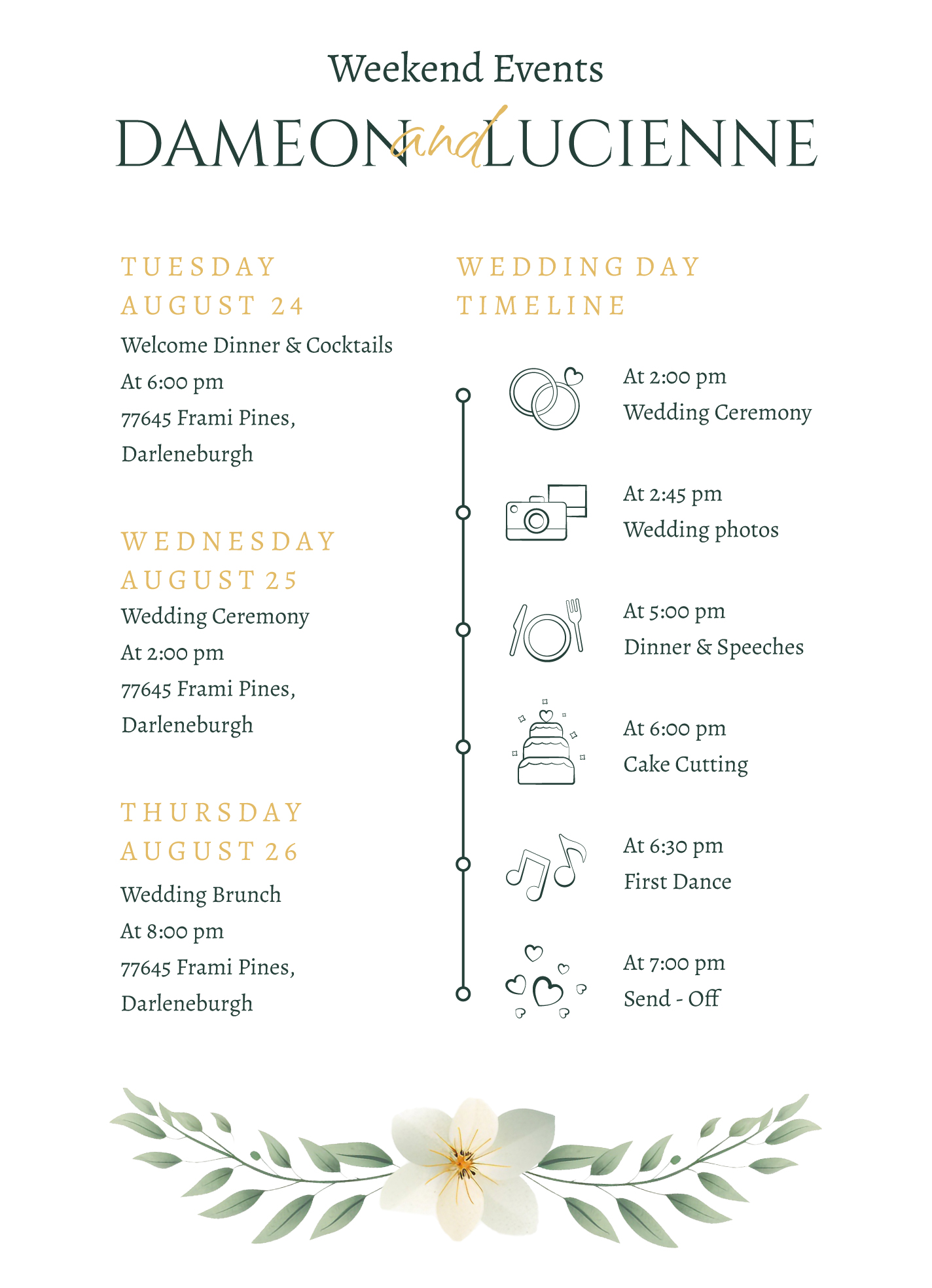
- Reception Information: Include the reception start time, venue details, and a rundown of the evening’s events, such as speeches, dances, and cake cutting.
- Contact List: A section for key contacts, including your wedding planner, photographer, and vendors. This is useful for any last-minute questions.
- Important Notes: Any additional notes or reminders can be added here. This might include special requests or instructions for the wedding party.
Printing and Using Your Itinerary
Once you’ve customized your template, you may want to print it out. Here are some tips for doing that effectively:
- Choose the Right Paper: For a polished look, print the itinerary on high-quality paper. Cardstock works well for durability, especially if you plan to laminate it.
- Orientation Matters: Depending on the amount of information, decide whether a portrait or landscape orientation works best for your itinerary. Landscape is often better for longer timelines.
- Distribute Ahead of Time: If possible, print copies for your wedding party and vendors ahead of time. This gives everyone a chance to familiarize themselves with the schedule before the big day.
- Digital Access: Keep a digital copy handy on your phone or tablet in case you need to reference it throughout the day.
The Wedding Day Itinerary Free Google Docs Template is a practical tool that can simplify your wedding planning. By customizing it to fit your needs, you can ensure that your special day unfolds as seamlessly as possible. Whether you choose to print it or keep it digital, having a clear plan in place will allow you to focus on what truly matters—celebrating your love with family and friends.
Wedding Day Itinerary Free Google Docs Template Gallery