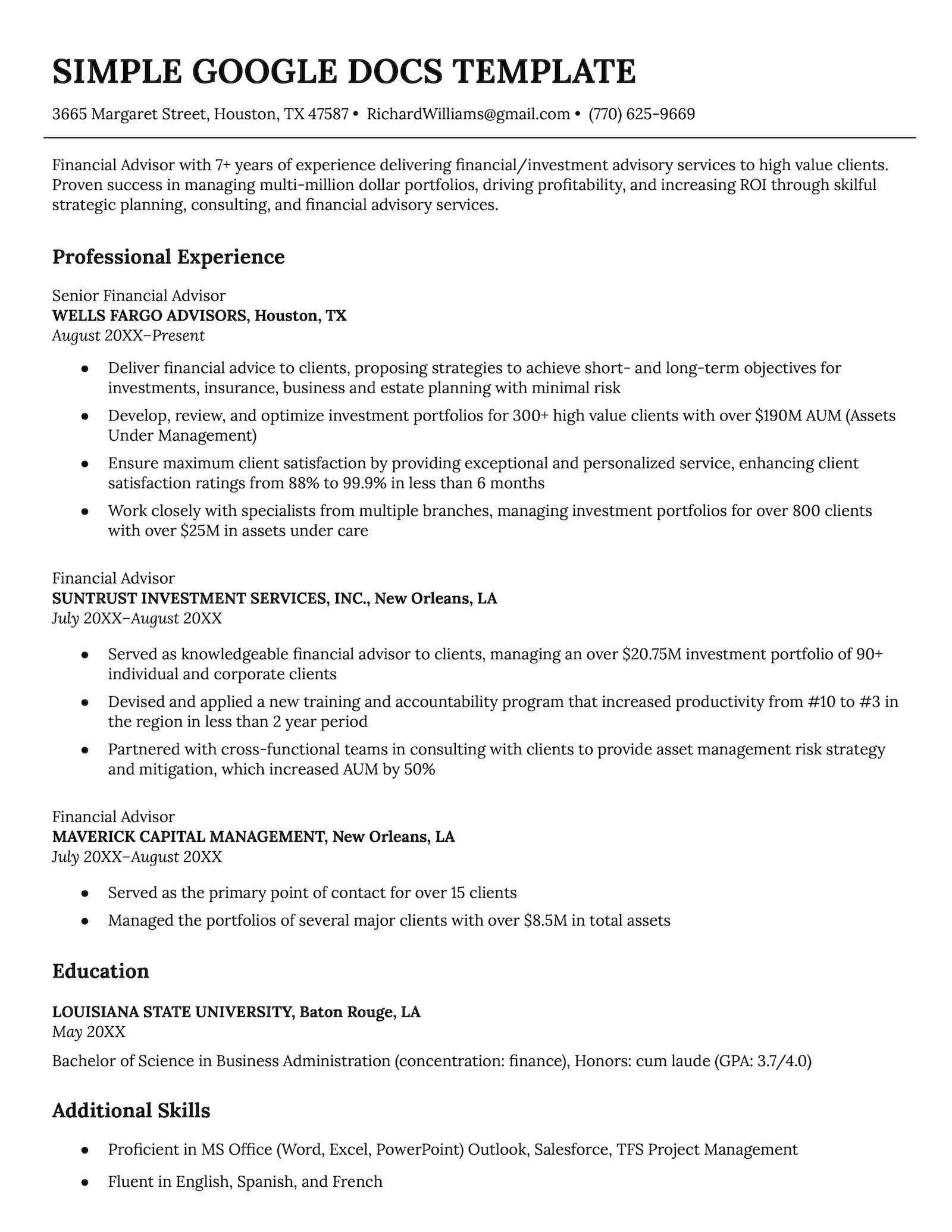
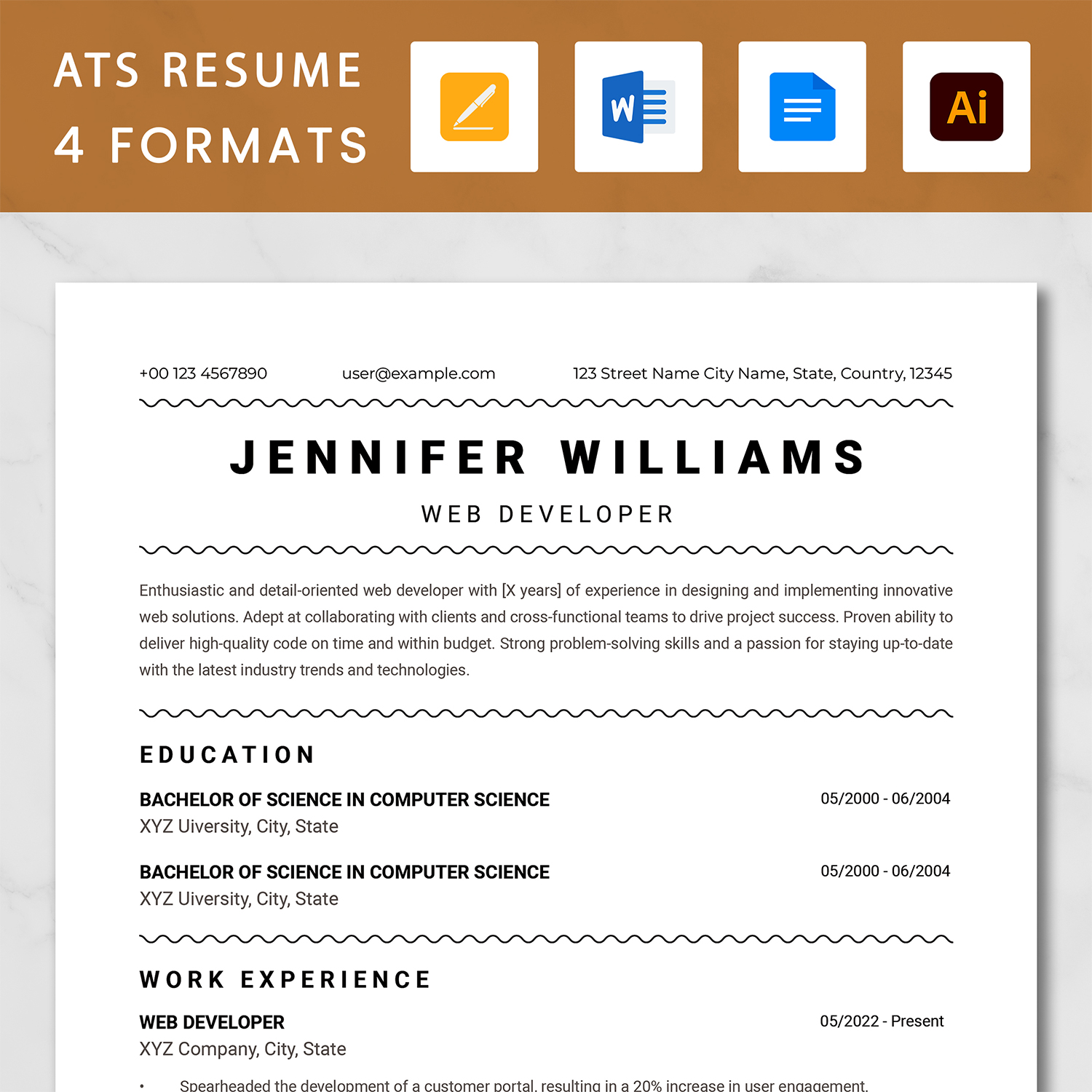
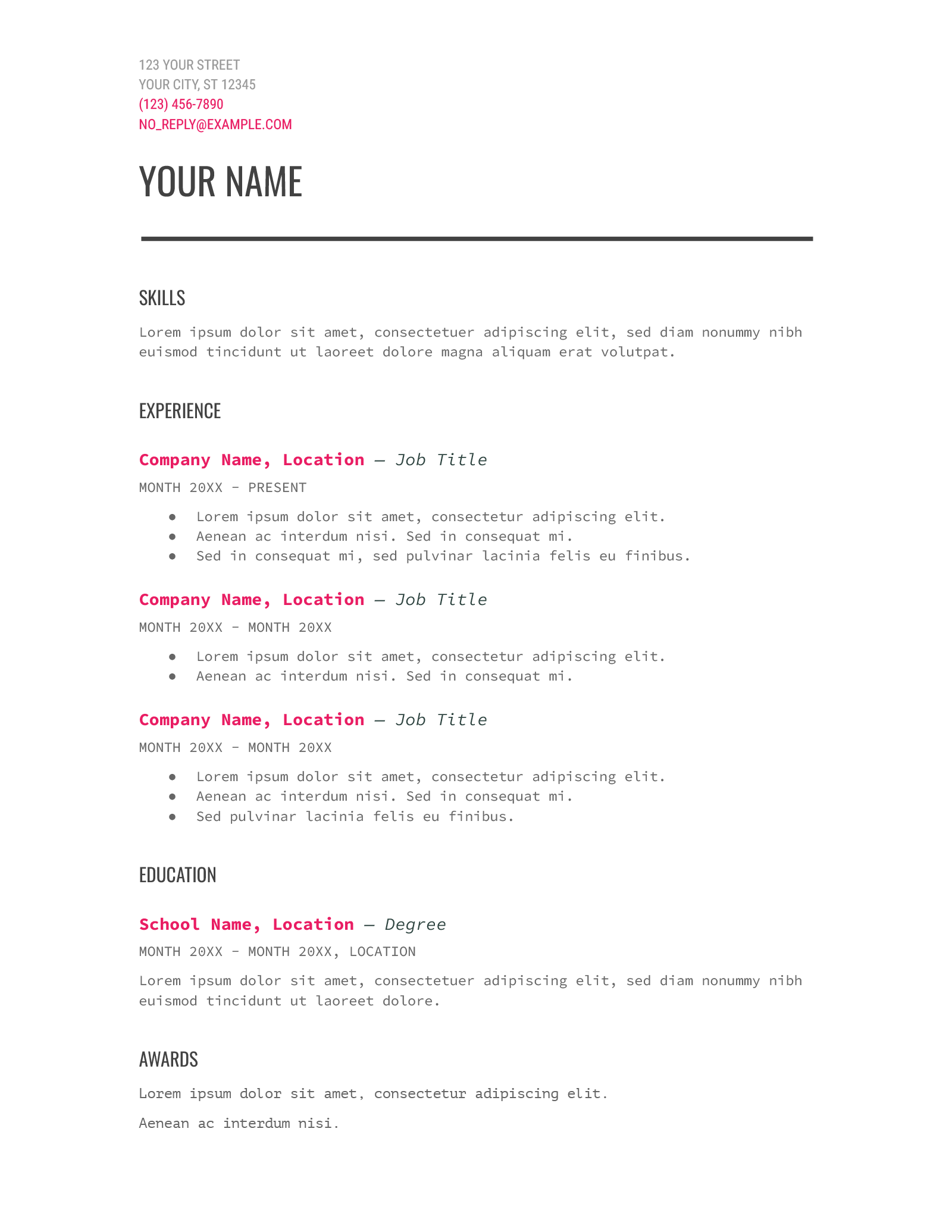
When you’re on the hunt for a new job, having a standout resume is crucial. The Web Developer Resume Free Google Docs Template makes it easy for you to create a polished, professional document without starting from scratch. Whether you’re a seasoned web developer or just starting out, this template provides a solid foundation, allowing you to highlight your skills and experience effectively.
What You Get With the Template
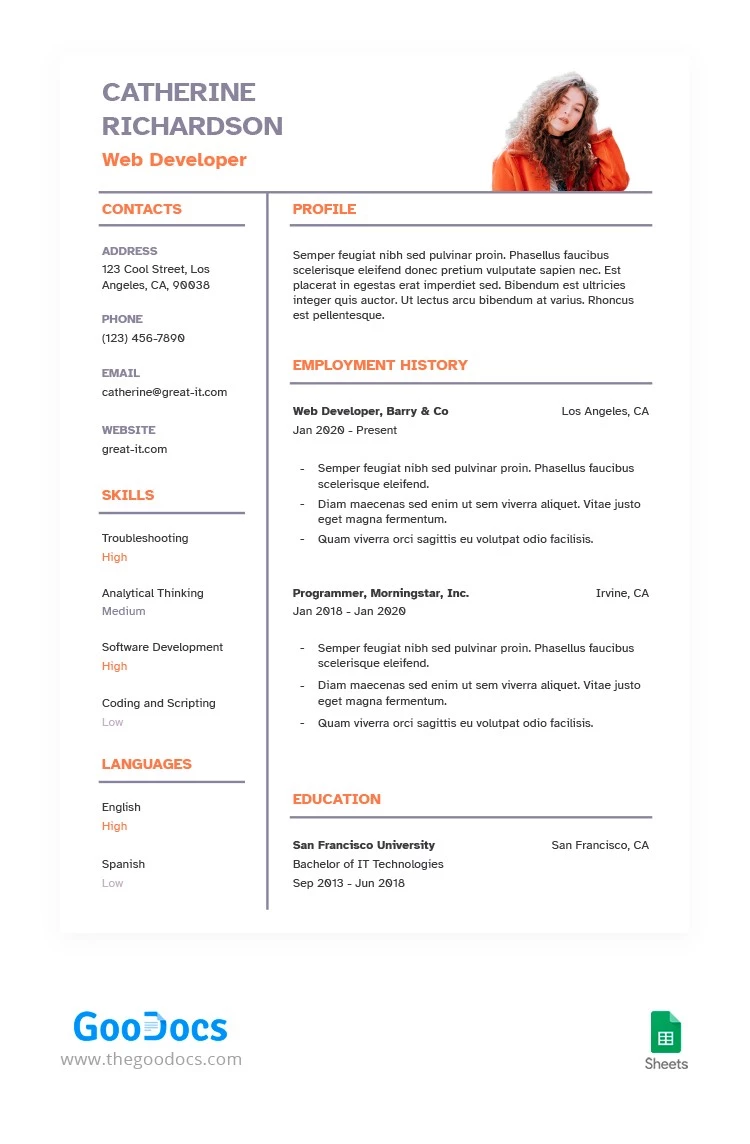
This template is designed specifically for web developers, featuring sections that cater to the unique skills and experiences associated with the field. You’ll find areas for your technical skills, work experience, education, and even a projects section where you can showcase your best work.
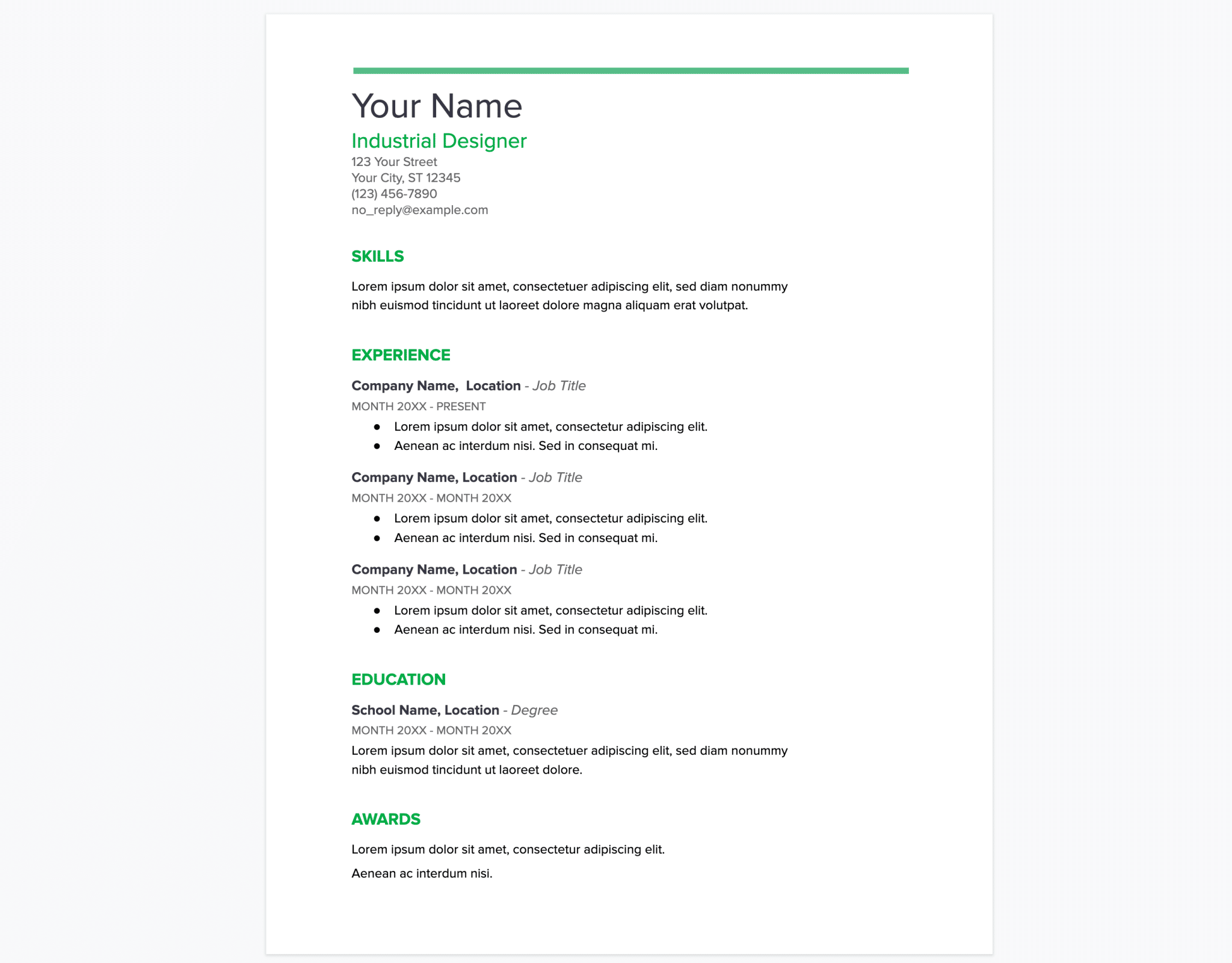
Customization is straightforward. You can easily edit the text in Google Docs to reflect your personal information. Plus, the template’s clean layout ensures that your resume will be easy to read and visually appealing. If you’re applying for a position that requires specific programming languages or frameworks, you can quickly modify the skills section to match what the employer is looking for.
Downloading and Printing the Template
Getting the Web Developer Resume Free Google Docs Template is simple. Just click the download link, and it will save directly to your Google Drive. You can access it from any device with internet connectivity, making it convenient to edit on the go.
When you’re ready to print, it’s best to use a high-quality printer to ensure that your resume looks professional. Most home printers work well, but if you have access to a color printer, it can enhance the template’s visual appeal.
Choosing the Right Paper
For printing, consider using a slightly heavier paper stock, like 24 lb or 32 lb paper, which gives a more professional feel compared to standard printer paper. If you want to ensure your resume holds up well over time, try using a heavier cardstock.
You might also want to print on letter-sized paper (8.5 x 11 inches), which is the standard size for resumes in most job applications. If your printer has options for borderless printing, that can help maximize the space on your document, giving it a more modern look.
Tips for Customizing Your Resume
Customizing your resume is where you can really make it your own. Here are some practical tips to keep in mind:
- Tailor for Each Job: Modify the skills and experience sections to align with the job description. Highlight the technologies and programming languages mentioned in the job listing.
- Use Action Verbs: Start bullet points with strong action verbs like “Developed,” “Designed,” or “Implemented” to convey your contributions more effectively.
- Quantify Achievements: Whenever possible, include numbers to back up your achievements. For example, “Increased website traffic by 30% through effective SEO strategies.”
- Keep It Concise: Aim for a one-page resume unless you have extensive experience. Be succinct and focus on the most relevant information.
- Proofread: Before sending it out, double-check for any spelling or grammatical errors. A polished resume reflects attention to detail, a key trait for any developer.
Next Steps After Downloading
Once you’ve downloaded and customized your Web Developer Resume Free Google Docs Template, it’s time to put it to use. Save it in a PDF format before sending it out to potential employers. This format preserves your layout and ensures that what you see is what they get, regardless of the device they use to view it.
To save as a PDF in Google Docs, click on “File,” then “Download,” and select “PDF Document.” This is a straightforward process that helps maintain the professional look of your resume.
By following these steps and utilizing the template effectively, you’ll be well on your way to landing that interview. Your resume is your first impression, so make sure it reflects your skills and ambitions as a web developer. Happy job hunting!
Web Developer Resume Free Google Docs Template Gallery