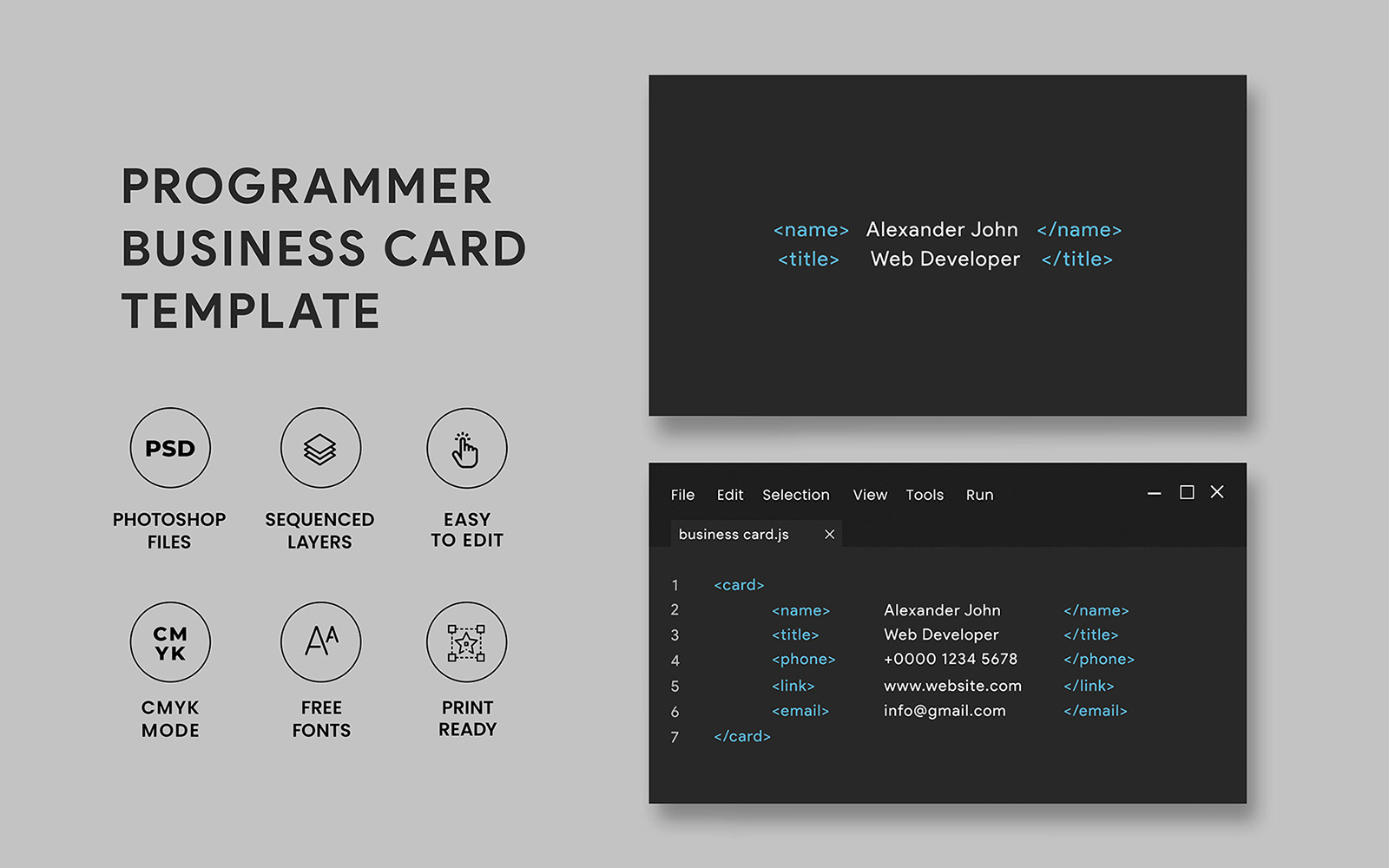
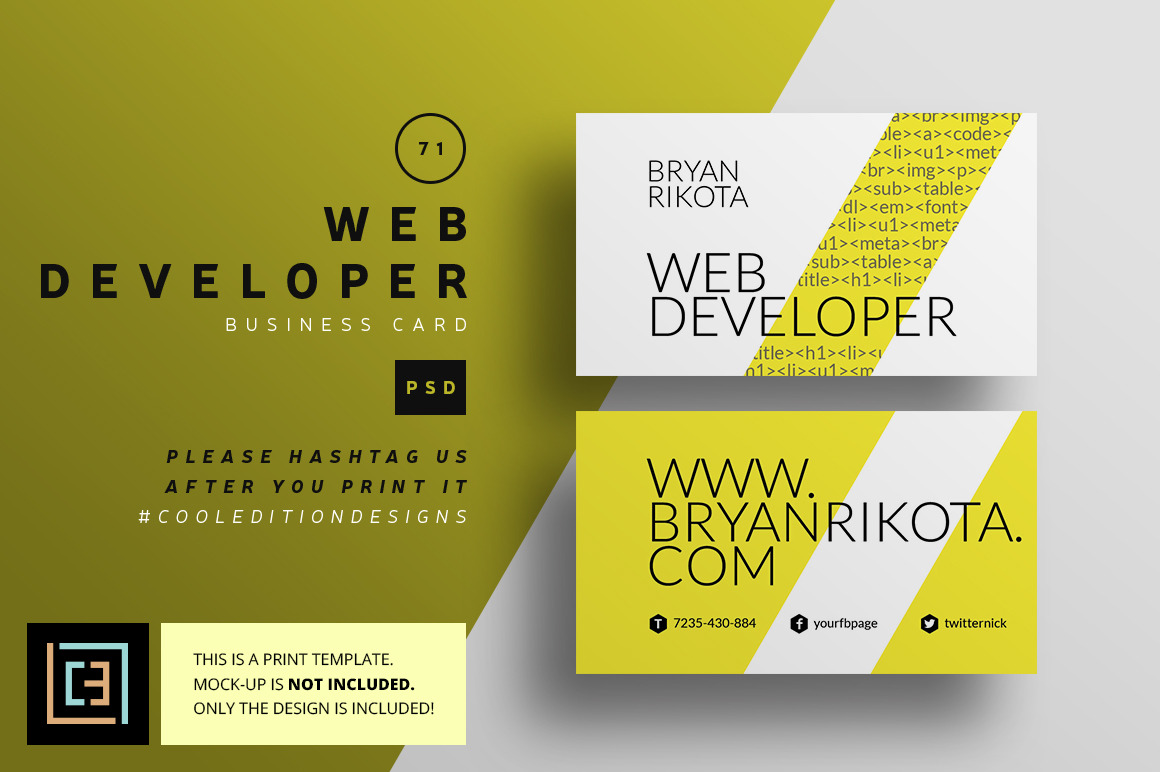
Creating a business card that reflects your skills as a web developer is essential for networking and making a strong first impression. The Web Developer Business Card Free Google Docs Template is a fantastic resource that allows you to design your own cards effortlessly. This guide will walk you through the process of customizing and printing your business cards, ensuring you have all the practical details you need.
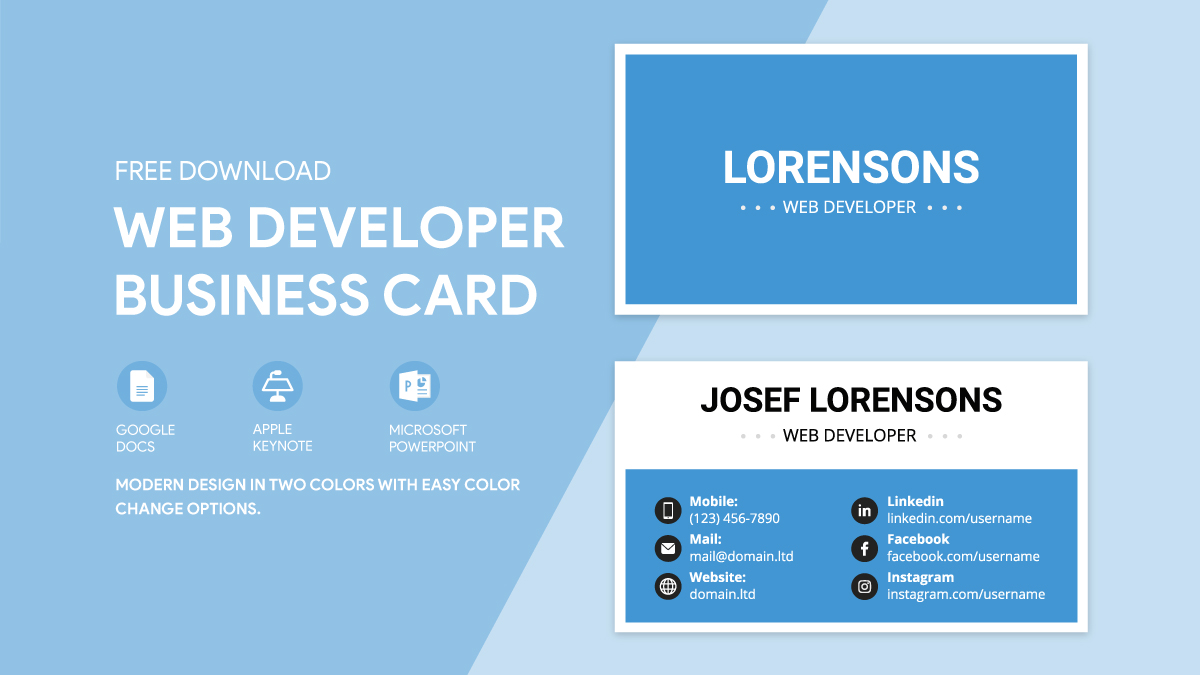
Understanding the Template Features
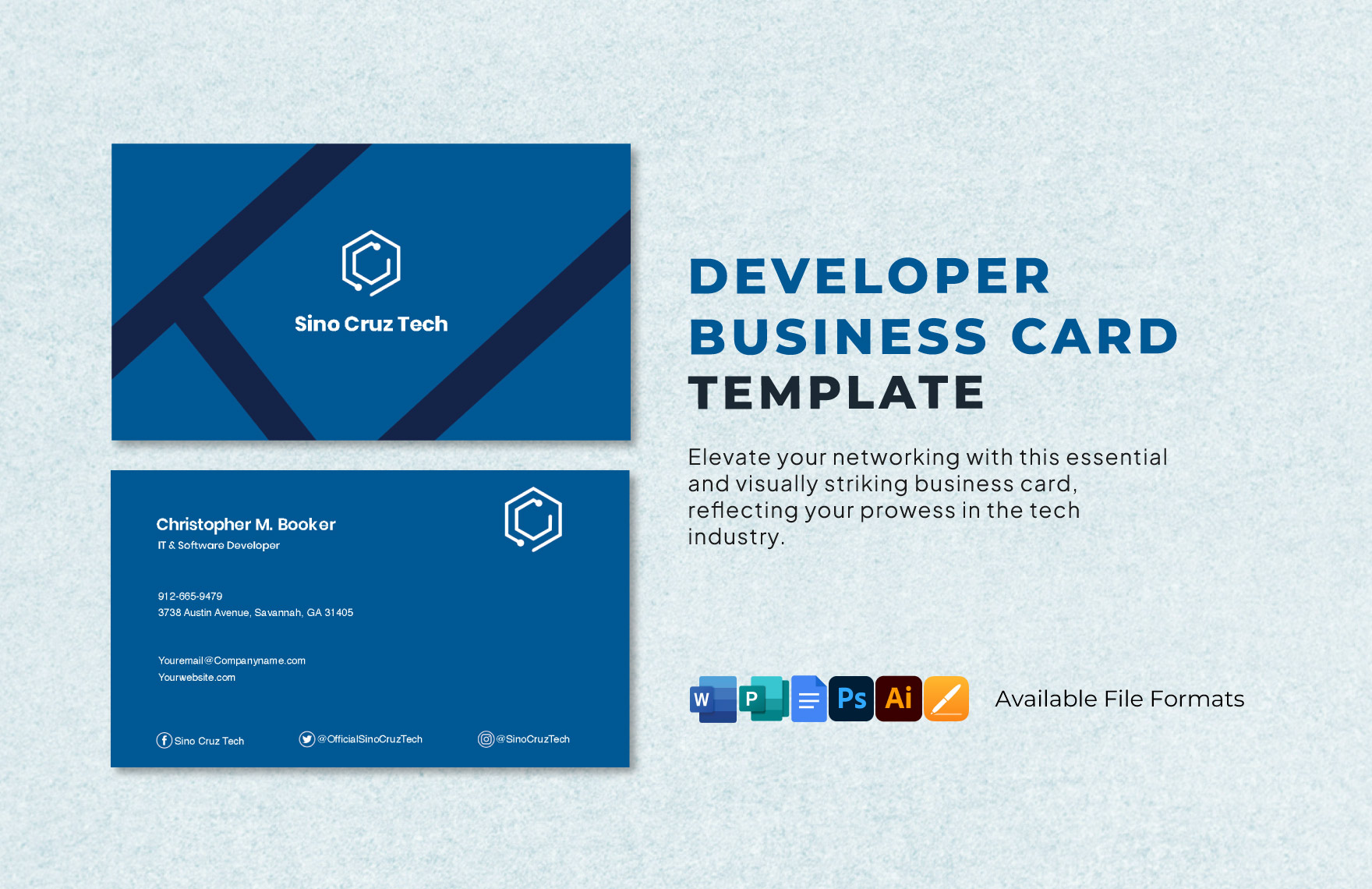
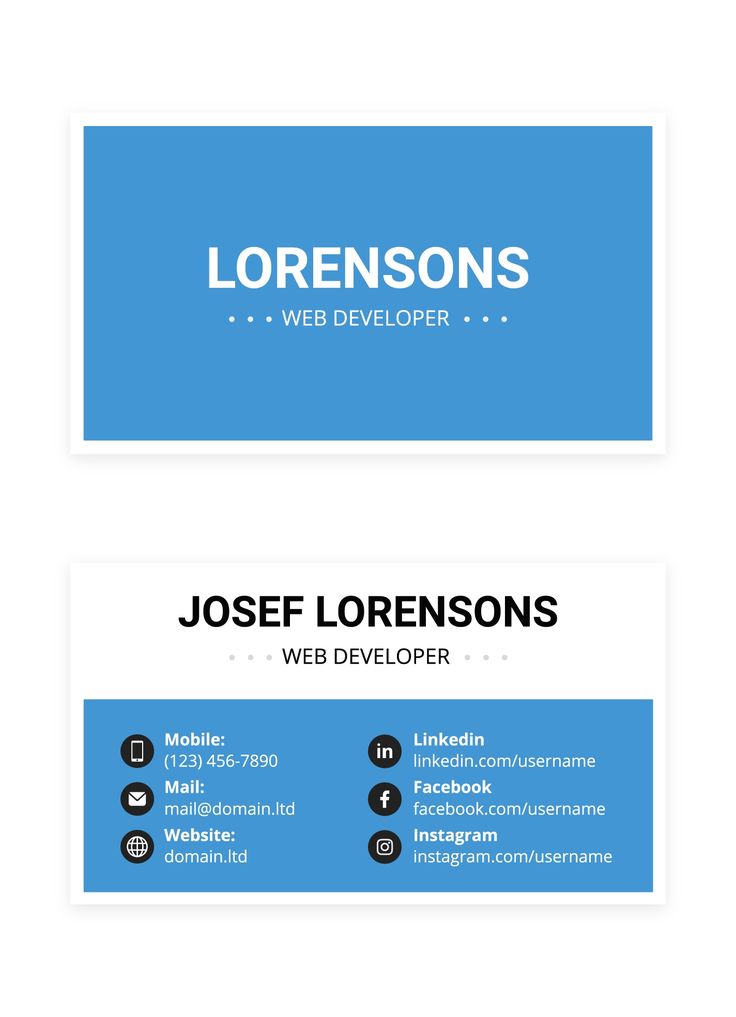
The Web Developer Business Card Free Google Docs Template offers a clean and modern design that you can personalize to fit your style. Here are a few features to consider:
- Editable Text Fields: You can easily input your name, title, contact information, and any other relevant details directly in Google Docs.
- Customizable Layout: Arranging the elements of your card is simple. You can adjust the layout to suit your preferences, whether you want a minimalist look or something more vibrant.
- Color Options: The template allows you to change colors to match your brand or personal style, helping your card stand out.
Using a template not only saves time but also ensures that your card looks professional without requiring extensive design skills.
Choosing the Right Paper and Cardstock
When printing your business cards, the choice of paper or cardstock is crucial to ensure durability and a polished look. Here are some considerations:
- Cardstock Weight: For business cards, a weight of 80 lb (approximately 216 gsm) is commonly recommended. This thickness provides a sturdy feel without being overly heavy.
- Finish: You can choose between matte or glossy finishes. A matte finish can give a sophisticated look, while a glossy finish might make colors pop more vividly.
- Size: Standard business card dimensions in the U.S. are 3.5 x 2 inches. Make sure your design fits within these dimensions.
If you plan to laminate your cards for added protection, go for a slightly thicker cardstock, as this will hold up better during the lamination process.
Printing Your Business Cards
Once you’ve customized your template, the next step is printing. Here are some practical tips to ensure your cards come out perfectly:
- Printer Settings: If you’re using a home printer, set it to the highest quality print setting for the best results. Select the right paper type in your printer’s settings to ensure the ink adheres properly.
- Test Print: Always do a test print on regular paper first. This helps you catch any mistakes before you waste good cardstock.
- Print in Batches: If you need multiple cards, print them in batches. This can help you manage any potential issues without wasting materials.
For those without a high-quality printer, consider using a local print shop. They often have professional-grade printers and can offer additional services like cutting and laminating.
Personalization Ideas for Your Business Card
While the template provides a solid foundation, adding personal touches can make your business card truly unique. Here are some ideas:
- Logo Inclusion: If you have a personal logo, make sure to incorporate it into your card design. This will enhance your brand recognition.
- Social Media Links: As a web developer, showcasing your online presence is vital. Include links to your LinkedIn profile, portfolio, or GitHub page.
- QR Codes: Consider adding a QR code that links directly to your portfolio or website. This is a modern touch that can make it easier for potential clients or employers to access your work.
Remember, the goal is to create a card that not only represents you but also facilitates future connections.
Finalizing and Delivering Your Business Cards
After printing, it’s essential to ensure your cards are in top shape before distributing them. Here are steps for finalizing your cards:
- Cutting: If you printed them at home, use a paper cutter for clean, straight edges. Scissors can lead to uneven cuts, which can diminish the professional look.
- Storage: Keep your business cards in a protective case or holder to prevent them from bending or getting damaged. This will also make it easier to carry them with you.
- Distribution Strategy: Think about when and where you’ll hand out your cards. Networking events, conferences, and casual meet-ups are great opportunities.
With these steps, you’ll be ready to make a lasting impression as a web developer. The Web Developer Business Card Free Google Docs Template not only simplifies the design process but also ensures you have a professional card that showcases your abilities. Investing time in personalizing and printing your cards can significantly enhance your networking efforts and help you connect with potential clients and employers effectively.
Web Developer Business Card Free Google Docs Template Gallery