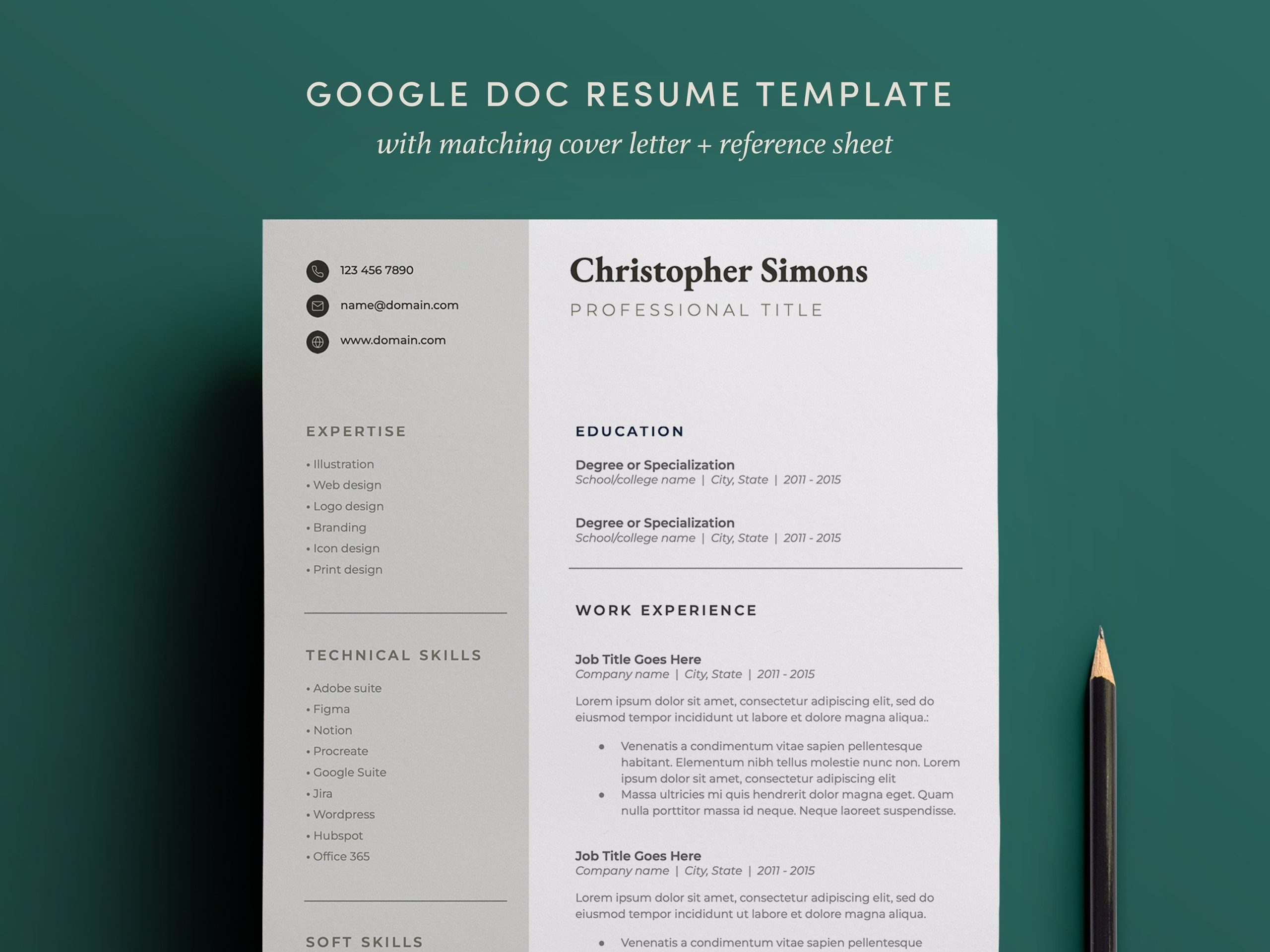
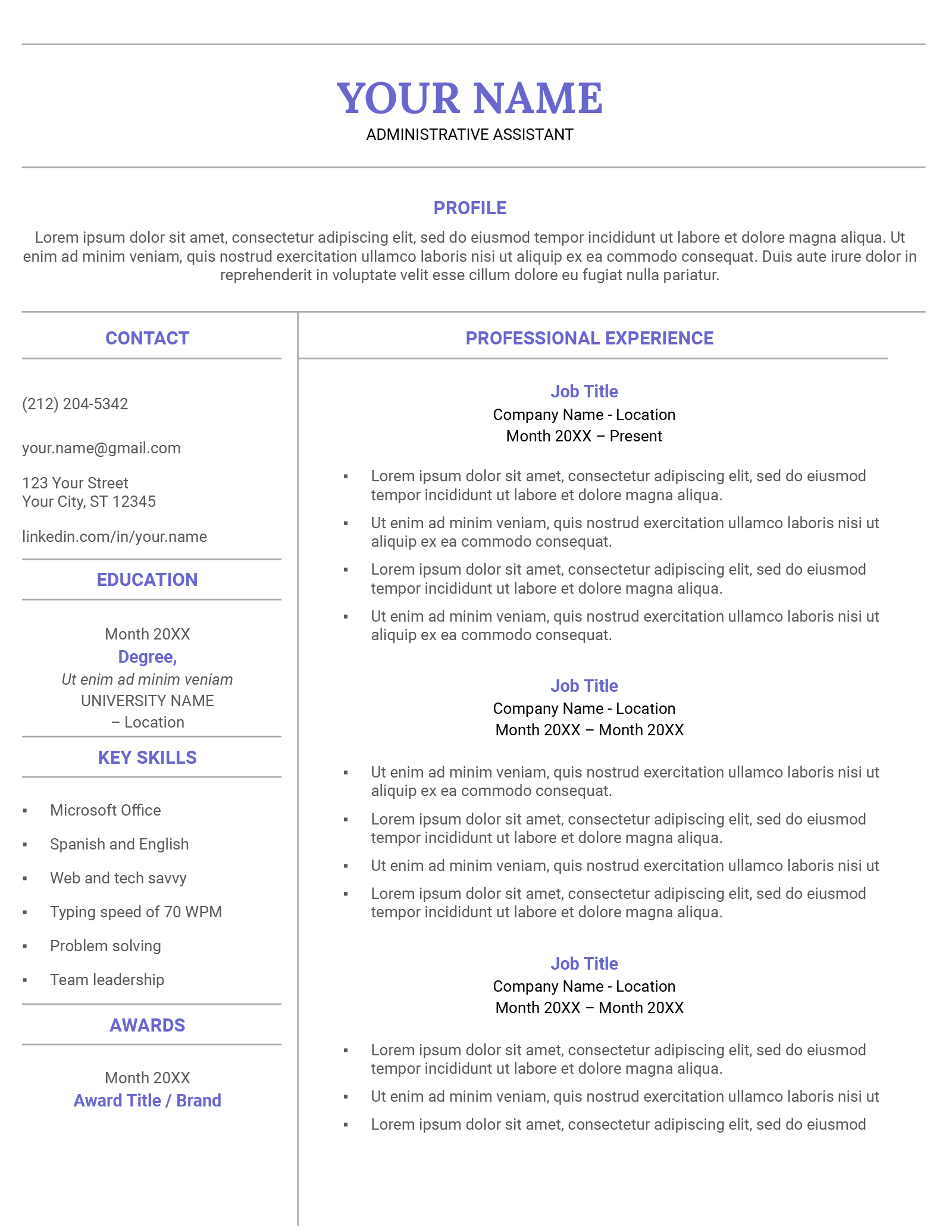
Creating a standout resume is crucial for any web designer looking to make an impression on potential employers. The Web Designer Resume Free Google Docs Template offers an accessible and user-friendly option for those in the creative field. With this template, you can easily customize your information and design to fit your personal style, making your resume not just a document, but a representation of your skills.
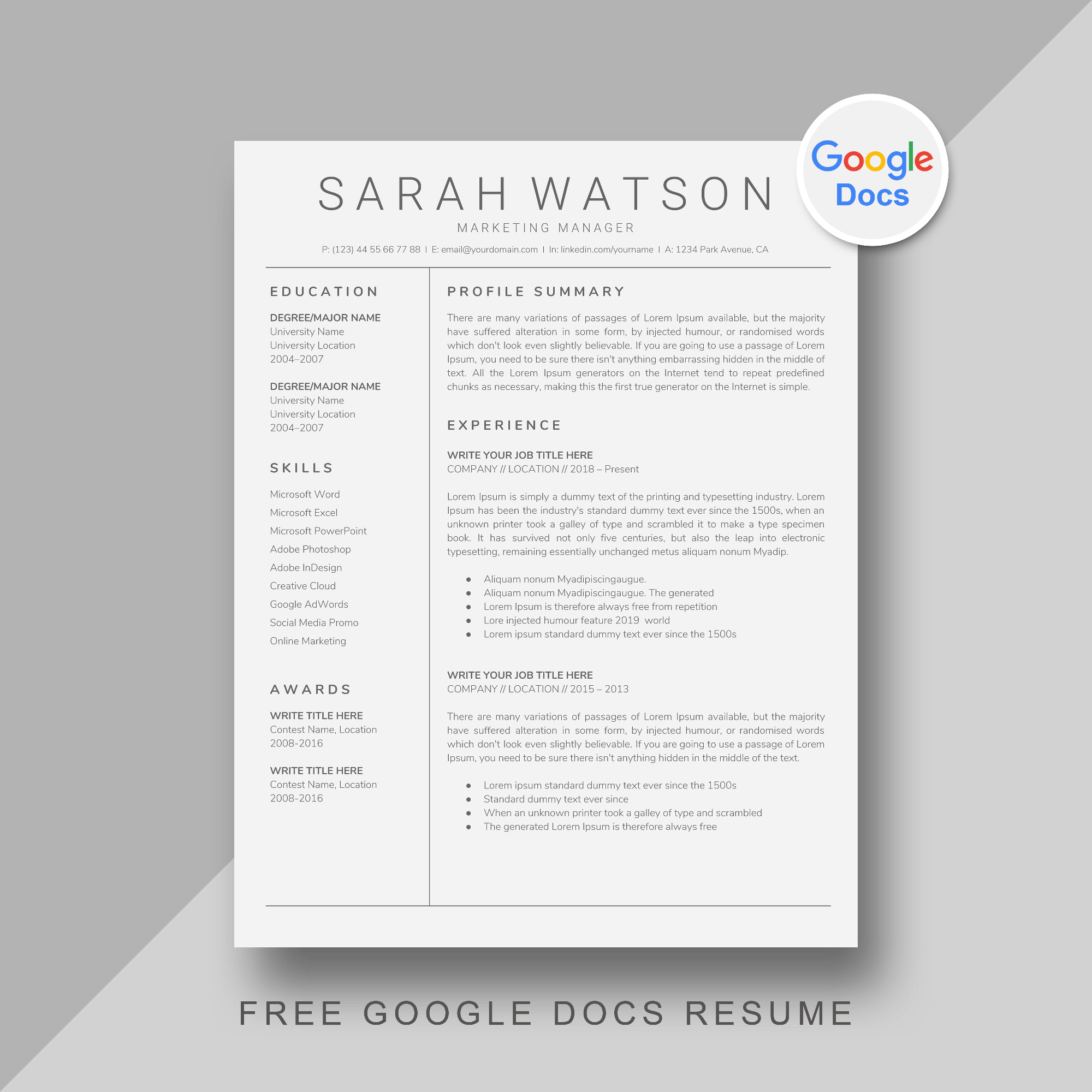
What’s in the Web Designer Google Docs Resume Template?
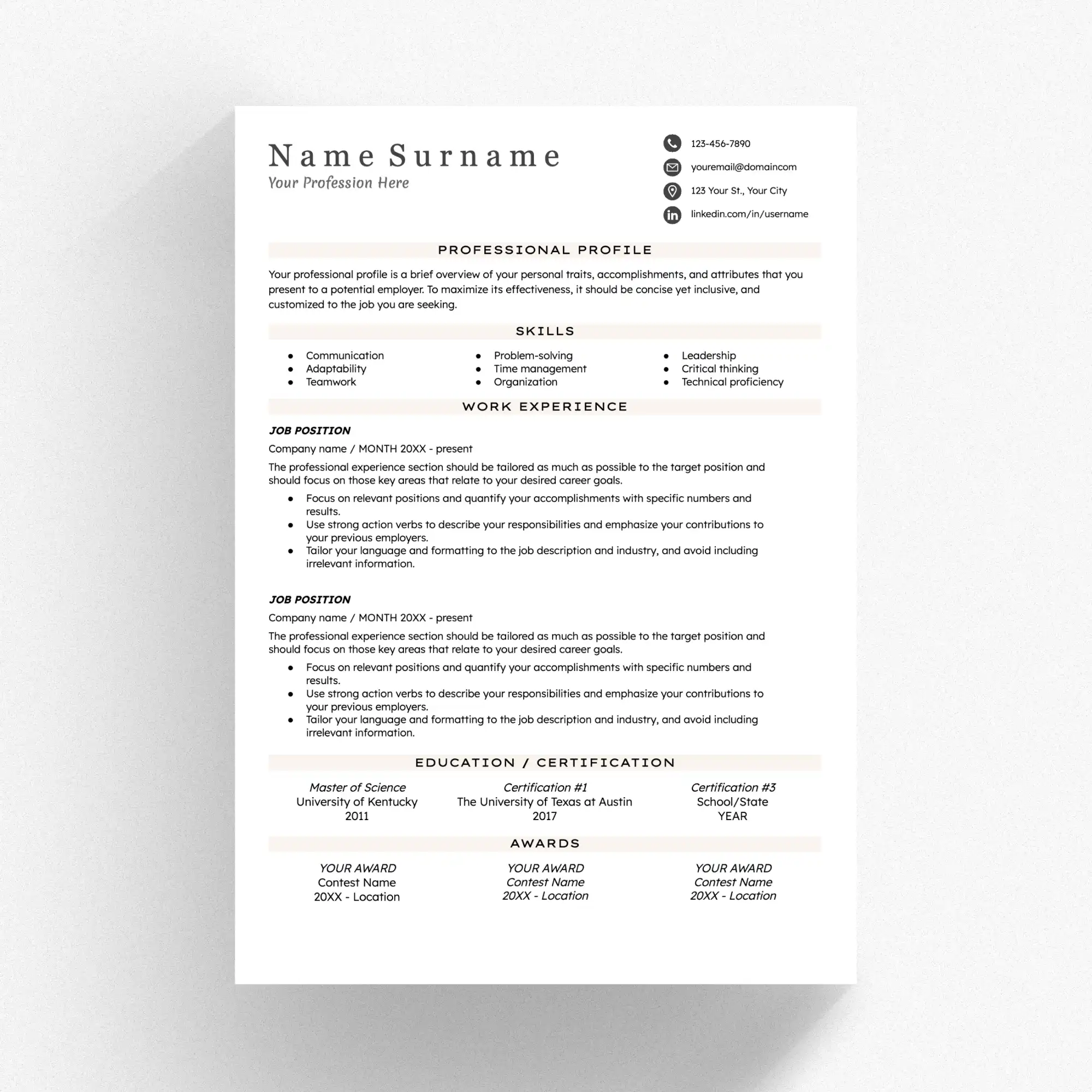
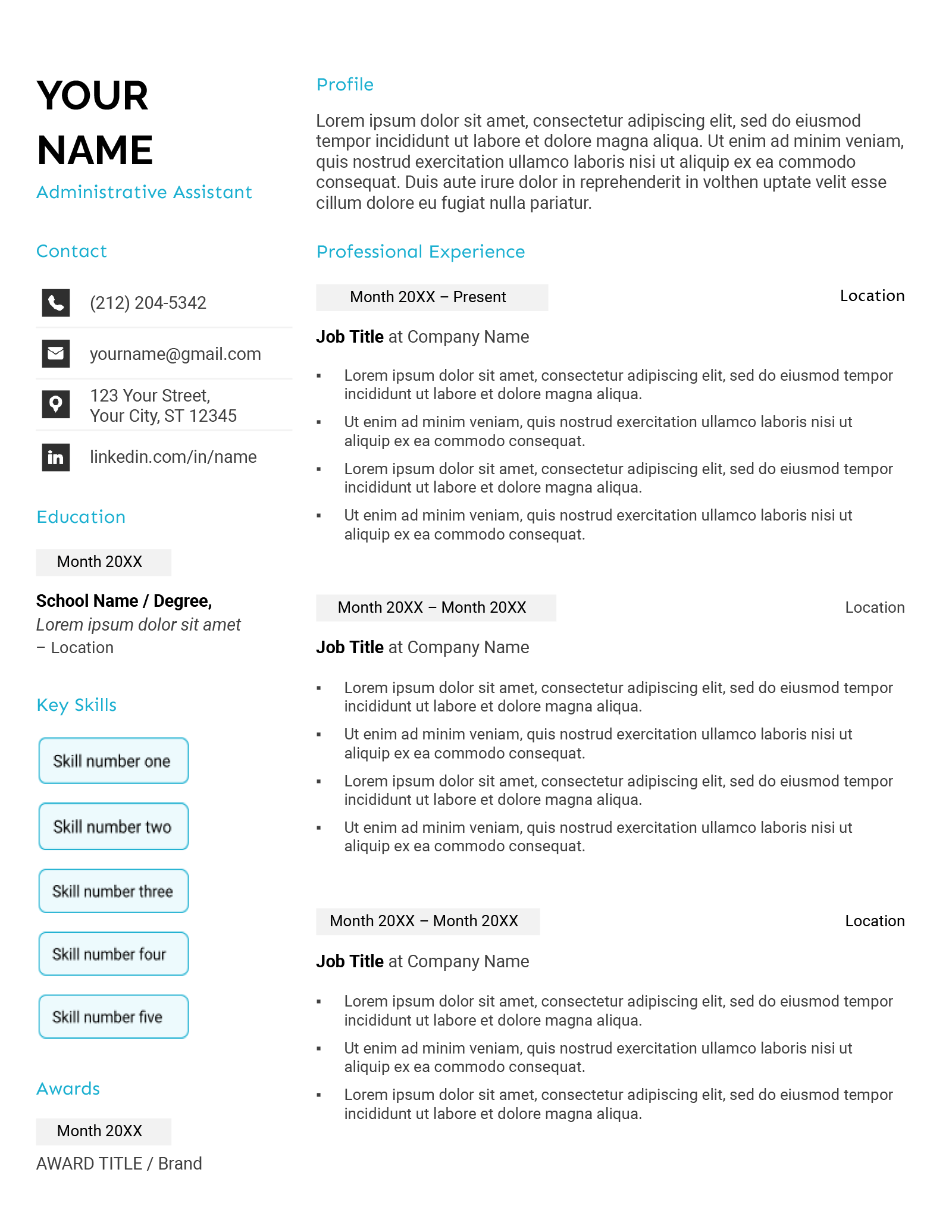
When you download the Web Designer Resume Free Google Docs Template, you’ll find a clean, professional layout that highlights your skills and experience. Key features typically include:
- Contact Information: A dedicated space for your name, phone number, email, and LinkedIn profile.
- Professional Summary: A brief overview that captures your design philosophy and key achievements.
- Skills Section: A customizable list where you can showcase both technical skills (like HTML, CSS, JavaScript) and soft skills (like communication and teamwork).
- Experience: Areas to detail your work history, including job titles, companies, and responsibilities.
- Education: Sections for your degrees and certifications, which can help set you apart from other candidates.
- Portfolio Links: A space to include links to your online portfolio or projects, which is essential for web designers.
Customizing Your Resume Template
One of the biggest advantages of using a Google Docs template is the ease of customization. This is your chance to make your resume truly yours. Here are some practical tips:
- Font Choices: Choose fonts that reflect your personality while remaining professional. Sans-serif fonts like Arial or Helvetica are often recommended for their readability.
- Color Schemes: Use a color palette that complements your personal brand. But remember, less is more; stick to two or three main colors.
- Sections to Highlight: Depending on your experience, you might want to emphasize your skills, projects, or education. Make sure to adjust the template to fit what you want to showcase.
Downloading and Printing Your Template
Getting started with the Web Designer Resume Free Google Docs Template is straightforward. Here’s how you can download and print it:
- Accessing Google Docs: Make sure you have a Google account. You can access Google Docs from any browser.
- Downloading the Template: After finding the template link, click on “File” > “Make a copy” to save it to your own Google Drive.
- Editing: Customize your details directly in Google Docs. You can also add or remove sections as necessary.
- Printing: When you’re satisfied with your resume, go to “File” > “Print”. Make sure to select the correct settings for your printer—most home printers handle A4 or letter-size paper well.
Tips for Effective Use of Your Resume
Once your resume is ready to go, consider the following tips for effective use:
- Tailor for Each Job: Customize your resume for each position you apply to. Highlight the skills and experiences that best match the job description.
- Use Action Verbs: When describing your experiences, start with strong action verbs like “developed,” “designed,” or “collaborated” to convey your contributions effectively.
- Keep It Concise: Aim for a one-page resume unless you have extensive experience. Employers typically prefer resumes that are straightforward and easy to read.
Final Touches Before Sending
Before you send out your resume, double-check a few key points:
- Spelling and Grammar: Use tools like Grammarly or ask a friend to proofread your resume. Typos can make a bad impression.
- Format Consistency: Ensure that your formatting is consistent throughout the document. This includes font sizes, headings, and spacing.
- PDF Option: If you’re required to submit your resume as a file, consider saving it as a PDF. This preserves your formatting and ensures that it looks the same on any device.
By using the Web Designer Resume Free Google Docs Template, you’re setting yourself up for success in your job search. With its customizable features and practical layout, you’ll have a polished resume ready to impress potential employers in no time.
Web Designer Resume Free Google Docs Template Gallery