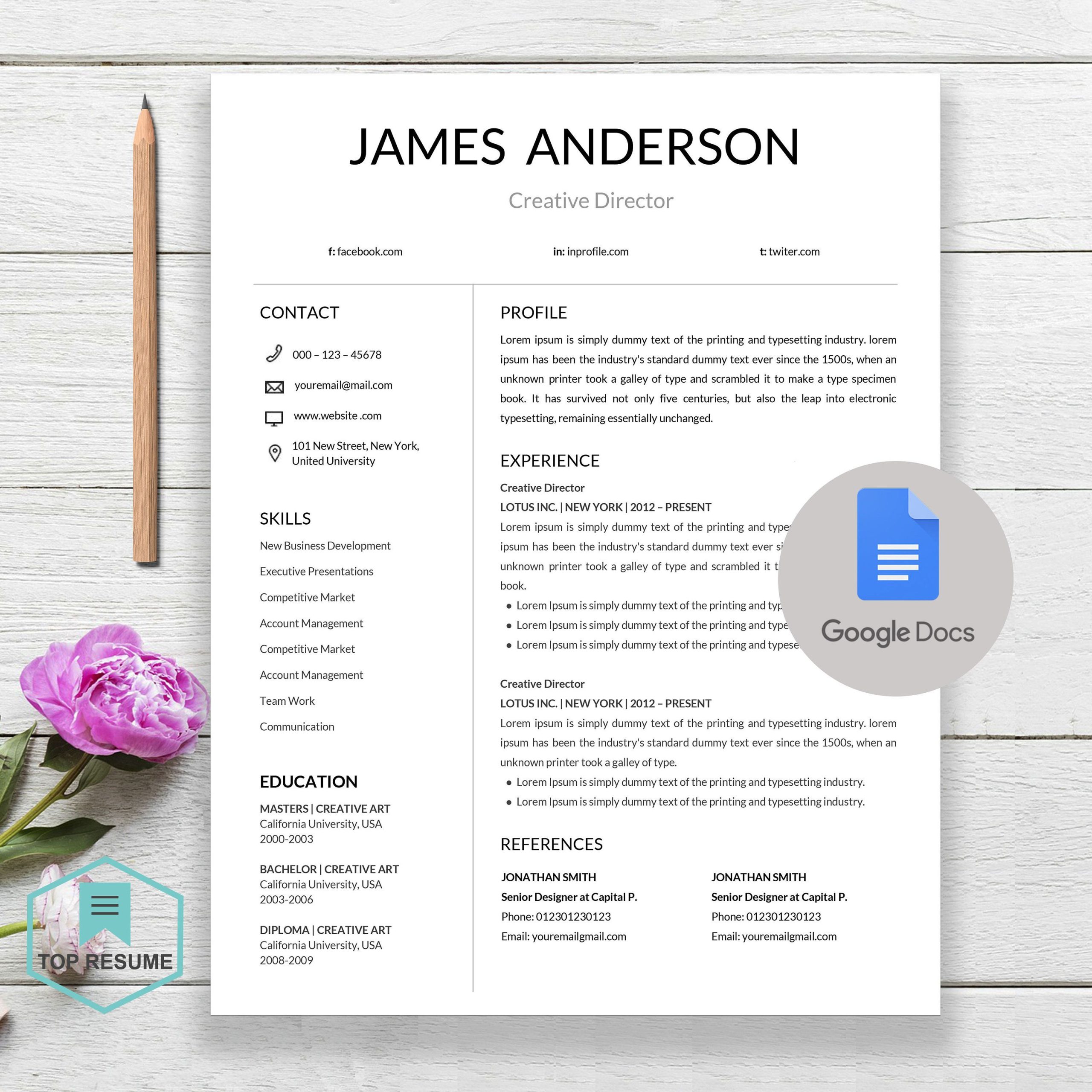
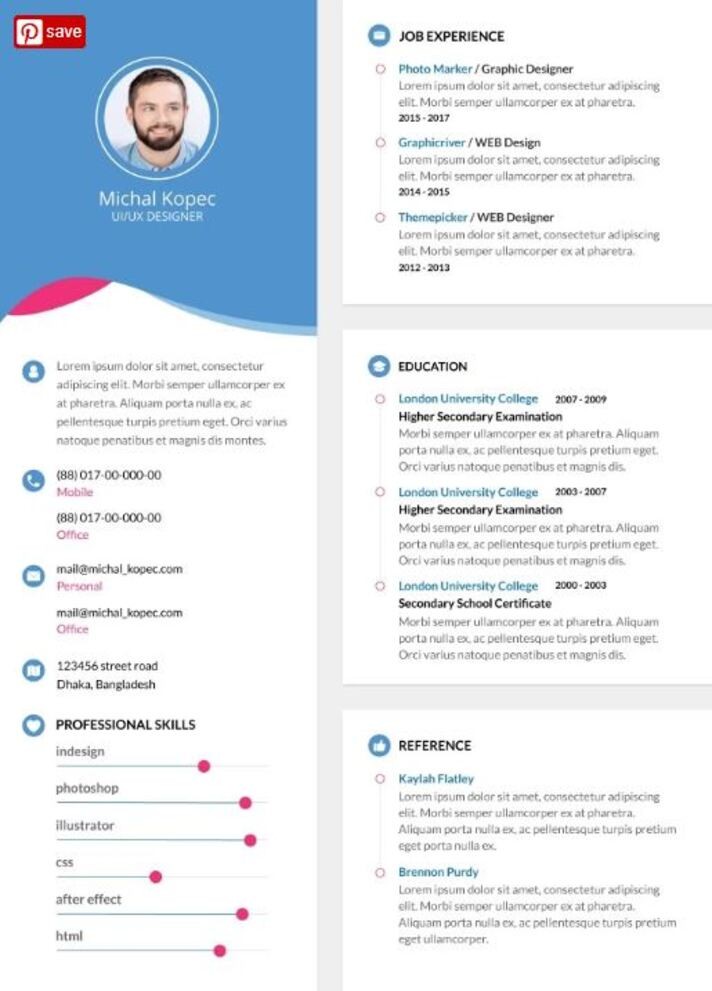
Creating a standout CV can be a daunting task, especially in the competitive field of web design. The Web Designer CV Free Google Docs Template offers an efficient and effective way to showcase your skills and experience. Unlike other templates you may have tried, this one is tailored specifically for web designers, making it easier to highlight your unique qualifications. Let’s explore how you can customize this template to fit your needs and make a lasting impression on potential employers.
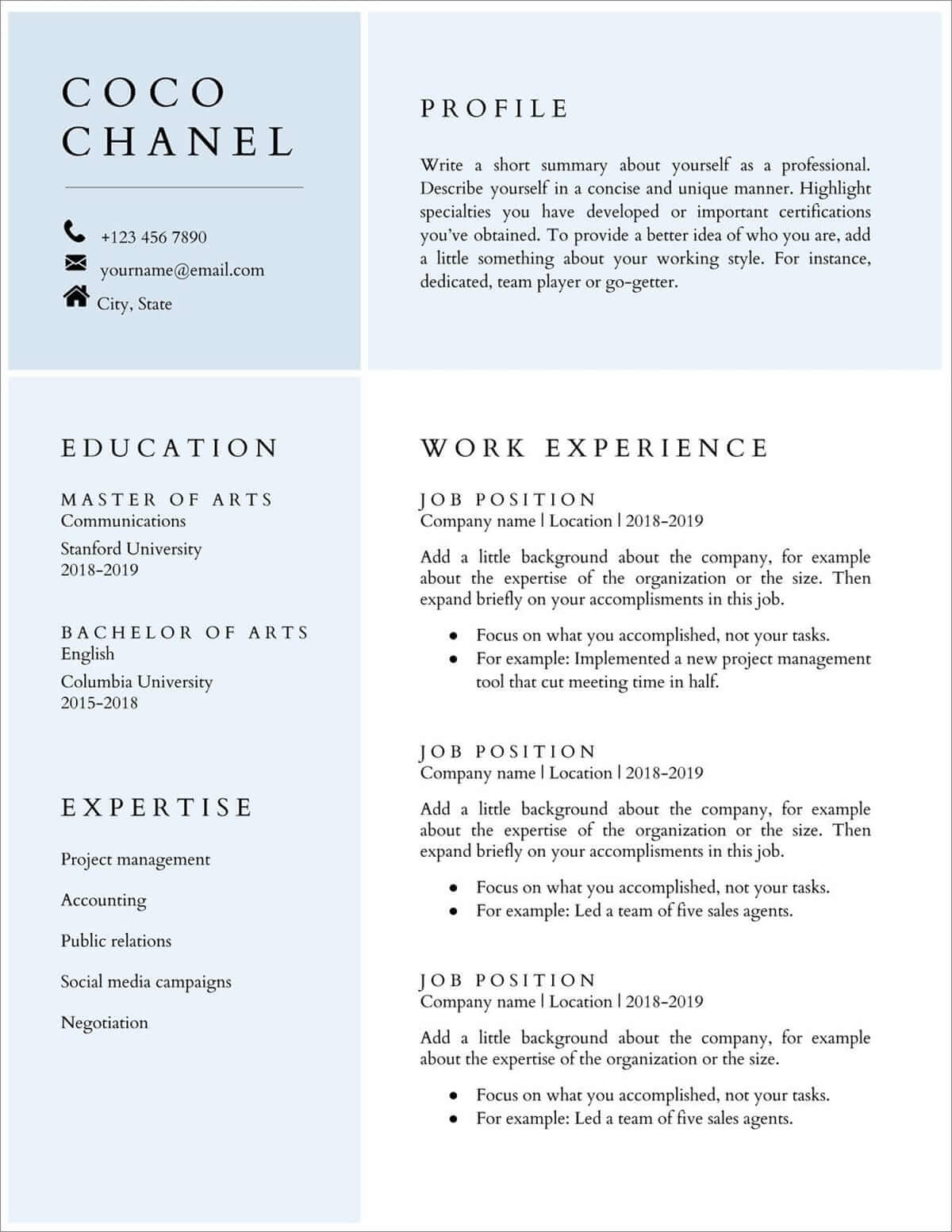
Key Features of the Web Designer CV Template
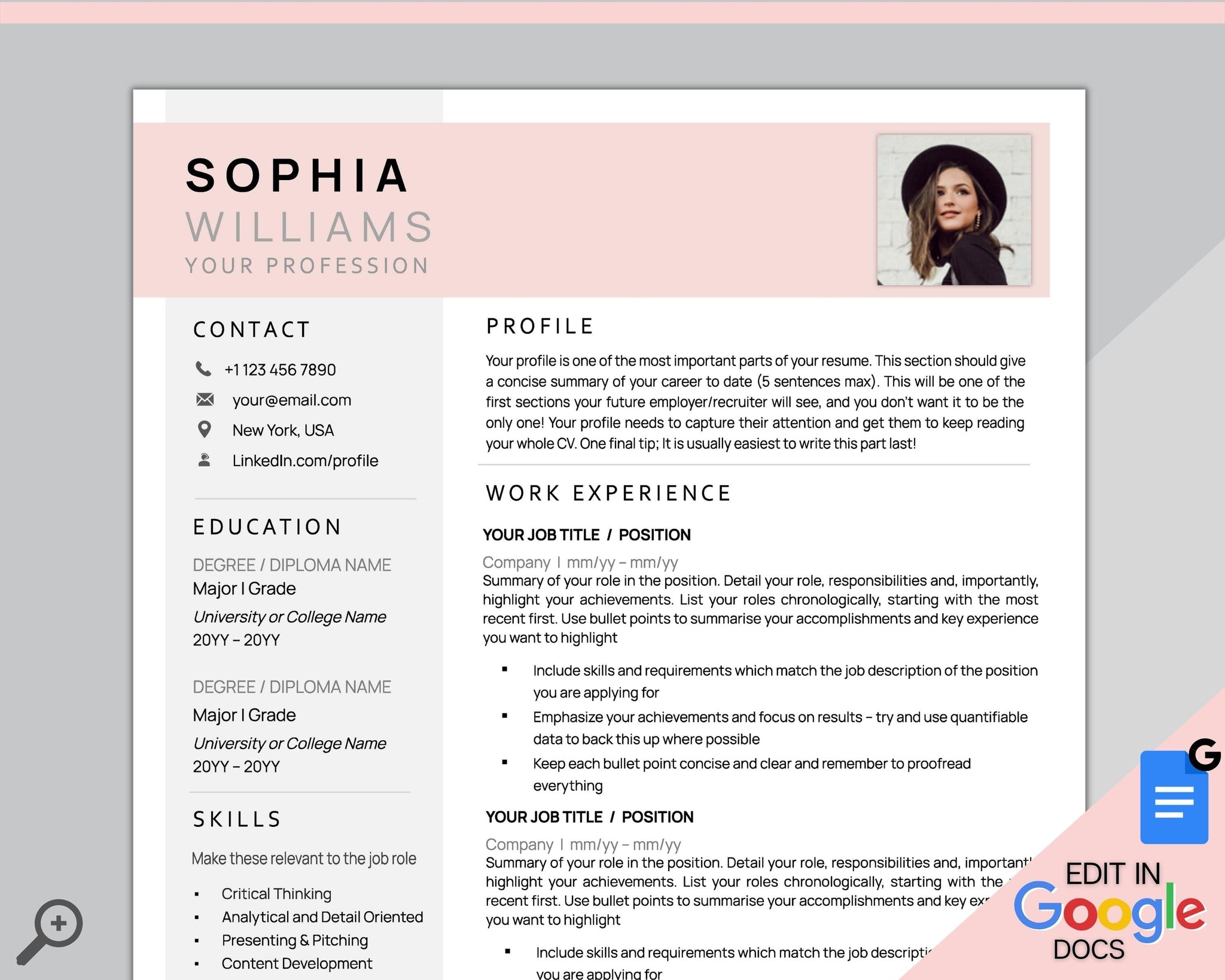
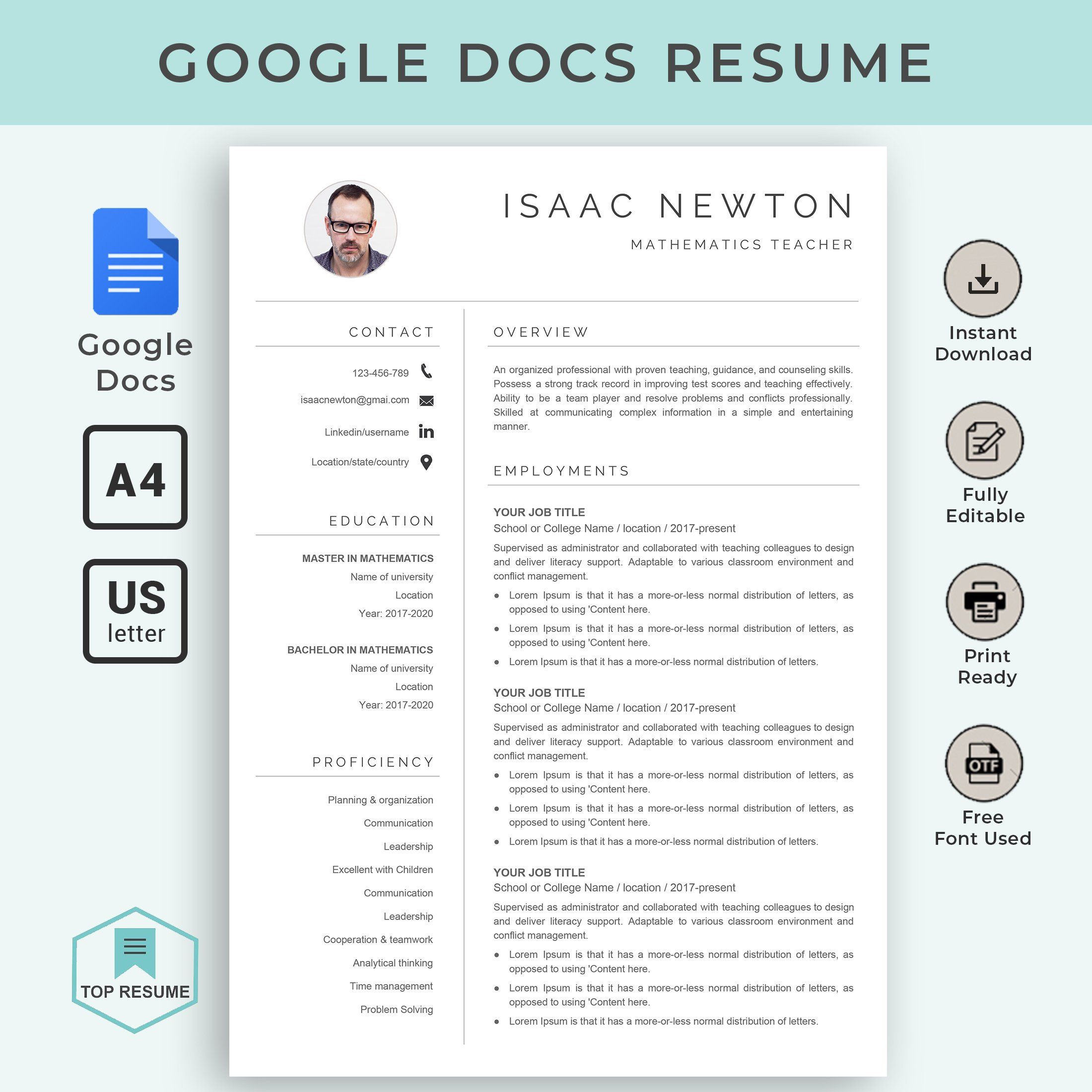
This Google Docs template comes with a clean, professional layout that’s both visually appealing and easy to read. It’s designed to help you present your skills and experience in the best light, which is crucial in a creative field like web design. Here are some of the key features you can customize:
- Sections for Skills and Experience: The template includes dedicated sections for your technical skills, work experience, and education. You can easily modify these sections to include your most relevant qualifications.
- Professional Design: The layout is aesthetically pleasing, with a modern design that reflects your expertise in web design.
- Easy Customization: You can change colors, fonts, and other design elements to match your personal brand or the job you’re applying for.
Most importantly, you can edit it directly in Google Docs, making it accessible from anywhere, whether you’re at home or on the go.
How to Customize Your CV
When working with the Web Designer CV Free Google Docs Template, customization is key. Here are some practical tips to ensure your CV stands out:
- Personalize the Header: Start with your name and contact information up top. Make sure your email address sounds professional, and include links to your portfolio or LinkedIn profile if applicable.
- Tailor Your Skills Section: Include skills that are relevant to the job you’re applying for. You might have a wide range of skills, but focus on those that align with the requirements of the potential employer.
- Showcase Your Experience: When listing your work experience, use bullet points to highlight your achievements and responsibilities. Focus on quantifiable results, such as “increased website traffic by 30% through redesign.”
- Add a Personal Touch: Consider including a brief personal statement or objective at the beginning of your CV. This can help set the tone and provide context for your experience.
You’ll find that a well-customized CV can make a significant difference in your job search.
Downloading and Printing Your CV
Once you’ve tailored your Web Designer CV Free Google Docs Template to your liking, it’s time to download and print it. Here are your options:
- Download as PDF: This is often the best choice when applying online. A PDF preserves your formatting and ensures that your CV looks the same on any device.
- Print Directly from Google Docs: If you prefer a physical copy, you can print directly from Google Docs. Make sure to use high-quality paper to give a professional impression.
When printing, use A4 or letter-sized paper, depending on your location. Portrait layout usually works best for most home printers.
Additional Tips for Success
To make the most of your CV, consider these additional tips:
- Keep It Concise: Aim for one to two pages. Employers often have many CVs to review, so keeping yours concise helps ensure it gets read.
- Use Action Verbs: Start each bullet point with strong action verbs like “designed,” “developed,” or “implemented” to convey your contributions effectively.
- Proofread: Always double-check for spelling and grammatical errors. A polished CV reflects your attention to detail, a critical skill in web design.
These steps can help ensure that your CV not only looks good but also communicates your value effectively.
Web Designer CV Free Google Docs Template Gallery