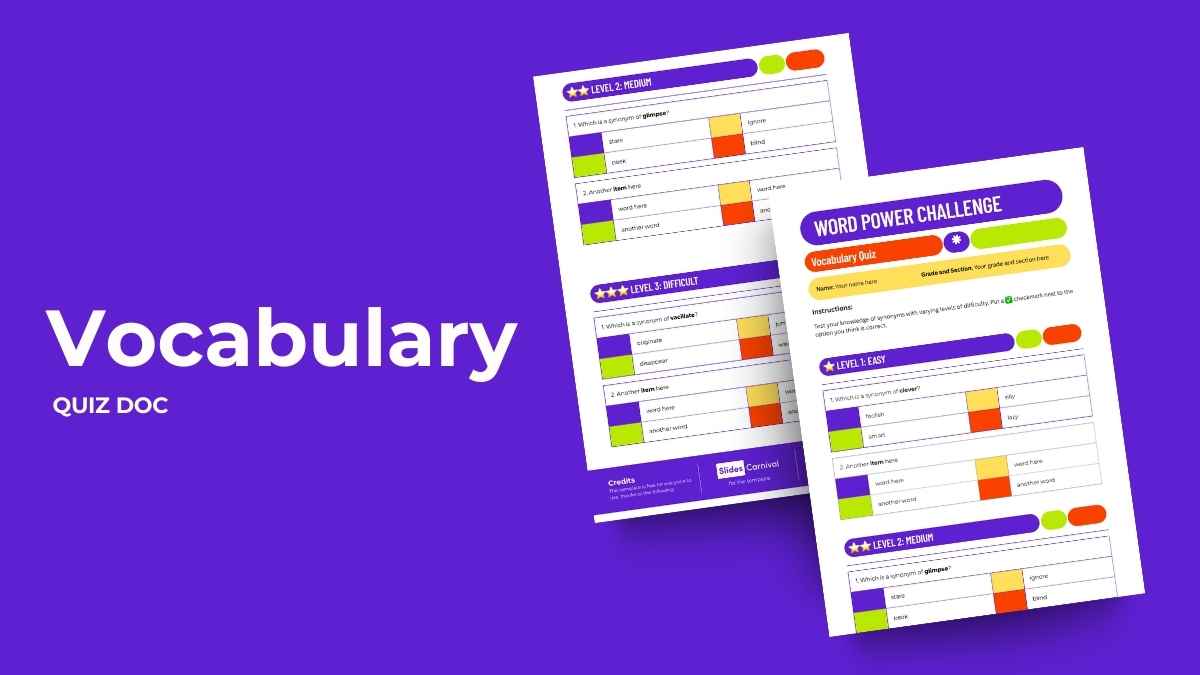
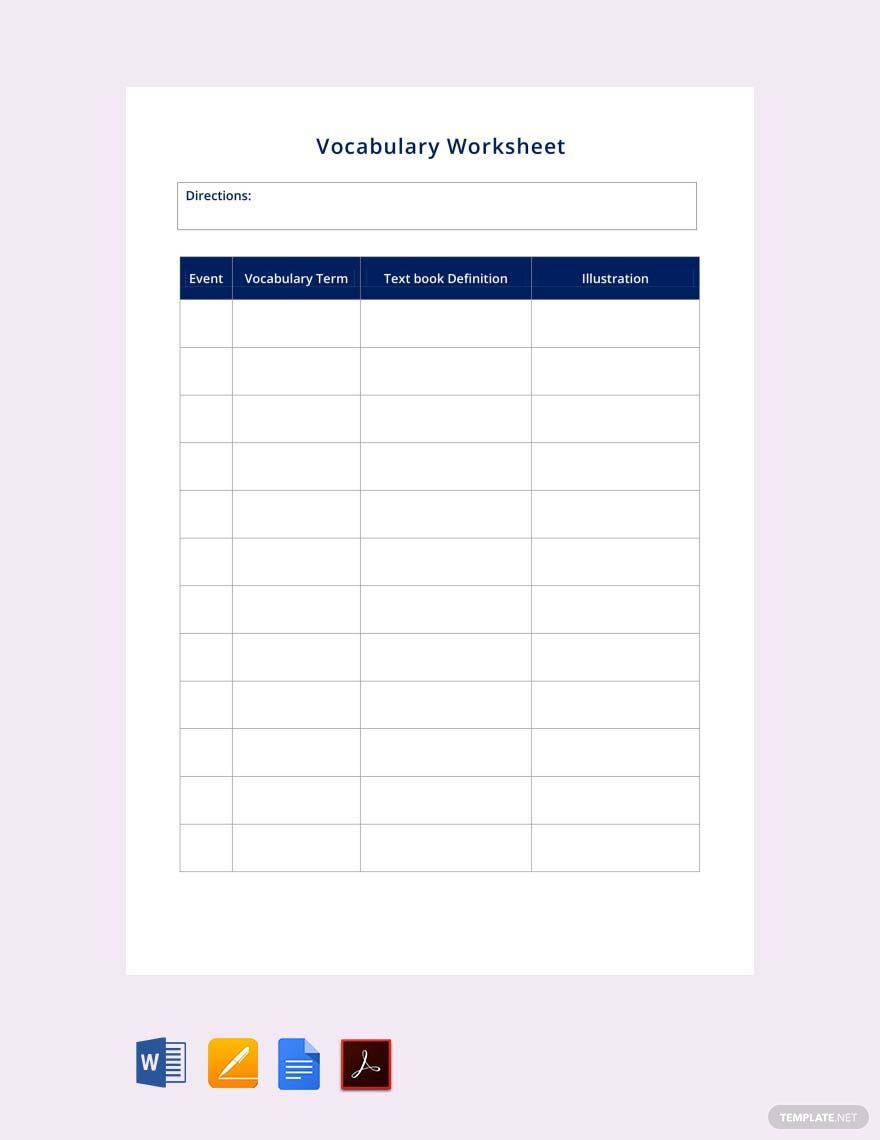
Creating a vocabulary quiz is a fantastic way to engage your kids or students while enhancing their language skills. The Vocabulary Quiz Free Google Docs Template offers a structured yet flexible format to help you assess and track vocabulary comprehension effectively. You can easily customize this template to suit different age groups and skill levels, making it a versatile addition to your educational resources.
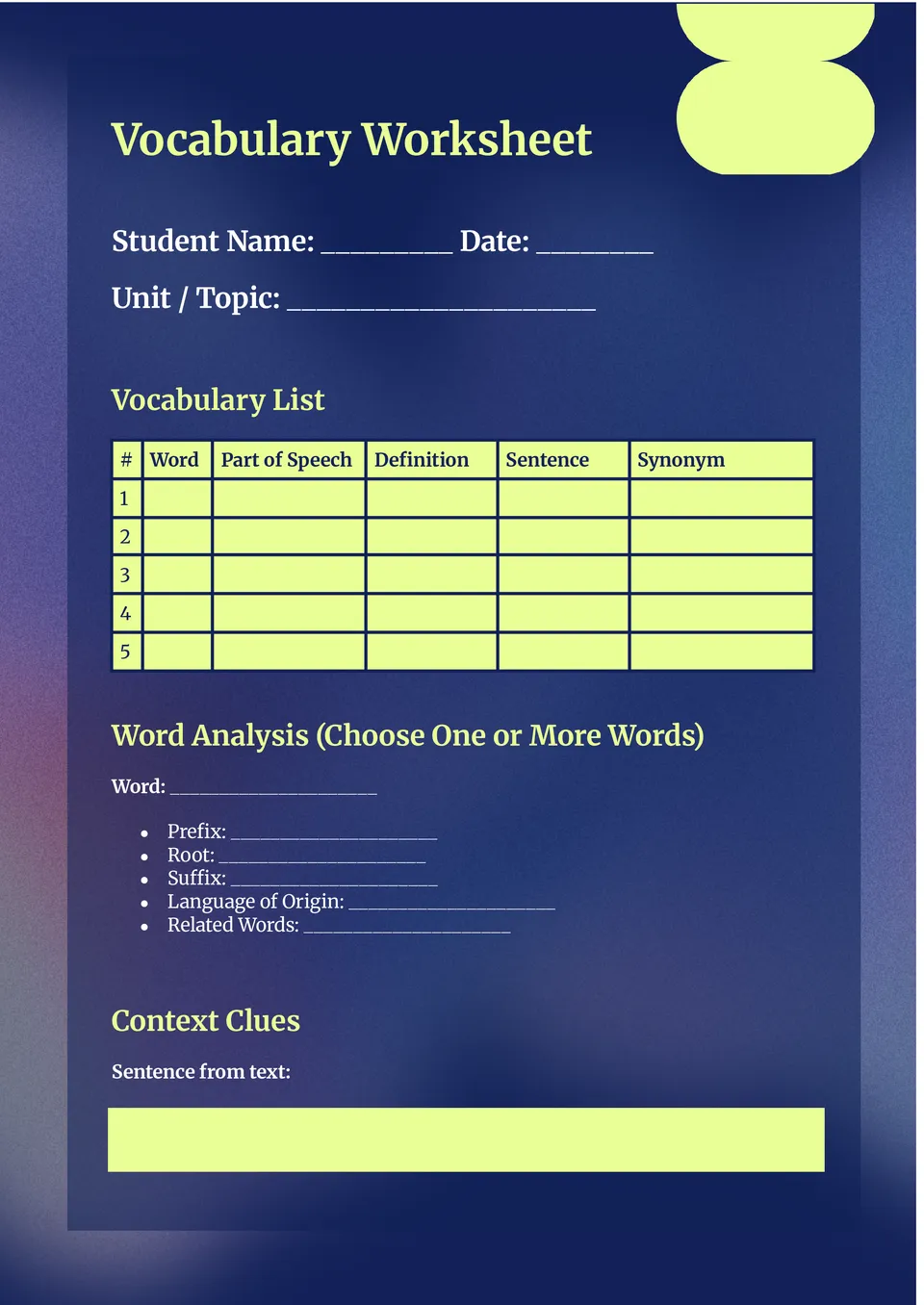
Understanding the Vocabulary Quiz Free Google Docs Template Layout
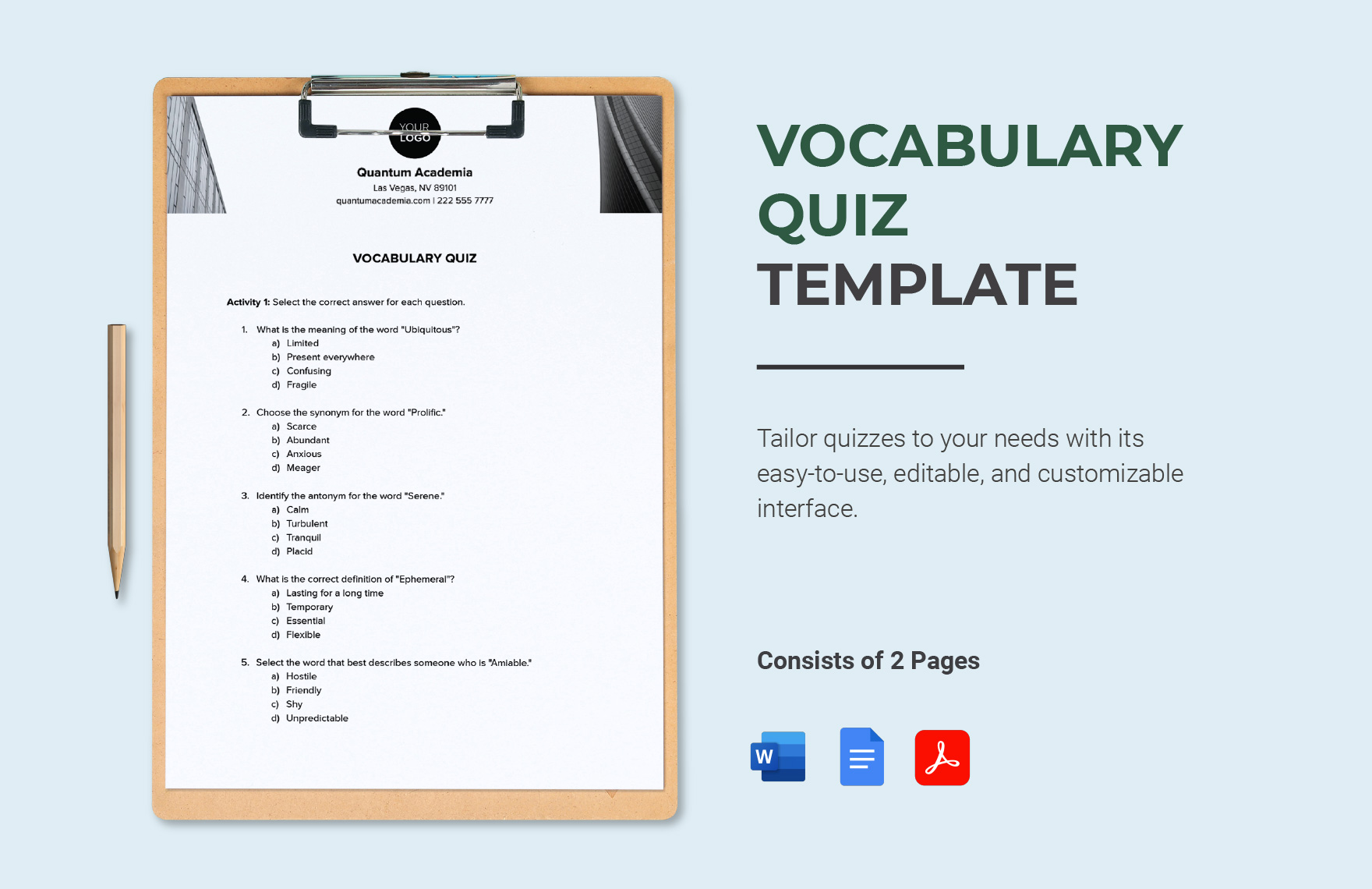
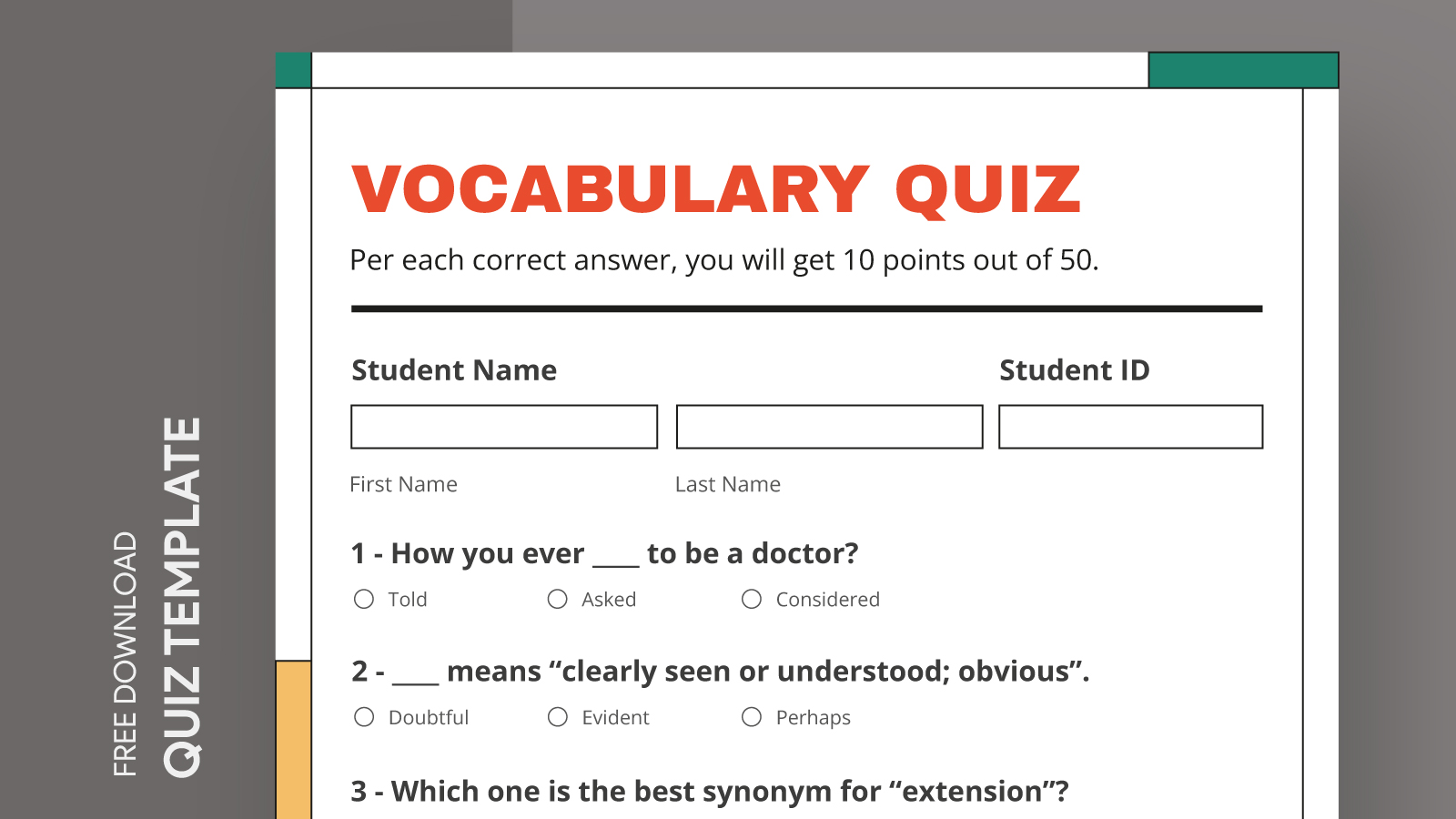
The template is designed with clarity in mind. Upon opening, you’ll find a clean layout that includes various sections: a title area, space for instructions, and designated spots for questions and answers. This organization not only helps in presenting the material clearly but also makes it easy for both parents and kids to navigate.
The title area allows you to personalize the quiz by entering a specific title, which can be as simple as “Vocabulary Quiz” or more tailored to the theme of the vocabulary being tested. Beneath the title, there’s an instruction section where you can clarify the quiz format or any specific guidelines. This is particularly useful for younger children who might need extra guidance.
Customizable Sections for Tailored Learning
One of the standout features of the Vocabulary Quiz Free Google Docs Template is its customization options. The template includes various fields that you can modify based on your learning objectives. You can add or remove questions easily, adjust the difficulty level, or even include multiple-choice options to cater to different learning styles.
For instance, if you’re preparing a quiz for early elementary students, you might want to focus on basic vocabulary words, while for older students, you could incorporate more complex terms and definitions. The ability to adjust the number of questions means you can create a quick five-question quiz or a more comprehensive assessment with ten or more questions, depending on your needs.
Practical Use Cases for Parents and Teachers
As a parent or teacher, you can leverage this template in various situations. If you’re working at home with your child, the quiz can serve as a fun and interactive way to reinforce vocabulary they’ve learned in school. It’s also a great tool for teachers looking to monitor students’ progress in the classroom.
You could use the quiz as a stand-alone activity or integrate it into a larger lesson plan. For example, after reading a chapter from a book, you can create a vocabulary quiz based on the words encountered in the text. This not only helps with retention but also encourages your child to engage more deeply with the material.
Downloading and Printing Tips
When you’re ready to use the Vocabulary Quiz Free Google Docs Template, downloading and printing it is straightforward. You can access the template via Google Docs, allowing for seamless editing and customization. If you prefer a physical copy, I recommend selecting the letter size (8.5 x 11 inches) for easy printing.
Make sure to check your printer settings before printing. Portrait layout generally works best for this type of document, ensuring that everything fits neatly on the page. If you plan to laminate the quiz for repeated use, printing on cardstock can enhance durability, making it a long-lasting resource.
Tracking Progress With the Quiz
One of the key benefits of using the Vocabulary Quiz Free Google Docs Template is the ability to track progress over time. After each quiz, you can save a copy to monitor how vocabulary understanding evolves. This is particularly important for parents and educators who want to identify areas where further support may be needed.
Consider keeping a record of quiz scores or reviewing the answers together with your child. This not only provides insight into their vocabulary acquisition but also opens up discussions about words they found challenging. Engaging in dialogue about vocabulary can further reinforce learning, making it a more enriching experience.
Final Considerations for Optimal Use
While the Vocabulary Quiz Free Google Docs Template is a fantastic resource, there are a few practical considerations to keep in mind when using it. First, ensure that the quiz aligns with the vocabulary words your child is currently learning. This makes the quiz more relevant and beneficial.
Also, think about the pacing of the quiz. Depending on your child’s age and familiarity with the material, you might want to set a time limit or allow them to take it at their own pace. Making the quiz feel less like a test and more like a fun activity can encourage better engagement and learning.
The most useful detail to remember is the template’s adaptability; you can adjust everything from the number of questions to the quiz format, making it an incredibly versatile tool for enhancing vocabulary skills.
Vocabulary Quiz Free Google Docs Template Gallery