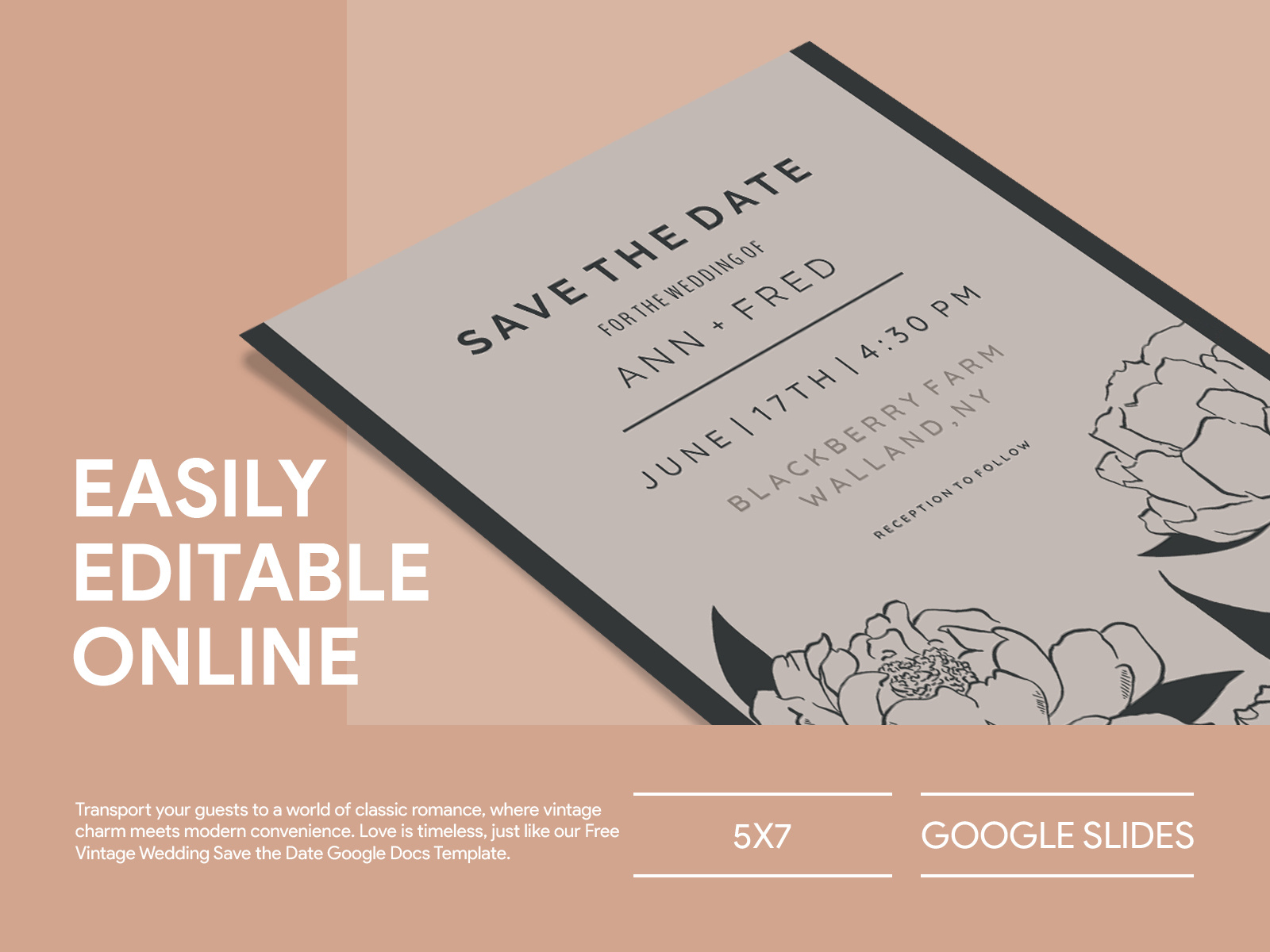
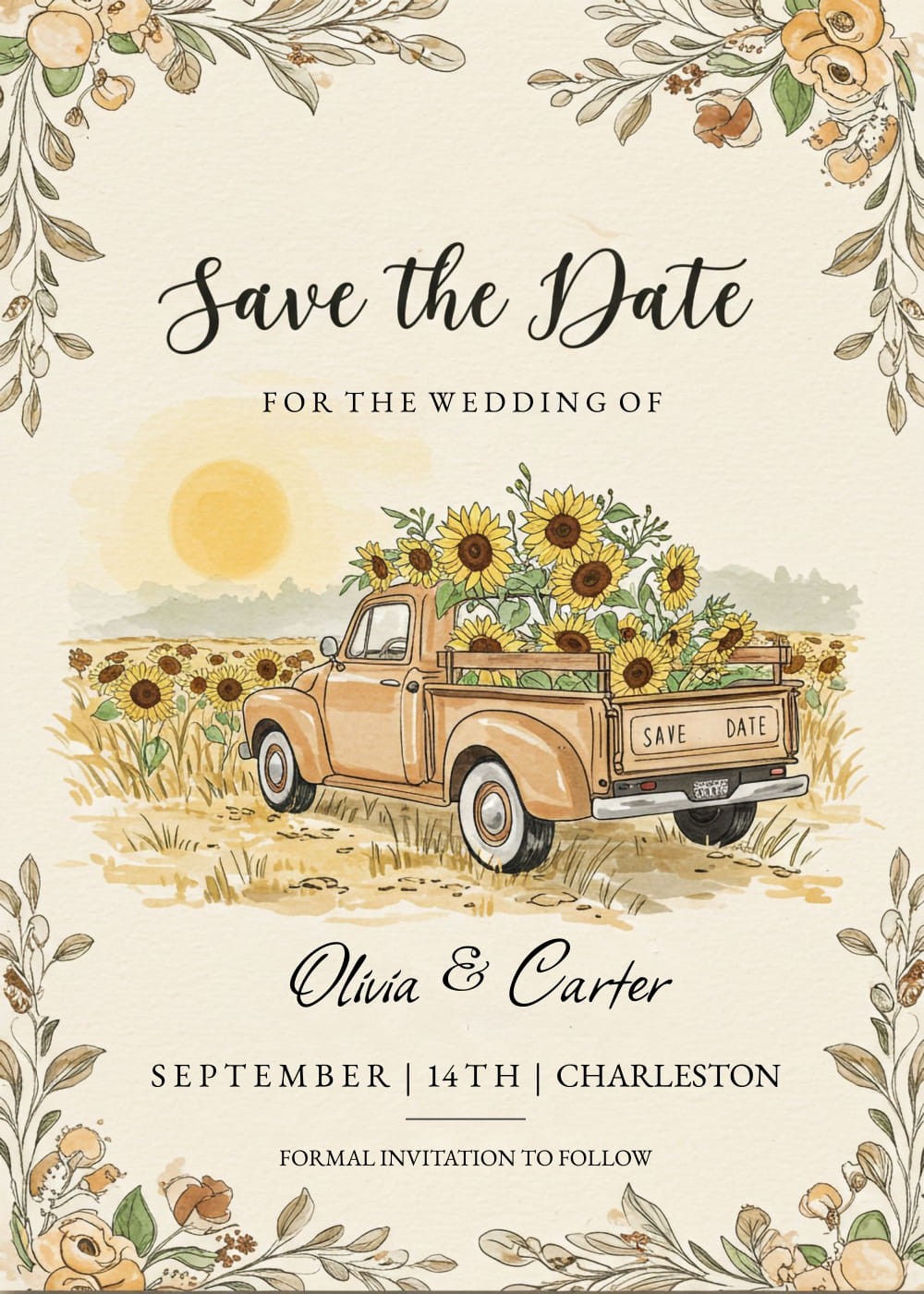
Planning a wedding is an exciting time filled with love and anticipation. One of the first steps you’ll want to take is to notify your friends and family of your special day. That’s where a Vintage Wedding Save the Date Free Google Docs Template comes in handy. It’s a charming and practical way to give your guests a heads-up about your wedding date while adding a touch of vintage elegance.
Why Choose a Vintage Wedding Save the Date Template?
Using a template can save you time and effort, allowing you to focus on other important aspects of your wedding planning. The vintage style is not only trendy but also timeless. It evokes a sense of nostalgia and romance that many couples want to capture for their special day. With a free Google Docs template, you can easily personalize your announcement without needing advanced design skills.
How to Personalize Your Vintage Save the Date Template
Once you’ve downloaded your Vintage Wedding Save the Date Free Google Docs Template, it’s time to make it your own. Here are some steps to guide you through the personalization process:
- Open the Template: Access the Google Docs template and make a copy to your own Google Drive. This way, you can edit it without altering the original.
- Edit the Text: Replace the placeholder text with your wedding details. Be sure to include:
- Your names
- The wedding date
- The location (venue) if you have it set
- A brief message (like “We’re getting married!”)
- Choose Your Fonts: Google Docs offers a variety of fonts. For a vintage look, consider using a script font for your names and a classic serif font for the details.
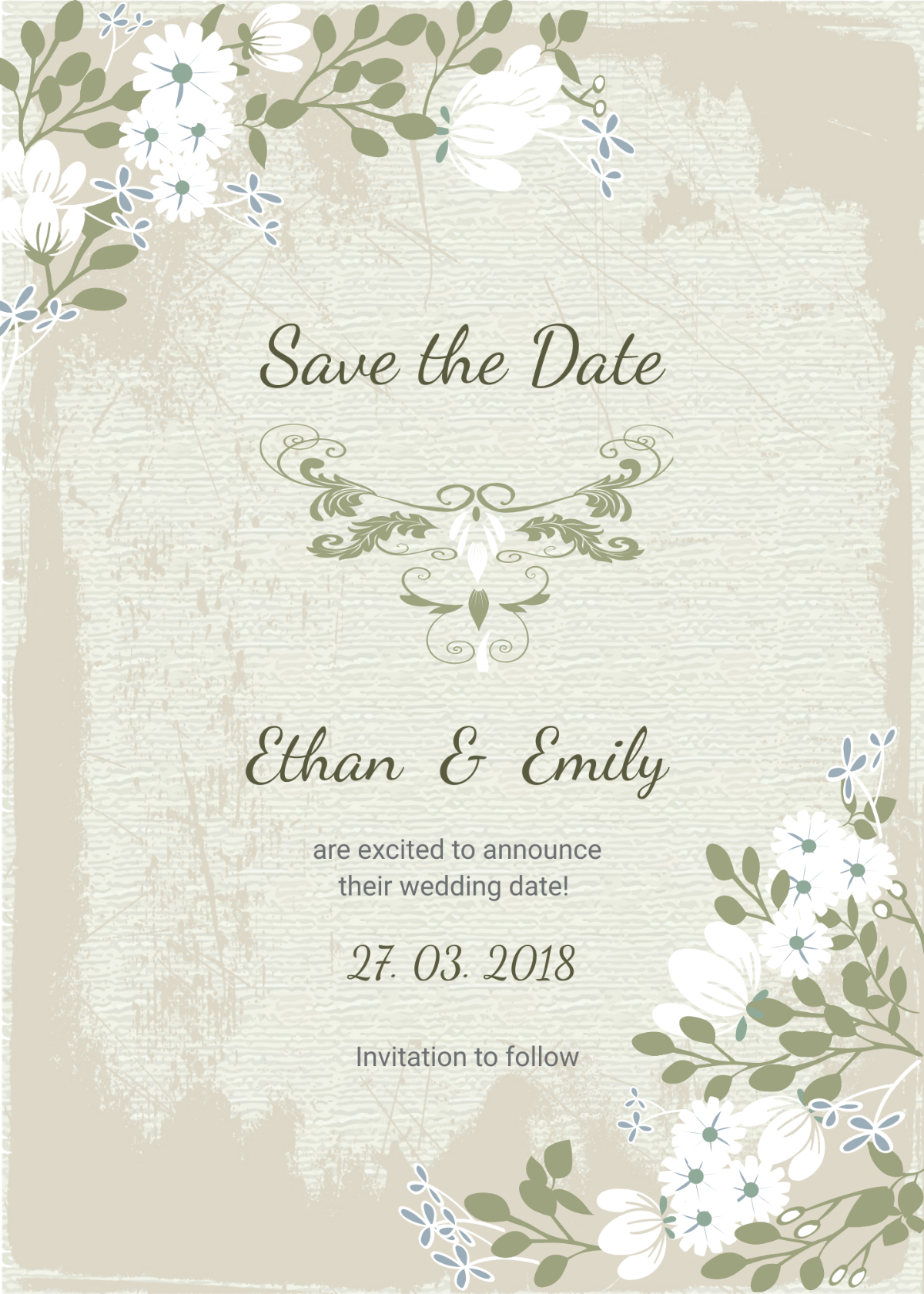
- Add Images or Graphics: If you’d like, you can insert vintage-themed images or decorative elements. Look for icons, floral designs, or even a subtle background pattern to enhance the visual appeal.
- Adjust the Layout: Templates are flexible. Feel free to adjust the layout to suit your style. For instance, you might want your names to be larger or centered differently.
- Proofread: Always double-check for typos and ensure all details are accurate before finalizing your design.
Printing Options for Your Save the Date Cards
Once your Vintage Wedding Save the Date is personalized and polished, it’s time to think about printing. Here are some tips to ensure your cards look their best:
- Paper Choice: For a vintage feel, opt for textured cardstock or linen paper. This adds a tactile quality that enhances the vintage aesthetic.
- Size Matters: Standard sizes like 5×7 inches are popular for save-the-dates. Check your printer settings to ensure it can handle this size without any issues.
- Color Settings: If you’re printing at home, make sure your printer is set to the best quality. This will ensure vibrant colors and crisp details.
- Test Print: Before printing all your cards, do a test print to check colors, alignment, and overall appearance. Adjust if necessary.
Sending Out Your Save the Date Announcements
Once printed, it’s time to send out your beautiful vintage announcements! Here are a few considerations:
- Mailing Options: Depending on your guest list size, you can opt for traditional mailing or digital delivery via email. If you choose to go digital, consider saving your template as a PDF for easy sharing.
- Timing: Aim to send out your save-the-dates at least six months before your wedding. This gives your guests ample time to make travel arrangements, especially for a destination wedding.
- Addressing: For a personal touch, handwrite the addresses on the envelopes. This adds a special charm that aligns with the vintage theme.
Final Touches and What’s Next
Now that you have your Vintage Wedding Save the Date Free Google Docs Template ready, you can look forward to the next steps in your wedding planning. After sending your save-the-dates, it’s a good idea to start thinking about your wedding invitations, which will follow closer to your wedding date. You may want to maintain a similar theme for consistency.
The excitement of planning a wedding is unmatched, and using a vintage-themed save-the-date template is a wonderful way to kick things off. With your personalized cards in hand, you’re ready to share your joyful news with family and friends and set the tone for your upcoming celebration. Happy planning!
Vintage Wedding Save the Date Free Google Docs Template Gallery