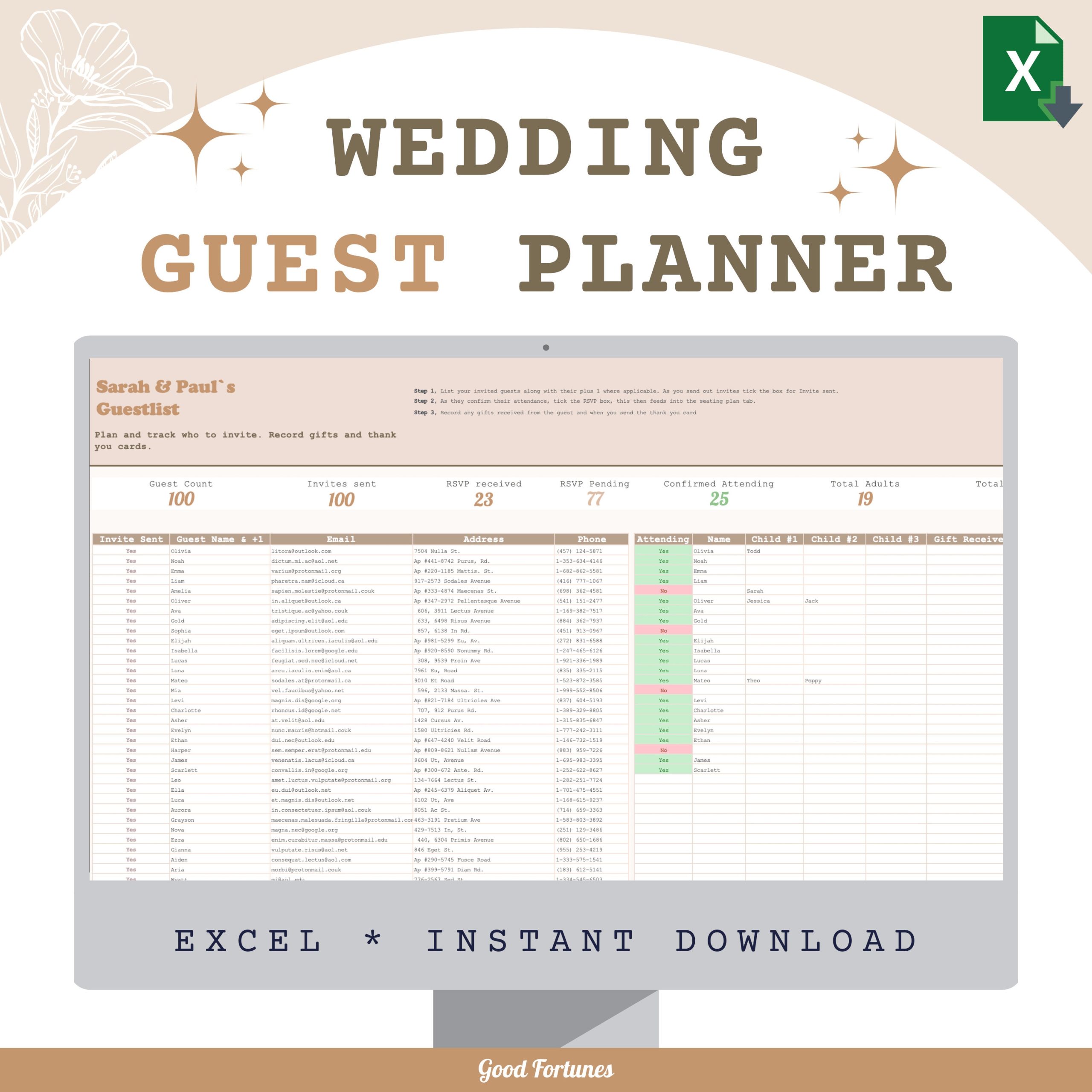
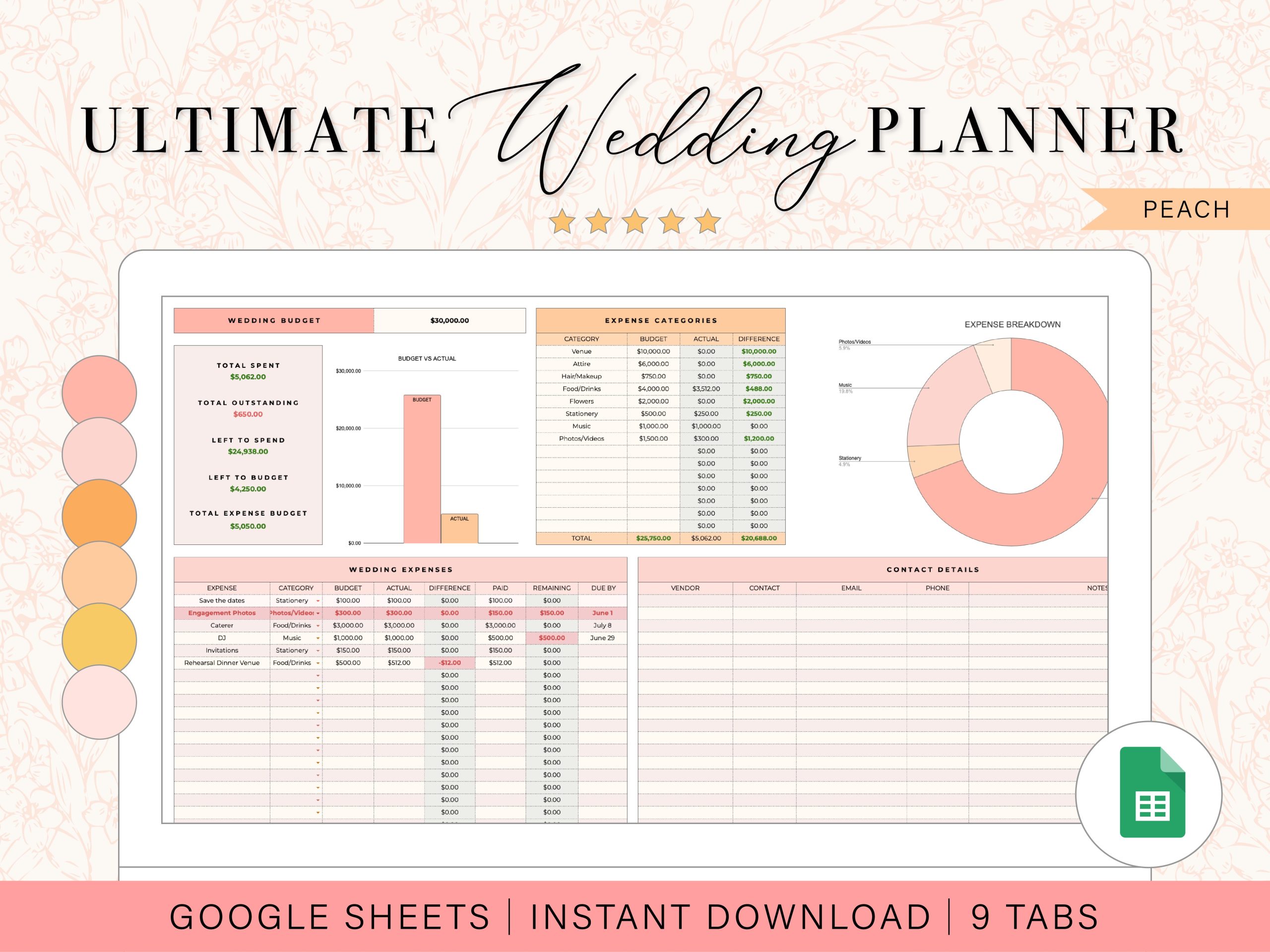
Creating a guest list for your wedding can be a daunting task, but with the right tools, it becomes manageable and even enjoyable. One such tool is the Vintage Wedding Guest List Free Google Docs Template. This template simplifies the process of tracking your guests, ensuring you don’t miss anyone important on your special day.
Understanding the Layout of the Template
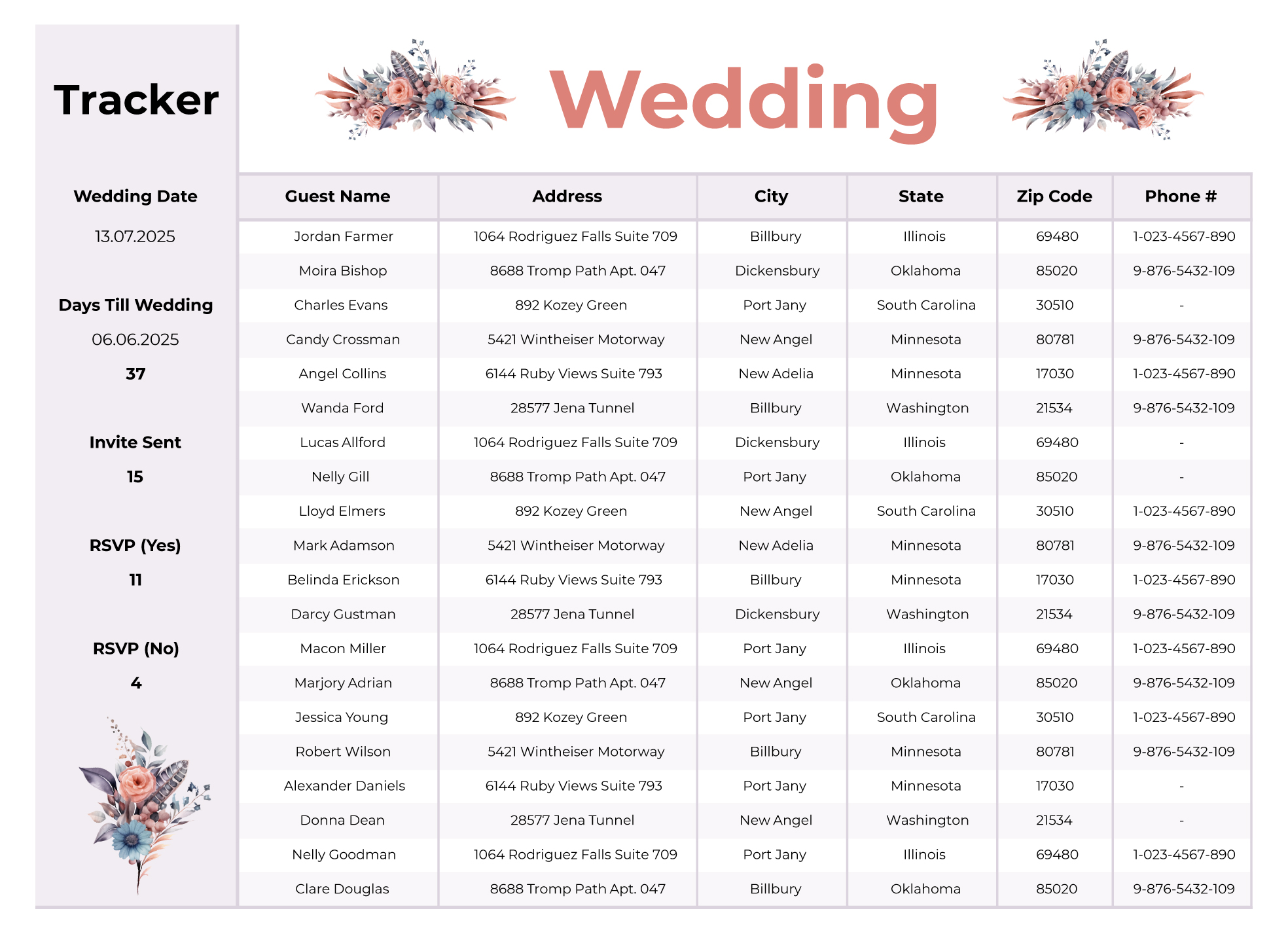
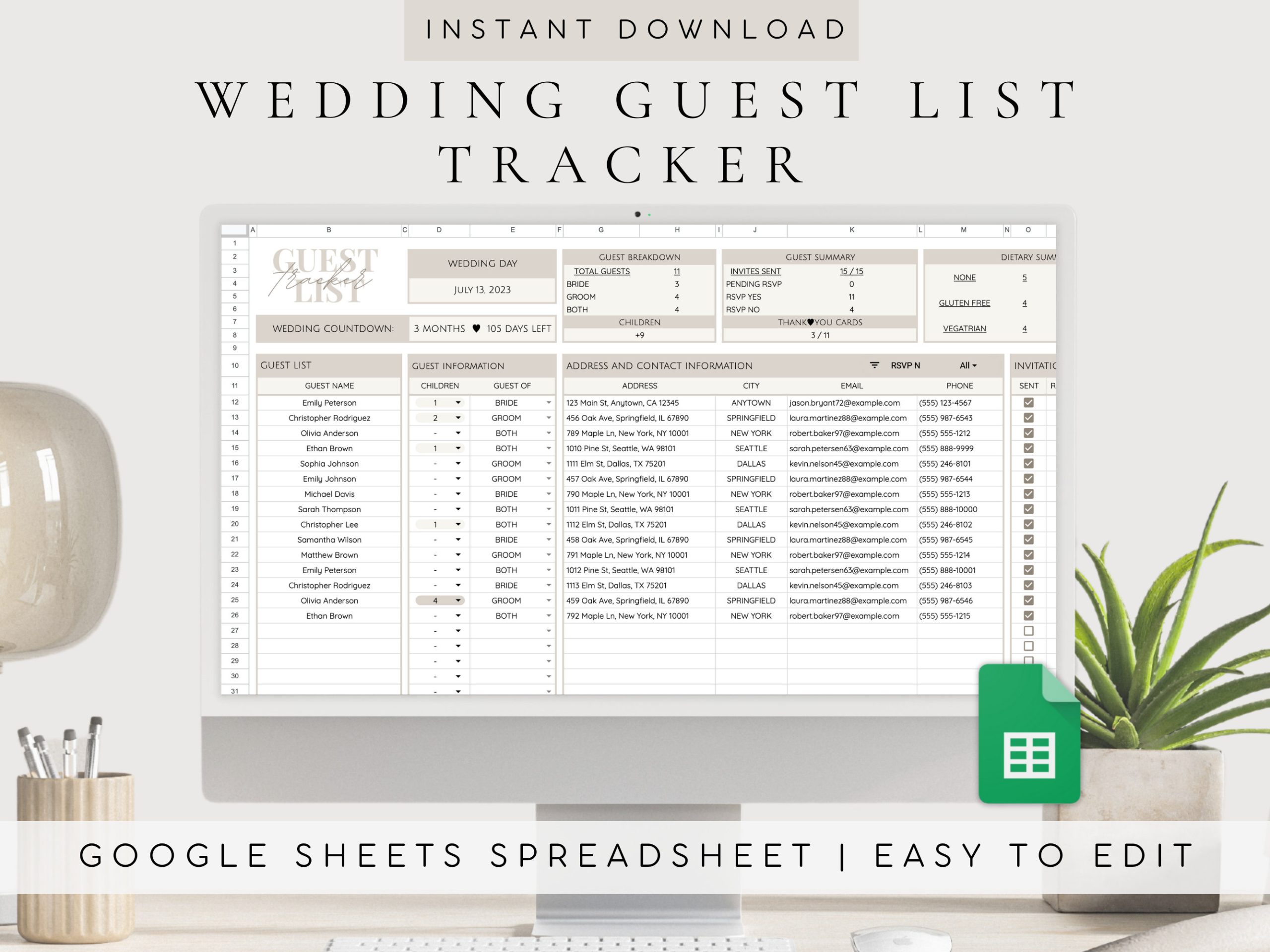
When you first open the Vintage Wedding Guest List template in Google Docs, you’ll notice it’s designed with elegance and functionality in mind. The layout typically includes columns for guest names, addresses, RSVP status, meal preferences, and any additional notes you might want to jot down. This organized format allows you to see all essential information at a glance, which is incredibly helpful during the planning stages.
Each section is clearly labeled, making it easy for you to input data without confusion. For example, having separate columns for first and last names ensures you can personalize your invitations correctly. Additionally, the RSVP status section lets you track who has responded, which is crucial for finalizing seating arrangements and catering numbers.
Customizing Your Guest List Template
One of the best features of the Vintage Wedding Guest List Free Google Docs Template is its customizability. You can easily adapt it to fit your specific needs. If you have additional information you want to track, such as gift preferences or relationship to you, simply add extra columns.
You can change the font style and size to match your wedding theme, making the document not only functional but also aesthetically pleasing. Whether you prefer a classic serif font for a vintage feel or a clean sans-serif for a modern touch, Google Docs provides the flexibility to make it yours.
If you’re planning a large wedding, consider color-coding your list by family, friends, or work colleagues. This visual cue can help you quickly assess your guest demographics, making it easier to manage your invitations and seating arrangements.
Practical Steps for Using the Template
Once you’ve downloaded the Vintage Wedding Guest List Free Google Docs Template, follow these practical steps to get started:
- Make a Copy: Always create a copy of the template in your Google Drive to avoid accidentally altering the original. This way, you can edit freely without fear of losing the template itself.
- Input Initial Data: Start by filling in the names of those you definitely want to invite. It’s helpful to have a preliminary list before you look at the details.
- Track RSVP Responses: As guests respond, update their RSVP status in the designated column. This will help you see who’s attending at a glance and will be invaluable for catering and seating arrangements.
- Adjust as Needed: Don’t hesitate to make changes as you finalize your guest list. If someone can’t attend, simply cross them off and adjust your seating plan accordingly.
- Share with Your Partner or Planner: If you’re working with a wedding planner or your partner, you can easily share the Google Doc with them. This ensures everyone is on the same page and can contribute to the guest list updates.
Printing and Finalizing Your Guest List
After you’ve filled out your Vintage Wedding Guest List Free Google Docs Template, you might want to have a physical copy for easy reference. Google Docs makes this process straightforward:
- Print Settings: When printing, ensure your settings are adjusted to fit the page. Standard letter size (8.5 x 11 inches) usually works best, but you can also adjust to A4 if needed.
- Paper Choice: If you plan to laminate or bind your guest list for easy handling, consider printing on heavier cardstock. This will ensure durability through the planning stages leading up to your wedding day.
- Final Review: Before printing, do a final review of the document. Check for spelling errors, ensure all names are correctly spelled, and confirm that meal preferences are accurately noted.
The physical copy can be a handy reference during your wedding rehearsal and day-of planning.
With the Vintage Wedding Guest List Free Google Docs Template, you have a powerful tool at your fingertips to streamline your wedding planning process. The structured layout, customizability, and ease of use make it an essential resource.
As an extra tip, consider keeping a backup of your guest list in another format, such as a spreadsheet. This allows you to have a secondary reference point if needed. Plus, it can be useful for tracking thank-you notes after the wedding, ensuring you don’t miss anyone who attended.
Vintage Wedding Guest List Free Google Docs Template Gallery