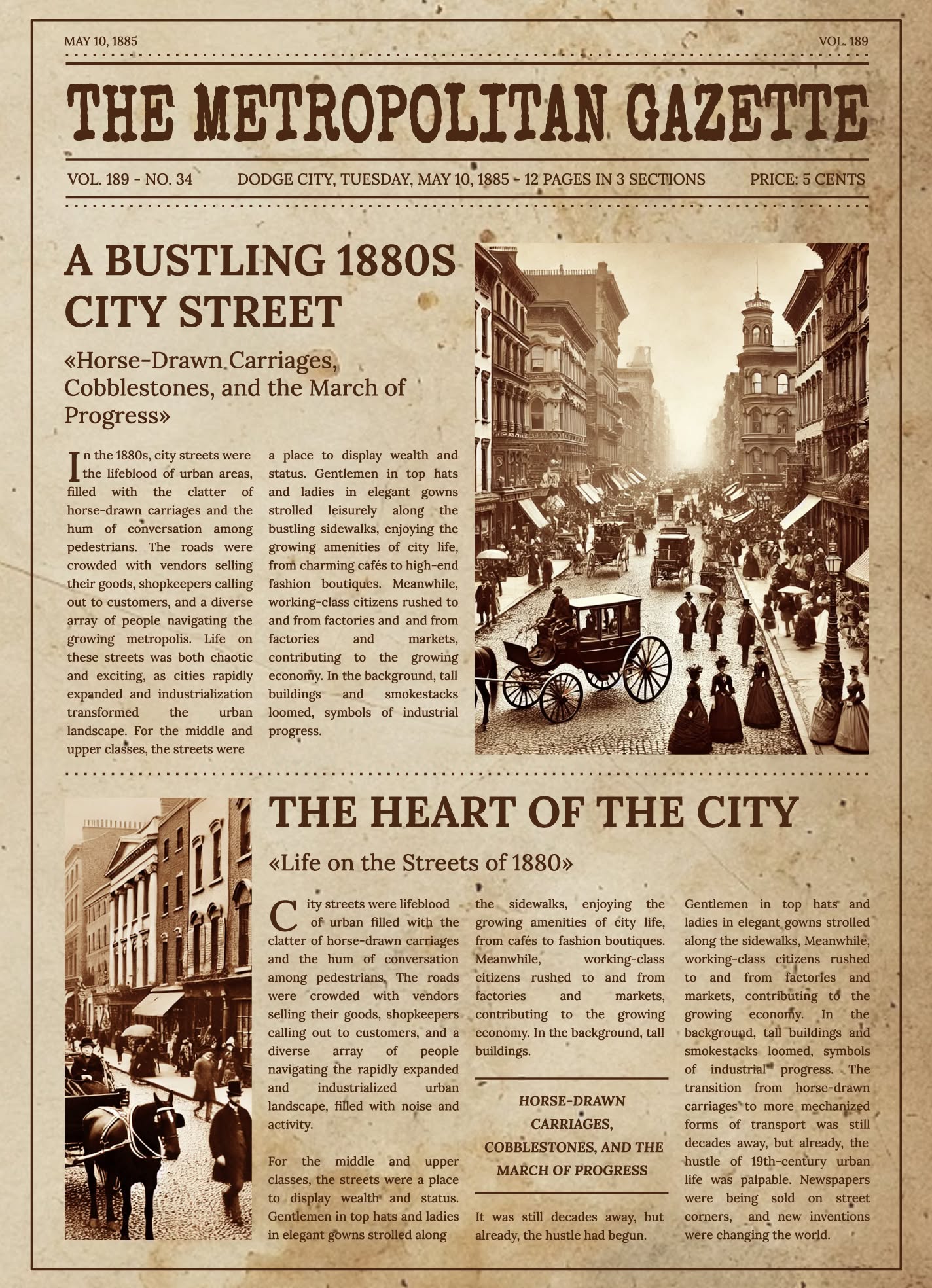
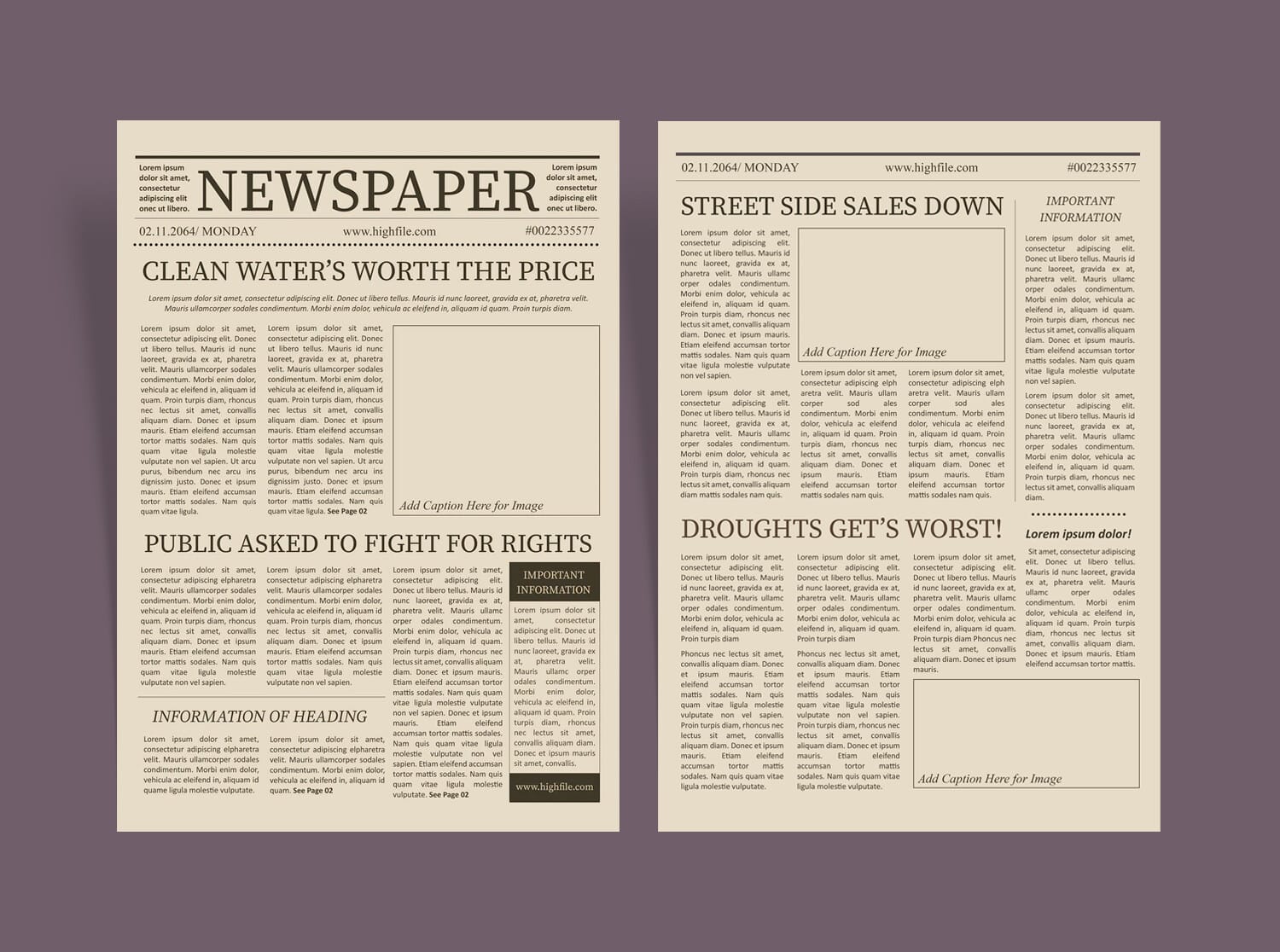
Creating a standout project can be a challenge, especially when you want to incorporate a unique design. The Vintage Retro Newspaper Free Google Docs Template is a delightful resource that allows you to craft eye-catching documents with a classic touch. This template stands out because it combines a nostalgic vibe with modern usability, making it perfect for a variety of projects such as newsletters, announcements, or personal keepsakes.
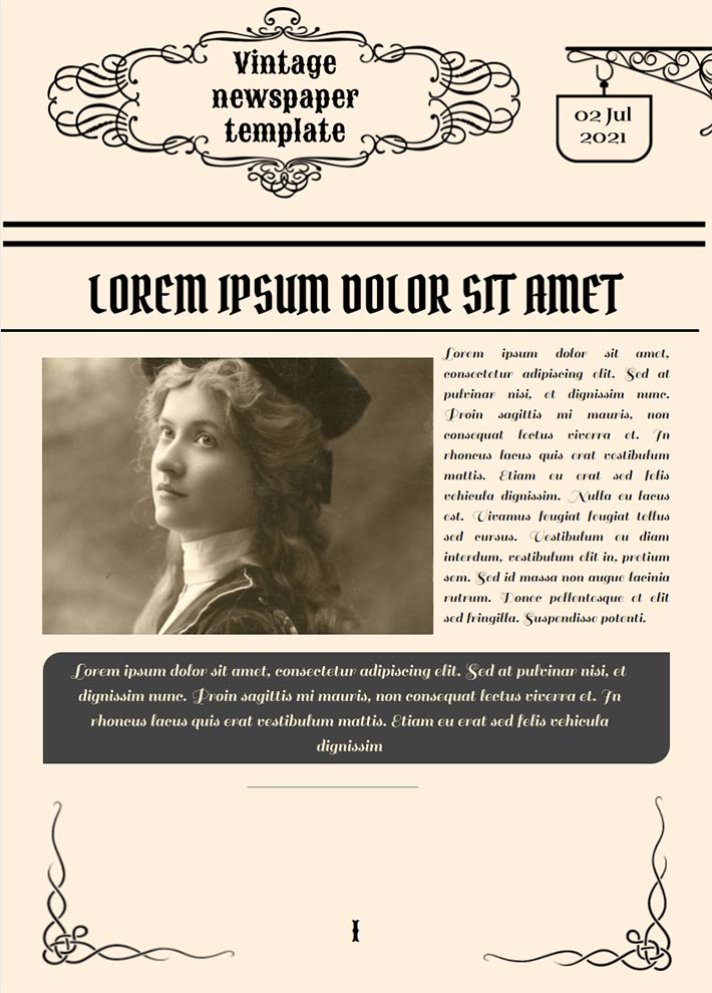
What’s Included in the Template?
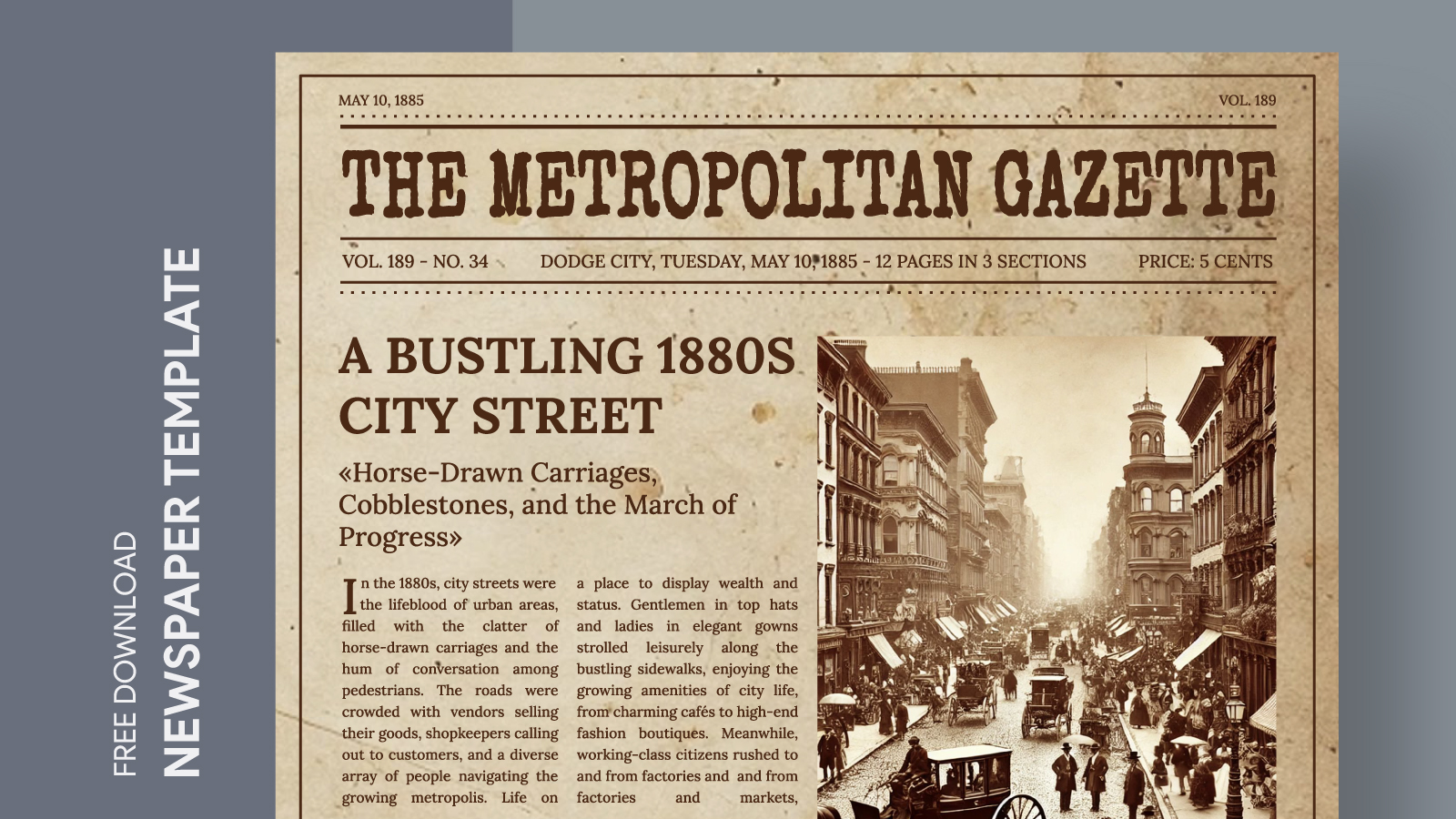
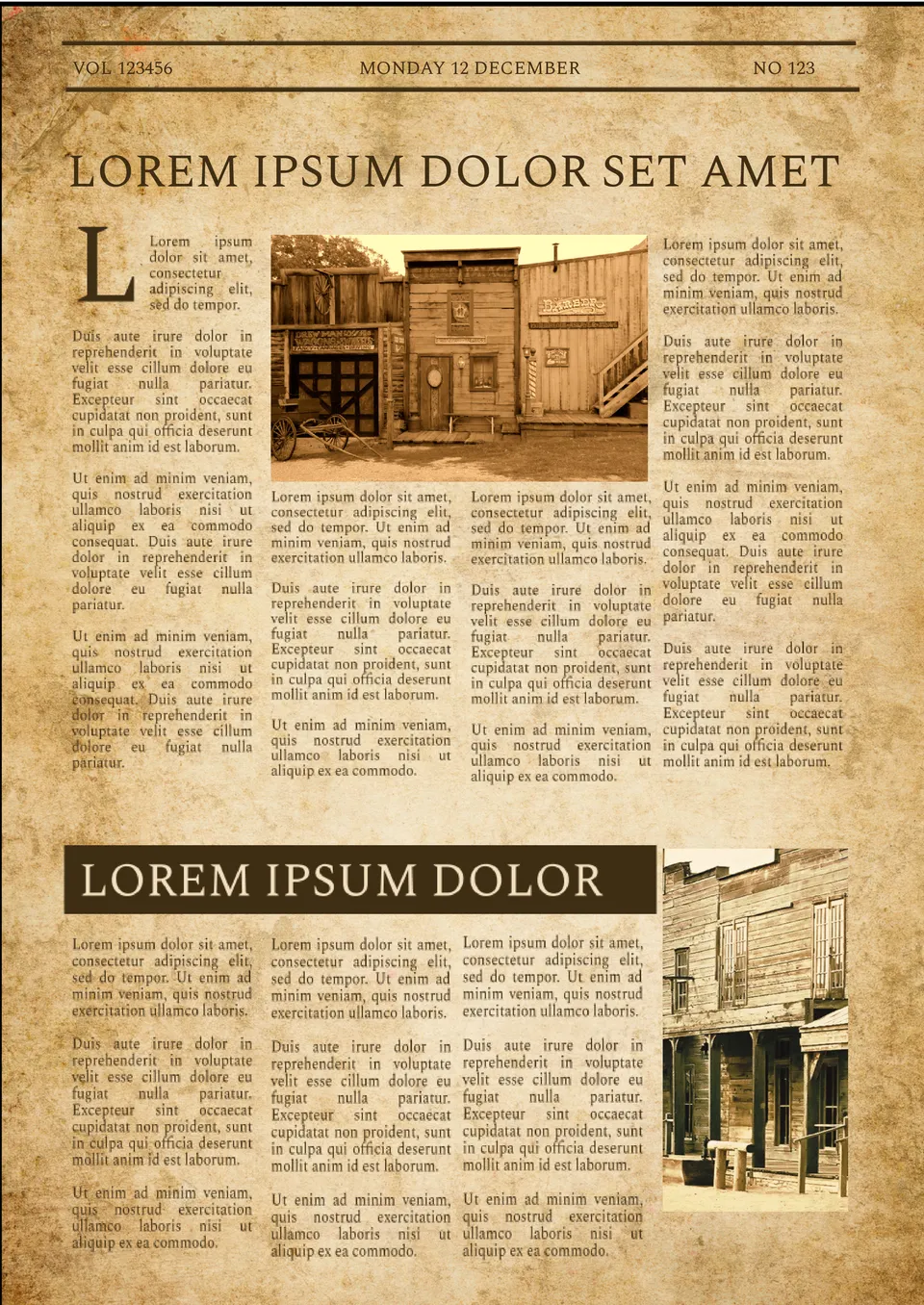
The Vintage Retro Newspaper template is designed with a layout that mimics traditional newspaper aesthetics. Here’s what you can expect:
- Header Section: This area typically features the title of your publication, which can be customized to reflect the theme or purpose of your project. The font and size choices are reminiscent of classic typefaces, adding to the retro feel.
- Article Columns: The template includes multiple columns for text, allowing you to write articles or stories as you would see in a traditional newspaper. You can easily adjust the column widths to suit your content.
- Image Spaces: There are designated spaces for images or illustrations, perfect for enhancing your stories. You can upload pictures that resonate with the theme of your publication.
- Footer Area: This section often contains publication details, such as the date and contact information. It can also be a space for additional notes or acknowledgments.
The template is user-friendly and designed to be fully customizable in Google Docs, allowing you to change text, add images, and adjust the layout as needed.
Customization Options
One of the best features of the Vintage Retro Newspaper Free Google Docs Template is its flexibility. Here’s how you can make it your own:
- Text Editing: Simply click on any text box to edit the content. You can adjust the font style, size, and color to match your branding or personal style. The ease of editing in Google Docs means you can make changes on any device.
- Image Insertion: To add images, select the space reserved for them and insert your chosen pictures. This could be family photos, illustrations, or any visuals that complement your written content.
- Color Schemes: While the template has a vintage feel, you can modify color schemes to fit the mood of your project. Consider warm tones for a cozy feel or bold colors for a more modern twist.
- Size Adjustments: The template is designed for standard letter size (8.5 x 11 inches), but you can adjust the dimensions if you want to create a different format, such as a mini newspaper style.
Practical Uses
Now that you know how to customize your template, you might be wondering about practical applications. Here are some ideas for how you can effectively use the Vintage Retro Newspaper Free Google Docs Template:
- Family Newsletters: Keep family members updated with a fun, themed newsletter that features updates, stories, and photos from family gatherings.
- Event Announcements: Use the template to announce events like birthdays, reunions, or community gatherings. The retro design can add a special touch to your invitations.
- School Projects: Students can use this template for history projects, creating a newspaper-style report on significant events or figures. This adds an element of creativity to their assignments.
- Creative Writing: Writers can use the template to present their stories or poetry in a unique format that captures the reader’s attention. It can be a fun way to showcase their work.
Downloading and Printing
Getting started with the Vintage Retro Newspaper Free Google Docs Template is straightforward. Here’s a step-by-step guide on how to download and print:
- Access the Template: Click on the link to the template, which should lead you to Google Docs.
- Make a Copy: Once opened, go to File > Make a copy to save the document to your Google Drive. This allows you to edit without altering the original template.
- Customize: Begin customizing your template as discussed. Don’t forget to save your changes frequently!
- Print Settings: When you’re ready to print, go to File > Print. Make sure your printer settings are adjusted correctly for letter-sized paper. If you’re using a home printer, portrait layout tends to work best for this type of document.
- Paper Quality: For a more professional look, consider using heavier paper or cardstock. This ensures that your printed newspaper feels substantial and has a nice finish.
The ease of use and accessibility of Google Docs means you can update and print your newspaper anytime.
This template is not just about aesthetics; it’s about creating a tangible product that holds memories, announcements, or creative expressions. By utilizing the Vintage Retro Newspaper Free Google Docs Template, you’re not only getting a design tool but also a way to engage with your audience in a memorable format.
One last tip: If you plan to distribute your printed newspapers, consider adding a QR code in the footer that links to a digital version. This way, your audience can easily access additional content or updates online.
Vintage Retro Newspaper Free Google Docs Template Gallery