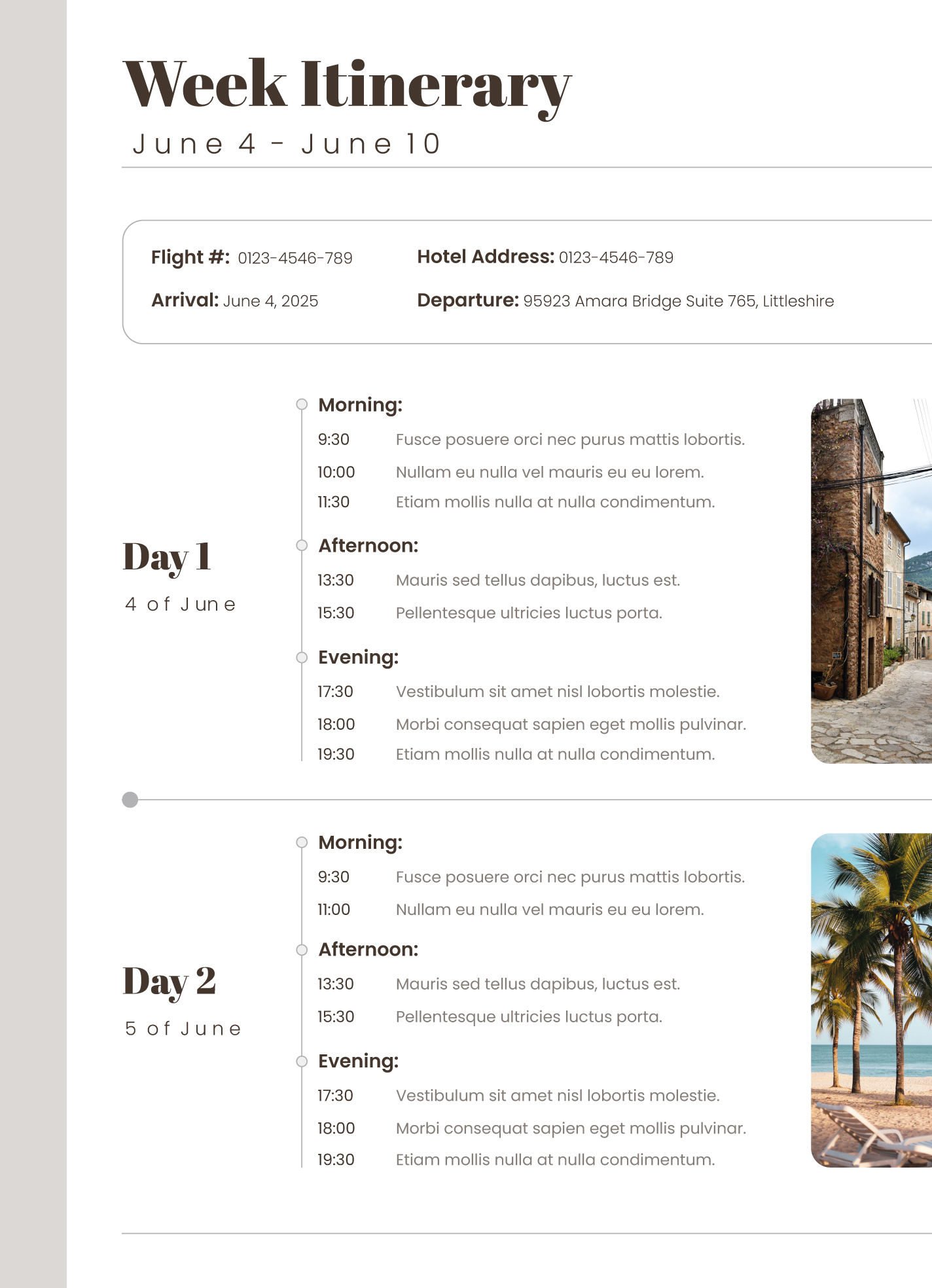
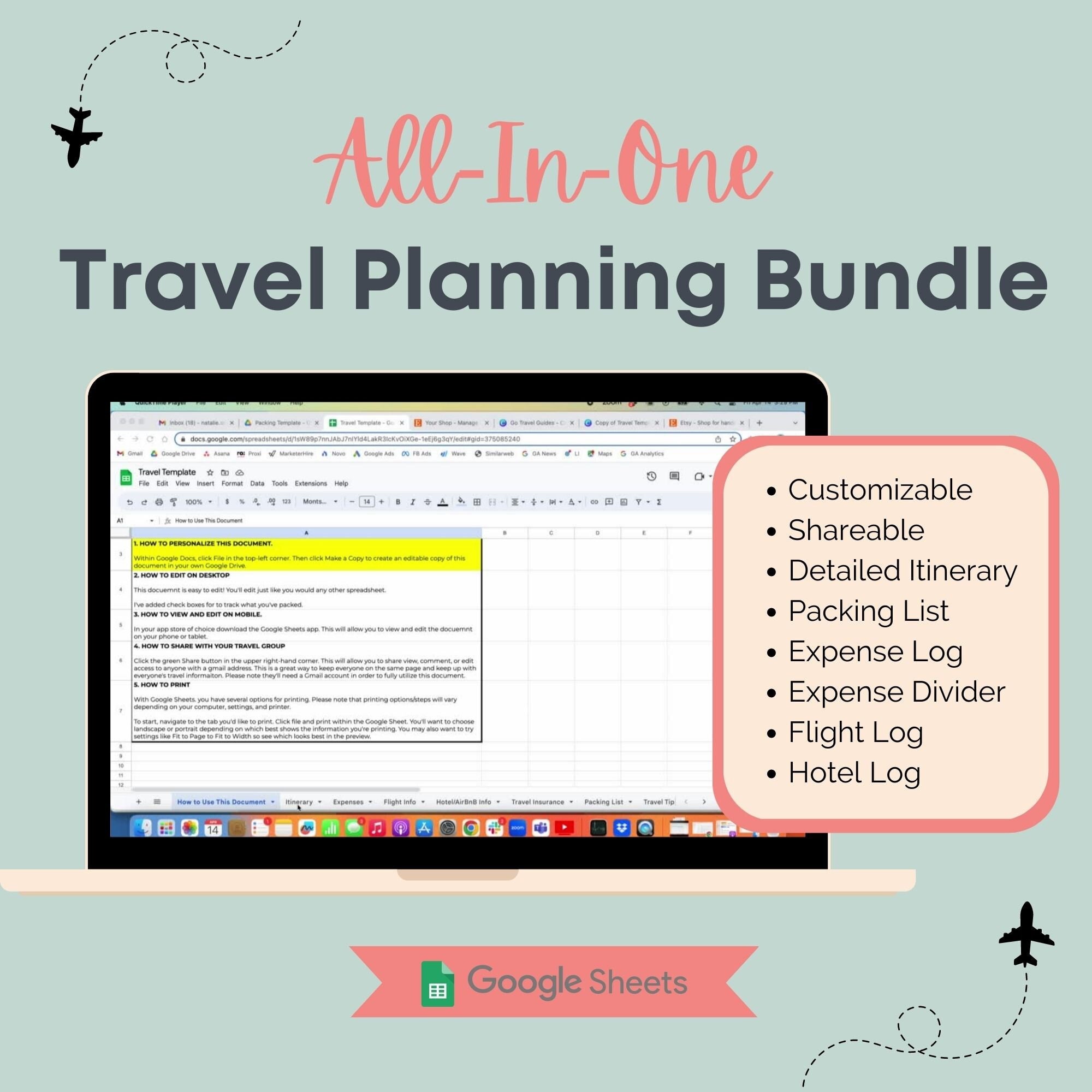
Planning a vacation can be exciting, but it can also lead to some stress if you’re not organized. A generic itinerary often lacks the personal touch that makes it truly useful for your specific trip. That’s why a Vacation Itinerary Free Google Docs Template stands out. It allows you to tailor your plans in a way that best suits your travel style, making the process smoother and more enjoyable.
Why Choose a Google Docs Template for Your Vacation Itinerary?
Using a Google Docs template has several advantages. First, it’s easily accessible from any device with internet access. You won’t have to worry about losing a paper copy or forgetting to print it out. Additionally, Google Docs allows for real-time collaboration. If you’re traveling with family or friends, everyone can contribute to the itinerary, ensuring that all voices are heard.
You also have the flexibility to customize the template according to your needs. Whether you want a detailed day-by-day breakdown or a simple overview, you can adapt the document accordingly. Plus, you can easily share the itinerary via email or link, making it convenient for all travelers involved.
Customizing Your Vacation Itinerary Template
When you download the Vacation Itinerary Free Google Docs Template, you’ll notice it comes with several sections you can fill out. Here’s how to make the most of it:
Key Sections to Include
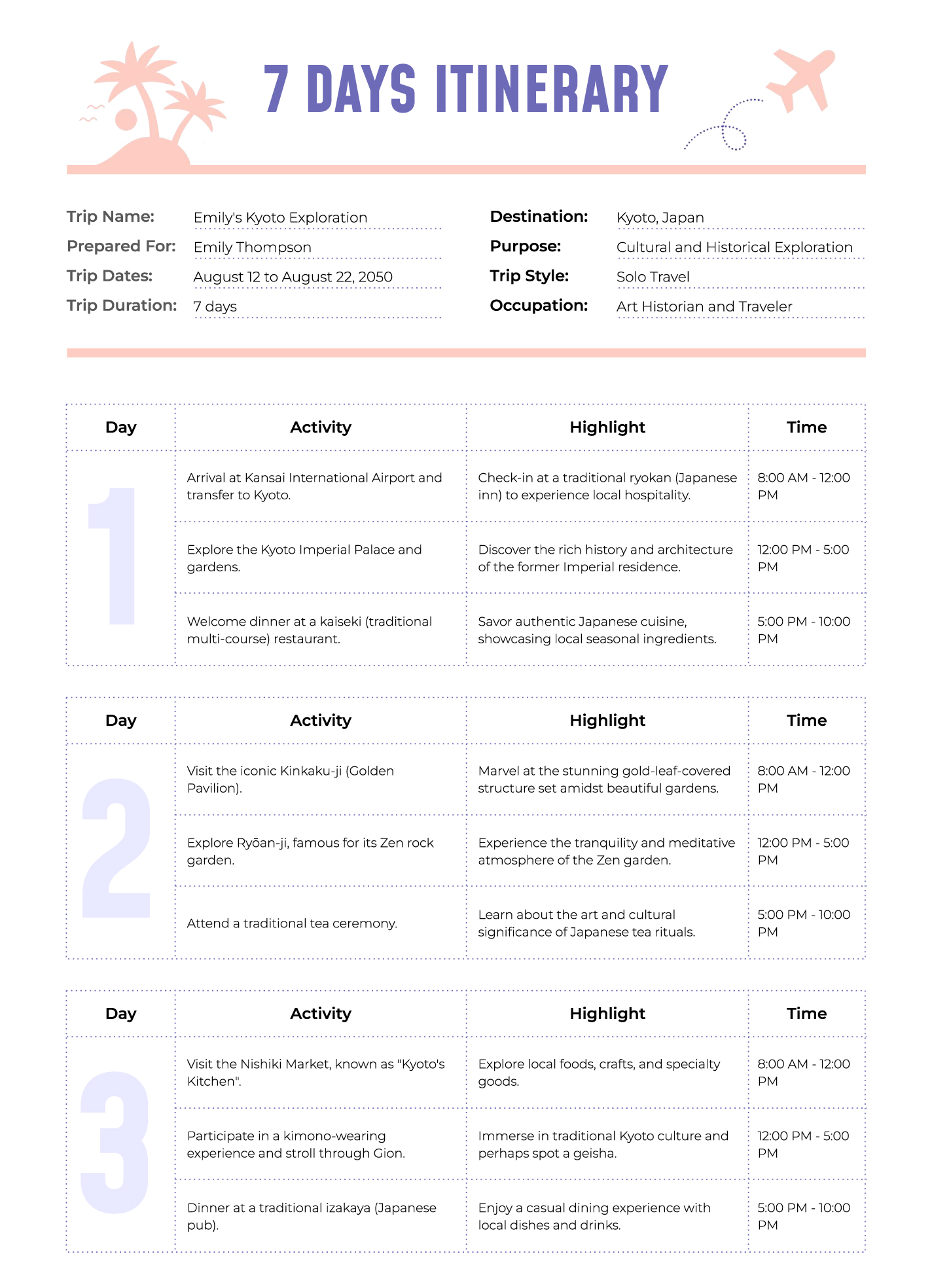
- Destination Details: Start by listing your destination(s), including addresses and contact information for accommodations and attractions.
- Travel Dates: Clearly outline your travel dates, including departure and return times. This helps everyone stay on the same page.
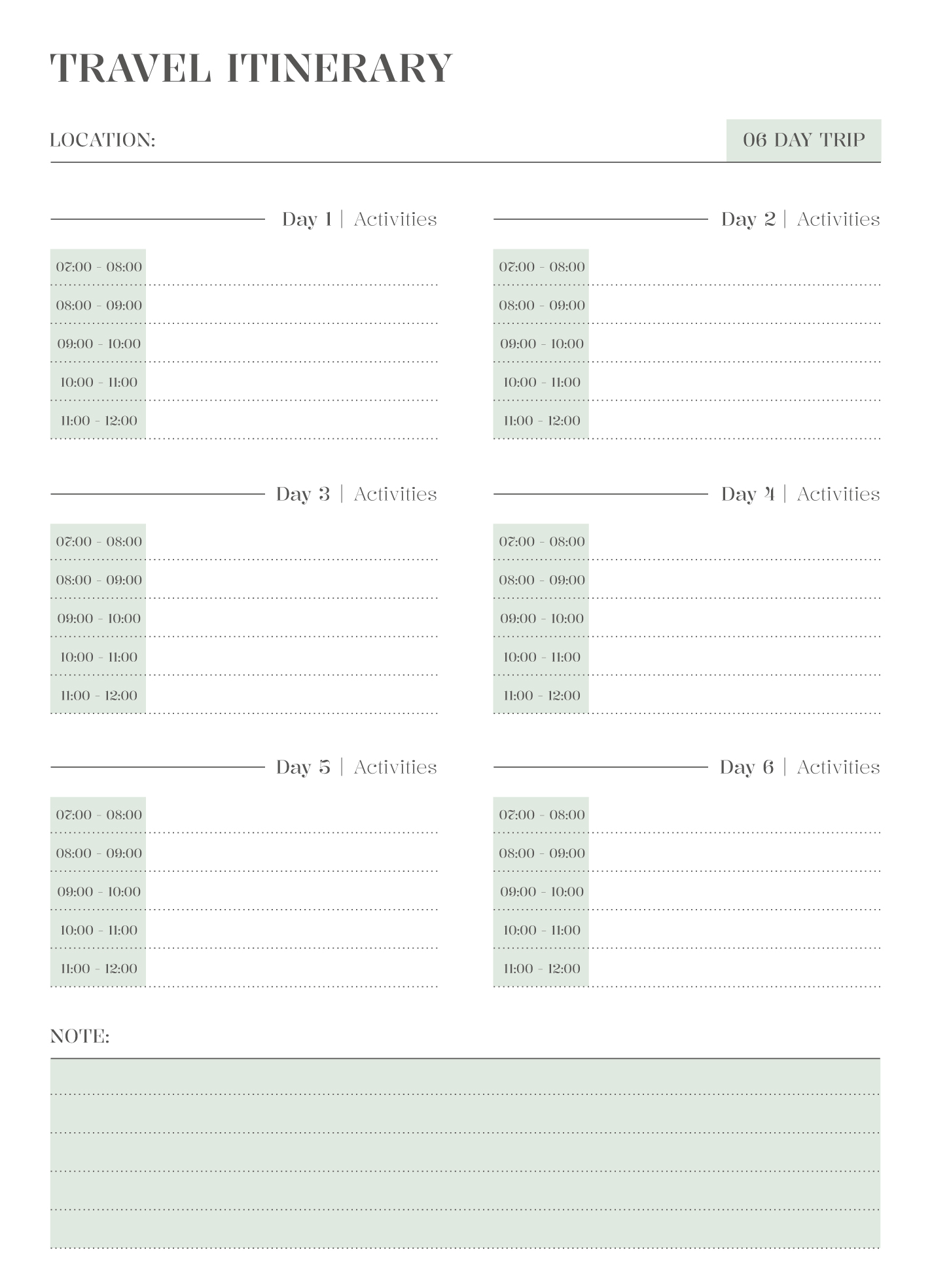
- Daily Activities: Break down each day into activities, including time slots. This is particularly useful for family trips where different age groups might have varying interests.
- Transportation: Note how you’ll get from place to place, whether by rental car, public transport, or walking.
- Packing List: Include a section for a packing list to ensure you don’t forget essentials.
Formatting Options
You can customize the format of the document as well. Google Docs allows you to change fonts, colors, and layouts. For instance, if you prefer a more visual approach, consider adding images of destinations or activities to make the itinerary more engaging.
Also, think about the paper size when printing. Most home printers handle standard letter sizes (8.5 x 11 inches) well, but if you want to keep things compact for a travel wallet, consider using half-letter size (5.5 x 8.5 inches).
Practical Uses for Your Customized Itinerary
Once you have your Vacation Itinerary Free Google Docs Template filled out, you’ll find it incredibly useful in various ways:
- Daily Reference: Having a printed copy on hand can help you stick to your plan, ensuring you don’t miss out on any must-see attractions or activities.
- Time Management: By keeping track of time slots for activities, you can avoid over-scheduling your days, leaving room for spontaneity or relaxation.
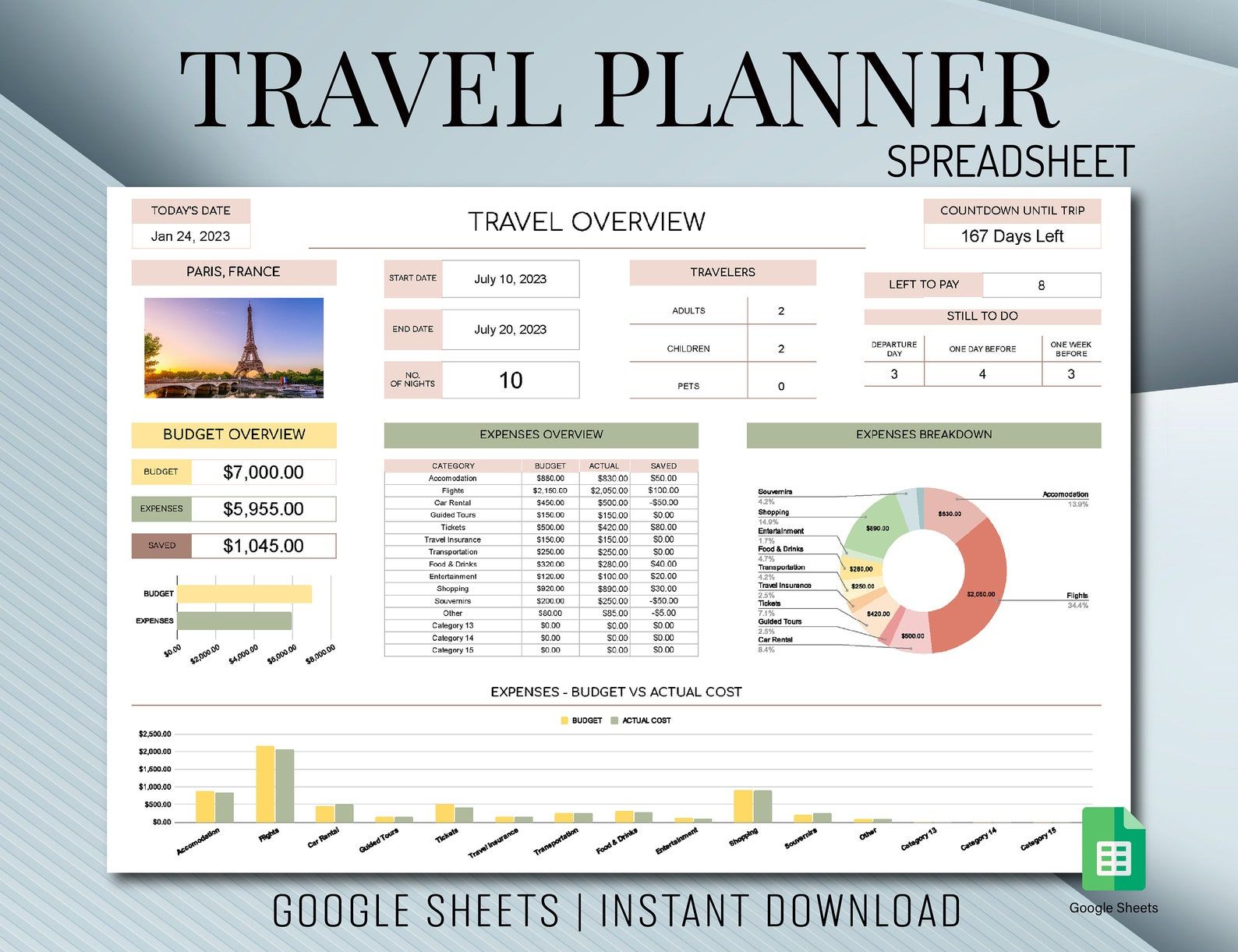
- Budgeting: Incorporate a budget section to keep track of estimated costs for activities, meals, and transportation, helping you manage expenses better.
Downloading and Printing Your Itinerary
Downloading the template is straightforward. Once you’ve customized it to your liking, you can export it as a PDF for a clean printout. PDFs are generally more reliable for printing, as they maintain the layout regardless of the device or software used.
When printing, consider using thicker paper or cardstock if you want your itinerary to withstand wear and tear during your travels. If you plan to laminate your itinerary for durability, cardstock is often the best choice, as it holds up better than standard printer paper.
However, be mindful of ink usage if you’re printing images or colored backgrounds. Sometimes, a black-and-white printout can be just as effective, especially if you’re looking to save on ink costs.
Vacation Itinerary Free Google Docs Template Gallery