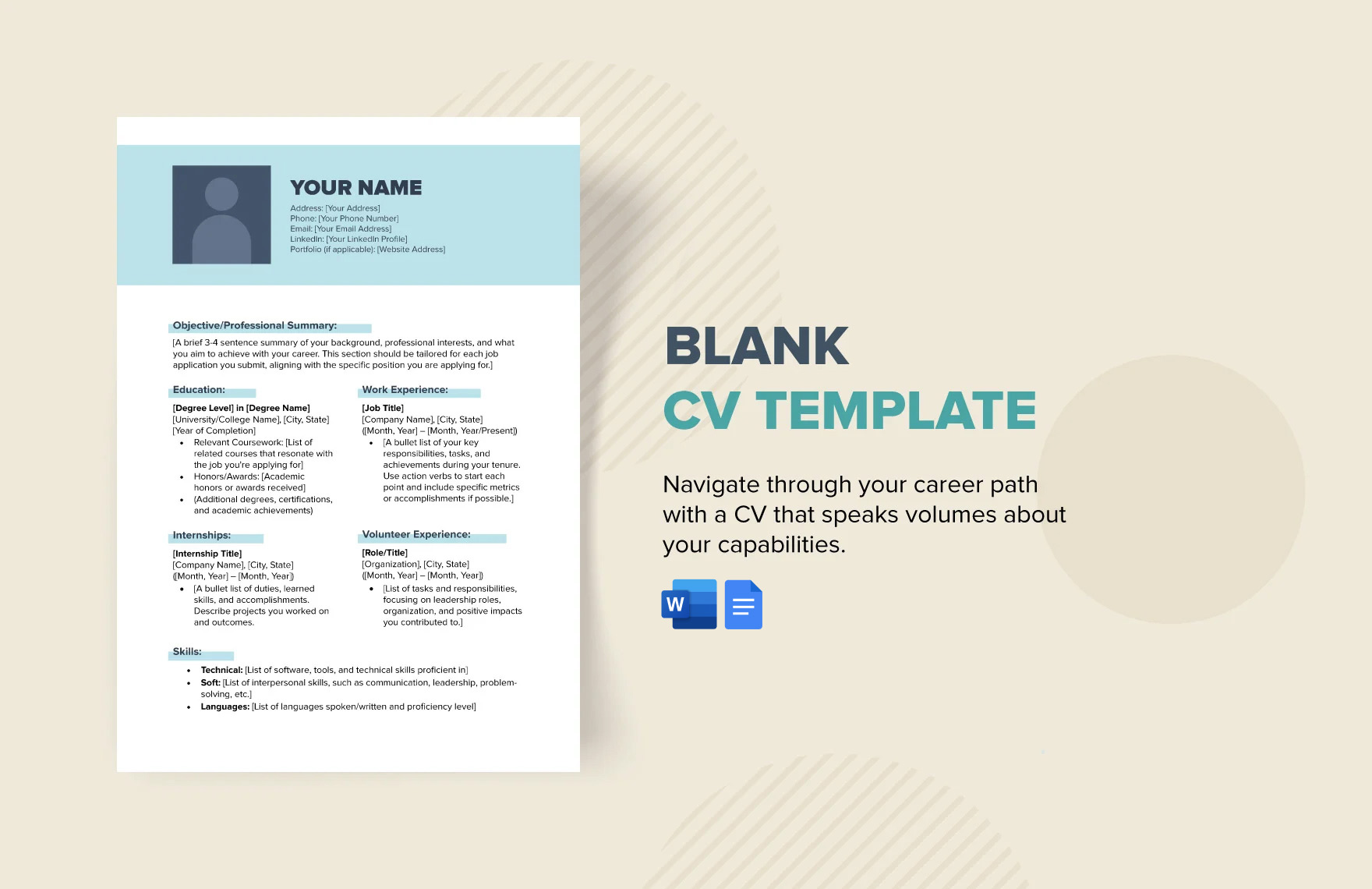
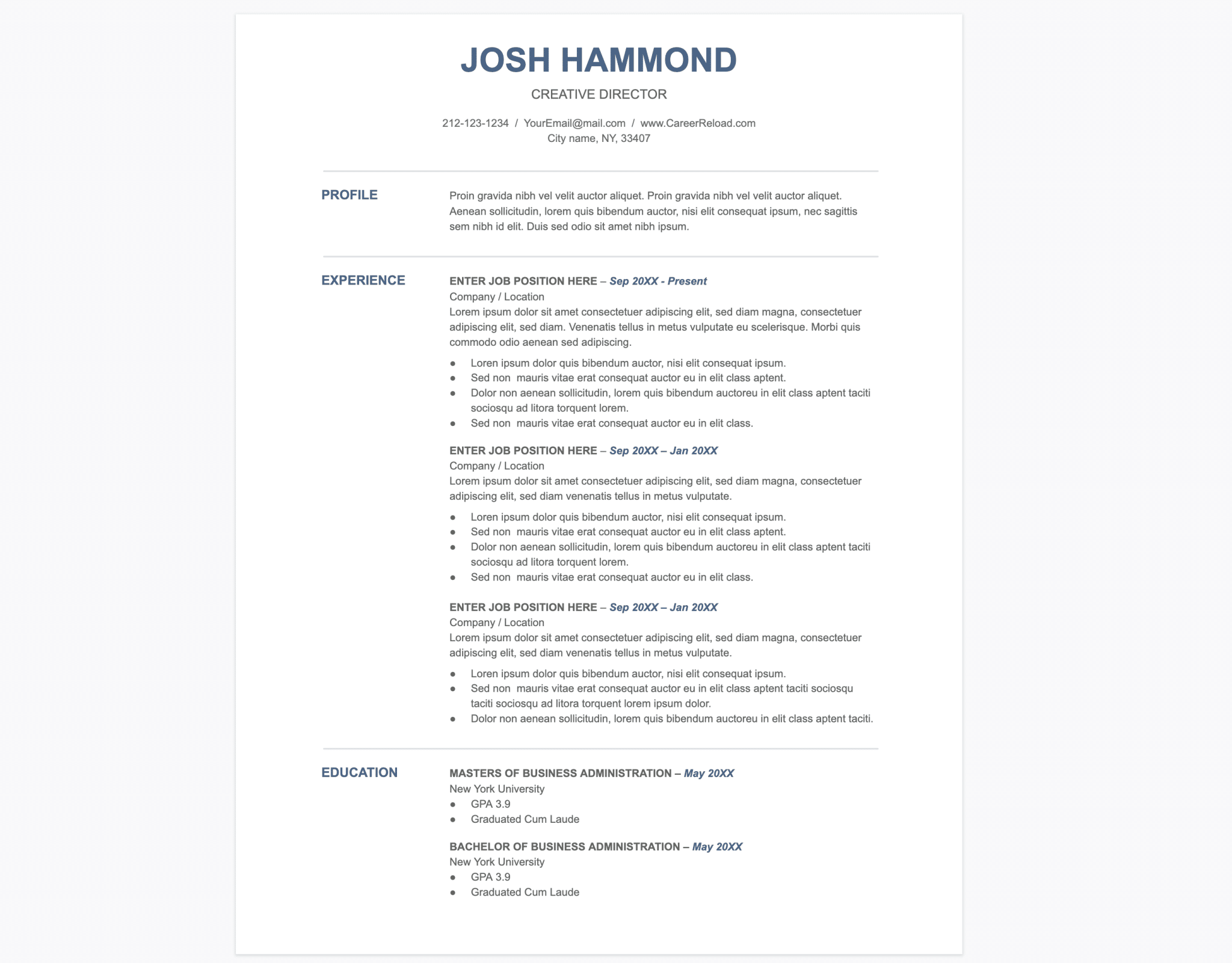
Creating a professional CV is essential for university students entering the job market. The University CV Free Google Docs Template simplifies this process, allowing users to craft a polished CV in no time. This template is specifically designed to help students highlight their education, skills, and experiences, making it an invaluable tool for any parent looking to assist their child in securing internships or job opportunities.
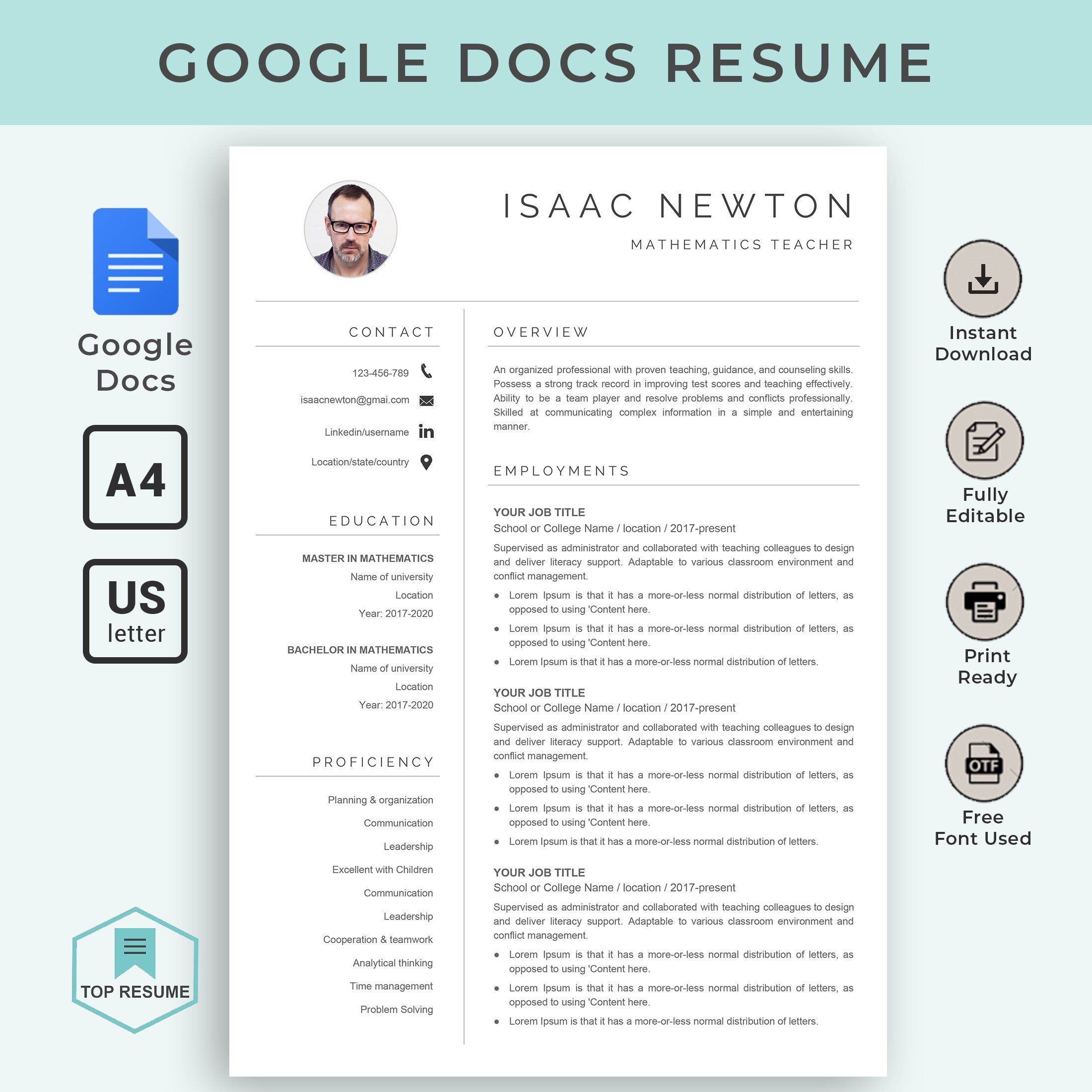
What’s Included in the University CV Free Google Docs Template?
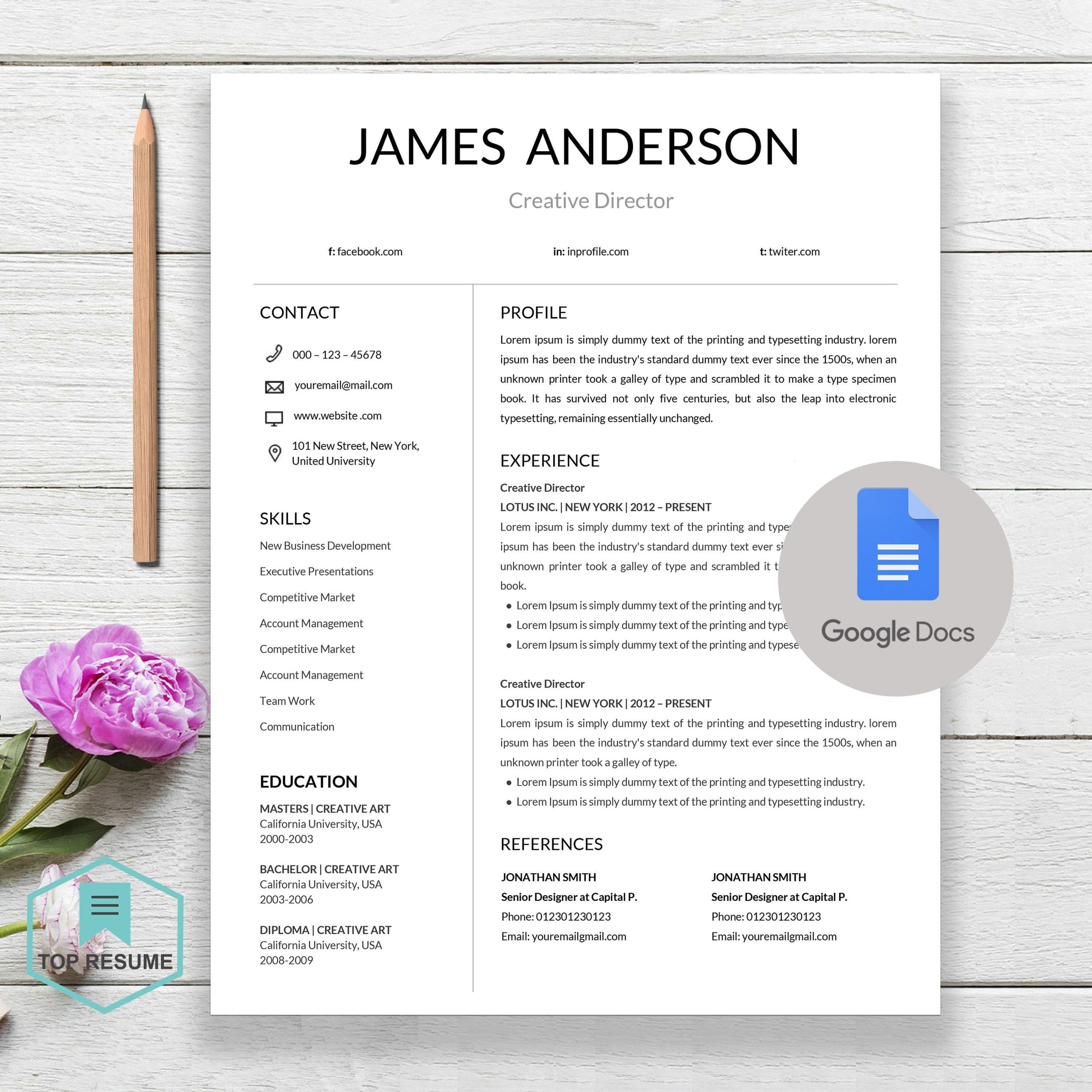
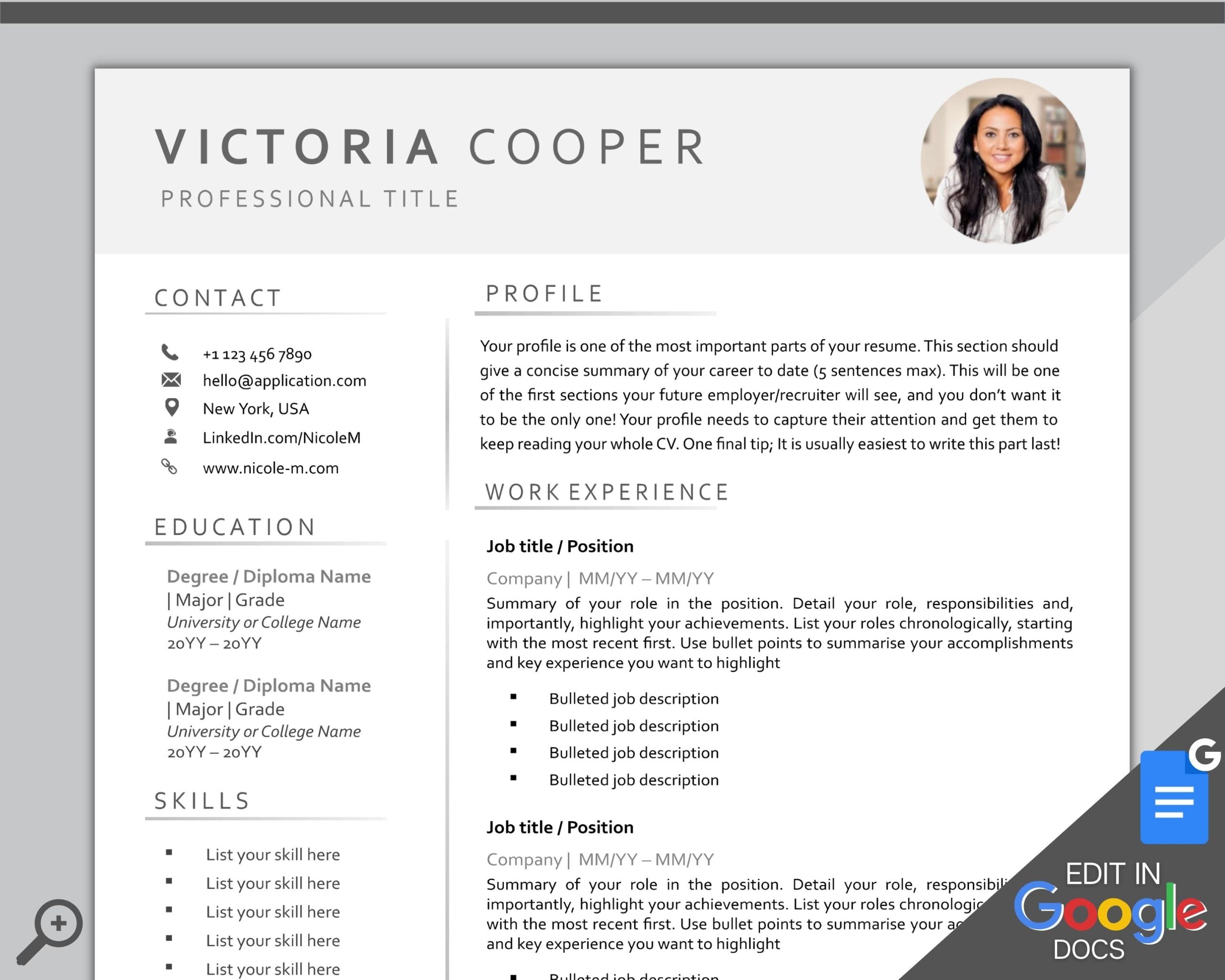
This template comes with several sections that are commonly expected in a university CV. Here’s what you can typically expect:
- Personal Information: This section includes space for your name, contact details, and LinkedIn profile if applicable.
- Education: You can list your degrees, schools attended, and any special honors. This is crucial for students who may not have extensive work experience.
- Work Experience: A place to detail internships, part-time jobs, or volunteer work. Highlighting relevant experiences is key to making a strong impression.
- Skills: A section to list both hard and soft skills, which can help differentiate you from other candidates.
- References: While not always necessary, having a section to include references can be beneficial.
These sections are designed to be easily customizable, so you can adapt them to fit your specific background and aspirations.
Customizing the Template for Your Needs
When using the University CV Free Google Docs Template, customization is straightforward. Here’s how you can tailor it to better reflect your achievements:
- Personalize Content: Replace placeholder text with your information. Be concise but descriptive in listing your experiences and skills.
- Adjust Formatting: You can modify font styles and sizes to match your personal taste or to align with specific industry standards. For instance, a creative field may allow for more stylistic flair, while a corporate field might favor a more traditional layout.
- Add Sections: If you have additional information such as projects or certifications that are relevant, feel free to add new sections. Google Docs allows you to easily insert and format new text boxes.
Remember, the goal is to present yourself in the best possible light while remaining honest about your experiences.
Downloading and Printing Your CV
Once you’ve customized your CV, it’s time to download and print it. Here are your options:
- File Formats: The template is available in Google Docs, which means you can download it as a PDF or Word document. PDFs are often preferred for job applications because they maintain formatting.
- Print Settings: If you’re printing your CV, consider using high-quality paper, such as white or cream cardstock, for a more professional look. Most home printers handle standard A4 or letter sizes well, but be sure to check your printer settings to avoid any surprises.
- Review Before Sending: Always double-check your CV for spelling and grammatical errors. A second set of eyes can also help catch any mistakes you might have missed.
Practical Tips for Using the Template Effectively
To make the most out of the University CV Free Google Docs Template, keep these practical tips in mind:
- Tailor Your CV for Each Application: Customize your CV based on the job description. Highlight experiences and skills that are most relevant to the position you’re applying for.
- Keep It Concise: Ideally, your CV should be one page long, especially if you’re just starting out in your career. Be selective about what to include.
- Use Action Words: Start each bullet point with strong action verbs like “developed,” “managed,” or “designed.” This makes your contributions clear and impactful.
By following these guidelines, you can ensure that your CV not only reflects your abilities but also stands out to potential employers.
University CV Free Google Docs Template Gallery