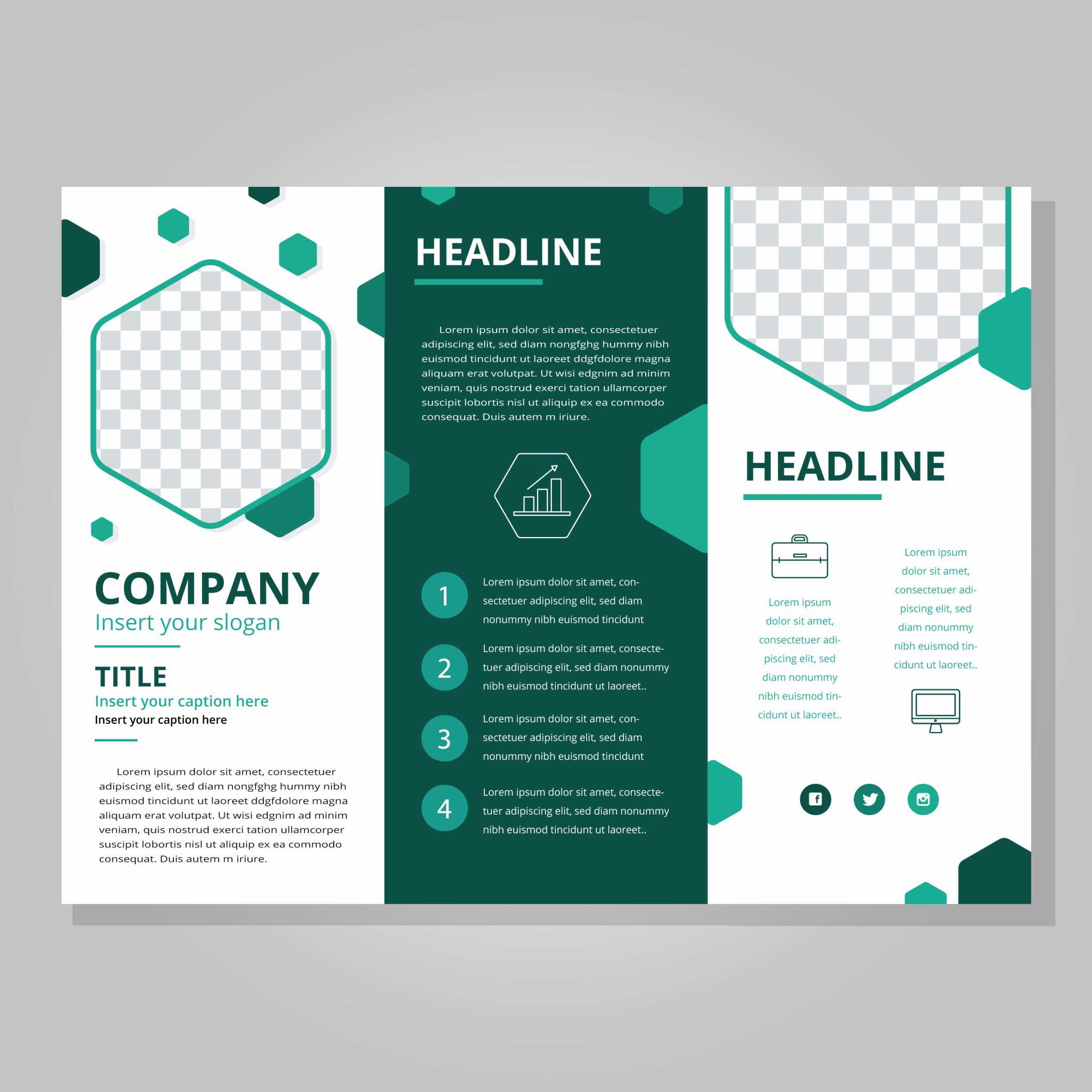
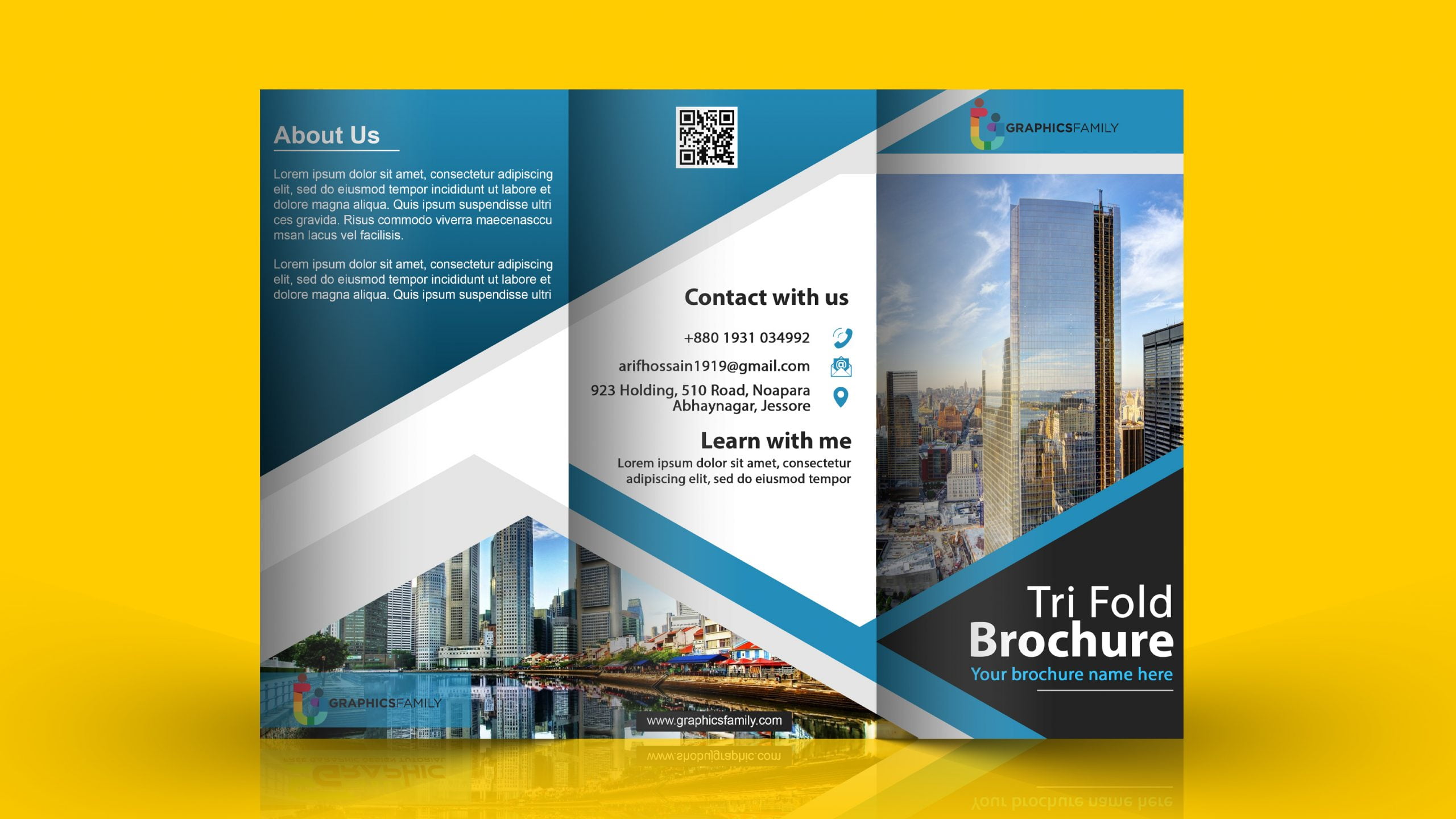
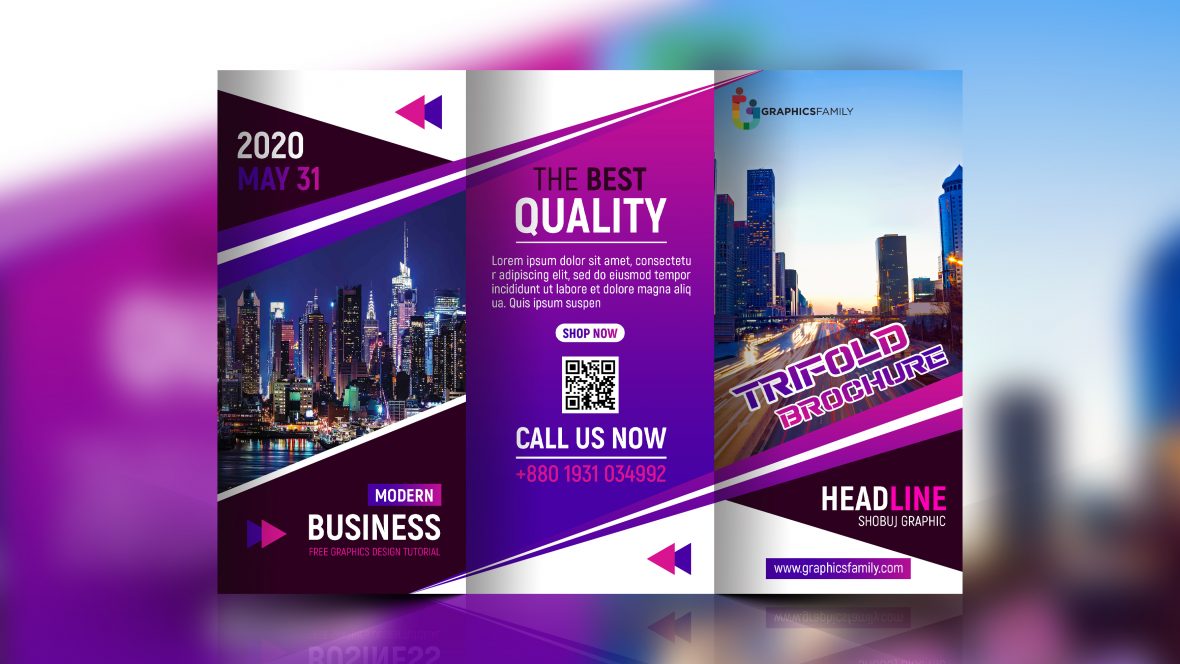
Creating a trifold brochure can be a fun and creative way to present information, whether for a school project, a community event, or even a family gathering. With the Trifold Brochure Free Google Docs Template, you can easily design your own brochure without needing extensive design skills. This template is user-friendly and perfect for parents looking to engage their kids in a fun project or for teachers needing a quick way to provide information.
What is a Trifold Brochure and How Can You Use It?
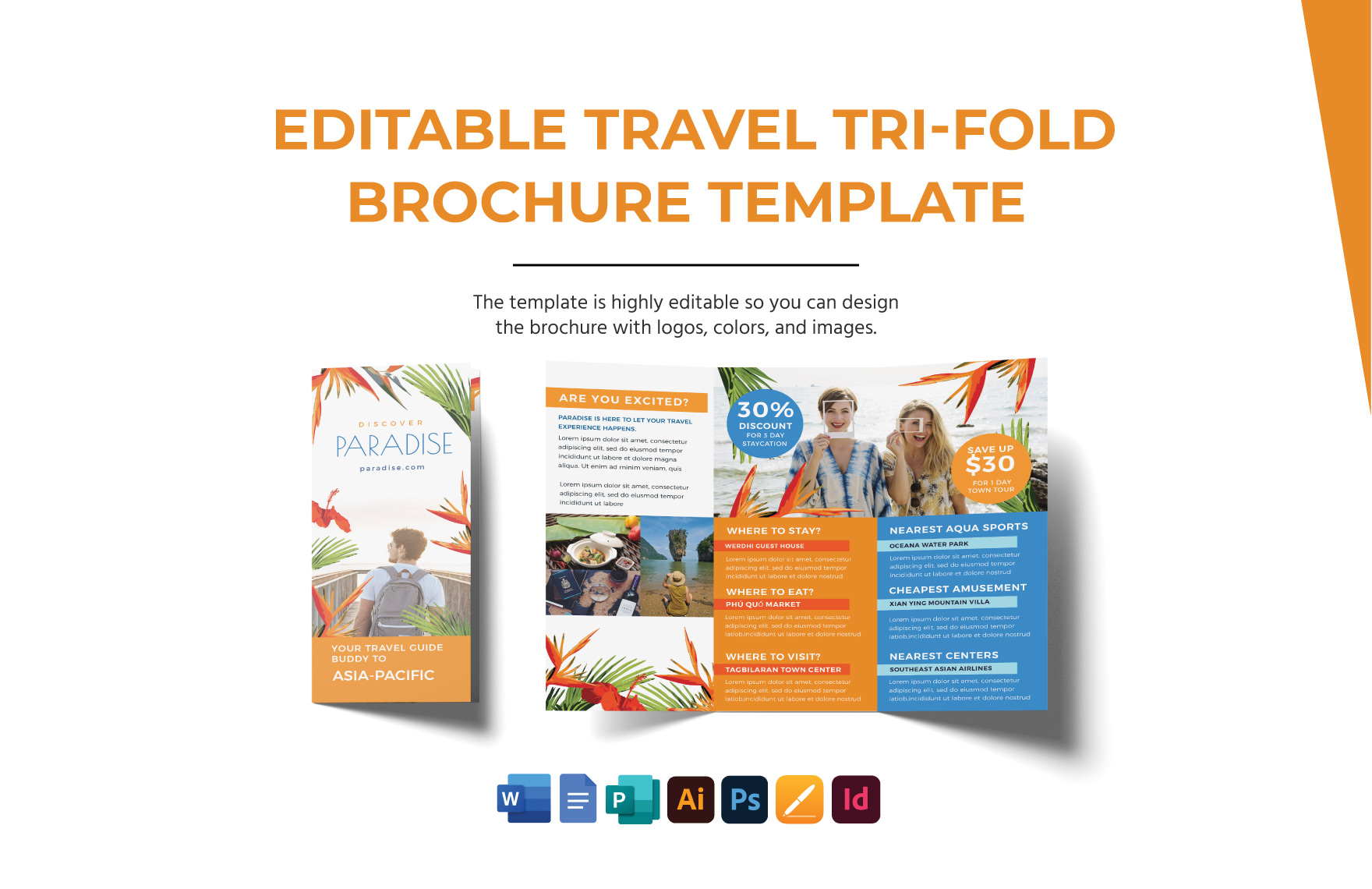
A trifold brochure is a promotional piece that folds into three sections, making it compact and easy to handle. It’s often used for events, informational purposes, or to showcase services. You can use it to advertise a school event, share family reunion details, or even create a fun brochure about your child’s favorite hobbies. The beauty of this format is its versatility; it can be adapted for virtually any occasion.
Customization Options
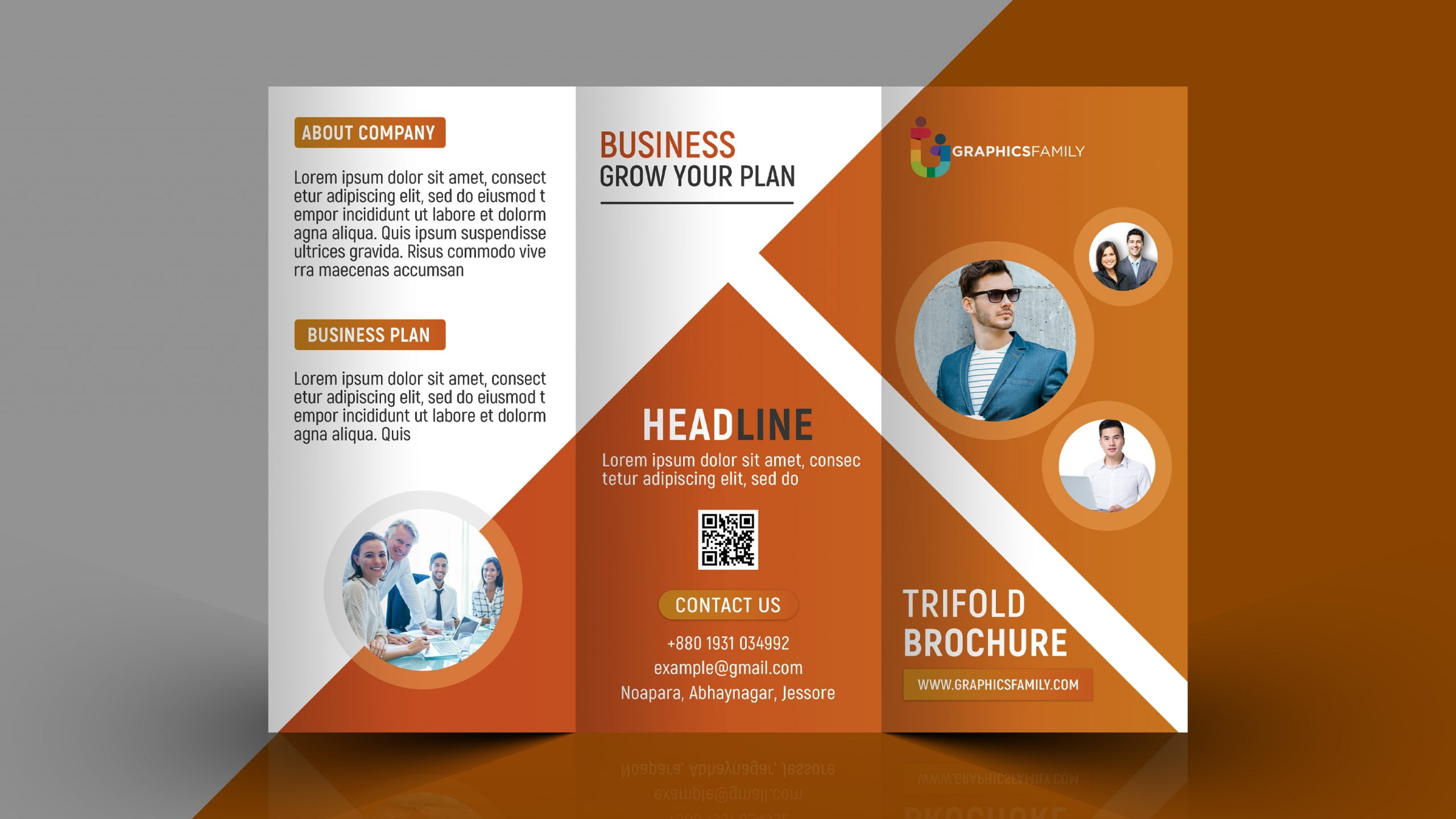
The Trifold Brochure Free Google Docs Template allows for various customization options. You can change:
- Text: Update the text to fit your purpose, whether it’s a school project or a family event.
- Images: Insert images that resonate with your theme. For example, if it’s about a family picnic, you might include family photos.
- Colors and Fonts: Adjust the colors and fonts to match your style or branding.
Getting started is straightforward. Just download the template, open it in Google Docs, and start editing. Make sure to save your work frequently, especially if you’re adding lots of images or text.
Downloading and Printing Your Brochure
Once you’ve customized your trifold brochure, the next step is downloading and printing it. Here’s how to do it effectively:
- Download Options: You can download the document as a PDF or keep it in Google Docs format. PDFs are often better for printing, as they preserve your layout and design.
- Paper Size: The standard paper size for a trifold brochure is 8.5 x 11 inches. Ensure your printer settings are adjusted accordingly. If you’re using a home printer, portrait layout usually works best.
- Printing Tips:
- Use high-quality paper for a more professional look. Cardstock is a great option if you plan to laminate your brochures.
- Test print a single copy first to check for any layout issues before printing multiple copies.
- Folding: The folding should create three equal sections. If you’re unsure about folding, you can mark the paper lightly with a pencil to guide your folds.
Real Use Cases for Your Brochure
Here are some practical examples of how you can utilize your trifold brochure:
School Projects
Kids often need to present information for school projects. A trifold brochure can serve as an engaging way to display facts about a historical figure, a science project, or even a book report. Encourage your child to think creatively about their project and to include colorful visuals and key points.
Family Events
Planning a family reunion? Use the brochure to share details about the event, including the date, location, and activities planned. It’s a great way to keep everyone informed and excited.
Community Outreach
If you’re part of a community group or club, a trifold brochure is an excellent tool for outreach. You can outline your mission, upcoming events, and how others can get involved.
Tips for Effective Brochure Design
Creating an appealing trifold brochure is not just about filling it with information. Here are some design tips to make your brochure stand out:
- Keep It Simple: Don’t overload your brochure with text. Use bullet points or short sentences to convey your message clearly.
- Use High-Quality Images: Ensure any images you use are high-resolution. Blurry or pixelated images can detract from your brochure’s professionalism.
- Consistent Branding: If you’re creating this for a business or organization, maintain consistent branding throughout the brochure. Use your organization’s colors and logo.
- Call to Action: End your brochure with a clear call to action. Whether it’s to RSVP to an event, visit a website, or contact you for more information, make sure it’s prominent.
The Trifold Brochure Free Google Docs Template is an incredibly useful resource for anyone looking to create informative and visually appealing brochures. It’s designed to be user-friendly, making it accessible for parents and teachers alike. Whether it’s for a school project, a family event, or community outreach, customizing and printing your brochure can be done in just a few simple steps. So why not download the template today and start creating something special?
Trifold Brochure Free Google Docs Template Gallery