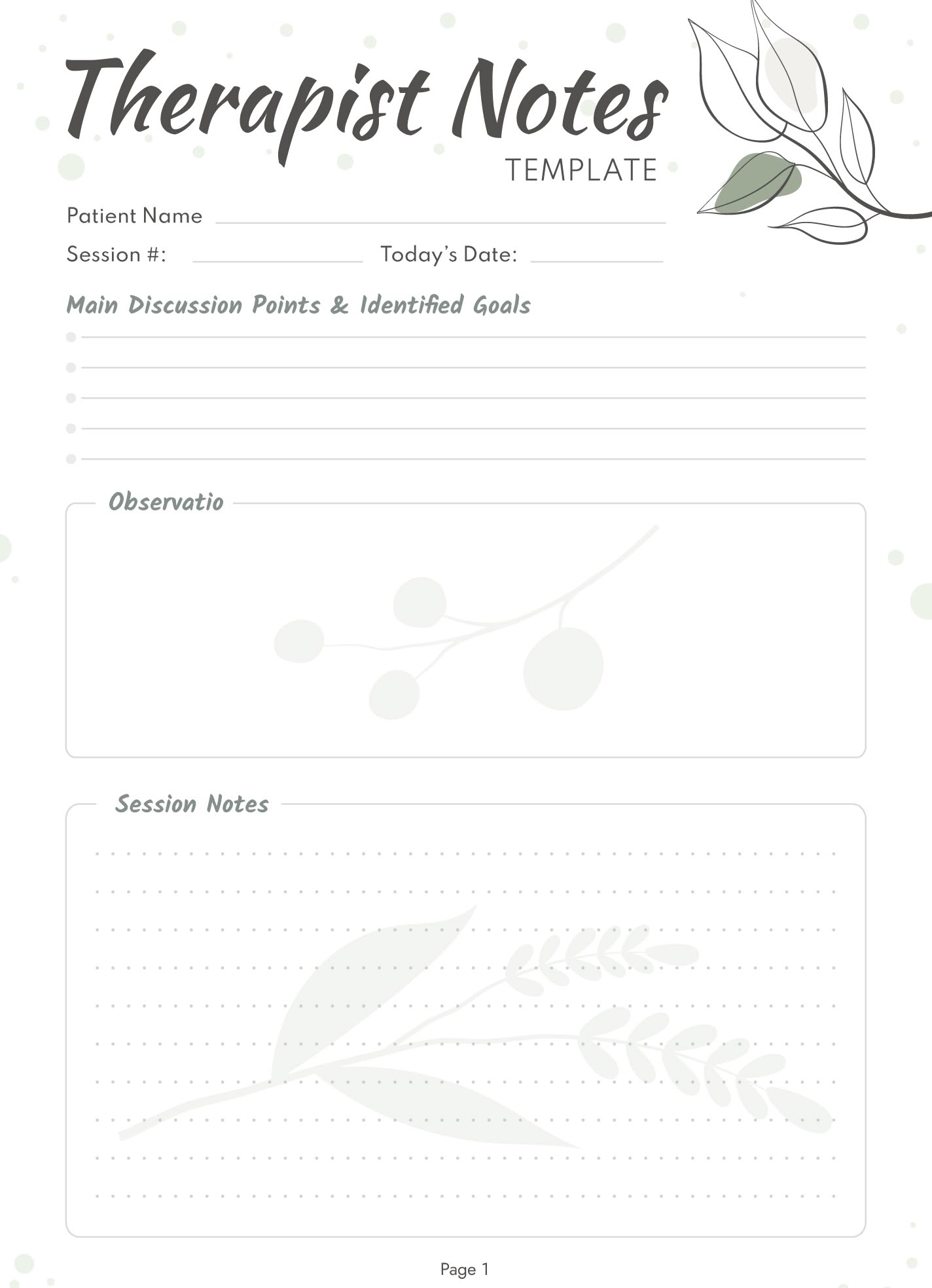
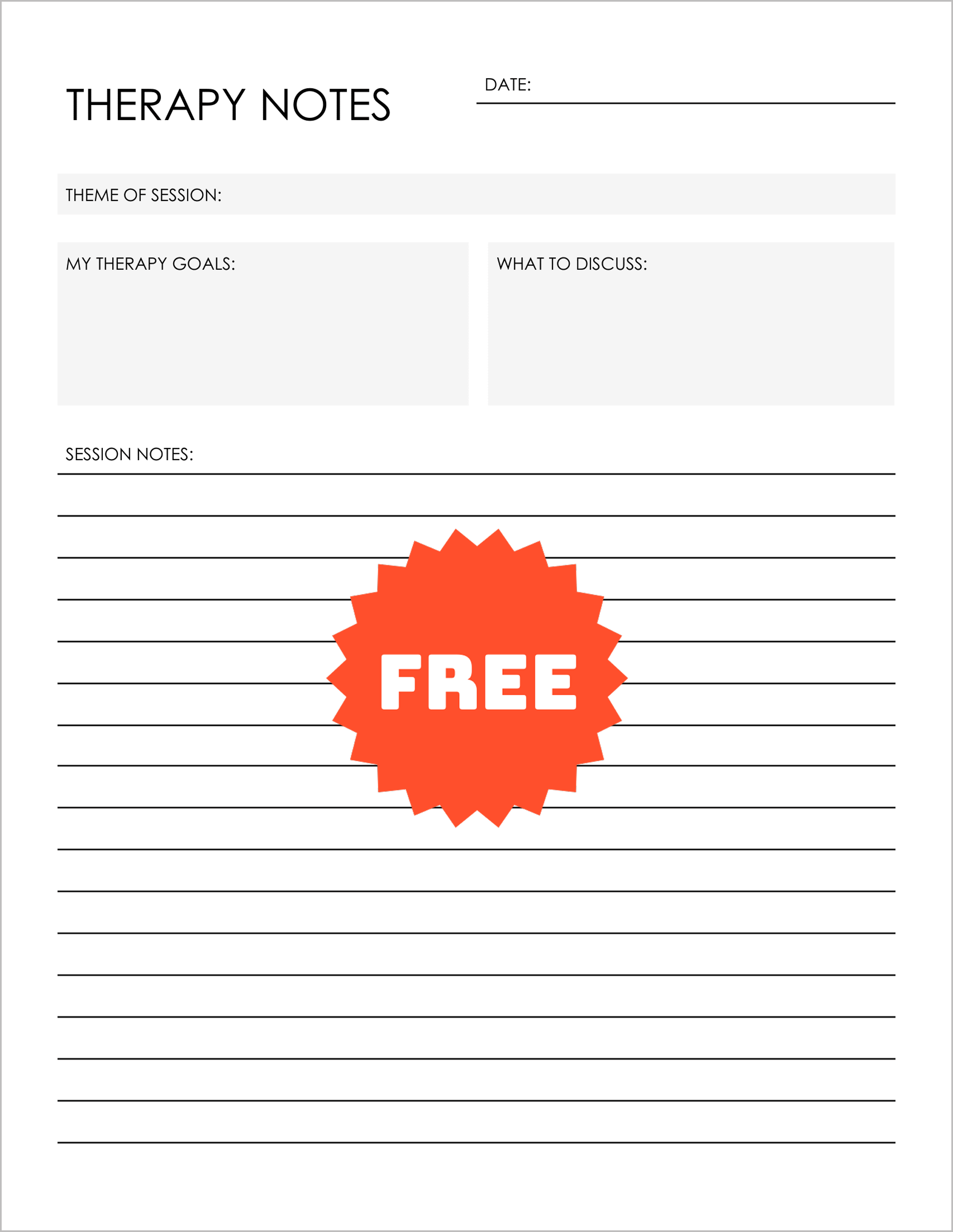
When it comes to keeping track of therapy sessions, having a well-structured template can make all the difference. The Therapist Notes Free Google Docs Template stands out by offering a user-friendly design that’s easy to customize and print, making it an excellent choice for busy parents or professionals who need efficient documentation. Let’s explore how you can effectively use this template to enhance your therapy practice or personal note-taking.
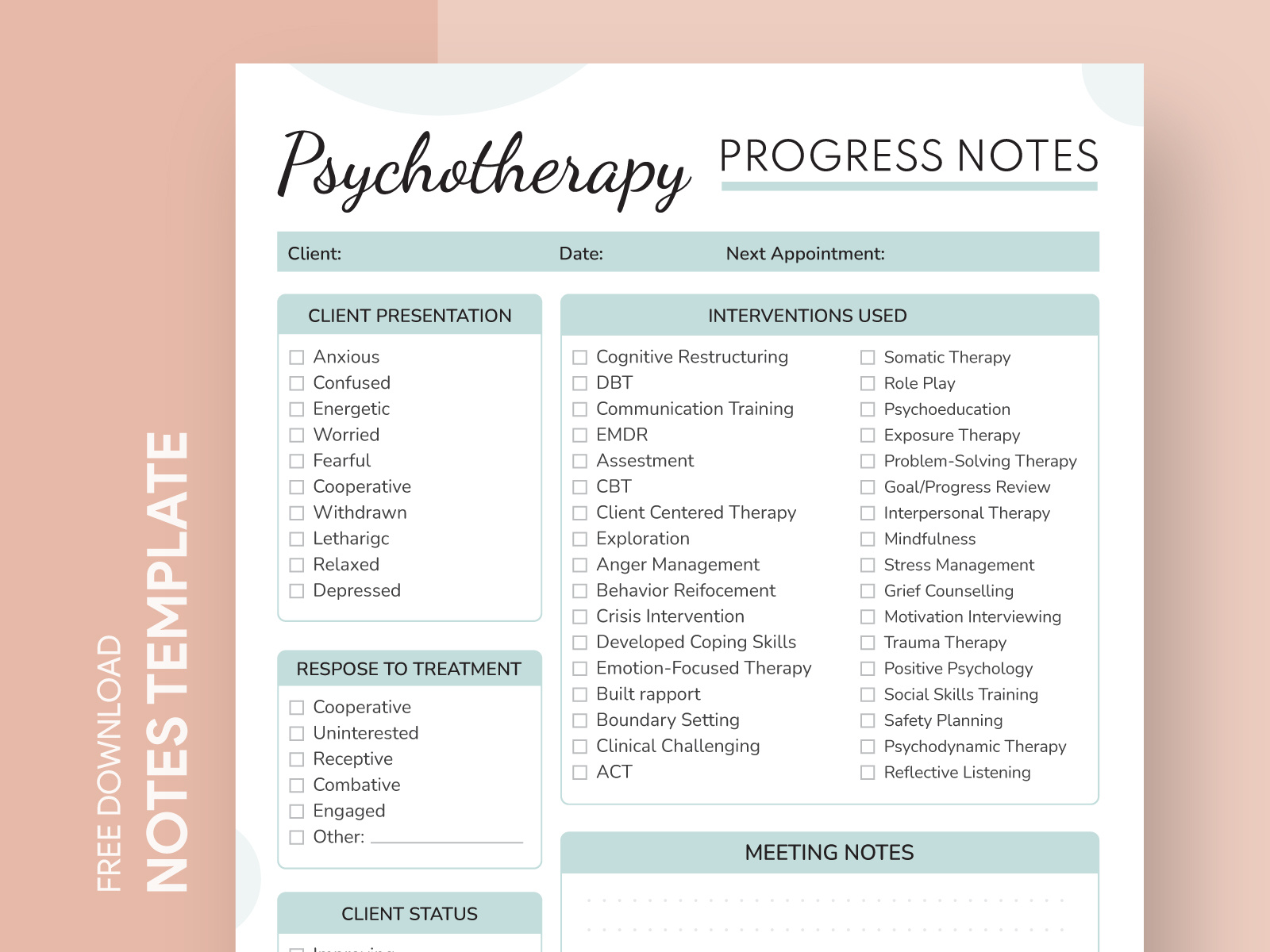
Understanding the Layout of the Therapist Notes Template
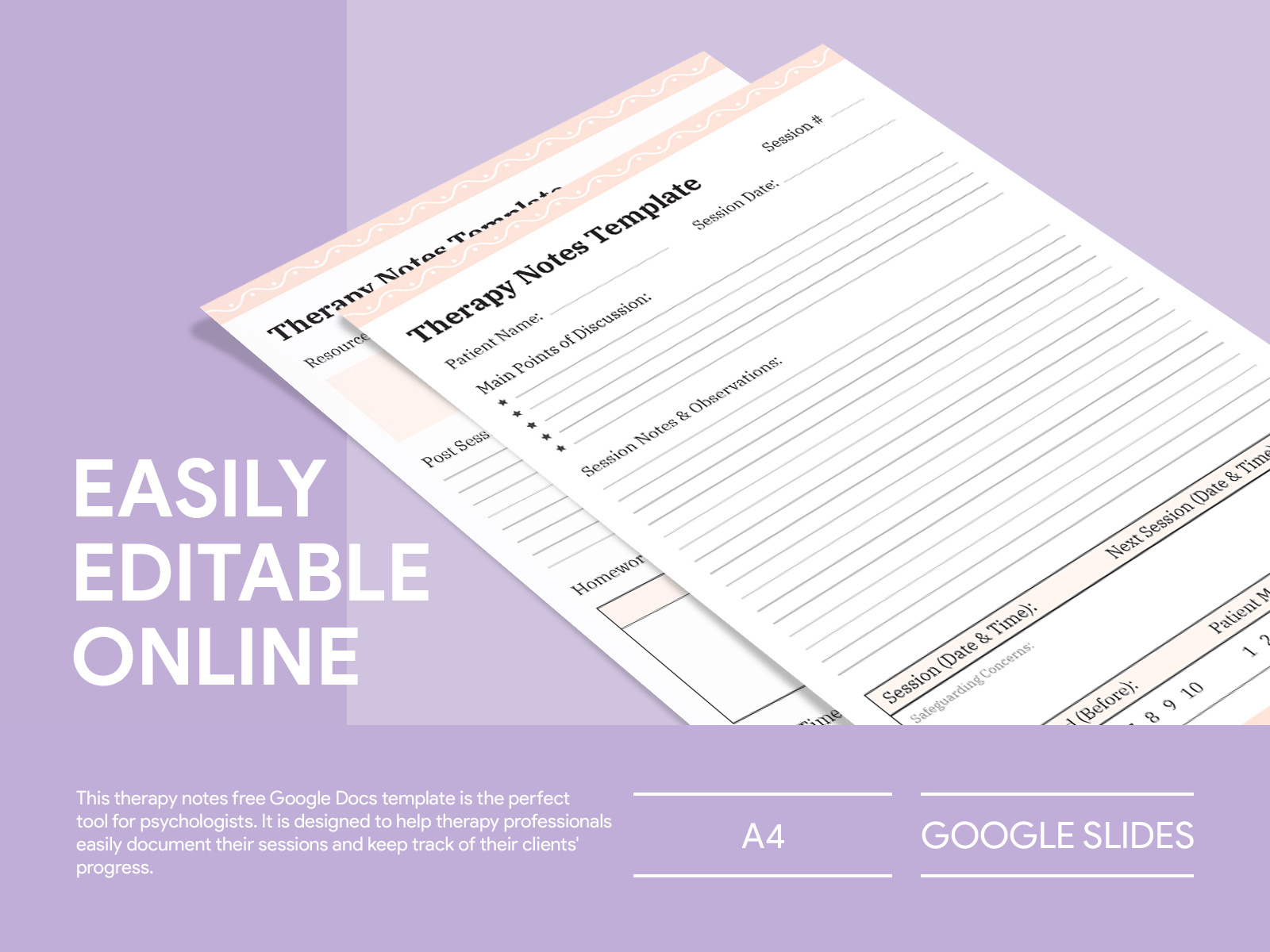
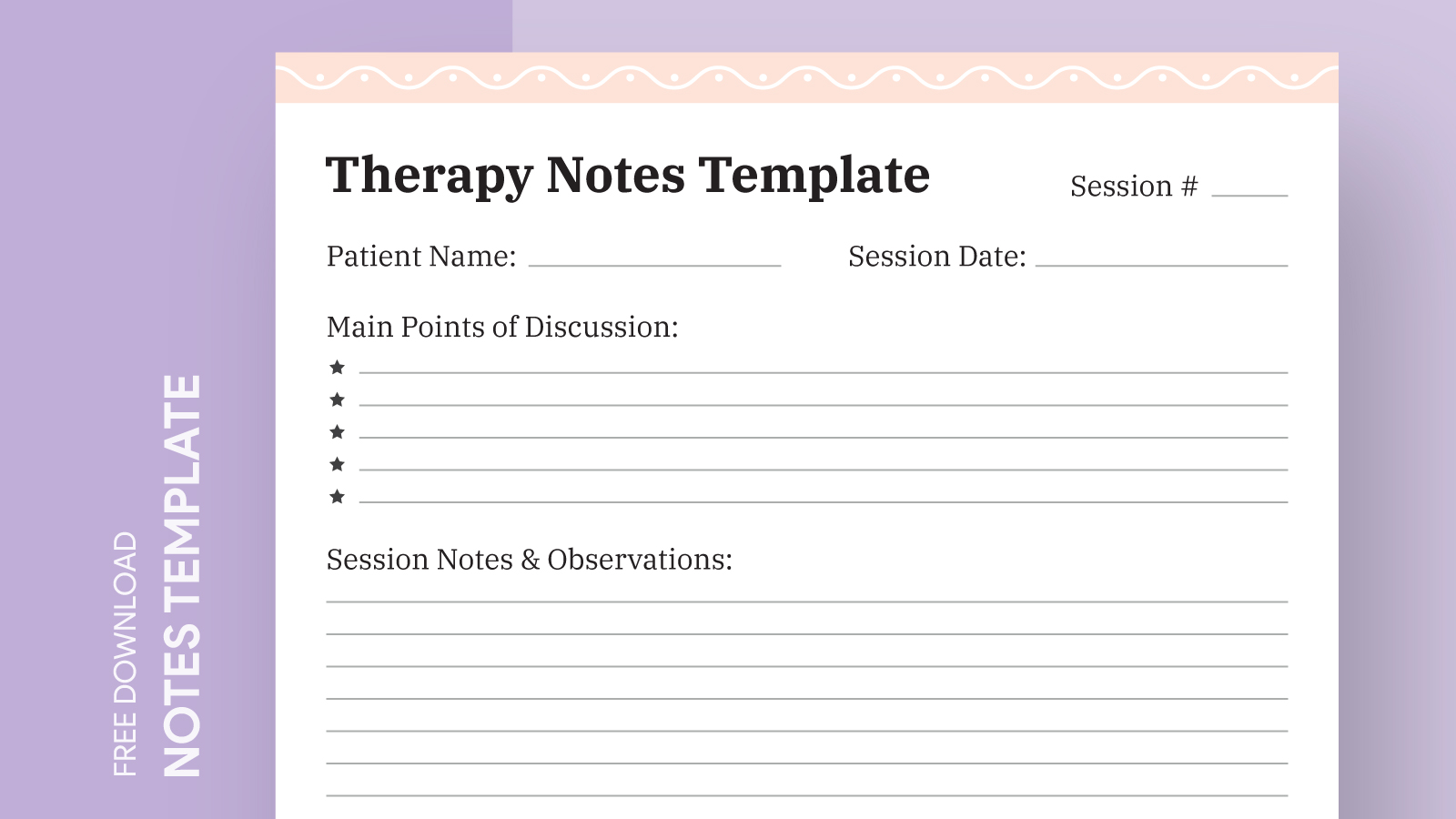
This Google Docs template is specifically designed for therapy notes, which means it includes key sections that are important for documenting client sessions. The layout typically includes fields for the date, client name, session number, and notes on the session itself.
You’ll find that the template offers a clear separation between different sections, allowing you to jot down observations, treatment plans, and follow-up actions efficiently. The use of bullet points within the notes section can help streamline your thoughts and make the document easy to read later on.
And since the template is in Google Docs, you can edit it directly in your browser without needing any special software. This is a big plus for parents or professionals who may not have access to expensive word processing applications.
How to Customize the Template for Your Needs
One of the best features of the Therapist Notes Free Google Docs Template is its customizability. You can easily modify the template to fit your specific needs, whether you’re a therapist, counselor, or parent documenting your child’s therapy sessions.
To customize, simply open the template in Google Docs and start editing. You can change the text in any field, add additional sections if necessary, or even adjust the font and color to match your personal style.
Here are a few customization tips:
- Add sections: If you require additional fields, such as “Goals for Next Session” or “Client Feedback,” feel free to insert them.
- Change fonts: Opt for a font that is easy to read. A clean sans-serif font often works best for clarity.
- Color coding: Use different colors for different clients if you handle multiple cases, making it easier to sort through your notes.
These small changes can make a significant difference in how organized and effective your notes will be.
Practical Use Cases for the Template
You might be wondering how to best use the Therapist Notes Free Google Docs Template in your daily routine. Here are a few practical scenarios:
- Individual Therapy Sessions: If you’re a therapist, use this template to document key points from each session, track progress over time, and develop treatment plans.
- Parenting Support: For parents, it’s a helpful way to keep track of your child’s therapy sessions, including observations and guidance for home activities.
- School Counseling: School counselors can utilize this template to create a record of student sessions, noting concerns and follow-up actions.
Each of these scenarios benefits from a structured approach to note-taking, allowing for easy reference down the line.
Downloading and Printing the Template
Getting started with the Therapist Notes Free Google Docs Template is simple. Here’s how to download and print it:
- Access the Template: Click on the link provided for the template. You’ll be directed to Google Docs.
- Make a Copy: Go to “File” > “Make a copy” to save the template to your Google Drive. This allows you to edit it without altering the original.
- Edit Your Copy: Fill in your details and customize as needed.
- Print: Once you’re satisfied with your notes, you can print directly from Google Docs. Make sure to check your printer settings; using a portrait layout often works best for standard home printers.
If needed, consider printing on heavier paper or cardstock if you plan to keep these notes for a long time, as they’ll hold up better than regular printer paper.
Therapist Notes Free Google Docs Template Gallery