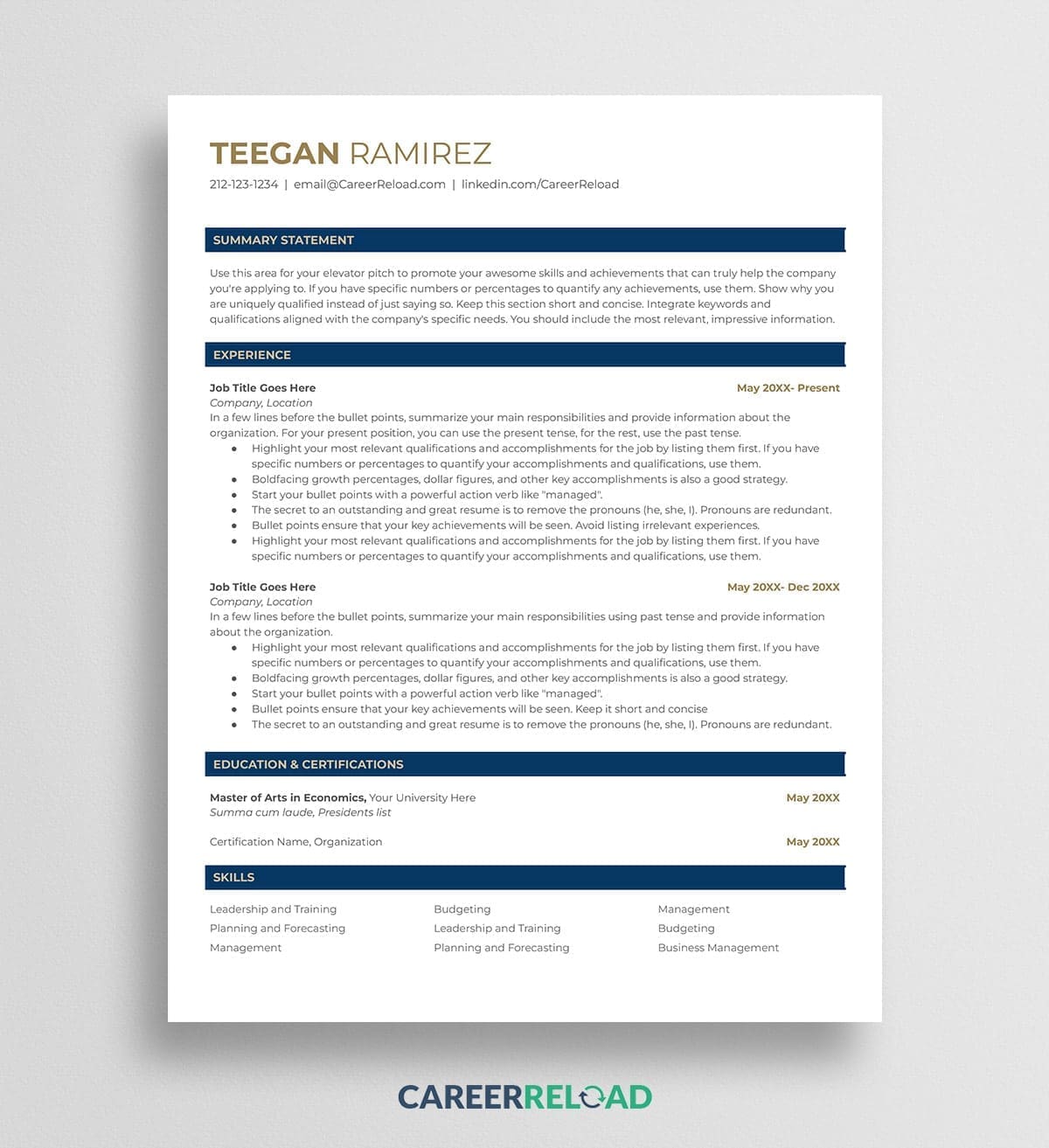
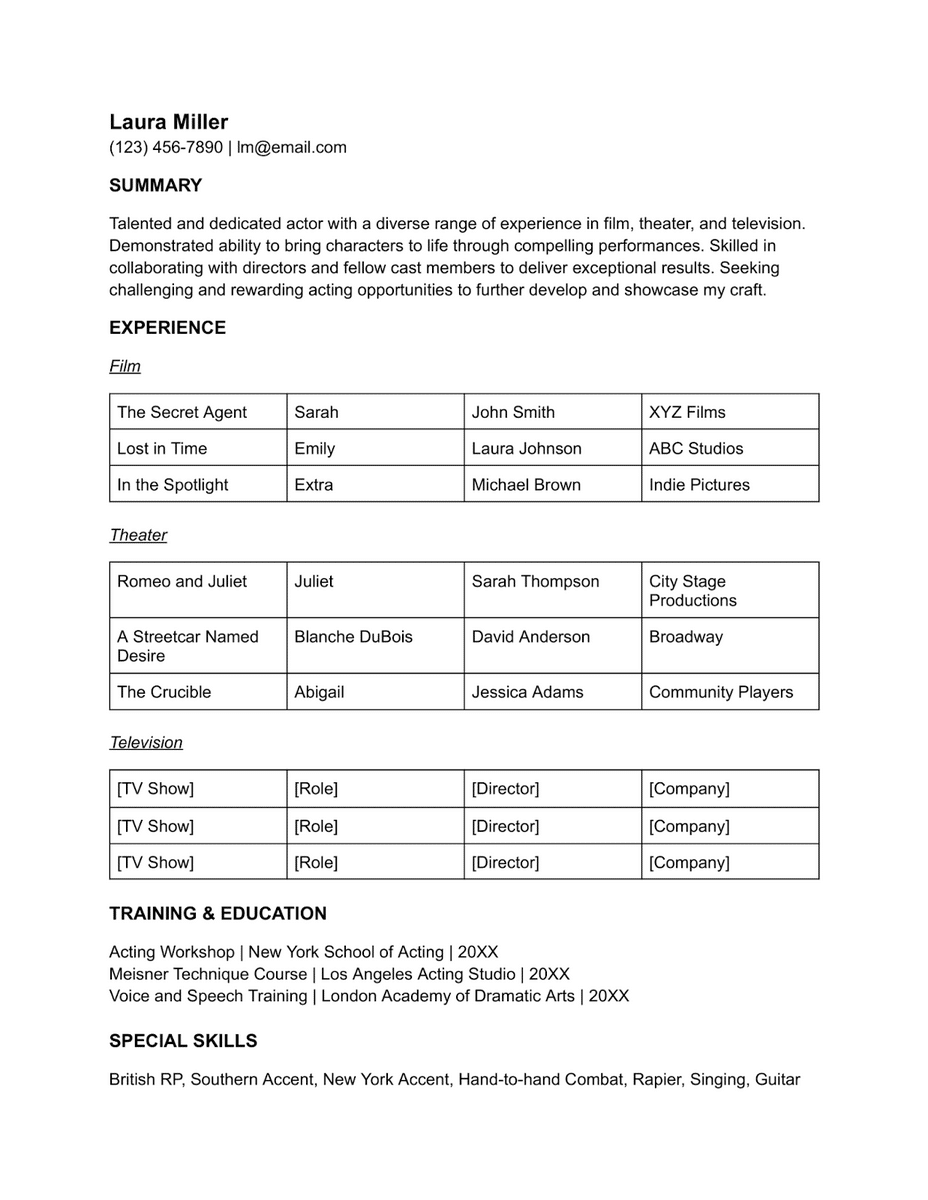
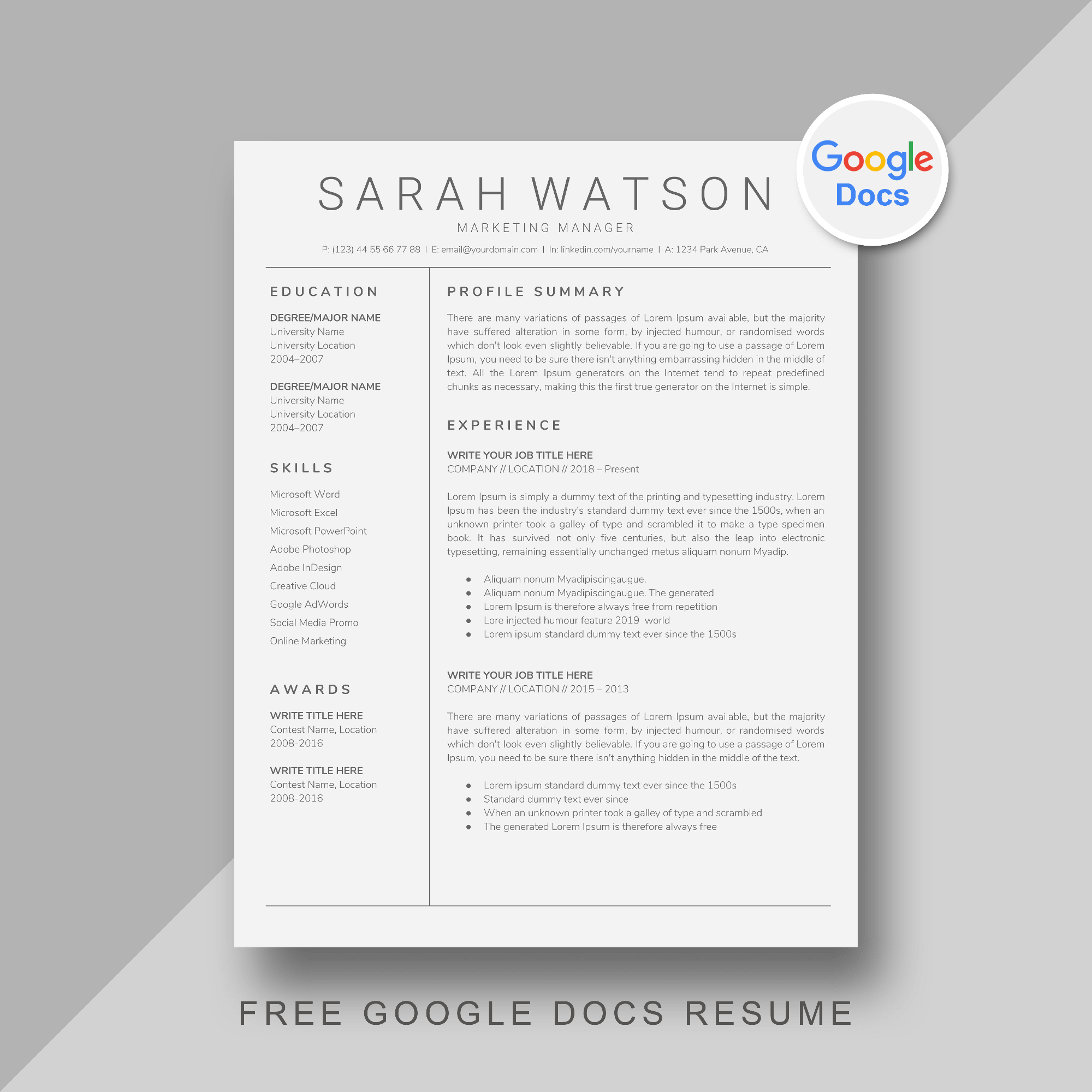
Crafting a standout theatre resume can be a daunting task, especially when you’re trying to showcase your unique talents and experiences. With the Theatre Resume Free Google Docs Template, you can create a professional and visually appealing resume that reflects your artistic identity. This template is designed to make the process straightforward, allowing you to focus on the content rather than the layout.
Essential Features of the Theatre Resume Google Docs Template
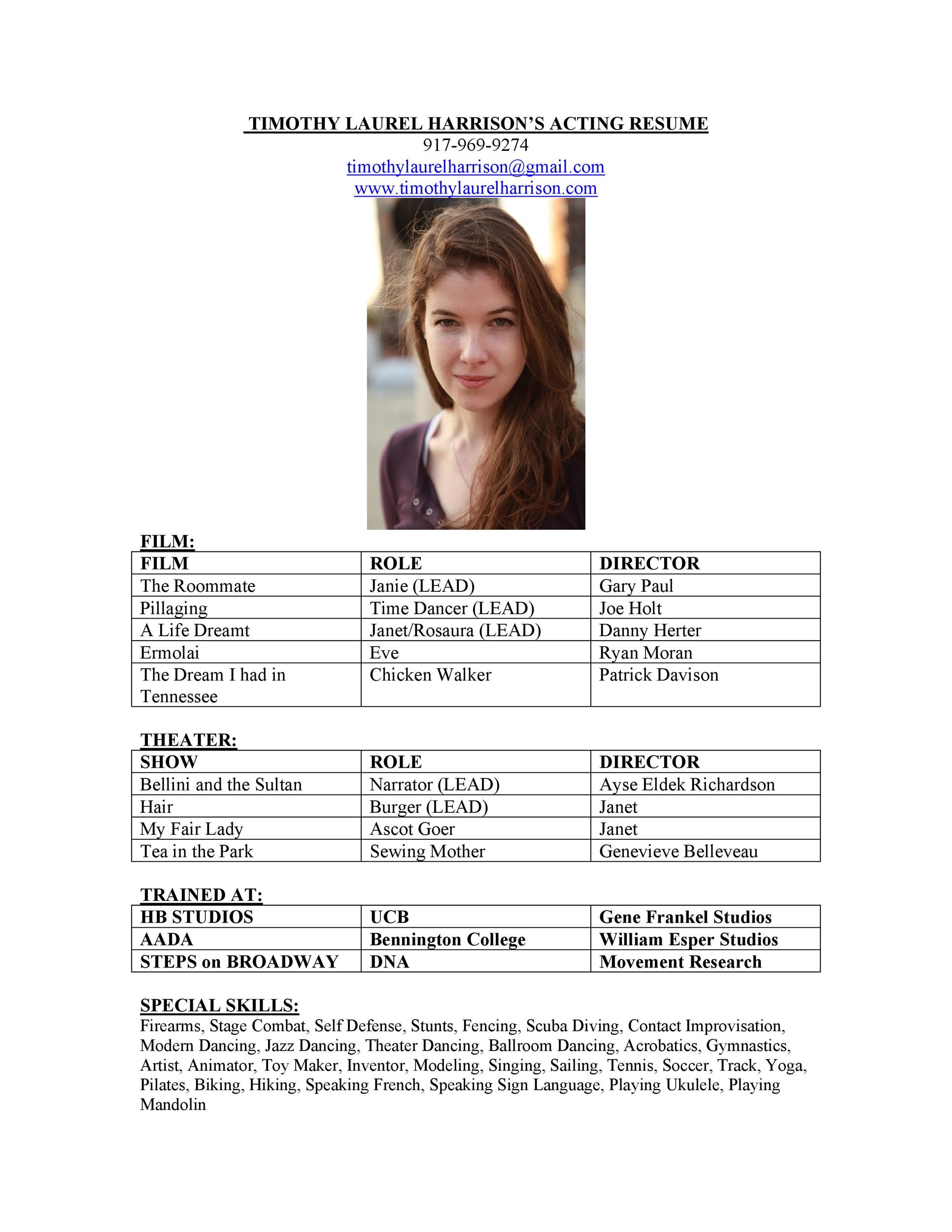
The Theatre Resume Free Google Docs Template includes several essential sections that cater specifically to the needs of performers and theatre professionals. Here’s a breakdown of the key features you’ll find:
- Contact Information: At the top, there’s a designated area for your name, phone number, email, and relevant social media links. This makes it easy for casting directors or theatre companies to reach you.
- Objective Statement: A brief section where you can express your career goals in the theatre industry. This should reflect your passion and what you aim to achieve in your next role.
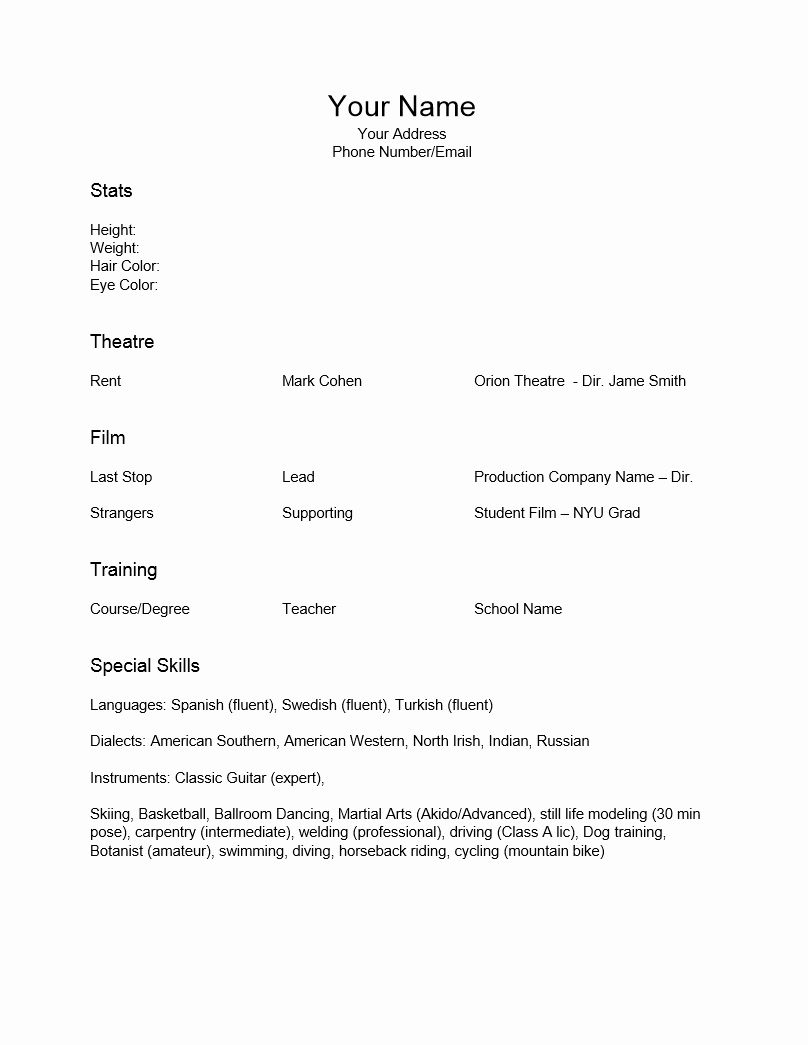
- Experience Section: This area is structured to highlight your previous acting roles, productions, and any relevant work in the theatre industry. You can list your roles chronologically or in order of relevance.
- Education: This section allows you to showcase your training, including any degrees in theatre or performance arts, workshops, and specialized courses.
- Skills: Here, you can enumerate your skills, such as acting techniques, languages spoken, or special talents like singing or dancing.
- References: The template also includes space for references, which is crucial in the performing arts. Make sure to include contacts who can speak to your abilities and work ethic.
Customizing the Template
One of the best aspects of the Theatre Resume Free Google Docs Template is its customizability. You can easily modify each section to fit your personal journey and style. Here are some tips on how to make the most of it:
- Personal Touch: Consider adding a touch of your personality through the use of color or fonts. However, keep it professional—choose colors that enhance readability while reflecting your artistic flair.
- Tailor for Each Role: Each time you apply for a different role, adjust the objective statement and experience sections to align with what the casting directors are looking for. Highlight the most relevant roles first.
- Print Settings: If you plan to print your resume, set your document to A4 size, as this is the standard for most professional resumes. Ensure your margins are set to 1 inch for a neat presentation.
Practical Uses for Your Theatre Resume
Once you have your Theatre Resume Free Google Docs Template completed, you can utilize it in various practical scenarios. Here are a few ideas:
- Auditions: Bring printed copies to auditions. Having a professional-looking resume can set you apart and provide casting directors with a quick reference of your qualifications.
- Networking Events: Share your resume at industry events or workshops to help others remember your name and talents. This can open doors for future collaborations.
- Online Submissions: Many casting calls require digital submissions. Save your resume as a PDF to maintain formatting and ensure it looks polished when submitted via email or online platforms.
Theatre Resume Free Google Docs Template Gallery