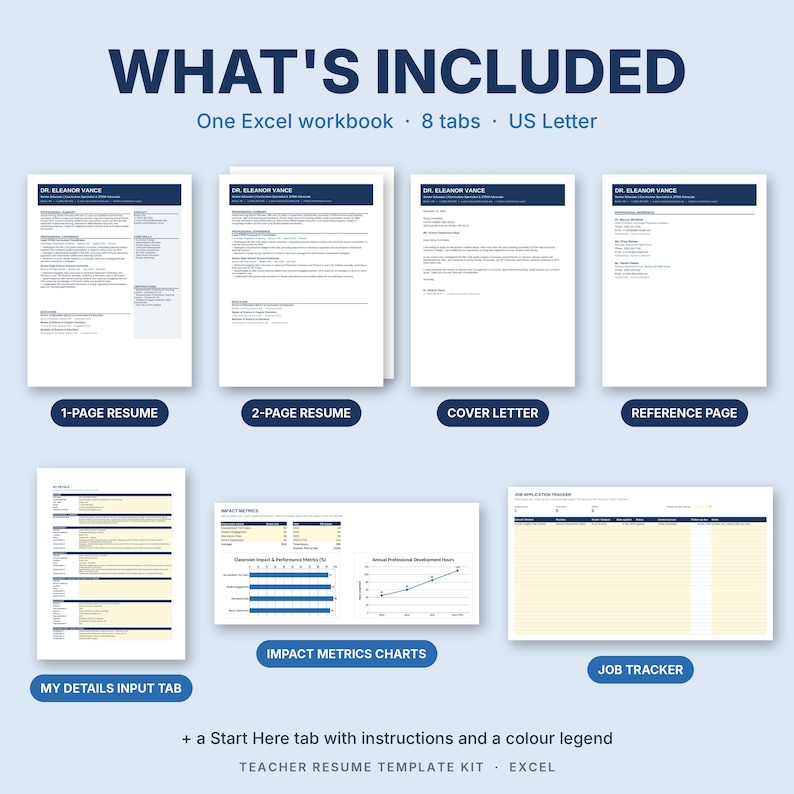
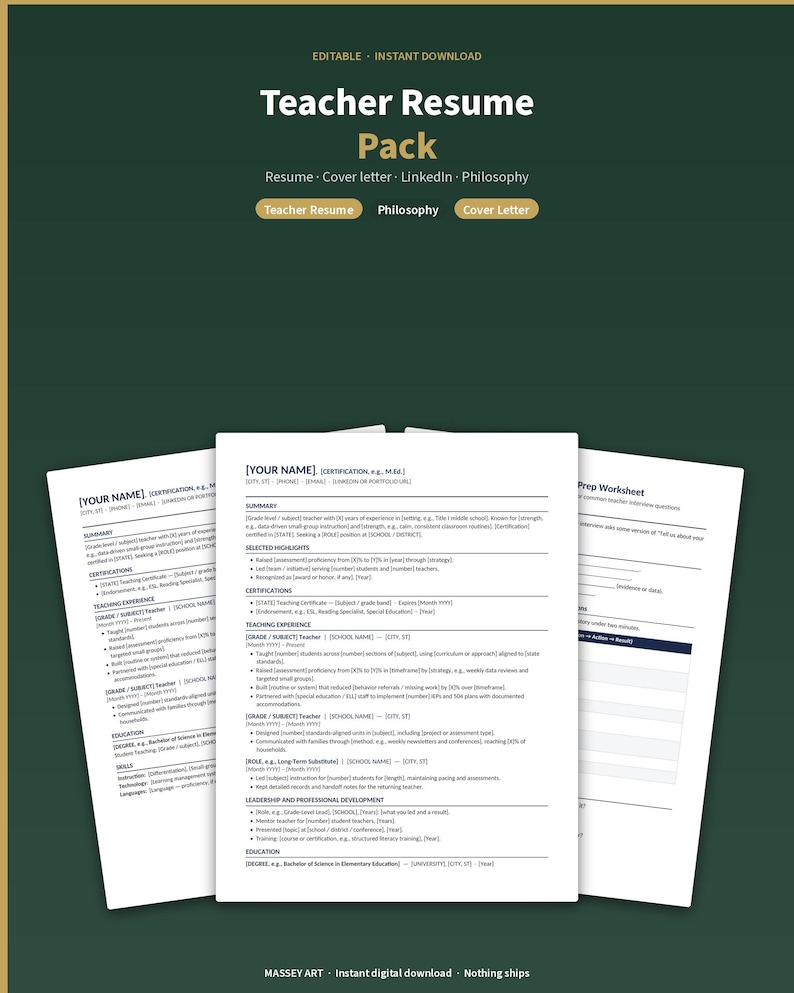
Creating a standout CV is essential for teachers looking to showcase their skills and experiences. The Teacher CV Free Google Docs Template offers a convenient starting point for crafting a professional resume. This template is specifically designed to help educators present their qualifications clearly and effectively, catering to various teaching levels and subject areas.
Overview of the Teacher CV Free Google Docs Template
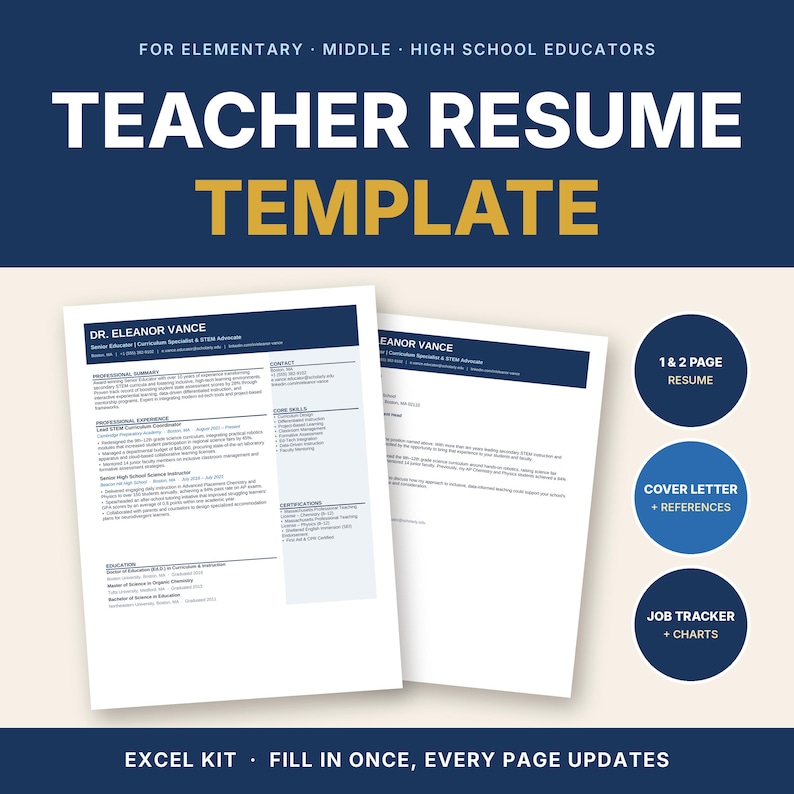
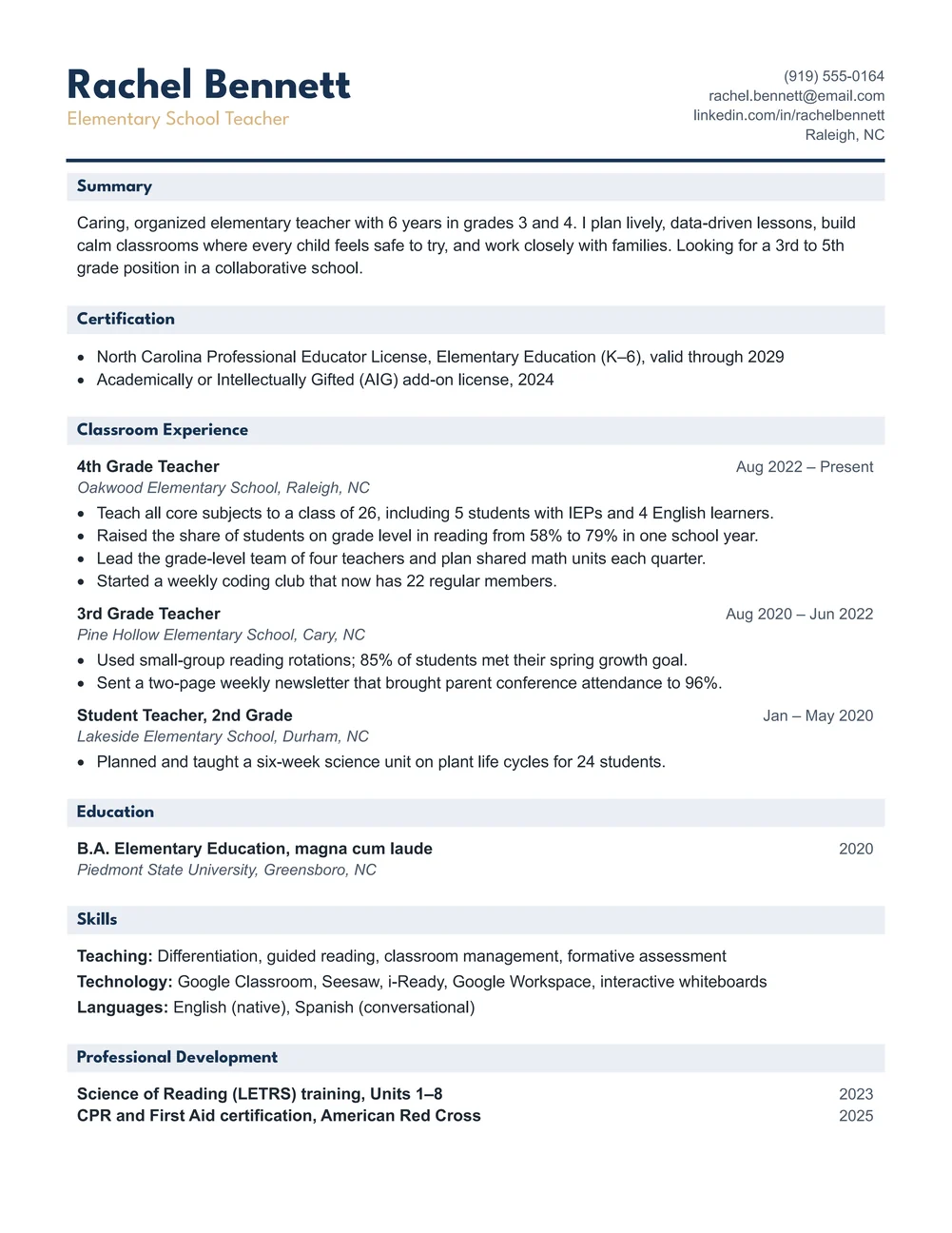
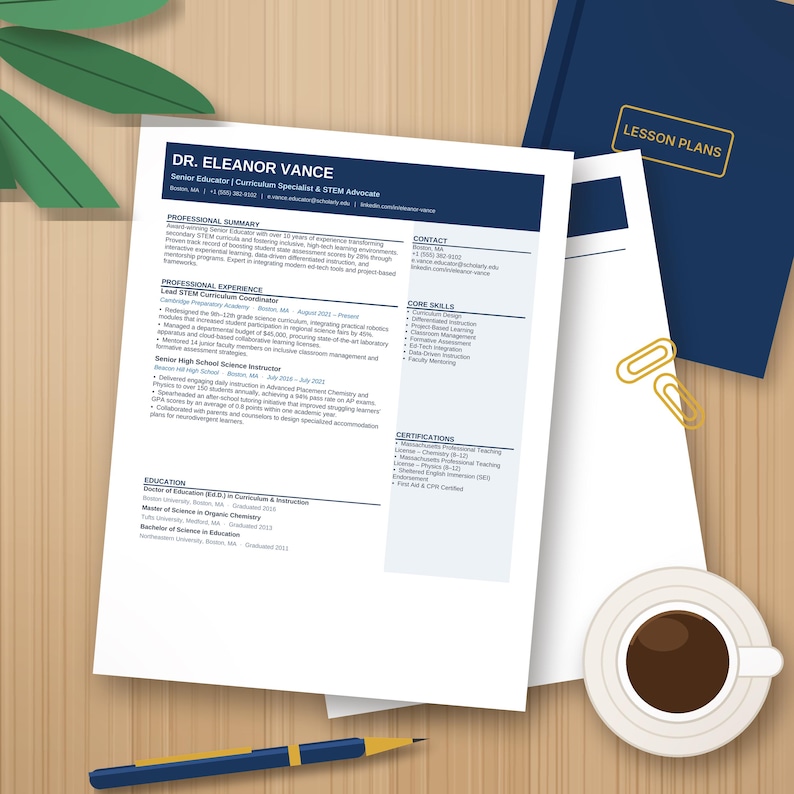
The Teacher CV Free Google Docs Template is tailored for educators at all stages of their careers. It features sections for personal information, education, teaching experience, certifications, and skills. Each section is pre-formatted, allowing you to fill in your details without worrying about layout issues. Google Docs also makes it easy to collaborate with others, which can be particularly useful if you want feedback from colleagues or mentors.
When you download this template, you will have a clean and professional design that saves time and effort. You can easily customize it to fit your unique experiences and teaching philosophy. Plus, using Google Docs means you can access your CV from anywhere, making it a flexible option for busy educators.
Customizing Your Teacher CV
One of the best features of the Teacher CV Free Google Docs Template is its customization options. You can modify the template to reflect your personal style while ensuring it remains professional. Here are some specific tips for customizing your CV:
- Personal Information: Make sure to include your name, contact information, and a professional profile picture if desired. Your email should be professional, ideally your school or a custom domain.
- Education Section: List your degrees in reverse chronological order, starting with the most recent. Include your major, institution name, and graduation date. If you have honors or relevant coursework, consider adding that too.
- Teaching Experience: Highlight your relevant teaching positions, focusing on achievements and responsibilities rather than just job titles. Use action verbs to describe your impact, like “developed,” “implemented,” or “led.”
- Certifications: If you hold any teaching certifications, be sure to list them. This is crucial for potential employers to see your qualifications at a glance.
- Skills: Tailor this section to the job you’re applying for. Include both hard skills (like specific teaching methods or technology proficiency) and soft skills (like communication and teamwork).
Downloading and Printing the Template
Getting started with the Teacher CV Free Google Docs Template is simple. Here’s how you can download and print it effectively:
- Download: Click on the link provided for the template, and it will open in Google Docs. You can choose to save it directly to your Google Drive for easy access.
- Editing: Once the template is in your Drive, click on “File” and then “Make a copy” to create an editable version. This way, you can preserve the original template while customizing your copy.
- Printing: When you’re ready to print, check the layout settings. Portrait orientation tends to work best for CVs. Use high-quality paper to make a good impression, especially if you’re handing out physical copies at interviews.
If you’re planning to send your CV electronically, consider saving it as a PDF. This format preserves your formatting and ensures that your CV looks the same on any device.
Tips for Using the Template Effectively
To maximize the impact of your Teacher CV, keep these practical tips in mind:
- Keep it Concise: Aim for one to two pages. Employers often appreciate brevity, especially in education, where they may receive numerous applications.
- Tailor for Each Job: Customize your CV for each application. Highlight experiences and skills that align with the job description.
- Use Bullet Points: This makes your CV easier to scan. Bullet points can help emphasize key achievements and responsibilities.
- Proofread: Typos and grammatical errors can undermine your professionalism. Take the time to proofread or ask a colleague to review it for you.
Using the Teacher CV Free Google Docs Template can streamline your resume-building process, allowing you to focus on what really matters: showcasing your qualifications as an educator. By customizing it effectively and following best practices, you’ll present a CV that stands out to hiring committees.
Make sure to save your final version in a format that’s easy to share and print. Consider creating a separate version that’s tailored for online job applications, which may require different formatting or content emphasis. With these steps, you’ll be well on your way to landing that teaching position you’ve been aiming for.
Teacher CV Free Google Docs Template Gallery