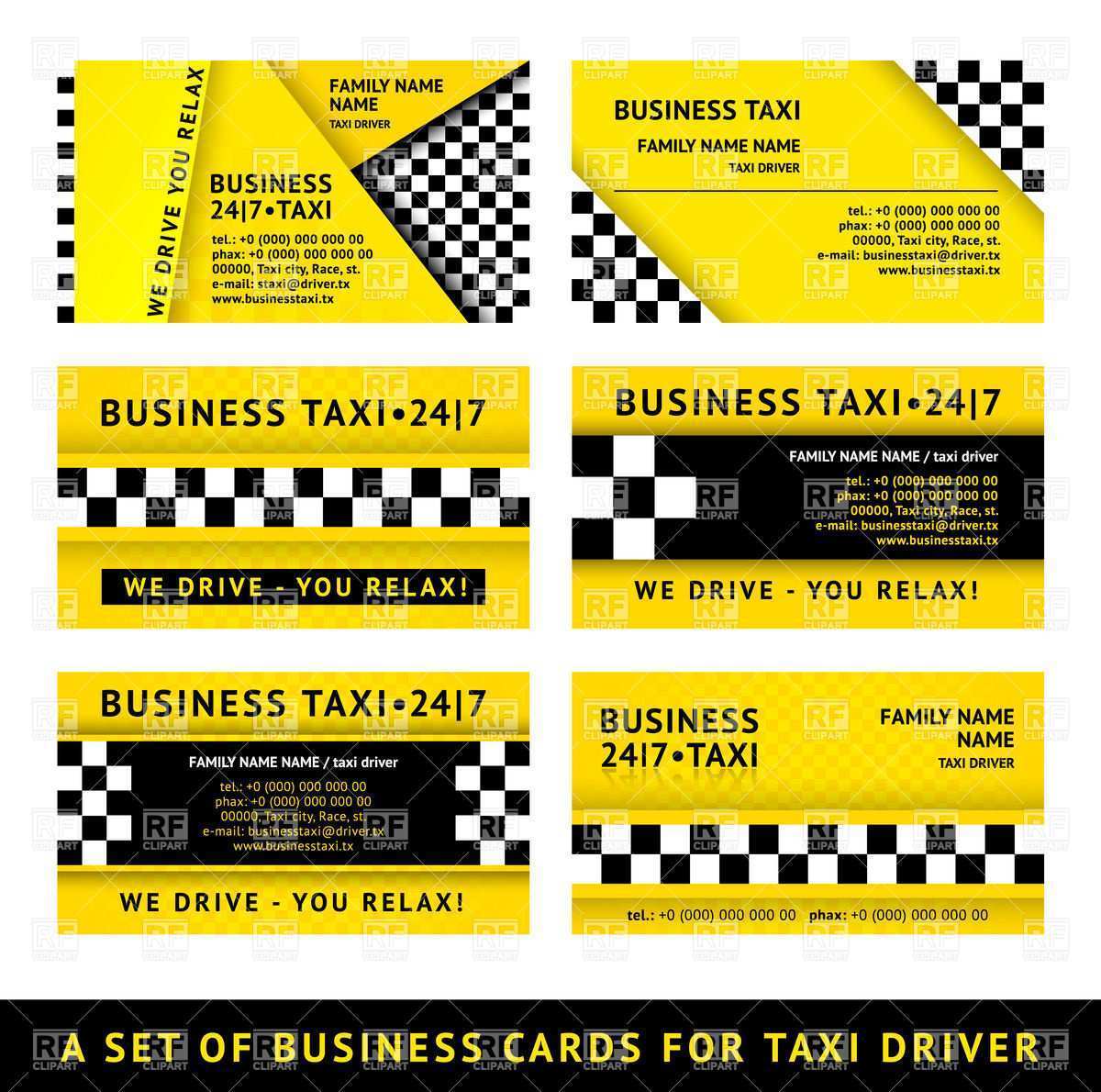
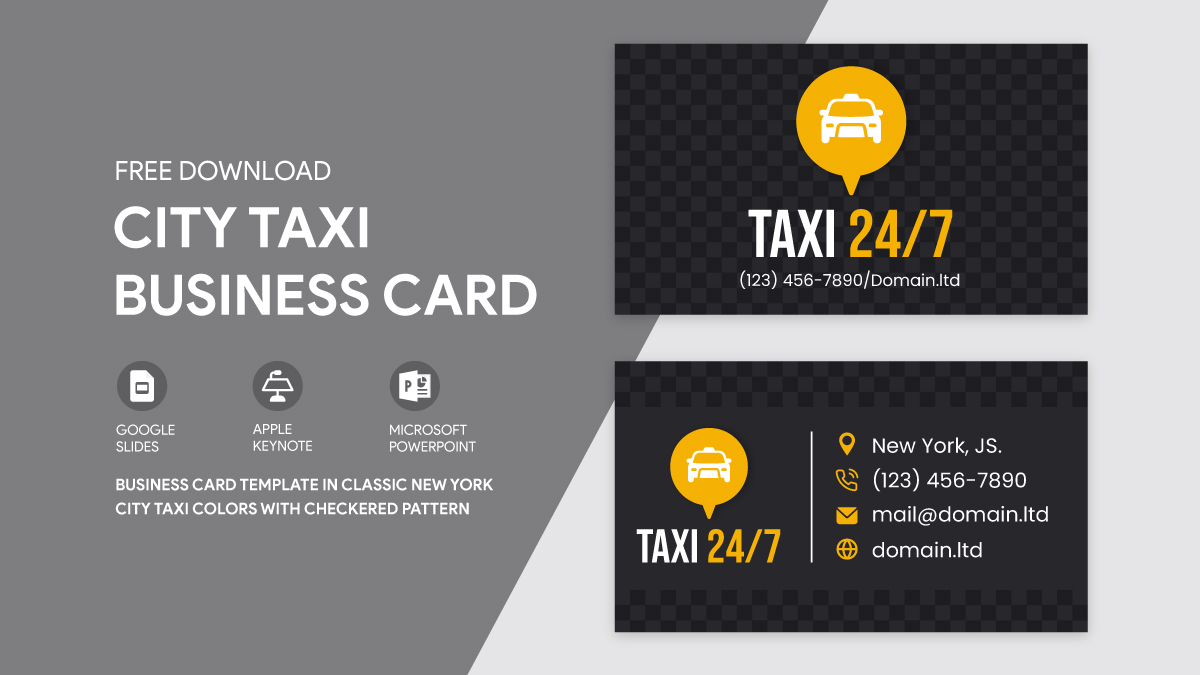
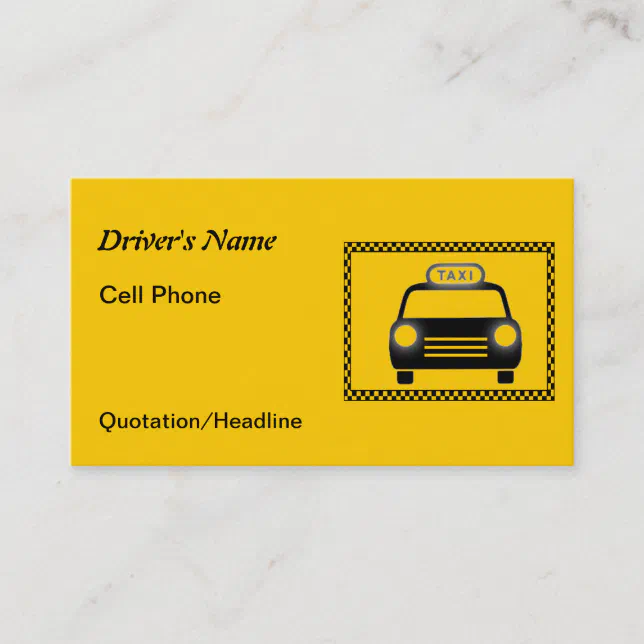
Creating a business card that stands out is essential, especially in industries like transportation. The Taxi Checkerboard Business Card Free Google Docs Template is a fantastic option that allows you to design and print your cards effortlessly and affordably. This template is specifically formatted for Google Docs, making it easy for you to customize and print from home or your local print shop.
Understanding the Template Features
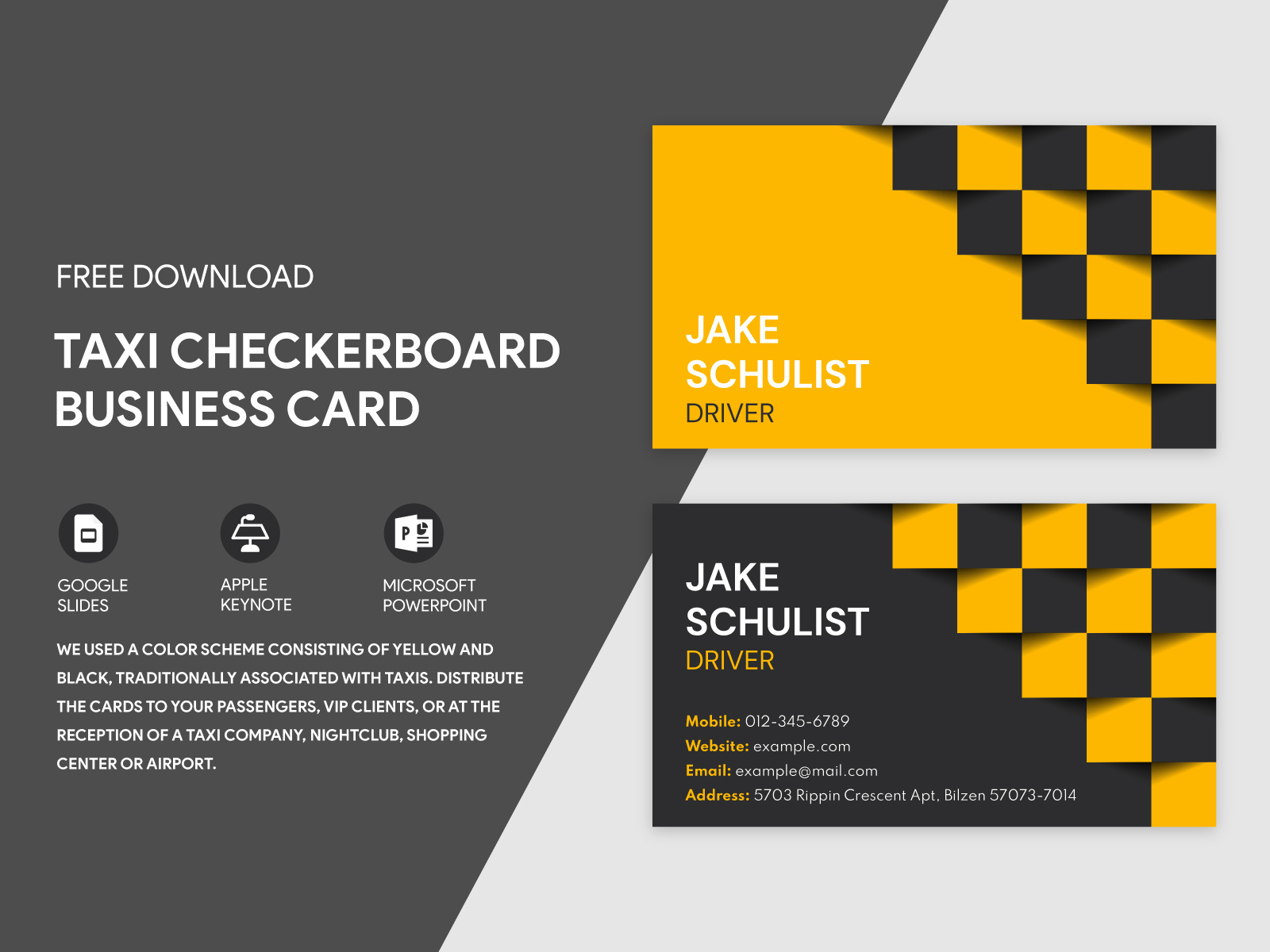
The Taxi Checkerboard Business Card template is designed to fit standard 3.5×2 inch business cards. This size is widely accepted and fits well in most cardholders, ensuring your contact information is easy to access. The checkerboard design is eye-catching and professional, perfect for taxi drivers, rideshare operators, or anyone in the transportation business.
You’ll find that the template contains fields for your name, title, phone number, email, and company logo. This ensures that all essential information is presented clearly. Plus, since it’s in Google Docs format, you can easily adjust the font size and style to match your brand’s identity.
How to Download and Customize Your Template
Getting started with your Taxi Checkerboard Business Card Free Google Docs Template is simple. Follow these steps:
- Download the Template: Click on the link to access the template. It will open in Google Docs, where you can view and edit it directly.
- Customize Your Information: Replace the placeholder text with your details. Make sure to adjust the font and colors to fit your personal or business branding. Google Docs offers a variety of fonts and color options, so you can find the perfect match for your style.
- Add Your Logo: If you have a logo, you can easily insert it into the template. Click on the section where you want your logo to appear, go to “Insert,” then “Image,” and choose your logo file from your computer or Google Drive.
- Review Your Design: Before printing, double-check all your information for accuracy. Ensure that everything is spelled correctly and that the layout looks good.
Printing Options and Paper Choices
When it comes to printing your business cards, there are several options to consider. Here are some tips to ensure your cards look professional:
- Paper Type: For business cards, I recommend using cardstock paper, which is thicker and more durable than regular printing paper. A weight of 80 lb or higher is ideal.
- Printer Settings: If you’re printing at home, set your printer to the highest quality setting. Use the portrait layout for better alignment. Most home printers handle cardstock well, but check your printer’s specifications to ensure it can handle thicker paper.
- Print a Test Page: Before printing multiple cards, print a test page on regular paper. This will help you see how the design looks and catch any last-minute adjustments.
- Professional Printing: If you prefer, you can save your design as a PDF and take it to a professional printing service. They often have options for different finishes, such as matte or glossy, which can enhance the overall look of your business card.
Personalizing Your Message
When it comes to the wording on your business card, consider the impression you want to leave. Since the Taxi Checkerboard Business Card is tailored for a specific industry, here are some ideas for what to include:
- Your Name: This should be the most prominent text on the card.
- Your Title: If you are a taxi driver, you might want to include “Professional Taxi Driver” or “Rideshare Driver” to clarify your role.
- Contact Information: Include your phone number and email address. This ensures clients can easily reach you.
- Company Name: If you’re part of a larger taxi service, include the company name prominently.
Tips for Effective Wording
- Keep it concise; too much text can clutter your card.
- Use a font size that’s easily readable—ideally between 8-12 points.
- Maintain a balance between your logo, contact information, and any additional text.
Final Considerations for Your Business Card
As you finalize your Taxi Checkerboard Business Card Free Google Docs Template, keep in mind the importance of professional presentation. Your business card is a reflection of you and your brand, so take the time to ensure it is polished and professional.
Be cautious of common pitfalls, such as using low-quality images for your logo or choosing colors that clash. Always aim for clarity and professionalism in your design.
With the right approach, your business card can become a powerful tool for networking and marketing. Use the Taxi Checkerboard Business Card template to create something that truly represents your brand and makes a lasting impression.
Taxi Checkerboard Business Card Free Google Docs Template Gallery