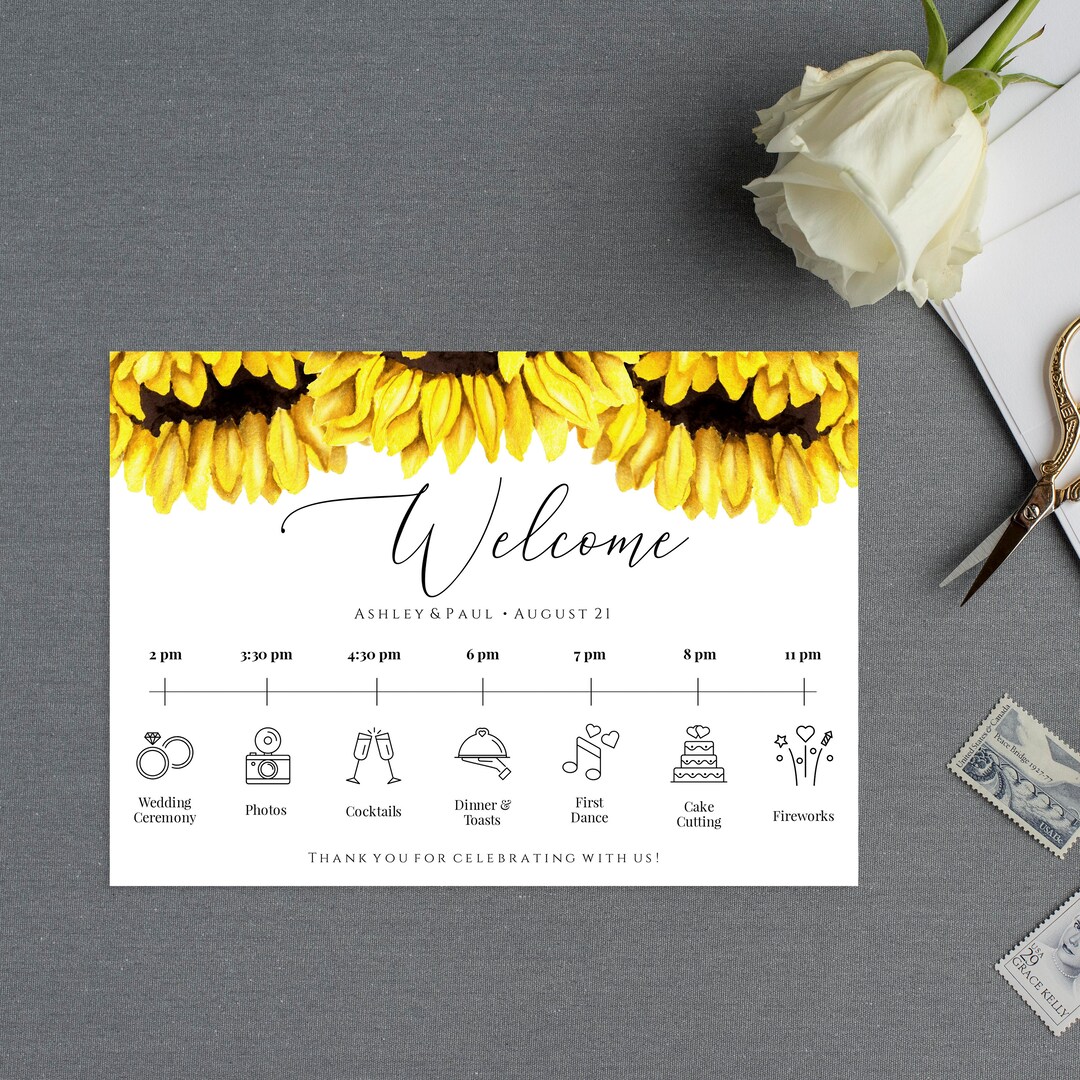
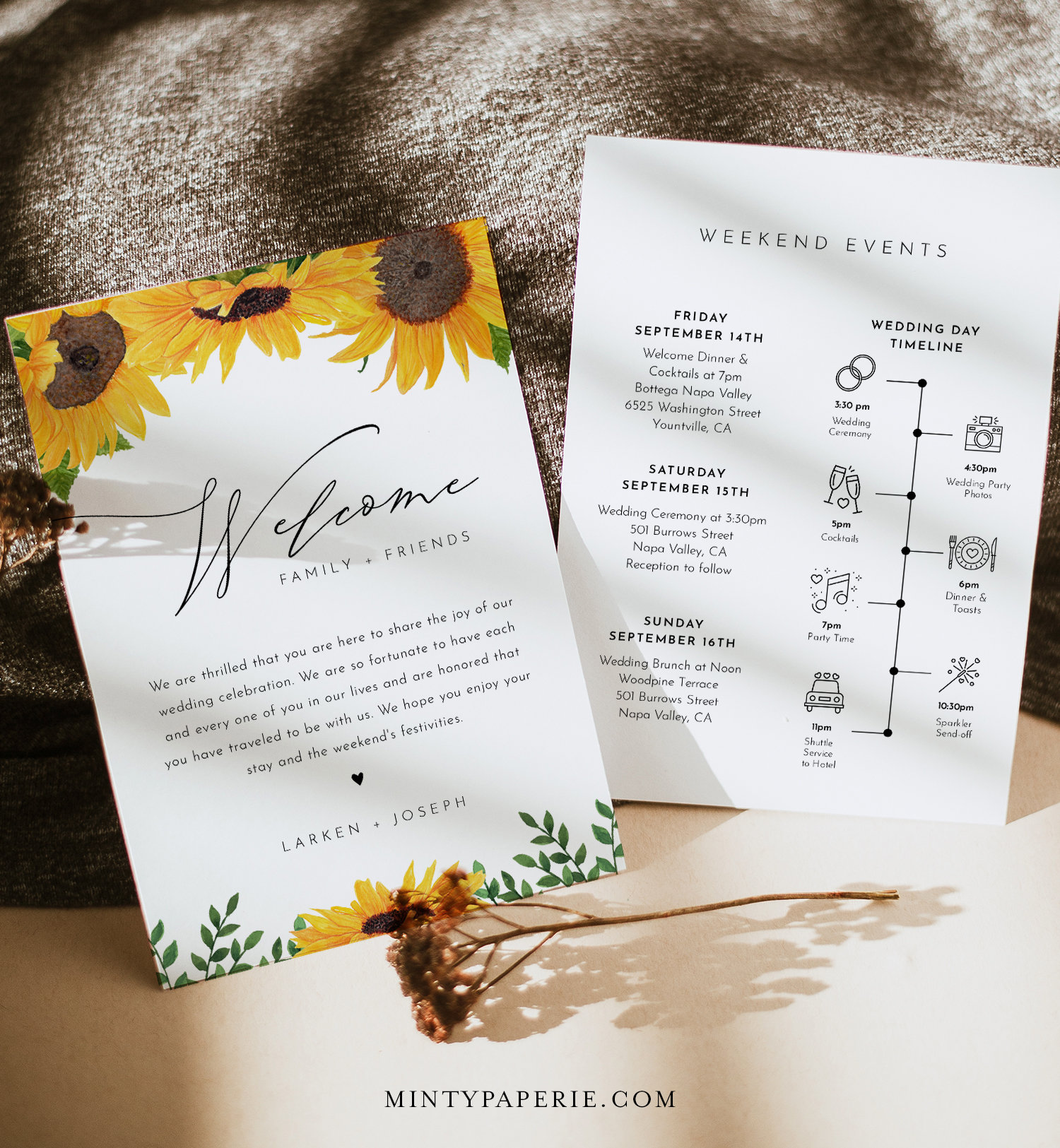
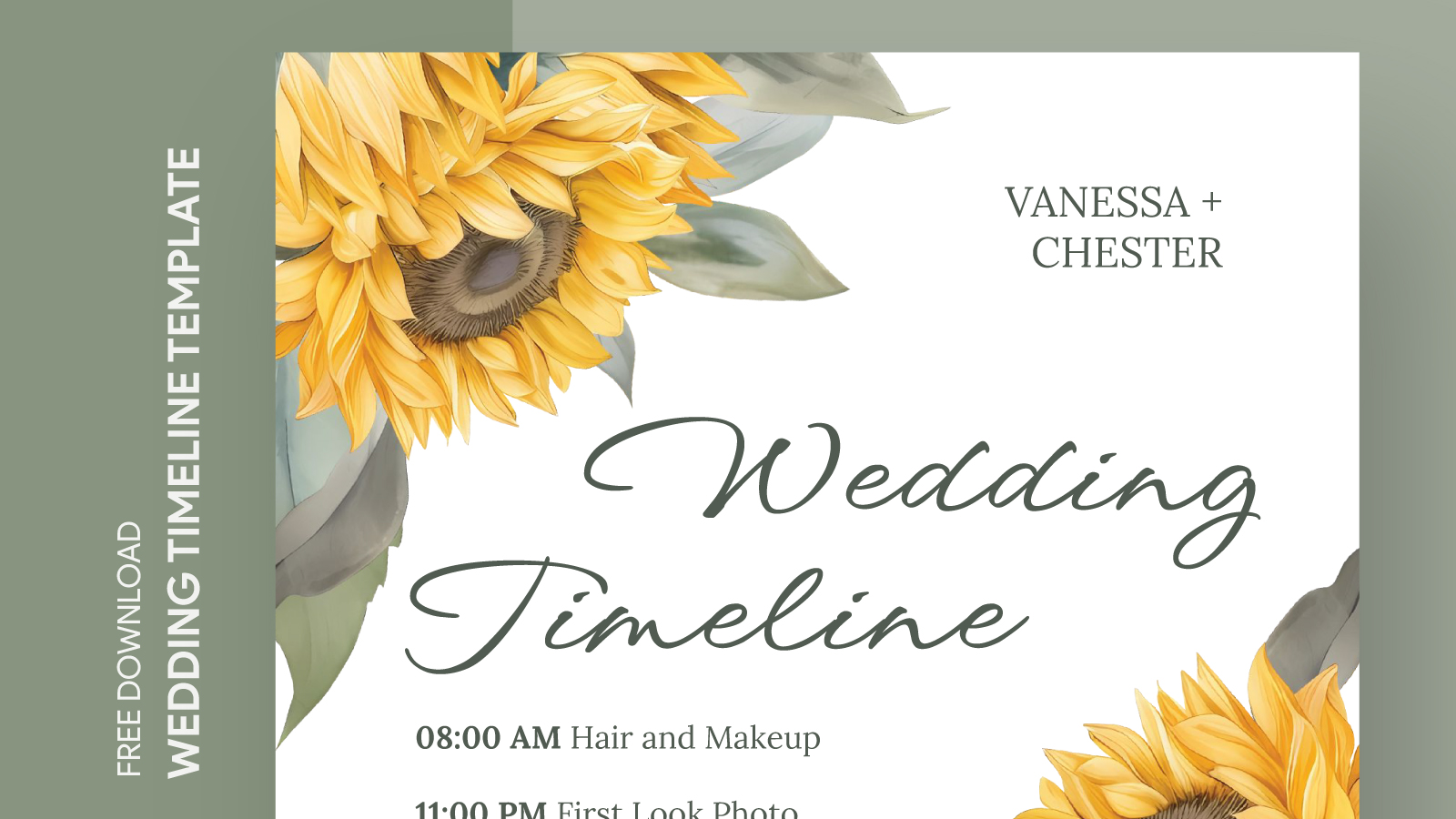
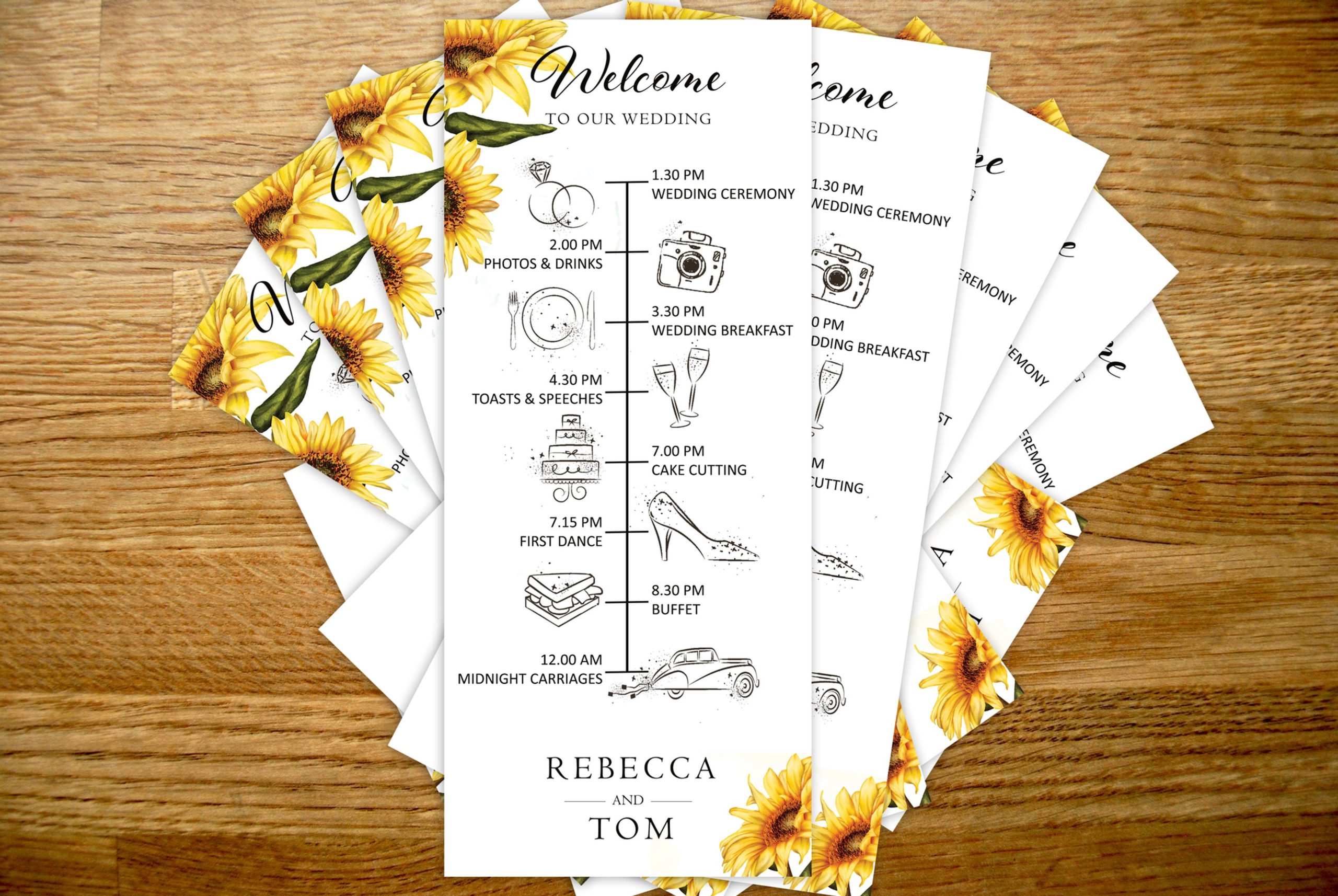
Planning a wedding can feel like juggling flaming torches while riding a unicycle—exciting but a bit chaotic! That’s where the Sunflower Wedding Timeline Free Google Docs Template comes in. This customizable tool helps you map out your wedding day with ease, making sure every detail is accounted for. With a simple download, you’ll have a beautifully designed template that fits the vibrant sunflower theme of your special day.
What’s Included in the Template?
The Sunflower Wedding Timeline template is designed with clarity in mind. Here’s what you can expect when you download it:
- Timeline Sections: Breaks down the key events of your wedding day, from the ceremony to the reception.
- Customizable Fields: You can easily edit the text to fit your specific schedule and needs.
- Print-Friendly Format: Available in a clean design that works well for both digital use and printed copies.
The template is formatted in Google Docs, making it easy to share with your wedding planner or bridal party. Just open it in your browser, and you’re ready to personalize!
How to Download and Customize Your Template
Getting your hands on the Sunflower Wedding Timeline Free Google Docs Template is super simple. Follow these steps:
- Download the Template: Click the link provided on the printable-resource website to access the Google Docs file.
- Open in Google Docs: You’ll need a Google account. If you don’t have one, it’s easy to create a free account.
- Customize: Replace the placeholder text with your wedding details. You can change the font style, colors, and layout to match your sunflower theme.
- Save or Print: Once you’re happy with your timeline, you can save it as a PDF for printing or keep it in Google Docs for easy access.
Best Practices for Printing Your Timeline
When it comes to printing your wedding timeline, a few details can make all the difference:
- Paper Choice: For a professional feel, opt for high-quality cardstock. It’s thicker and can handle color printing better, which is perfect for those sunflower designs.
- Printer Settings: Use a color printer for the best results. Set it to the highest quality to ensure the colors pop.
- Size Matters: Standard letter size (8.5×11 inches) usually works well for timelines, but if you’re planning to display it at the venue, consider larger formats.
Tip for Displaying at Your Wedding
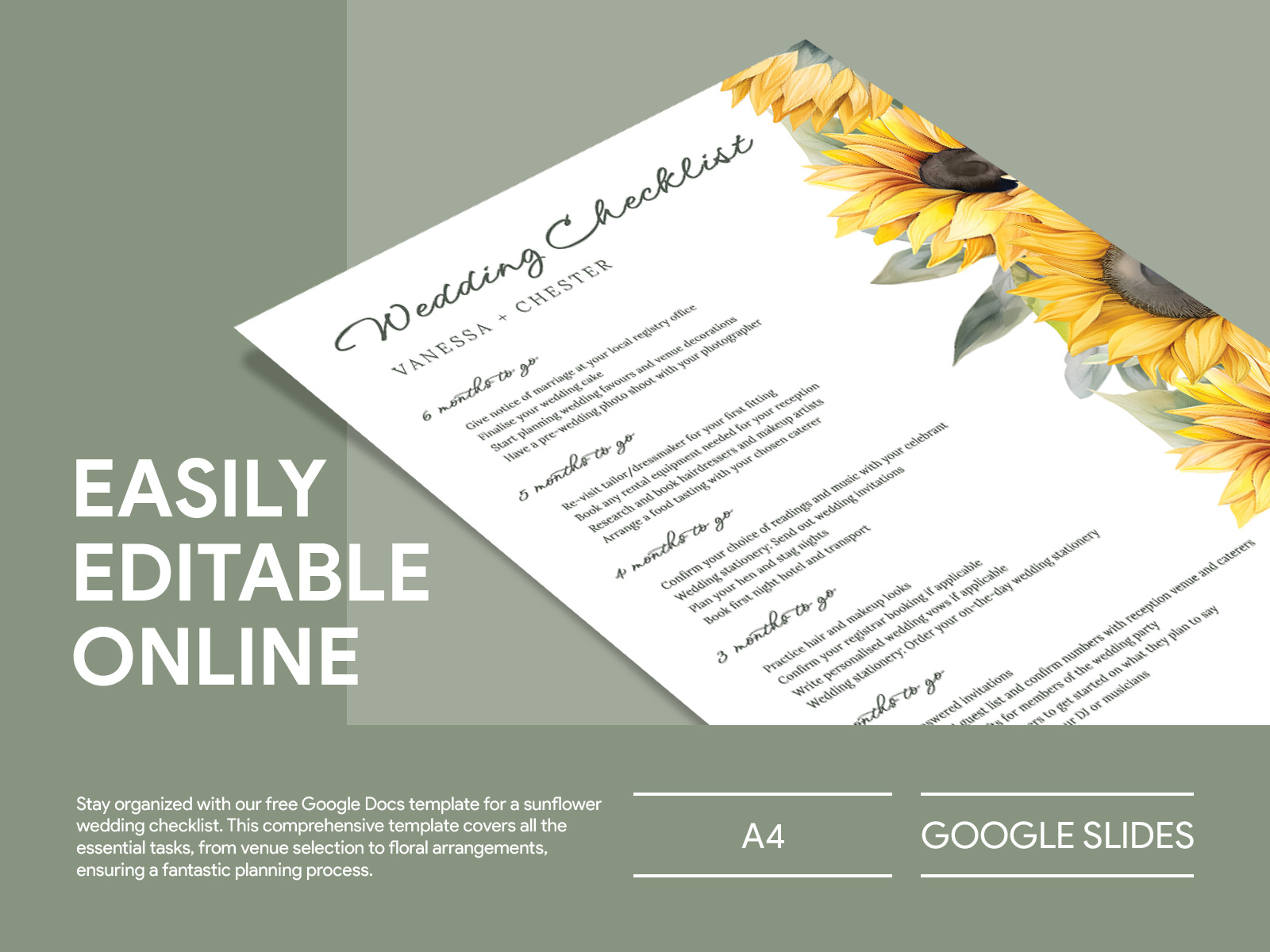
If you want to showcase your wedding timeline at the venue, consider framing it or placing it in an easel. This not only adds a decorative touch but also helps guests stay informed about the day’s events.
Incorporating the Timeline Into Your Wedding Planning
The Sunflower Wedding Timeline Free Google Docs Template isn’t just a tool; it’s a key part of your wedding planning arsenal. Here’s how to integrate it into your overall process:
- Share with Vendors: Send a copy to your caterer, photographer, and other key vendors. This ensures everyone is on the same page.
- Use It as a Checklist: As you finalize details, check them off on your timeline. This helps you keep track of what’s complete and what still needs attention.
- Get Feedback: Share it with your bridal party for their input. They might have suggestions or reminders for things you might have overlooked.
Things to Watch Out For
While the Sunflower Wedding Timeline Free Google Docs Template is a fantastic resource, keep a few things in mind. Always double-check the details you input. Spelling errors or incorrect times can lead to confusion on your big day. Additionally, ensure you have backups of your timeline saved in multiple places—cloud storage and a physical copy can save the day if technology fails.
With the right planning and tools like the Sunflower Wedding Timeline Free Google Docs Template, your wedding day can flow smoothly, allowing you to focus on what truly matters: celebrating love with family and friends. Happy planning!
Sunflower Wedding Timeline Free Google Docs Template Gallery