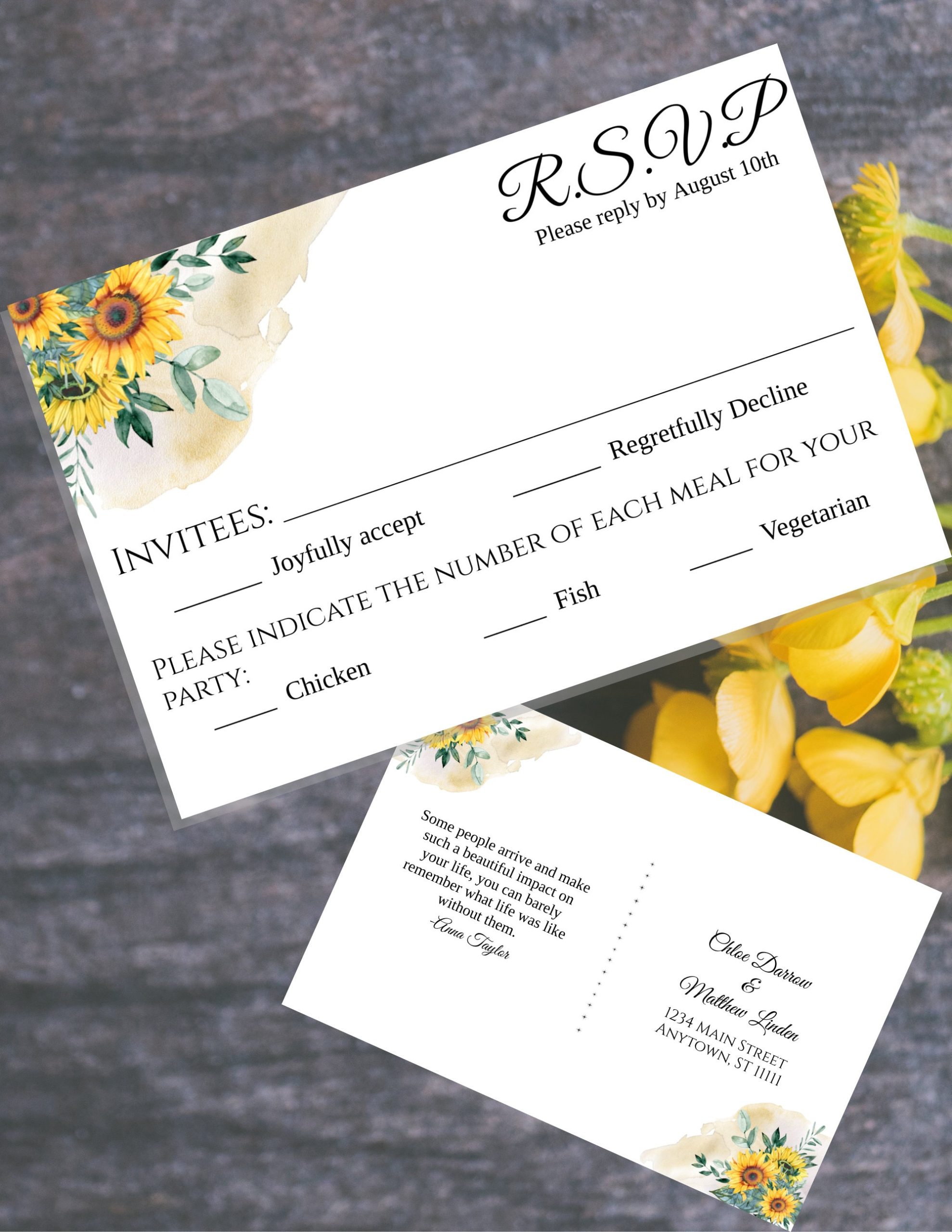
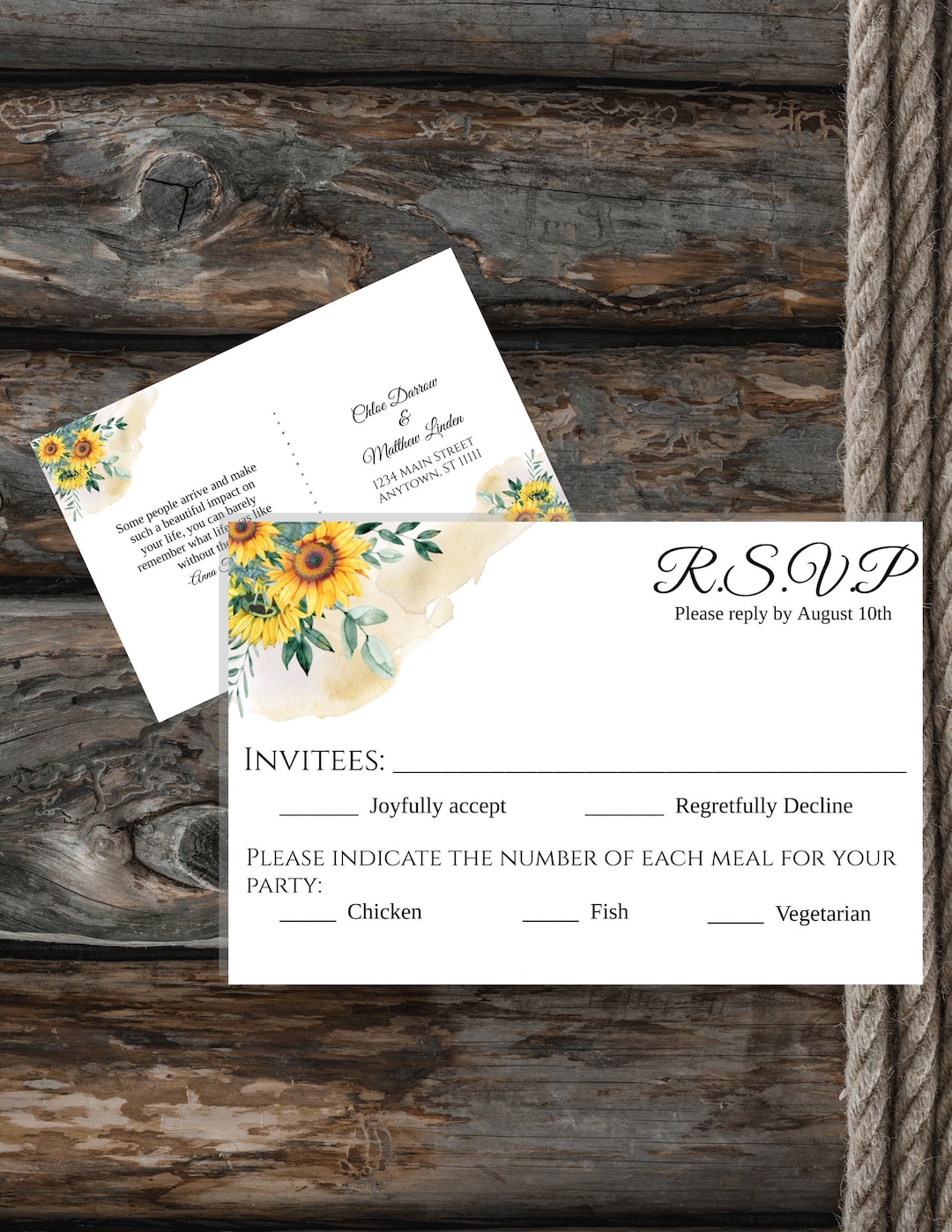
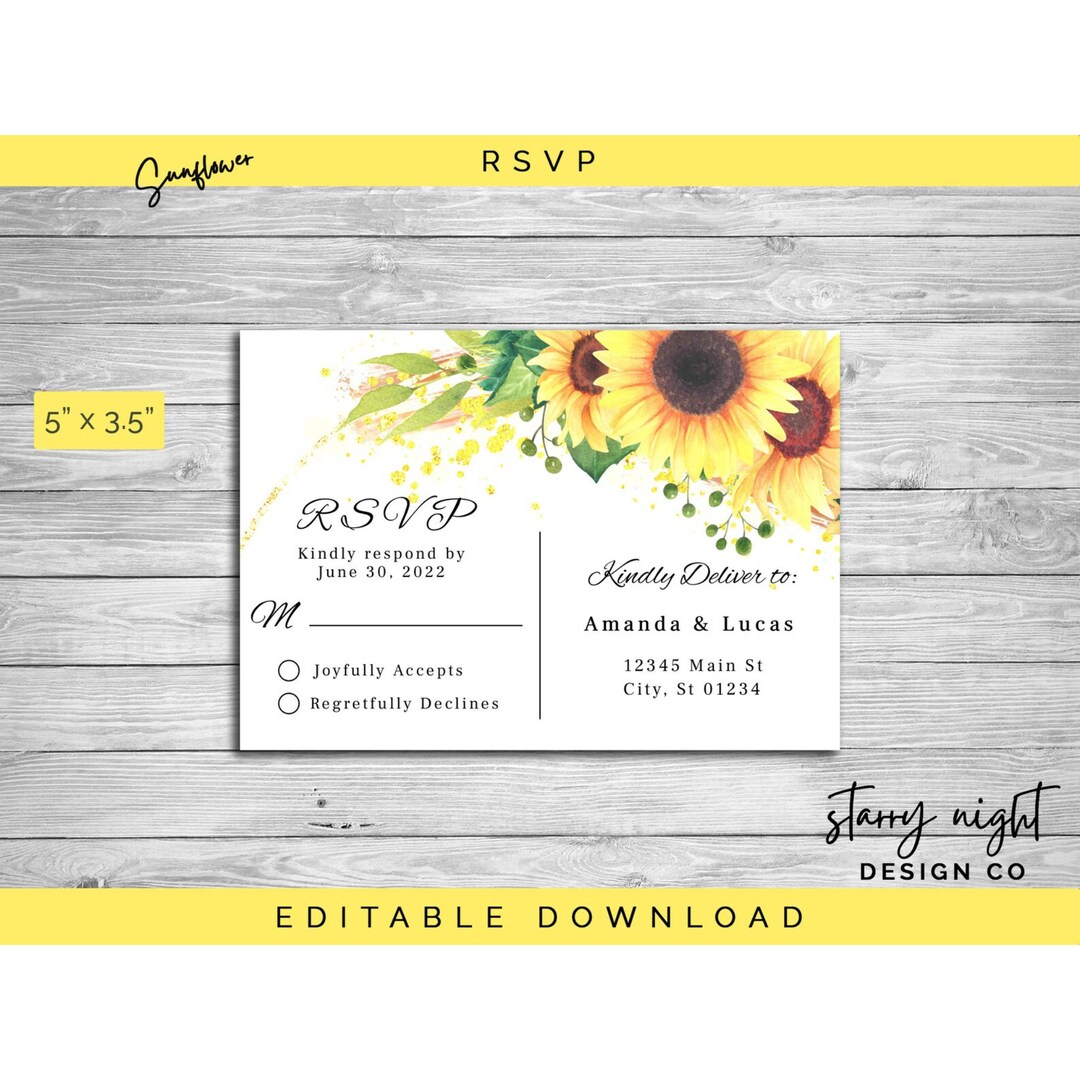
Planning a wedding can feel overwhelming, but a well-organized RSVP template can make things smoother. The Sunflower Wedding RSVP Free Google Docs Template is designed specifically for couples looking to gather responses from their guests in style. This template is not only visually appealing but also functional, allowing you to easily keep track of who’s coming and who’s not.
What’s Included in the Template?
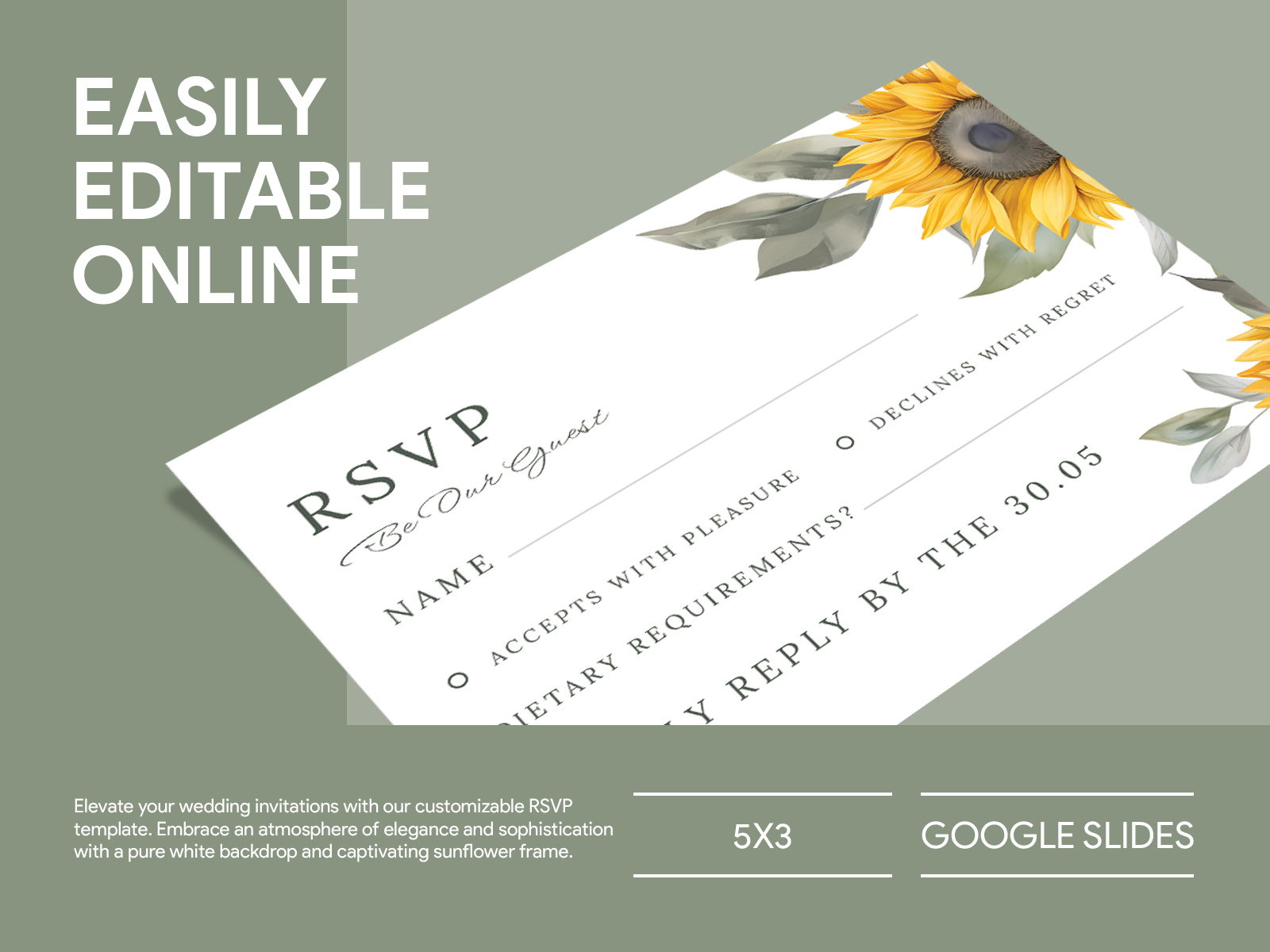
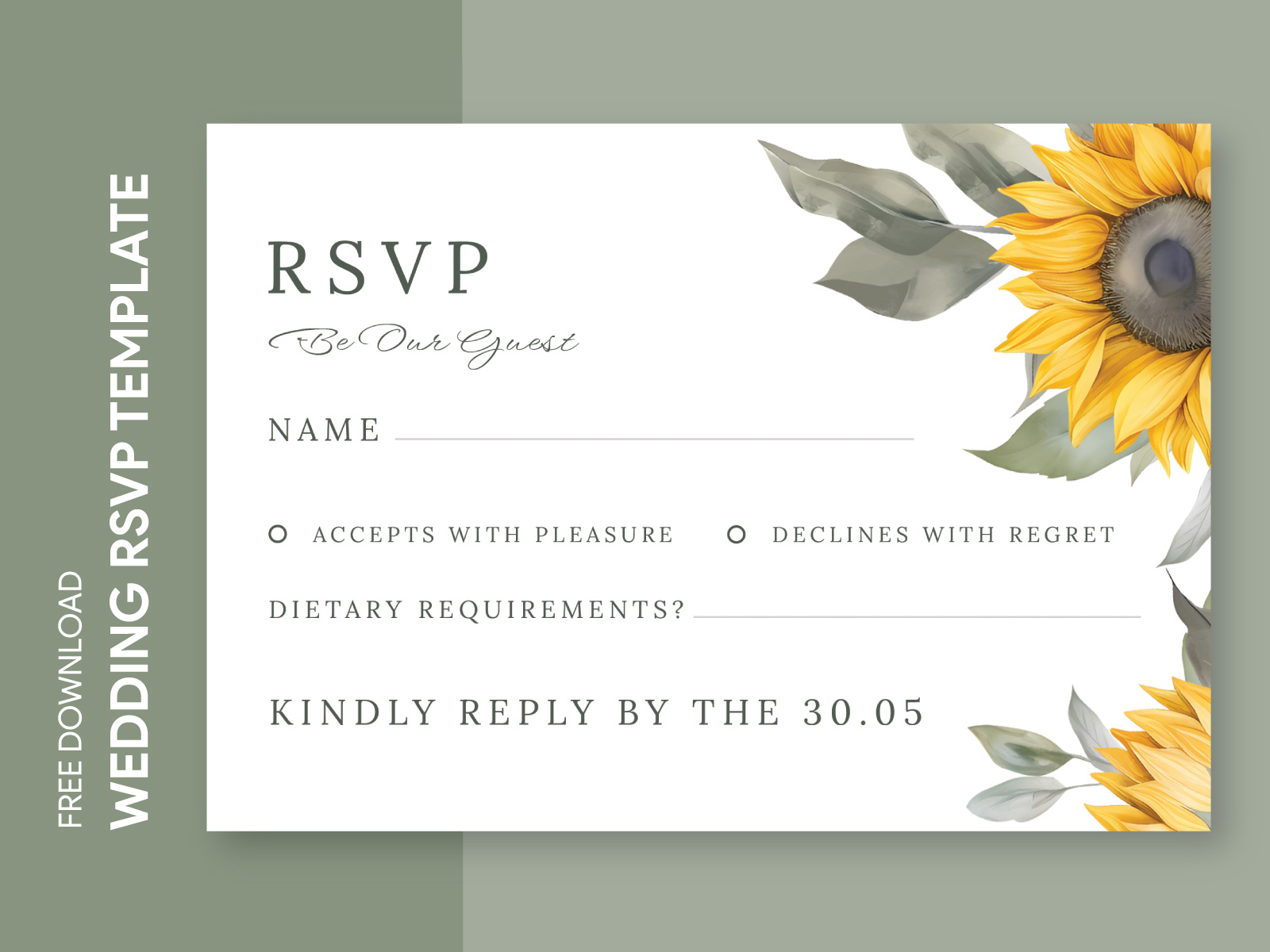
When you download the Sunflower Wedding RSVP Free Google Docs Template, you’ll receive a beautifully designed document that includes:
- A section for guest names
- Meal choices
- RSVP deadline
- A space for additional notes or requests
This layout is not only attractive but also practical. You can customize it to fit your wedding theme, making it a delightful addition to your invitations.
Customizing Your RSVP Template
Customizing your template is straightforward. Once you open the Google Docs file, you can change the text, colors, and even the font to match your wedding’s aesthetic. Here’s how to make it your own:
- Open Google Docs: Access the template via your Google Drive. If you don’t have an account, creating one is easy and free.
- Editing Text: Click on any text box to edit names, meal options, and RSVP details. For a personal touch, consider adding a short note thanking your guests for celebrating with you.
- Changing Colors: If sunflowers are a key part of your wedding decor, you might want to adjust the colors in the template to better match your color palette. Highlight the area you want to change, then select a new color from the toolbar.
- Adding Images: If you wish, you can insert a photo of you and your partner or even a digital sunflower graphic to enhance the design.
Downloading and Printing Your RSVP Template
Once your RSVP template is customized, it’s time to download and print. Follow these steps for the best results:
- Download Options: You can download your customized RSVP as a PDF or keep it as a Google Doc. The PDF format is recommended for printing because it maintains the layout and design across different devices.
- Printer Setup: For best results, use a color printer. If you have access to a high-quality printer, it’s worth using that for a more professional finish. Ensure that your printer settings are adjusted to the correct paper size—typically, RSVP cards are printed on standard 5×7 inch cardstock.
- Paper Choices: Choosing the right paper can make a significant difference. Cardstock is a great option for durability, especially if you plan to keep them as mementos. Opt for a smooth finish to ensure that the colors pop.
- Test Print: Always print a test copy first. This step helps you check for any formatting issues and ensure everything looks just right before you print multiple copies.
Organizing Responses
Tracking RSVPs can be a daunting task, but with the right system in place, it can be manageable. Here are some practical tips:
- Create a Spreadsheet: After sending out your RSVPs, create a spreadsheet to track responses. Include columns for guest names, meal preferences, and whether they’ll be attending. Google Sheets works seamlessly with Google Docs, making it easy to manage.
- Set a Deadline: Clearly state an RSVP deadline on your template. This helps you finalize numbers for catering and seating arrangements.
- Follow Up: If you haven’t received a response from certain guests, don’t hesitate to follow up with a friendly reminder. It’s common for some people to forget, and a gentle nudge can help you get the information you need.
Things to Watch Out For
While using the Sunflower Wedding RSVP Free Google Docs Template is a great way to streamline your planning, there are a few potential pitfalls to keep in mind:
- Formatting Issues: If you change the template significantly, be wary of any formatting changes that might alter the appearance when printed. Always preview your document before finalizing the download.
- Overlooking Details: Make sure you double-check all the details before sending out your RSVPs. Typos or incorrect dates can confuse your guests and lead to unnecessary follow-ups.
- Guest Count Management: As responses come in, keep your spreadsheet updated. This ensures you have the most accurate count for your venue and catering needs.
By utilizing the Sunflower Wedding RSVP Free Google Docs Template effectively, you can simplify one of the many tasks involved in wedding planning. Customize, print, and track your RSVPs with ease, ensuring that your special day is well-organized and memorable.
Sunflower Wedding RSVP Free Google Docs Template Gallery