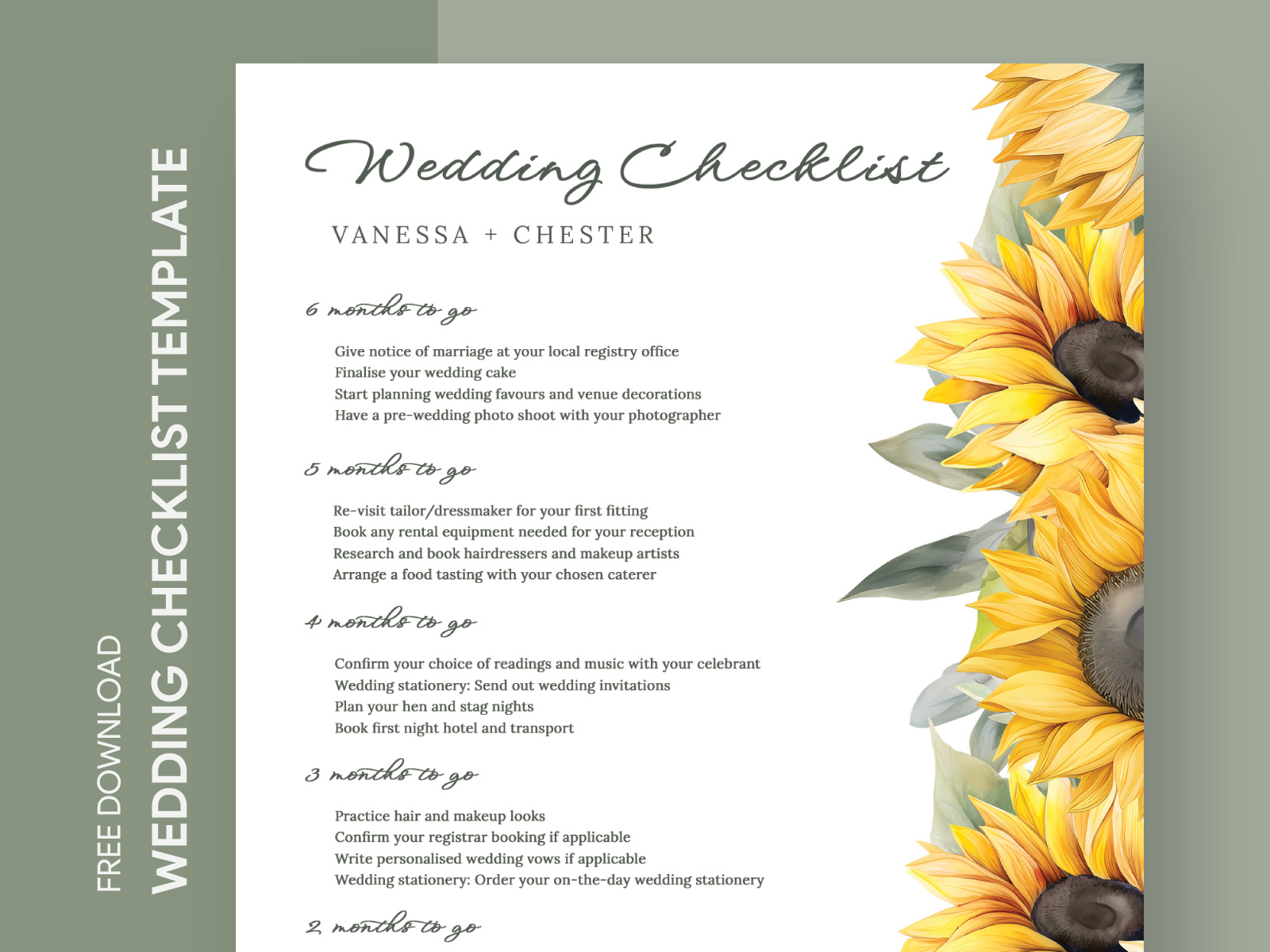
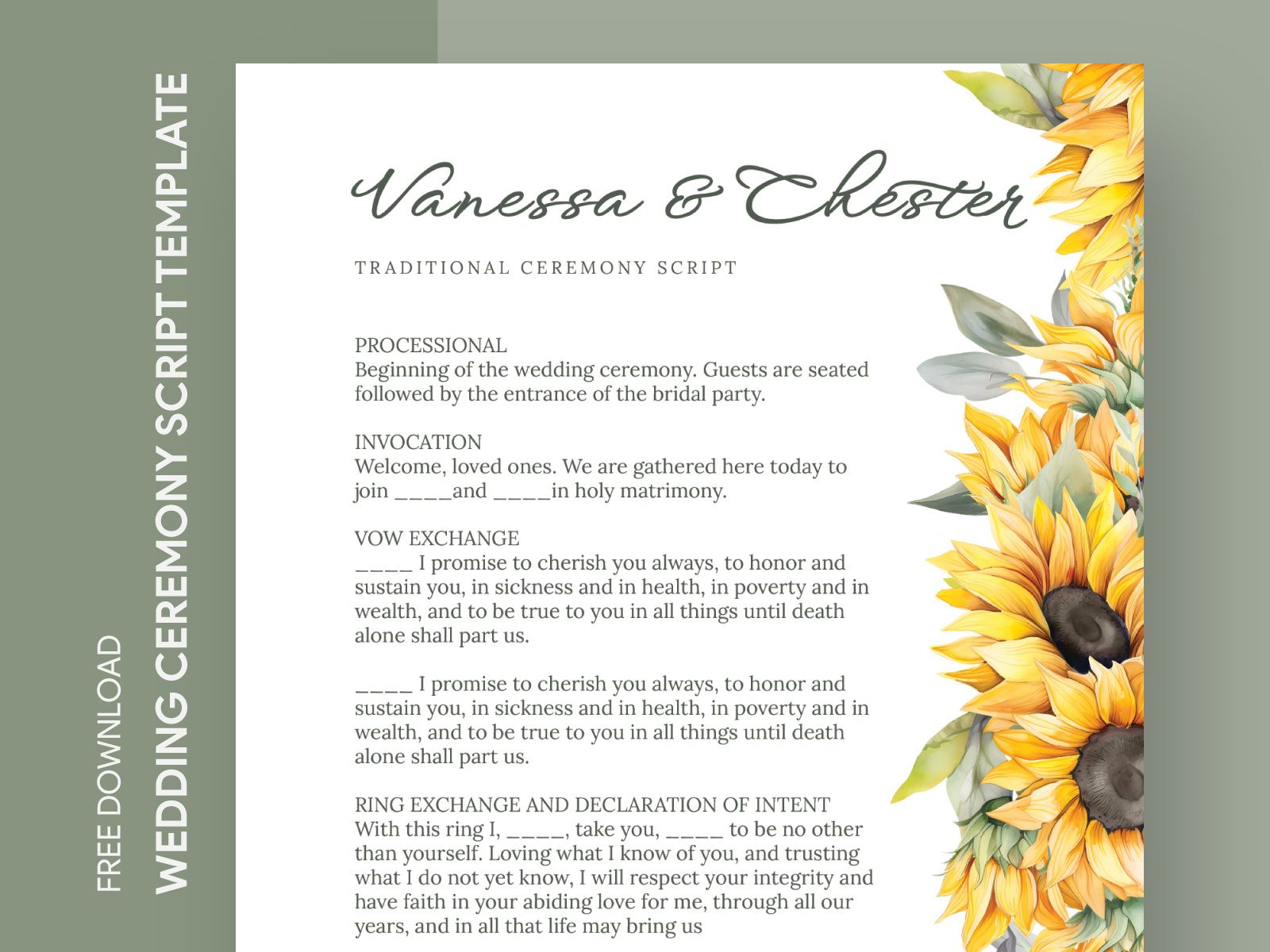
When planning a wedding, keeping track of your guest list is crucial. The Sunflower Wedding Guest List Free Google Docs Template is a practical tool designed to help you organize and manage your invitees effortlessly. This template is perfect for couples looking to keep their wedding planning streamlined and stress-free. Let’s look at how you can customize and use this resource effectively.
Why Use a Wedding Guest List Template?
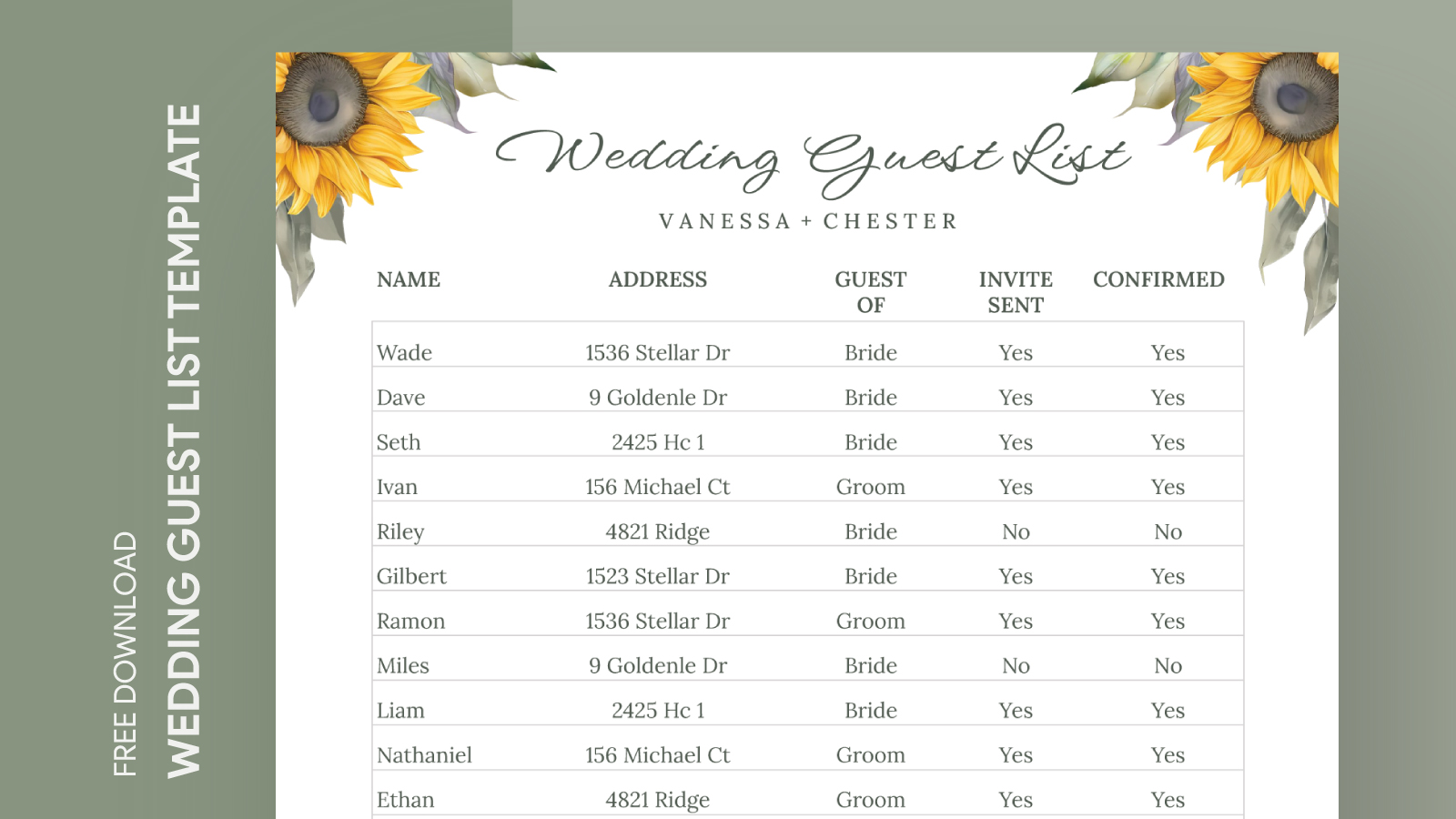
Using a wedding guest list template simplifies the process of organizing your guests. It allows you to easily track who you’ve invited, whether they’ve RSVP’d, and any additional notes you might need. The sunflower theme adds a cheerful touch that reflects a joyful celebration, making it visually appealing as well.
Features of the Sunflower Wedding Guest List Template
The Sunflower Wedding Guest List Free Google Docs Template includes several features that make it user-friendly:
- Customizable Fields: You can add or remove columns based on your needs. Typical fields include Guest Name, Address, RSVP Status, Plus Ones, and Gift Details.
- Shareability: Since it’s on Google Docs, you can share the document with your partner, family members, or wedding planner for collaborative planning.
- Real-time Updates: Changes made to the document are saved automatically, ensuring everyone sees the latest information without confusion.
Customizing Your Guest List
Once you’ve downloaded the template, customizing it to fit your needs is straightforward:
- Open the Document: After downloading, open the template in Google Docs.
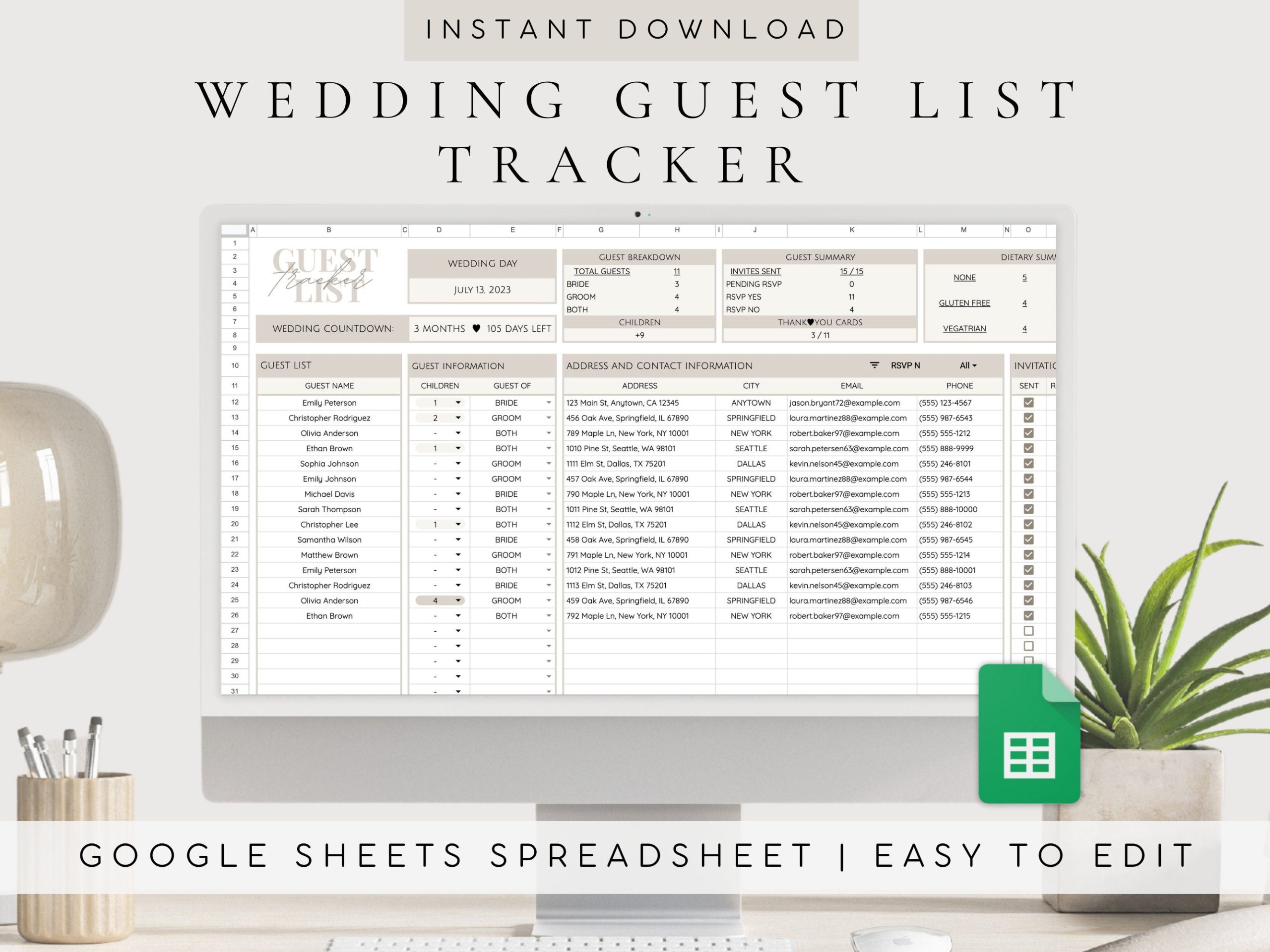
- Edit Guest Information: Replace placeholder text with your guest information. You can also add notes for special dietary requirements or seating arrangements.
- Adjust Columns: If you need more details, feel free to add more columns. For instance, you might want to include a column for contact information or a checkbox for thank-you notes.
Downloading and Printing Your Template
Getting your hands on the Sunflower Wedding Guest List Free Google Docs Template is simple:
- Access the Template: Follow the link provided on the printable-resource website to access the document.
- Make a Copy: In Google Docs, go to File > Make a Copy. This allows you to edit your own version of the template.
- Print Options: If you prefer a physical copy, print directly from Google Docs. When printing, use a standard paper size (such as A4 or Letter) for the best fit. Portrait layout works well for most home printers.
Printing Tips
When printing, keep these tips in mind:
- Use Quality Paper: If you want a more durable copy, consider printing on cardstock. It holds up better if you plan to laminate it later.
- Check Print Settings: Ensure your printer settings match the paper size to avoid cutting off any information.
- Print in Batches: If you’re managing a large wedding, print several copies to keep track of different aspects of the planning process.
Managing RSVPs With Your Guest List
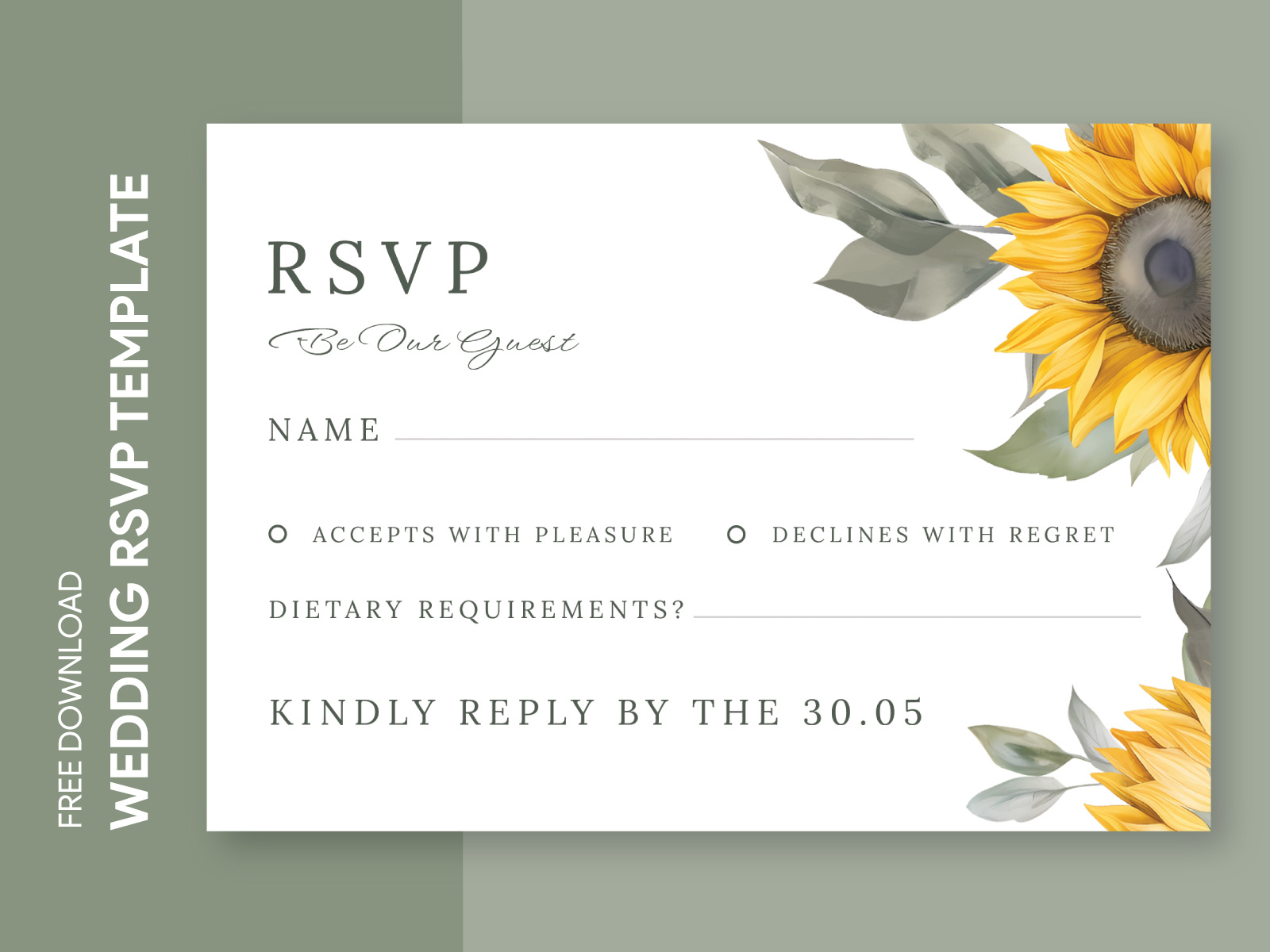
An essential part of planning your wedding is managing RSVPs. Here’s how the template helps with that:
- Track Responses: As guests reply, update the RSVP Status column in your guest list. This allows you to see who will attend and who won’t at a glance.
- Follow Up: If you notice some guests haven’t responded, you can send polite reminders. Having their contact information handy in your guest list makes this easy.
Handling Plus Ones
When inviting guests, many might inquire about bringing a plus one. The template allows you to note who gets a plus one directly in the list. This will help you avoid any last-minute confusion.
Final Touches for Your Guest List
After gathering all your guest information and managing RSVPs, you might want to add some final touches:
- Color Coding: Utilize color coding for RSVP statuses. For example, green for confirmed, yellow for pending, and red for declined.
- Seating Arrangements: If you have a seating chart in mind, consider adding a column for seating assignments to keep everything in one place.
By customizing the Sunflower Wedding Guest List Free Google Docs Template, you not only create a functional tool for your wedding planning but also inject a bit of your personality into it. Whether you choose to keep it digital or print it out, this template will make managing your wedding guests a breeze. Now that you have everything set up, you can focus on other aspects of your wedding planning.
Sunflower Wedding Guest List Free Google Docs Template Gallery