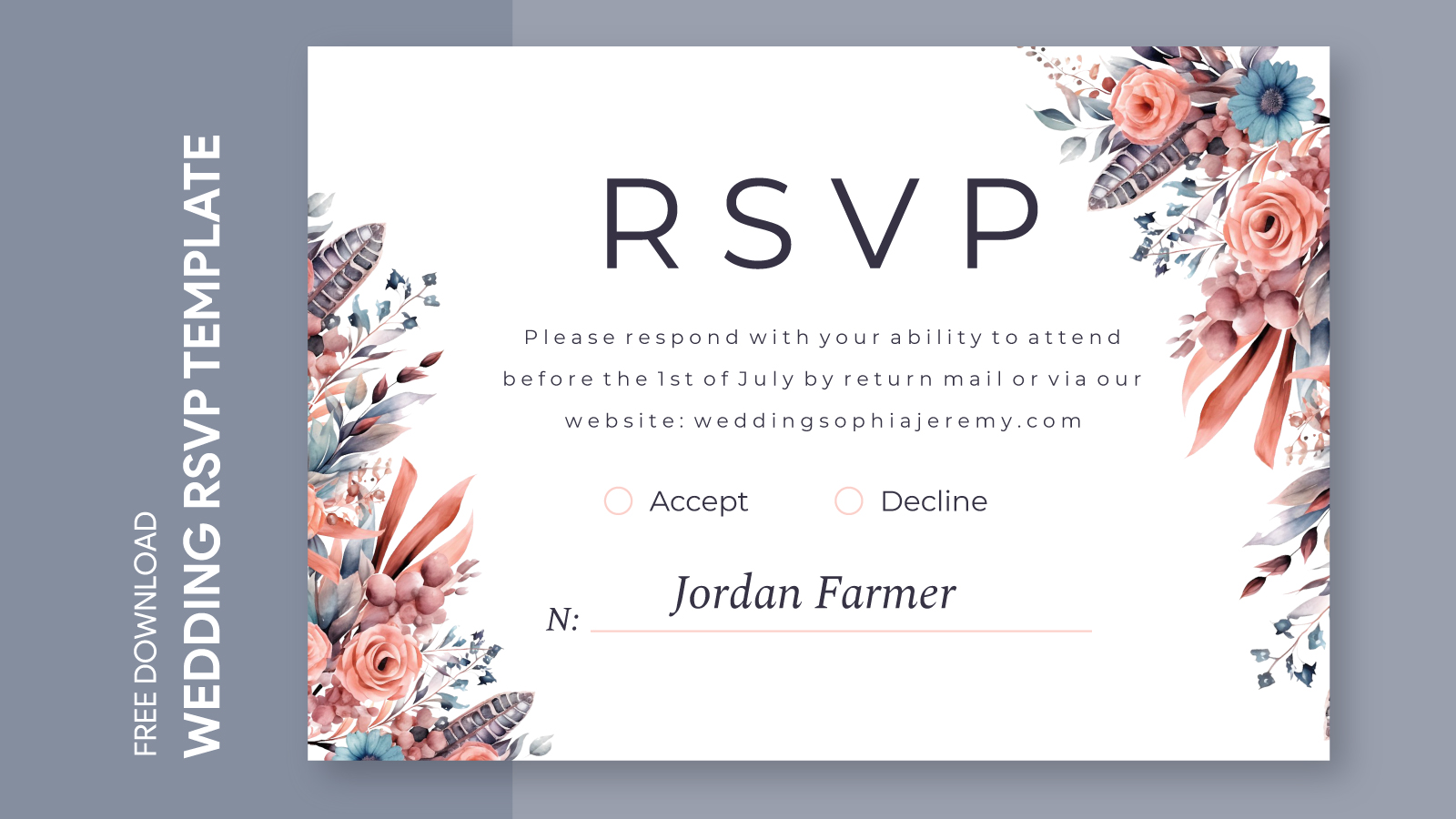
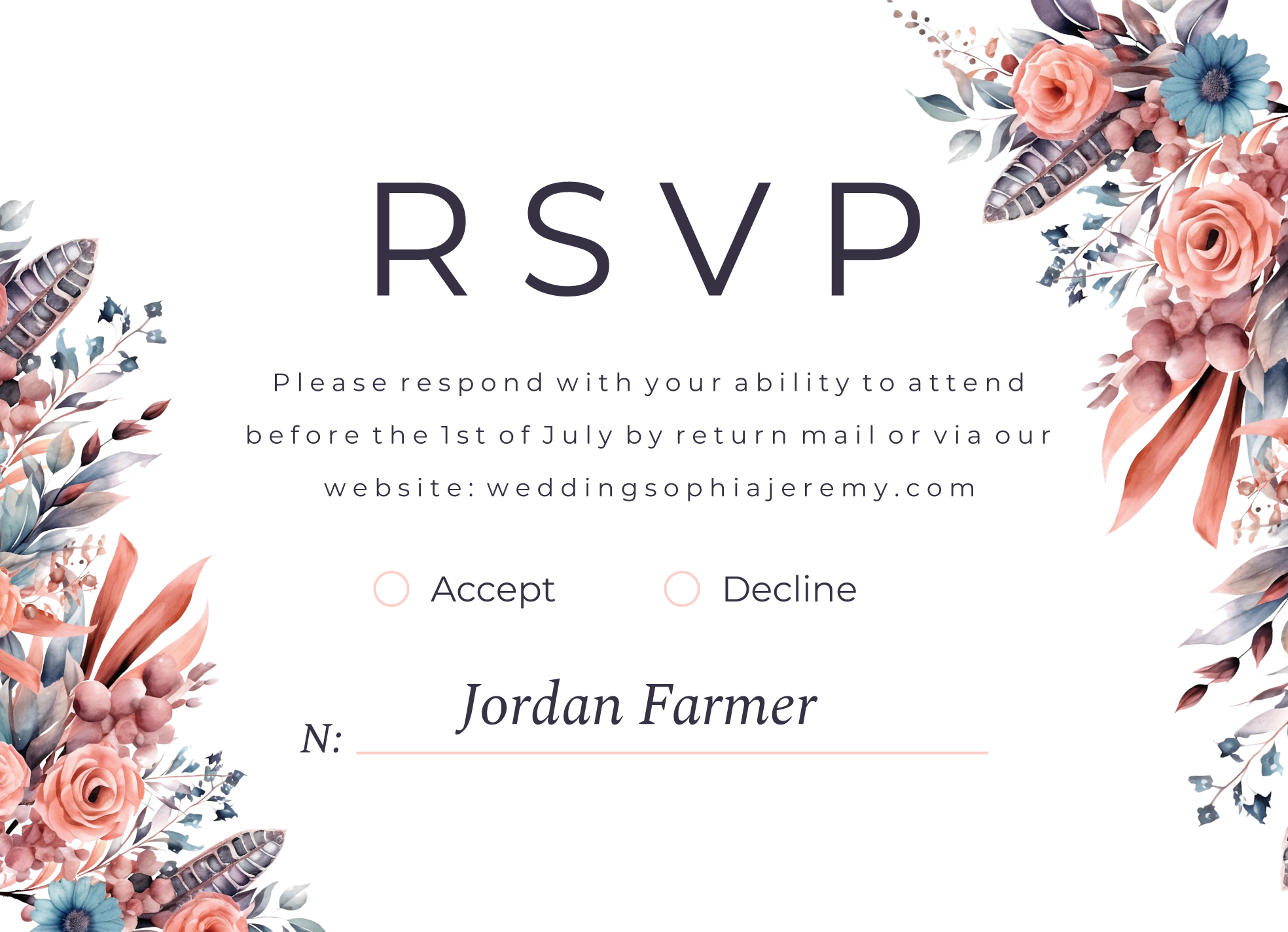
Planning a summer wedding is an exciting journey, and having the right tools can make all the difference. One essential tool is the Summer Wedding RSVP Free Google Docs Template. This resource allows you to create, customize, and manage your guest list effortlessly, ensuring that you stay organized as your big day approaches.
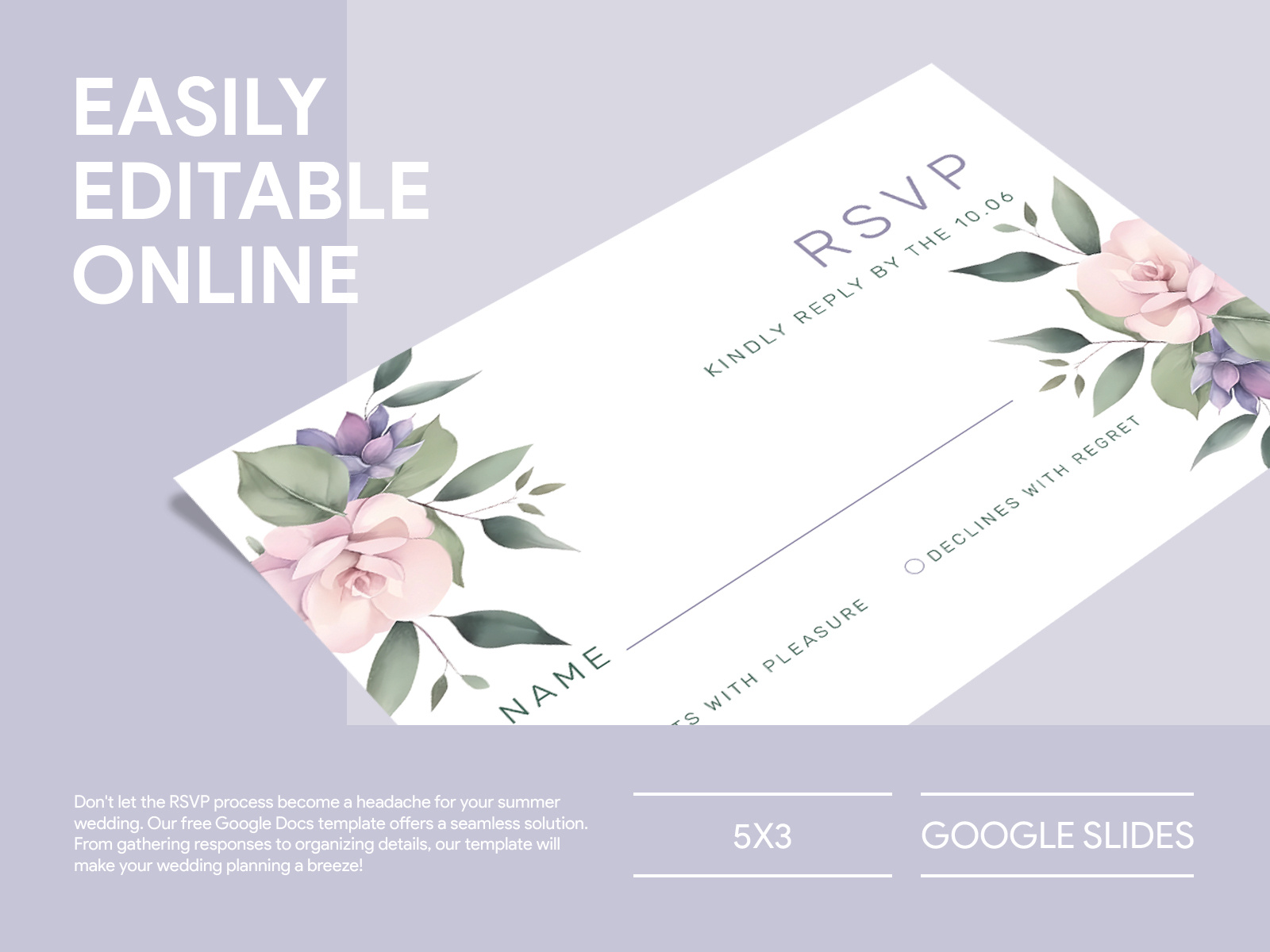
Why Use a Google Docs Template for Your Wedding RSVP?
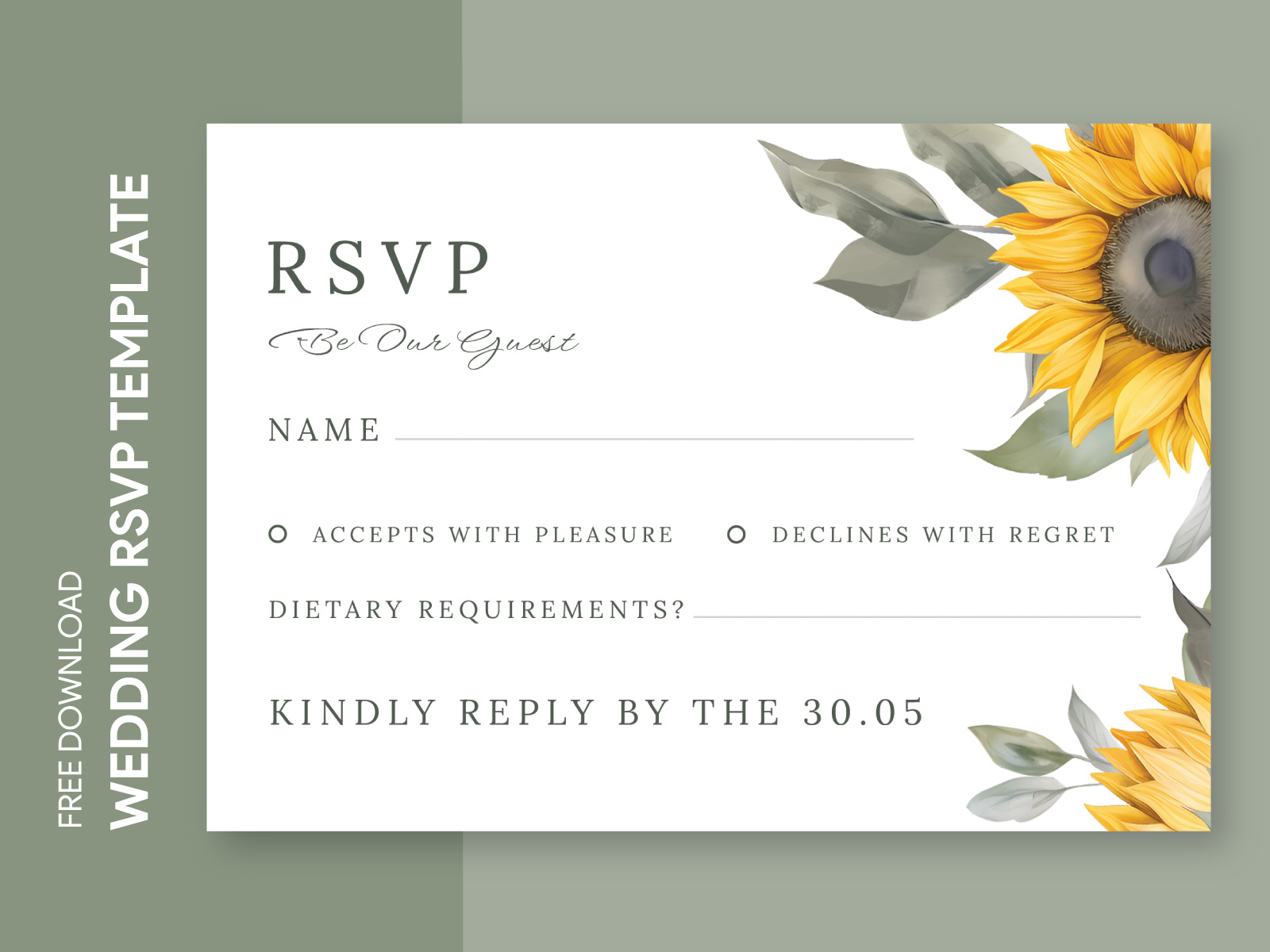
Choosing a Google Docs template for your wedding RSVP offers several advantages. First, it’s easy to customize. You can adjust the text, colors, and layout to match your wedding theme. Plus, Google Docs is accessible from anywhere, which means you can make changes on the go. You’ll appreciate this flexibility, especially if you’re managing multiple tasks.
Another benefit is collaboration. If you’re working with a partner or a wedding planner, you can share the document easily. This feature allows everyone involved to keep track of RSVPs in real-time, and you won’t have to worry about sending multiple updates via email.
Customizing Your Summer Wedding RSVP Template
Once you’ve downloaded the Summer Wedding RSVP Free Google Docs Template, it’s time to make it your own. Here are some key elements you can customize:
- Event Details: Modify the date, time, and location of your wedding. Make sure these details are clear and easy to read.
- RSVP Instructions: Include specific instructions on how guests should RSVP. Whether they should reply via email or phone, clarity here will help you manage responses.
- Design Elements: Change the font styles and colors to match your wedding theme. You might want soft pastels for a romantic vibe or bold colors for a modern look.
Remember, your RSVP template should reflect your personality and the overall feel of your wedding. Don’t hesitate to get creative!
Printing Your RSVP Template
After customizing your RSVP template, you’ll want to print it out. Here are some practical tips to ensure your printed invitations look their best:
- Paper Choice: Choose a high-quality cardstock for a professional feel. A weight of 80-100 lb. is ideal for invitations. If you plan to laminate them, opt for a thicker stock to maintain durability.
- Size Considerations: Standard sizes for RSVPs are typically 4” x 6” or 5” x 7”. Make sure your printer settings match the dimensions of your design to avoid any cropping issues.
- Printer Settings: Use the “Best” quality setting on your printer for the clearest print. If you’re using a home printer, portrait layout tends to work best for most designs.
If you’re not comfortable printing at home, consider using a local print shop. They can provide professional services and help you select the best materials.
Managing Responses With Your Template
Once your RSVPs are sent out, you’ll need a system in place to track responses. Here’s how to make the most of your Summer Wedding RSVP Free Google Docs Template for this purpose:
- Create a Response Sheet: In the same Google Docs file, you can create a separate sheet to track who has responded. Include columns for guest names, their RSVP status (attending or not), and any meal preferences.
- Regular Updates: Check the responses regularly, especially as the RSVP deadline approaches. This will help you finalize your guest list and make necessary arrangements, such as seating charts and catering.
By keeping everything organized in one place, you’ll find it easier to manage your wedding logistics.

Next Steps After Downloading Your Template
Now that you’ve customized and printed your Summer Wedding RSVP Free Google Docs Template, it’s time to send them out. Consider mailing them, or if you’re tech-savvy, you might even opt for digital invitations through email. This can be a more eco-friendly option and allows for immediate tracking of responses.
As your wedding date approaches, don’t forget to follow up with guests who haven’t responded. A friendly reminder can encourage them to let you know their plans, ensuring you have a complete guest list.
Using a template like the Summer Wedding RSVP Free Google Docs Template simplifies the RSVP process, allowing you to focus on the excitement of planning your special day. With thoughtful customization, clear printing, and effective response tracking, you’ll set the stage for a beautiful celebration. Happy planning!
Summer Wedding RSVP Free Google Docs Template Gallery