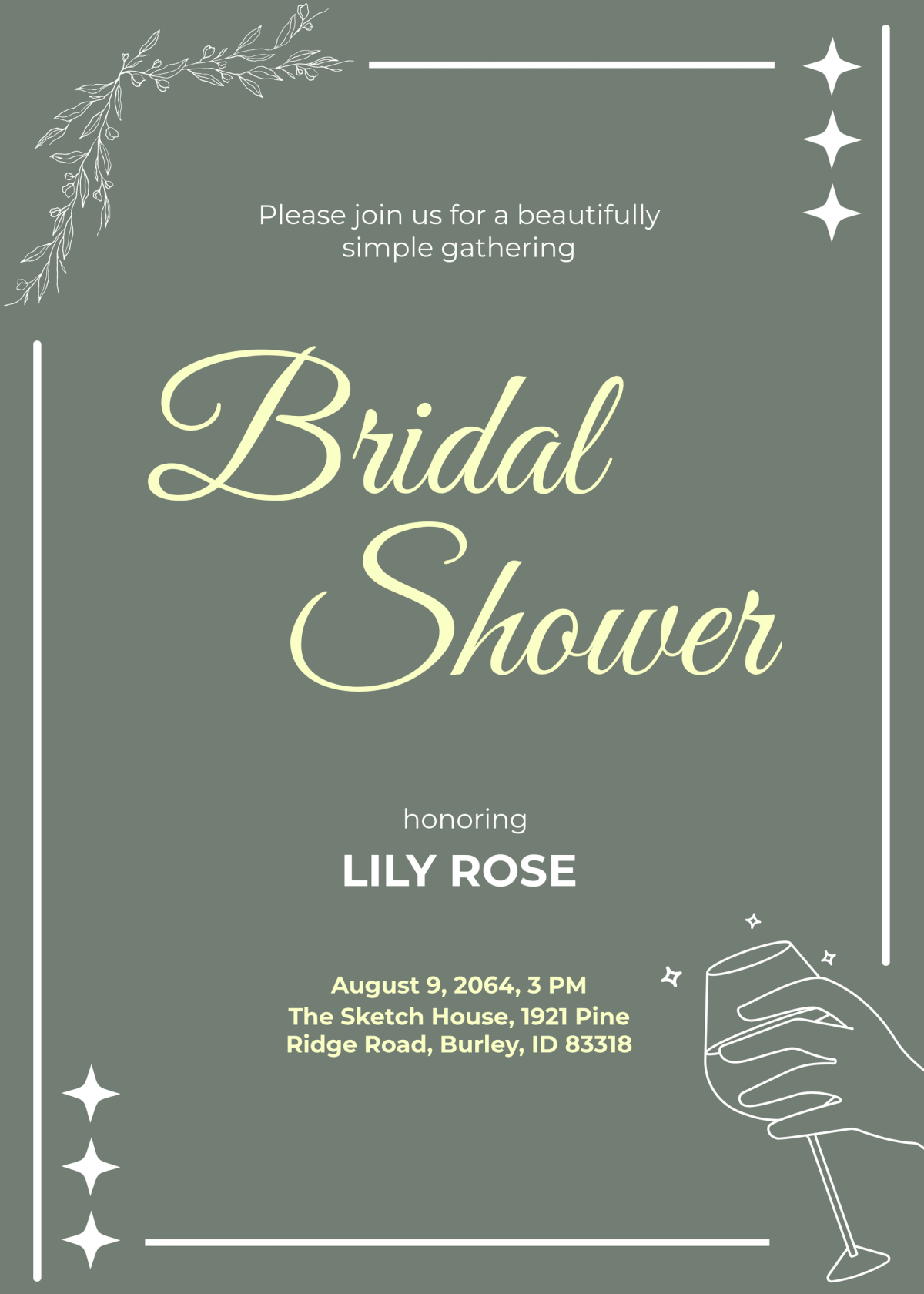
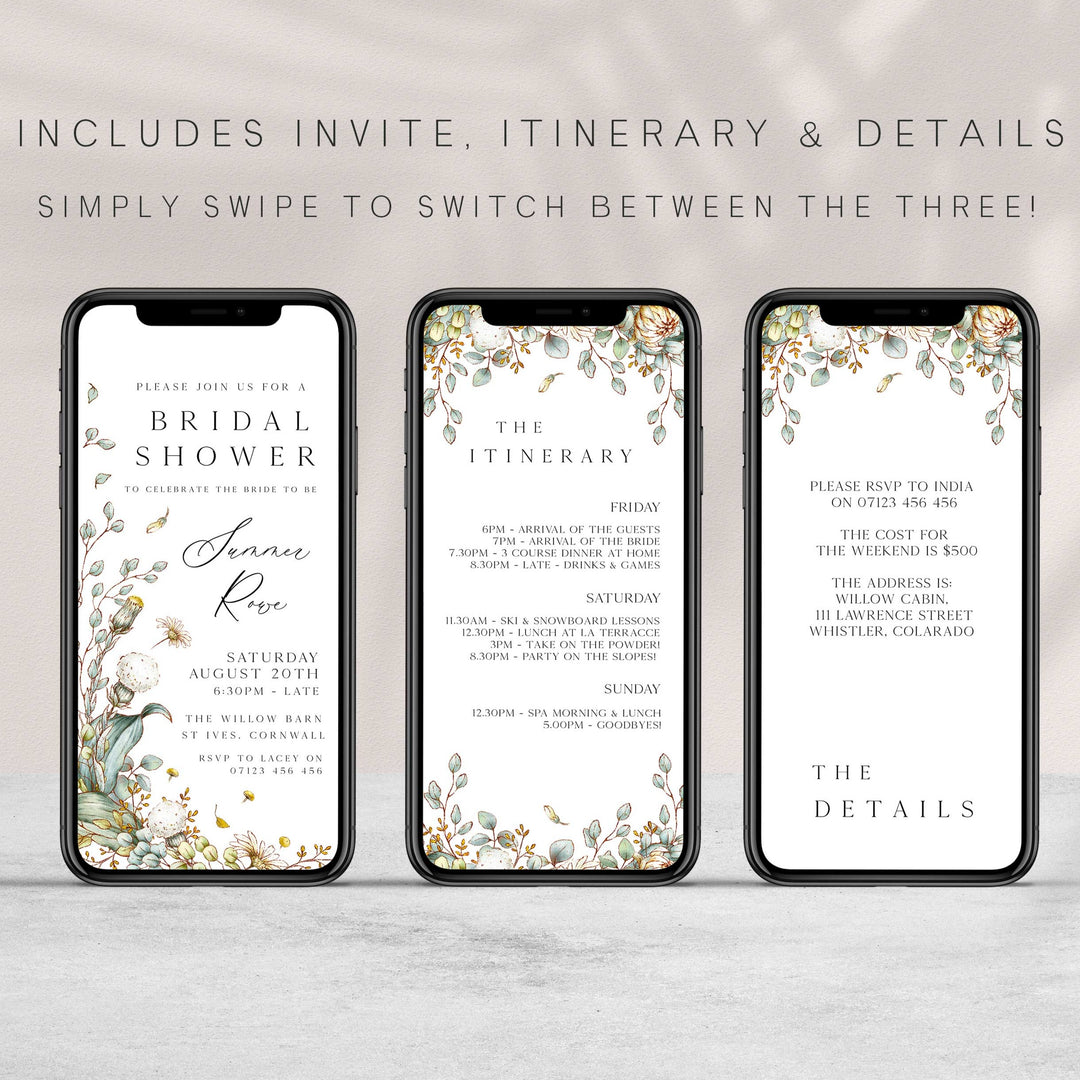
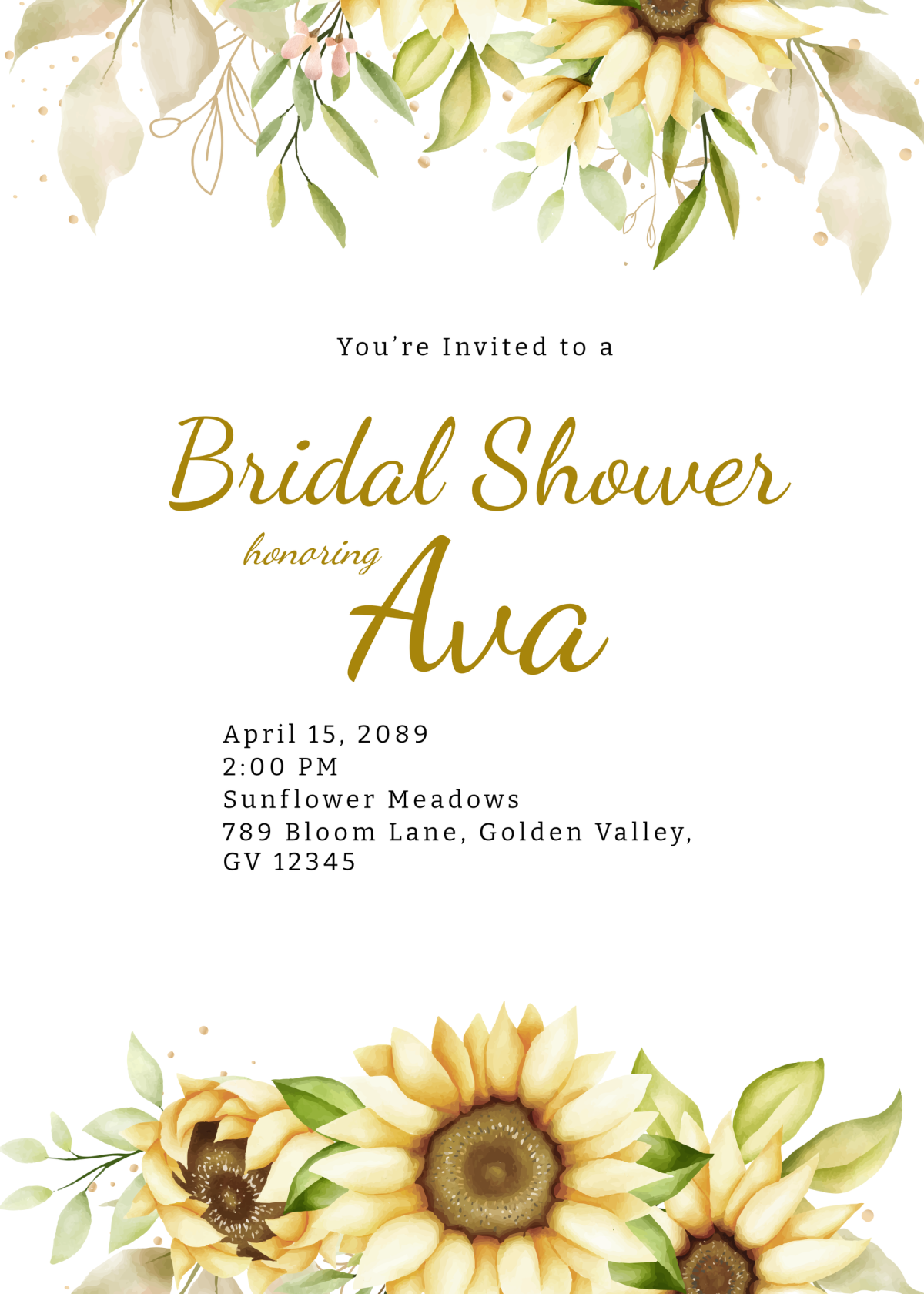
Planning a summer wedding or bridal shower can be both exciting and overwhelming. One of the first steps is sending out invitations, and a great way to do this is using a Summer Wedding Bridal Shower Invitation Free Google Docs Template. This template not only saves you time but also allows for easy customization to fit the theme of your event.
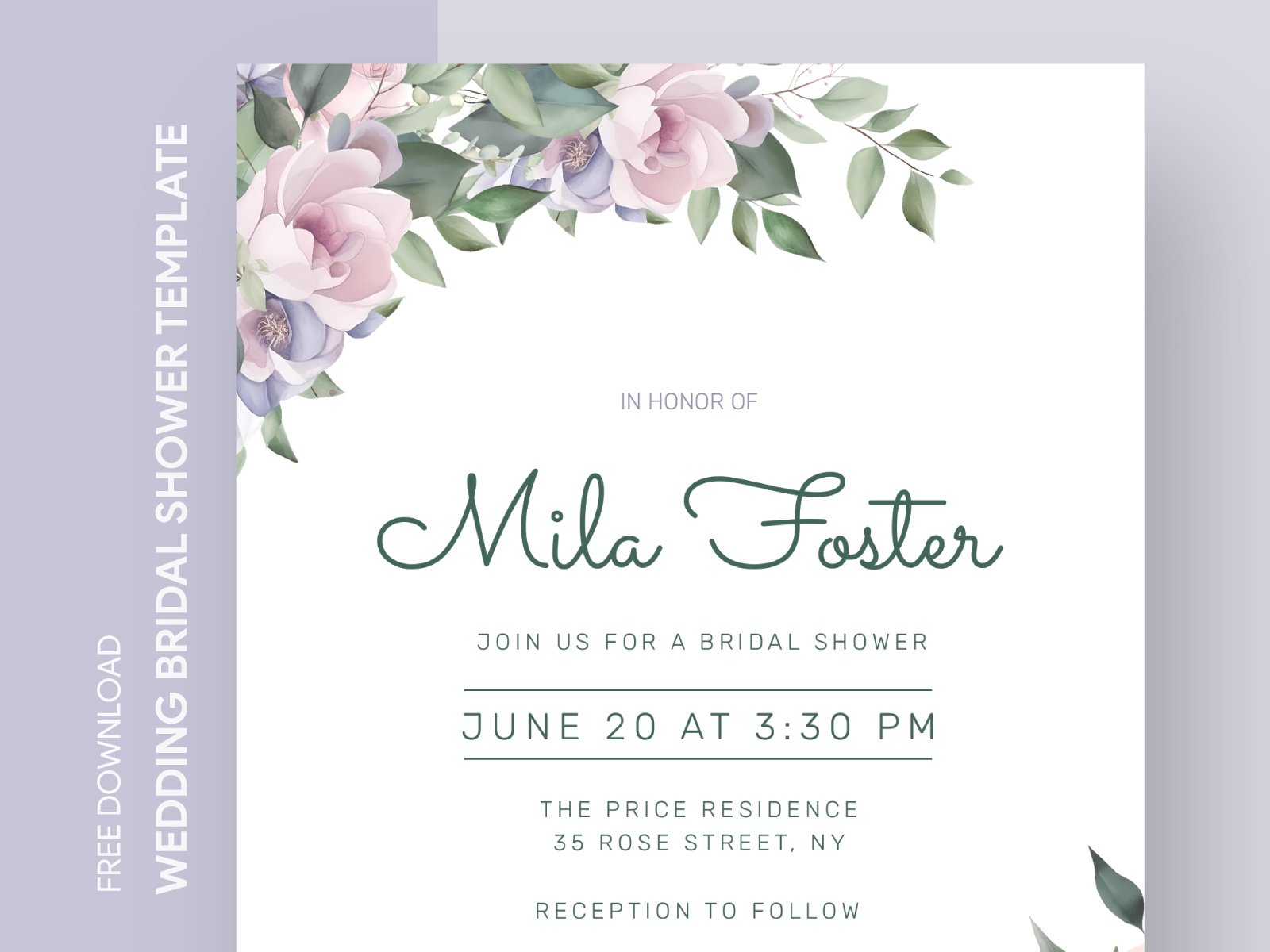
Why Use a Google Docs Template for Invitations?
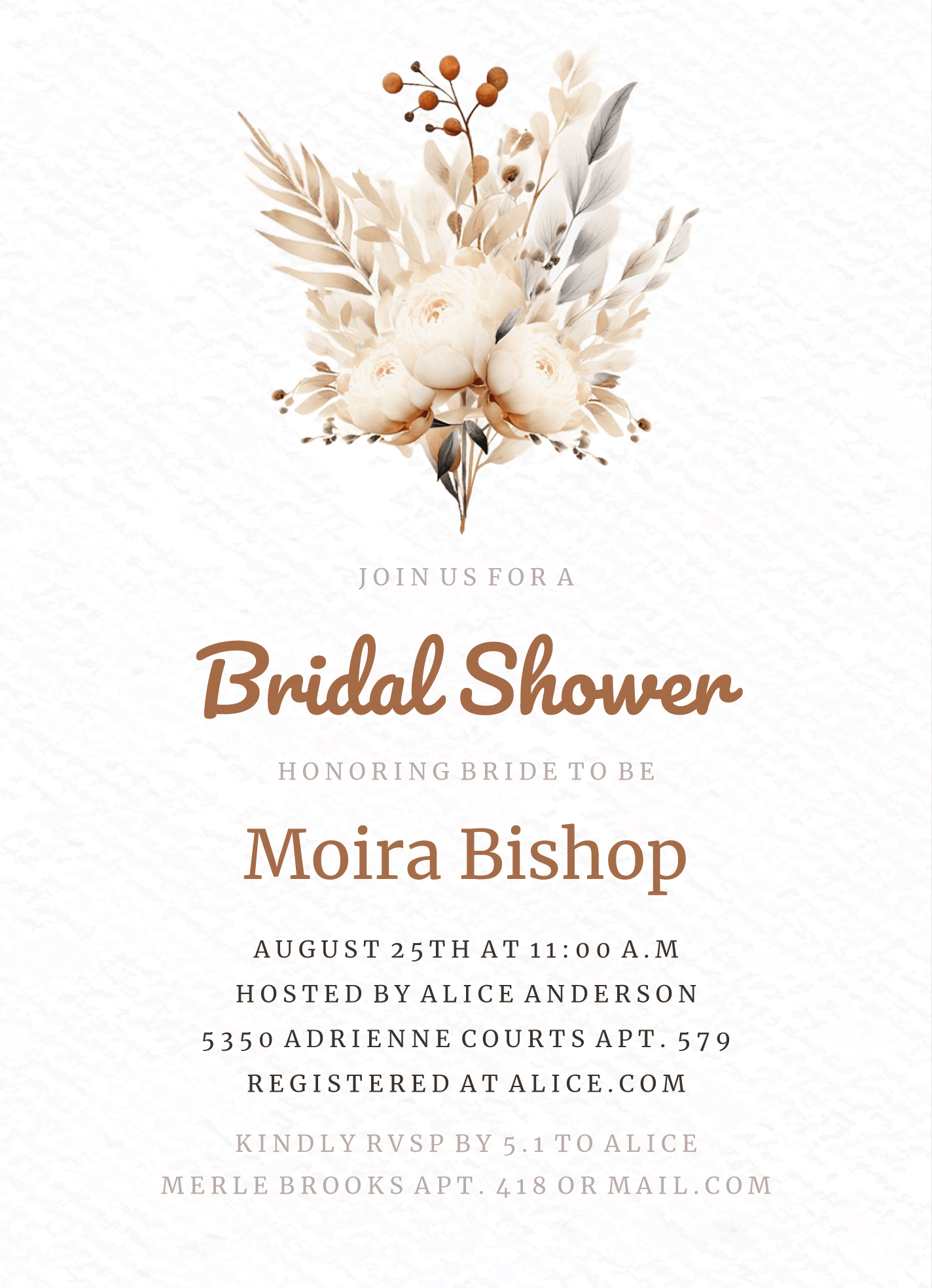
Using a Google Docs template offers several advantages. First, it’s incredibly user-friendly. You don’t need to be a graphic designer to create beautiful invitations. You can easily edit text, change colors, and add images directly in Google Docs. Plus, since it’s cloud-based, you can access your document from anywhere, collaborate with family or friends, and make real-time changes.
Customizing Your Summer Wedding Bridal Shower Invitation
When you download your Summer Wedding Bridal Shower Invitation Free Google Docs Template, you’ll find it pre-formatted for ease of use. Here’s how to customize it effectively:
- Edit the Text: Click on the text placeholders to input your details. Include the date, time, location, and RSVP information. Make sure the wording reflects the tone of your event—whether it’s casual or formal.
- Choose Your Colors: Personalize the color scheme to match your theme. Use the format options in Google Docs to highlight important details. For a summer wedding, bright colors like coral, teal, or sunny yellow can add a festive touch.
- Add Images: If you want to include pictures or graphics, simply insert images using the Insert menu. This could be floral designs, the couple’s photos, or any graphics that resonate with your wedding theme.
- Format for Print: Ensure your invitation is formatted correctly for printing. A standard size for invitations is 5×7 inches. Check your page setup under File > Page setup to adjust the dimensions accordingly.
Printing Your Invitations: Best Practices
Printing your invitations can be straightforward if you follow a few best practices:
- Paper Choice: For invitations, I recommend using cardstock because it’s sturdier and gives a professional feel. A weight of 80lb cover stock is ideal for invitations. If you’re planning to add any additional decorations like stickers or ribbons, cardstock can hold up better.
- Printer Settings: Use a high-quality printer for the best results. Set your printer to the highest quality settings. If you have access to a color laser printer, it will yield vibrant prints.
- Test Print: Before printing the entire batch, do a test print of one invitation. This allows you to check for any formatting issues or color discrepancies.
Sending Out Your Invitations
Once your invitations are printed and ready, you have a couple of options for sending them out:
- Traditional Mail: If you’re going for a classic touch, place your invitations in envelopes. Don’t forget to add stamps! Handwritten addresses can add a personal feel.
- Digital Invitations: Alternatively, consider sending your invitations digitally. You can take a PDF version of your invitation and email it to your guests. This method is quicker and more environmentally friendly.
Final Touches to Enhance Your Invitations
To make your invitations stand out, consider these final touches:
- Personalized Messages: Adding a personal note can make your guests feel special. A simple line expressing your excitement about their presence can go a long way.
- Theme Consistency: Integrate your invitation design with your overall wedding or shower theme. If you’re using specific colors or motifs throughout your decor, reflect those in your invitation design as well.
- Follow-Up: After sending out your invitations, keep track of RSVPs. A simple spreadsheet can help you manage your guest list and ensure you’re prepared for the big day.
Creating your Summer Wedding Bridal Shower Invitation Free Google Docs Template can be a fun and creative process. With these steps, you’ll have beautiful, personalized invitations that set the tone for your celebration. Get started today, and let your creativity shine!
Summer Wedding Bridal Shower Invitation Free Google Docs Template Gallery