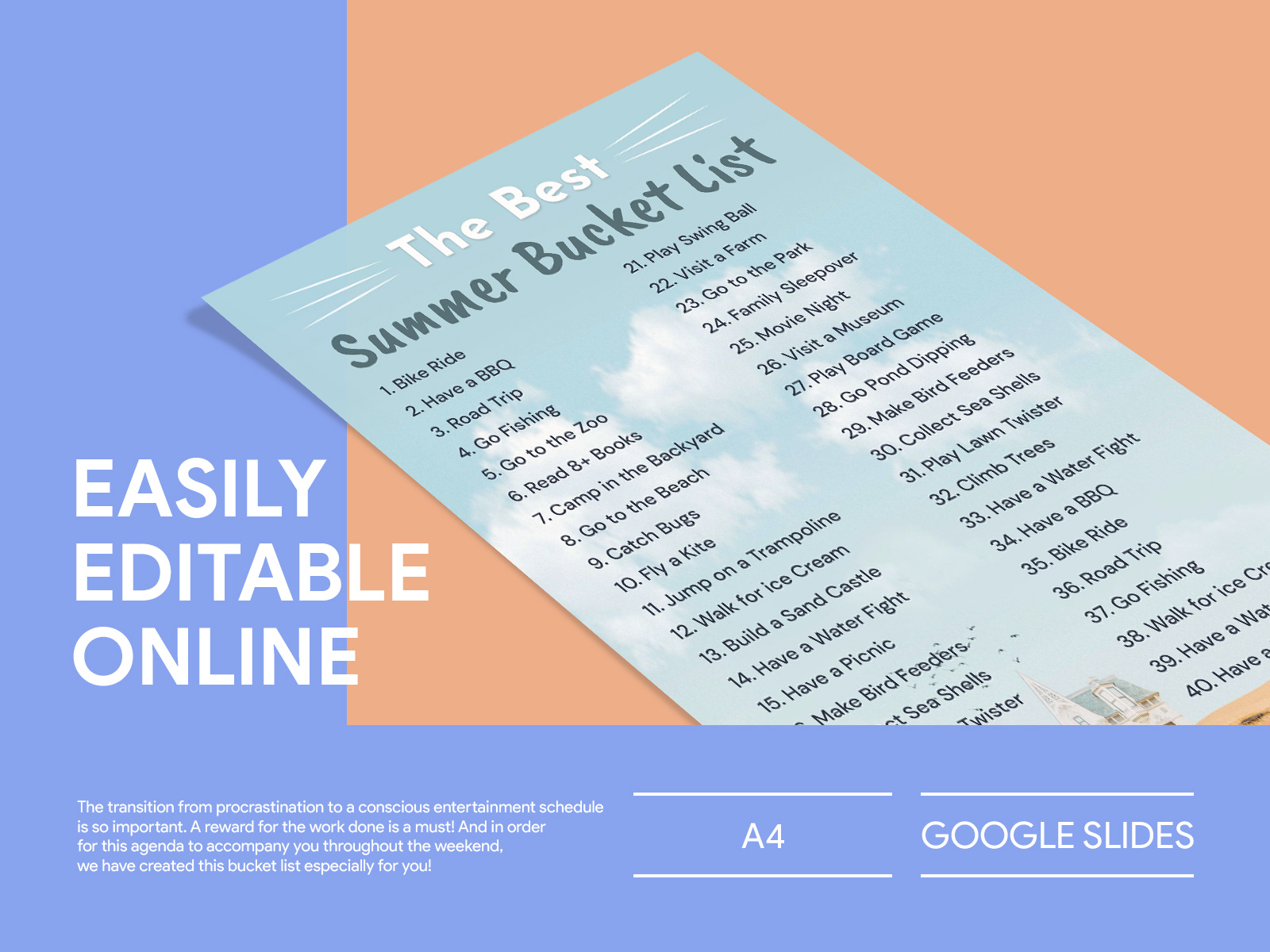
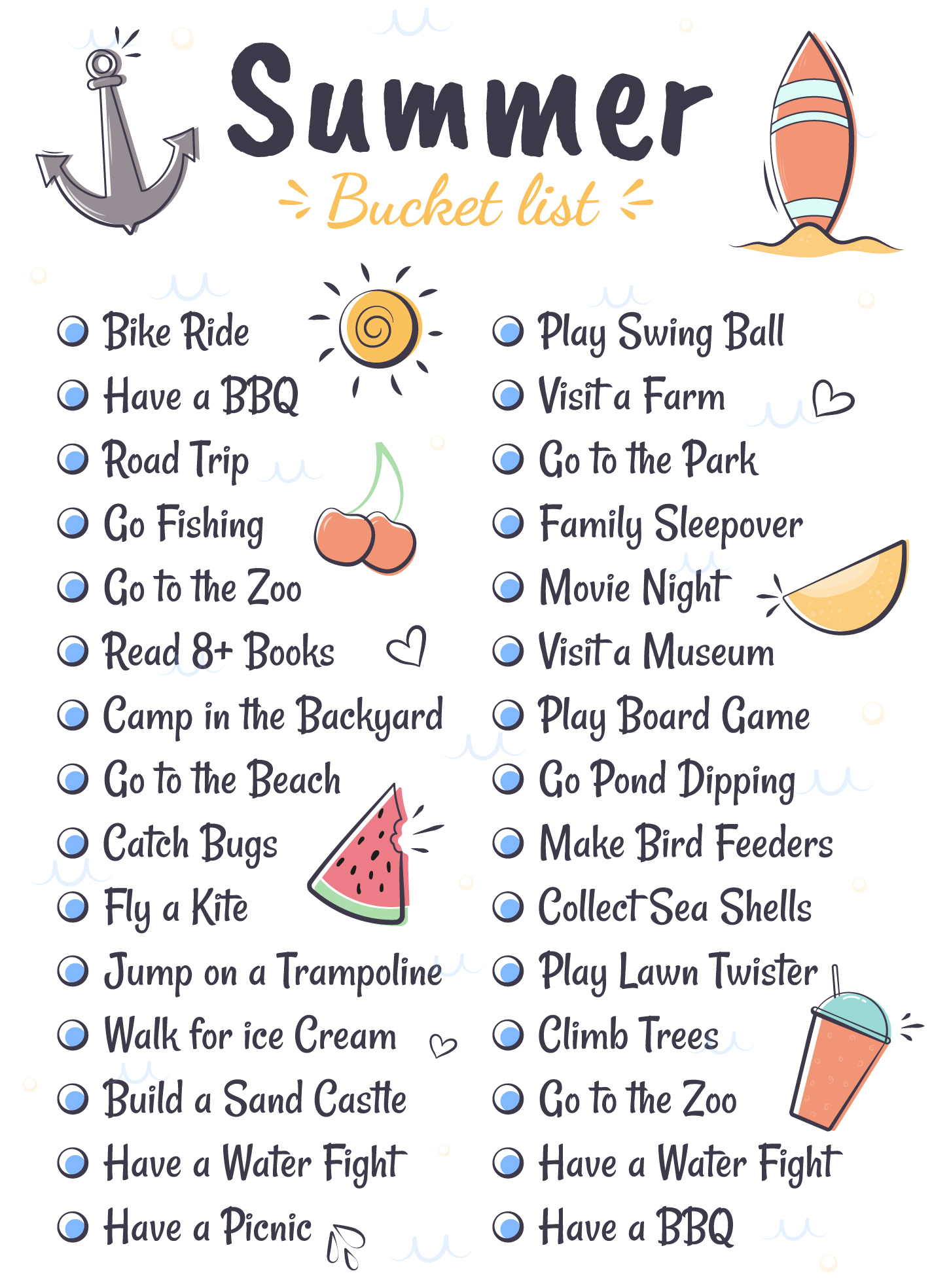
There’s nothing like the excitement of summer vacation! With the Summer Holiday Bucket List Free Google Docs Template, you can easily organize your family’s summer adventures and ensure you make the most of your time together. This user-friendly template is designed to inspire creativity and help you track everything from beach trips to movie nights.
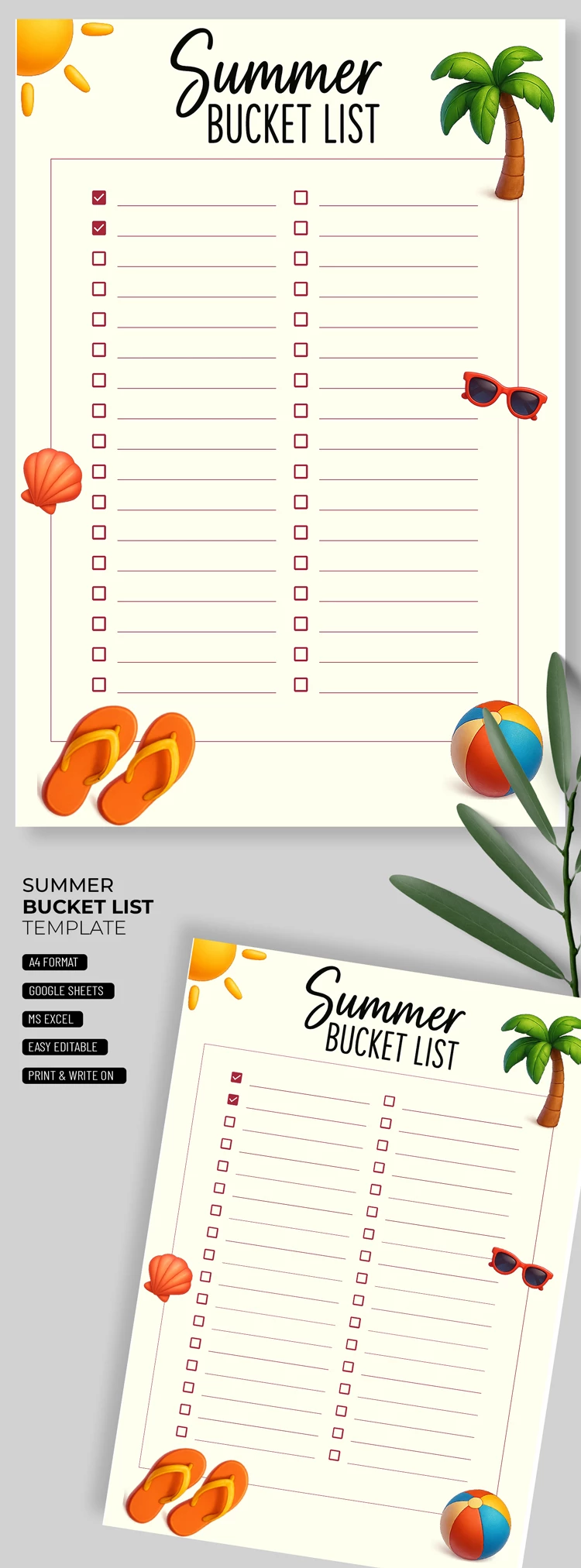
What’s Included in the Template?
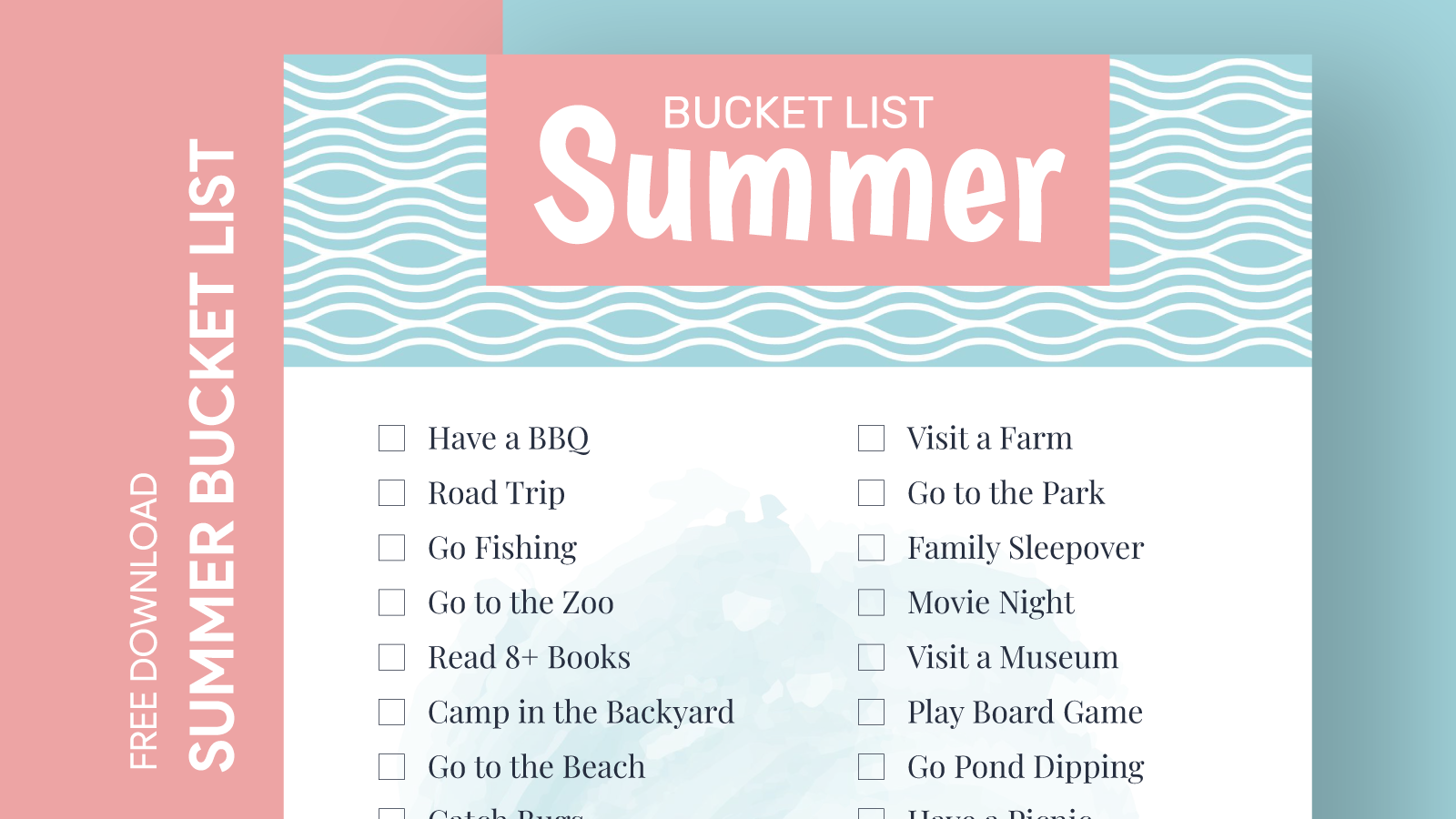
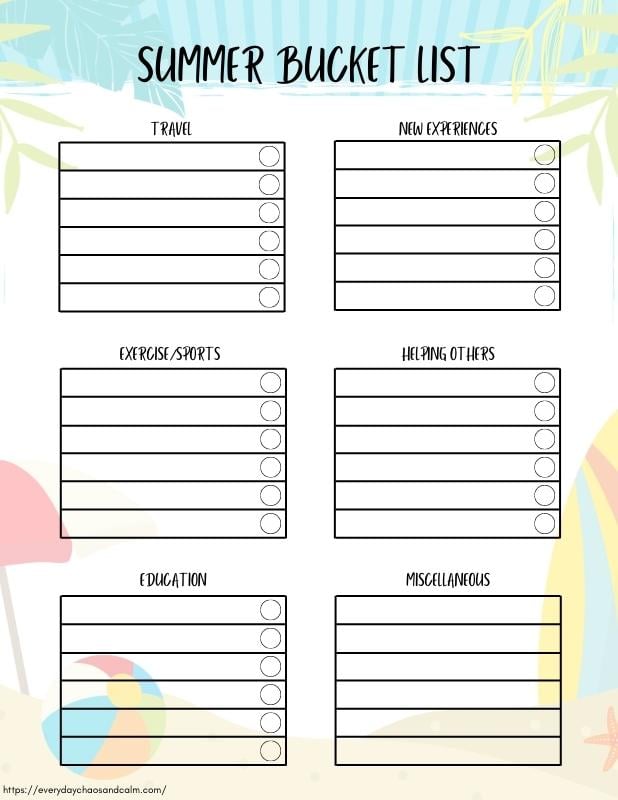
The Summer Holiday Bucket List Free Google Docs Template features a clean, simple layout that allows for easy customization. You’ll find sections for:
- Activities: List all the fun things you want to do.
- Locations: Keep track of where each activity will take place.
- Dates: Schedule your adventures to ensure you fit everything in.
- Checkboxes: Mark off each completed activity for a sense of accomplishment.
It’s formatted for easy printing on standard letter-sized paper (8.5 x 11 inches), but you can also use it digitally. This flexibility means you can fill it out on your computer or print it out and write by hand—whatever works best for your family!
Customizing Your Bucket List
One of the best aspects of this template is how easy it is to personalize. You can customize the categories to fit your family’s unique interests. For instance, if your kids love art, consider adding a section for creative projects like painting or crafting. If you’re all about outdoor adventures, include activities like hiking or camping.
To edit the template, simply open it in Google Docs. You can change the fonts, colors, and even the layout if you want something a bit different. This way, your bucket list reflects your family’s personality and style.
How to Use the Template Effectively
After downloading the Summer Holiday Bucket List Free Google Docs Template, it’s time to get the family involved. Gather everyone together and brainstorm ideas for your summer activities. This can be a fun family meeting where everyone shares their dream summer plans.
Once you’ve compiled a list of activities, fill them into the template. I recommend prioritizing activities by importance or excitement level. This helps ensure you hit the highlights of your summer, even if some plans don’t work out.
Additionally, consider assigning each activity a specific date. This not only helps with planning but also builds anticipation. You can even create a family calendar that highlights your bucket list adventures, so everyone knows what to look forward to.
Tracking Progress and Staying Motivated
As you embark on your summer adventures, use the checkboxes in the template to mark off completed activities. This simple act can be incredibly satisfying and motivates you to keep going. Plus, it gives you a visual representation of all the fun you’ve had together.
If you’re looking for a way to make this even more exciting, consider adding a reward system. For example, if you complete a certain number of activities, treat the family to a special outing or ice cream day. This adds an extra layer of fun and encourages everyone to participate fully.
Tips for Printing and Displaying Your Bucket List
When it comes to printing your Summer Holiday Bucket List Free Google Docs Template, I recommend using bright, colorful paper to make it visually appealing. Cardstock is a great option for durability, especially if you plan to display it in a high-traffic area like the kitchen or living room.
You can also frame your printed bucket list or hang it on a bulletin board. This way, it serves as a constant reminder of all the summer fun you have planned. Plus, it sparks conversations about your adventures and keeps everyone engaged.
If you prefer a digital approach, consider using a tablet or computer to display the template. This makes it easy to edit on the fly and adjust plans as needed. Just make sure to keep it accessible to all family members, so everyone can contribute.
Summer Holiday Bucket List Free Google Docs Template Gallery