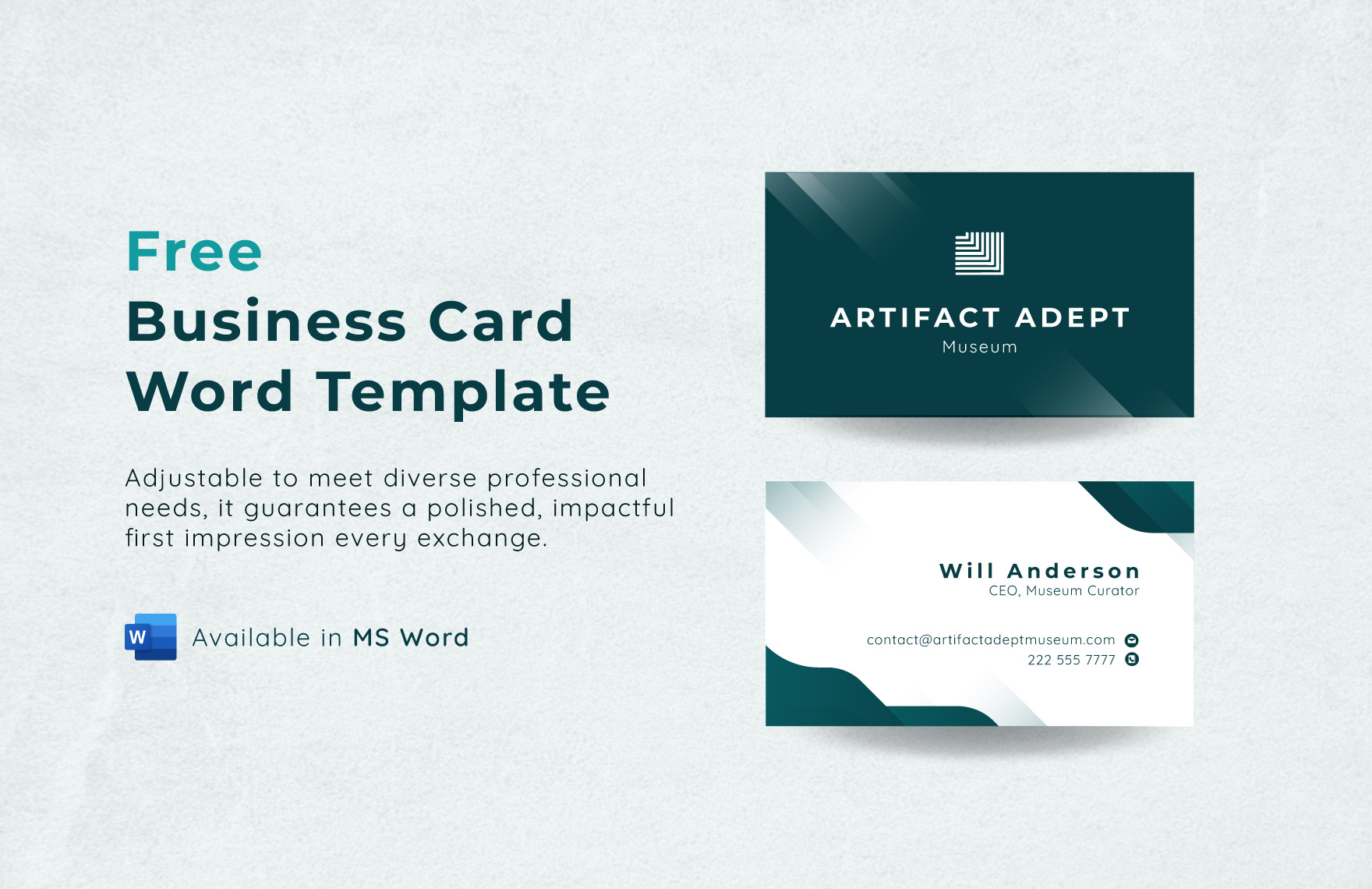
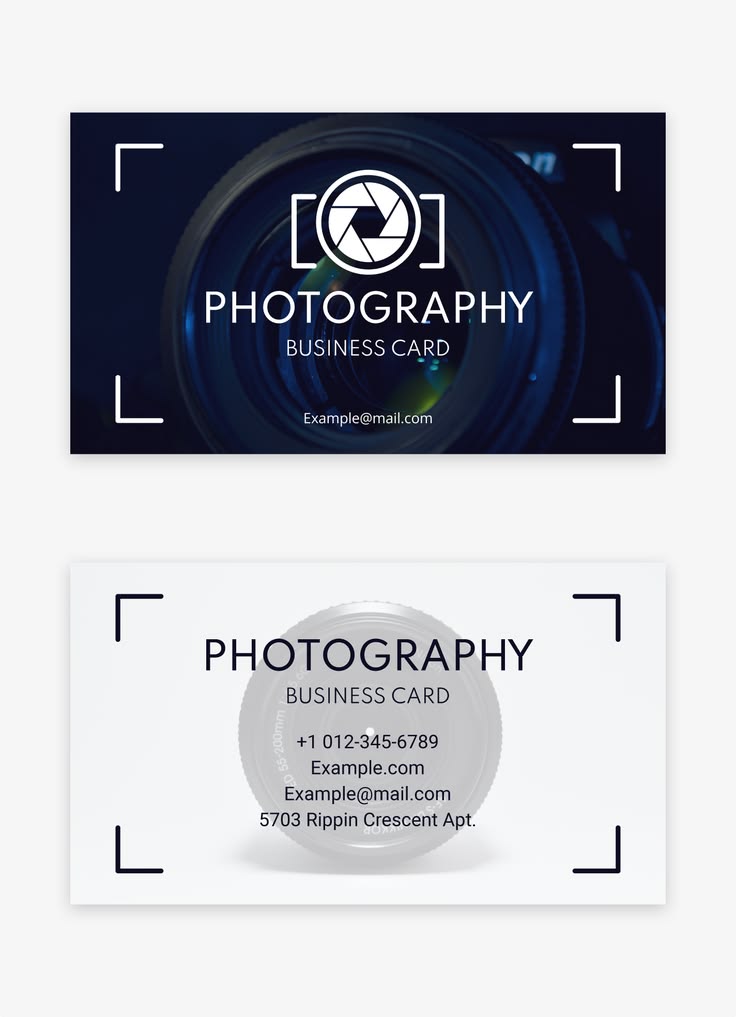
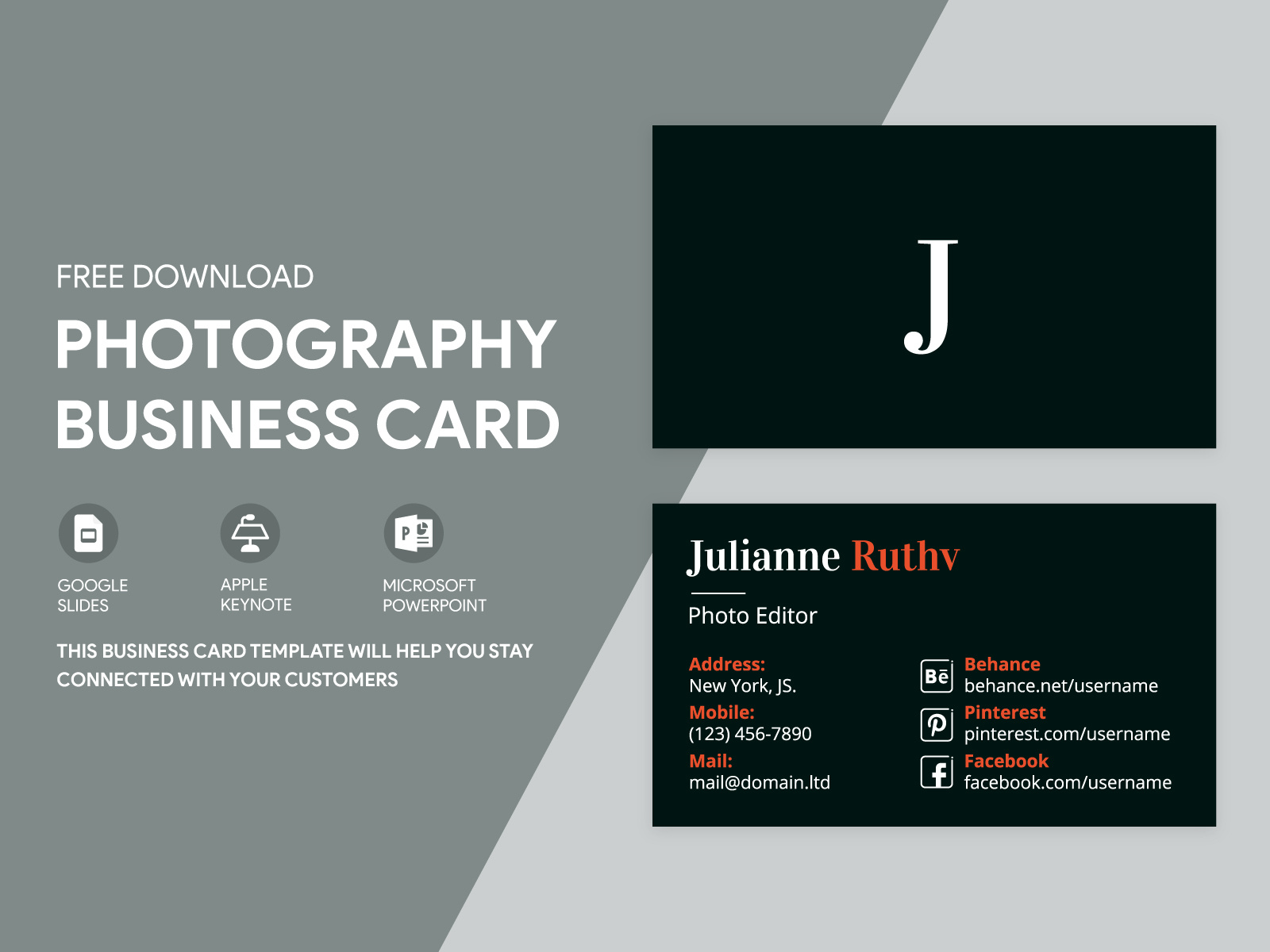
Creating an eye-catching business card is essential for any photographer. The Stylish Photography Business Card Free Google Docs Template offers a straightforward solution for those looking to make a lasting impression. With dimensions typically set at 3.5 x 2 inches, this template is designed to fit standard card sizes, making it easy to print and carry.
Reasons to Use a Google Docs Template for Your Photography Business Card
Using a Google Docs template for your business card has numerous advantages. First, it allows for easy editing and customization right in your web browser. You don’t need specialized software to get started. Simply open the template in Google Docs, and you can adjust text, colors, and images to match your brand’s aesthetic.
Additionally, Google Docs automatically saves your work, so you can return to it anytime without the fear of losing your design. This is particularly useful if you’re still experimenting with different layouts or elements.
Customizing Your Photography Business Card
When it comes to personalizing your Stylish Photography Business Card Free Google Docs Template, the possibilities are nearly endless. Here are some key areas you might want to focus on:
- Logo: Incorporate your photography logo prominently on the card. A well-placed logo can enhance brand recognition and convey professionalism.
- Contact Information: Include your name, phone number, email, and website. Make sure the text is legible and appropriately sized for easy reading.
- Social Media Handles: today, it’s beneficial to include your social media accounts. This gives potential clients additional ways to connect with you.
- Background and Colors: Choose a color scheme that reflects your brand. Soft, muted tones may work well for wedding photographers, while vibrant colors could suit more dynamic photography styles.
Paper and Printing Choices
Selecting the right paper and print settings is crucial for ensuring your business cards look polished. Here are some practical tips:
- Paper Type: Opt for cardstock, as it provides durability and a professional finish. A weight of 14pt or 16pt is often recommended for business cards.
- Finish: Consider whether you want a matte or glossy finish. Matte finishes are easier to write on, while glossy finishes can make colors pop.
- Printer Settings: If you’re printing at home, ensure your printer is set to the highest quality. Use the “borderless” option if available, as this allows your design to extend to the edges of the card.
Preparing Your Business Cards for Printing
Once you’ve customized your Stylish Photography Business Card Free Google Docs Template to your liking, it’s time to prepare for printing. Here’s how:
- Download the Template: Save your finished design as a PDF to avoid any formatting issues when printing.
- Test Print: Before printing a full batch, do a test print on regular paper. This will help you check for any layout errors or adjustments needed.
- Cutting: If you’re cutting the cards yourself, a paper cutter or guillotine can provide cleaner edges than scissors. Make sure to measure twice before cutting!
Distributing Your Business Cards
Now that your business cards are printed and ready to go, consider how you’ll distribute them. Here are a few effective strategies:
- Networking Events: Always have a stack of cards on hand during photography workshops, expos, or local events.
- Client Meetings: Hand your card to clients during consultations or photoshoots. This reinforces your professionalism.
- Mailing Lists: Include a business card in any mailings or packages you send to clients or leads. It adds a personal touch to your correspondence.
Finally, keep in mind that the quality of your business card reflects your photography business. Take the time to create something that stands out, as it’s often the first impression potential clients will have of you.
When customizing your Stylish Photography Business Card Free Google Docs Template, remember that simplicity can be just as impactful as complexity. Focus on clarity and professionalism, and your business cards will serve you well. Just be cautious with your color choices and text sizes; overly busy designs can detract from your key information.
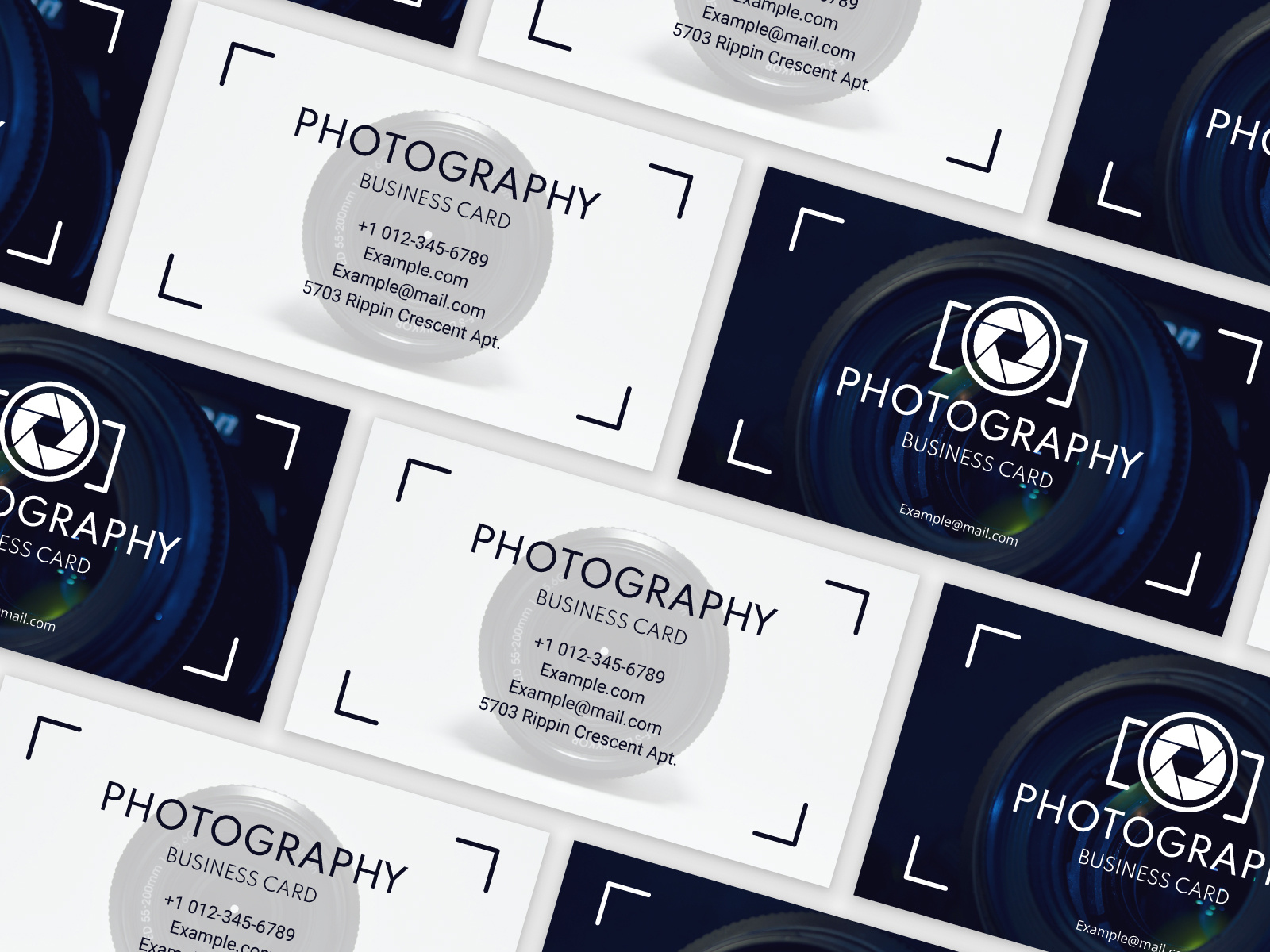
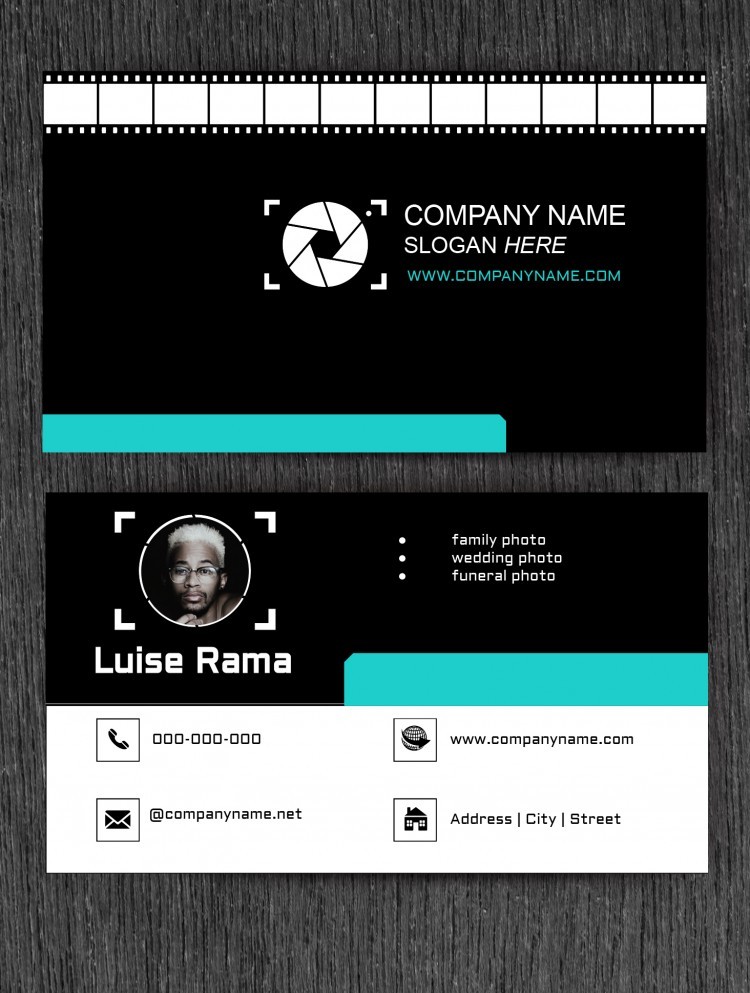
Stylish Photography Business Card Free Google Docs Template Gallery