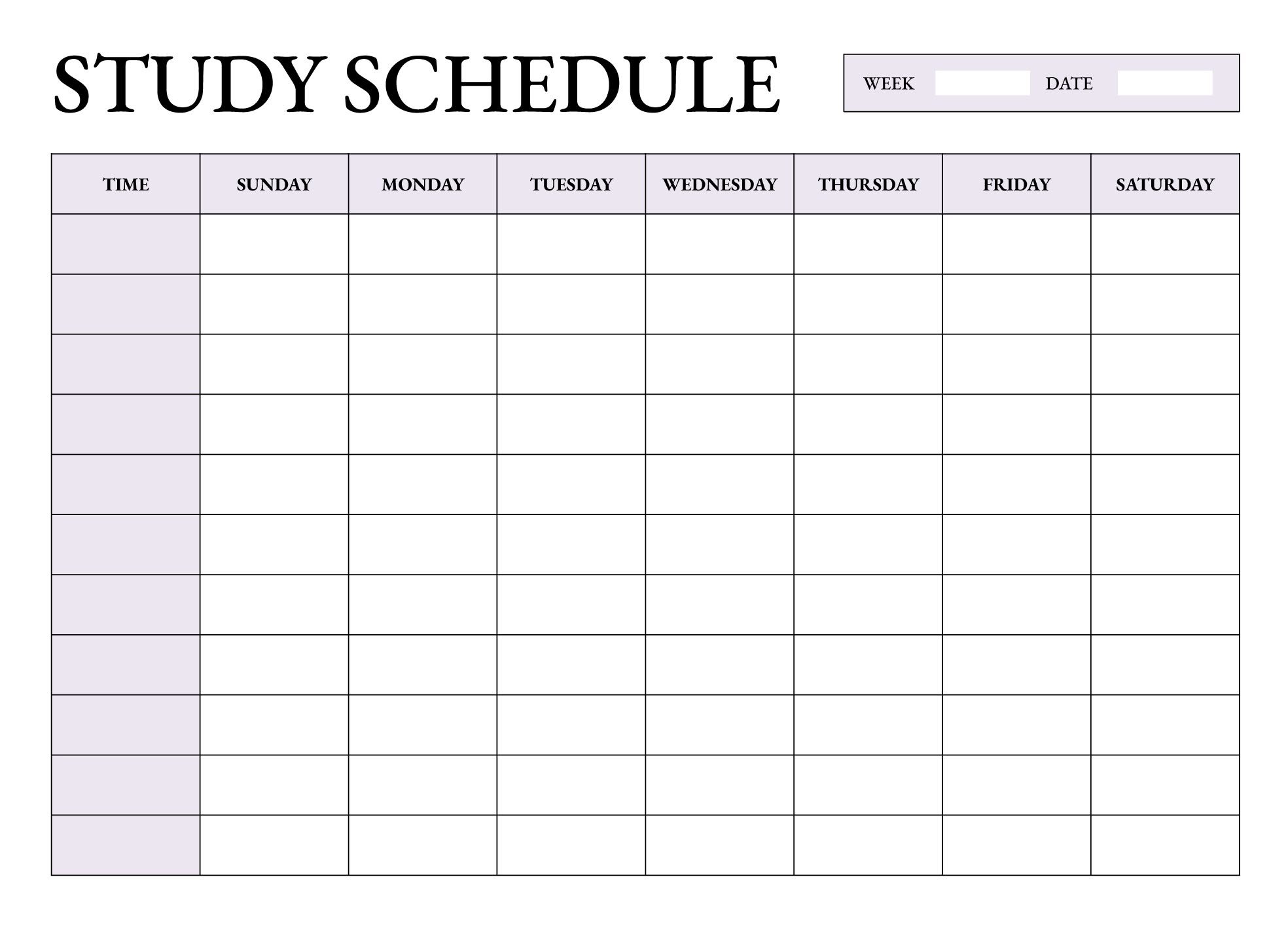
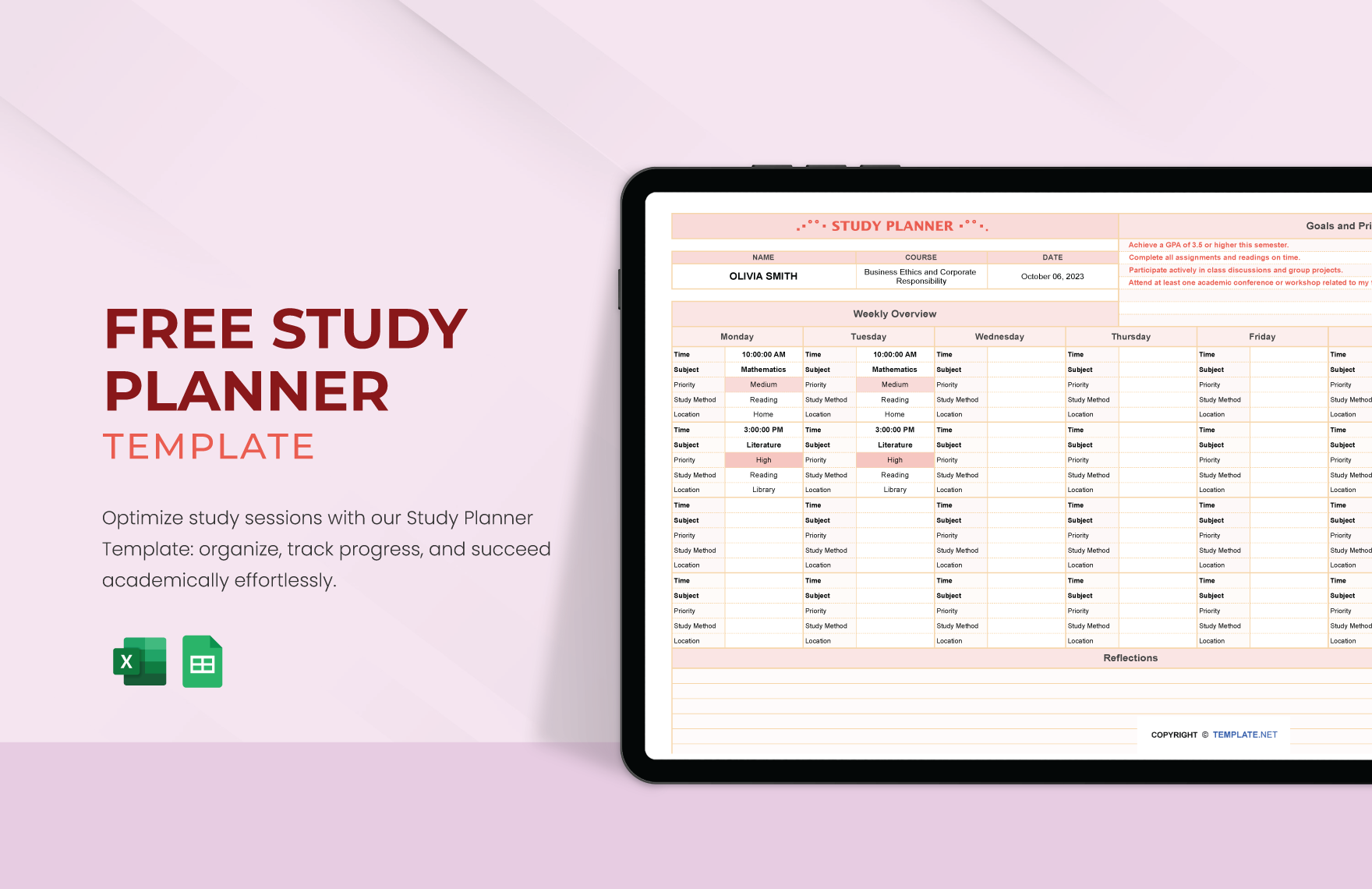
A well-structured study planner can be a useful option for managing your academic workload. The Study Planner Free Google Docs Template is designed specifically for students who want to streamline their study sessions and maximize productivity. With its easy-to-use format, you can quickly set your goals, track your assignments, and keep your studying on track.
Why Use a Study Planner?
Using a planner can significantly enhance your study routine. It helps you visualize your tasks, prioritize assignments, and allocate time effectively. When you have everything laid out in front of you, it’s easier to stay focused and avoid procrastination. A study planner acts as your roadmap, guiding you through your academic responsibilities while providing a sense of accomplishment as you check off completed tasks.
Features of the Study Planner Free Google Docs Template
This planner is designed with several practical sections, each serving a unique purpose. Here’s a breakdown of what you can expect:
Weekly Overview
The weekly overview section allows you to see your entire week at a glance. You can fill in your classes, study sessions, and deadlines for assignments. This layout helps you identify busy days and plan accordingly. For instance, if you have several tests or projects due on the same day, you can adjust your study schedule to avoid cramming.
Daily Goals
In the daily goals section, you can set specific objectives for each day. What do you want to achieve? Whether it’s reading a chapter, completing a worksheet, or reviewing notes, writing down your goals can motivate you to get them done. This section is also great for reflecting on what you accomplished at the end of the day, which can boost your confidence.
Assignment Tracker
Keeping track of assignments is crucial to staying on top of your studies. The assignment tracker section allows you to note down due dates, the status of each task, and any additional notes you might need. You can also prioritize assignments based on their deadlines or importance, ensuring that you tackle the most pressing tasks first.
Study Materials
This section is perfect for listing out the materials you need for each subject. Whether it’s textbooks, articles, or online resources, having this information handy can save you time when preparing for study sessions. You can also jot down links to online resources or specific pages in your textbooks that you need to review.
Reflection and Notes
Finally, the reflection and notes section is where you can jot down thoughts or feedback on your study sessions. What worked well? What didn’t? This is also a good place to note any questions or topics you want to revisit later. Reflecting on your study habits can help you continuously improve your approach to learning.
How to Set Up Your Study Planner
Setting up the Study Planner Free Google Docs Template is straightforward. Here’s how you can do it:
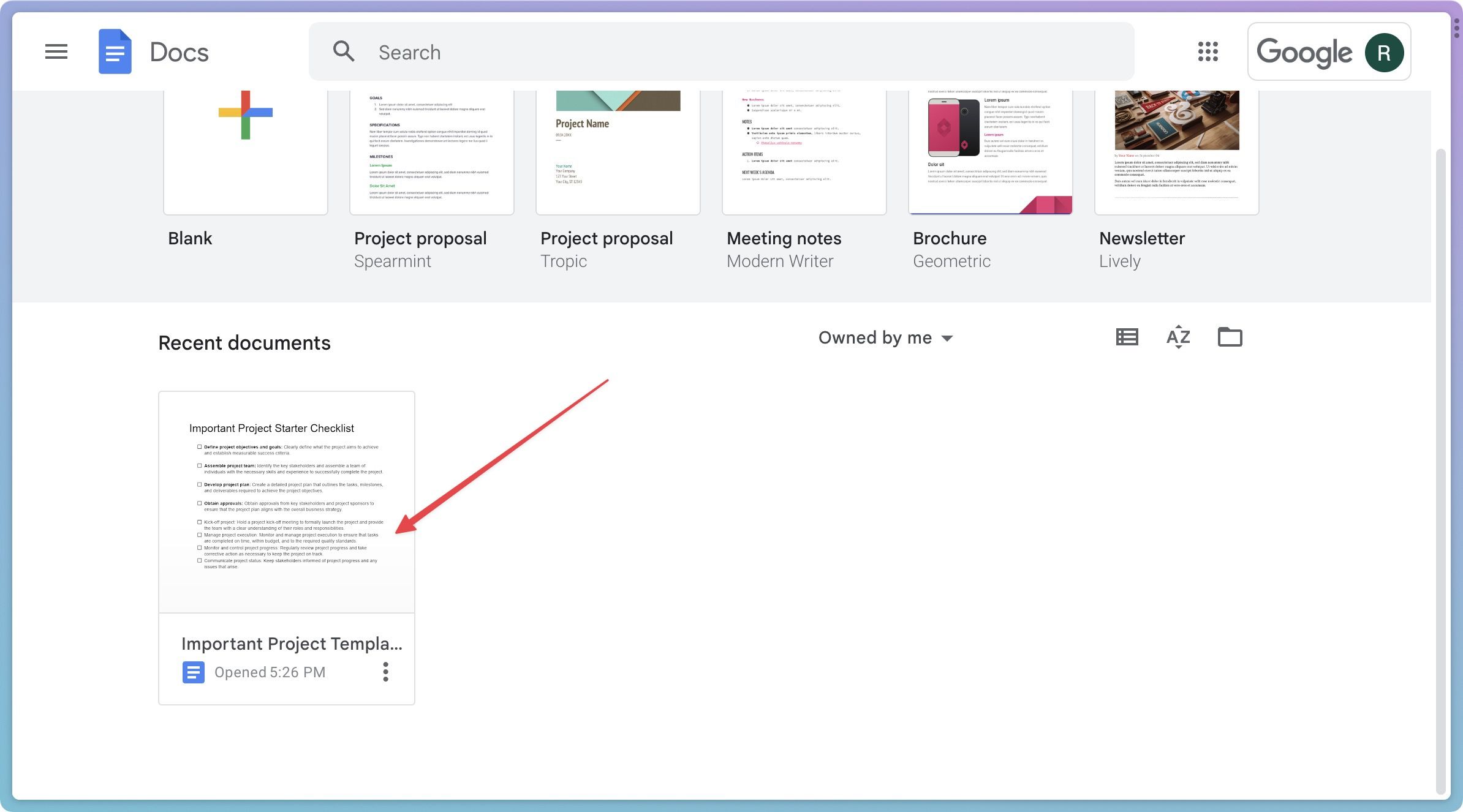
- Download the Template: Click on the link provided to access the Google Docs template. It’s free and easy to use.
- Make a Copy: Once you open the template, make a copy to your own Google Drive. This way, you can edit it without altering the original.
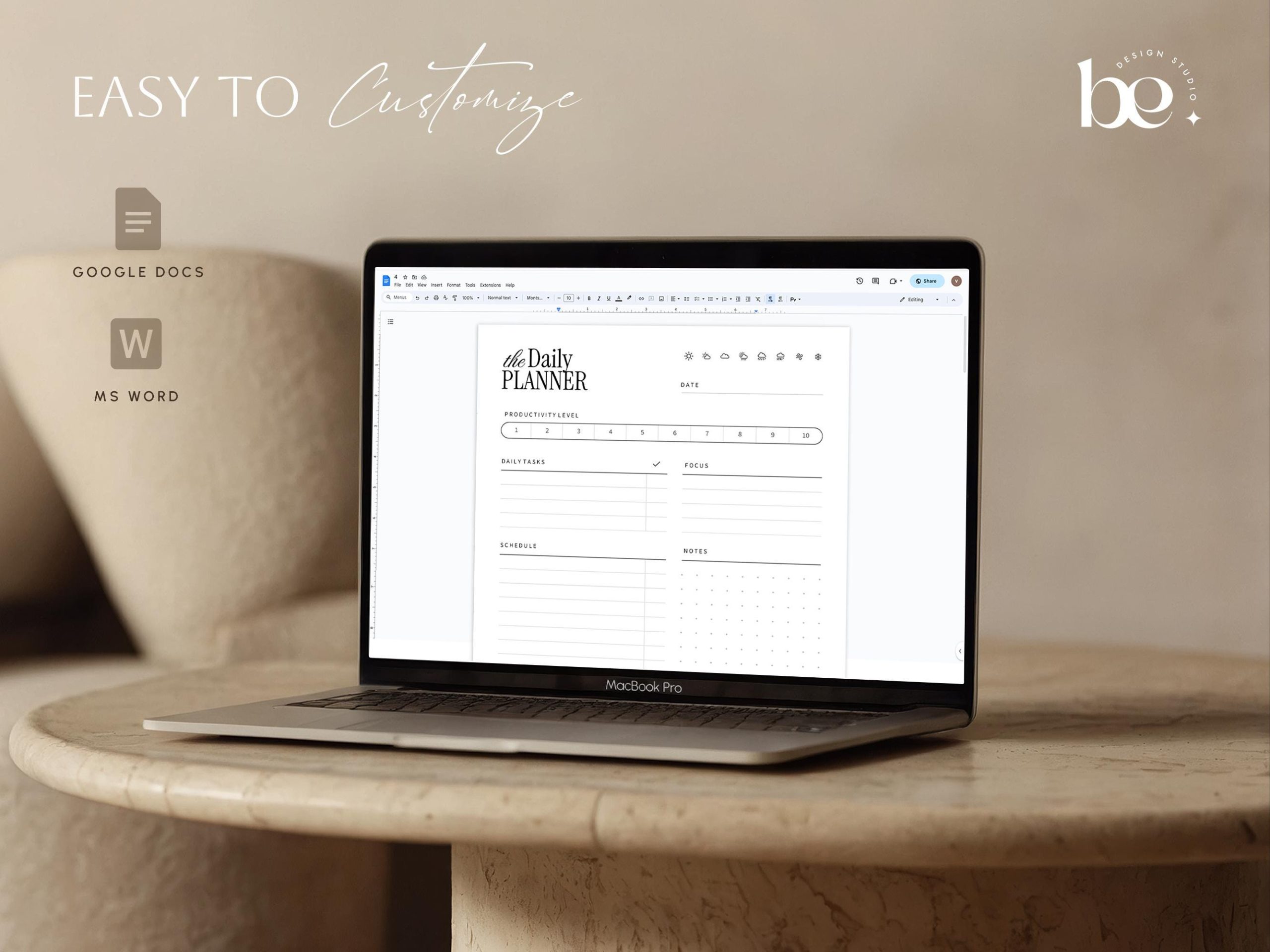
- Customize Sections: Fill in your personal information, such as your classes, study times, and specific goals. Adjust any sections as needed to better fit your studying style.
- Print or Use Digitally: You can opt to print your planner for a physical copy or use it digitally. If you choose to print, consider using a heavier paper stock for durability.
- Stay Consistent: Regularly use your planner to track your progress. Update it daily or weekly to keep it relevant and helpful.
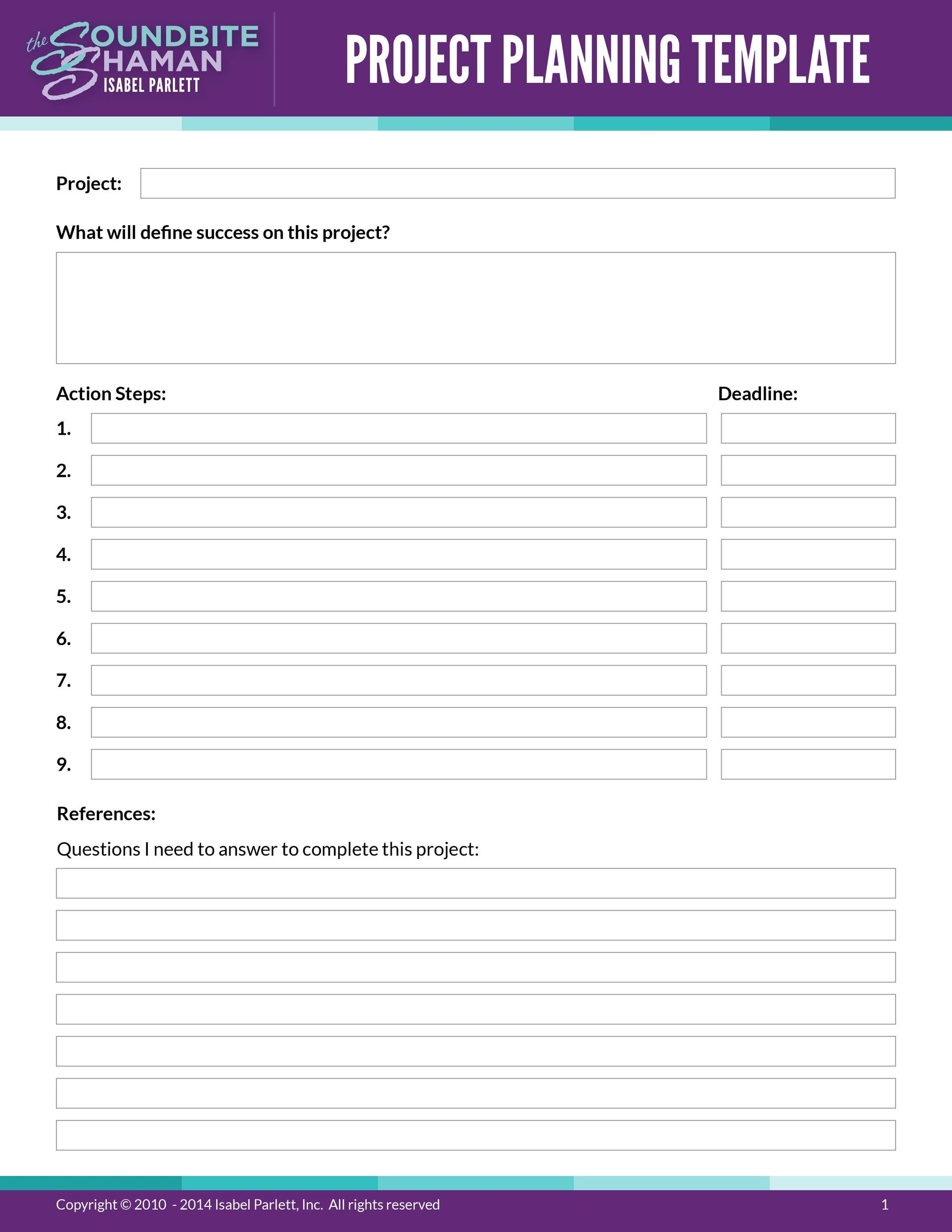
Tips for Effective Use
To get the most out of your study planner, consider these tips:
- Color Code: Use different colors for different subjects or types of tasks. This visual cue can make it easier to navigate your planner at a glance.
- Set Reminders: If you’re using the digital version, set reminders for important deadlines directly in Google Calendar.
- Review Regularly: Take time each week to review your planner. This helps you adjust your strategies and stay aligned with your academic goals.
- Be Flexible: Life can get busy, and sometimes plans change. Don’t hesitate to adjust your schedule as needed, but try to keep your overall goals in mind.
By effectively utilizing the Study Planner Free Google Docs Template, you can create a structured approach to your studies that leads to greater success. With its clear layout and dedicated sections, this planner not only helps you manage your time but also empowers you to take control of your academic journey. The most useful detail? Having a dedicated space for reflection can guide your future study sessions and help you continually improve.
Study Planner Free Google Docs Template Gallery