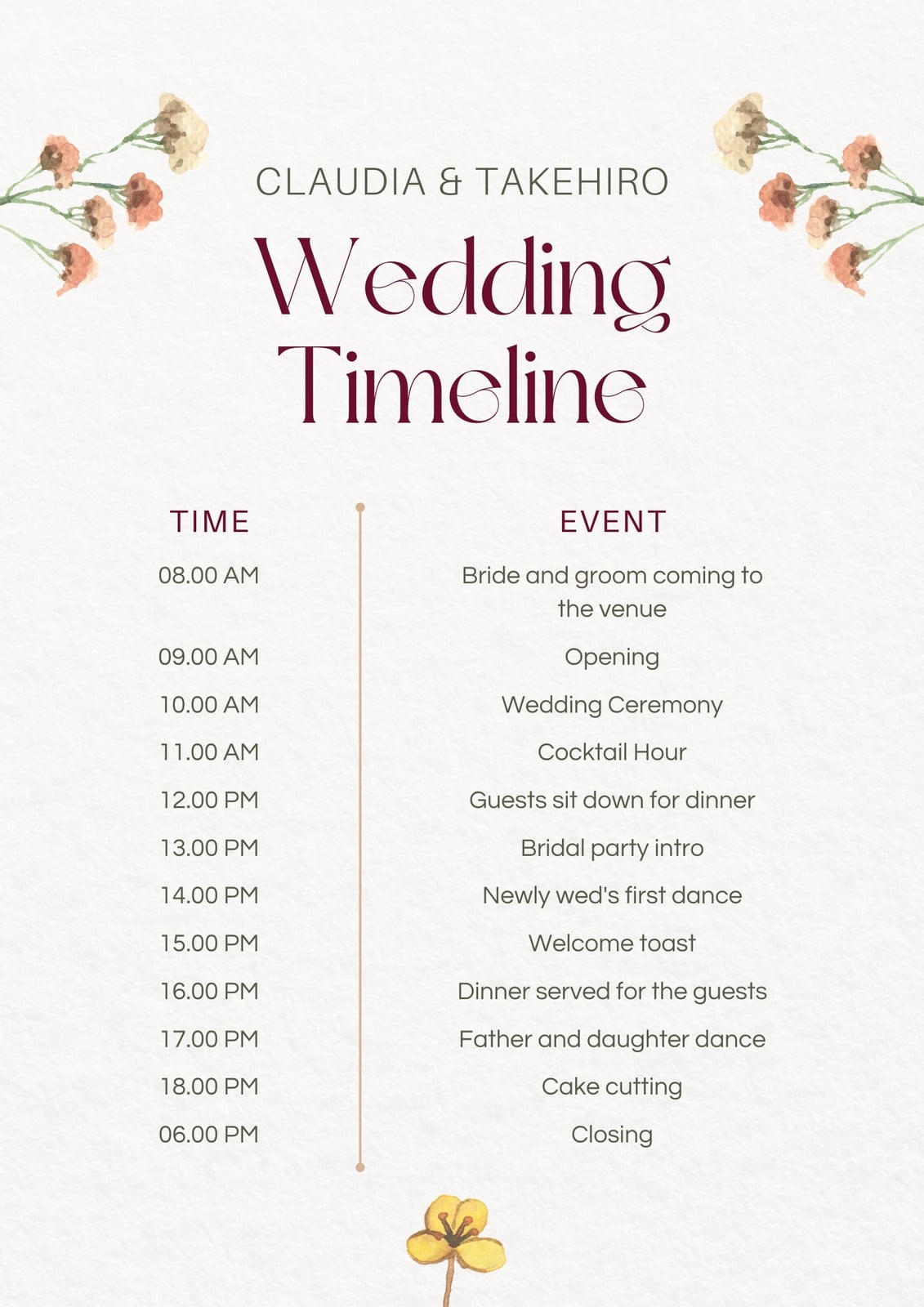
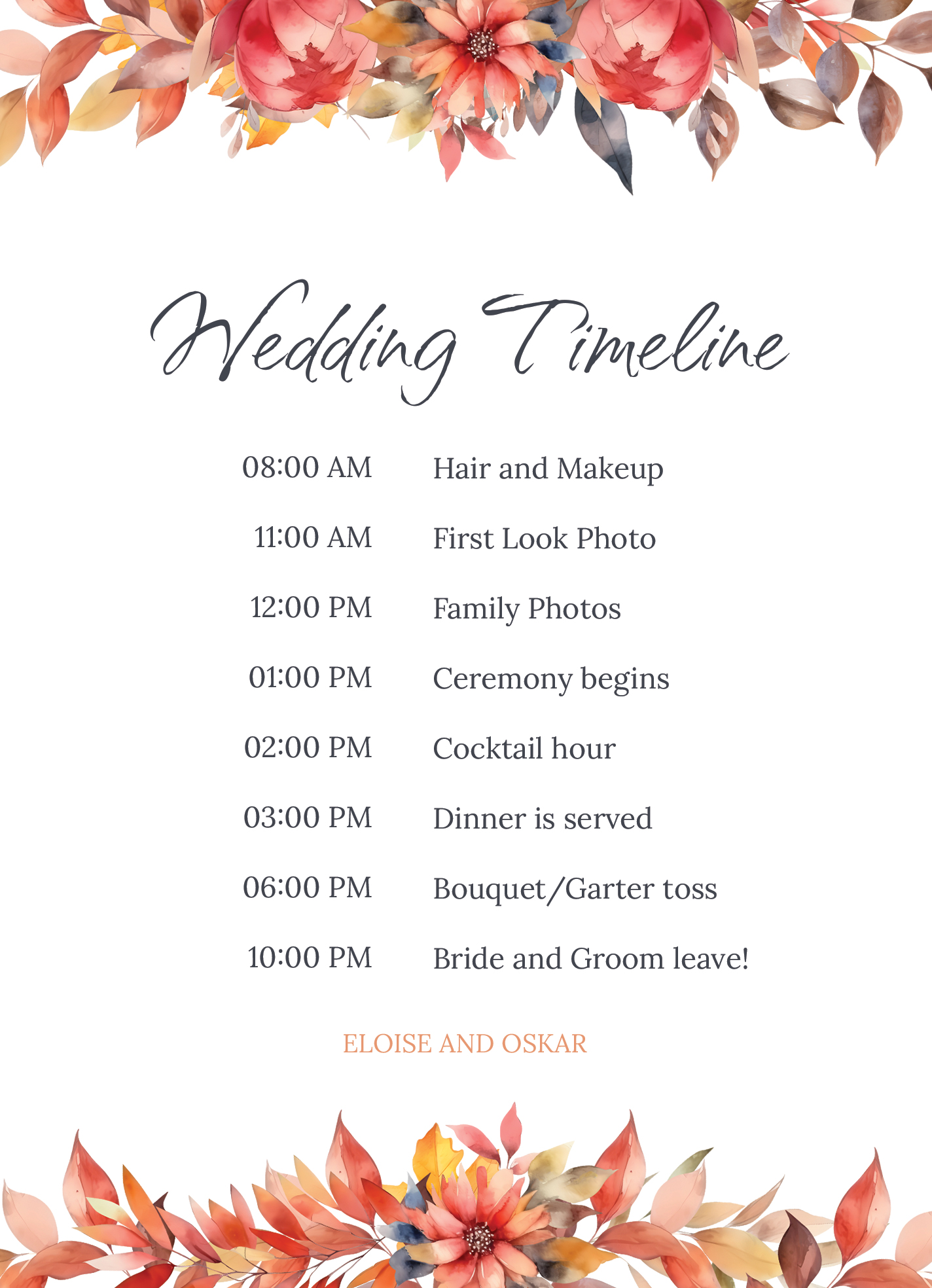
Planning a spring wedding is a joyous yet complex task. With so many details to manage, it’s essential to have a clear timeline to keep everything organized. The Spring Wedding Timeline Free Google Docs Template stands out as a practical resource for any couple looking to streamline their wedding planning process. This template allows you to customize your wedding schedule easily, ensuring no detail is overlooked as your big day approaches.
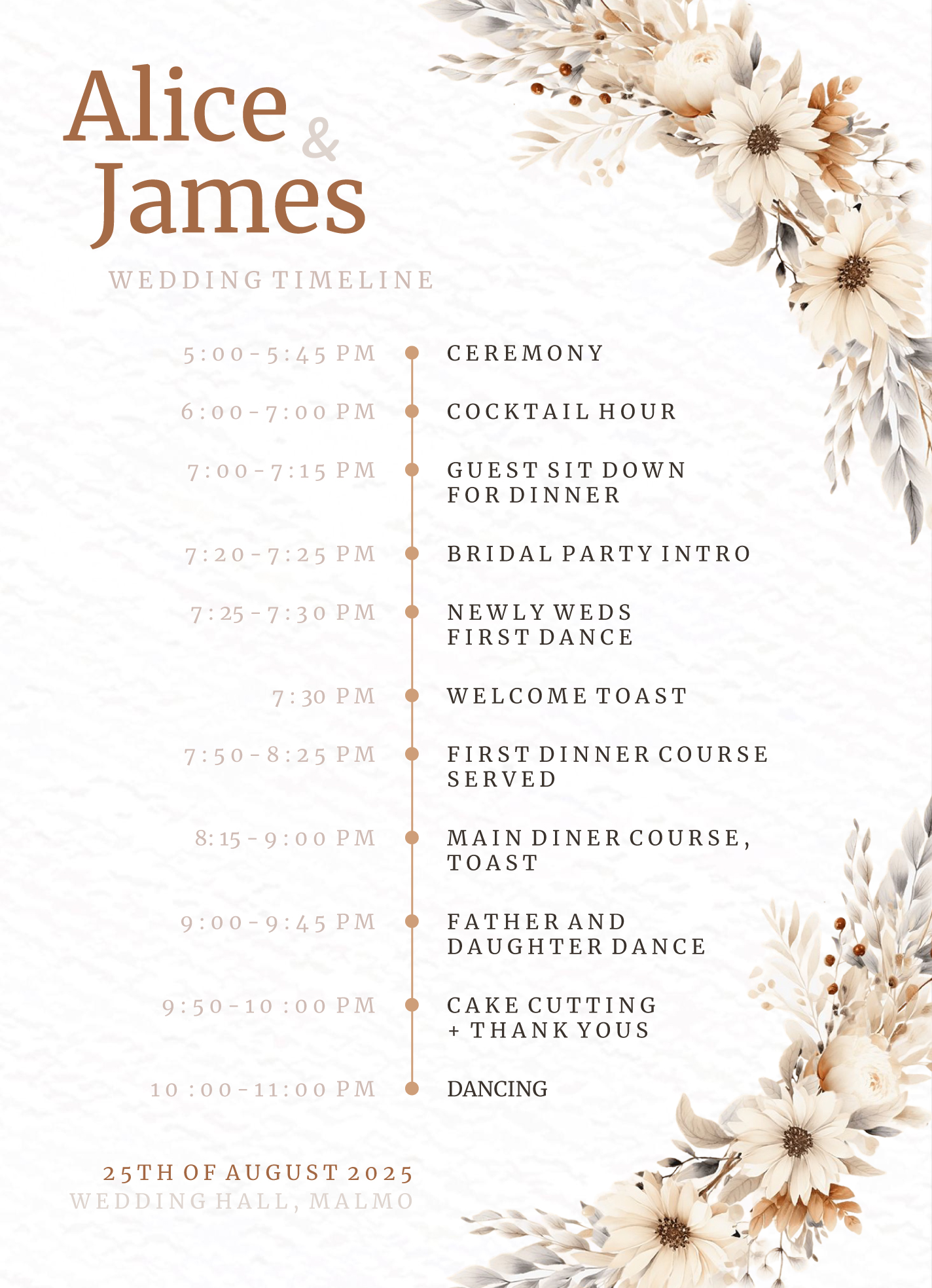
Why Use a Wedding Timeline Template?
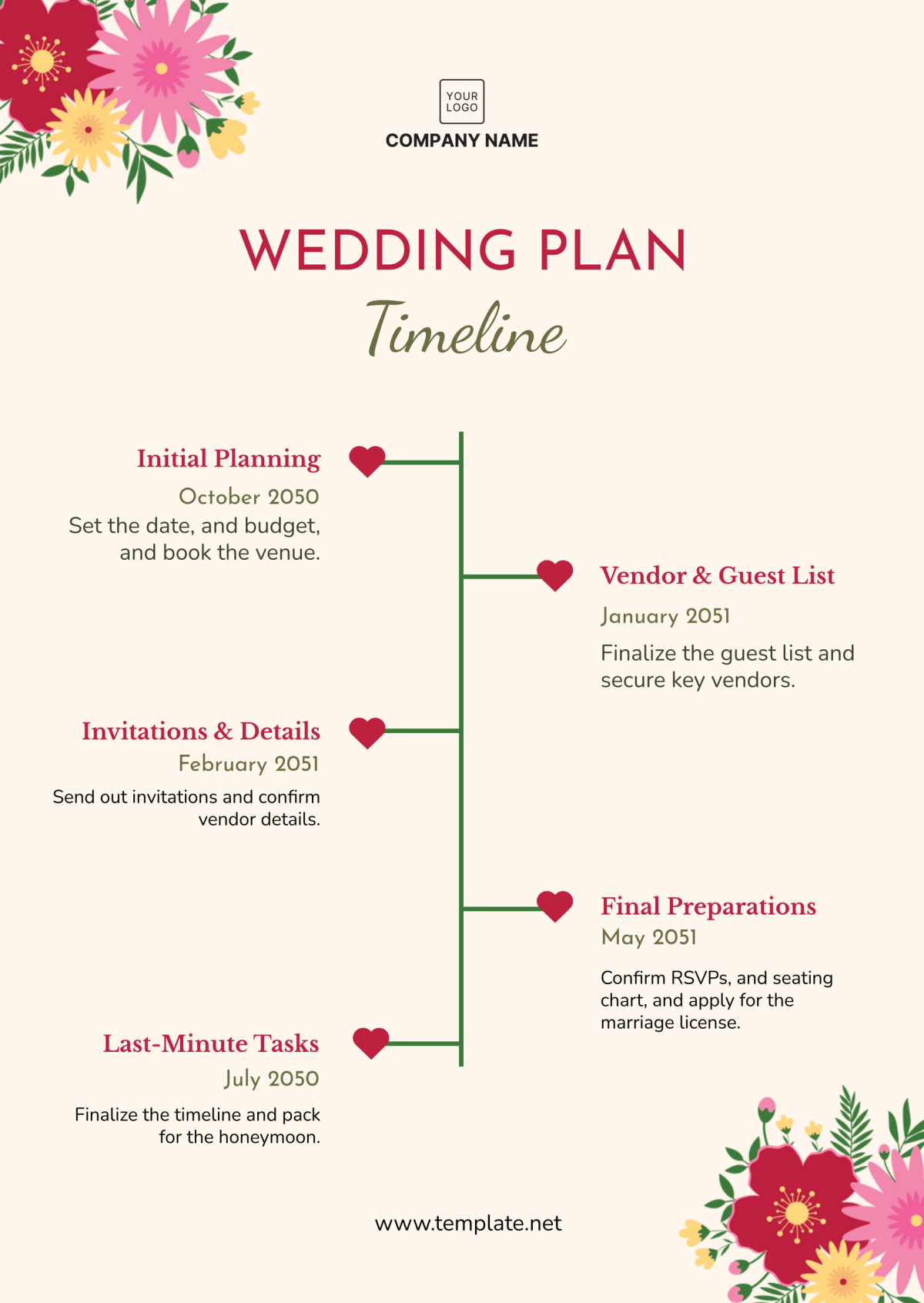
A wedding timeline template serves as a roadmap for your wedding day, providing a structured outline of events. This is especially beneficial for parents involved in the planning, as it helps manage expectations and responsibilities. The Spring Wedding Timeline Free Google Docs Template is specifically designed to be user-friendly and adaptable, making it perfect for families who may not have extensive wedding planning experience.
And here’s the best part: you can modify it to fit your unique schedule and preferences. Whether you’re planning a small gathering or a grand celebration, having a timeline helps keep everyone in sync.
Customizing Your Wedding Timeline
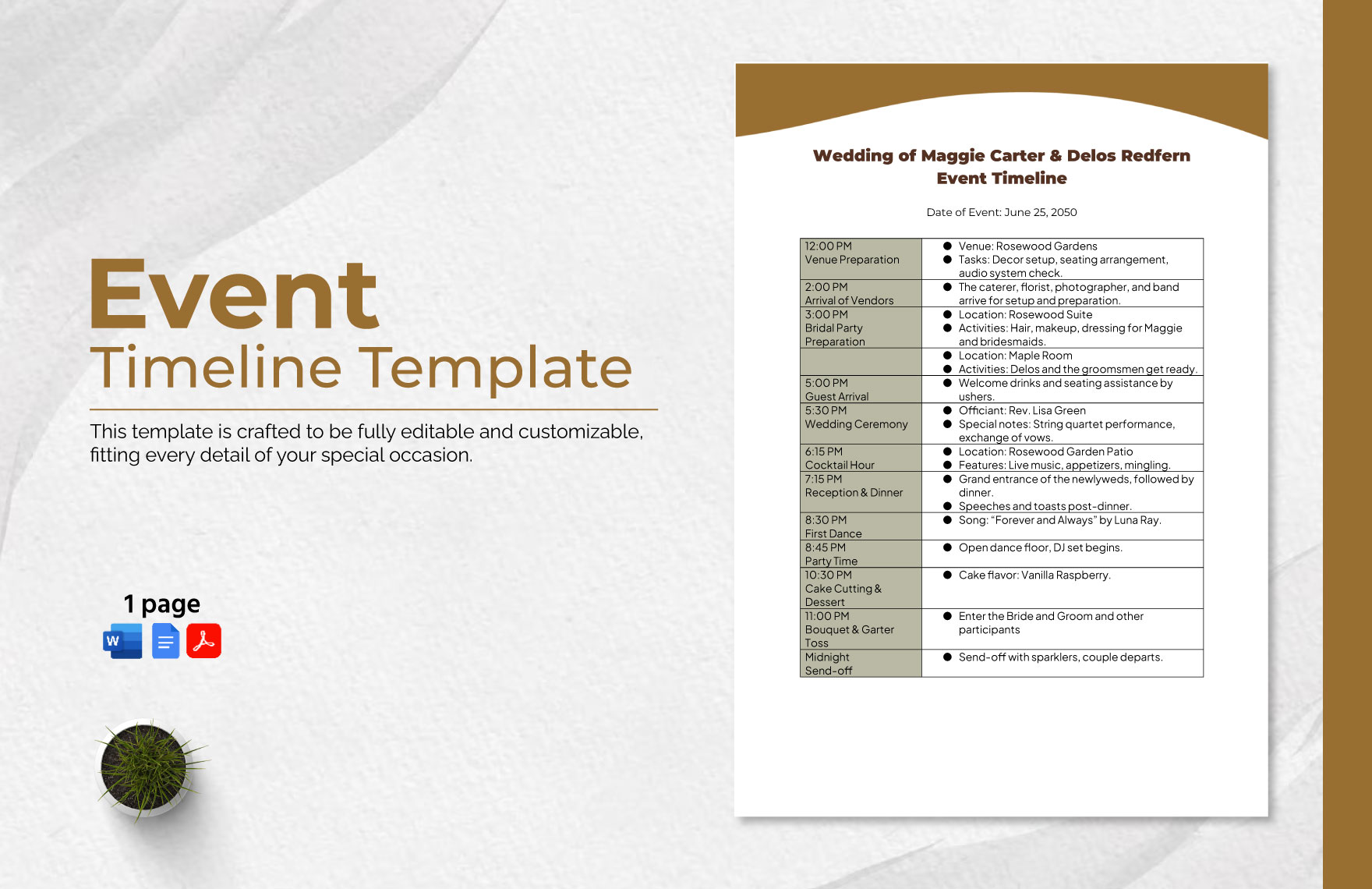
One of the standout features of the Spring Wedding Timeline Free Google Docs Template is its customizability. You can easily adjust the time slots, add or remove events, and tailor the information to match your specific needs. Typical sections include:
- Preparation: Hair, makeup, and getting dressed.
- Ceremony: Start time, location, and any special rituals.
- Reception: Dinner, speeches, and dancing.
- Miscellaneous: Cake cutting, bouquet toss, and other personal touches.
You can also add notes for specific vendors, such as the photographer or caterer, to ensure everyone is on the same page regarding timing. This level of detail helps reduce stress and confusion on the day of the wedding.
Practical Details for Downloading and Printing
When it comes to using the Spring Wedding Timeline Free Google Docs Template, the process is straightforward. Here’s how to get started:
- Download the Template: Access the Google Docs template through the provided link. You may need to sign in to your Google account to make a copy.
- Edit as Needed: Adjust the document to fit your wedding plans. Don’t hesitate to add your unique touch, whether it’s changing colors or adding personal notes.
- Print Options: If you prefer a physical copy, consider printing on high-quality paper. A standard letter size (8.5 x 11 inches) works well for most home printers. If you want something more durable, cardstock is an excellent choice for lamination.
Remember to set your printer to the best quality settings to ensure that your timeline is not just functional but also visually appealing.
Integrating the Timeline Into Your Wedding Planning Routine
Using the Spring Wedding Timeline Free Google Docs Template can significantly enhance your overall wedding planning routine. Here are some tips on how to integrate it effectively:
- Regular Updates: As your wedding date approaches, keep your timeline updated with any changes. This helps ensure that both you and your vendors are aligned.
- Share with Your Team: Distributing the timeline to your bridal party and family can help everyone understand their roles and when they need to be ready.
- Checklists: Pair your timeline with a checklist for tasks leading up to the wedding. This combination can make the planning process smoother.
By incorporating these elements, you can create a comprehensive planning system that keeps everything on track, reducing the chances of last-minute surprises.
Spring Wedding Timeline Free Google Docs Template Gallery