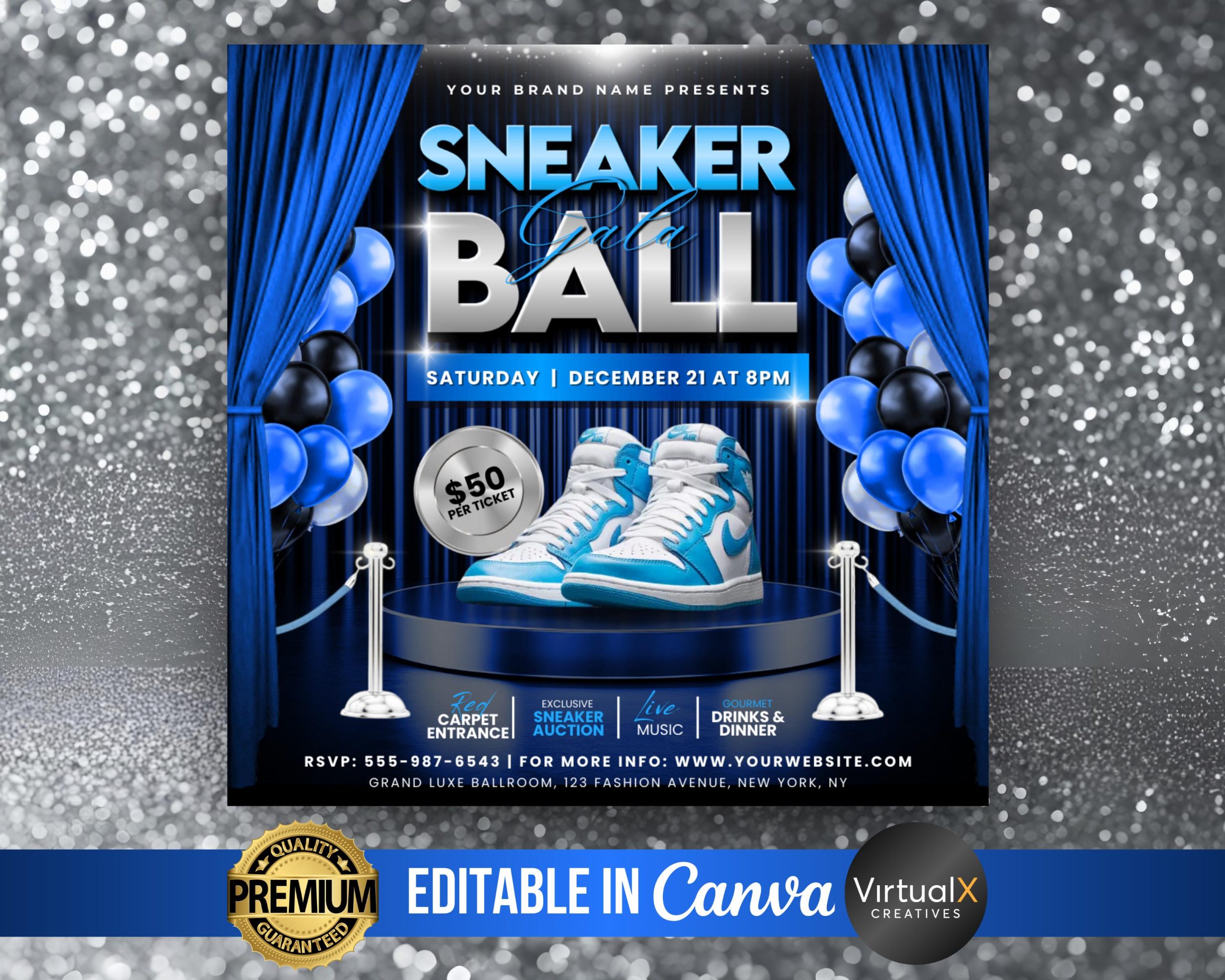
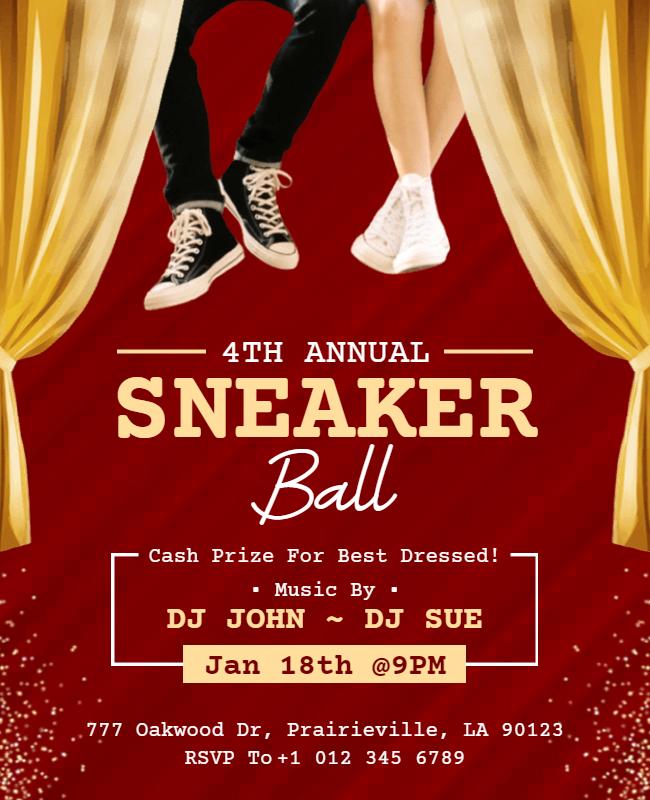
When planning a sneaker ball, a fun and unique event that mixes dance with a casual dress code, having the right promotional materials is essential. That’s where the Sneaker Ball Flyer Free Google Docs Template comes in. This template is designed to help you create vibrant flyers that catch the eye and get your guests excited about the event. What sets this template apart is its user-friendly customization options, which allow you to easily tailor the design and text to fit your specific needs.
Understanding the Layout of the Template

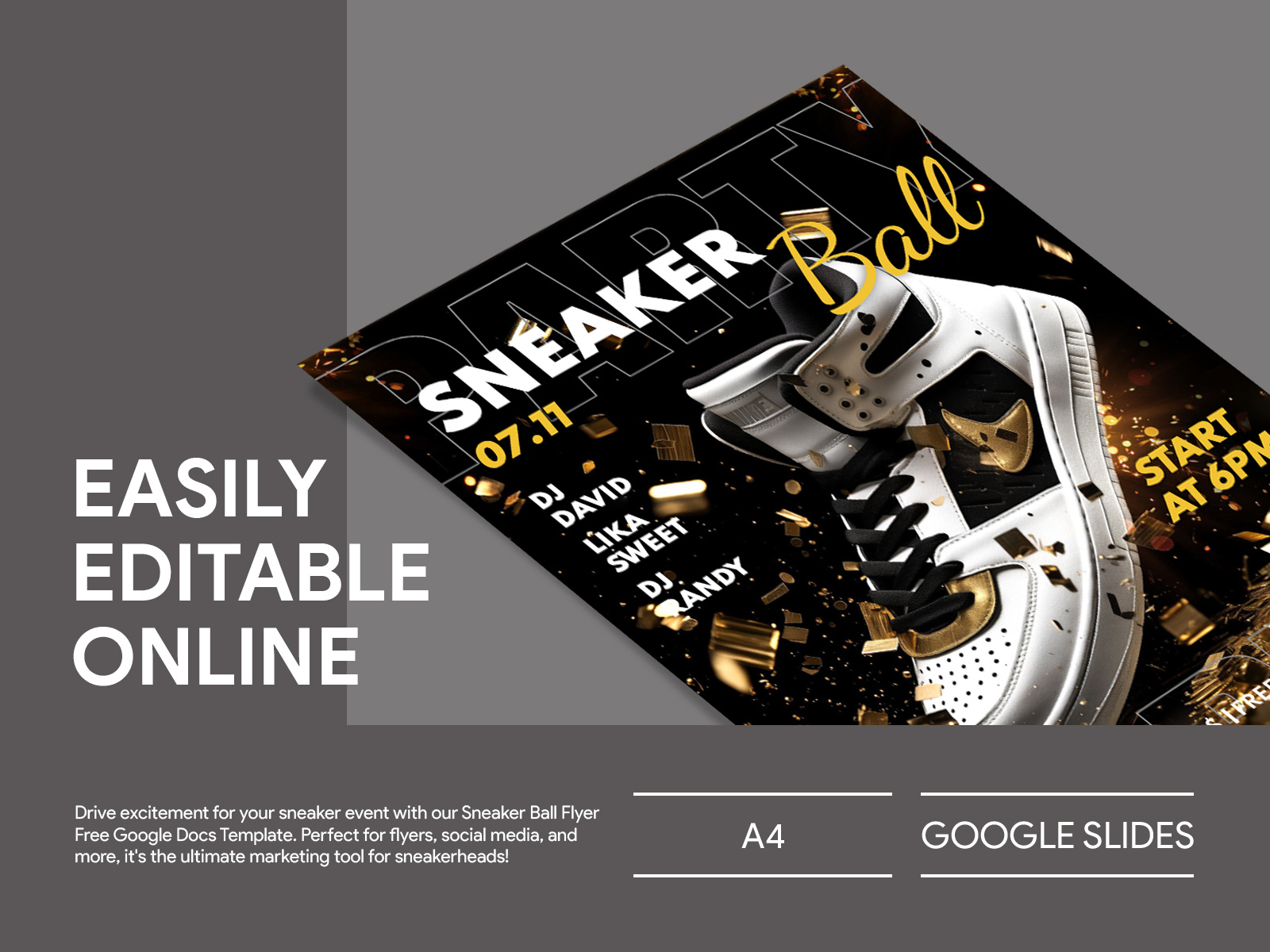
The Sneaker Ball Flyer Free Google Docs Template features a clean, modern layout that balances visuals and information effectively. The main section typically includes a large, bold title at the top, which is perfect for grabbing attention. Below that, there’s space for event details like the date, time, and location, along with a brief description of what attendees can expect.
One of the standout features of this template is its use of vibrant colors and playful fonts that resonate with the sneaker ball theme. You can easily change these elements to match your event’s color scheme or branding, ensuring your flyer is cohesive with other materials you may have.
A practical tip: When you’re editing the template, consider using contrasting colors for text and background to enhance readability. Dark text on a light background is generally the easiest to read, especially from a distance.
Customizing Your Sneaker Ball Flyer
Customization options in the Sneaker Ball Flyer Free Google Docs Template are straightforward and versatile. First, you can change the text fields to include all necessary event details. This might include:
- Event Name: Make sure it stands out!
- Date and Time: Clear and precise.
- Location: Include a full address for convenience.
- Dress Code: Highlight the sneaker theme!
- Contact Information: For RSVPs or questions.
You can also add images or logos that represent your event. This could be a picture of sneakers or a fun graphic that fits the theme. The Google Docs platform allows you to easily insert images and adjust their size and position within the flyer.
If you’re looking to print your flyers, remember to check the page setup before printing. Most home printers work best with standard sizes like 8.5×11 inches (Letter size), but you can adjust this in the document settings if needed.
Practical Uses for Your Flyers
Once your flyer is ready, there are several effective ways to distribute it. You might consider printing physical copies to hang in local businesses, schools, or community centers. Digital sharing is also a great option; you can save the flyer as a PDF and email it out or share it on social media platforms.
A couple of things to keep in mind when distributing your flyers:
- Target Audience: Ensure you’re sharing in places where your intended guests are likely to see them.
- Timing: Distribute your flyers well in advance of the event to give people time to plan.
Keep an eye on how many RSVPs you get as a result of your flyer distribution. This can help you gauge the flyer’s effectiveness and make adjustments for future events.
Additional Considerations
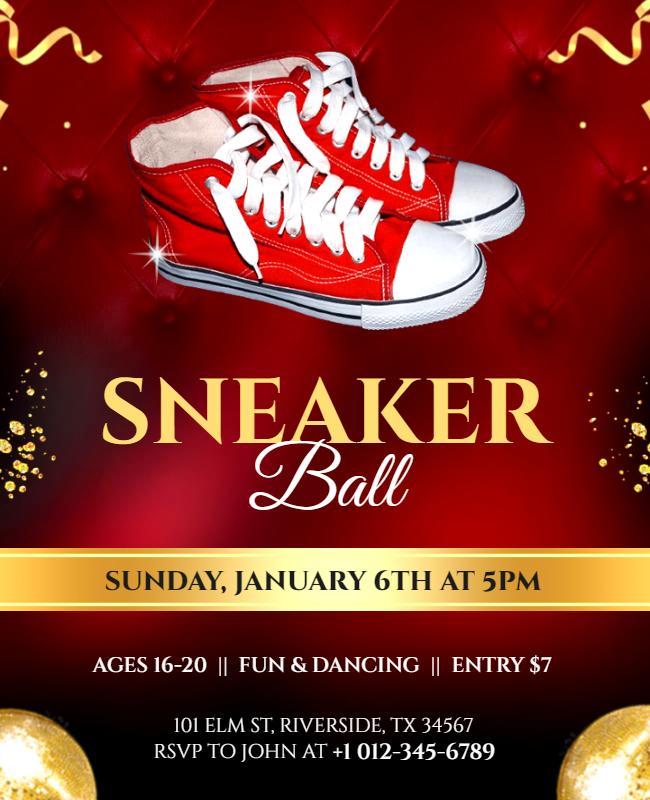
When using the Sneaker Ball Flyer Free Google Docs Template, think about how it fits into your overall event planning process. A well-designed flyer is just one piece of the puzzle. Consider how you can integrate this flyer into your marketing strategy.
For instance, if you have a website or social media pages, ensure that the flyer matches your online content. This consistency in design helps reinforce your event’s branding and makes it more recognizable to potential attendees.
Lastly, if you are considering printing options, cardstock often holds up better if you plan to laminate the flyers or want a more professional feel. Standard printer settings usually work fine, but check your printer’s specifications for the best results.
You have solid options here. You can choose to either print your flyers on standard paper for a casual look or opt for a heavier cardstock for a more polished presentation.
Sneaker Ball Flyer Free Google Docs Template Gallery