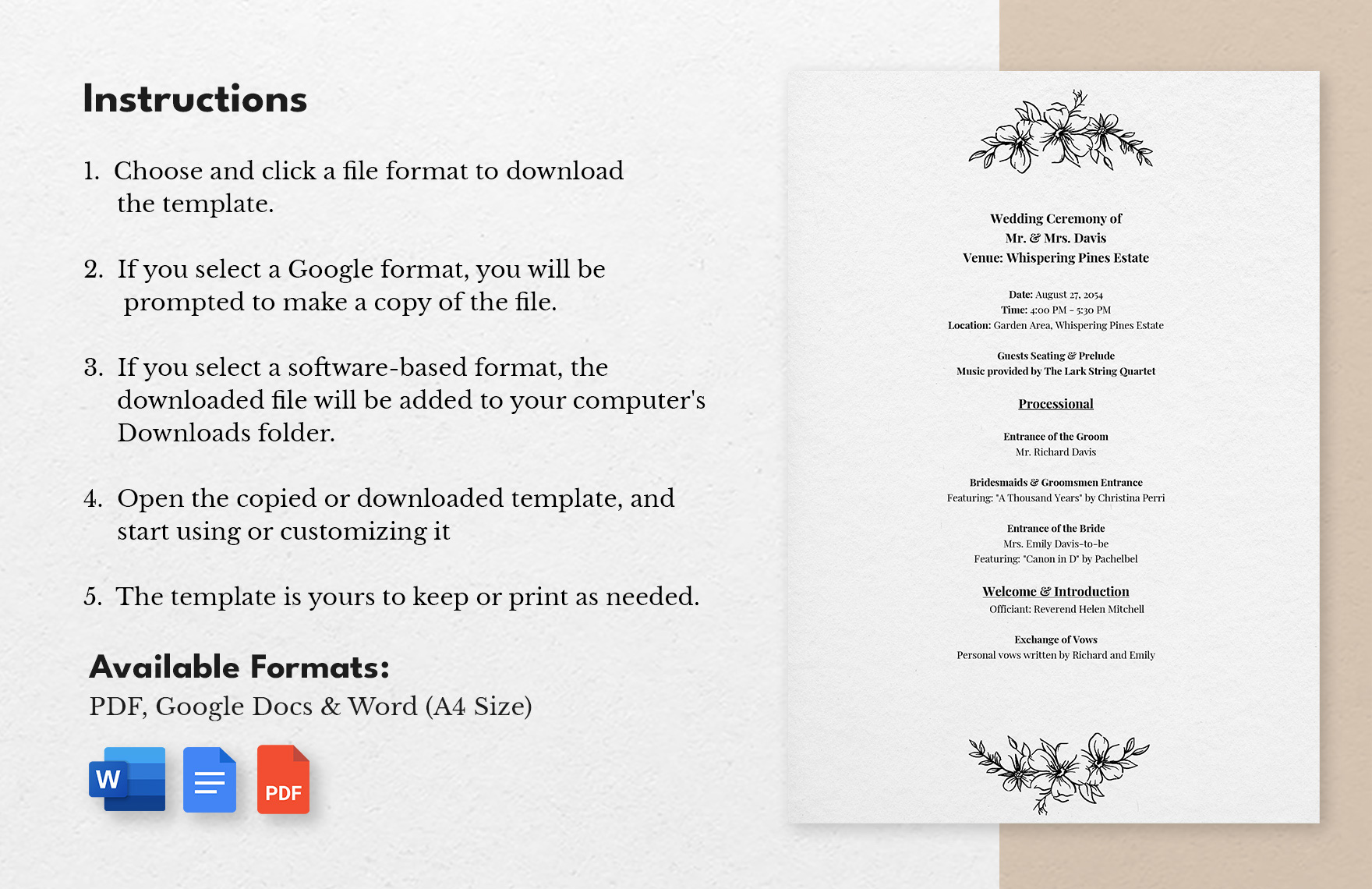
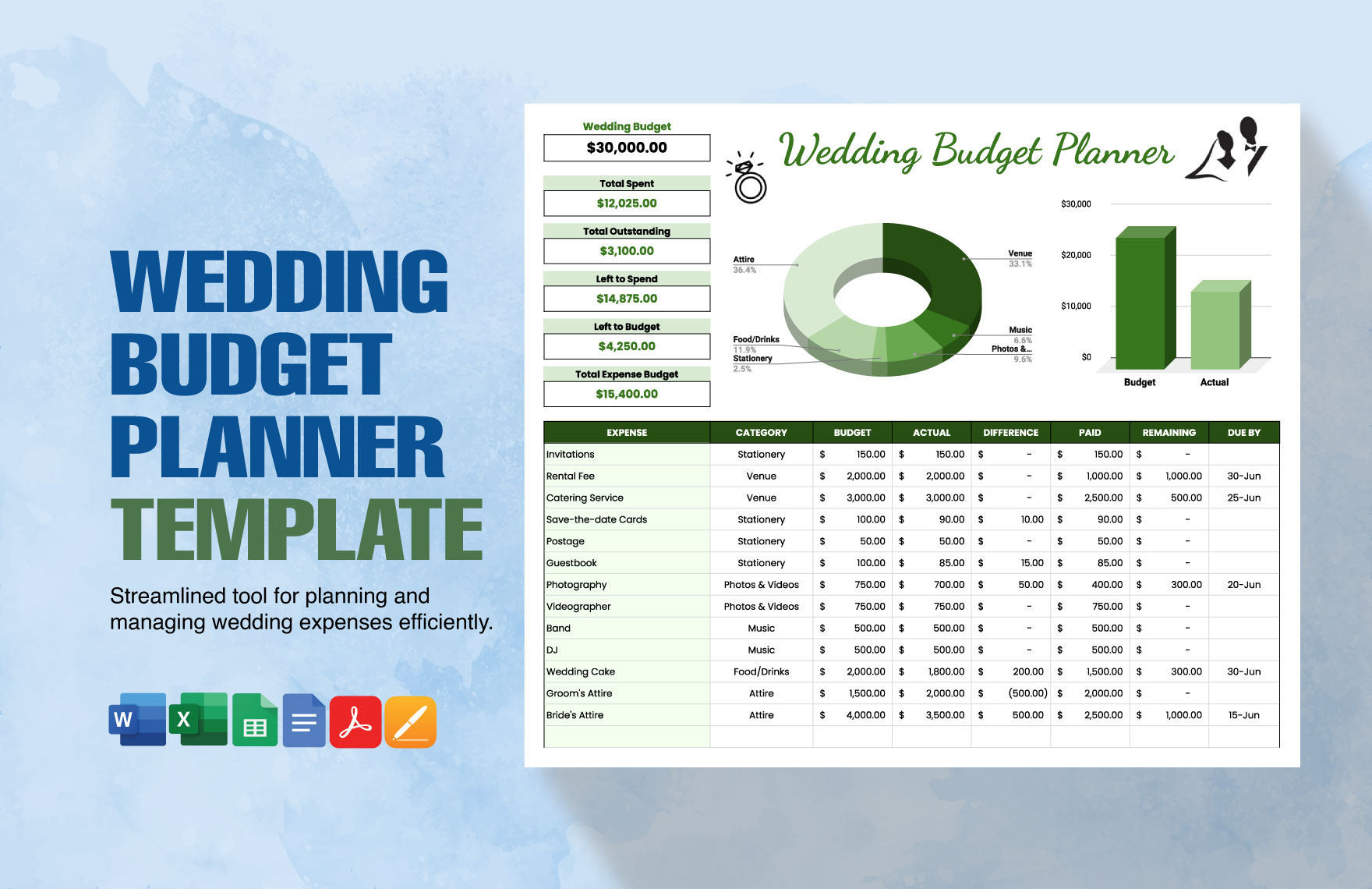
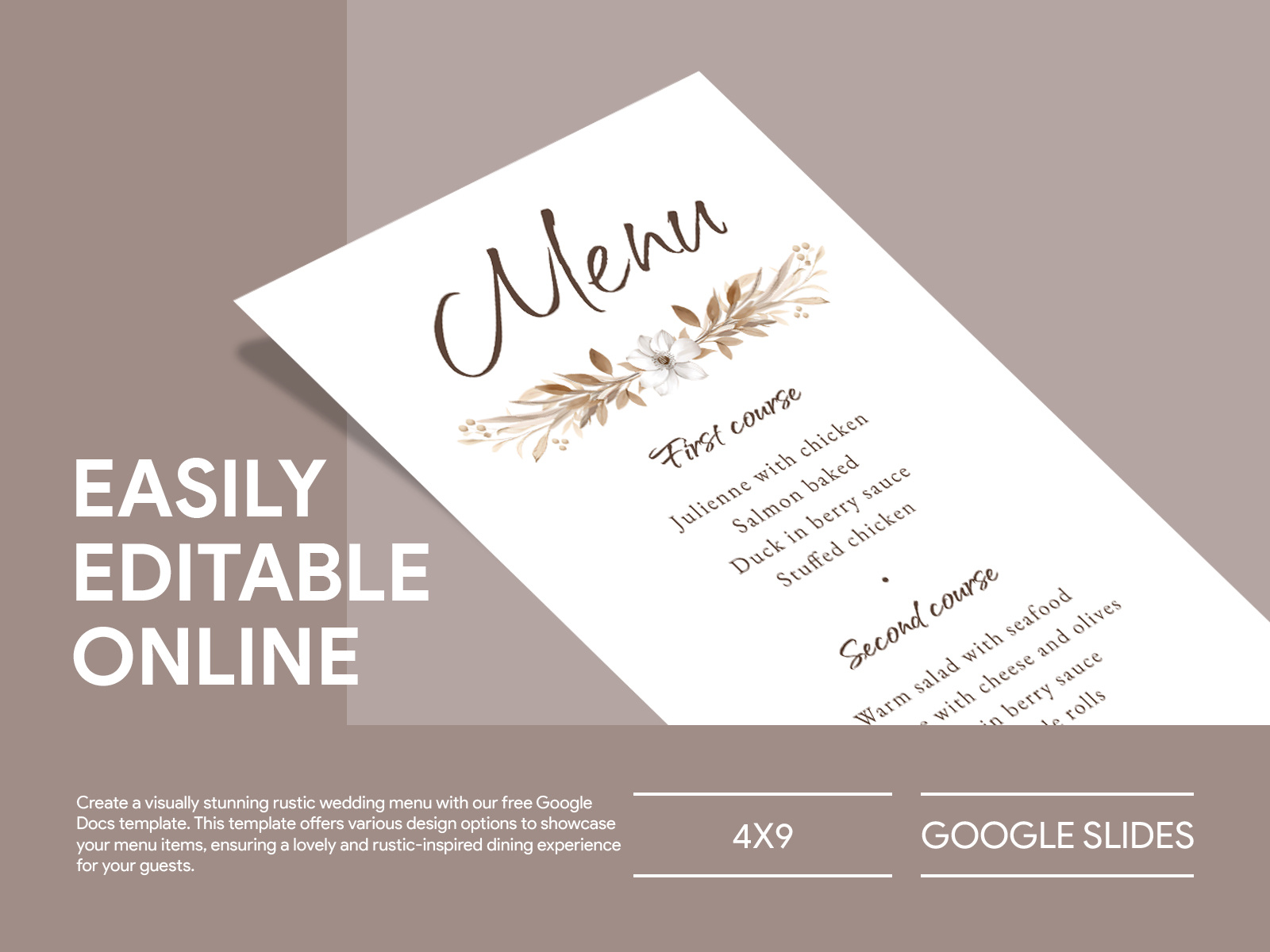
Planning a wedding can be both exciting and overwhelming. One of the delightful tasks is curating the menu that reflects your taste and style. If you’re looking for a straightforward way to create your wedding menu, the Simple Wedding Menu Free Google Docs Template is a fantastic resource. It offers an easy-to-use format that can be personalized to suit your wedding theme, making it a perfect choice for couples aiming to impress their guests without added stress.
Why Choose a Google Docs Template for Your Wedding Menu?
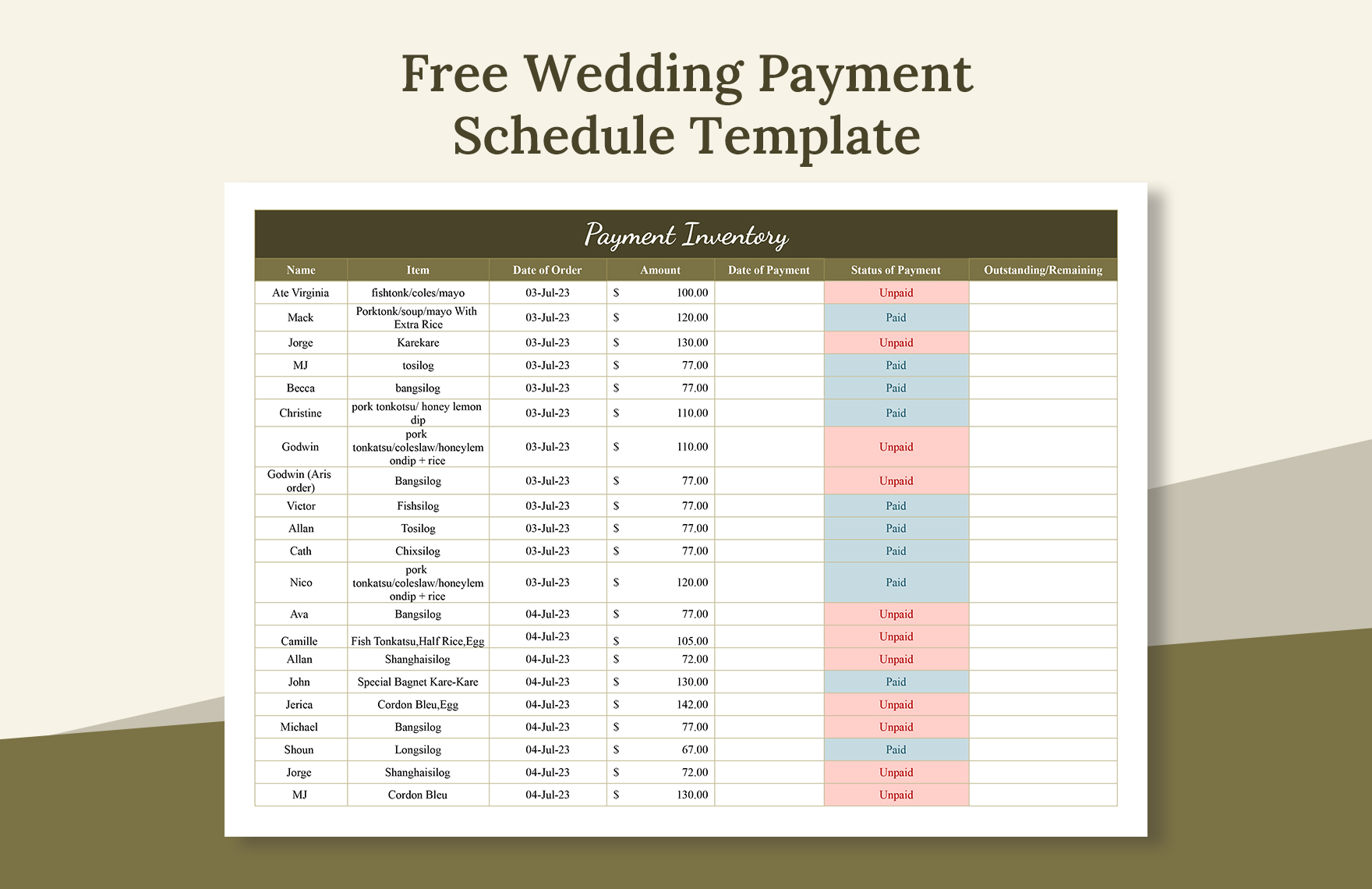
Using a Google Docs template has numerous advantages. First, it allows for easy collaboration. If you’re working with a partner, family member, or wedding planner, sharing the document is as simple as sending a link. You can edit it together in real-time, which is especially helpful when you’re trying to finalize details like dishes and dietary preferences.
Another bonus is accessibility. You can access your wedding menu from any device with internet connectivity, whether you’re at home, a café, or even on the go. Plus, Google Docs automatically saves your changes, so you don’t have to worry about losing your progress.
Customizing Your Wedding Menu Template
The Simple Wedding Menu Free Google Docs Template is designed with customization in mind. Here’s how you can make it truly yours:
- Choose Your Colors and Fonts: Personalize the template by selecting colors and fonts that align with your wedding theme. For a rustic wedding, earthy tones and handwritten fonts might be ideal, while a modern wedding could benefit from sleek, minimalist designs.
- Add Your Dishes: This is where you can get creative! List out your appetizers, main courses, and desserts. Make sure to include options for guests with dietary restrictions, such as vegetarian or gluten-free choices.
- Include Descriptions: Adding descriptions of each dish can enhance the dining experience. You might mention the ingredients or the inspiration behind a particular dish. This is especially meaningful if you’re serving family recipes or local specialties.
- Personal Touches: Consider adding a note of gratitude to your guests, or include a small anecdote about how you chose certain dishes. These personal touches can make your menu feel more intimate and special.
- Print Options: Once your menu is ready, you’ll want to print it out. For a polished look, consider using high-quality cardstock. If you’re using a home printer, ensure you have the right settings for the best results. Portrait layout tends to work well for most home printers, but you can also opt for landscape if that fits your design better.
Displaying Your Wedding Menu
How you present your menu can elevate the dining experience. Here are a few ideas:
- Table Cards: Print individual menus for each table setting. This not only informs guests about their meal options but also adds a decorative touch to your tablescape.
- Chalkboard Signage: For a rustic or outdoor wedding, consider displaying your menu on a chalkboard sign. It’s a charming way to share your menu with guests and can also double as a decor piece.
- Digital Displays: If you’re tech-savvy, you might want to display your menu on a digital screen at the reception. This allows for easy updates and can be visually engaging.
Tips for Using the Template Effectively
- Start Early: Begin customizing your wedding menu template well in advance of your wedding date. This gives you plenty of time to make adjustments as needed.
- Get Feedback: Once you’ve created a draft of your menu, share it with trusted friends or family. They might offer valuable suggestions or catch something you missed.
- Proofread: Ensure that everything is spelled correctly and that the formatting is consistent. A polished menu reflects the effort you’ve put into planning your wedding.
- Consider the Season: If your wedding is in a specific season, think about incorporating seasonal ingredients into your menu. This not only supports local farmers but can also enhance the overall dining experience.
- Keep it Simple: While it can be tempting to create an elaborate menu, simplicity often speaks volumes. Focus on a few well-prepared dishes rather than overwhelming guests with too many options.
Using the Simple Wedding Menu Free Google Docs Template can help streamline your planning process. It’s an excellent way to ensure that your wedding menu is not only informative but also a reflection of your unique style and taste. Once your template is customized, printed, and displayed, you’ll be ready to focus on other aspects of your big day, knowing your guests will enjoy a thoughtfully curated dining experience. So go ahead, download the template, and start personalizing your wedding menu today!
Simple Wedding Menu Free Google Docs Template Gallery