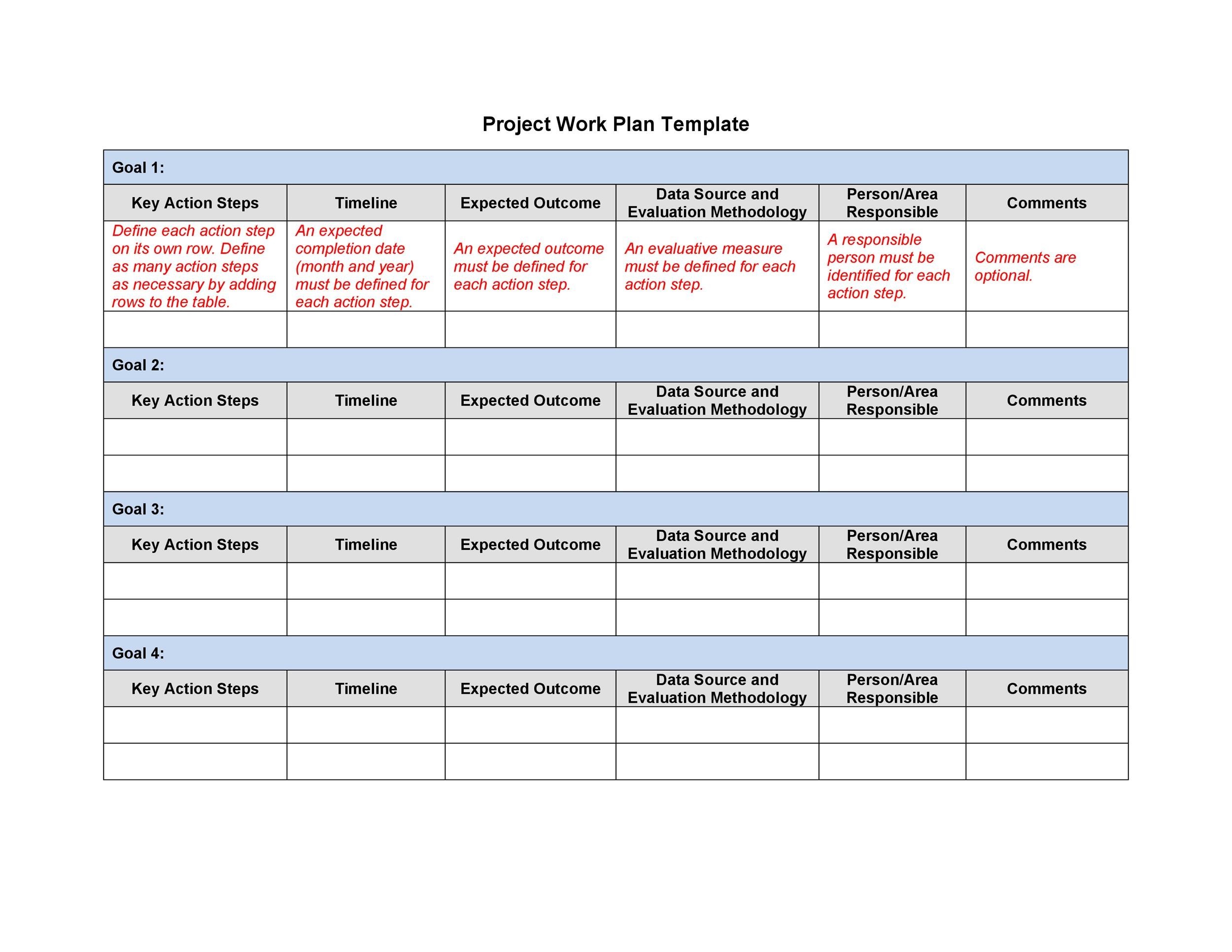
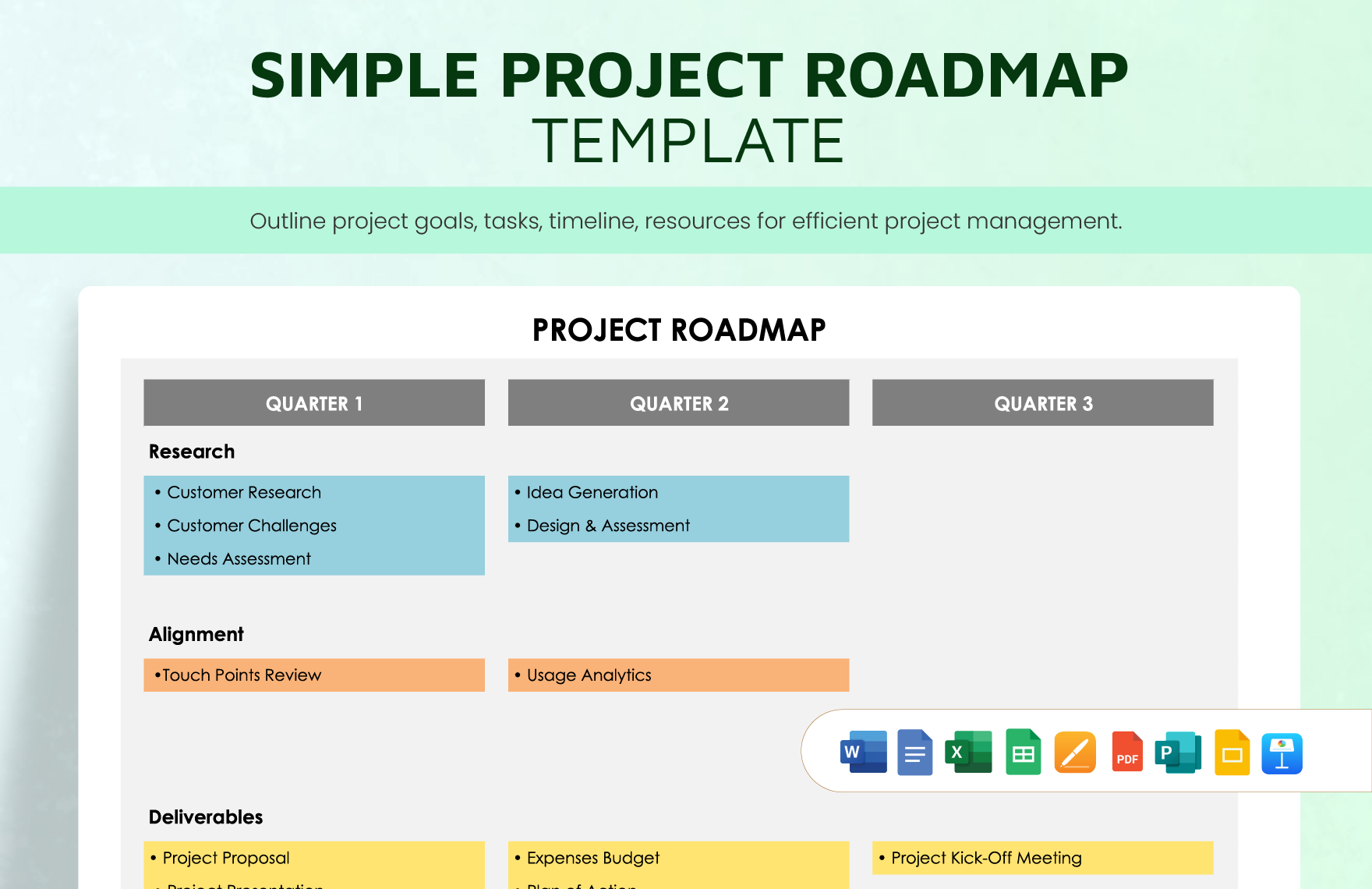
When it comes to managing projects, a practical planner can make a world of difference. The Simple Project Planner Free Google Docs Template is an excellent resource that allows you to organize tasks, set deadlines, and keep track of your progress in a streamlined way. Sized perfectly for easy printing, it’s designed for busy parents, teachers, or anyone needing a structured approach to their projects.
Understanding the Layout
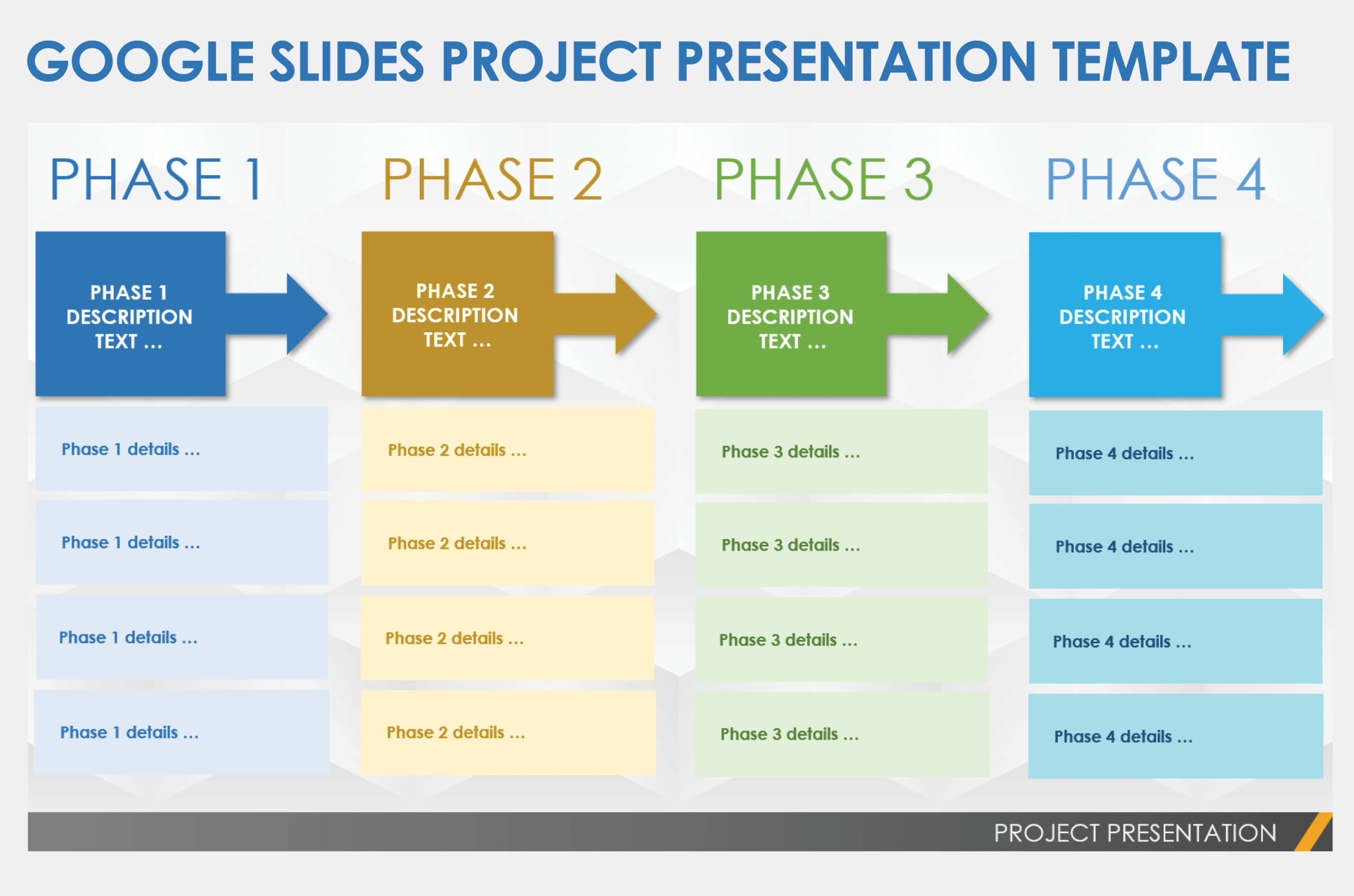
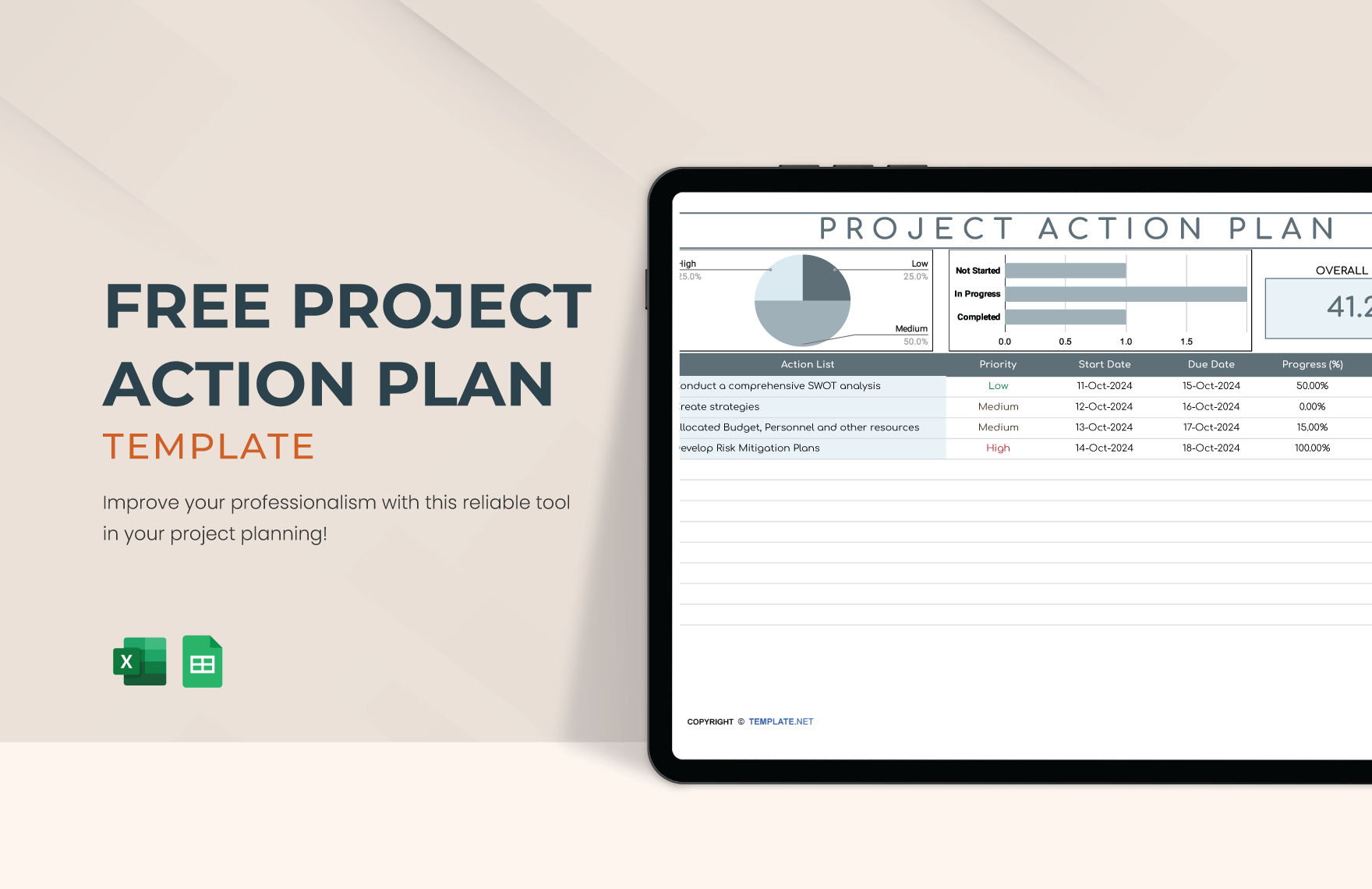
The layout of the Simple Project Planner is straightforward yet effective. It typically consists of several key sections, each strategically designed for maximum utility. You’ll find areas for project titles, deadlines, task lists, and notes. This clear organization allows you to visualize your project at a glance, making it easier to prioritize tasks and allocate your time effectively.
One of the standout features is the task list section, where you can break down your project into manageable steps. This is particularly useful for parents helping children with school projects or anyone tackling home improvement tasks. Each task can be assigned a deadline, ensuring that you stay on track and meet your goals.
Sections That Support Your Workflow
The Simple Project Planner Free Google Docs Template includes various sections to guide your planning process. Here’s a closer look at what you can expect:
- Project Overview: This section captures the essence of your project. You can jot down the project name, purpose, and any key participants involved. This overview section is like your project’s mission statement, keeping everyone aligned.
- Task Breakdown: This is where the magic happens! You can list all the tasks needed to complete your project, along with assigned deadlines. This helps you visualize the workload and ensures nothing slips through the cracks.
- Milestones: Tracking progress is essential for any project. The milestones section allows you to set significant points throughout the project timeline. It’s a great way to celebrate small victories and keep momentum going.
- Notes & Ideas: Projects often evolve, and having a section for notes allows you to capture spontaneous ideas or changes in direction. This is particularly handy when working collaboratively, as it keeps communication open and organized.
Format Choices and Customization
The Simple Project Planner is designed for Google Docs, which means you can easily customize it to fit your specific needs. Whether you prefer a clean, minimalistic look or want to add a splash of color, the template can be adjusted with just a few clicks.
When printing, consider using standard letter-sized paper (8.5 x 11 inches) for easy compatibility with most printers. If you want a more durable planner, try printing it on cardstock. This not only makes it sturdier but also gives it a professional feel, especially if you plan to bind it.
You can choose to print it as a loose-leaf sheet for a three-ring binder or go for a disc-bound system that allows you to rearrange the pages as needed. It’s flexible enough to cater to different organizational styles, whether you prefer a compact planner or a more expansive view of your projects.
How to Use the Planner Effectively
To get the most out of the Simple Project Planner Free Google Docs Template, consider these practical tips:
- Set Clear Goals: Before diving in, take a moment to clearly define what you hope to achieve with your project. Write down your goals in the overview section to keep them front and center throughout the planning process.
- Break Tasks into Small Steps: Don’t overwhelm yourself with the big picture. Focus on breaking down tasks into smaller, actionable steps. This not only makes the planning process manageable but also gives you a sense of accomplishment as you complete each task.
- Regularly Review Your Progress: Schedule regular check-ins to assess your progress against the milestones you’ve set. This will help you stay accountable and make necessary adjustments along the way.
- Engage Others: If you’re working on a project with family or friends, make sure to share the planner. Google Docs allows for easy collaboration, so everyone can contribute and stay updated.
- Keep It Visible: Whether you print it out or keep it digital, make sure your planner is easily accessible. Having it in a visible spot will serve as a constant reminder of your goals and tasks.
By using the Simple Project Planner Free Google Docs Template, you can streamline your project management process, making it easier to juggle multiple tasks. Its user-friendly format and customizable sections cater to various planning styles, whether you’re a parent coordinating a school project or a busy professional managing work assignments.
The flexibility of this planner means you can adapt it to suit your needs, whether you prefer a digital approach or a printed version you can physically mark up. With options for customization and a clear layout, you’ll find that your projects become more organized and less stressful, paving the way for successful outcomes.
Choose your preferred format, print it out, and start planning today!
Simple Project Planner Free Google Docs Template Gallery