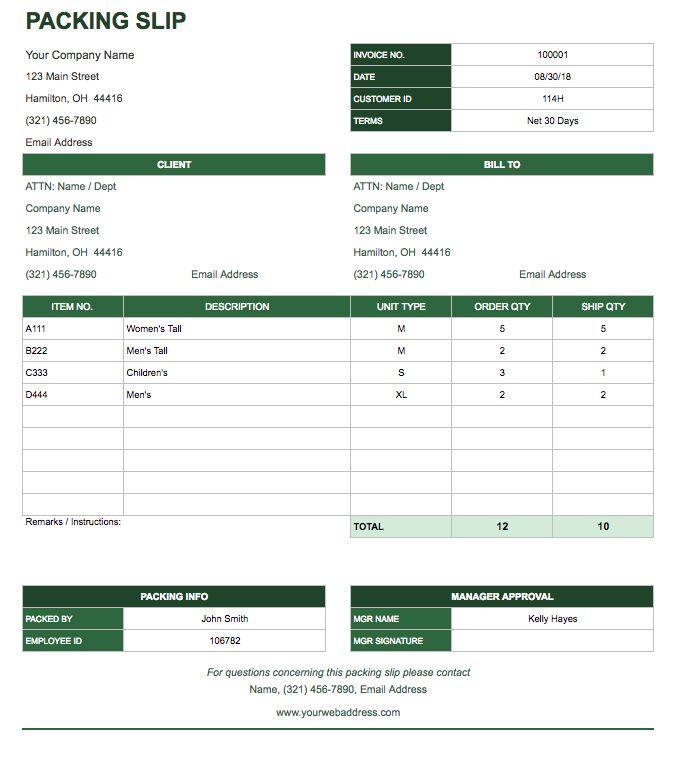
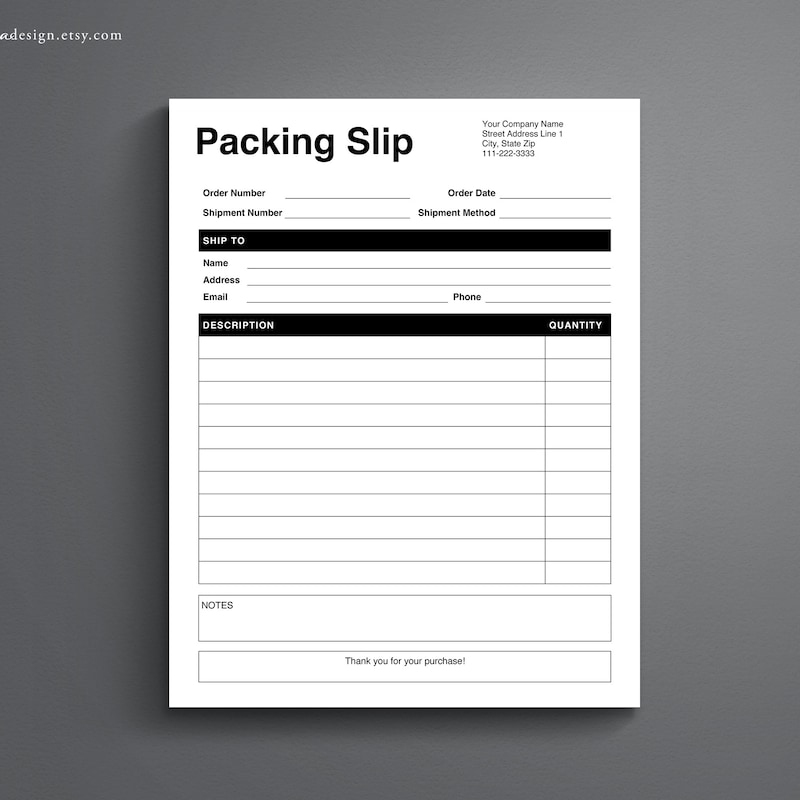
Creating a simple packing slip is essential for anyone who ships products, If you are a small business owner or just sending gifts to friends and family. The Simple Packing Slip Free Google Docs Template offers a clean, easy-to-use format that can help you streamline your shipping process. In this article, I’ll guide you through the features of this template and how you can customize it to fit your needs.
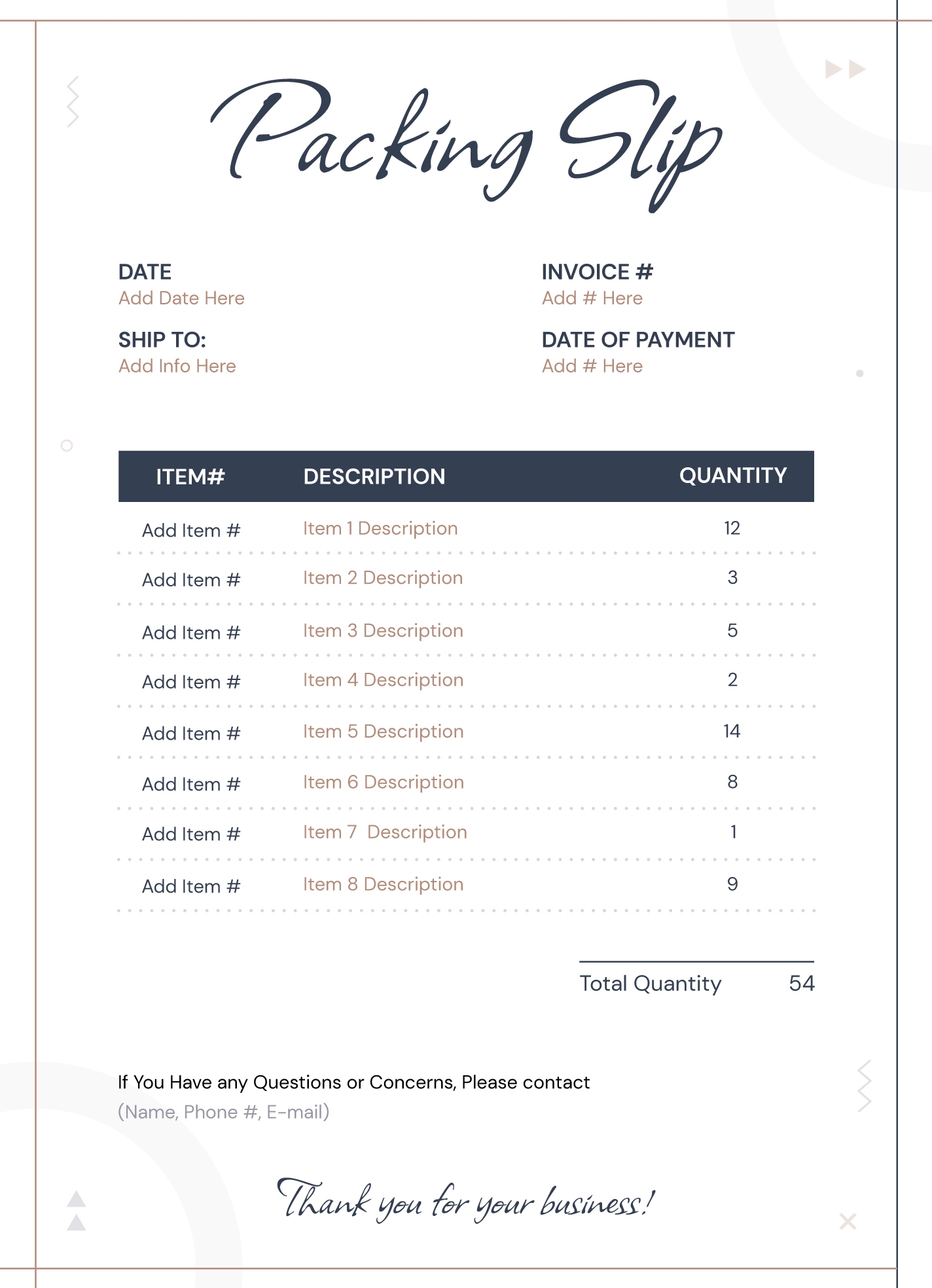
Features of the Simple Packing Slip Template
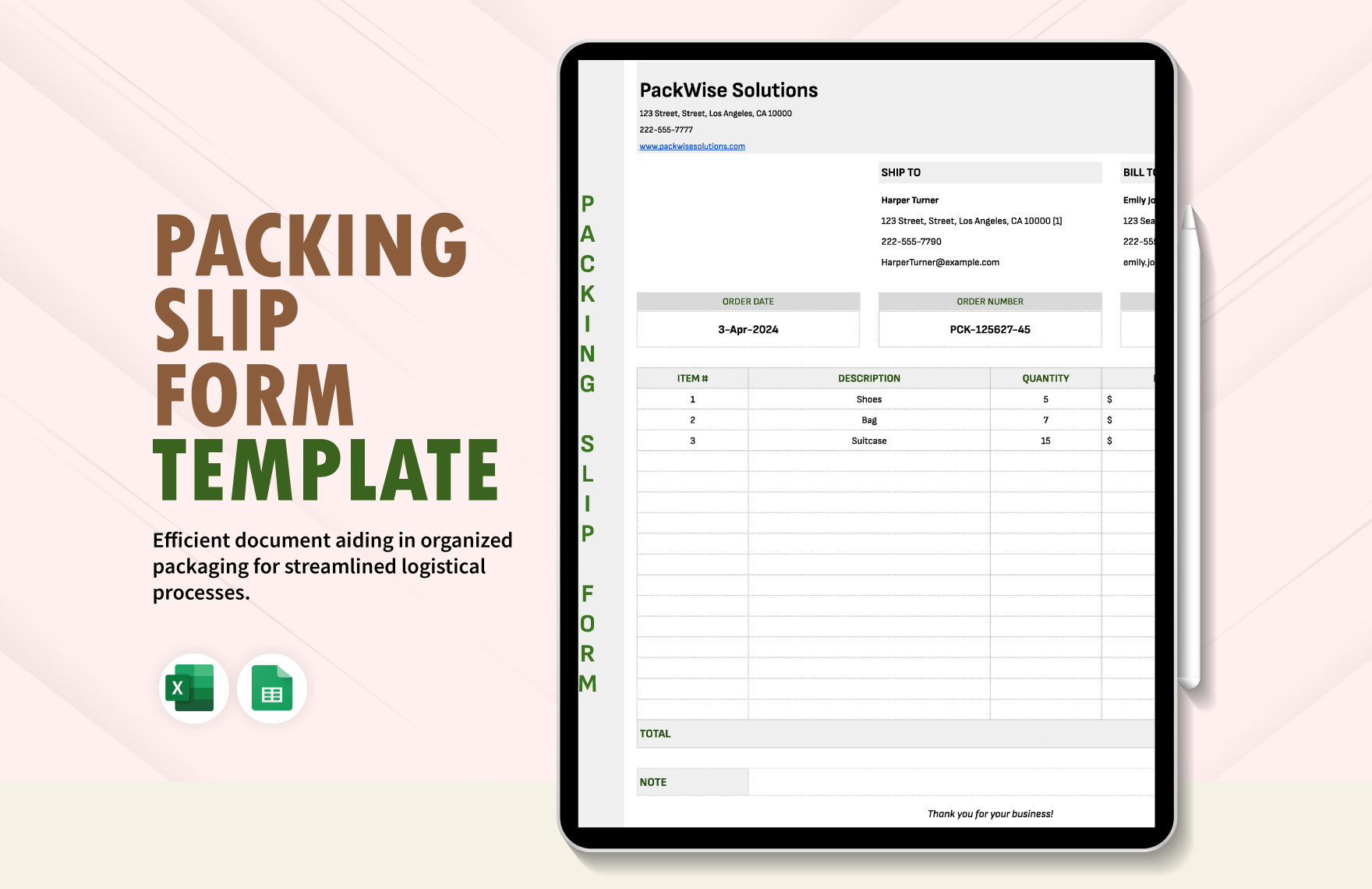
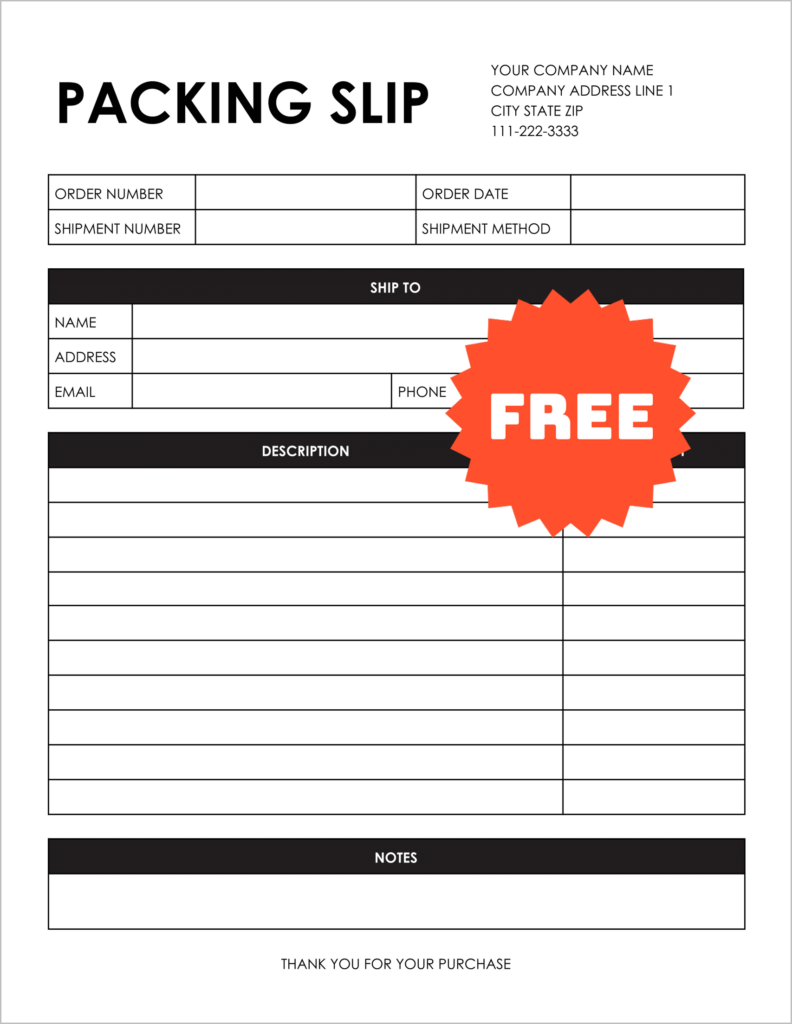
This template stands out due to its straightforward design and user-friendly layout. You’ll notice that it includes all the essential fields needed for a packing slip, such as:
- Sender information (name, address, contact number)
- Recipient information (name, address, contact number)
- Order details (item descriptions, quantities, prices)
- Tracking number (if applicable)
- Shipping method
The layout is designed to be easily readable, which helps both you and the recipient quickly understand the contents of the package. Plus, with the inclusion of a tracking number space, you can keep your shipping organized without needing additional paperwork.
Customizing Your Packing Slip
One of the best parts about using the Simple Packing Slip Free Google Docs Template is how easily you can customize it. You can adjust various sections to better fit your specific needs. Here are some practical customization tips:
- Personalize Sender and Recipient Fields: You can modify the fields for sender and recipient information. If you’re a business owner, adding your logo can enhance professionalism. Just insert an image in the designated area.
- Add Item Details: The template allows space for you to list multiple items. Feel free to add more rows if necessary, or remove any that don’t apply. This flexibility makes it easy to adapt for larger orders.
- Include Shipping Instructions: If you have specific shipping instructions or notes for the recipient, the template has space at the bottom to include these details. This can be helpful for fragile items or special delivery requests.
- Change Fonts and Colors: You can adjust font styles and colors to match your branding or personal preference. A cohesive look makes your packing slip not just functional but visually appealing as well.
Practical Use Cases for Your Packing Slip
The Simple Packing Slip Free Google Docs Template is versatile and can be utilized in various scenarios:
- E-commerce Businesses: If you run an online shop, this template can streamline your order fulfillment process. Including a packing slip with every shipment can enhance customer experience and help with returns.
- Gift Giving: When sending gifts, a packing slip can include a personal message or gift details. It adds a thoughtful touch to your presents.
- Inventory Management: If you’re managing inventory, using packing slips can help keep track of what you send out and what you have in stock. It can serve as an internal record, making it easier to manage your supplies.
Downloading and Printing Your Template
Getting started with the Simple Packing Slip Free Google Docs Template is simple. You can easily download it from the resource website and open it in Google Docs. Here’s a quick rundown of how to do it:
- Download the Template: Click the download link provided on the website, which will lead you to Google Docs. Make sure you’re signed in to your Google account.
- Open and Customize: Once downloaded, open the document in Google Docs. You can edit it directly in your browser without needing any additional software.
- Print Settings: For printing, make sure to check your print settings. Opt for a portrait layout, as this typically works best for packing slips. Standard letter-sized paper (8.5×11 inches) is ideal for printing.
- Use Cardstock for Durability: If you want your packing slips to be more durable, consider printing on cardstock. This will hold up better during shipping and can give a more professional appearance.
Simple Packing Slip Free Google Docs Template Gallery