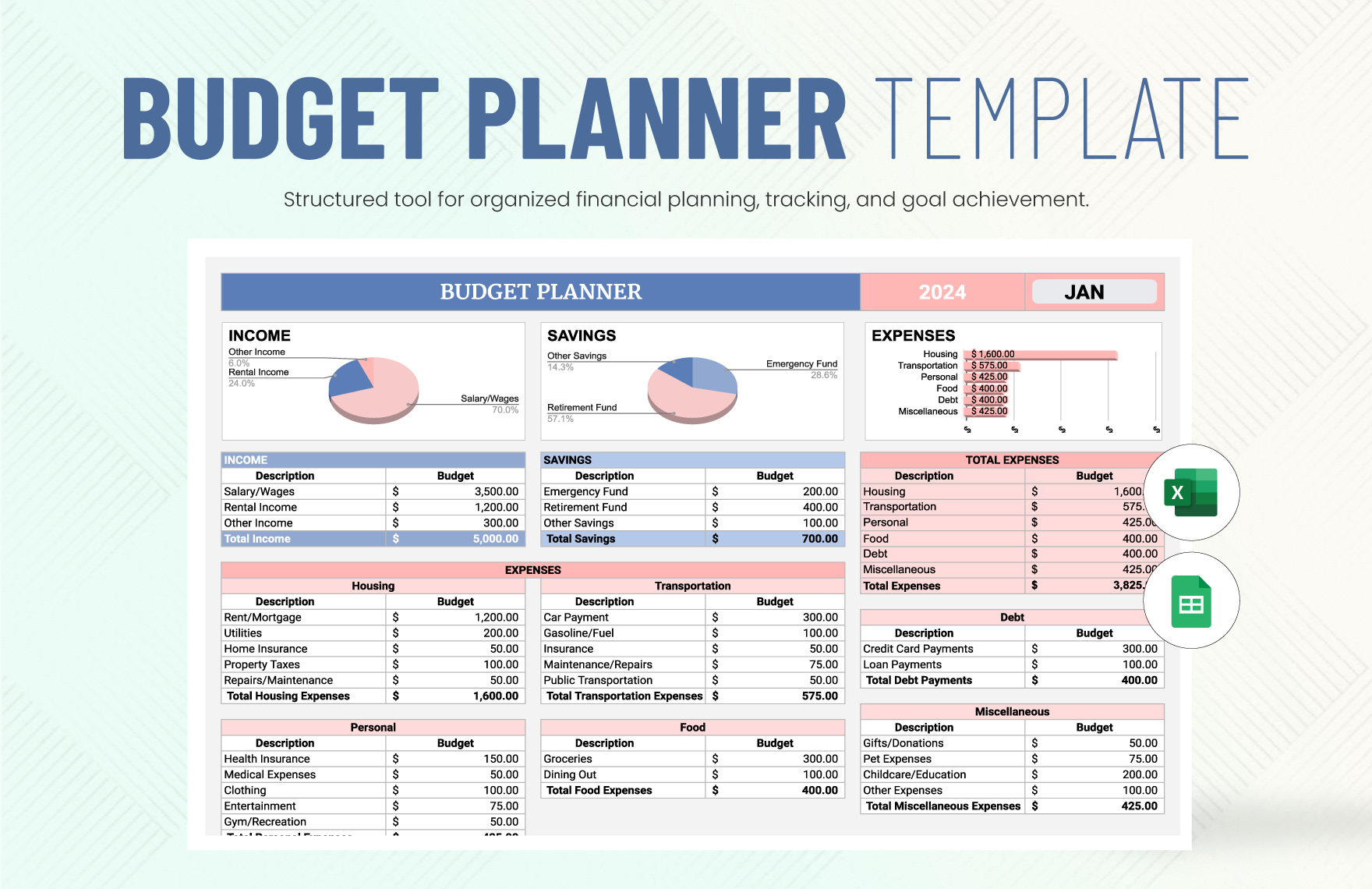
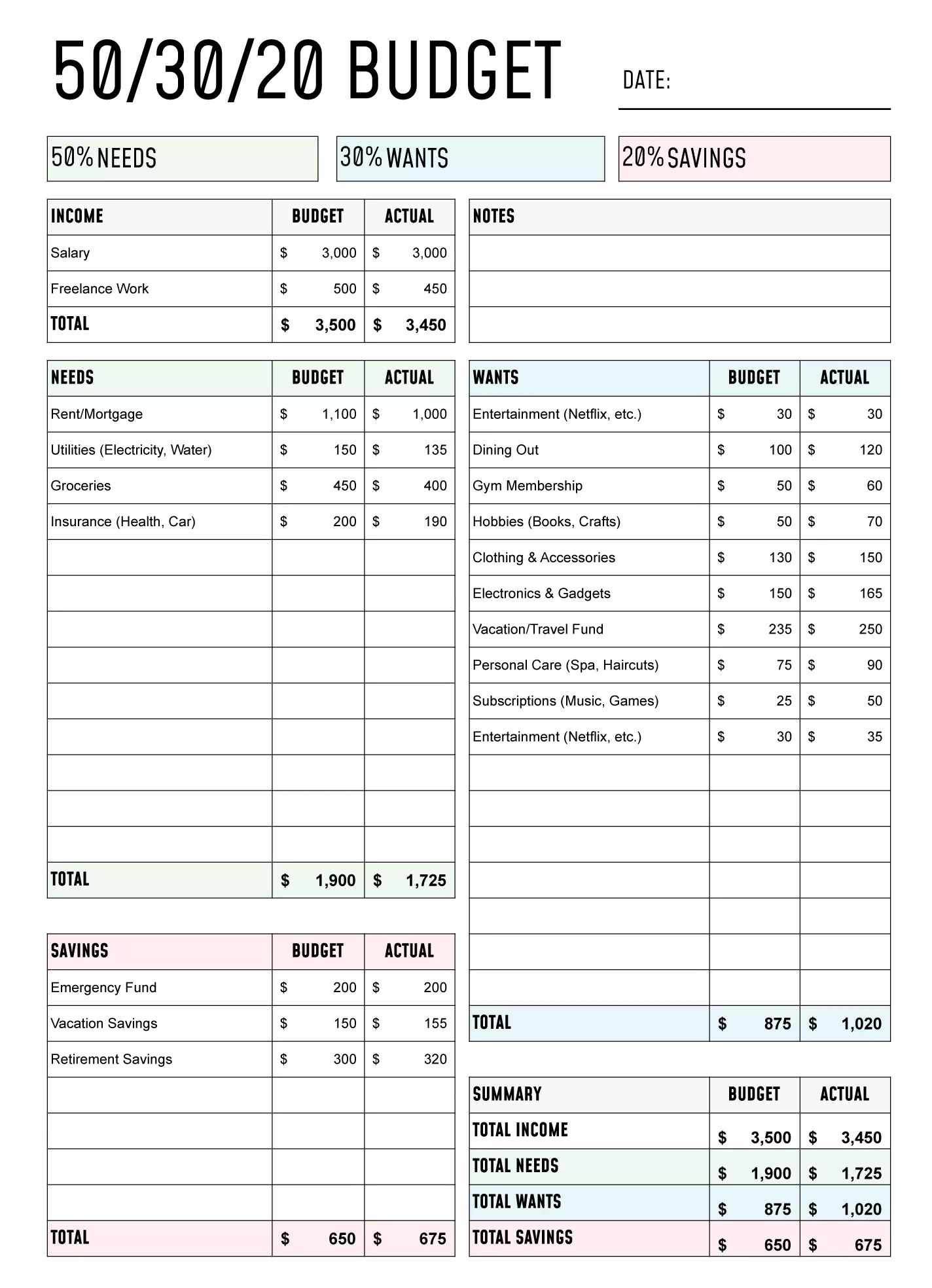
Managing your finances can be a daunting task, especially when juggling the demands of family life. A Simple Monthly Budget Free Google Docs Template can make this process a lot smoother. Unlike other budgeting tools, this template is user-friendly and designed specifically for those who want to track their income and expenses without the hassle of complicated software. Let’s explore how to effectively use this template to enhance your financial organization.
Understanding the Template Structure
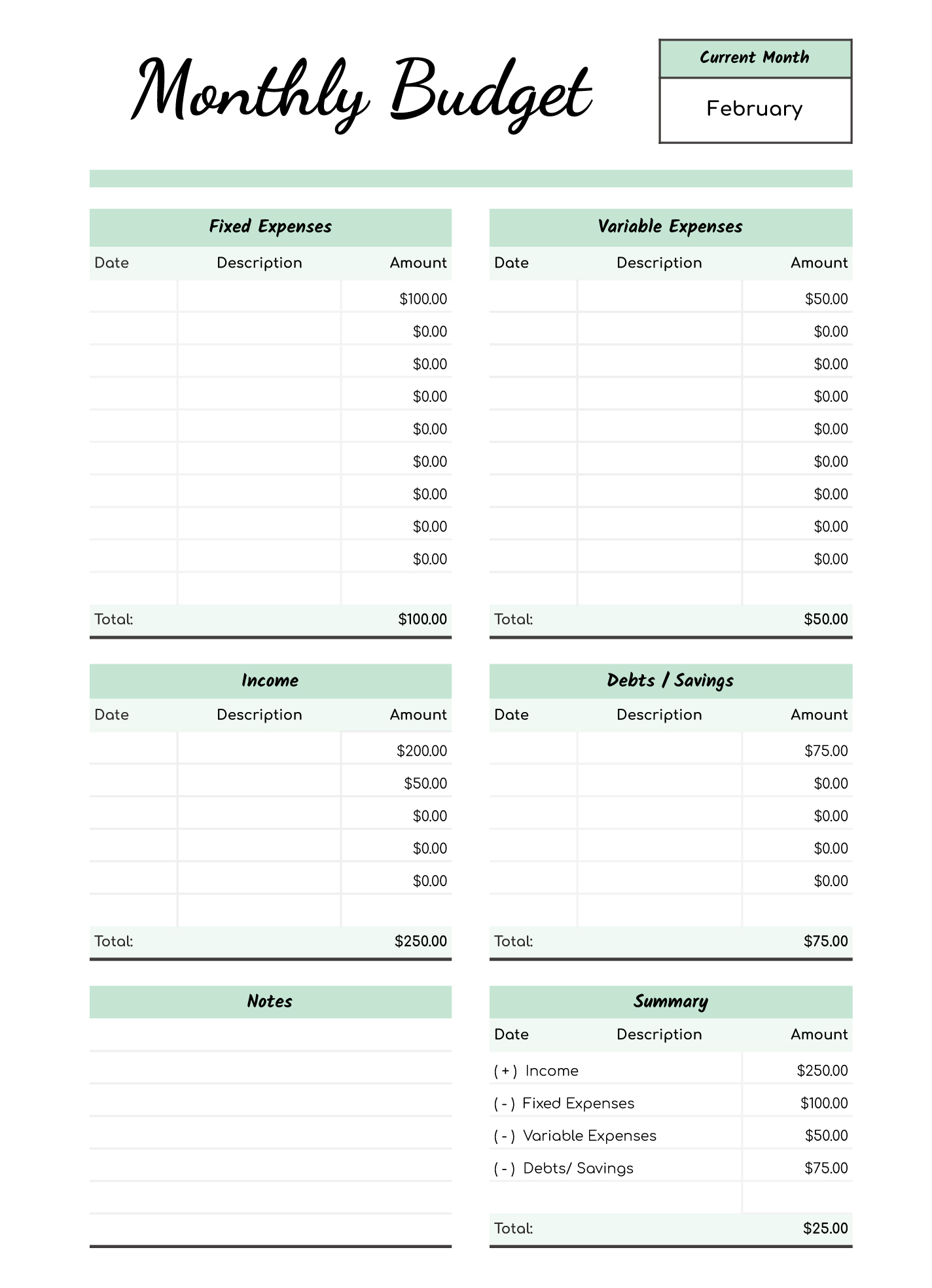
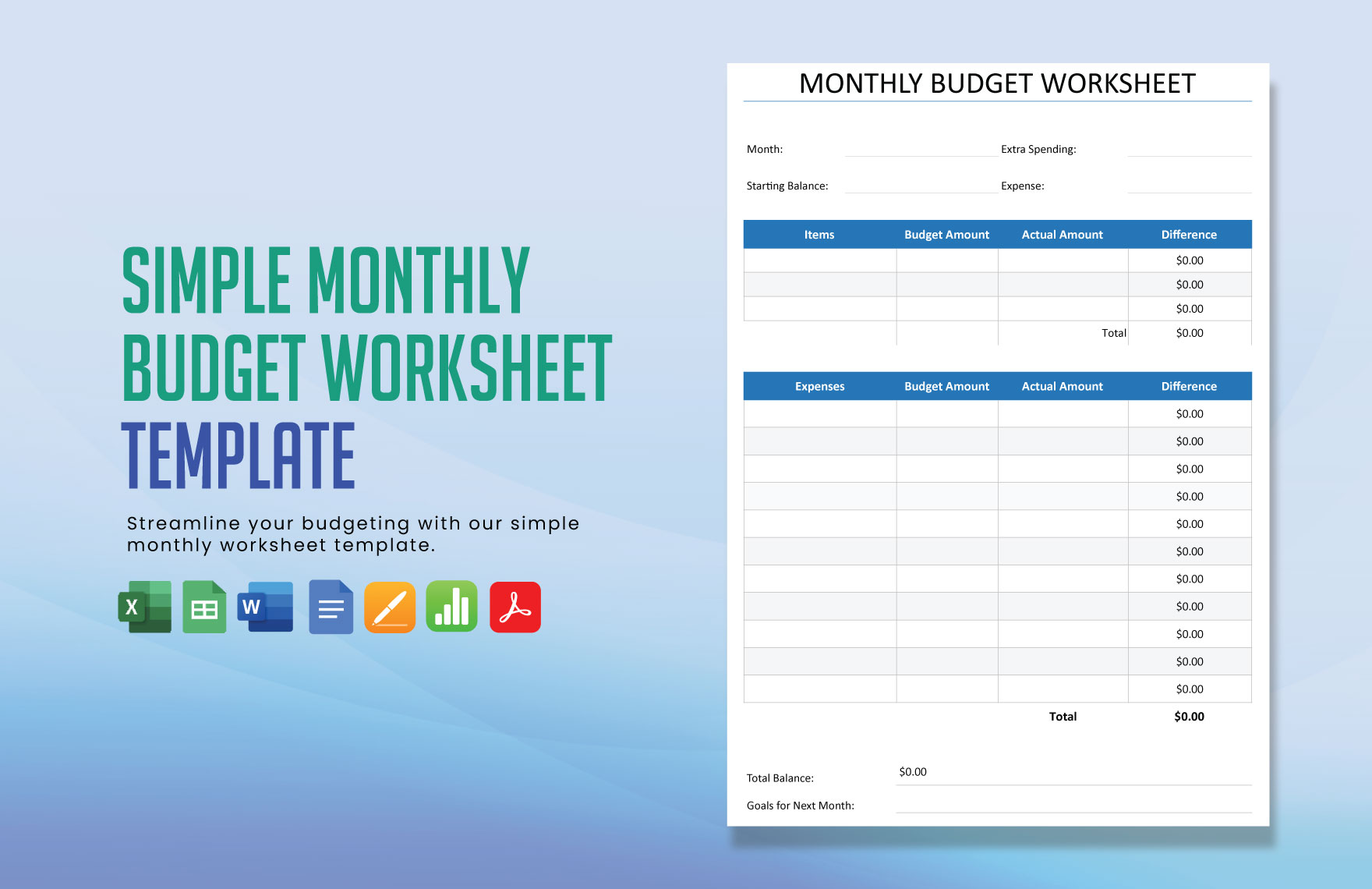
The Simple Monthly Budget Free Google Docs Template typically includes several key sections that allow you to track your finances efficiently. Each section serves a specific purpose:
- Income: Here, you’ll list all sources of income, including salaries, freelance work, or any other cash inflows.
- Fixed Expenses: This section covers regular, unavoidable expenses such as rent, mortgage, insurance, and subscriptions.
- Variable Expenses: Unlike fixed expenses, these can fluctuate each month. This includes groceries, dining out, and entertainment.
- Savings Goals: You can set aside a portion of your income for savings or future investments in this area.
- Summary Section: At the end of the month, you can see how well you adhered to your budget.
Using a template allows for easy adjustments as your financial situation changes. The layout is clear and straightforward, making it accessible for anyone, regardless of their financial knowledge.
Choosing the Right Format for Your Needs
When it comes to using the Simple Monthly Budget Free Google Docs Template, you have a couple of options in terms of format: digital or print. Each option has its own advantages.
Digital Completion
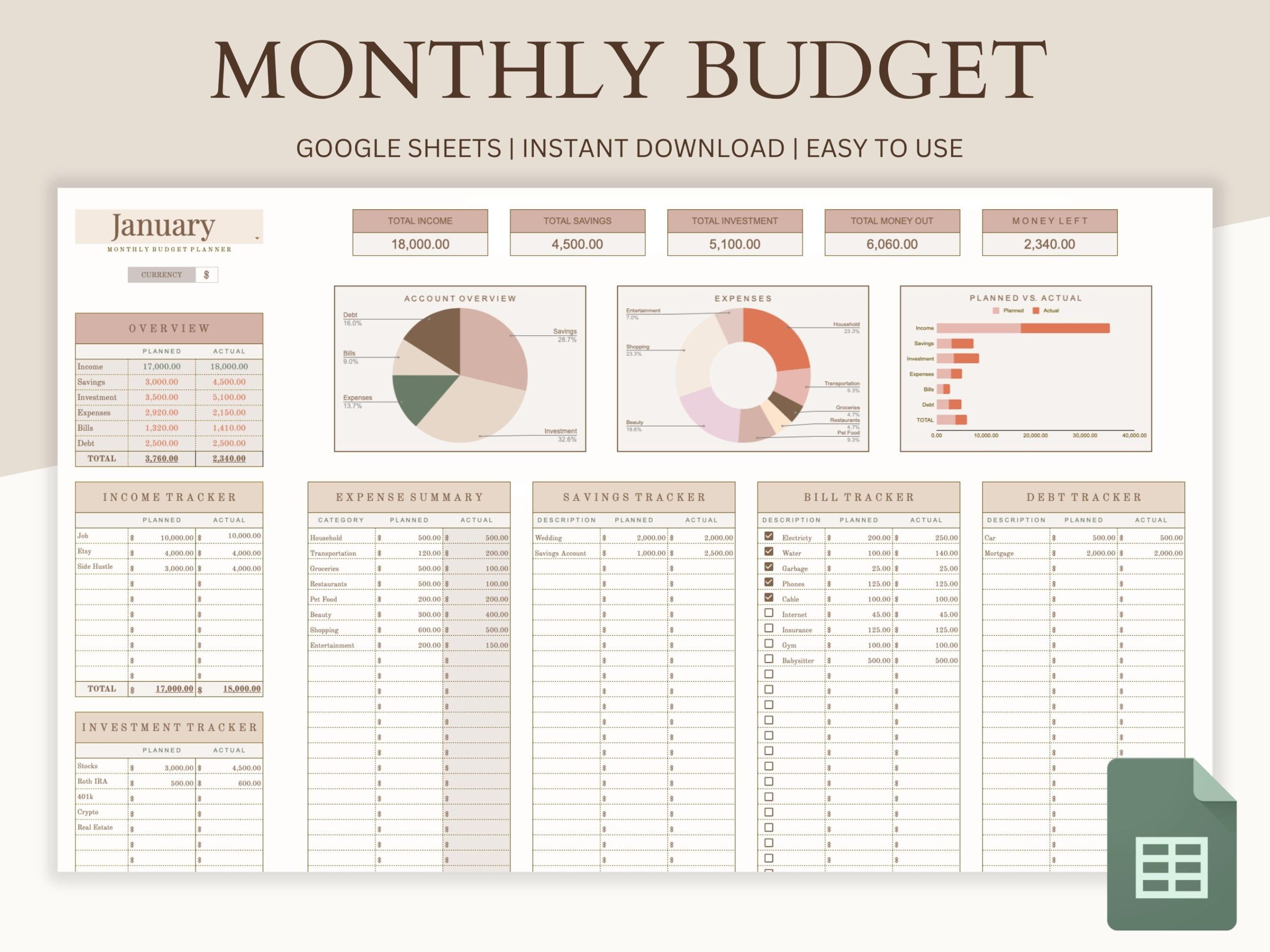
Using the template in Google Docs allows you to fill it in directly on your computer or tablet. You can easily update figures, add notes, and even share it with your partner or family members for collaborative budgeting. This method is particularly useful if you prefer a quick and efficient way to track your expenses without the hassle of printing.
Printed Version
On the other hand, some people find that writing things down helps them remember better. If you’re someone who prefers a tangible copy, printing the template can be beneficial. You can keep it on your fridge or in a designated budgeting binder. Just remember, if you choose to print, use good-quality paper to ensure it holds up over time, especially if you plan to write on it frequently.
Setting Up Your Monthly Budget
Now that you have your template, the next step is to set it up. Here’s how to get started effectively:
- Gather Your Financial Information: Before filling out the template, collect all necessary documents, including pay stubs, bills, and bank statements. This will give you a complete picture of your finances.
- List Your Income: Start by entering all sources of income in the Income section. Be as accurate as possible to avoid budgeting mishaps later.
- Define Your Expenses: Fill in the Fixed Expenses and Variable Expenses sections. Be mindful to include all possible costs to get a realistic view of your spending habits.
- Allocate Savings: Decide on a percentage of your income that you wish to save each month. This can be a fixed amount or a percentage based on your financial goals.
- Review and Adjust: At the end of each month, review your budget. Did you stick to your plan? Where can you improve? Adjust your budget accordingly for the next month.
Tips for Effective Budgeting
To make the most of your Simple Monthly Budget Free Google Docs Template, consider these practical tips:
- Track Every Expense: Make it a habit to record your expenses daily. This helps you stay aware of your spending patterns and can reveal areas where you might be overspending.
- Use Categories Wisely: Breaking down your expenses into clear categories can help you visualize where your money goes. If you notice you’re spending too much in one area, you can make necessary adjustments.
- Set Realistic Goals: It’s essential to set achievable budgeting goals. If you aim too high, you may feel discouraged when you don’t meet your targets. Start small and gradually increase your savings goals as you get comfortable with budgeting.
- Stay Flexible: Life can be unpredictable, and sometimes expenses arise that you didn’t plan for. Allowing some flexibility in your budget can help you manage these unexpected costs without derailing your financial plan.
Simple Monthly Budget Free Google Docs Template Gallery