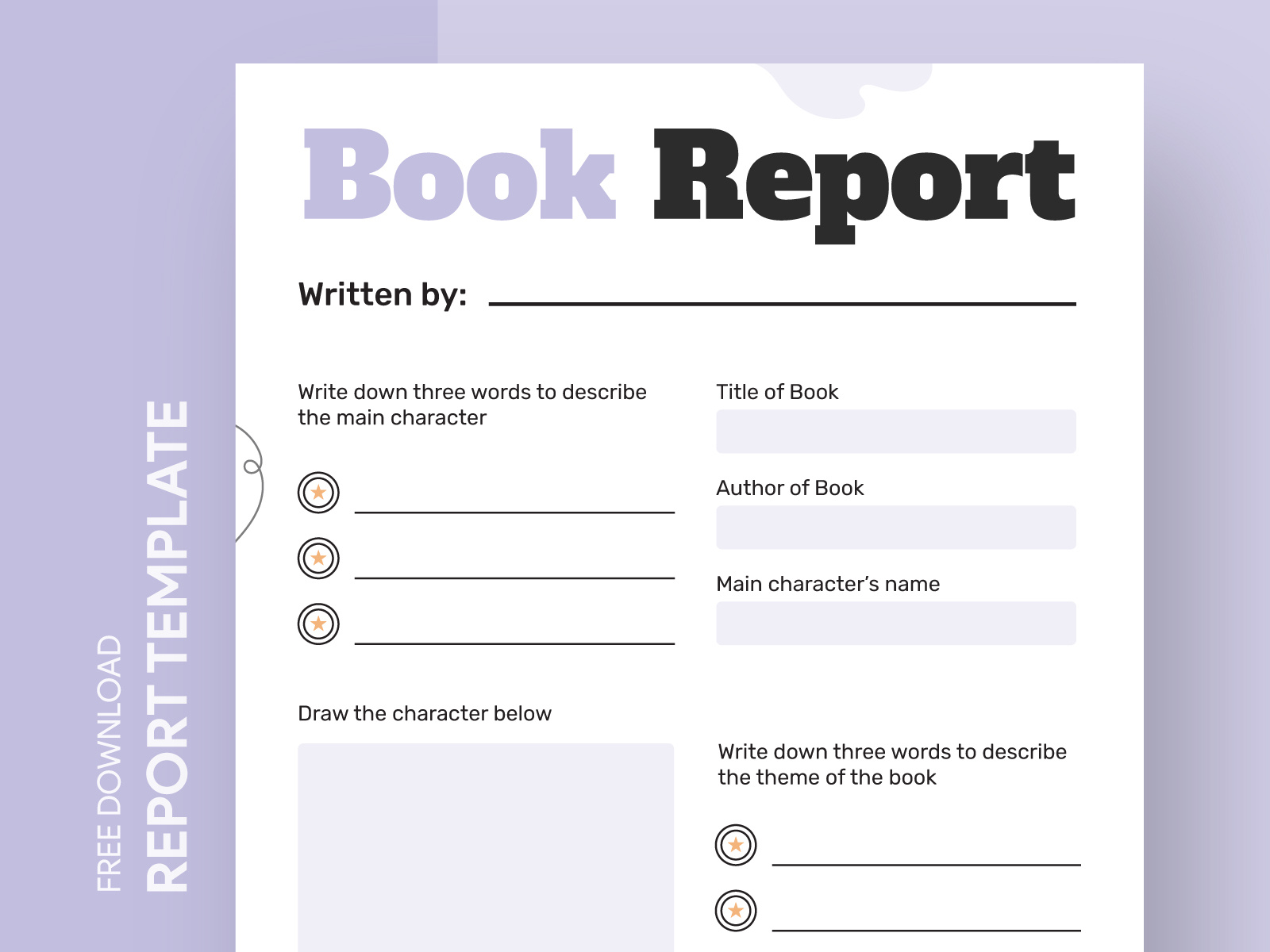
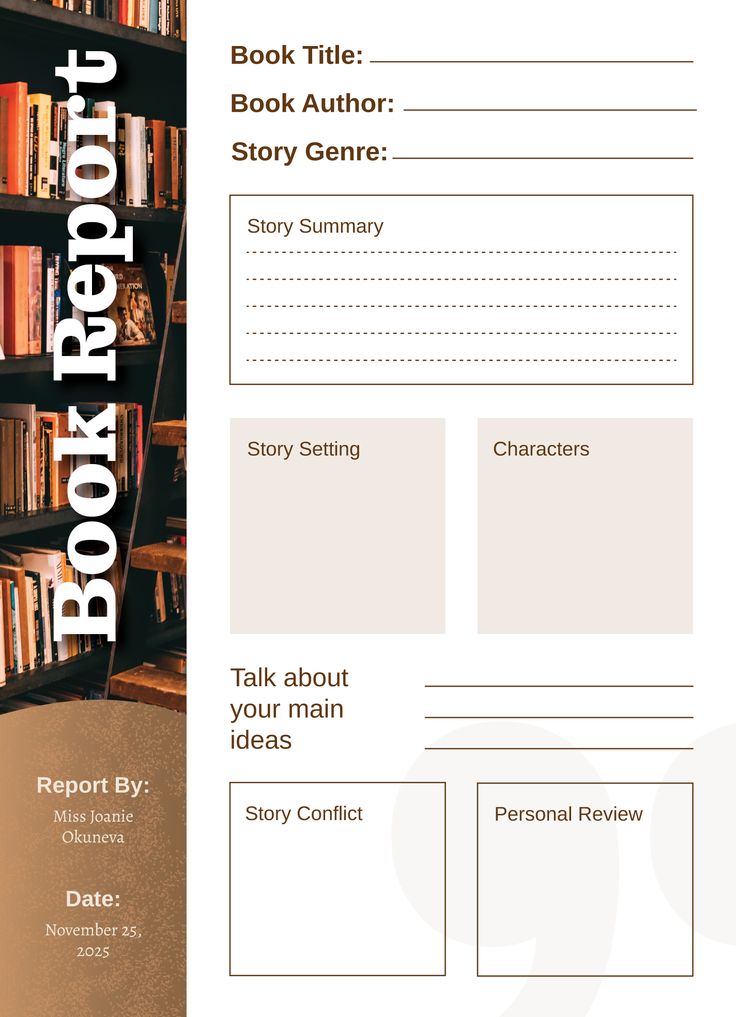
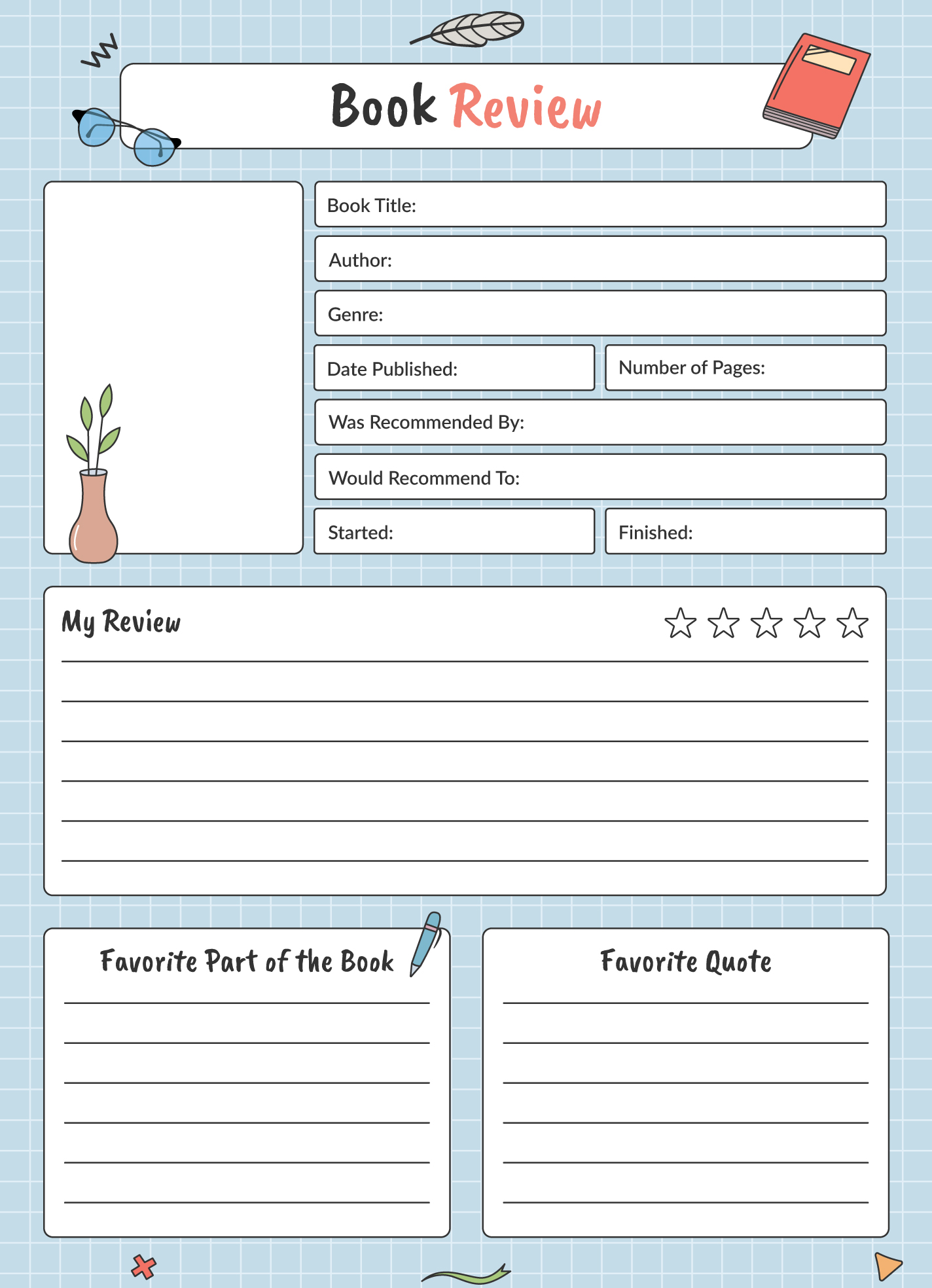
Creating a book report can sometimes feel like a daunting task, especially for younger students who are still developing their writing skills. However, using a Simple Book Report Free Google Docs Template can make this process much easier and more organized. Unlike generic templates that often lack structure or clarity, this specific version is designed to guide students through the essential components of a book report, ensuring they cover all necessary details while keeping it straightforward.
What to Expect From the Simple Book Report Template
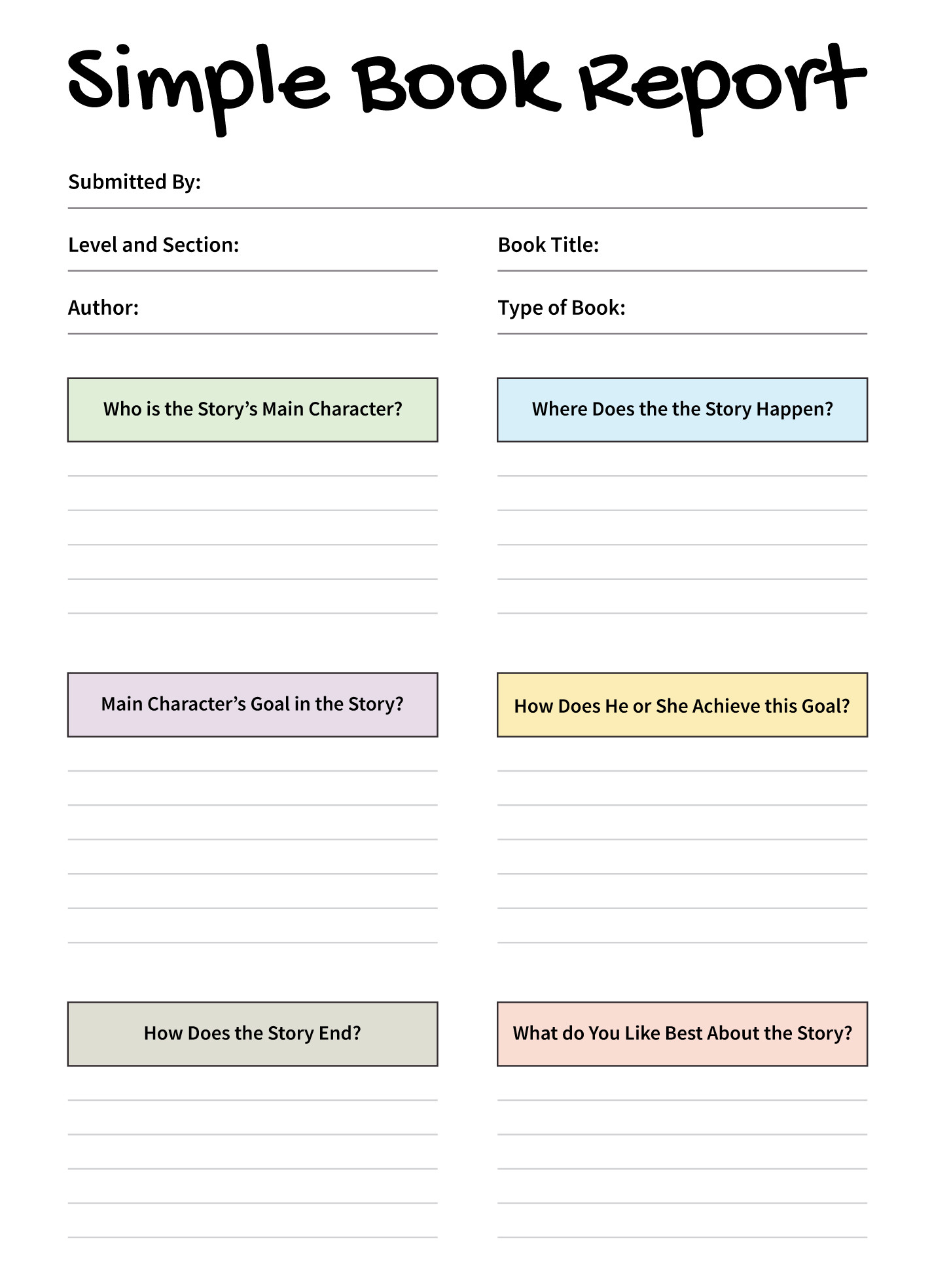
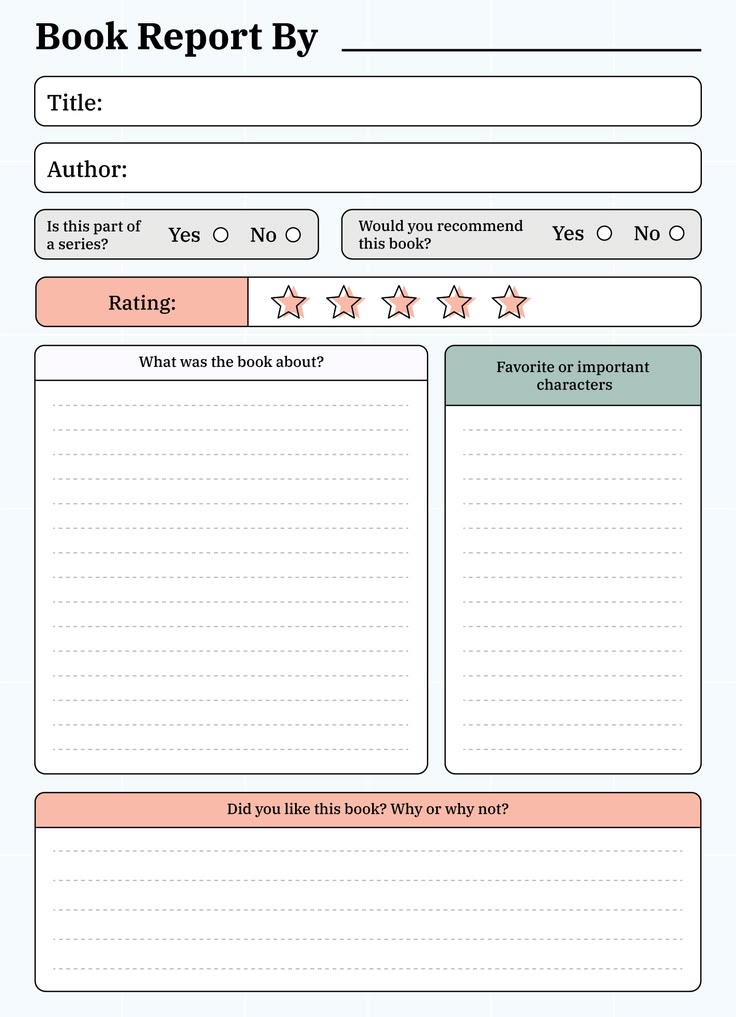
When you download the Simple Book Report Free Google Docs Template, you’ll find a user-friendly layout that’s easy to navigate. The template is structured to guide students through the key elements of a book report, including:
- Title of the Book
- Author’s Name
- Main Characters
- Summary of the Plot
- Personal Thoughts and Reflections
This layout helps students focus on the most important aspects of their reading, encouraging them to think critically about what they’ve learned. Plus, because it’s in Google Docs, you can easily share it with teachers or parents for feedback before the final submission.
Customizing Your Book Report Template
One of the great features of the Simple Book Report Free Google Docs Template is its adaptability. Depending on your child’s grade level or the specific requirements from their teacher, you can customize various elements of the template. For instance, you might want to:
- Adjust the Length: Younger students may need a shorter report, while older students can expand on their thoughts and analysis.
- Add Sections: If the assignment requires additional sections like themes or character analysis, you can easily insert new headings.
- Change Formatting: Google Docs allows you to modify fonts, colors, and styles, so your child can personalize their report according to their preferences.
This flexibility not only aids in meeting specific assignment criteria but also promotes creativity and ownership of their work.
Practical Tips for Using the Template
When utilizing the Simple Book Report Free Google Docs Template, consider the following practical tips to enhance the writing experience:
- Print or Digital Submission: Decide early on whether the report will be submitted digitally or printed. If printing, make sure to use a good-quality printer and appropriate paper size. Standard letter size (8.5 x 11 inches) generally works well for reports.
- Review and Edit: Encourage your child to review their work before submission. Google Docs offers collaborative features, so you can also provide input and corrections in real-time.
- Use as a Study Tool: Beyond just a submission, this template can serve as a study tool. Revisit it when discussing the book together to reinforce comprehension and retention.
Integrating the Template Into a Routine
Using the Simple Book Report Free Google Docs Template can be more effective if integrated into a regular homework routine. Here’s how you can help your child make the most of it:
- Set a Schedule: Allocate specific times for reading and writing. This structure can help your child stay on track and avoid last-minute cramming.
- Discuss the Book: After reading, have discussions about the book’s themes and characters. This can enhance understanding and make it easier for your child to articulate their thoughts in the report.
- Encourage Drafting: Remind your child that the first draft doesn’t have to be perfect. This encourages them to write freely before refining their thoughts during the editing phase.
Potential Challenges to Watch Out For
While the Simple Book Report Free Google Docs Template is designed to facilitate the book report process, there are a few challenges to keep in mind:
- Overthinking the Content: Students sometimes get stuck trying to make their report perfect. Encourage them to focus on clearly expressing their thoughts rather than stressing about every detail.
- Technical Issues: Ensure that your child has access to a reliable internet connection and a compatible device for working on Google Docs. This can help avoid frustration when trying to access or submit their work.
- Meeting Deadline Requirements: Help your child keep track of deadlines and plan their work accordingly. This will help them manage their time effectively and reduce stress.
Utilizing the Simple Book Report Free Google Docs Template can transform the book reporting experience from a stressful task into a manageable and enjoyable project. By customizing the template, integrating it into a routine, and addressing potential challenges head-on, you can help your child develop valuable writing and analytical skills that will serve them well in their academic journey.
Simple Book Report Free Google Docs Template Gallery