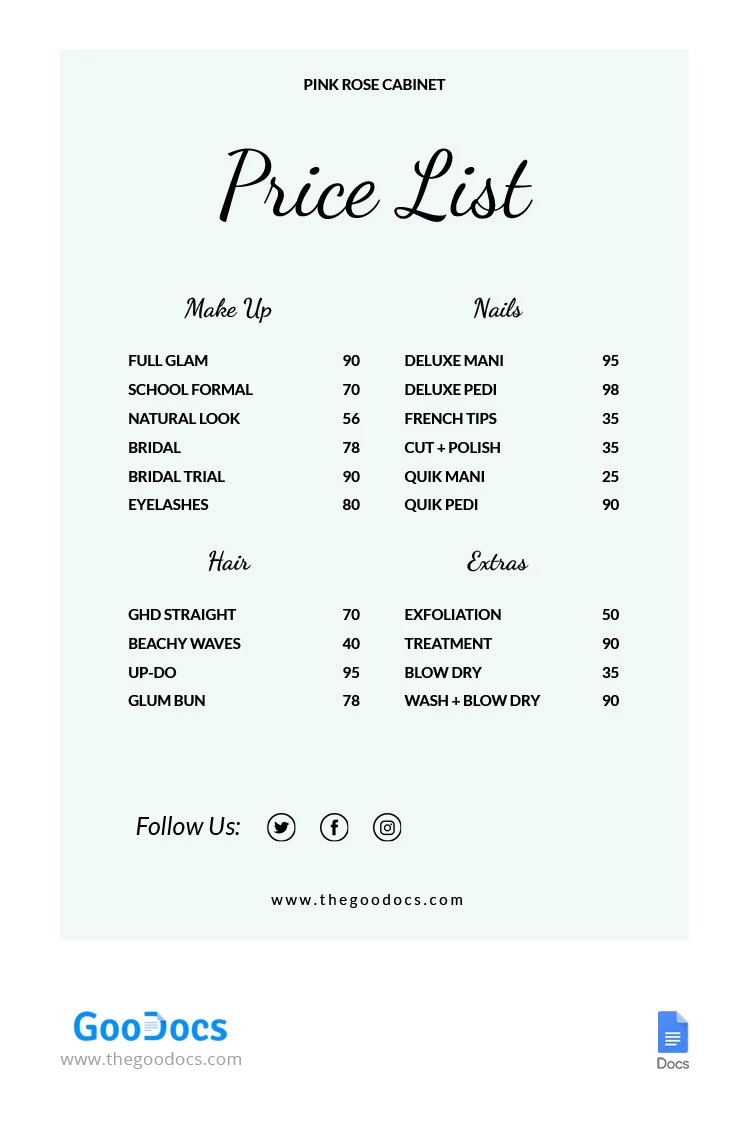
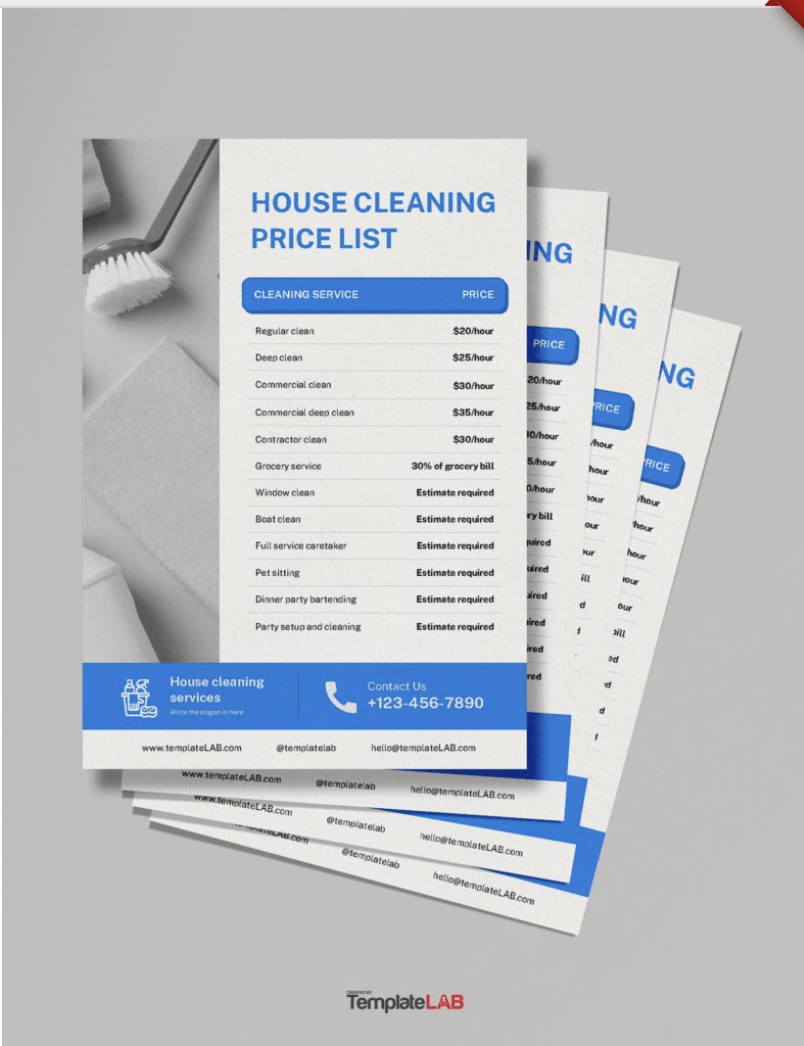
Creating a service price list can seem daunting, especially if you’re juggling multiple offerings or trying to manage client expectations. The Service Price List Free Google Docs Template is a fantastic tool that simplifies this process, offering a straightforward way to present your services and their associated costs. Unlike generic templates, this one is tailored for various service industries, making it a valuable resource for freelancers, small business owners, and anyone needing to display pricing clearly and professionally.
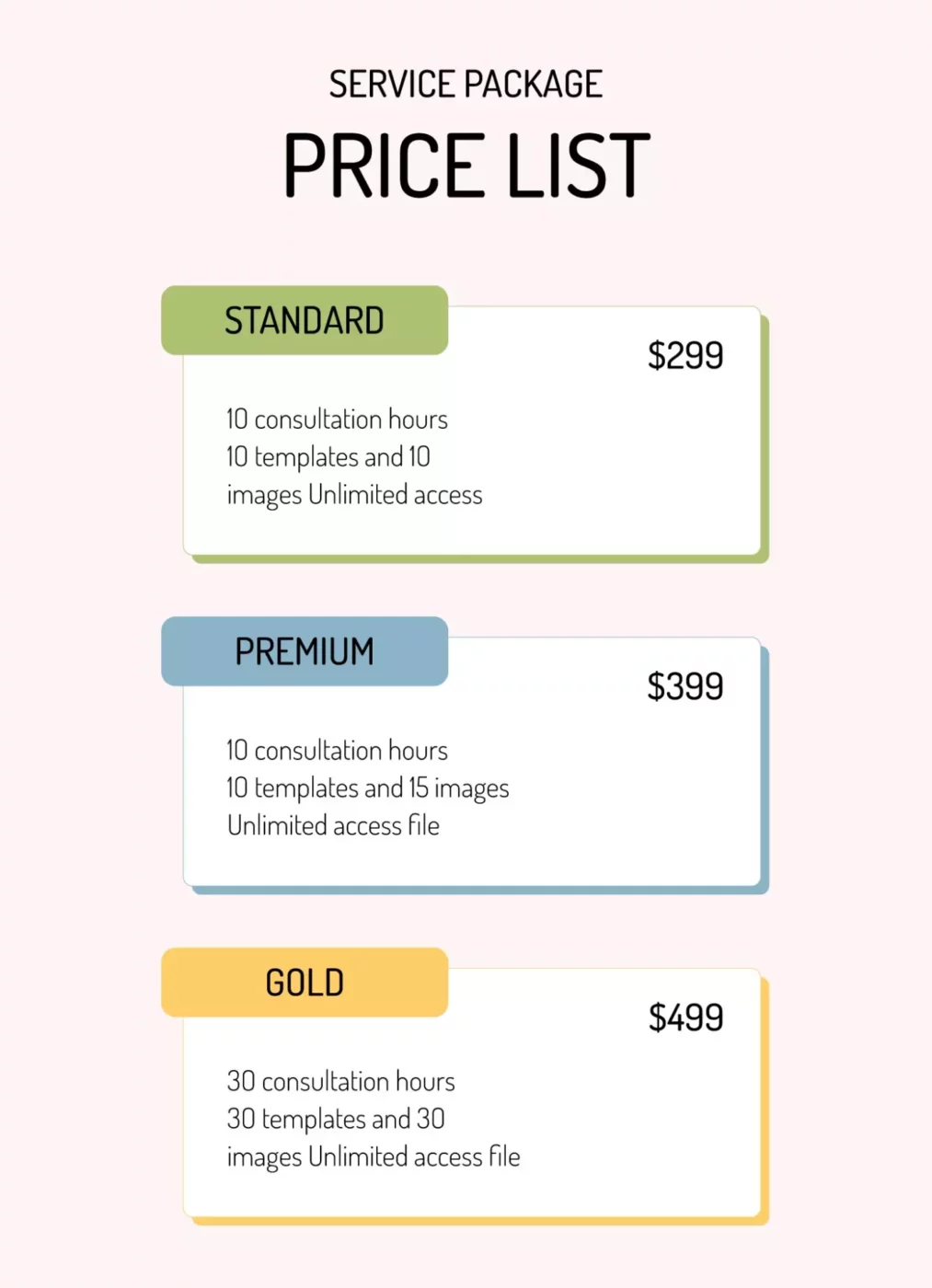
Key Features of the Template
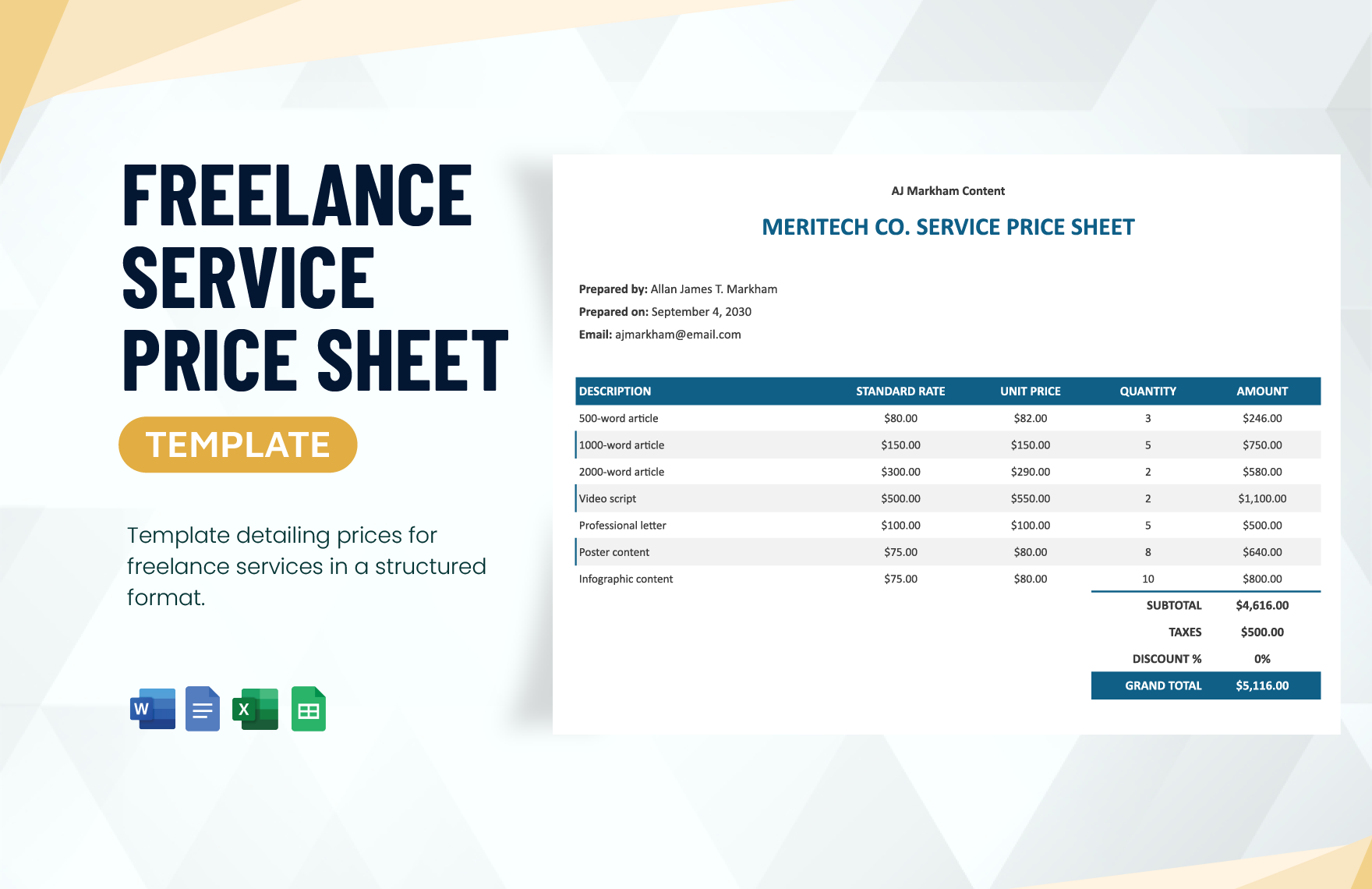
When considering a service price list template, it’s essential to know what features it includes that can benefit you. This Google Docs template is designed with flexibility in mind, allowing you to customize various aspects to suit your business needs. Here are some key features:
- Editable Fields: You can easily modify service names, descriptions, and prices to reflect your offerings accurately.
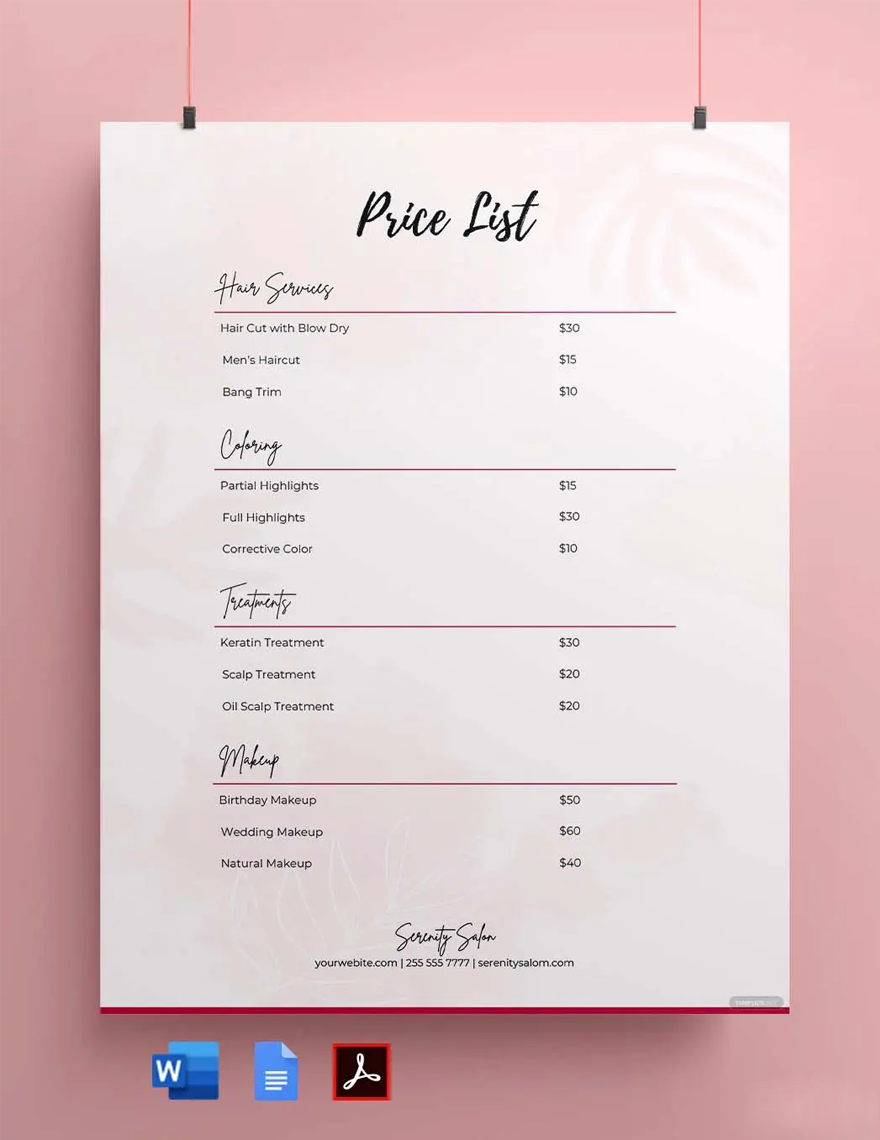
- Clear Layout: The template typically utilizes a clean, organized format that enhances readability. This means your clients can quickly find and understand your pricing.
- Multiple Sections: It often includes sections for different types of services, which is ideal for businesses with diverse offerings.
- Space for Additional Information: You can add notes or terms and conditions, which can help clarify any details or restrictions related to your services.
Customization Options
One of the significant advantages of using the Service Price List Free Google Docs Template is the ability to customize it fully. You’re not locked into a rigid framework; instead, you can adapt it according to your specific needs. Here’s how:
- Colors and Fonts: Change the color scheme and font to match your brand identity, creating a cohesive look across your marketing materials.
- Service Categories: If you provide multiple services, you can create distinct sections for each category. This is particularly useful for businesses like beauty salons, where services range from haircuts to facials.
- Pricing Structure: Whether you charge hourly, per project, or have package deals, you can customize the pricing structure to fit your business model.
Practical Uses of the Template
Now that we’ve covered the features and customization options, let’s explore how you can practically use this template in your day-to-day operations.
First, you might find it helpful when onboarding new clients. Providing them with a clear and professional price list can set the right expectations and help avoid misunderstandings later. You can either print it out or send it digitally, allowing for quick adjustments as your services or prices change.
Second, if you’re hosting workshops or events, having a service price list handy can streamline the registration process. Attendees can review your offerings and make informed decisions before signing up.
Lastly, for service-based businesses, this template serves as a great marketing tool. A well-organized price list can be a part of your promotional materials, showcasing your professionalism and transparency.
Downloading and Printing the Template
Getting started with the Service Price List Free Google Docs Template is easy. Here’s how you can download and print it effectively:
- Access Google Docs: If you have a Google account, simply navigate to Google Docs and search for the template. You can also find it through various template websites that offer Google Docs resources.
- Download Options: Once you have the template open, you can choose to download it in various formats. The most common formats include PDF, which is great for printing, or keeping it as a Google Doc for easy online access.
- Print Settings: When printing, ensure you select the right paper size (typically letter size, 8.5 x 11 inches) and check your printer settings. Portrait orientation usually works best for this type of document, allowing all content to fit neatly on the page.
- Review Before Printing: Always do a quick review to ensure all information is correct and formatted properly. A printed error could undermine your professionalism.
Important Considerations
While the Service Price List Free Google Docs Template offers many benefits, it’s crucial to remember a few considerations.
First, ensure that your pricing is competitive and reflects the quality of your services. Regularly updating your price list is essential to keep it current. You don’t want to hand out outdated information, as this can lead to confusion and potential loss of clients.
Also, consider how you present this document to clients. A simple PDF can be sent via email, while a printed version can be included in welcome packets or displayed in your office. Tailoring the delivery method to your audience can enhance its effectiveness.
In summary, the Service Price List Free Google Docs Template is a versatile tool that can help you streamline your pricing presentation. By customizing it to fit your business model and using it effectively in your operations, you can manage your services efficiently while maintaining clarity with your clients.
Service Price List Free Google Docs Template Gallery