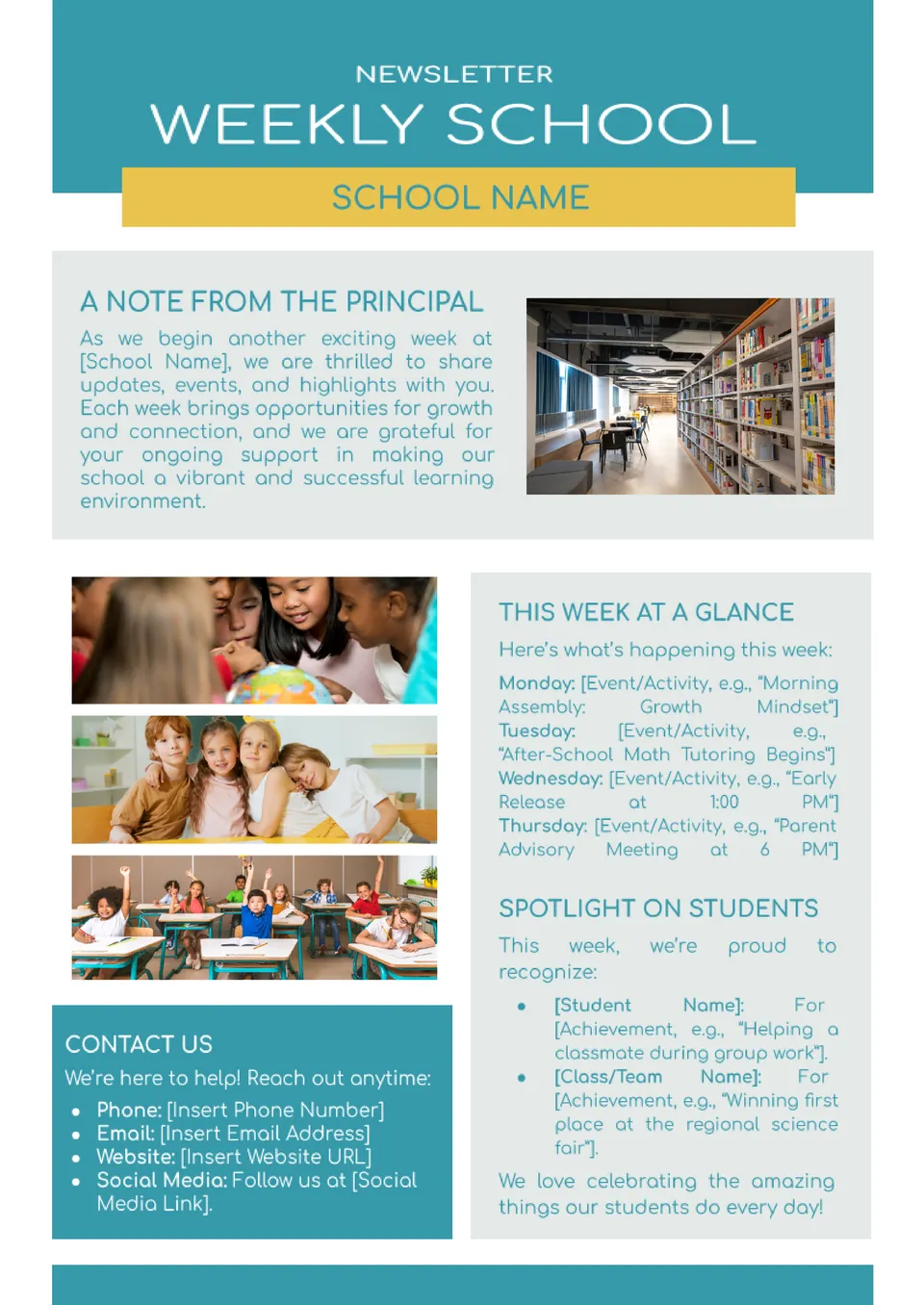
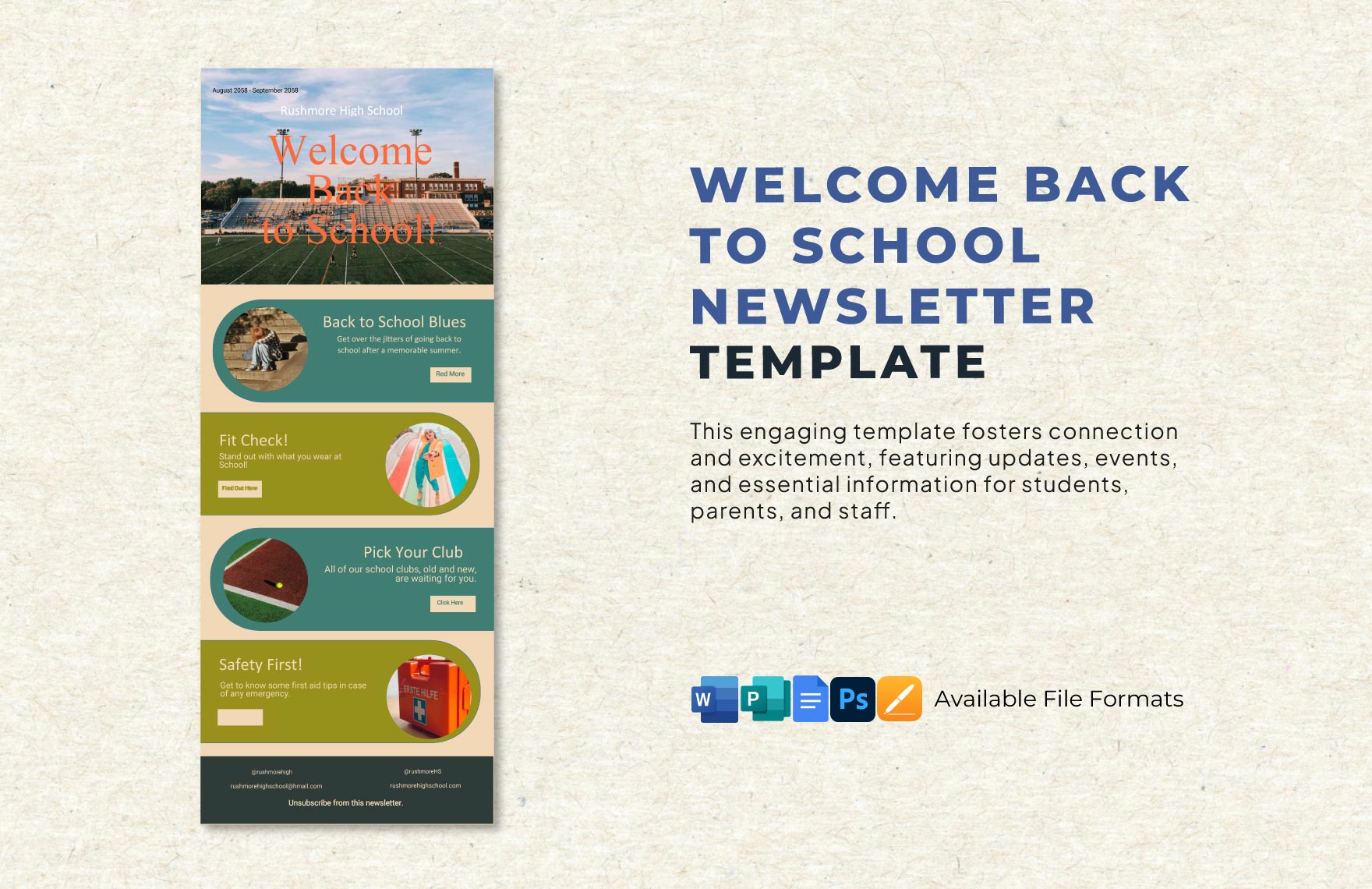
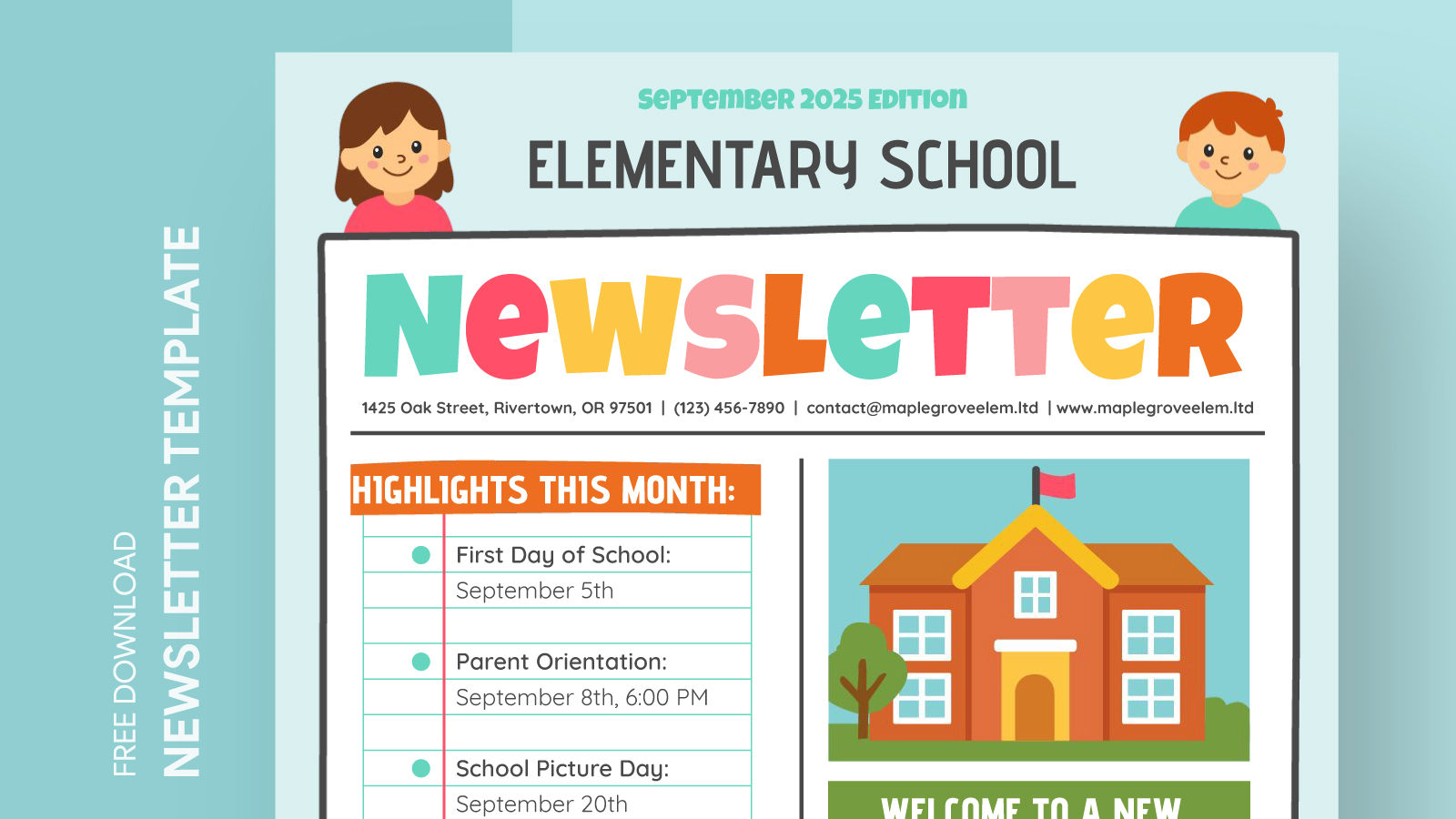
Creating a newsletter for upcoming school events is an excellent way to keep parents, students, and staff informed. The School Upcoming Events Newsletter Free Google Docs Template provides an easy way to do this, allowing you to customize it to suit your specific needs. This template is designed for quick edits, so you can fill in the details of upcoming events, deadlines, and announcements without hassle.
How to Use the School Upcoming Events Newsletter Template
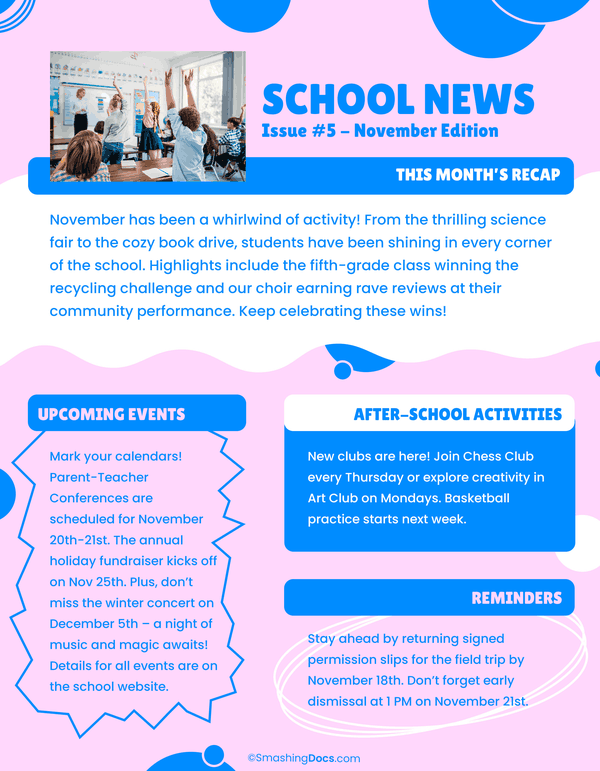
When you download the School Upcoming Events Newsletter Free Google Docs Template, you’ll find a well-structured layout that makes filling in your information straightforward. This template typically includes sections for:
- Event Title
- Date and Time
- Location
- Description
- Contact Information
You can easily adjust each section to reflect your school’s events. For example, if you have a parent-teacher conference scheduled for next month, just enter the relevant information in the designated fields. You can also add images or school logos to personalize the newsletter further, making it visually appealing for your audience.
Customization Options
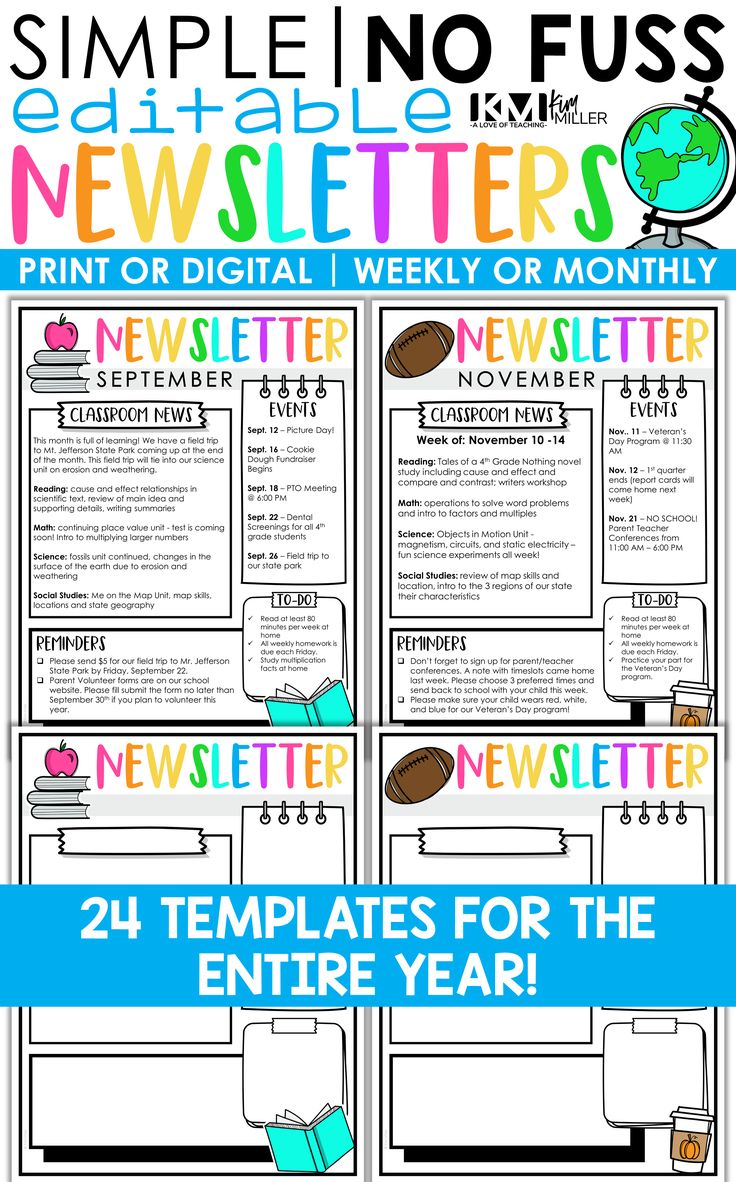
One of the great advantages of using this Google Docs template is its customization options. You can change fonts, colors, and layout to match your school’s branding or the specific theme of your newsletter. Here are some customization tips:
- Fonts: Use clear and readable fonts for the main text. Reserve bolder or decorative fonts for headings to draw attention.
- Colors: Choose colors that reflect your school’s colors or use a palette that is easy on the eyes. This helps keep the newsletter professional yet inviting.
- Images: Consider adding images from recent school events or upcoming activities. This not only breaks up the text but also engages the reader visually.
You can also include sections for recurring events, such as school holidays or important deadlines, saving you time in future newsletters.
Downloading and Printing Your Template
Once you’ve customized your newsletter, downloading and printing it is a breeze. Google Docs allows you to save your document in various formats, including PDF, which is often the best choice for printing. Here’s a step-by-step guide:
- Download: Click on ‘File’, then ‘Download’, and choose ‘PDF Document’. This format ensures that your layout remains intact when printed.
- Print Settings: If you’re printing directly from Google Docs, make sure to check your print settings. Use ‘Portrait’ layout for most newsletters, as it tends to fit better on standard letter-size paper (8.5” x 11”).
- Paper Quality: If you want your newsletter to look professional, consider printing on heavier paper or cardstock. This is especially important if you plan to distribute the newsletter at events.
Best Practices for Distributing Your Newsletter
Once your newsletter is ready, think about how you’ll distribute it. Here are some effective strategies:
- Email Distribution: Convert your newsletter into a PDF and send it via email to parents and staff. This ensures that everyone receives the information quickly and can refer back to it.
- Print Copies: Print out copies and place them in high-traffic areas of your school, such as the front office, cafeteria, or library, for those who prefer a physical copy.
- School Website: Upload the newsletter to your school’s website or parent portal. This way, parents and students can access it anytime they need.
Tracking Engagement and Feedback
After distributing your newsletter, it’s helpful to gather feedback to improve future editions. Consider sending a brief survey to parents and staff asking for their thoughts on the newsletter’s content and layout. You could ask questions like:
- Was the information clear and easy to understand?
- What additional information would you like to see in future newsletters?
- Did you find the newsletter visually appealing?
Tracking engagement can help you make informed decisions about content and design in the future.
By using the School Upcoming Events Newsletter Free Google Docs Template effectively, you can streamline communication within your school community, ensuring everyone stays informed and engaged. Whether you’re highlighting an upcoming field trip, a fundraiser, or an important meeting, this template makes it simple to convey essential information in a clear and attractive format.
With just a few clicks, you can create a professional-looking newsletter that meets your school’s needs, making your job as a coordinator or administrator easier and more efficient.
School Upcoming Events Newsletter Free Google Docs Template Gallery