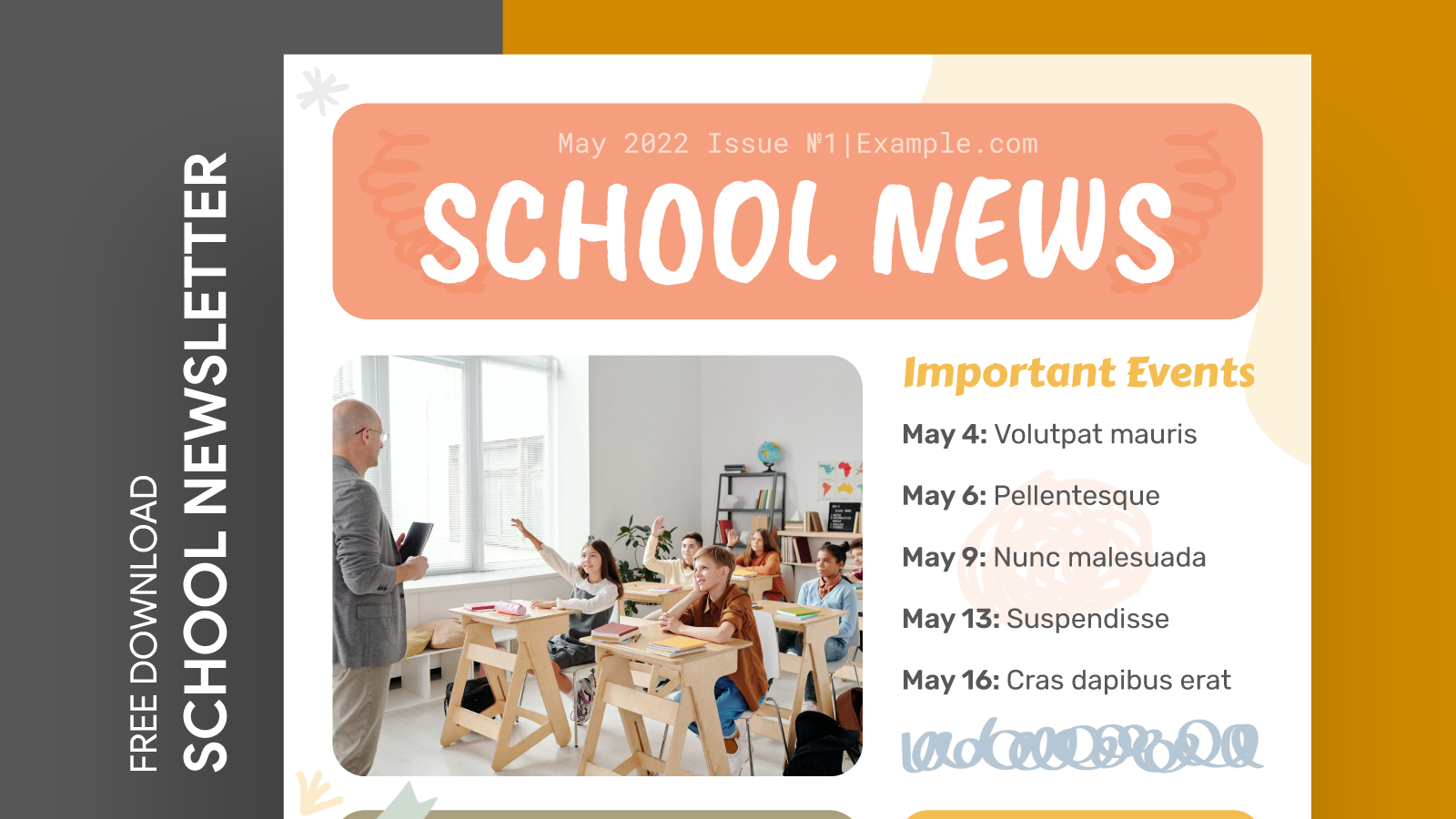
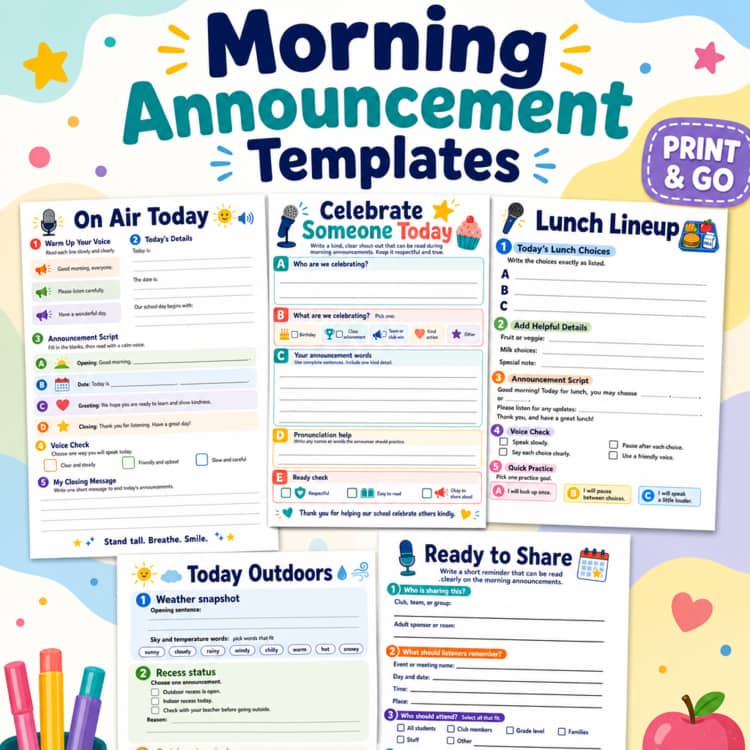
Morning announcements set the tone for the day at school, providing essential information to students and staff. To streamline this process, the School Morning Announcement Free Google Docs Template serves as a practical solution for educators and administrators. This template is designed to be user-friendly and customizable, allowing you to tailor your announcements to fit the needs of your school community.
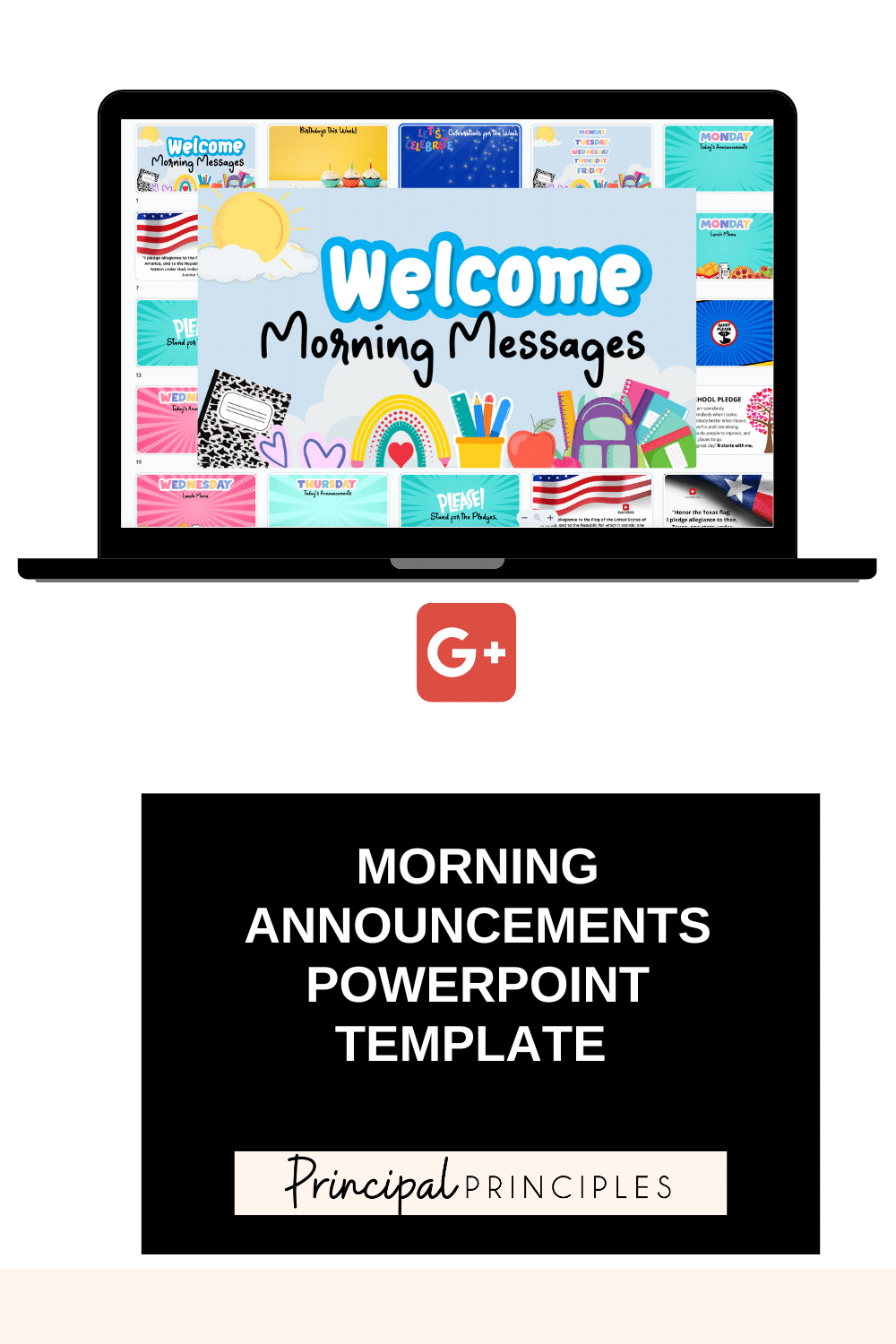
Understanding the Layout of the Template

The layout of the School Morning Announcement Free Google Docs Template is straightforward and organized, making it easy for anyone to use. The document typically features a title section at the top, where you can insert the date and any specific theme for the day. Below the title, there are designated sections for various announcements, such as:
- General Announcements: Use this area for daily updates that everyone needs to know, like schedule changes or upcoming events.
- Student Recognitions: Highlight accomplishments, such as student of the month or sports achievements.
- Reminders: Include important deadlines or reminders for students and staff.
- Closing Remarks: A space for any final thoughts or motivational quotes to inspire students as they start their day.
This structured approach not only keeps the announcements organized but also ensures that critical information is easy to locate. You can quickly glance through the sections, making it efficient for both the announcer and the listeners.
Customizing Your Template
One of the best parts of using the School Morning Announcement Free Google Docs Template is how easily it can be customized to meet your specific needs. Here are some practical ways to personalize the template:
- Change Colors and Fonts: Adjust the colors to match your school’s branding or the current season. You can also select fonts that are legible and appealing.
- Add Images or Logos: Incorporate your school’s logo at the top of the document for a professional touch. You can also add images related to specific announcements for visual appeal.
- Modify Sections: Depending on your school’s unique needs, you might want to add or remove sections. For instance, if your school has a daily lunch menu, consider adding a “Lunch Specials” section.
When customizing, consider what’s most relevant to your school community. If you have a large number of events, you might want to allocate more space for reminders. Or, if student recognition is a priority, you could enhance that section with design elements to draw attention.
Practical Use Cases
This template is versatile and can be used in various contexts. Here are some practical use cases for the School Morning Announcement Free Google Docs Template:
- Daily Announcements: Use it every morning to keep students informed about important activities, events, and any changes.
- Special Events: When hosting events like spirit weeks or assemblies, you can create a special version of the template highlighting these activities.
- Weekly Summaries: Instead of daily announcements, you might choose to send out a weekly summary of important happenings and upcoming events.
Having a dedicated template makes it easier for teachers and administrators to ensure that everyone receives the same information, fostering a sense of community and engagement among students.
Downloading and Printing Tips
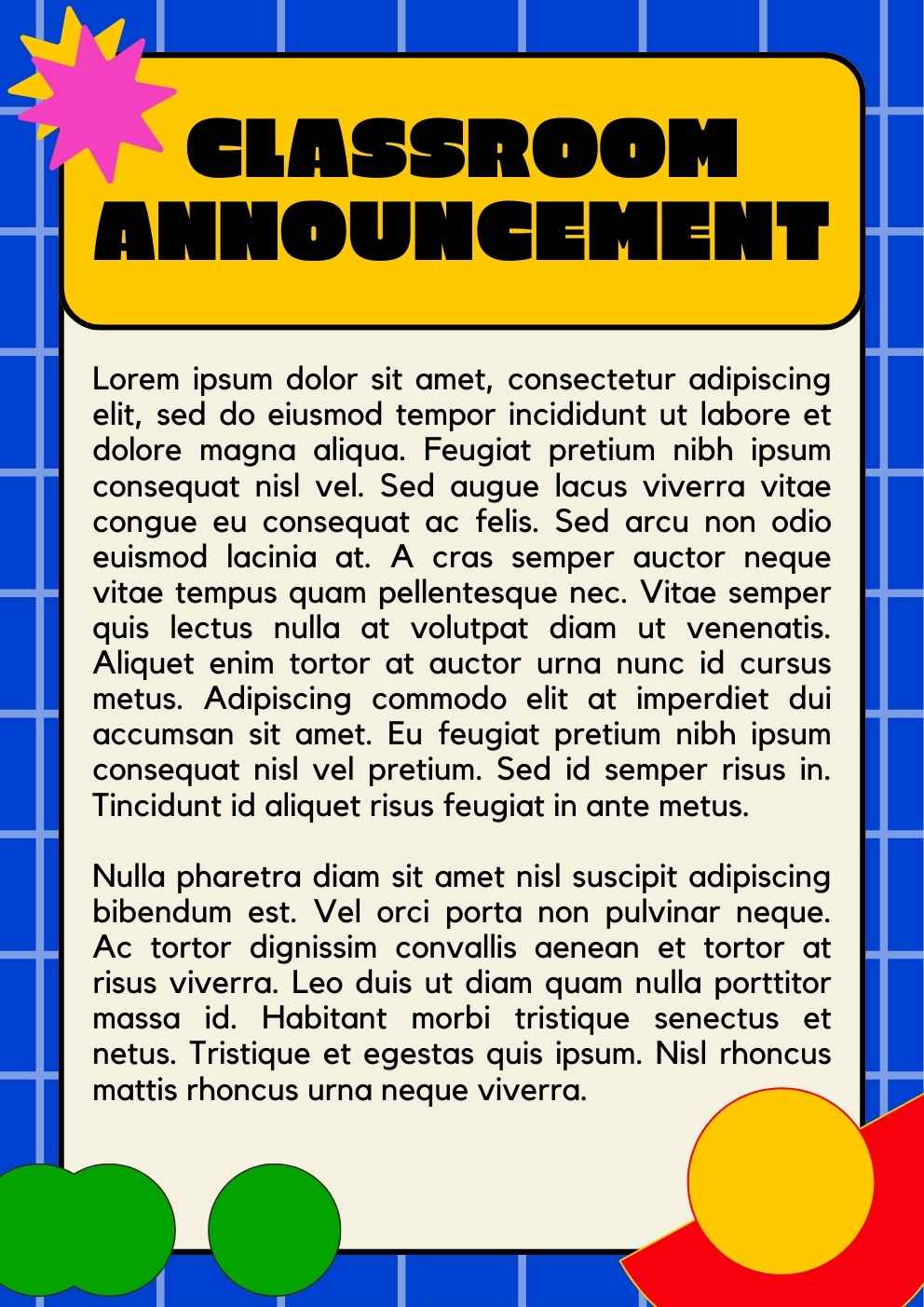
Getting started with the School Morning Announcement Free Google Docs Template is simple. You can easily download it from various educational resource sites. Here are some tips for downloading and printing:
- Choose the Right Format: Ensure you download the template in Google Docs format for easy editing. You may also find options to download as a PDF if you prefer to print without formatting errors.
- Print Settings: When printing, use standard letter size (8.5 x 11 inches) for easy handling. If you’d like to post the announcements on a bulletin board, consider using heavier paper or cardstock for durability.
- Proofread Before Printing: Always check for typos or errors before printing the final version. A quick review ensures that all information is accurate and professional.
If you find that the template works well for your needs, consider creating a digital version that can be shared via email or your school’s website.
School Morning Announcement Free Google Docs Template Gallery